
Best Cameras for a Podcast: Which One Fits the Way You Use It for 2026
Disclosure: We may earn a commission when you buy through links on this page, at no extra cost to you. As an Amazon Associate I earn from qualifying purchases. Learn more

Learn how to choose the best cameras for a podcast by setup and budget, with guidance on sensors, autofocus, audio inputs, and recording limits.
There is no single camera that suits every podcast, because a solo show recorded at a desk needs something very different from a two host interview filmed across a room. Choosing best cameras for a podcast starts with your setup, your room, and how you record, not with the longest spec list. This guide walks through the features that shape picture quality and day to day reliability so you can match a camera to the way you actually work.
Think about how many people appear on screen, how long your episodes run, and whether you record to a computer or inside the camera itself. The comparison table below gathers the main options in one place, and the sections that follow explain what each spec means for a podcast studio.


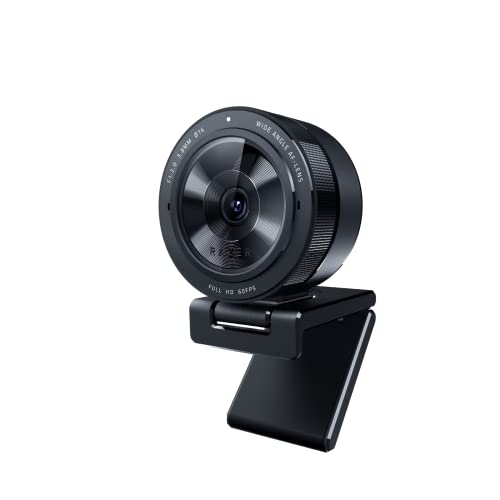

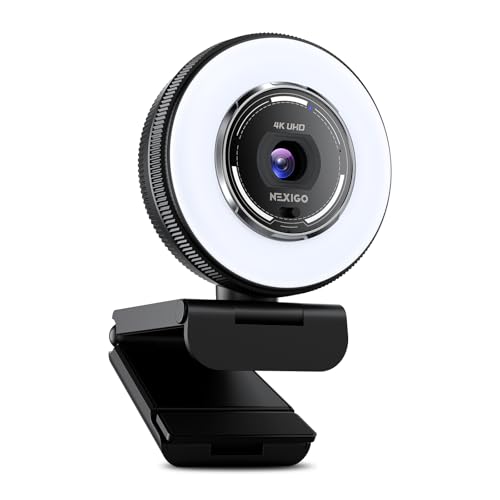
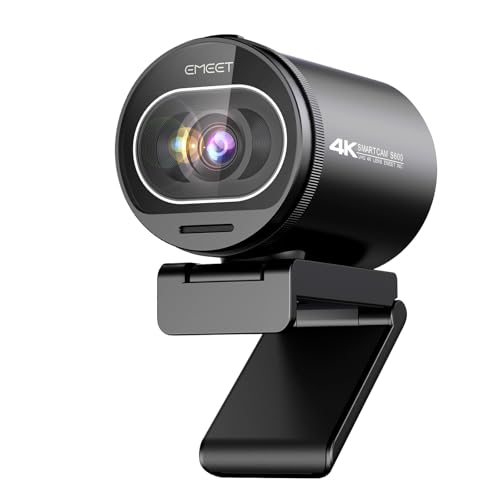
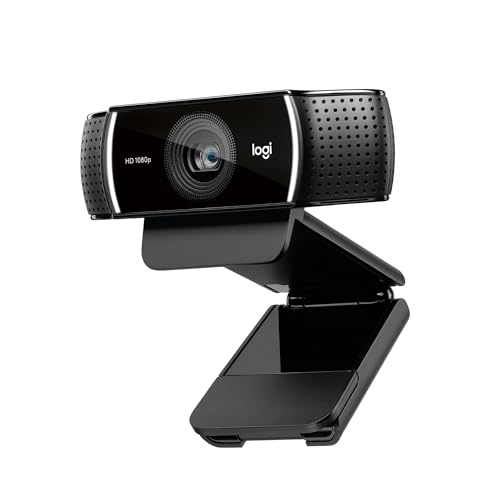

Who Should Buy Which Podcast Camera?
Your format decides your camera more than your budget does. A camera that delights a solo creator can frustrate an interview host. Start with the group below that sounds most like your show.
For Remote Workers and Creators
You record alone at a desk, often between other work, and you need to start fast and trust the shot while you talk. Prioritize autofocus that holds your face, a screen you can see from your seat, and a clean HDMI output or a simple USB connection for recording on your computer. A compact body that lives on a small tripod suits you better than a large body you must set up fresh each time.
Seeing yourself while you record prevents the classic wasted session where you sat slightly out of frame. If that matters to you, see our guide to the best cameras with a flip screen for models built around self monitoring.
For Gamers and Power Users
You stream, record long sessions, and may feed the camera into a computer alongside game capture and chat software. You need a clean HDMI signal with no overlays, reliable power from a wall outlet or a dummy battery, and cooling that survives hours of continuous use. A camera that overheats or sleeps after a short idle period will interrupt live shows.
Treat the camera as one link in a capture chain, and check that your capture device accepts the resolution and frame rate the camera sends.
For Travelers and Commuters
You record in hotel rooms, coworking spaces, or a spare corner wherever you land, so size and weight come first. A small body with a versatile kit lens, USB charging, and a microphone input packs into a carry bag and sets up in minutes. Built in stabilization helps if you sometimes record standing or walking between segments.
Durability matters more than peak image quality for you, because a camera that stays home helps nobody. If your trips also include wildlife days, see our guide to the best cameras for a safari for the very different lens needs those shoots create.
Cameras for Specific Podcast Needs
Two labels come up often in listings, and they point at different strengths.
Best Video Cameras for Podcast: What to Prioritize
When listings describe the best video cameras for podcast use, the details that matter are long recording times, dependable autofocus, and audio inputs that accept an external microphone. Video focused bodies often add detailed picture profiles, strong heat management, and outputs that suit a switcher or a capture device. If your episodes run past an hour, confirm the camera records continuously rather than stopping at a short clip limit.
For a fuller look at that recording first angle, see our guide to the best cameras for filming podcasts. That perspective complements this one, which starts from your format and room instead.
Best Vlogging Cameras for Podcasts
The phrase best vlogging cameras for podcasts describes compact cameras built for creators who film themselves. They usually offer a fully rotating screen, product showcase autofocus that shifts focus to an object you hold up, and a wide lens that frames your face and some background at arm length. Those strengths suit solo hosts who record at a desk and occasionally carry the camera elsewhere.
The trade off is that small vlogging bodies may have fewer audio inputs and smaller batteries. If your show is a seated conversation, a larger body with a headphone jack may serve you longer.
Key Features to Compare
Spec sheets list dozens of numbers, but only a handful change what your viewers see and what your recording day feels like. When you compare the best cameras for a podcast, weigh the factors below before you look at price tags. The product table above can then confirm which models carry the features your format needs.
Features That Matter for a Podcast
A podcast shot is usually static, indoors, and long, so sustained recording matters more than burst speed or fast action tracking. Look for unlimited or long recording times, an external microphone input, and a headphone jack so you can hear problems while you record rather than after. Clean HDMI output matters if you record or stream through a computer.
Audio deserves as much attention as video, because listeners forgive a soft picture sooner than echo or hiss. A standard microphone input lets your existing microphone do the work.
Size, Weight, and Ergonomics
Your camera will likely sit on a tripod or a desk mount for its whole life, so handheld comfort matters less than footprint and port access. Check that the screen can tilt without hitting cables, that the battery door opens while the camera is mounted, and that ports sit on a side the tripod plate does not block. Small frustrations like these decide whether setup takes two minutes or fifteen.
Autofocus and Stabilization
Eye autofocus is the single most useful focusing feature for a seated host, because it holds focus on your eyes as you lean, gesture, and glance at notes. Check how a camera behaves when a guest leans in or a hand crosses your face, since some systems hunt or jump to the wrong subject. A touch screen that lets you tap a face to prioritize it solves many two host framing problems.
Image stabilization matters far less on a locked tripod, and leaving it on can cause a slow drift in a static frame, so many podcasters turn it off. It earns its place only when you record handheld segments, walk and talk pieces, or bonus footage away from your desk.
Sensor Size and Image Quality
Sensor size shapes low light performance and depth of field more than megapixel count does. A 1 inch sensor in a compact camera handles a tidy desk setup well, an APS C sensor gives a softer background and cleaner shadows in dim rooms, and a full frame sensor offers the most control at the highest cost in body and lens size. For a talking head shot, any of these can look sharp in 4K video when the light is decent.
Good lighting beats a bigger sensor almost every time, so budget for a soft light before you budget for a larger body. If you want one camera that also takes strong stills for thumbnails and show art, see our guide to the best cameras for photography. You can also compare broader hybrid options in our guide to the best digital cameras.
Common Mistakes to Avoid When Buying Podcast Cameras
- Buying on megapixel count alone, so you pay for stills resolution your video never uses while the camera still stops recording after a short limit.
- Ignoring recording limits and heat, so the camera shuts down in the middle of your longest and best interview.
- Skipping a microphone input, so you are stuck with thin built in audio that makes every episode sound distant.
- Choosing a lens that is too tight for your room, so your face fills the frame and guests squeeze out of view.
- Forgetting the hidden costs, so cables, a dummy battery, a tripod, and cards push the real total far past the body price.
- Mounting the camera too high or too low, so viewers feel they are looking down at you or up at you instead of meeting you at eye level.
Tips to Get the Most From Your Podcast Camera
Set the camera at eye level and far enough away that your head, shoulders, and some background all stay in frame. Lock your exposure and white balance once your lights are set, because automatic settings can shift mid sentence when you move or a cloud passes. A manual setup also keeps every episode in a series looking consistent.
Clean the front element with a lens cloth, not your shirt, because shirt fabric can drag grit across the coating. Carry a spare battery or run the camera from wall power during long sessions, and keep a spare memory card formatted and ready in your bag. Store the camera in a dry, padded bag away from direct heat so the sensor and battery age slowly.
Check focus with a quick test recording before every real session, and listen to that test with headphones. Two minutes of checking catches a loose cable or a full card.
Frequently Asked Questions
What features matter most in cameras for a podcast?
The features that matter most are long recording times, reliable eye autofocus, a microphone input, and a clean output if you record through a computer. One point many buyers miss is the tally light or recording indicator, because a clear signal that the camera is rolling prevents lost takes. Confirm you can see that indicator from your seat before you commit.
Which podcast camera sensor size is better for low light recording?
A larger sensor is better for low light recording because it gathers more light and keeps shadows cleaner at higher sensitivity settings. In practice, adding one soft light near your face improves a small sensor shot more than jumping a sensor size without changing your lighting. Start with light, then let sensor size refine the result.
What specs matter most for beginners buying a podcast camera?
Beginners should focus on simple menus, dependable autofocus, a screen they can see while seated, and a microphone input. A useful extra is a guided or automatic mode that still lets you lock exposure later as you learn. Skip advanced color profiles at first, because a natural picture you can repeat beats a complex workflow you abandon.
Is a smartphone enough instead of a dedicated podcast camera?
A smartphone is enough to start a podcast, especially for audio led shows or a first season filmed in good light. Its limits show up in long sessions, where heat, storage, and incoming calls can interrupt recording, and in dim rooms where its small sensor struggles. A dedicated camera also frees your phone for notes, timers, and remote guest calls during the show.
How much should I spend on my first podcast camera?
Most first time buyers do well in the range of about $400 to $900 for the body, with extra set aside for a lens, light, and mount. Spending more mainly buys low light headroom and more inputs, not a better script or clearer audio. If your budget is tight, put the microphone and light first and let the camera be the simpler part.
How long can a podcast camera record without stopping?
Recording length depends on the model, and some cameras stop each clip at around 30 minutes while others record until the card fills or the battery fades. Check the spec sheet for your exact format and resolution, because limits can change between 4K video and lower settings. Recording to a computer through HDMI is one workaround, since the camera then acts as a live source rather than saving clips.
The Bottom Line
Start with your format, then match recording length, autofocus, and audio inputs to it, and let sensor size and size come after those essentials. The product table above pulls the key specs together so you can compare your short list at a glance. Choose the best cameras for a podcast option that fits the way you record, and your setup will feel simple every time you sit down to talk.

