
Best Cameras for Filming Podcasts in 2026: Which Type Is Right for You?
Disclosure: We may earn a commission when you buy through links on this page, at no extra cost to you. As an Amazon Associate I earn from qualifying purchases. Learn more

Confused by all the options? We compare every type of camera side by side so you can choose the best cameras for filming podcasts for your space and budget.
A podcast camera has a different job from a camera for photos or short clips. It must record for an hour without stopping, hold focus on a seated host, and connect to proper microphones in a room that rarely has perfect light. The best cameras for filming podcasts match your format, your room and your crew size, and you can compare the main types in the comparison table below.
Start with how you actually record. A solo host needs a forward facing screen and power that lasts a full session. A two host show needs a wider view or a second camera, plus audio inputs for two microphones.
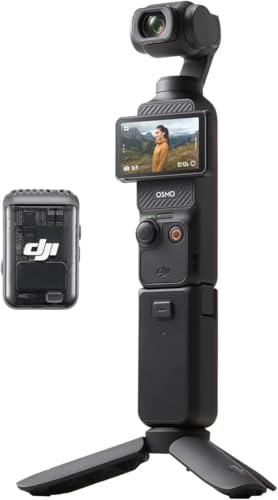



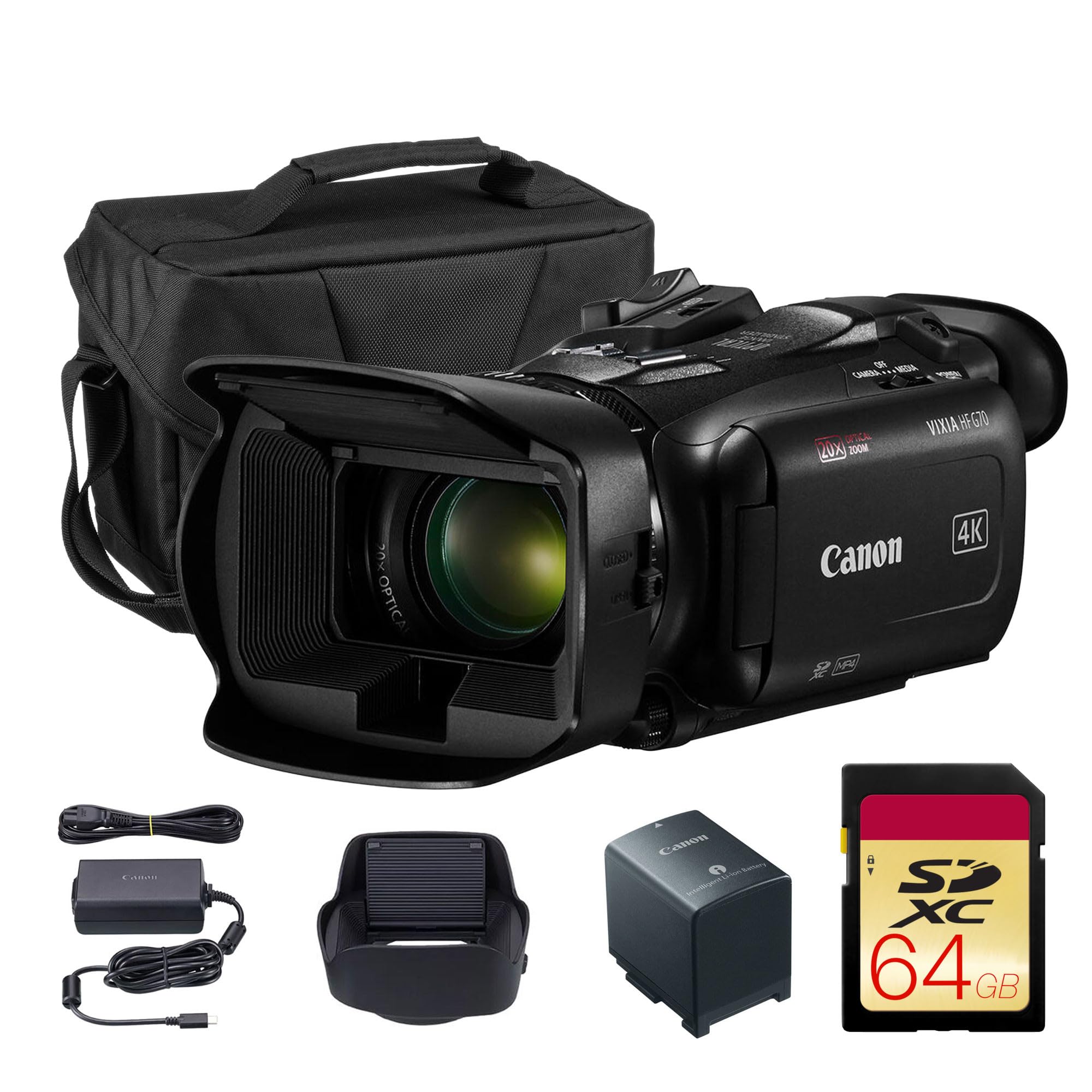


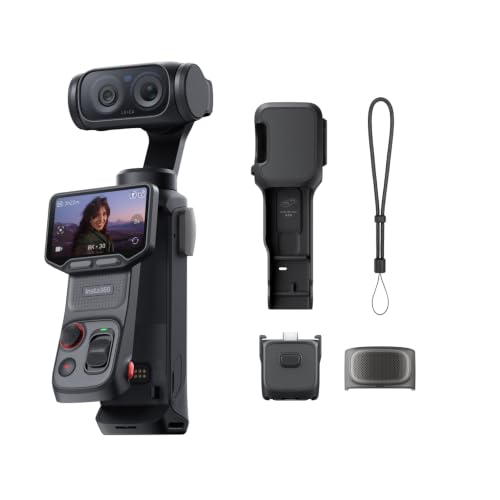
Who Should Buy Which Camera for a Podcast?
Your format decides more than any spec sheet, so match your group below first.
Solo Hosts Recording at a Desk
You record alone, close to the camera, and run the session yourself. Choose a compact or vlogging type with a forward facing screen, dependable face autofocus and a microphone input. You should be able to start recording, check framing and watch audio levels without standing up.
Two Host Interview Shows in a Small Room
You need both faces sharp at once, often from a camera only a few feet away. Choose a type with a wide enough lens for a two person frame, autofocus that can track either face, and a path for two microphones. If your shortlist is narrow, see our guide to the best podcast cameras for cameras built around this format.
Creators Publishing Full Episodes and Short Clips
You record one session and cut it many ways, so you need clean 4K video that lets you crop a wide shot into a closer view for clips. Choose a type with no short recording limit and an output that feeds your editing setup. One reliable camera beats two that stop or overheat.
Camera Formats Side by Side for Podcast Studios
Four types cover nearly every podcast setup, each trading size, lens choice and recording stamina differently. Prices below exclude lenses, cards and audio gear.
Point and Shoot Compacts for Podcast Filming
These cameras pair a fixed zoom lens with a small body, and many use a 1 inch sensor that handles indoor light better than a phone. They suit a desk host who wants simple controls, at about $400 to $800. The lens cannot be changed, low light quality trails larger sensors, and some models cap a single recording or run warm in long 4K sessions.
Vlogging Cameras for Podcast Filming
Vlogging cameras are compacts or small mirrorless bodies shaped around video, with forward facing screens and strong face autofocus. They suit solo hosts and small interview desks at about $600 to $1,100, and most accept an external microphone. Small bodies can still struggle with heat on the longest 4K sessions, and fixed lens versions cannot swap lenses.
Mirrorless Cameras with Interchangeable Lenses
Mirrorless bodies give you the widest choice of lenses, the largest sensors and the strongest low light picture, and many record without a short limit. They suit interview shows and growing studios, at about $800 to $2,500 for a body, with lenses extra. Readers who also shoot stills can see our guide to the best digital cameras to weigh photo features beside video ones.
Camcorders Built for Long Podcast Sessions
Camcorders are shaped for recording first. A built in zoom lens, a body designed to shed heat and often two audio inputs make them easy to run for hours, at about $900 to $2,500. Their smaller sensors give less background blur and weaker low light results than mirrorless bodies.
Key Features to Compare
When you compare the best cameras for filming podcasts, judge every type against the same five features, because picture quality alone cannot save a failed session.
Recording Limits, Heat and Reliability for Long Episodes
Some cameras stop a single recording after about 30 minutes, and others stop when the body gets too warm. A podcast camera should record a full episode in one file. Look for clear maker notes on recording time at your chosen resolution, active cooling on some larger bodies, and cards that hold hours of footage. Test your exact settings before a guest arrives, because heat depends on room temperature as much as on the camera.
Autofocus That Holds a Seated Host in Frame
Your host sits still, but leans, gestures and turns toward a guest, and focus must follow the face without hunting across the background. Face and eye detection with smooth, slow transitions suits this work far better than the fastest sports tracking. A quiet focus motor matters too, because focus noise can reach the microphone. With two hosts at different depths, a narrower aperture keeps both faces sharp.
Audio Inputs and Headphone Monitoring
Viewers leave over bad sound, so treat audio connections as a camera feature. A 3.5 mm microphone input lets you plug in a proper podcast microphone or a wireless receiver instead of relying on the camera microphone across the room. A headphone socket lets you hear hum or a failing cable while you can still fix it. Larger bodies may add two channel inputs, and the camera should show audio levels on screen.
Sensor Size, Low Light Picture and Background Blur
Sensor size shapes how a camera handles a dim room and how soft the background looks behind a host. A 1 inch sensor is a solid step up for a desk setup. APS C sensors gather more light and blur backgrounds more, and full frame sensors go further still, at higher cost. Megapixels matter less here, because viewing happens mostly on phones and laptops. A fast lens, meaning a low maximum aperture number, helps any sensor.
Power, Screens and Outputs for Sessions That Run Long
A standard battery may last only part of a long episode, so look for power over USB C or a dummy battery that plugs into wall power. A screen that turns to face the host lets a solo creator check framing alone, and a tally light confirms recording at a glance. Clean HDMI output sends an uncluttered picture to a monitor or streaming computer. Canon shooters can see our guide to the best canon cameras for filming.
Framing a Podcast in a Real Room
Lens choice decides what your room looks like on screen. A wider lens, around 16 to 24 mm on a full frame body or the matching view on smaller sensors, fits two hosts in a tight space but can stretch faces near the edges. A moderate lens, around 35 to 50 mm in full frame terms, flatters a single host at about 6 to 10 feet. Place the camera at eye level and keep hosts away from the back wall. Record a two minute rehearsal and play it back at full size, because that check reveals soft focus and cramped framing early.
Common Mistakes to Avoid
- Buying a camera with a short recording limit forces awkward restarts mid conversation.
- Trusting the camera microphone from across the room gives you thin, echoing sound that editing cannot repair.
- Skipping headphone checks lets hum or a loose cable ruin a full session before anyone notices.
- Sitting hosts against a wall flattens the picture and leaves no depth behind their faces.
- Choosing the widest lens in a small room stretches faces at the frame edges.
- Ignoring card space and battery spares ends recordings early on the day a guest cannot return.
How to Make Your Podcast Camera Last Longer
Clean the lens with a proper lens cloth, not your shirt, because shirt fabric can drag grit across the glass and leave fine scratches. Keep lens caps on in storage, carry a spare battery, and store the camera in a dry, padded bag.
Wipe the body with a dry cloth after dusty shoots, and check cables for strain where they leave the camera, because bent plugs cause many audio and power failures. Format cards in the camera after each safe backup, and retire cards that throw errors.
FAQ
What features matter most in cameras for filming podcasts?
Long recording time, reliable face autofocus and a microphone input matter most, because those three decide whether a session runs without a crew watching the camera. One point buyers often miss is an easy sync method. When you add a second camera later, a shared clap at the start makes aligning angles far faster.
What specs matter most for beginners setting up a first podcast studio?
Beginners should value a forward facing screen, simple automatic exposure and a microphone input over headline resolution, because those features remove the errors that spoil first episodes. Also check the card speed the maker requires for your video setting. A slow card can stop a recording even when the camera has no time limit.
Which camera type handles low light best for evening podcast recording?
A mirrorless camera with an APS C or full frame sensor handles low light best, because its larger sensor keeps faces clean at higher ISO settings where smaller sensors turn grainy. Before paying for that step up, try moving one soft light closer to the hosts, because nearer light does more for skin tones and costs far less.
How much should I spend on a first camera for filming podcasts?
Most first time podcast hosts should plan about $600 to $1,200 for the camera, then keep money aside for a microphone and one light. Sound and light shape how professional an episode feels more than a costly body does, so a balanced kit beats a great camera paired with room echo.
Is a smartphone enough instead of a camera for filming podcasts?
A smartphone is enough for a pilot season, short solo episodes and a second angle beside a main camera. Its small sensor struggles in dim rooms, calls can interrupt recording, and long sessions drain the battery fast. Many creators start on a phone, then move it to a wide shot once a dedicated camera takes over.
Our Verdict
Match the type to your format first, then confirm recording time, autofocus and audio inputs before you compare prices. Solo hosts suit a vlogging camera, interview shows a mirrorless body or a camcorder, and tight budgets a good compact. When you compare best cameras for filming podcasts with those checks in hand, use the product table above to confirm the details for your room.

