Best Bluetooth Gaming Keyboard and Mouse in 2026: Which Type Is Right for You?
Disclosure: We may earn a commission when you buy through links on this page, at no extra cost to you. As an Amazon Associate I earn from qualifying purchases. Learn more

Find a Bluetooth gaming keyboard and mouse set that fits your play, with guidance on latency, switches, DPI, battery life, layout and comfort for daily gaming.
A Bluetooth set frees your desk from cables, but it asks you to judge latency, battery life and pairing alongside switch and sensor choices. The right best bluetooth gaming keyboard and mouse depends on your games and your desk. Use this guide and the comparison table below to match each type to the way you play.
Start with your main screen. A set that lives on one gaming PC needs a different balance from a set that travels with a laptop or sits near a console. The sections below separate those needs before price.
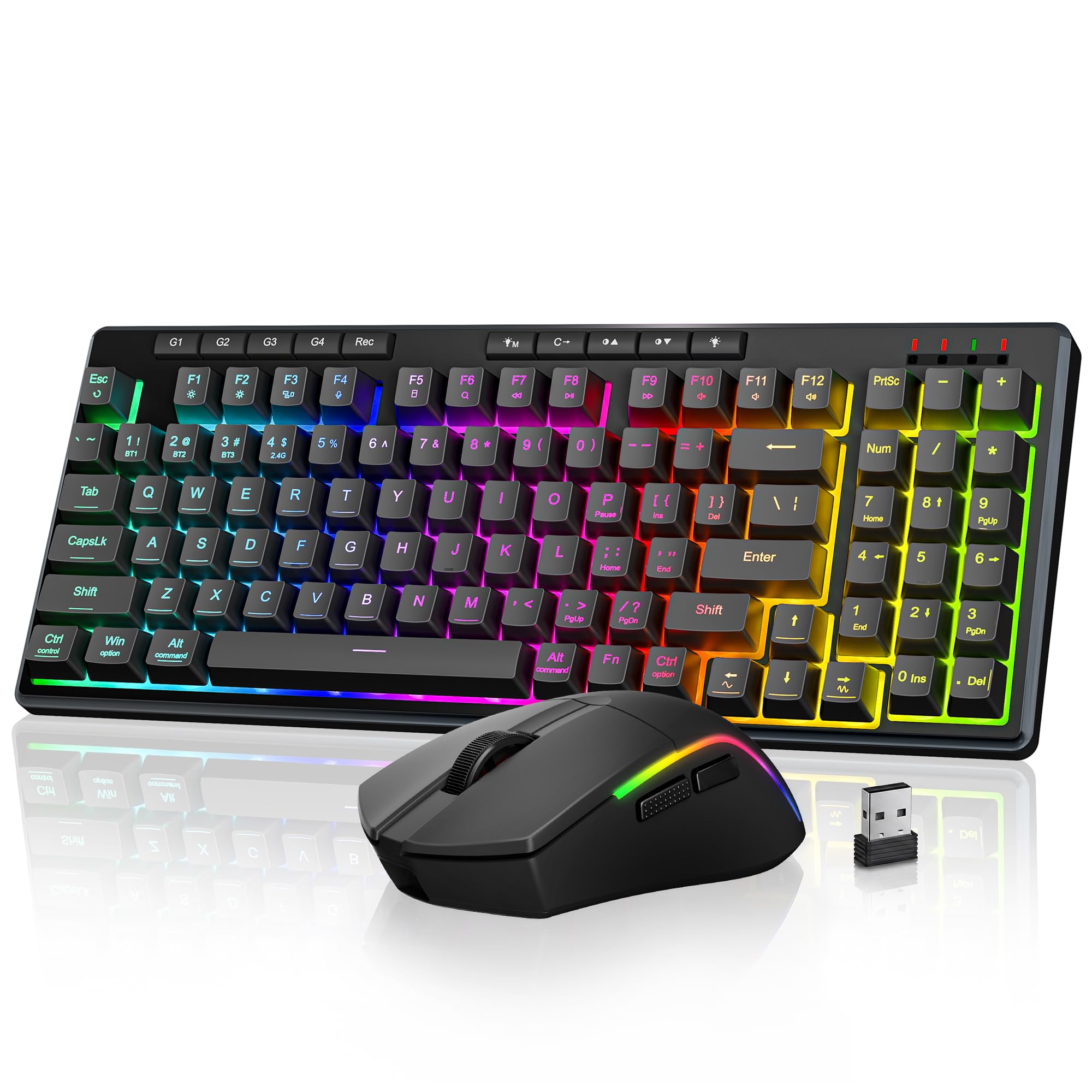
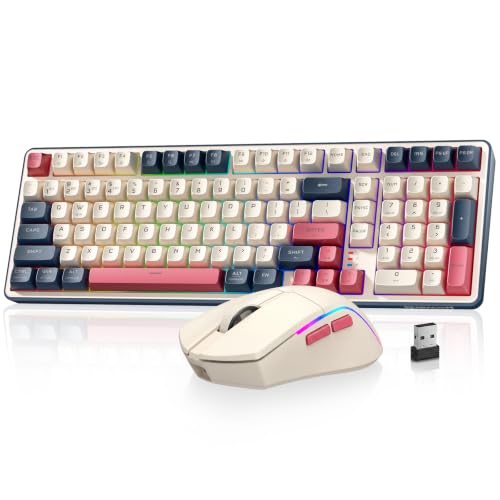
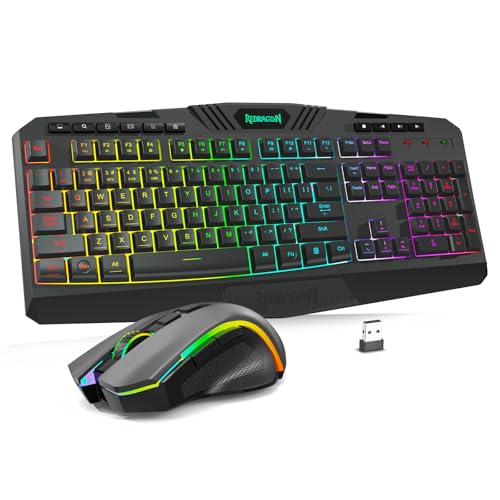
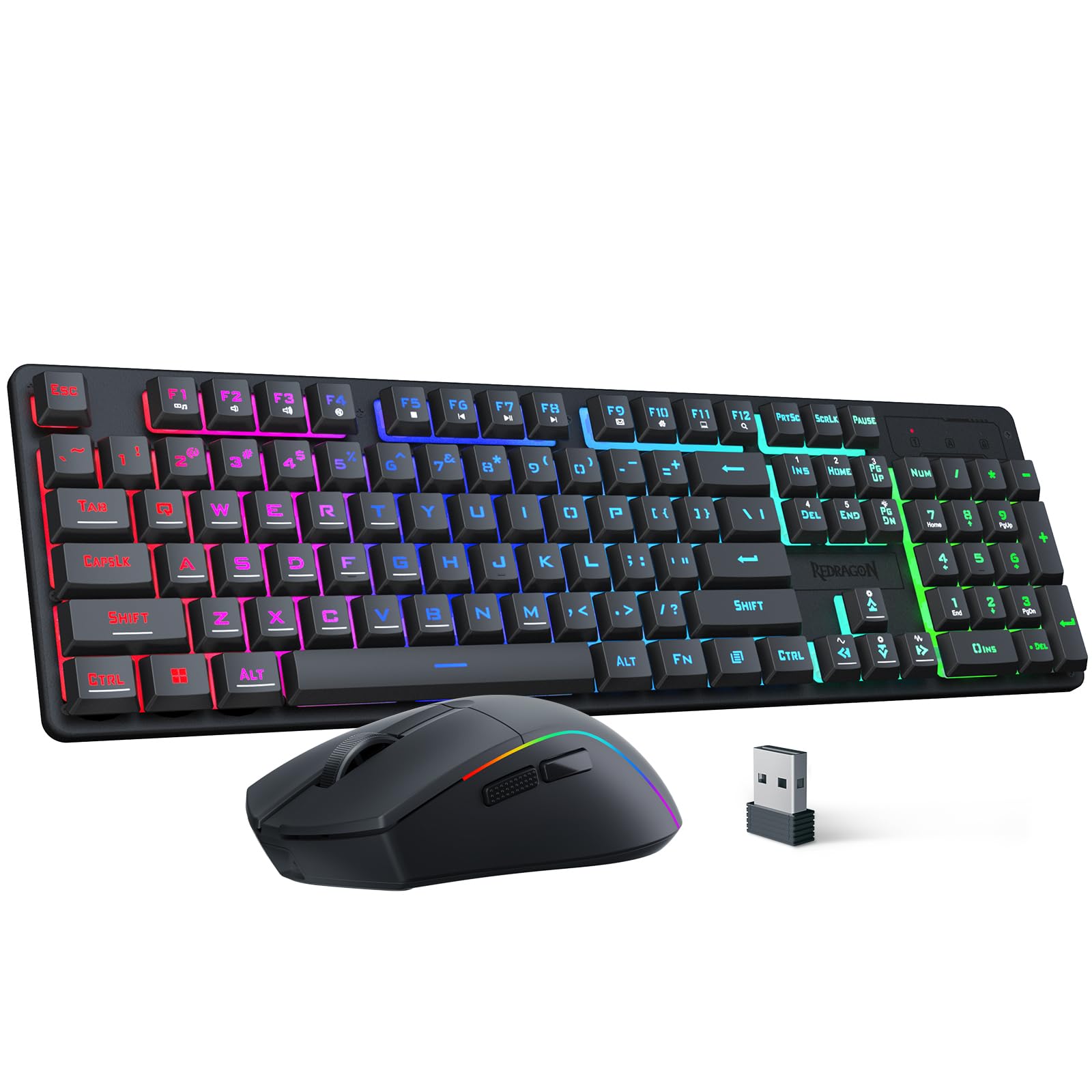
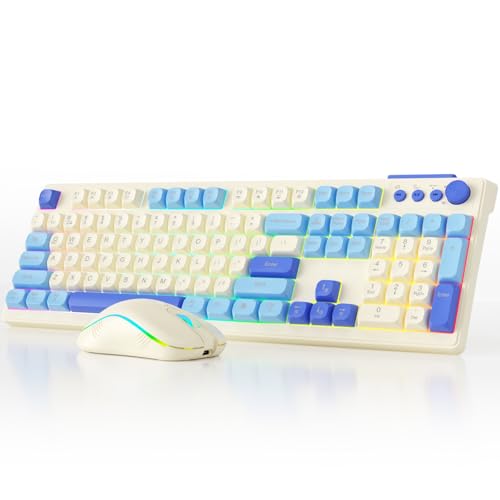

How Bluetooth Gaming Keyboard and Mouse Sets Compare to Other Options
Bluetooth is only one way to connect a gaming set, and each option trades speed, tidiness and flexibility differently. Compare the connection first, because it shapes battery use and desk setup.
Bluetooth Sets Compared With Wired Models
Wired models draw power through the cable and send every input without a radio link, so they suit a fixed desk where cables never move. A Bluetooth set removes that tether and lets you sit farther back or clear the desk for work, but you must charge it and accept a small delay in close fights. Choose wired for a permanent desk, and Bluetooth when placement freedom matters more.
Bluetooth Sets Compared With 2.4 GHz Dongle Models
A 2.4 GHz dongle model uses a small USB receiver and often reports inputs more often than Bluetooth, which can make mouse movement feel closer to wired. Bluetooth needs no receiver, leaves ports free and pairs directly with many laptops and tablets. That balance is why the best bluetooth gaming keyboard and mouse suits a shared desk more than a tournament desk.
Bluetooth Sets Compared With Compact Travel Models
Compact travel models shrink the keyboard and trim the mouse to fit a bag, often at the cost of a number pad, full size arrows or a roomy grip. A standard Bluetooth gaming set keeps stronger switches, larger keys and a mouse shaped for longer sessions, but takes more bag space. Choose travel gear for short hotel sessions, and a fuller set for home play.
Who Should Buy a Bluetooth Gaming Keyboard and Mouse Set?
The best fit is a player who values a clean desk and device switching over top speed. Shoppers on a tighter budget can also see our guide to the best affordable gaming keyboard and mouse options once they know their type.
Players With a Shared or Small Desk
You game where you also work or study, so gear must clear away fast and leave no cable tangle behind. A Bluetooth set lets you push the keyboard aside and reclaim the surface in seconds. Look for a tenkeyless or 75 percent layout if space is tight, and store both pieces in one shallow drawer so setup stays quick.
Laptop and Tablet Players Who Move Rooms
You start a game at a desk, answer messages on a tablet and finish notes on a laptop in another room. Multi device pairing lets one set follow you without unplugging a receiver each time. Choose a set that remembers at least two or three hosts and marks the switch clearly, because a hidden pairing button slows you down.
Living Room and Console Players
You play from a sofa or a low table and need distance from the screen without a cable across the floor. Bluetooth gives you that range and keeps the room tidy. Check console support before you buy, because each console and each game decides whether keyboard and mouse input works at all. A lap board can steady the keyboard on your legs.
Key Features to Compare
Judge a Bluetooth set as a pair, because a strong keyboard cannot fix a laggy mouse.
Bluetooth Latency, Polling Rate and Connection Stability
Latency is the gap between a press or movement and the action on screen, and Bluetooth usually adds more of that gap than a cable or a gaming dongle. Polling rate, stated in hertz, tells you how often the device reports its position or state, and higher rates can feel smoother in fast pans. Stability matters just as much at home. Keep the computer within clear sight of the desk and large metal objects away from that path.
Battery Life, USB C Charging and Wired Fallback
Battery claims vary widely because bright backlighting and constant use drain a charge far faster than office typing does. A set that lasts weeks with lights low may need charging every few days at full brightness. USB C charging is easier because one cable can serve both pieces and your phone. A wired fallback mode is worth having too, since it lets you keep playing while you charge in daily use.
Mechanical Switches, PBT Keycaps and Hot Swappable Sockets
Mechanical switches shape how each press feels. Linear switches move smoothly, tactile switches give a small bump you can feel, and clicky switches add a sharp sound that housemates may hear through a door. PBT keycaps resist shine and keep texture longer than basic caps. Hot swappable sockets let you replace a switch without soldering. If you want to focus only on the board, see our guide to the best gaming keyboard.
Mouse Sensor, DPI Range, Weight and Build Quality
The sensor tracks movement on your pad, and DPI sets how far the pointer travels for each inch the mouse moves. Clean tracking at the settings you use matters more than a huge top DPI number. A lighter mouse suits quick flicks, while a heavier mouse can feel steadier for fine aim. Solid buttons and a firm wheel signal good build quality. For mouse only research, see our guide to the best mouse for gaming.
Ergonomics, Layout Size and Grip Style
An ergonomic shape should support your hand without forcing your wrist to bend up or twist to one side. Full size boards include a number pad, tenkeyless boards drop it for more mouse room, and 75 percent boards pack keys tighter. Match the mouse to your grip style. Palm grip suits a taller body, claw grip suits a shorter body with a clear hump, and fingertip grip suits a small light shell.
Customization, Macros, Software and Onboard Memory
Software lets you record macros, remap keys, set lighting and save DPI stages, but quality varies a lot between brands. Onboard memory stores your settings inside the device, so your layout and sensitivity travel to a computer without the app. That matters for a set used on several hosts. Check whether settings save per device or apply to the whole set, and confirm the app supports your operating system without extra tools.
Common Mistakes to Avoid
Most regrets come from buying for one headline spec and ignoring how the pair fits your desk.
- Choosing Bluetooth for ranked shooters without checking latency leaves you with delay in every close fight.
- Buying a full size board for a narrow desk crowds the mouse and pushes your shoulder outward.
- Ignoring console and game support leads to a set that pairs but never works inside your favorite title.
- Running bright lighting at full strength daily drains the battery and puts you on a cable midweek.
- Picking clicky switches for a shared room annoys family or roommates when you play late.
- Skipping a wired fallback mode means a flat battery ends your session at once.
Care and Maintenance Tips for a Bluetooth Gaming Keyboard and Mouse
Turn the keyboard off, shake loose crumbs over a bin and wipe the caps with a cloth that is barely damp. Use short bursts of air between keys, lift dust from around the mouse sensor with a dry cotton swab and never spray liquid into a switch or sensor opening. A gritty mouse pad wears mouse feet and makes tracking feel rough, so wash or replace it often.
Update firmware through the companion app when the maker offers it, since updates can improve pairing and battery reporting. Charge before the battery runs empty, and store the set dry. If you later shop for a board alone, see our guide to the best bluetooth gaming keyboards to keep switch feel consistent.
Frequently Asked Questions
Are mechanical keyboards worth it for a Bluetooth gaming set?
Yes, mechanical keyboards are worth it for most Bluetooth gaming sets if you value a clear press and long service. One point buyers miss is actuation force. Lighter switches can reduce finger strain when the board handles a workday of typing before evening play, while heavier switches prevent stray presses if you rest hard on the keys.
What DPI should you use on a gaming mouse for daily play?
Most players settle between about 800 and 3200 DPI, then adjust sensitivity inside each game. Treat DPI and in game sensitivity as two halves of one setting, because raising one while lowering the other gives the same pointer speed with a different feel. Change one value at a time and play a full match before judging.
Is wired or Bluetooth better for a gaming keyboard and mouse in competitive play?
Wired is better for strict competitive play, because it removes battery worries and gives the most direct response. Before any organized event, check the rules as well, since some venues limit wireless devices or require approved receivers. Bluetooth remains sound for home ranked play if your connection stays stable and both pieces stay charged.
Does a Bluetooth gaming keyboard and mouse work with Mac computers and consoles?
A Bluetooth gaming keyboard and mouse works with many Mac computers, but console support depends on the console and on each game. On a Mac, check key legends, because a Windows board may place Command and Option keys in spots that slow shortcuts. On consoles, some games accept mouse aim, some accept only keyboard chat and some accept neither.
The Bottom Line
Choose the connection first, then judge switches, sensor, battery and fit as one pair. Bluetooth earns its place when you switch devices, clear your desk often or play away from the computer, at the cost of charging and a little more latency. Check the product table above for options that match your layout and grip.
When you compare the best bluetooth gaming keyboard and mouse sets with those points in order, the right type stands out fast. Buy for the desk and games you have now.