
Best Affordable Gaming Keyboard and Mouse of 2026: Complete Buying Guide
Disclosure: We may earn a commission when you buy through links on this page, at no extra cost to you. As an Amazon Associate I earn from qualifying purchases. Learn more
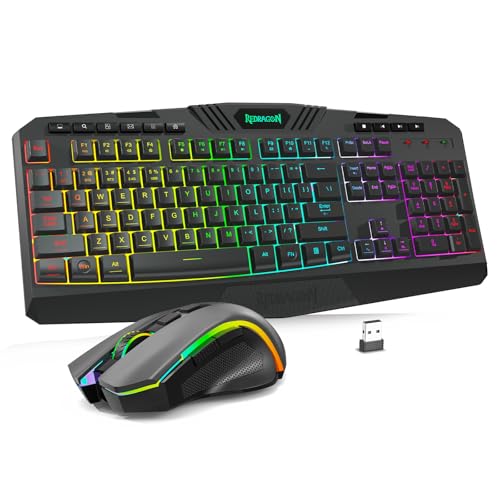
Compare the best affordable gaming keyboard and mouse combos by switch feel, sensor, size, and wireless performance to find a set that suits your games.
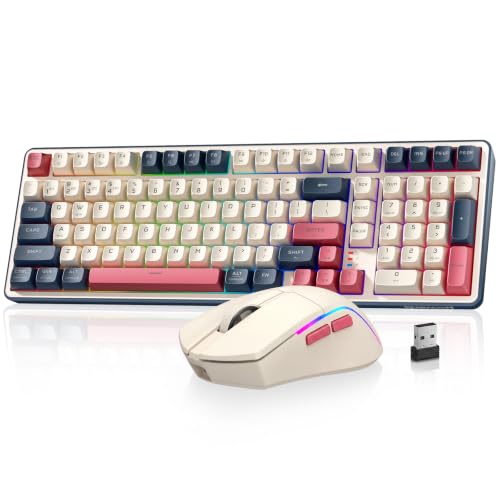
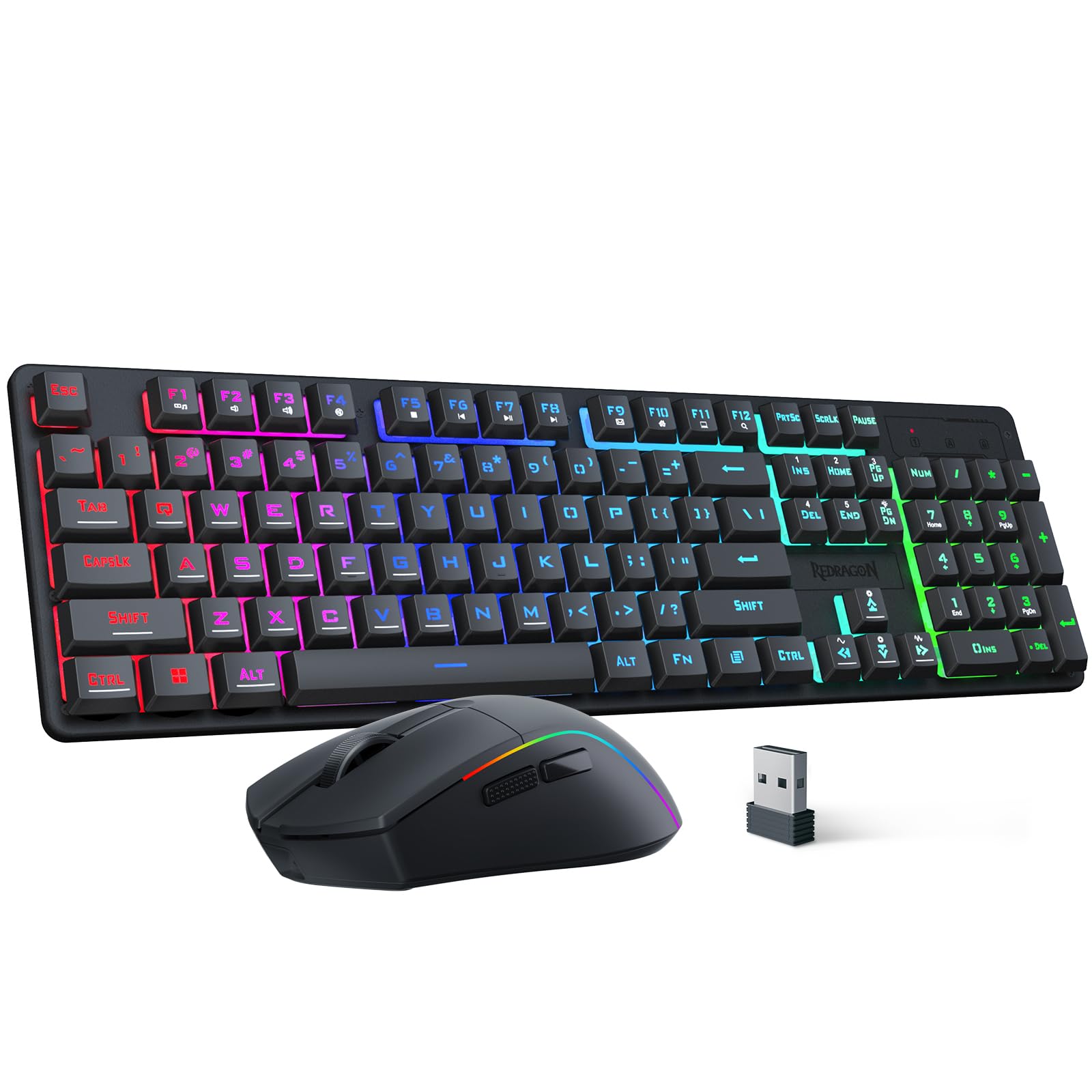
Choosing a best affordable gaming keyboard and mouse set is tricky because a combo that looks fast on the box can feel slow, cramped, or noisy in real play. Switch feel, mouse shape, wireless latency, and software all change how a set performs, and budget sets vary widely on each point. This guide breaks down what matters and where to spend a little more. The product table gives a quick overview before the buying details.
Affordable does not mean disposable, but it does mean trade offs. You may get a solid sensor and pleasant switches while giving up hot swappable sockets or onboard profiles. The goal is to pick a set whose strengths match your games and whose weak points you will rarely notice.

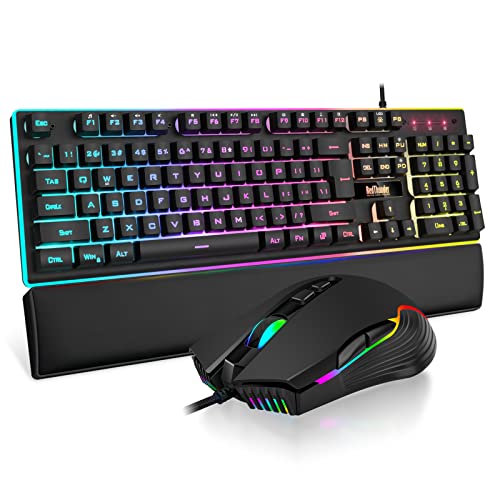
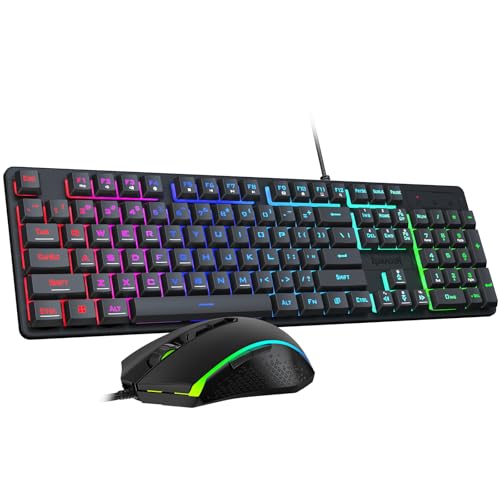
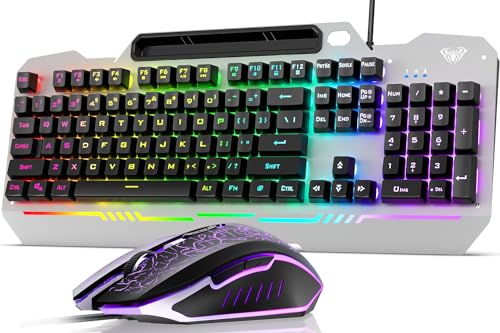





What Your Budget Gets You
Budget combos fall into broad spending bands, and each band changes a different part of the experience. Use these bands to set expectations before comparing specs. Prices below are approximate and cover a keyboard plus mouse set, not each item alone.
Entry Level Spending
At about $30 to $60, expect membrane or basic mechanical feel keyboards, a mouse with a modest sensor, and often wired connections. Keys may feel softer than true mechanical switches, and software may offer only basic lighting. These sets suit casual play and players trying PC gaming for the first time.
The main limits at this level are key feel, mouse weight, and durability of key legends. If you play fast shooters daily, a heavier mouse or mushy keys may hold you back. For slower games and everyday typing, an entry set often feels perfectly fine.
Mid Budget Spending
At about $60 to $100, true mechanical switches, better keycaps, and lighter mice become common. Wireless options appear here too, usually with a 2.4GHz receiver and a charging cable. Software improves as well, with macro support and profile saving on some sets.
This band suits most players, because it covers the features that affect play without charging for premium materials. Look for a keyboard layout you like and a mouse shape that fits your grip, since those choices matter more than a small DPI increase. A set in this band can last through years of regular play if you clean it and treat cables gently.
Higher Budget Spending
At about $100 to $150, budget sets start to borrow premium traits such as PBT keycaps, hot swappable switch sockets, and longer battery life. You may also get a sturdier keyboard frame and software that saves settings to the device. These extras help players who travel with their gear.
Higher spending does not automatically mean better aim or faster reactions, so weigh extras against your real habits. A player who never changes switches gains little from hot swappable sockets, while a player who types all day may value PBT keycaps highly. Spend here when a feature solves a problem you already have.
How to Choose the Best Gaming Keyboard and Mouse: Buying Guide
What You Can Realistically Get on a Budget
On a budget, expect a good sensor, acceptable switches, and lighting, but not every premium feature at once. Makers often cut costs on keycap material or cable quality, so decide which cuts you can live with. Never skimp on mouse shape or keyboard layout, because those affect every session.
Check what is in the box before ordering, including a receiver and a charging cable. A set that needs extra parts to work wirelessly may cost more than a slightly pricier set that includes them. Read the warranty length too, since budget sets vary from one year to two.
Wired vs Wireless
Wired sets give steady performance with no battery worries and usually cost less for the same sensor and switches. Wireless sets free up desk space and suit players who move the mouse widely. Modern 2.4GHz wireless can feel close to wired for most games, while Bluetooth suits casual play but may add delay.
If you choose wireless, check battery life in hours of play, not standby time, and look for a set that works while charging. A mouse that dies mid match is worse than a cable you barely notice. For competitive shooters, many players still prefer wired or a receiver placed close to the mouse.
Battery Life and Charging
Mouse battery life varies from days to weeks depending on lighting and play time. Turning lighting down or off often extends usable life, which matters more than a headline battery claim. Keyboards with lighting also drain faster, though most last longer than a mouse between charges.
USB C charging is now common, since one cable can serve both items. Look for a set that charges quickly or works while plugged in, so a low battery does not end a session. Keep a spare cable at the desk, and charge overnight rather than waiting for a warning light.
Ergonomics, Size, and Grip Style
Mouse grip style shapes which mouse suits you: palm grip users rest the whole hand on the mouse, claw grip users arch the fingers, and fingertip grip users control with fingertips alone. A large palm grip mouse feels steady but may tire a fingertip player, while a small light mouse suits fast flicks but can cramp a large hand. Keyboard size matters too, with full size boards adding a number pad.
Try to match mouse length to your hand and keyboard width to your desk before buying. A wrist rest can help during long typing sessions, but it should keep wrists straight rather than bent upward. If numbness, tingling, or pain keeps coming back, take breaks and ask your doctor rather than pushing through discomfort.
Customization and Software
Software lets you remap keys, set macros, adjust lighting, and tune DPI steps for different games. Onboard memory saves those settings to the device, so they travel with you to another computer. Budget software may need an account for updates.
Do not overvalue lighting effects, since RGB changes looks but not performance. Macros help in strategy games, yet many shooters limit complex macros, so follow game rules. Choose software you find easy to use, because settings you cannot find quickly will stay at defaults.
Compatibility
Most gaming sets work with Windows PCs first, with varying support for Mac and console. Mac users should check whether software runs on Mac or only on Windows. Console support is patchier, since some games accept keyboard and mouse while others do not.
Check driver needs and whether the set needs a USB port for each item or shares one receiver. A set that works without software for basic use is handy for travel or a second machine. If you switch between PC and console, look for a set that remembers profiles without software running.
Weight and Build Quality
Mouse weight affects control, with lighter mice suiting fast movement and heavier mice suiting steady aim. Budget mice often weigh more because of larger batteries, so check weight in grams before ordering. Keyboard build matters too: a metal top plate resists flex, while PBT keycaps resist shine better than thin ABS caps.
Build quality shows up in key wobble, cable strain relief, and mouse feet that glide smoothly. A keyboard that flexes when you press hard may still type well, but it can feel cheap during intense play. For single items, see our guide to the best gaming keyboard and compare its build notes with combo sets.
Gaming Keyboard and Mouse vs Other Options
Combo sets are not the only way to buy, and single items or specialised designs sometimes fit better. A combo usually saves money, while separate items let you mix a favorite mouse with a favorite keyboard.
Ergonomic Models
Ergonomic keyboards and mice use split layouts, tilted shapes, or vertical mouse bodies to keep wrists in a neutral position. They suit players who type a lot or feel wrist strain during long sessions, though they can take days to learn. Gaming performance varies, since some ergonomic mice use fewer buttons.
Choose an ergonomic design when comfort during long typing matters more than peak gaming speed. Try the shape if you can, because an ergonomic mouse that does not fit your hand helps no one.
Compact and Travel Models
Compact keyboards drop the number pad or function row to save space, which gives the mouse more room to move. Travel mice are smaller and lighter. These designs suit small desks, laptops, and players who carry gear to friends or events.
The trade off is fewer keys and a smaller mouse body, which can cramp large hands or slow players who use the number pad. If you play on a laptop or a tiny desk, compact gear often feels better than a full size set squeezed into place.
Wired Models
Wired keyboards and mice remove battery and latency worries entirely and often cost less than wireless versions. They suit competitive players and anyone who dislikes charging gear. Cable management matters, since a stiff cable can drag the mouse or clutter the desk.
Use a cable bungee or route cables behind the desk to keep movement free. Wired sets also work at once on any machine with USB ports, with no pairing steps. If you value reliability over a clean desk, wired models remain strong, and you can compare single mice in our guide to the best mouse for gaming.
Setup and Care Tips
- Clean switches and sensors regularly, since dust can cause missed presses or jittery movement.
- Update firmware through the companion app when an update fixes a bug you have seen.
- Use a quality mouse pad, because a worn pad changes glide and can make a good sensor feel inconsistent.
- Keep spare charge cables handy, so a low mouse battery does not cut a session short.
- Store the wireless receiver in the mouse when traveling, since a lost receiver can disable the whole set.
Frequently Asked Questions
What DPI do I need for gaming?
You need a DPI range that lets you aim comfortably, which for most players means about 400 to 1600 DPI in games, not the highest number on the box. Higher DPI lets the cursor cross the screen with less hand movement, but it can make fine aiming harder. Set DPI so a full mouse pad sweep turns your character about once, then fine tune in game sensitivity. A sensor that tracks cleanly at your chosen DPI matters more than a huge maximum number.
Are mechanical keyboards worth it for gaming?
Mechanical keyboards are worth it when you value distinct key feel, faster reset, and longer switch life over a quieter membrane board. Each key has its own switch, so presses feel consistent during fast play. They cost more and can be louder, which matters in shared rooms or late night sessions. If you type a lot as well as play, mechanical switches often feel better over a full day.
Does a gaming keyboard and mouse work with Mac and console?
A gaming keyboard and mouse usually work for basic input on Mac, but full software features may need Windows. Lighting, macros, and profile saving sometimes require a Windows app, while the keyboard and mouse still type and point on Mac. Console support depends on the game, since some titles accept keyboard and mouse and others do not.
Check game support before buying a set mainly for console play. For a single item comparison, see our guide to the best affordable mouse for gaming.
Wired or wireless: which is better for gaming?
Wired is better when you want zero battery worries and the lowest possible delay, while wireless is better when you want a clean desk and free mouse movement. Modern 2.4GHz wireless closes much of the gap for casual play, though wired still wins for players who notice tiny delays. Battery life and receiver placement decide whether wireless feels seamless or annoying. Choose wired for competitive play and wireless for flexible setups where cables get in the way.
Should I buy a combo set or separate keyboard and mouse?
Buy a combo set when you want matched styling, one box, and a lower total price, especially as a first gaming setup. Buy separate items when you already love one part or need a specific mouse shape. Separate buying also lets you upgrade one item later without replacing both. Combos suit most new players, while experienced players often mix brands to get the exact feel they want.
The Bottom Line
Start with mouse shape and keyboard layout, then check sensor quality, switch feel, and wireless performance in that order. Those choices affect every game you play, while lighting and extra buttons matter only in specific titles. Use the product table to compare options within your budget.
In short, a best affordable gaming keyboard and mouse set rewards patience more than big spending. Measure your desk, know your grip, and pick a set whose strengths match your play style. That approach leaves you with gear that feels right from the first match.


