Best Big Gaming Monitors: A First Time Buyer's Guide for 2026
Disclosure: We may earn a commission when you buy through links on this page, at no extra cost to you. As an Amazon Associate I earn from qualifying purchases. Learn more
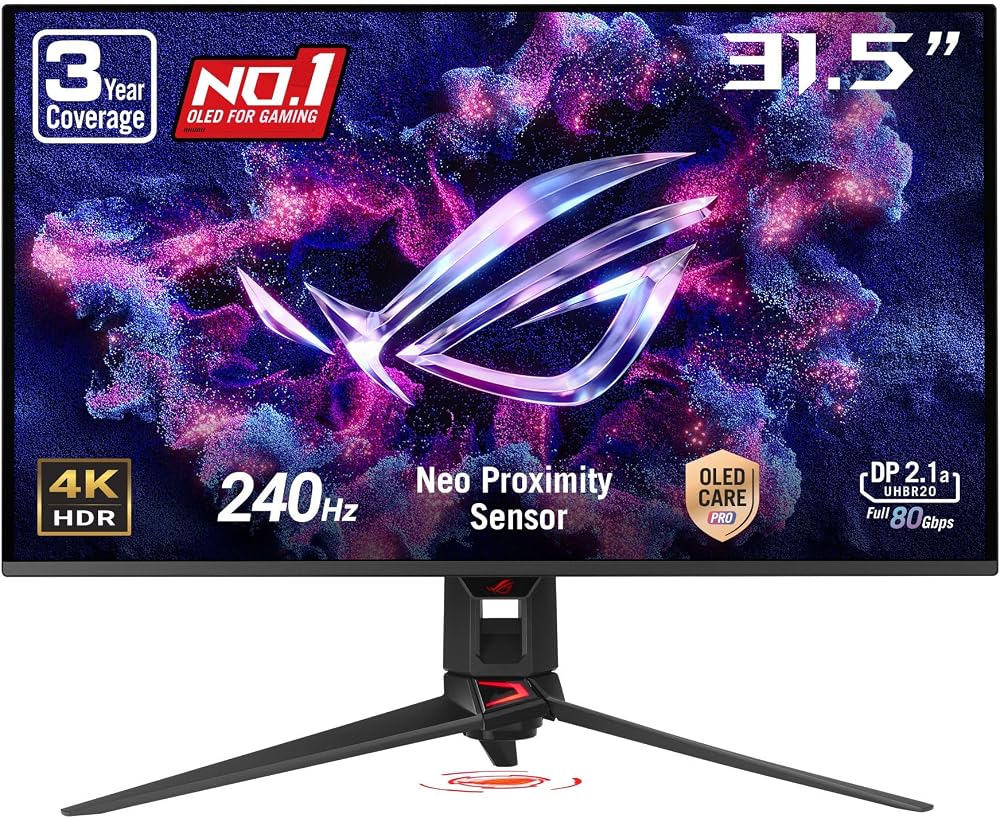
Shopping for the best big gaming monitors for the first time? Learn the terms, compare options, and avoid rookie mistakes with this easy guide.
Buying a large gaming screen for the first time feels confusing because every box shouts numbers at you. Size, resolution, refresh rate and panel type all change what you see, and the best big gaming monitors are simply the ones that match your desk, your system and your games. This guide explains each term in plain language so you can read the product table with confidence.
Start with three facts about your own setup. Note how deep your desk is, whether you play on a PC, a console or both, and how much you can spend in total. Those answers rule out most wrong choices before you compare a single spec.

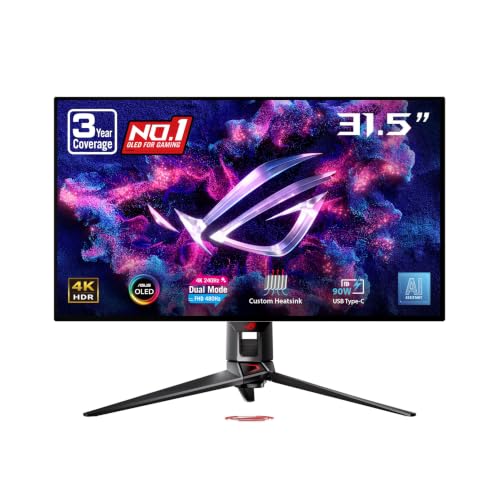
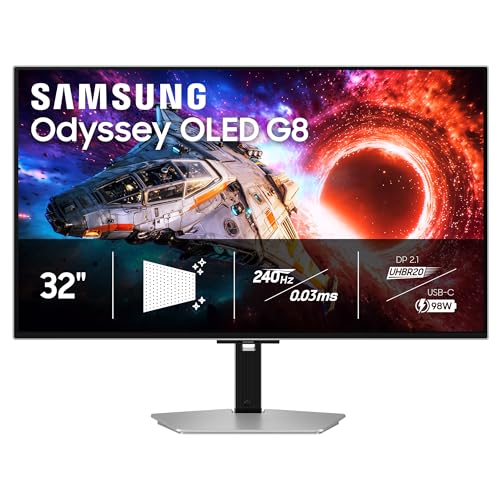
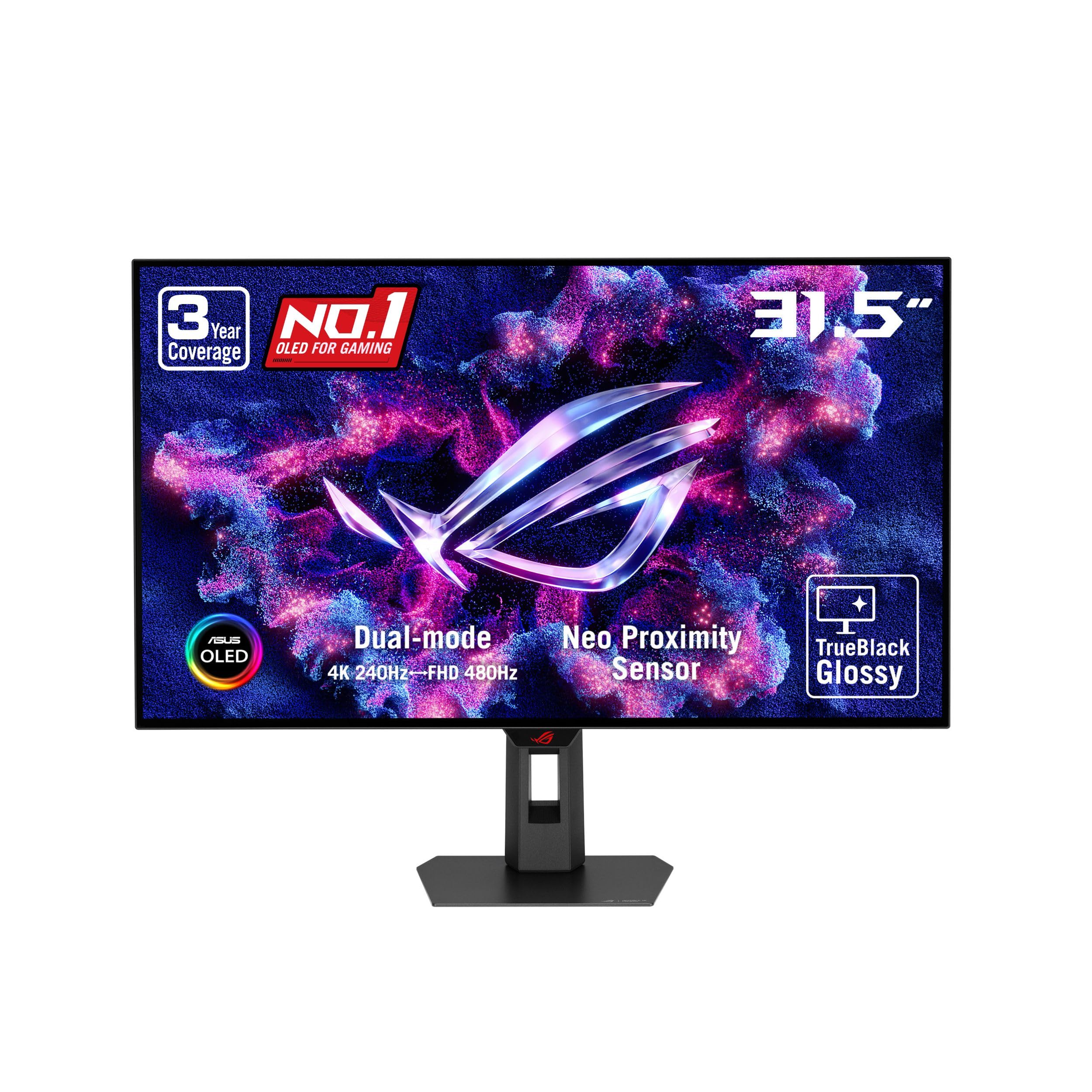
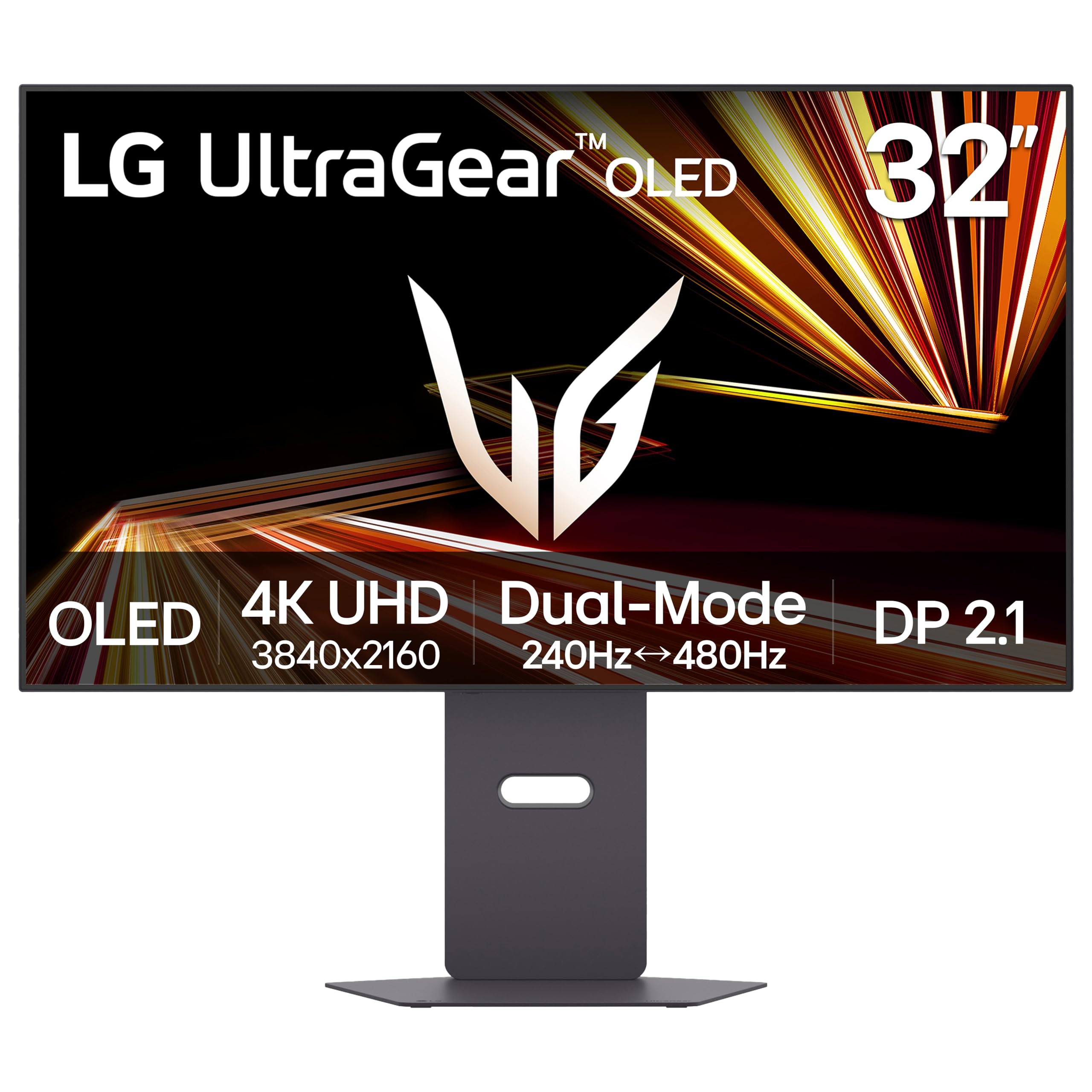


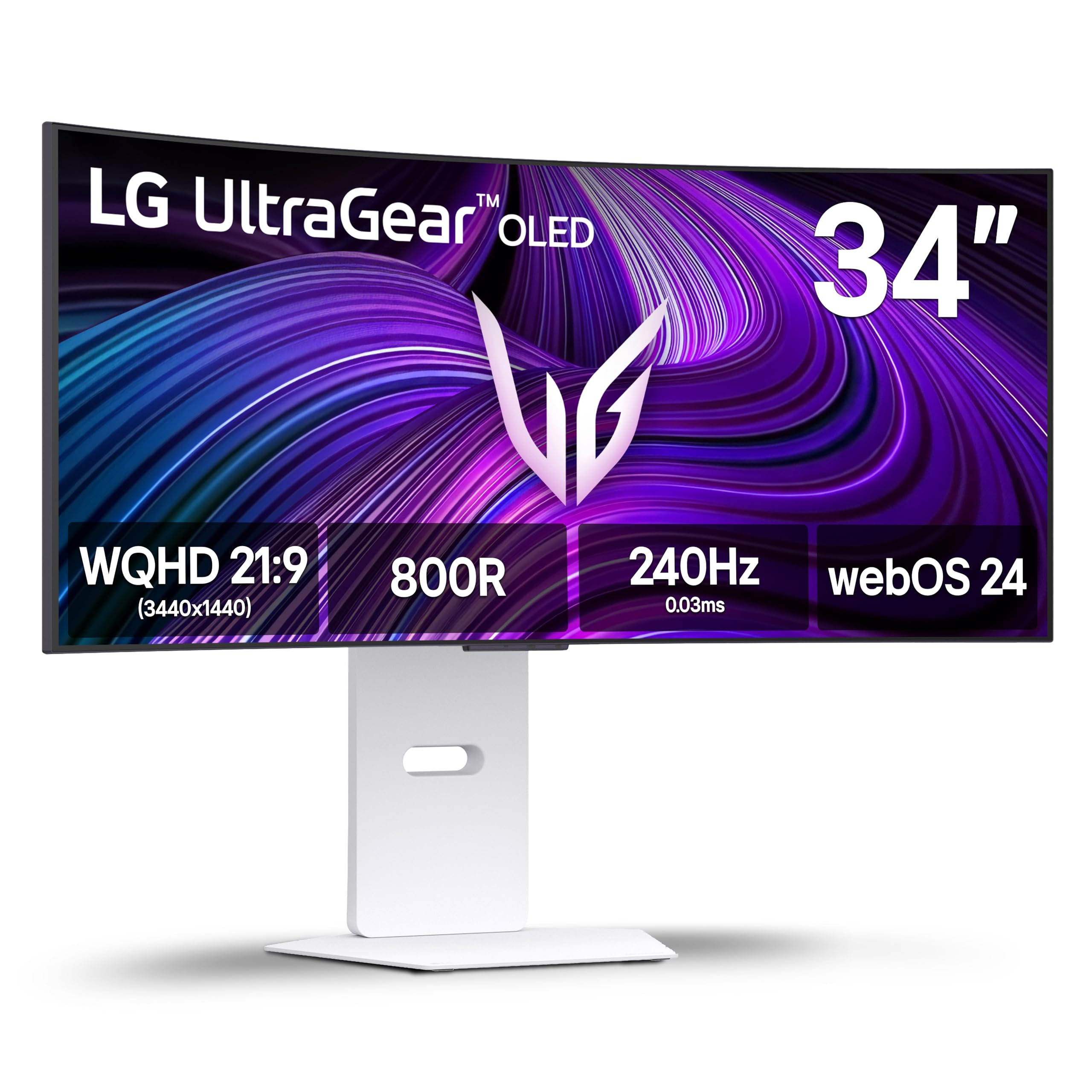

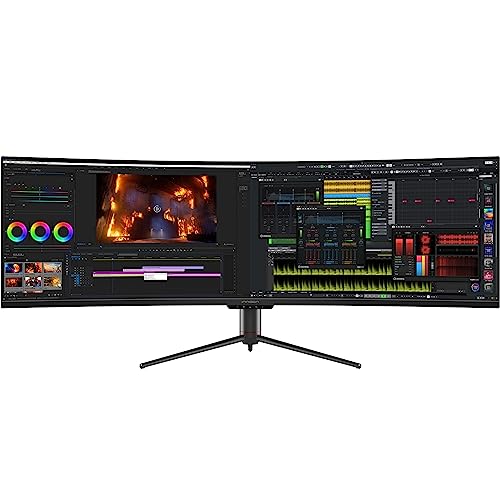
Big Gaming Monitors 101: The Basics for New Buyers
A big gaming monitor is a display of about 32 inches or more that is built for play rather than only for work. It pairs that large screen with a high refresh rate, quick response time and adaptive sync, so moving images stay smooth and clear, unlike a normal large office screen that updates the picture far less often.
Buyers fall into three broad groups. Desk based PC players sit close and gain the most from 32 to 34 inch screens. Console players sit farther back, so 42 to 48 inch screens can suit a living room better. Work and play buyers need sharp text as well as speed, which pushes them toward higher resolution. For a large screen for documents and video only, see our guide to the best big monitors.
Gaming Monitor Specs in Plain Terms: Panels, Resolution and Speed
When you compare best big gaming monitors side by side, work through the six factors below in this order. Size and fit come first, because a screen that crowds your desk is wrong no matter how strong its specs look.
Measuring Your Desk and Viewing Distance for a Big Gaming Monitor
Screen size is measured diagonally, and width is what eats your desk. A 32 inch screen is roughly 28 inches wide, while a 42 inch screen is roughly 37 inches wide, before the stand. Measure desk depth as well as width. Most players sit about 28 to 40 inches from a 32 inch screen and farther back for anything larger. If your eyes sit closer, the edges fall outside your easy view and you turn your head all session.
Panel Technology on Big Gaming Monitors: IPS, VA, OLED and Mini LED
The panel is the layer that makes the picture, and each type trades color, contrast and price differently. IPS panels keep colors accurate from an angle, which suits shared desks and co op play. VA panels give deeper blacks than IPS at a similar price, though dark moving scenes can smear a little. OLED panels light each pixel on its own, so contrast is superb and motion looks very clean, but they cost more and need care with static images to limit burn in. Mini LED is a backlight used with IPS or VA panels, and it improves HDR brightness and contrast.
Resolution and Screen Size on a Big Gaming Monitor
Resolution is the count of pixels, and size decides how spread out those pixels are. At 32 inches, 1440p looks sharp for most desk players and is easier for a graphics card to run well. At 42 inches and up, 4K earns its cost because a 1440p picture would look coarse at that size. For a deeper look at resolution choices, see our guide to the best 4k monitors gaming before you decide.
Stands, VESA Mounts and Ergonomics for Large Gaming Screens
Large screens are heavy, often about 18 to 30 pounds with the stand, so support matters more than on small monitors. A good stand adjusts for height and tilt without wobbling. Check the VESA mount pattern, commonly 100 by 100 mm on this class, if you plan a desk arm or wall mount, and confirm the arm is rated for the full weight. Very large models may need a deeper stand footprint, so measure the feet rather than only the screen.
Refresh Rate, Response Time and Adaptive Sync for Big Gaming Monitors
Refresh rate, written in Hz, is how many times per second the screen draws a new picture. A 144 Hz screen can feel far smoother than a 60 Hz screen in shooters and racing games, while 240 Hz mainly rewards competitive play and powerful PCs. Current consoles top out at 120 Hz, so console only players gain little from paying for more. Response time describes how fast pixels change color, and lower values reduce blur behind moving objects. Adaptive sync matches the screen pace to the frame rate your system produces, which removes tearing and much stutter.
Connectivity and Ports on a Big Gaming Monitor: HDMI 2.1, DisplayPort and USB C
Ports decide whether your system can use the full speed of the panel. For a PC, DisplayPort is usually the lead connection for high refresh rates at 1440p or 4K. For current consoles at 4K and 120 Hz, you need HDMI 2.1 on the console and the monitor, plus a cable rated for it. USB C with video support lets a laptop drive the screen over one cable on some models. If you are weighing a general gaming display against a large one, see our guide to the best gaming monitors for the wider field.
Rookie Mistakes to Avoid When Buying a Big Gaming Monitor
Most first purchase regrets come from fit and matching errors, not from picking the wrong brand.
- Buying a 49 inch ultrawide screen for a shallow desk puts the edges too close to your eyes and forces constant head turning.
- Choosing 1080p at 32 inches or larger leaves text and fine game detail looking soft and blocky.
- Connecting a console with an older HDMI cable can limit a 120 Hz panel to 60 Hz at 4K without any warning on screen.
- Paying for a 240 Hz panel that your graphics card or console cannot feed wastes money you could spend on resolution or HDR.
- Lifting a large panel alone by its screen edge risks a cracked display and a dropped monitor.
Getting Started: Setup, First Use and Care for a Big Gaming Monitor
Unbox the screen on a soft flat surface and attach the stand before you lift the panel upright, ideally with a second person helping. Connect a PC by DisplayPort or a console by HDMI 2.1, then set the refresh rate in your system settings and the monitor menu, since many screens start at 60 Hz by default. Switch the picture mode away from vivid, lower brightness until white looks comfortable, and check a dark game scene to confirm shadow detail is still visible.
For care, wipe the screen with a soft dry microfiber cloth and skip household glass cleaners, which can damage panel coatings. Keep rear vents clear so heat can escape. On an OLED screen, run the pixel refresh cycle the maker provides and avoid leaving a static image at full brightness for many hours. Budget displays here start at about $250 to $450, while large OLED and strong HDR models often cost about $700 to $1,300. If price is your main limit, see our guide to the best affordable gaming monitors for smaller budget options.
FAQs About Big Gaming Monitors for First Time Buyers
Does refresh rate matter on a big gaming monitor for work and video?
Yes, a higher refresh rate still helps on a big gaming monitor for work and video, though the gain is smaller than in games. Scrolling through long documents and dragging windows look smoother at 120 Hz or 144 Hz than at 60 Hz. Video gains little, so office only buyers should weigh this below resolution. Smooth pointer movement can also make a large desktop feel easier to track across.
Is 4K worth it on a big gaming monitor for a first time buyer?
Yes, 4K is worth it on a big gaming monitor once the screen reaches about 42 inches, and it is optional at 32 inches. New buyers should also expect text scaling in the operating system, since 4K text at full size is tiny on a desk screen. Set scaling to a comfortable level and check your most used apps, as older programs can look slightly soft when scaled.
Is IPS or OLED better for a big gaming monitor in a bright room?
IPS is usually better for a big gaming monitor in a bright room, while OLED wins in a dim room. A matte IPS screen fights window glare and holds brightness across the whole picture, so daytime play stays clear. OLED blacks can look washed out under strong light, and reflections show more on glossy finishes. If your room is bright, spend first on brightness and an anti glare finish rather than on perfect contrast.
How long does a big gaming monitor usually last?
A big gaming monitor usually lasts about five to eight years of regular use before brightness or parts become a problem. Backlights fade slowly, so an aging screen often looks dimmer and less even across the corners first. Check warranty length and the dead pixel policy before you buy, since large panels are costly to ship back. Keeping brightness below the maximum for desk work helps the screen age well.
What size big gaming monitor should you get for your room and desk?
Choose the largest big gaming monitor that still lets you see the full screen without turning your head at your normal seat. Before ordering, check two things new buyers miss. First, measure doors, halls and stairs on the delivery path, because boxes for 42 inch and larger screens are far wider than the panel itself. Second, plan clear floor space to lay the screen flat during setup.
The Bottom Line on Choosing a Big Gaming Monitor
For a first purchase, settle size and viewing distance first, then match resolution to that size, then pick refresh rate and panel type for your games and room. Use the product table above to confirm desk fit, ports and price for the models on your short list.
Chosen that way, best big gaming monitors stop being a spec contest and become a simple fit decision. Pick the screen that suits your seat, your system and your room, and it should feel like an upgrade every time you play.