
Best Battery Life for Wireless Security Cameras Made Simple: A Clear Buying Guide for 2026
Disclosure: We may earn a commission when you buy through links on this page, at no extra cost to you. As an Amazon Associate I earn from qualifying purchases. Learn more

Learn how to judge the best battery life for wireless security cameras, with clear checks for settings, placement, storage, alerts and power.
A wireless camera is only helpful if it is still awake when something happens. Battery claims can sound huge, yet a busy front yard can drain a camera in weeks while a quiet side gate lasts for months. Understanding the best battery life for wireless security cameras means learning what drains power and what you can control.
This first time buyer guide explains the basics in plain English, decodes the key specs, and shows the setup choices that stretch each charge. Use it with the product table to judge cameras by your traffic, your climate, and how often you are willing to climb a ladder.

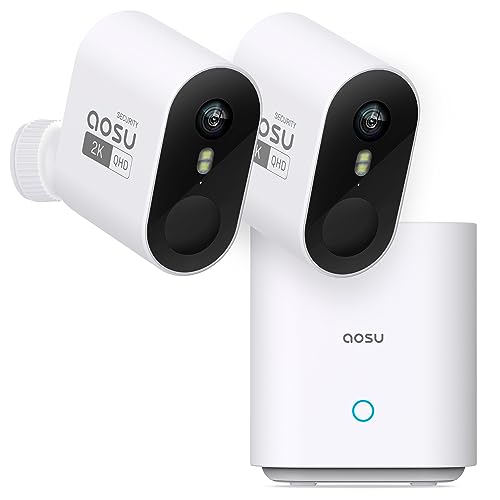
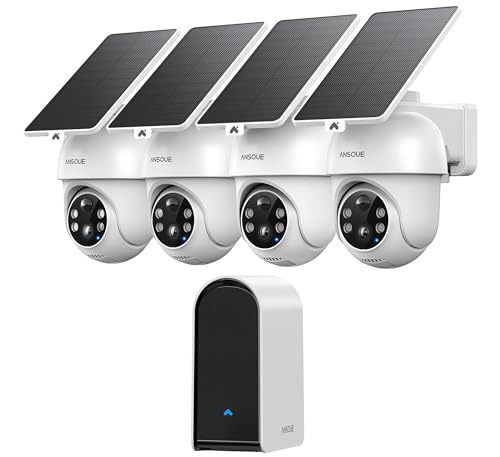
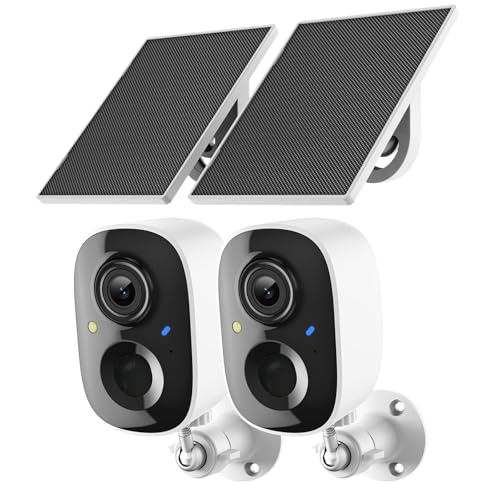


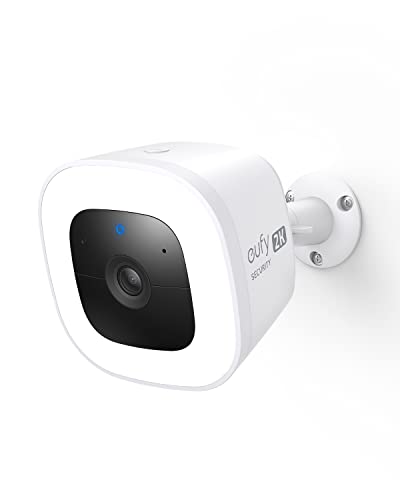

Battery Life 101: The Basics
Battery life for a wireless camera is not a fixed number of days. The camera sleeps most of the time and wakes when its motion sensor notices change, records a short clip, sends an alert, then sleeps again. Every wake cycle costs power, so a camera facing a busy street may wake hundreds of times a day, while one facing a fenced yard wakes a handful of times.
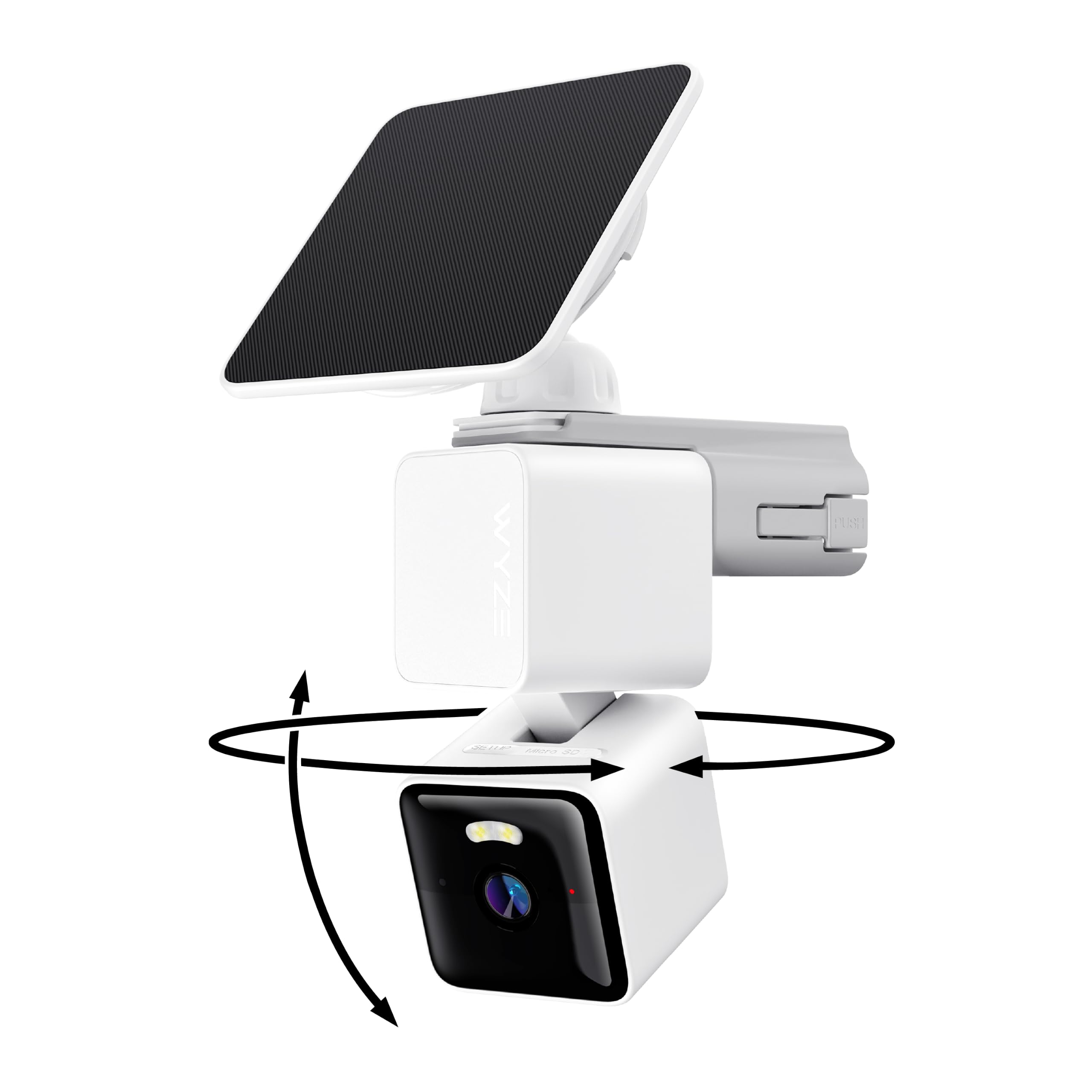
Three terms help you read listings honestly. Battery capacity, often shown in milliamp hours, tells you the size of the fuel tank. Events per day tells you how often that tank is used, and it is the number makers assume when they quote months of life. Standby draw is the small cost of staying ready, which is why cold weather, weak WiFi, and constant live viewing shorten life even on quiet days. A solar panel accessory can offset daily use, but only if it gets direct sun for several hours.
Key Specs Explained in Plain English
Features That Matter for Wireless Security Cameras
Wireless cameras need strong power management more than any other camera type. Look for adjustable motion sensitivity, activity zones that ignore a road or a tree, and clip length settings, because each one cuts needless wake cycles. A camera with person detection can record fewer false events from passing cars or animals. Battery size matters, but settings matter almost as much, a large battery with careless defaults still drains fast. Aim for a model that reports battery use in its app, so you can spot a problem zone early and fix placement instead of guessing.
Video Resolution and Field of View
Resolution decides how much detail you capture. 2K is the sweet spot for most homes, clear faces and plates at driveway distance without the power and storage cost of 4K. Field of view, often about 130 to 160 degrees, decides how much one camera covers. A wider view covers a yard with fewer cameras, but edges can distort and details spread thinner. Higher resolution and wider views both create larger files and longer send times, which cost battery. Choose 2K and a view that fits your space, rather than the biggest numbers on the box.
Weather Resistance
Outdoor cameras need a sealed body rated IP65 or IP66. IP65 handles rain and dust well for most homes, while IP66 resists stronger water jets and harsh storms. Temperature range matters as much as water, because batteries lose capacity in deep cold and age faster in constant heat. If your winters drop well below freezing, expect shorter charges and consider a camera with a removable battery you can warm indoors while charging. Mounting under an eave reduces rain load, heat soak, and how often you need to clean the lens.
Smart Detection and Alerts
Smart detection separates people, packages, vehicles, and animals from general motion. That filtering saves battery twice, first by avoiding clips for swaying branches, and second by sending fewer alerts that tempt you to open live view, which is one of the biggest power drains. Activity zones and sensitivity sliders give you control by location, busy at the driveway, calm near the street. Some advanced detection runs in the cloud and needs a subscription, while basic person detection may run on the camera. Ask where detection happens before you buy, because it affects both cost and speed.
Night Vision
At night, most cameras use infrared lights that show a black and white image without visible glow. Color night vision uses a small spotlight or a sensitive starlight sensor to keep color, which helps identify clothing or a car color. Spotlights cost more power each time they trigger, so a busy night location will drain faster with color mode on. For a quiet yard, color night vision is a fair trade. For a busy street facing camera, infrared only mode plus a separate porch light often gives better battery life and steadier images.
Rookie Mistakes to Avoid
- Trusting the headline months. Quoted life assumes few events per day, so estimate your traffic honestly and expect less at a front door than at a back gate.
- Pointing the camera at a road. Constant passing traffic is the fastest way to drain a battery, so angle down and use zones to cut the road out.
- Living in live view. Checking the feed many times a day wakes the camera and streams video, which uses far more power than short motion clips.
- Ignoring WiFi strength. A weak signal makes the camera retry sending clips, so a camera far from the router drains faster even with little motion.
- Mounting too high or too low. Very high mounts miss faces, very low mounts trigger on every pet and plant, and both errors waste power and useful footage.
Getting Started: Setup and First Use
Charge the battery fully before mounting, update the firmware, and test the camera indoors for a day to learn the app. Mount cameras about 8 to 10 feet high, angled slightly down, so the motion sensor covers the entry path rather than the sky or street. Turn on activity zones, set clip length to a sensible middle value, and choose person alerts first while muting general motion. Enable two factor authentication on your account and use a strong unique password, since a camera account is a view into your home. After a week, check battery drop and event counts, then adjust one setting at a time. If you are comparing whole camera families, our guide to the best wireless battery security cameras lays out placement ideas by location.
Battery Life: Your Questions Answered
What features matter most for battery life in wireless security cameras?
Adjustable sensitivity, activity zones, and smart person detection matter most, because they cut the number of wake cycles each day. Battery capacity sets the ceiling, but settings decide how fast you reach it. Removable batteries and solar panel support are also valuable, since they shorten downtime. A camera that shows battery and event history in the app helps you tune settings in the first weeks, when the biggest savings are usually found.
Can wireless security cameras work without WiFi?
Most battery cameras need WiFi to send alerts and save clips to the cloud, so without WiFi you lose remote viewing and notifications. Some models can record to a local hub or memory card while offline and sync later, but setup and alerts still expect a connection. If your internet drops often, choose local storage options and place the router or a hub closer. For a remote building with no WiFi, a cellular camera is a different product built for that job.
How much storage do I need for wireless security cameras?
Most homes do well with about 7 to 30 days of rolling clip storage, which cloud plans commonly provide. Local storage of 32 to 128 GB suits a quiet camera recording short clips, but a busy camera fills it fast. Storage need grows with resolution, clip length, and event count, the same factors that drain battery. If you want evidence kept for insurance or disputes, choose a plan that keeps clips for at least 30 days, and export important clips before they expire.
Wired or wireless: which is more reliable?
Wired cameras are more reliable for nonstop recording, because they have constant power and often a stable data path. Wireless battery cameras are more flexible and far easier to install, but they sleep between events and can miss the start of fast action or run flat if neglected. Many homes mix both, wired at the front door and battery units at gates and sheds. If a location is critical and hard to reach for charging, favor wired power or a solar supported spot, as compared in our guide to the best battery security cameras.
Do I need a subscription for wireless security cameras?
You do not always need a subscription, but many brands reserve cloud storage, rich alerts, and smart detection for paid plans. Without one, you may get live view and basic motion alerts only, or short local clips. Read the free tier limits before you buy, because the plan cost over three years can exceed the camera price. If you prefer no ongoing cost, choose a system with a home hub and local storage, and review our guide to the best batteries for security cameras for keeping spare packs ready.
Our Verdict
Judge battery life by your events per day, not by headline months. Set zones and sensitivity in week one, mount at the right height with a strong WiFi signal, and pick 2K resolution unless you truly need more. Those habits are how you actually get the best battery life for wireless security cameras in real use. Compare finalists in the product table, and for fully cordless outdoor placements, see our guide to the best wireless battery operated outdoor security cameras and the related overview of the best wireless battery operated security cameras before you order.


