Best Battery Security Cameras for 2026: Made Simple
Disclosure: We may earn a commission when you buy through links on this page, at no extra cost to you. As an Amazon Associate I earn from qualifying purchases. Learn more

Learn how the best battery security cameras work, what specs matter, how storage and detection work, and the mistakes that first time buyers should avoid.
If you are shopping for best battery security cameras for the first time, the jargon can feel harder than the buying decision itself. Resolution, detection zones, local storage, and subscription plans all sound important, but only some of them matter for your home. This guide explains each term in plain English, shows how battery cameras differ from wired ones, and helps you pick a setup that fits your doors, yard, and daily routine. Check the comparison table below for a quick overview of the main choices.
A battery camera runs on a rechargeable pack or replaceable cells instead of a mains cable, so you can mount it where a wire cannot easily reach. Most battery cameras sleep until motion wakes them, which saves power but also means they record in clips rather than nonstop. Understanding that tradeoff is the key to choosing well and avoiding disappointment after installation.

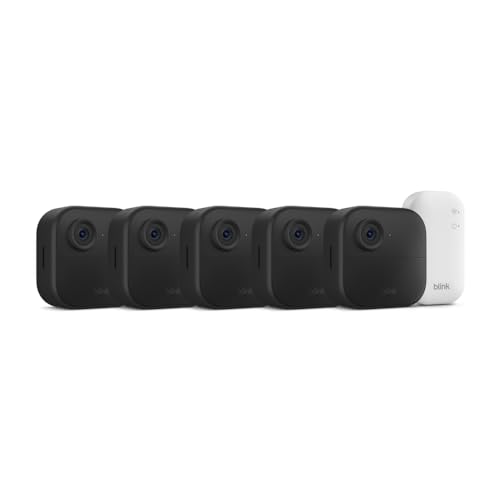
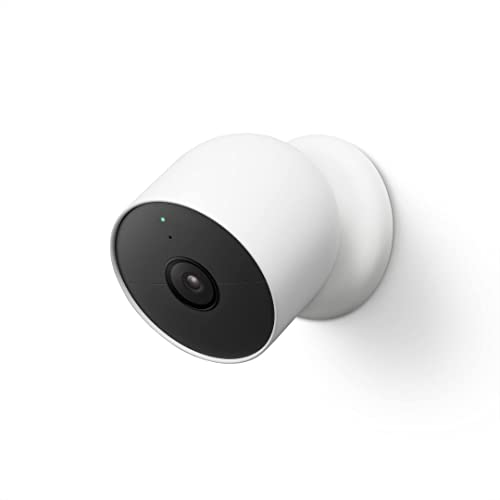
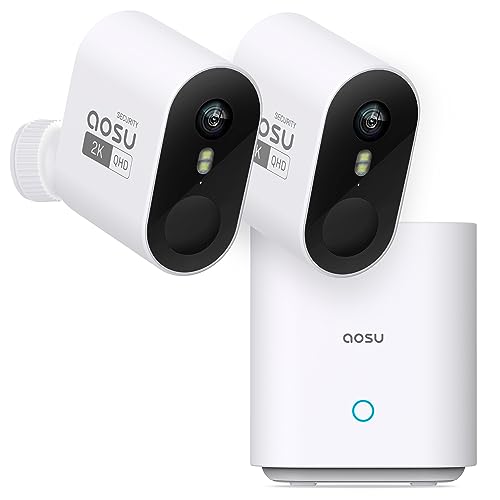
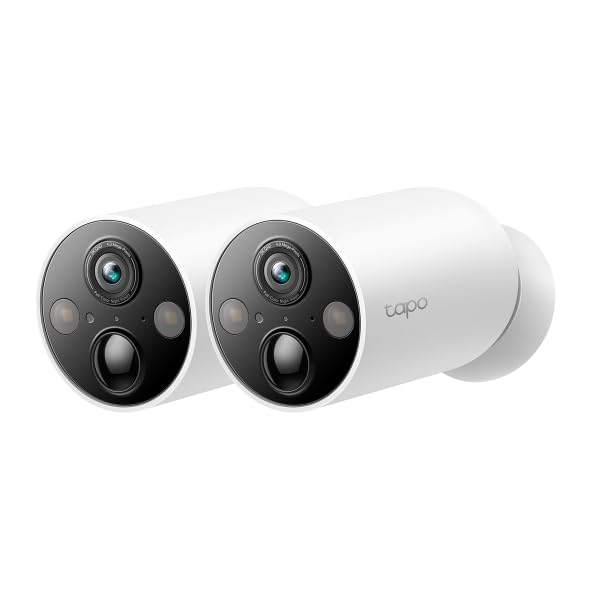

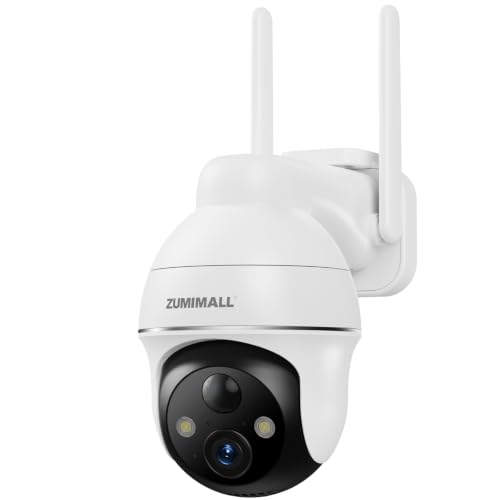
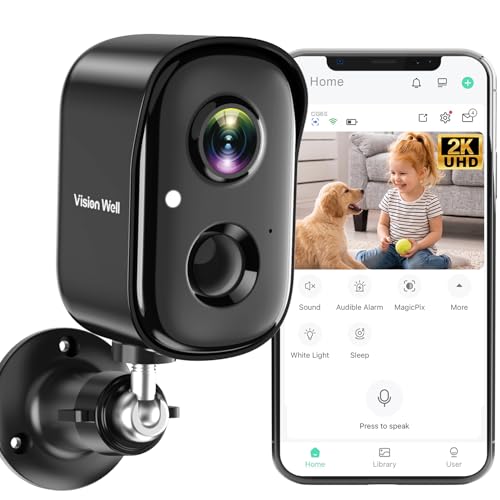
Choosing the Best Battery Security Cameras: The Basics
A battery camera has four main parts: a lens and sensor that capture video, a battery that powers the unit, a wireless radio that sends clips to your phone or hub, and storage that holds those clips. When the sensor detects motion, the camera wakes, records a short clip, and sends an alert. Between events it sleeps to stretch battery life, which is why placement and detection settings matter so much.
Battery cameras suit renters, homes without outdoor wiring, and spots like a side gate or detached garage. They do not suit every need: a camera that must record continuously, or one that faces a busy street with constant motion, will drain its battery fast and may miss events while recharging. For those spots, a wired camera or a camera with a solar panel deserves a closer look. Keep bedrooms and bathrooms camera free, and follow local rules on where you may place cameras and record sound or video.
Key Specs Explained in Plain English
Specs only help when you know what they change in daily use. The six below cover most of what a first time buyer needs to compare.
Video Resolution and Field of View
Resolution describes how much detail the image holds. A 2K image usually shows faces and plates more clearly than a basic high definition image at the same distance, while 4K adds detail but also uses more storage and battery. Field of view describes how wide the scene is: a wider view covers more of a yard but makes distant faces smaller. For a front door, a moderate view aimed at the approach path usually beats the widest view aimed at the whole street.
Power Options: Battery, Solar, and Wired
A pure battery camera is the simplest to install, since no cable run is needed, but you must recharge or swap the pack on a regular schedule. A small solar panel can top up the battery in a sunny spot and stretch the interval between charges, though it does not replace the battery entirely. A wired camera avoids charging altogether but needs a cable route and sometimes professional installation. For a first camera, battery power with a spare pack often gives the easiest start, and our guide to the best battery operated security cameras covers pack types and charging routines.
Smart Detection and Alerts
Basic motion detection reacts to any movement, including swaying branches and passing cars, which can flood your phone with alerts. Smarter detection tries to tell people, packages, vehicles, and animals apart, and detection zones let you ignore busy areas like a sidewalk. Start with people detection and a tight zone around your door or driveway, then widen the zone only if you miss real events. Fewer, better alerts beat a constant stream of noise.
Night Vision: Infrared Versus Color
Most battery cameras switch to infrared at night, producing a black and white image that works in darkness but hides clothing colors. Some add a spotlight or a sensitive sensor for color night video, which can help identify clothing or a vehicle color but uses more battery and may disturb neighbors. For a dark backyard, infrared is usually enough, while a lit porch may benefit from color night video. Check the night image after installation rather than trusting daytime sample footage.
Two Way Audio and Siren
Two way audio lets you speak through the camera app to a visitor or delivery driver, which is handy for porches and gates. A built in siren can warn off a prowler, but it can also annoy neighbors if it triggers on false alarms. Check whether the siren can be turned off separately from alerts, and whether audio recording follows local consent rules in your area. A camera that records sound in a shared space may need extra care about placement and notice.
Smart Home Integration
Integration lets a camera work with voice assistants and home hubs, so you can view a feed on a display or trigger a light when motion is detected. Check compatibility with the system you already use before buying, since support varies widely. Also consider what happens if the internet drops: some cameras keep recording locally, while others pause until the connection returns. Local storage, covered below, softens that risk.
| Choice | Best For | Pros | Cons | Typical Price |
|---|---|---|---|---|
| Battery only | Renters and hard to wire spots | Simple install, flexible placement | Needs regular charging | About $50 to $150 a camera |
| Battery plus solar | Sunny outdoor spots | Longer time between charges | Panel needs sun and a clear view | About $80 to $200 a camera |
| Wired | Busy spots needing constant recording | No charging, steady power | Cable run and install effort | About $50 to $200 a camera |
Rookie Mistakes to Avoid
- Mounting the camera too high to see faces, which gives a great view of hats and very little else.
- Aiming at a busy street instead of the approach path, which drains the battery on passing traffic.
- Skipping the WiFi check at the mounting spot, then finding the camera drops offline at night.
- Forgetting a spare battery or a charging plan, so the camera sits dead for days.
- Assuming a subscription is optional, then finding that stored clips expire sooner than expected.
Getting Started: Setup and First Use
Start by charging the battery fully and trying the camera indoors near your router before mounting it outside. Check the live view, walk through the detection zone, and adjust sensitivity until real movement alerts you without constant false alarms. Mount the camera about 8 to 10 feet high, angled slightly down toward the approach path, and keep it sheltered from direct rain where possible.
Turn on two factor authentication for the camera account, use a strong unique password, and keep the app and camera software updated. If the mounting spot needs drilling near wiring, or the instructions are unclear, ask a qualified installer rather than guessing. Our guide to the best outdoor battery security cameras covers weather resistance and mounting in more detail, and our guide to the best batteries for security cameras explains spare packs and charging.
Frequently Asked Questions
Do Battery Security Cameras Need a Subscription?
Not always, but the answer depends on how long you want to keep clips. Many cameras include a short free cloud history or local storage on a card or hub, while longer history, smarter detection, and extra features often sit behind a paid plan. Check the free history length before buying, since a seven day window suits most homes while a shorter window may miss a trip away. No plan can guarantee that a clip will be saved, so keep a local copy of anything important.
Are Home Security Cameras Easy to Hack?
Any internet connected camera carries some risk, but basic habits cut it sharply. Use a strong unique password, turn on two factor authentication, keep software updated, and avoid sharing camera access casually. Also check the privacy settings: some cameras share clips or analytics by default, and you may want to limit that. A camera on a guest network, separate from computers and files, adds another layer of separation.
Wired or Wireless: Which Battery Camera Setup Is More Reliable?
Wired power is more reliable for constant recording, since it never needs charging and usually keeps a steadier connection. Battery power is more flexible and easier to install, but it depends on WiFi strength and on you keeping the pack charged. For a quiet door or gate, battery power is usually reliable enough, while a busy driveway or a camera that must record nonstop suits a wired setup. Check WiFi strength at the mounting spot before deciding.
How Much Storage Does a Battery Security Camera Need?
Storage needs depend on clip length, resolution, and how often motion triggers the camera. A quiet porch may need only a small card, while a busy yard can fill storage quickly. Local storage on a card or hub avoids monthly fees and keeps clips at home, but a stolen camera can take its clips with it. Cloud storage keeps clips off site but usually costs a fee and depends on the internet, so many homes use both: local storage for day to day clips and cloud history as a backup.
Can Battery Security Cameras Work Without WiFi?
Most battery cameras need WiFi to send alerts and clips to your phone, though some keep recording locally when the connection drops and upload later. A few models use a cellular link instead, which suits remote spots but adds a data cost. If your mounting spot has weak WiFi, try a closer router, a mesh node, or a different mounting angle before buying extra gear. For a full comparison of wireless options, see our guide to the best wireless battery security cameras.
The Bottom Line
Start with placement, then match specs to that spot: a moderate field of view, people detection with a tight zone, and storage that fits how long you want clips kept. Keep a charging routine, check the night image and WiFi signal after mounting, and protect the account with two factor authentication. Remember that no camera can guarantee security, and that local placement and recording rules matter as much as the hardware. With those basics covered, best battery security cameras can be a simple, flexible first step, and you can check the product table above whenever you want a quick refresher on the main choices.