
Best Batteries for Security Cameras in 2026: Everything to Know Before Your First Purchase
Disclosure: We may earn a commission when you buy through links on this page, at no extra cost to you. As an Amazon Associate I earn from qualifying purchases. Learn more

Shopping for the best batteries for security cameras for the first time? Learn the terms, compare options, and avoid rookie mistakes with this easy guide.
Buying camera batteries sounds simple until you face packs, loose cells and capacity numbers that all promise months of power. The best batteries for security cameras are simply the ones that fit your camera, last through your busiest weeks and recharge without fuss. This guide uses the product table to help you judge each option.
You need your exact camera model, a rough count of how often it records each day, and an honest view of how easy the mount is to reach. Keep those facts in mind and the sections below will turn confusing labels into a clear checklist.




Who Should Buy Which Batteries for Security Cameras?
Start with the spot each camera watches, because activity there decides how fast any battery drains. A busy view needs capacity and easy swaps, while a quiet view rewards a simple pack and one spare.
Homes With a Busy Front Door and Driveway
Deliveries, cars and visitors can trigger dozens of short clips a day, and each clip spends stored power. Choose the largest capacity pack your camera accepts and keep one charged spare ready, because a swap takes minutes while a recharge takes hours. If you are still picking the camera itself, see our guide to the best battery security cameras so camera and pack are chosen together.
Homes With a Quiet Side Gate or Back Garden
A side gate may record only a few events a week, so a standard capacity option is usually enough and a premium pack adds cost without adding useful days. Shelf life matters more here. Disposable lithium cells suit cameras built for them because they hold charge well while waiting.
Homes With High Mounts or Cold Winters
A camera above ladder reach or out in freezing wind punishes every battery change, so long runtime matters more than a low price. Pick a high capacity pack, plan swaps on mild days, and consider a small solar panel as a helper if the spot gets direct sun. For cameras outside all year, see our guide to the best outdoor battery security cameras for mount ideas that keep access sensible.
Key Features to Compare
Compare the factors below in this order. Fit comes first, then realistic runtime, then the cost and effort of keeping power ready.
Compatibility With Your Exact Camera Model
A battery must match your camera in voltage, shape and connector, and many brands use packs that fit only their own camera family. Check the model list against the full model name in your camera app, not just the brand name. A pack with the wrong voltage can fail to power the camera or upset its battery gauge, so confirm your exact version is named.
Capacity and the Runtime You Can Realistically Expect
Capacity is listed in milliamp hours. Common camera packs list about 5000 to 13000 milliamp hours. Makers usually measure runtime with only a handful of short events per day, so a busy home should expect far less than the longest claim on the box. That gap is why the best batteries for security cameras for your home are judged by your own event count, not by the box claim alone.
Rechargeable Packs Versus Disposable Cells
Rechargeable packs cost more at first but usually cost less over a year of swaps, and they create far less waste. Disposable lithium cells cost less per set and keep their charge on a shelf for years, which suits a camera you check rarely. Never mix the two approaches in one camera, and only use the cell type the manual names.
Charge Time and How You Swap Power
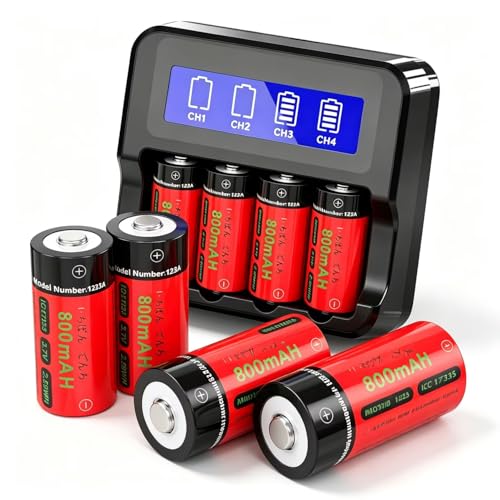
Most packs need about 4 to 8 hours for a full charge, and that gap matters if the camera is your only cover for a door. A removable pack solves the gap because a fresh one goes in within minutes. A charging dock earns its place with two or more cameras, since it can fill a spare while the other pack works.
Temperature Range and Signal Strength
Cold air slows the chemistry inside a battery, so the same pack gives fewer clips on a freezing week than on a mild one, while steady summer heat ages cells faster. Check the stated working range before you buy for an exposed mount. Signal strength also spends power, because a camera that struggles to reach your router works harder to send each clip. If you plan a fully cord free layout, see our guide to the best wireless battery security cameras for placement ideas.
Battery Types and Basics Every First Time Buyer Should Know
A security camera battery spends most of its life asleep. The camera rests at very low power, wakes when it senses motion, records a short clip, sends an alert and then sleeps again. Nearly all of the stored energy goes on those brief waking moments.
Most first time buyers meet three forms of power, named here by what each form does for you.
- Sealed packs made for one camera family are the easiest to swap and charge, but they cost the most and cannot move to a different brand.
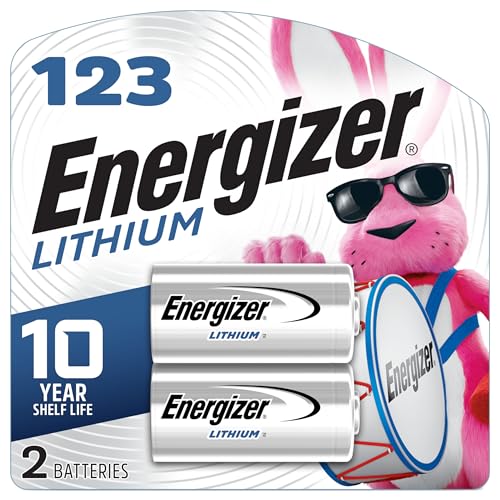
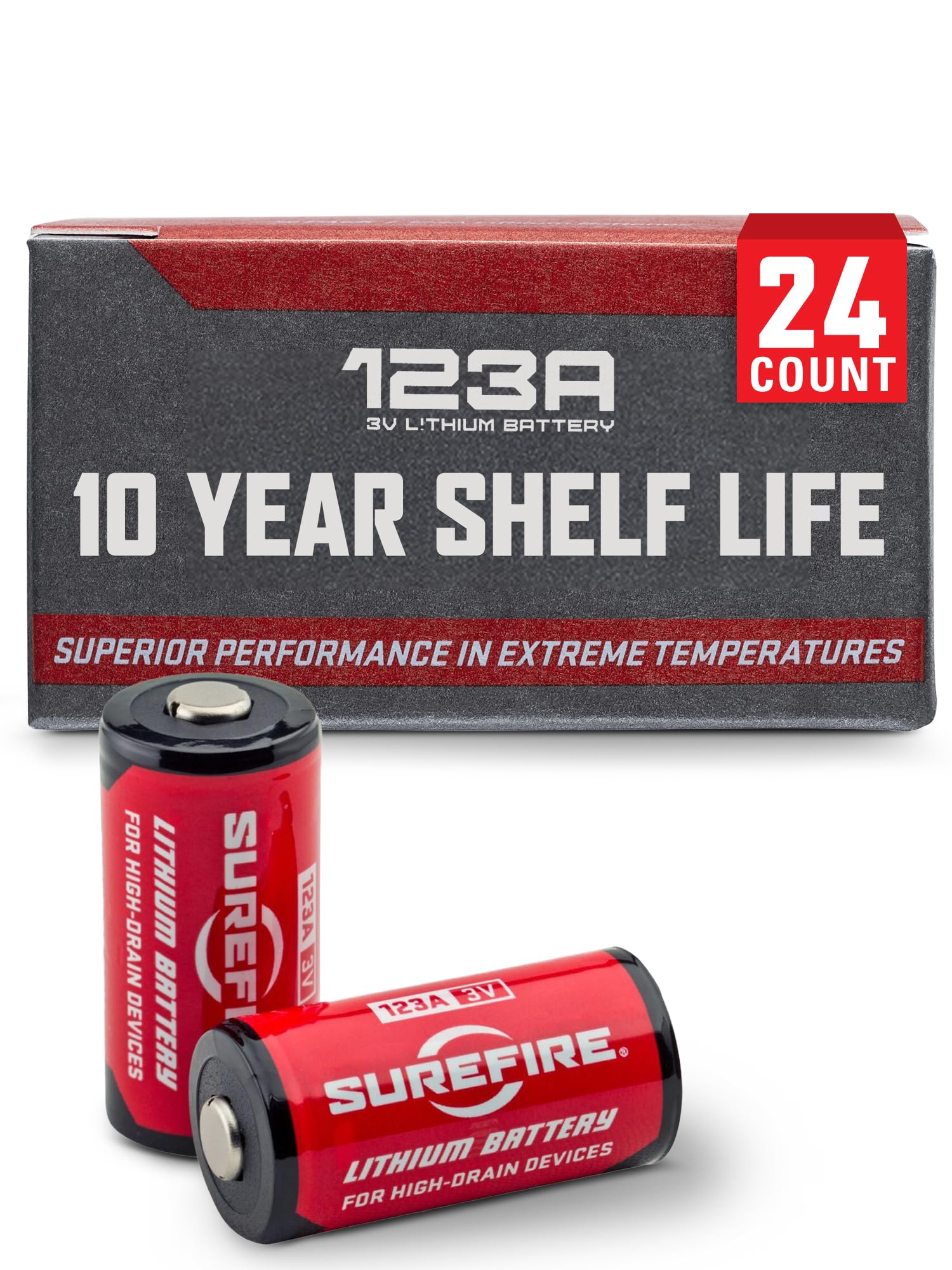
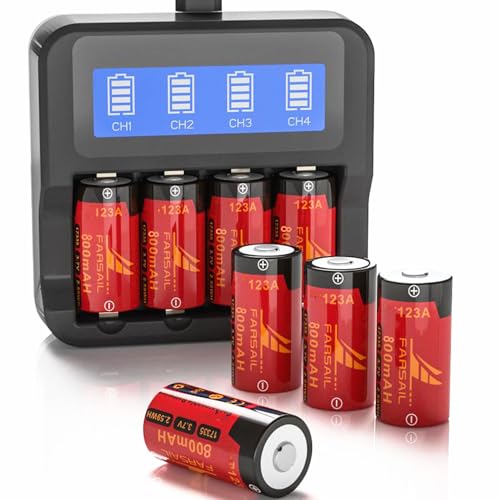
- Loose disposable lithium cells, in sizes such as AA or CR123A where the manual allows them, are sold almost everywhere and wait well on a shelf, but each set is thrown away after use.
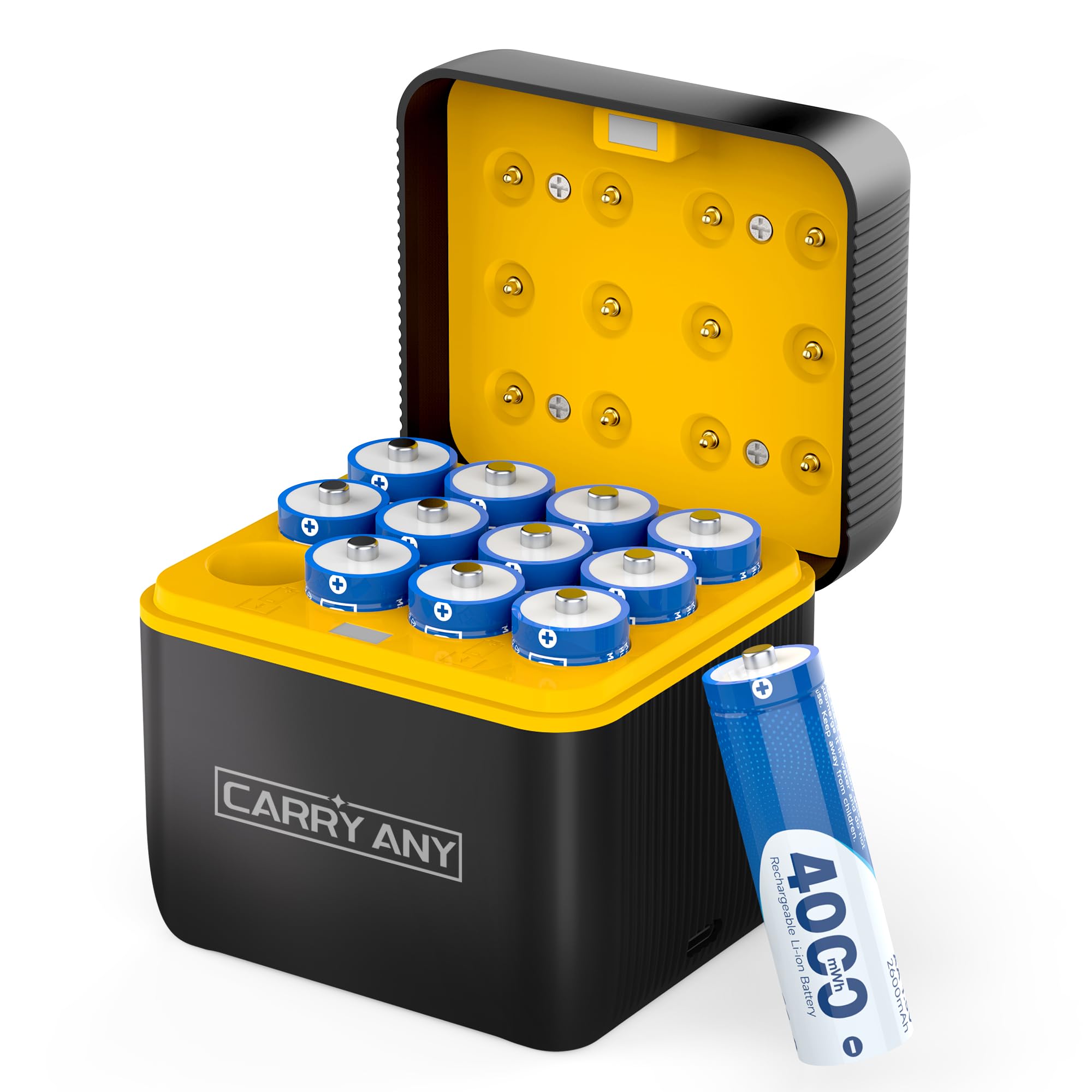
- Standard rechargeable cells cost little per cycle and suit cameras close to home, though you must confirm the camera accepts their voltage.
A solar panel is not a fourth battery type. It is a small charger that tops up a pack in daylight, so it stretches the time between swaps rather than replacing the pack.
Getting Started: First Charge, Swap and Power Checks
Charge every new pack fully before its first use, even if the gauge shows a partial charge on arrival. While it charges, write the camera name and the month on a small label for the pack. Fit the pack until it seats with a firm click, then walk in front of the camera to trigger a test clip and check the level in the app the next morning.
Common Mistakes to Avoid
Most early battery regrets come from a short list of avoidable errors.
- Buying a pack by shape alone leaves you with the wrong voltage or connector, and the camera will not start.
- Trusting the longest runtime claim on the box leaves a busy door camera dark weeks earlier than planned.
- Letting a rechargeable pack sit empty for months shortens its life and can leave it unable to take a full charge.
- Mixing old and new loose cells in one camera lets the weaker cell limit the whole set.
- Charging a pack in a hot garage ages the cells faster and quietly cuts your runtime each season.
- Waiting until a camera goes dark to order a spare leaves a gap in cover while the new pack ships and charges.
Care and Maintenance for Security Camera Batteries
Build a simple rotation habit. When a working pack drops to about one quarter charge, swap in the charged spare and recharge the used pack within a day or two. Each time a pack comes indoors, wipe its contacts dry and look for cracks in the case or damage to the seal. If a pack feels hot, looks swollen or smells odd, stop using it at once and contact the maker for advice.
Store spares in a cool and dry room, away from radiators and sunny windows. For storage longer than a month, a lithium ion pack keeps best at about half charge. Never put used cells or packs in household trash. Tape the ends of loose cells and take them to a battery recycling point.
Frequently Asked Questions
How long do batteries for security cameras usually last on one charge?
Batteries for security cameras usually last from a few weeks to several months on one charge. Your clip length setting is the lever most new owners miss, because a camera set to record 60 seconds per event can spend three times the power of one set to 20 seconds. Shorten clips and add a brief pause between repeat triggers to gain extra days.
Can I use rechargeable AA cells in a security camera that takes AA batteries?
You can only use rechargeable AA cells in a security camera if the manual allows them. Standard disposable AA cells give 1.5 volts each, while most rechargeable AA cells give 1.2 volts, so some cameras show a low battery warning very early or refuse to start. When the manual is silent, treat disposable lithium as the safe default.
How many spare batteries for security cameras should a first time buyer keep?
A first time buyer should keep one charged spare for every one or two security cameras. One spare shared between two cameras on easy mounts is enough, because you can recharge the used pack the same day. Give each high or awkward mount its own spare instead, since a ladder trip is the part you want to avoid repeating.
Does cold weather permanently damage batteries for security cameras?
Cold weather does not usually damage batteries for security cameras permanently, and most lost capacity returns as the pack warms up. The real risk is charging a pack while it is still freezing, which can harm lithium cells over time. Bring a cold pack indoors and let it reach room temperature before you plug it in.
Can a solar panel replace spare batteries for security cameras?
A solar panel cannot fully replace spare batteries for security cameras in most homes. A panel needs several hours of direct sun each day, and a camera under a shaded eave may gain very little. Panels work best to stretch the gap between swaps on a sunny wall. Keep one charged spare regardless, because a long run of cloudy days will still drain the pack.
Final Thoughts
Judge every option by fit first, then by capacity for your real level of activity, then by how painless a swap will be at your hardest mount. Use the product table to compare capacity, form and price.
When you judge the best batteries for security cameras by those points, a first purchase is rarely wasted. Start with one correct pack and one charged spare, learn your true drain over a month, and add spares only where your numbers show a need.


