
Best Basic Printers for Home Use 2026 Family Guide
Disclosure: We may earn a commission when you buy through links on this page, at no extra cost to you. As an Amazon Associate I earn from qualifying purchases. Learn more

Home printers juggle schoolwork, forms, photos, and occasional crafts. Learn how to pick a simple, affordable printer that suits a busy household.
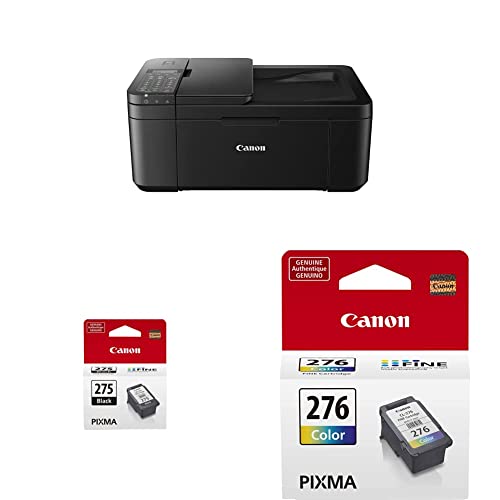
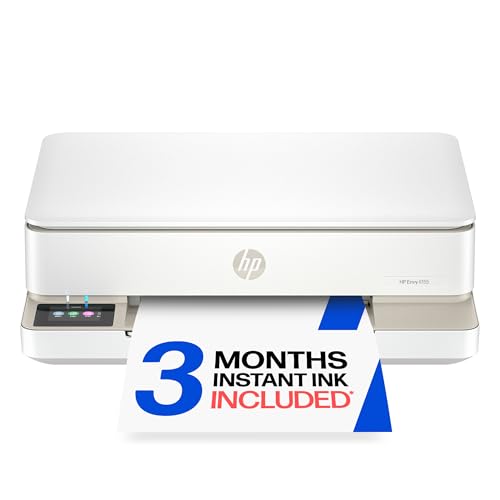
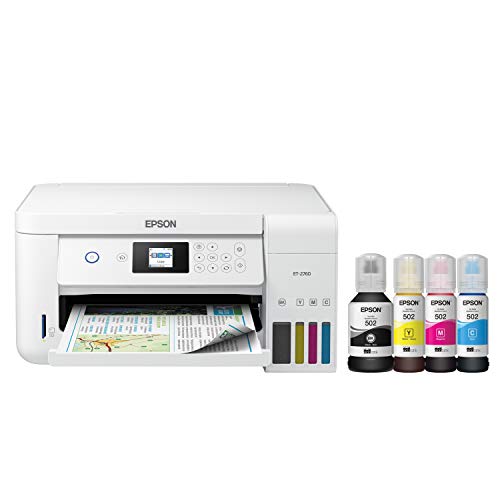
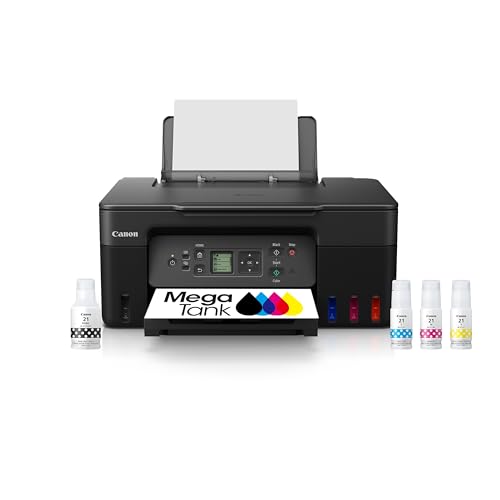
The best basic printers for home use handle the mixed printing a household actually does: school assignments, work forms, tickets, recipes, and the occasional photo. A home printer must be easy enough for everyone in the house to use, cheap enough to run without worry, and reliable enough to work when a deadline looms. The product table above shows current home printer options so you can compare them side by side.
This guide looks at home printing through household life rather than through spec sheets. You will learn how to match printer type to family volume, keep running costs low, set up wireless printing for every device, and avoid the common frustrations that make home printers feel like a chore.




Matching Printer Type to Household Volume
Low volume households printing a few pages a week suit a basic inkjet or a small laser, since either handles documents and occasional color without a large upfront cost. Inkjet suits mixed color work and photos, while laser suits text heavy homework and forms with sharper text and toner that never dries out. Choose by the mix of pages your household prints most, not by the occasional exception.
Medium volume households printing daily schoolwork or home office documents benefit from a laser or ink tank model, since cost per page drops sharply at higher volumes. A printer that keeps up with a busy week without constant cartridge changes saves time and frustration. Count a typical week of printing before buying, since volume surprises many buyers who guess rather than count.
Print, Scan, and Copy for Family Life
Most home printers now combine printing, scanning, and copying, and that combination earns its place quickly. Scanning turns paper forms into digital files for school and work, while copying handles permission slips and documents without a trip elsewhere. A flatbed scanner suits books and fragile originals, while a document feeder speeds multi page scanning.
Check scan quality and speed when scanning matters, since basic scanners vary in how quickly they handle color pages. A printer with a simple scan to phone or scan to email feature makes digital filing easy for the whole household. If you rarely scan, a print only model saves money and space, but most families use scanning more than they expect.
Wireless Setup for Every Device
A home printer should print from laptops, tablets, and phones without a cable hunt. WiFi setup through the maker app usually takes a few minutes, after which every device on the network can print. Place the printer within good WiFi range, since a weak signal causes failed jobs and long waits that feel like printer faults.
Give the printer a fixed place and a clear name on the network so family members find it easily. Show each household member how to print from their device once, and keep the app installed on shared tablets for guests and children. USB remains a useful fallback for a single computer when wireless troubleshooting is needed.
Running Costs, Paper, and Supplies
Home printing costs come from ink or toner, paper, and occasional parts such as rollers. Track cost per page by dividing cartridge price by page yield, and compare that figure across models before buying. Subscription ink plans suit steady household volumes, but check the monthly page allowance against your real use, since unused pages rarely roll over fully.
Keep a small stock of standard paper plus a pack of heavier paper for photos and projects, and store paper flat and dry. Damp or curled paper jams more often and wastes ink on reprints. A paper tray that holds a full ream reduces refilling, which matters in a busy household where the printer runs at homework time.
Space, Noise, and Shared Rooms
Home printers live in shared spaces, so size and noise matter. A compact printer fits a shelf, a desk corner, or a hallway nook, but needs clearance for trays and paper output. Measure the space with trays open, since a printer that fits closed but not open causes paper handling trouble and frustration.
Noise affects homework and calls, so a quieter inkjet suits a study corner while a laser hum suits a utility room better. Place the printer where children can reach it safely without climbing, and keep cables tidy to avoid trips. A printer station with paper and spare cartridges nearby keeps printing smooth for everyone.
Troubleshooting and Keeping It Running
Most home printer problems come from paper, ink, or connection issues rather than faults. When prints streak, run a cleaning cycle and check ink levels before replacing parts. When paper jams, remove sheets gently along the paper path rather than pulling hard, since torn fragments cause repeat jams. When wireless printing fails, restart the printer and router before changing settings.
Use the printer at least weekly to keep ink flowing and rollers supple, and update firmware occasionally for security and device compatibility. Keep the manual or app handy for cleaning and error codes, and teach older children basic steps such as loading paper correctly. A little routine care keeps a home printer reliable for years.
For more home printing options, see best printers for home use and best computer printers for home use. Multifunction buyers should compare best multifunction printers for home use and best aio printers for home use.
A Final Check Before You Order
Before ordering, list the jobs your household actually prints: schoolwork, forms, photos, and crafts, then match the printer to that mix rather than to a single standout feature. A multifunction model with scanning earns its place quickly for permission slips and digital filing, while a print only model saves money when scanning never happens. Check wireless support for every device in the house, from laptops to shared tablets.
Plan the printer station as a whole: a flat dry spot for paper, a nearby place for spare cartridges, and a location within good WiFi range. Teach each household member basic steps such as loading paper correctly and running a cleaning cycle when prints streak, since shared knowledge prevents most frustrations. A little setup care keeps a home printer reliable for years.
Frequently Asked Questions
What printer is best for a family home?
A multifunction inkjet or laser with wireless printing suits most families, since it prints, scans, and copies from every device. Inkjet suits mixed color work and photos at low to medium volume, while laser suits text heavy schoolwork with lower cost per page. Choose by your household print mix and volume, and favor a model with simple wireless setup that every family member can use. A compact size and quiet operation help in shared rooms.
How much should a home printer cost to run?
Running cost depends on cartridge or toner price divided by page yield, which gives cost per page. Inkjet pages cost more than laser pages, while ink tank pages cost least but need a higher upfront price. A household printing a few pages a week spends modestly on any type, while daily printing favors laser or ink tank. Check starter cartridge yields, since bundled cartridges often hold less than retail ones.
Why does my home printer keep going offline?
Wireless printers go offline when WiFi signal is weak, the router restarts, or the printer sleeps deeply. Move the printer closer to the router or add a WiFi extender, and check that the printer stays on the same network as your devices. Restarting the printer and router fixes most temporary drops. A USB connection avoids wireless drops entirely for a single computer, which suits a dedicated homework desk.
Do I need a printer with a scanner at home?
Most households benefit from scanning for school forms, work documents, and archiving paper records. A flatbed scanner handles books and fragile pages, while a document feeder speeds multi page jobs. Scan to phone or email features make filing easy without a computer. If you truly never scan, a print only model saves money, but families usually discover scanning uses once the feature is available.
How do I keep a home printer from clogging?
Print at least once a week to keep ink flowing through the printhead, and run a cleaning cycle when prints show streaks. Store paper flat and dry, since damp paper feeds poorly. Laser printers avoid clogging entirely because toner is a dry powder, which suits households that print rarely. Keep firmware updated and the printer in a dust free spot to reduce maintenance problems.
Final Thoughts
A home printer should fit household life: easy wireless printing for every device, running costs that do not cause worry, and scanning and copying when family paperwork demands it. Match the printer type to your real volume, set it up well once, and keep a simple care routine so it stays reliable. Use the product table above to compare current models, then choose the model that makes homework, forms, and photos easy for everyone. The best basic printers for home use are the ones the whole household can use without thinking twice.
