
Best Basic Printers 2026: Simple Buying Guide Tips
Disclosure: We may earn a commission when you buy through links on this page, at no extra cost to you. As an Amazon Associate I earn from qualifying purchases. Learn more

Basic printers should print reliably, cost little to run, and set up without fuss. Compare inkjet, laser, ink tank, and running costs for simple home printing.
The best basic printers do one job well: they print documents and the occasional photo reliably, without complicated setup or expensive running costs. Basic does not mean poor quality, since modern budget printers produce crisp text and decent color, but it does mean skipping features you may never use. The product table above shows current basic printers so you can compare them at a glance.
This guide helps you choose between inkjet, laser, and ink tank models, understand running costs honestly, and set up a printer that stays trouble free. The right basic printer fits your print volume, your space, and your patience for maintenance.
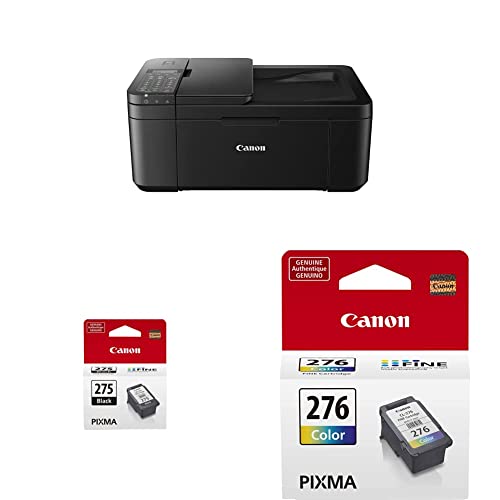
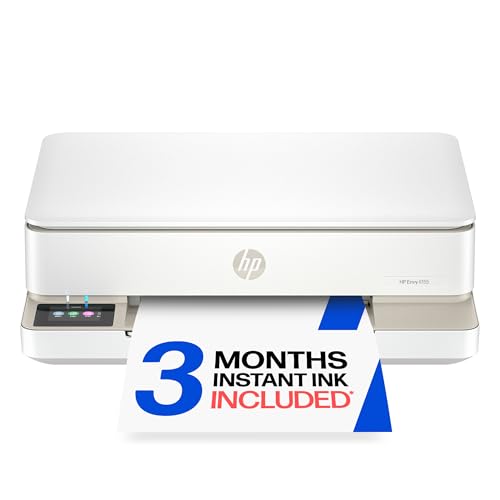



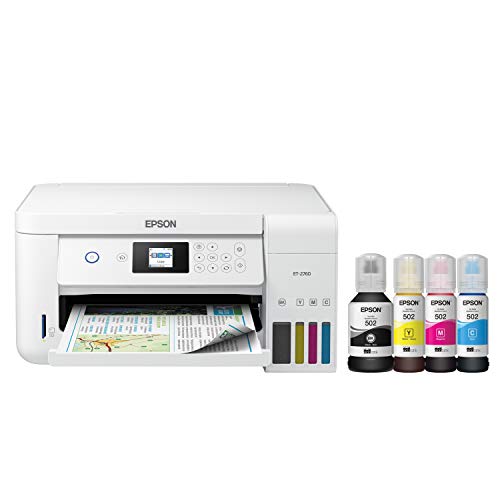
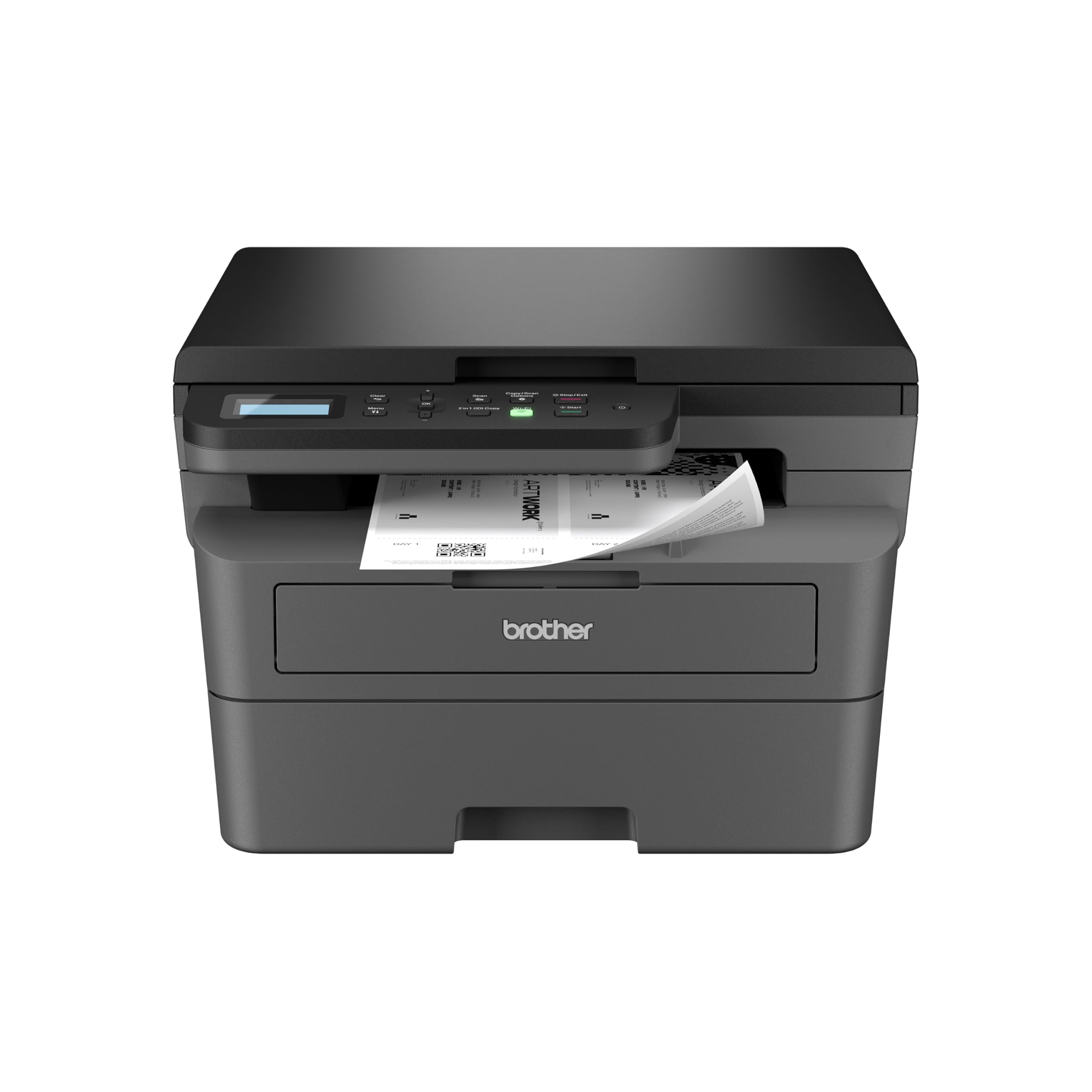

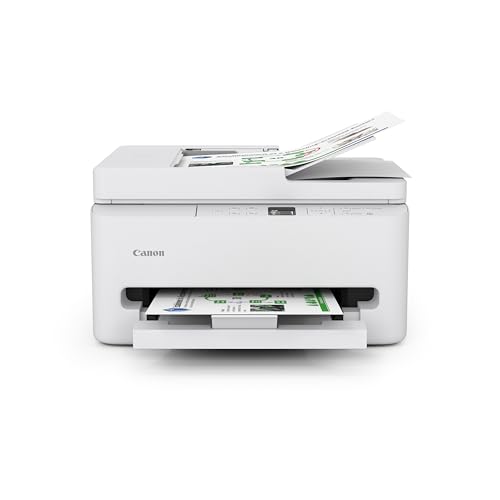
Inkjet, Laser, and Ink Tank Compared
Inkjet printers spray tiny ink drops onto paper and handle color documents and photos well at a low purchase price. They suit low volume homes that print a mix of documents and images, but ink cartridges cost more per page and printheads can clog when the printer sits unused for weeks. Regular use keeps inkjets happiest.
Laser printers use toner powder and print sharp text fast, which suits homes that print mostly documents. Toner cartridges cost more upfront but print many more pages, so cost per page stays low for text heavy use. Ink tank printers hold large refillable ink reservoirs and suit higher volume color printing, though the purchase price sits higher than basic cartridge models.
Running Costs and the Real Price
The sticker price of a basic printer tells only part of the story, since ink or toner costs dominate total spending over the printer life. Calculate cost per page by dividing cartridge price by its page yield, and compare that figure across models rather than comparing cartridge prices alone. A cheap printer with costly cartridges soon costs more than a pricier printer with cheap running costs.
Starter cartridges bundled with new printers often hold less ink than retail cartridges, so the first replacement comes sooner than expected. Check starter yields in the specifications before buying, and note whether third party cartridges or refill services are available for the model. Subscription ink plans suit steady print volumes but cost more when printing drops off.
Print Quality for Documents and Photos
Text quality matters most for a basic printer, and both inkjet and laser models now produce crisp readable documents. Laser text looks slightly sharper at small font sizes, while inkjet color looks richer for charts and photos. For occasional photo printing, an inkjet with photo paper gives better color depth than a basic laser, which suits documents first.
Paper choice affects results more than many buyers expect. Standard copy paper suits everyday documents, while heavier paper improves color documents and photos. Check the maximum paper weight the printer accepts, since thick card can jam in printers built only for light paper. Duplex printing, which prints both sides automatically, saves paper and suits document heavy homes.
Connectivity and Setup Simplicity
Wireless printing from phones and laptops is now standard on most basic printers, and it removes the need for a cable across the room. WiFi setup usually runs through an app that finds the printer and joins it to your network in a few steps. USB connection remains the most reliable option for a single computer, and it avoids network troubleshooting entirely.
Mobile printing apps let you print photos and documents directly from a phone, which suits households that rarely use a computer. Check that the printer supports the mobile system you use, since support varies by maker. A simple control panel with clear buttons beats a tiny confusing screen, especially when the printer is shared by a household.
Space, Noise, and Maintenance
Basic printers vary in size, and a compact model fits a shelf or a small desk better than a wide multifunction machine. Measure your space including room to open paper trays and output trays, since a printer needs clearance front and back for paper handling. A printer that fits tightly against a wall can jam more often when paper cannot feed straight.
Noise matters in shared rooms, since laser printers warm up with a noticeable hum and inkjets print more quietly. Maintenance stays simple with regular use: run a cleaning cycle when prints show streaks, keep paper dry and flat, and update firmware occasionally for security and compatibility. A printer used weekly stays healthier than one left idle for months.
When Basic Is Enough and When to Step Up
Basic printers suit homes printing a few pages a week, mostly documents with occasional color. They also suit students and home offices with modest needs and a tight budget. If your volume grows past a few hundred pages a month, running costs and speed limits push you toward a laser or ink tank model with lower cost per page.
Step up when you need scanning and copying often, since a basic print only model forces trips elsewhere for copies. Step up also when photo quality matters weekly, since dedicated photo features and more ink colors improve results. For everyone else, a reliable basic printer plus good paper delivers everything needed without extra cost or complexity.
For a wider quality comparison, see best quality printers and best computer printers for home. If photos matter, best printers for pictures helps.
A Final Check Before You Order
Before ordering, count a typical week of printing and calculate cost per page from cartridge price divided by page yield, since running costs dominate total spending. Check starter cartridge yields, because bundled cartridges often hold less than retail ones, and confirm whether third party cartridges or refill services exist for the model. Match technology to your mix: inkjet for color and photos, laser for text heavy documents.
Check wireless support against your household devices, since a printer that every family member can use from a phone beats one that needs a computer and a cable. Measure the space with trays open, and place the printer where paper stays dry and flat. A printer used weekly stays healthier than one left idle for months, so plan a small regular print to keep ink flowing.
Frequently Asked Questions
Should I buy an inkjet or laser basic printer?
Choose inkjet when you print color documents and occasional photos at low volume, since inkjets handle color well and cost less upfront. Choose laser when you print mostly text documents, since laser text is sharp, toner lasts longer, and cost per page stays low. If you print rarely, laser toner does not dry out like inkjet ink can, which makes laser better for idle printers. Match the technology to your mix of documents and photos.
How much does it cost to run a basic printer?
Running cost depends on cartridge price divided by page yield, which gives cost per page. Inkjet cartridges cost more per page than laser toner, while ink tank models cost least per page but more upfront. A home printing a few pages a week spends modestly either way, while heavy document printing favors laser. Check starter cartridge yields too, since bundled cartridges often hold less ink than retail ones.
Why does my basic printer print streaky pages?
Streaks usually mean a clogged printhead, low ink, or damp paper. Run the printer cleaning cycle from its settings or app, and check ink levels before replacing cartridges. Store paper flat and dry, since damp paper feeds poorly and absorbs ink unevenly. If streaks persist after cleaning and fresh paper, the printhead may need deeper cleaning or replacement, which is worth checking against the cost of a new printer.
Can basic printers print from a phone?
Most modern basic printers support wireless printing from phones through the maker app or built in mobile printing standards. Connect the printer to your home WiFi once, then send documents and photos from your phone without a computer. Check that the printer supports your phone system before buying, since support varies by maker. USB printing from a computer remains available as a reliable fallback when wireless setup troubles arise.
How long do basic printers last?
A basic printer used regularly and kept clean lasts several years of home use, with lifespan set more by printhead and roller wear than by age. Regular use keeps ink flowing and rollers supple, while long idle periods cause clogs and dried seals. Replace rollers or printheads when parts are available and cheap, but replace the printer when repair costs approach a new model price. Keep firmware updated for security and compatibility over the printer life.
Final Thoughts
A basic printer should be simple to set up, cheap enough to run, and reliable enough to forget about between jobs. Match inkjet, laser, or ink tank technology to your print mix and volume, check running costs honestly, and choose connectivity that fits your household. Use the product table above to compare current models, then pick the printer whose costs and features fit your real printing habits. The best basic printers are the ones that print cleanly whenever you need them, without fuss or surprise costs.
