
Best Basic Home Printers: Budget, Midrange, and Premium Tiers for 2026
Disclosure: We may earn a commission when you buy through links on this page, at no extra cost to you. As an Amazon Associate I earn from qualifying purchases. Learn more

A budget based buying guide to the best basic home printers, explaining inkjet, laser, and tank running costs, paper handling, and must have features.
Home printers range from under $80 to well past $400, and the sticker price is only half the story, because ink and toner decide what you really pay over the years. The smart question is not which printer costs least today, but which type matches how much you print each month. This guide to the best basic home printers breaks the market into three budget tiers and shows where extra money genuinely helps.
Browse the product table above for current options, then read on for what each level should include, which features deserve your money, and how to estimate long term costs before you buy.
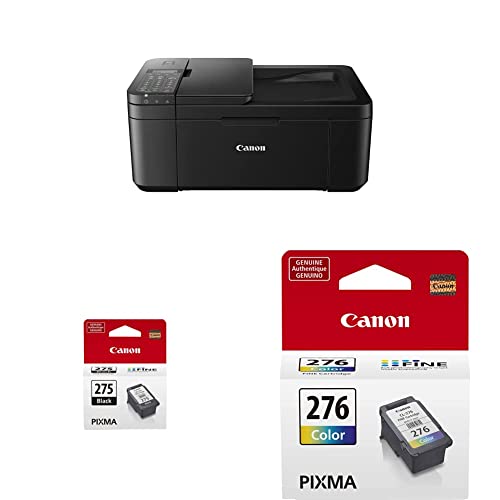
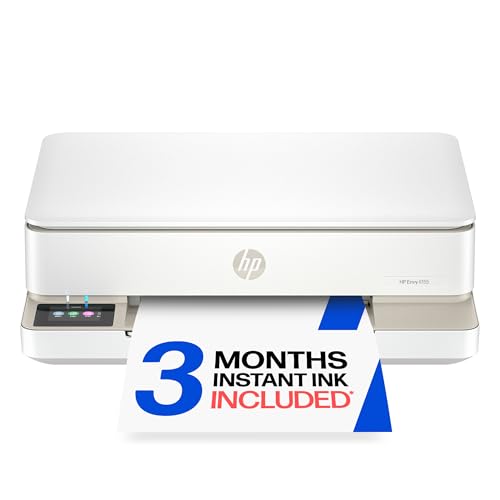



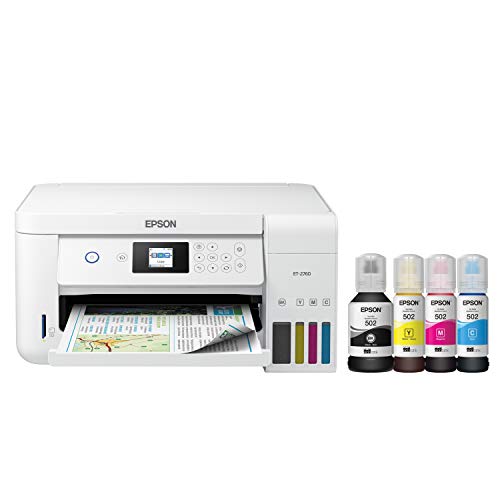
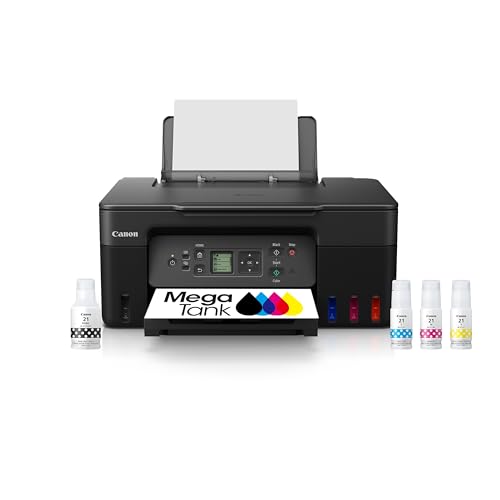

Three Budget Profiles: What to Demand at Each Price
Budget Profile: Occasional Printing Done Right
A budget home printer, usually around $80 to $150, suits households that print a few pages a week: forms, tickets, school sheets, and the odd return label. At this price, demand WiFi printing from phones, a simple display or clear status lights, and cartridges that are easy to find locally. Most budget models are inkjets, which handle color well but sip expensive ink if they sit unused. The honest limit is speed and paper capacity, so expect small trays and patience with longer documents.
Midrange Profile: The Busy Household Standard
Midrange printers, roughly around $150 to $280, fit families and home office workers who print most days. This tier should add automatic two sided printing, a larger paper tray, and either an ink tank system or affordable high yield cartridges that cut running costs sharply. Scanning and copying arrive here in all in one designs with a flatbed lid. Spend in this tier when your monthly volume is steady, because the savings per page repay the higher purchase price within a year or two of regular use.
Premium Profile: Heavy Use and Photo Quality
Premium basic printers, often around $280 to $450, earn their price through speed, capacity, and print quality rather than novelty features. Look for fast first page times, trays holding 250 sheets or more, sturdy duty cycle ratings, and, for photo lovers, six ink systems that render skin tones and skies smoothly. Households printing photos often should compare the options in our guide to the best quality photo printers for home before settling on a general purpose model.
What Your Money Gets You at Each Price Tier
Budget Tier: What to Expect
Budget models print well but slowly, and their low price is partly a bet that you will buy the maker priced cartridges for years. Starter cartridges in the box are often partly filled, so a first replacement set can arrive sooner than you expect. Build quality is light plastic, WiFi setup can be fussy, and the control panel may be a few buttons and lights. None of that matters if you print rarely and value a small footprint, which is exactly the reader this tier serves.
Midrange Tier: The Sweet Spot for Most Buyers
The midrange is where running costs fall and convenience rises together. Ink tank models replace cartridges with refill bottles that print thousands of pages, while midrange laser models use toner that never dries out. You also gain automatic duplex printing, which halves paper use on long documents, and better paper handling that reduces jams. For a wider view of this class, our guide to the best computer printers for home compares designs across brands and prices.
Premium Tier: When Spending More Pays Off
Premium money pays when your volume is high or your standards are specific. A home office printing hundreds of pages monthly recovers a premium laser price through cheap toner and fewer interruptions. Photo households gain finer droplet control and better color accuracy. Premium models also tend to keep driver and app support longer, which matters because a printer often outlives the computer it first served. If neither volume nor photo quality describes you, this tier is a luxury, not a need.
Features Worth Paying For (and Ones to Skip)
Printer Type (Inkjet, Laser, and Tank)
Inkjet prints the best color and photos and suits mixed home use at low volume. Laser prints crisp text fast, and toner never dries between uses, which suits text heavy homes and offices. Ink tank models are inkjets with refillable reservoirs, trading a higher price for very cheap pages.
Footprint and Noise
Measure the shelf or desk spot with the output tray open, not closed, because printed pages need landing room. Compact models save space but often hold only 50 to 100 sheets, which means frequent refills in busy homes. Noise matters in shared rooms: laser printers hum and click during jobs but stay silent while idle, while inkjets make short bursts of carriage noise. If the printer will live in a bedroom or study corner, a quiet mode setting is worth having.
Cost per Page and Ink or Toner Costs
Cost per page is the figure that decides your real budget: cartridge or bottle price divided by its page yield. A cheap printer using small cartridges can cost several times more per page than a tank model. Instant ink style subscription plans suit predictable moderate volume and remove the pain of a sudden cartridge bill, but they bill monthly even in quiet months. Do a rough yearly estimate with your true page count before choosing between cartridge, tank, and toner designs.
Paper Handling and Duplex Printing
Automatic duplex printing, which prints on both sides without you flipping the stack, saves paper and suits anyone printing reports or study notes. An automatic document feeder on a scanner lid speeds up copying multipage forms, a feature central to the all in one designs in our guide to the best mfp printers for home. Check the maximum paper weight too, because card stock for invitations defeats some lightweight feeders, and an envelope slot is a small feature you will miss if you mail often.
Long Term Costs to Factor In
Over five years, supplies usually cost more than the printer itself. Budget for ink or toner, paper, and one set of replacement cartridges in the first year if the box includes starter supplies. Tank and laser models shift spending upfront and then run cheaply, while cartridge inkjets spread the cost out in painful surprises. Electricity use is minor for home models. Warranty length matters most in the first two years, when feed rollers and printheads reveal defects. Finally, check that the maker still sells supplies for the model you choose, since a printer with orphaned cartridges becomes waste.
Basic Home Printers: Your Questions Answered
What does cost per page mean for a home printer?
Cost per page means the supply cost of one printed page, found by dividing a cartridge, bottle, or toner price by the number of pages it is rated to print. Color pages cost more than black ones because they draw on several inks at once. A practical extra check is yield honesty: ratings assume light coverage, so photo heavy printing uses far more ink per page. When comparing two printers, compare color cost per page, not just black.
Do I need a scanner and copier in a basic home printer?
Only if you copy or scan at home more than a few times a month. An all in one adds a flatbed scanner and copier for a modest price premium, and it saves trips to a copy shop for forms, receipts, and school papers. If you only print, a single function model is smaller and cheaper. When you do want scanning, an automatic document feeder is worth having for multipage documents.
Are ink tank printers worth it for home use?
Yes, ink tank printers are worth it if you print regularly, roughly a few hundred pages a year or more. The refill bottles cost far less per page than cartridges, and the tanks show ink levels at a glance so you are never caught empty mid document. The trade offs are a higher purchase price and the same inkjet need to print something every week or two to keep nozzles clear. Very occasional printers may still do better with a laser.
Inkjet or laser: which is cheaper long term at home?
Laser is usually cheaper long term for text heavy printing, because toner yields thousands of pages and never dries out in the drum. Inkjet with a tank system can match or beat laser on cost for mixed color work, while cartridge inkjets are the priciest way to print anything in volume. The deciding factor is your page mix: mostly forms and documents point to laser, while photos and color school projects point to a tank inkjet.
The Bottom Line
Pick your printer type first, then your tier, then check cost per page before any feature list. Occasional printers save money with a budget inkjet or a small laser, while regular printers win with tank or toner economics. Compare your finalists in the product table above, and you will land on the best basic home printers choice for your household. Readers who want a broader shortlist can also browse our guide to the best reviewed home printers for more comparisons.
