
Best At Home Printers for Teachers in 2026: Which One Fits the Way You Use It?
Disclosure: We may earn a commission when you buy through links on this page, at no extra cost to you. As an Amazon Associate I earn from qualifying purchases. Learn more

Compare the best at home printers for teachers by cost per page, print speed, duplex printing, and scanning so you can print lessons without wasting ink.
There is no single printer that suits every teacher. A kindergarten teacher printing color centers every Sunday night needs something different from a high school teacher printing black and white exam packets. This guide sorts the best at home printers for teachers by teaching routine, so you can match ink costs, speed, and scanning to your real workload instead of buying on the sticker price alone.
Home printing for school is a volume game with surprises: a class set of worksheets here, a stack of permission slips there, and a last minute sub plan at 6 in the morning. The right machine keeps cost per page low and never leaves you shaking an empty cartridge the night before a lesson. If you are still deciding how much printer your household needs overall, our guide to the best printers for at home use gives the wider picture before you narrow down.





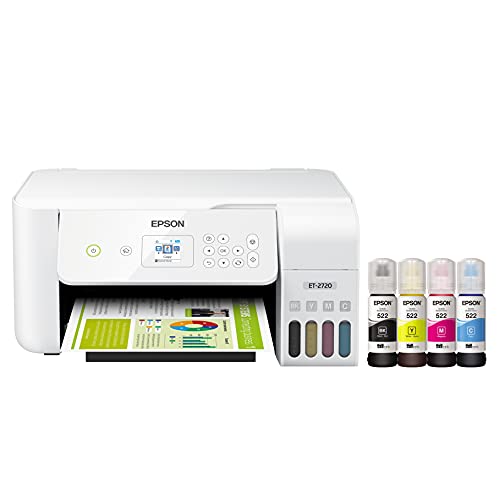
Who Should Buy Which At Home Printers?
Teachers print in patterns. Find your pattern below and the right printer type usually becomes clear.
For Elementary Teachers Who Print in Color Often
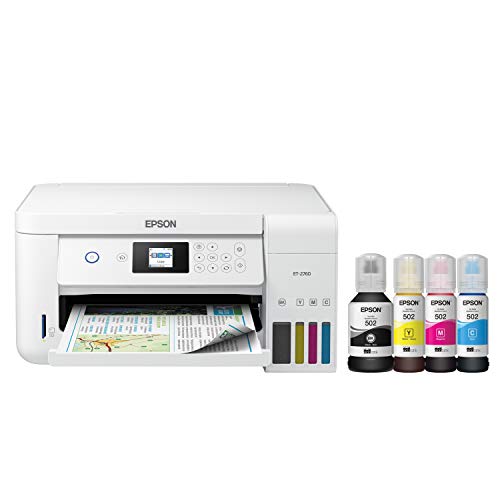
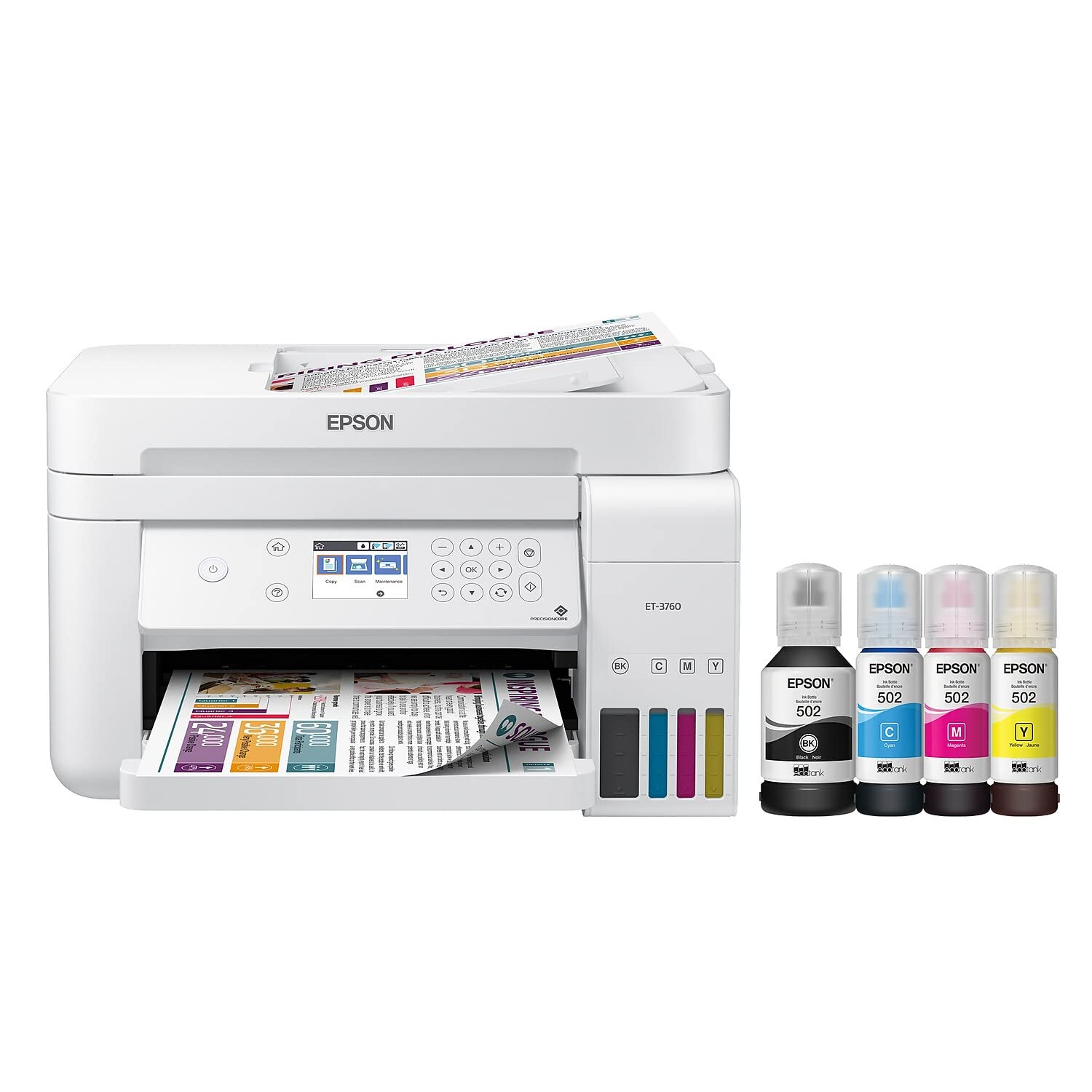
Your week runs on color: center activities, flashcards, word walls, and reward certificates. An ink tank color printer fits best, because vivid output stays affordable when the ink comes from bottles instead of small cartridges. Look for borderless printing for full page visuals and a flatbed scanner for copying workbook pages. Budget tier tank models cost more upfront than cartridge printers, but a single set of bottles can cover a school year of classroom color.
For Secondary Teachers Who Print Long Documents
Your printing is mostly text and lots of it: reading packets, lab sheets, essays for marking, and exam drafts. A monochrome laser printer is your workhorse, with fast pages, crisp text, and toner that never dries out between school breaks. Automatic two sided printing saves real money on long packets. Teachers comparing classroom focused options can also see our guide to the best home printers for teachers for more detail on document heavy setups.
For Teachers Who Scan, Copy, and Grade at Home
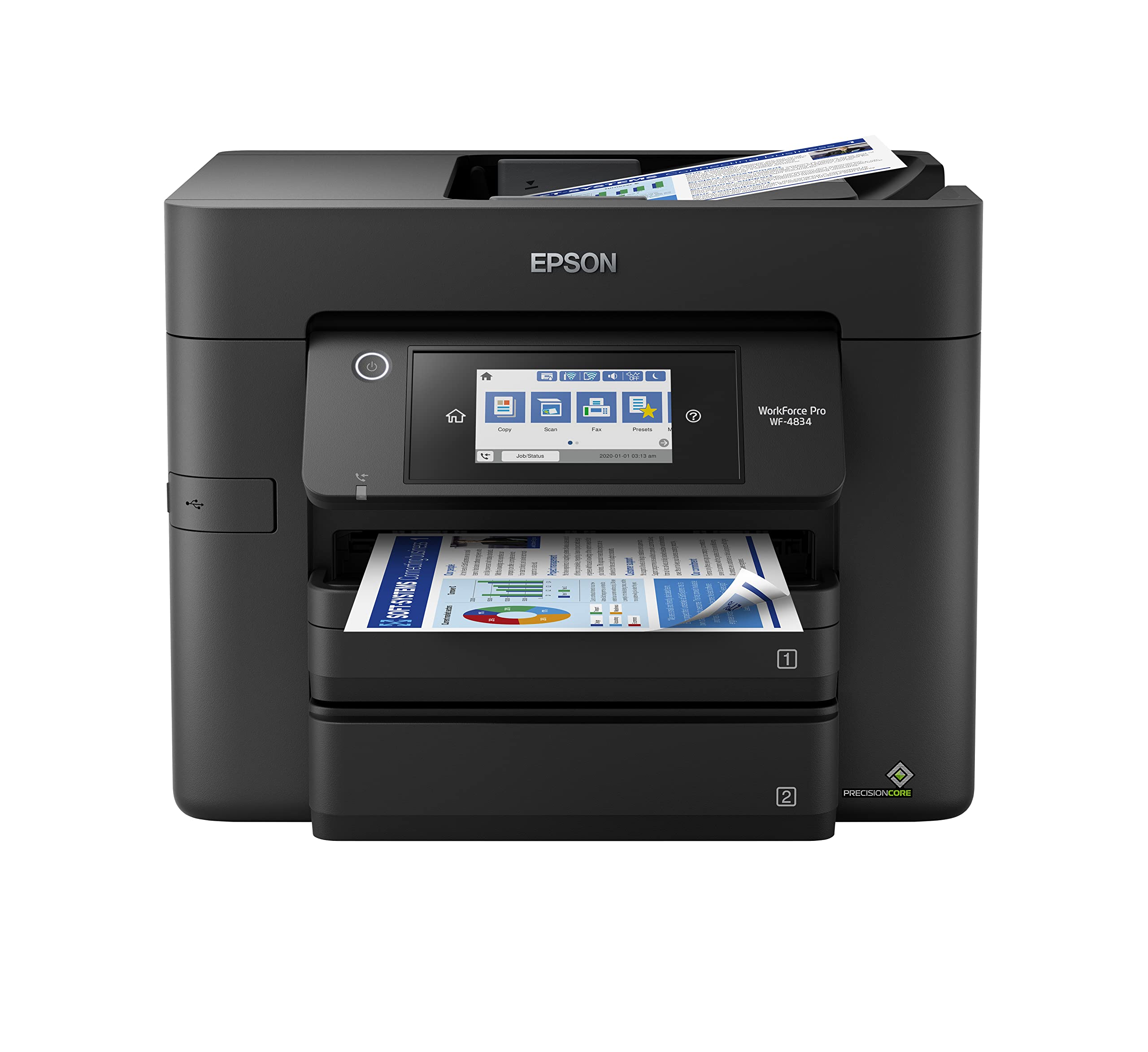
You digitize answer sheets, copy from textbooks that cannot leave school, and scan student work for records. You need an all in one with a flatbed scanner and, ideally, an automatic document feeder that scans a stack of pages while you make coffee. Check that scanning to PDF and to email works over your home WiFi. A feeder rated for 20 to 35 sheets handles a class set of quizzes without babysitting. Our guide to the best at home printers and scanners digs into feeder capacity and scan quality if digitizing paperwork is half your workload.
Key Features to Compare
Five features decide whether a home printer feels like a helper or a headache. Judge every model against these before you look at anything else. For a broader baseline of what households in general should expect, see our overview of the best computer printers for home use, then weigh the teacher specific points below more heavily.
Features That Matter for Teachers
Teaching imposes specific demands: bursty volume at the start of term, color for younger grades, and paperwork that mixes printing, scanning, and copying in one sitting. Prioritize a paper tray that holds at least 150 sheets so Sunday prep does not mean constant refills, plus a rear feed or straight path for cardstock and labels. When you compare the best at home printers for teachers, also confirm the printer supports printing from your school laptop and your phone, since lesson files live on both.
Printer Type (Inkjet, Laser, Tank)
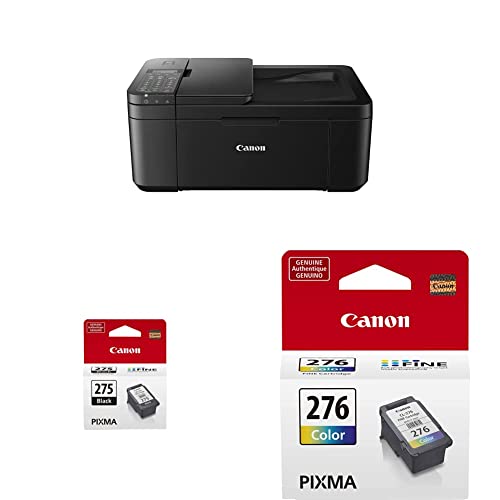
Standard inkjet models are cheap to buy but costly per page, which punishes class set printing. Laser printers excel at fast, cheap text and sit idle for weeks without clogging. Ink tank printers, often called supertank models, split the difference: color output with very low running costs.
Footprint and Noise
Your printer likely shares a desk, a dining table, or a spare bedroom corner. Measure the space with the paper tray open and output extended, because that working footprint is bigger than the box suggests. Laser printers tend to be heavier but quiet between jobs; inkjet models print more softly but for longer. If you print early in the morning while family sleeps, look for a quiet mode setting, and expect it to trade a little speed for peace.
Print Quality and Resolution
For worksheets and handouts, almost any modern printer is sharp enough. Quality starts to matter for photos, art examples, and display pieces, where higher resolution and dedicated photo inks produce smoother gradients. If classroom photos are part of your routine, our guide to the best at home printers for photos explains what separates snapshot output from display worthy prints. For pure text, laser output stays crisp and smudge free even on cheap paper.
Print Speed
Speed is measured in pages per minute, and the number that matters is the one for your typical job. A rating around 10 to 15 pages per minute feels fine for homework sheets, but a 100 page packet exposes slow printers quickly. Also check the time to first page: laser printers wake and print fast, which suits quick single copies before school. Duplex speed matters too, since two sided jobs can run noticeably slower than single sided ones.
Common Mistakes to Avoid When Buying At Home Printers
- Buying the cheapest cartridge printer, then paying more for ink in one term than the printer itself cost.
- Ignoring the features that matter for teachers, such as tray capacity and cardstock handling, and fighting paper jams during Sunday prep.
- Choosing a printer only model when your week includes scanning permission slips and copying workbook pages.
- Oversizing your purchase with a bulky office unit when a compact tank model covers your real volume.
- Skipping the warranty and ink availability check, then finding replacement bottles or toner hard to source mid year.
Care and Maintenance Tips
Print a page every week or two to prevent clogs on inkjet and tank models, even during summer break; a simple nozzle check page counts. Use genuine ink or reputable refill brands, because bargain ink can leak, fade, or clog the print head. Keep paper stored flat and dry, since damp sheets cause most mystery jams.
At Home Printers: Your Questions Answered
What features matter most in at home printers for teachers?
Low cost per page, a generous paper tray, and scanning matter most. Teachers print in bursts, so a tank or laser model that sips ink beats a cheap cartridge machine within months. One overlooked point: check the monthly duty cycle rating. A printer rated for at least 1,000 pages a month will shrug off report card season, while a light duty model may struggle.
Do I need a printer with an automatic document feeder?
An automatic document feeder is worth having if you scan or copy stacks of pages, such as quizzes, forms, or workbook sheets. For occasional single page scans a flatbed alone is enough. Check the feeder capacity and whether it scans both sides, since those details decide how much time you save.
Are ink tank printers worth it?
Yes, for most teachers they are the sweet spot. You pay more upfront, then print thousands of pages from one set of bottles at a fraction of cartridge costs. The math flips only if you print very little, say under 20 pages a month, where a basic laser or even the school copier makes more sense. Tank models also reduce the Sunday night panic of an empty cartridge.
Inkjet or laser: which is cheaper long term?
Laser is cheaper long term for text heavy printing, because toner yields are high and cartridges never dry out. Inkjet wins when you print lots of color, especially in tank form, where cost per color page drops sharply. The honest answer depends on your mix: count your color share for one month of lessons, then choose. Many teachers land on a color tank model as the compromise.
What does cost per page mean?
Cost per page is the price of ink or toner divided by how many pages that supply prints. A cartridge costing about $30 that yields 200 pages lands around 15 cents a page, while tank ink can fall below 1 cent for black pages. Always compare yields using the same standard test pages, and remember that heavy color coverage on worksheets raises your real cost above the estimate.
Final Thoughts
Decide by your dominant job: color rich elementary materials point to a tank printer, long text packets point to a laser, and heavy scanning points to an all in one with a document feeder. Check your shortlist against the product table above, and you will find the best at home printers for teachers setup that keeps prep night calm and ink costs boringly low.


