
Best At Home Printers and Scanners: A First Time Buyer's Guide for 2026
Disclosure: We may earn a commission when you buy through links on this page, at no extra cost to you. As an Amazon Associate I earn from qualifying purchases. Learn more

Shopping for the best at home printers and scanners for the first time? Learn the terms, compare options, and avoid rookie mistakes with this easy guide.
Buying your first printer for home can feel confusing, because one box now prints, scans and copies, and every box promises something different. The best at home printers and scanners are simply the models that match your pages, your space and your budget without wasting ink. This guide walks through each choice in the order you will meet it in the comparison table below.
Think about your real week before you look at any model. You might print school forms and shipping labels and scan signed papers for email. Count your pages in a typical month, because that number drives your ink costs, your ideal printer type and the size of machine your desk can hold.
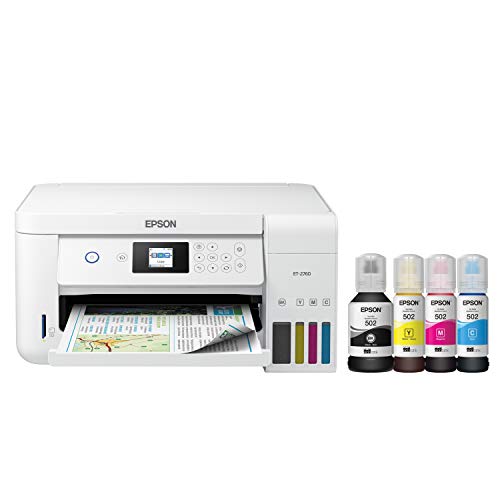


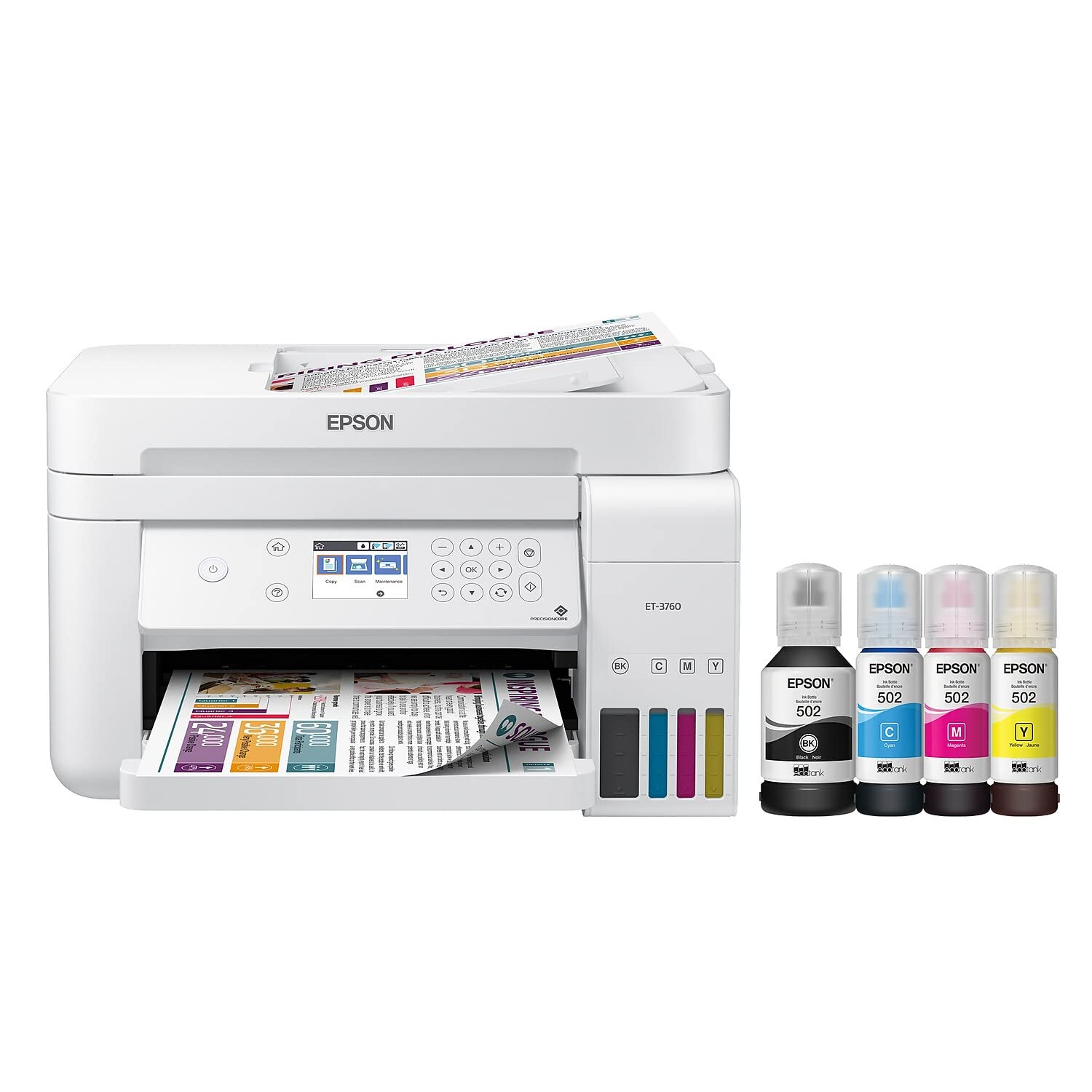


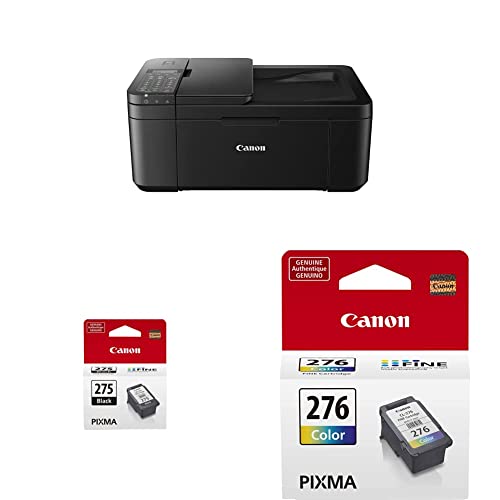
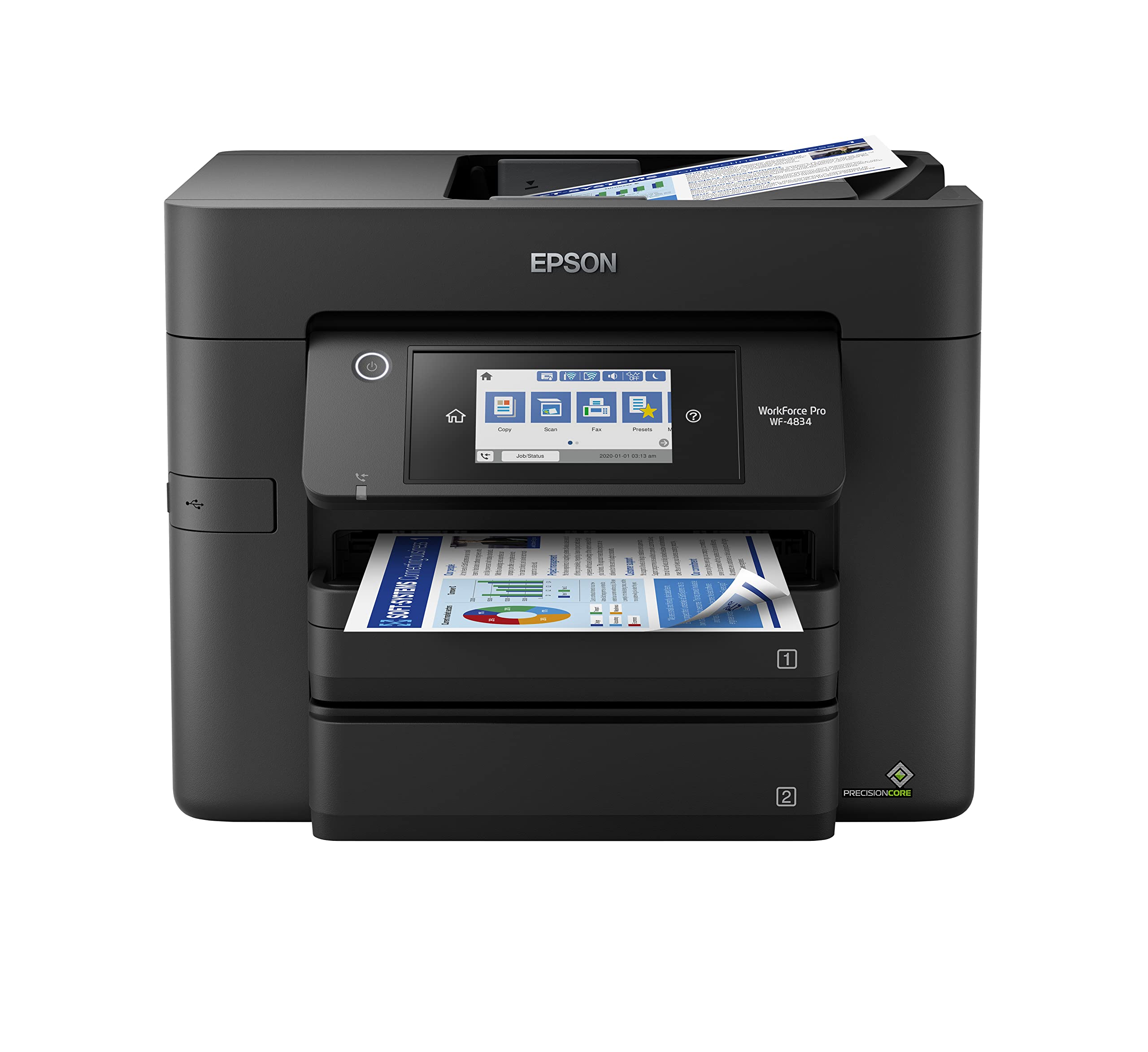

At Home Printers and Scanners 101: The Basics
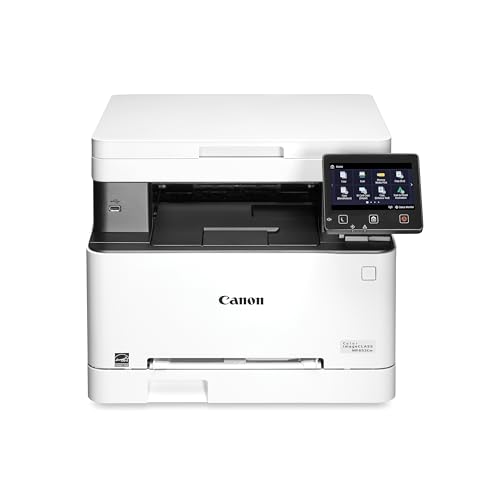
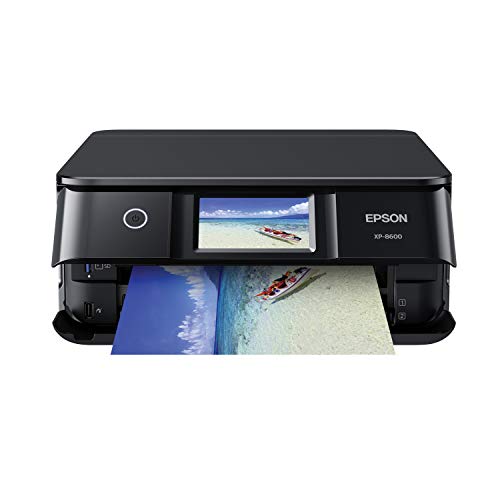
An at home printer and scanner is usually one all in one machine that prints pages, scans documents or photos into digital files, and copies pages without a computer. The printer side lays ink or toner on paper, while the scanner side uses light and a sensor to capture an image of the page.
If you only print and never scan, a print only model can cost less, and readers in that position can see our guide to the best printers for at home. For most households, the best at home printers and scanners earn their place by handling printing, scanning and copying through one shared paper path and one shared set of controls.
Printer and Scanner Specs That Matter for Home Use
Read each spec as an answer to a home question: what will I print, how often, and where will the machine live?
Printer Type: Inkjet, Laser and Ink Tank
Inkjet printers spray tiny drops of ink and suit mixed home use, color pages and photos. Laser models use toner powder and a heated roller, so text looks crisp and pages arrive fast. Ink tank models are inkjets that refill from bottles instead of small cartridges, which lowers running costs for busy homes. Choose inkjet for variety, laser for text, and a tank model for high steady volume.
Print Quality, Resolution and DPI
DPI means dots per inch, and it describes how finely a printer can place ink or toner on the page. Text stays sharp at modest settings, while photos look smoother at higher settings because the dots blend more closely. Paper quality and ink colors matter just as much as the headline figure. For documents, choose clean text first. For photos, choose a model that accepts photo paper and uses extra ink colors for softer shading.
Scanning Quality and Feeder Choices
A flatbed scanner has a glass lid where you place one page or photo at a time, which protects fragile items and thick originals such as book pages. A sheet feeder pulls a stack of loose pages through one by one, which saves time on long documents but cannot handle bound or delicate items. Scan resolution is also stated in DPI. Most homes can rely on the flatbed alone.
Connectivity and Mobile Printing
Most home models connect through WiFi, so every computer and phone in the house can share one machine without a cable near the desk. AirPrint lets Apple devices print without extra software, and manufacturer apps add phone scanning, ink level checks and cloud printing. Before you buy, confirm the model supports the phones and computers your household actually uses.
Paper Handling, Duplex Printing and Speed
A tray that holds about 100 to 150 sheets suits light home use, while a larger tray suits a busy home office. Duplex printing means the machine prints on both sides automatically, which cuts paper use on long documents. An automatic document feeder pairs with duplex scanning on some models. Speed is stated in pages per minute, and the first page is slower because the machine must wake and prepare.
Cost per Page and Running Costs
Running cost matters more than shelf price over the years you own a machine. Cartridges hold little ink and cost more per page, while tank refill bottles hold more ink and cost less per page. Laser toner cartridges cost more upfront but cover many more pages. Ink subscriptions suit steady use but waste money in quiet months. Match the system to your monthly page count, not to the discount on the box.
Who Should Buy Which Type for Home Use?
Find the group closest to your own week, then check its short list against the product table above.
Families Printing Schoolwork, Forms and Labels
A family machine must please several people at once, often in a hurry. Choose a color inkjet or tank model with WiFi, a flatbed for artwork and book pages, and simple controls. Readers comparing close options can see our guide to the best home printers and scanners for a wider view of family choices.
Home Office Users Scanning Long Documents
If you work from home and scan contracts, invoices or tax papers each week, choose a model with a sheet feeder, duplex scanning and a larger paper tray. A laser or tank model keeps text sharp and costs steady across busy months. Readers who want a fuller desk setup can see our guide to the best home office printers and scanners for heavier daily volume.
Photo Lovers and Craft Households
Photos and craft prints reward inkjet models that take thicker paper, borderless sheets and extra ink colors for gentle shading. A flatbed also lets you digitize old prints before the paper fades. Speed matters less here than color accuracy, so accept slower text output if photo samples look richer and skin tones stay natural in daylight.
Printers and Scanners for Tight Home Spaces
Apartments, dorm rooms and shared bedrooms rarely offer a spare desk corner. A thin model helps only when it still prints and scans well, so treat small size as a real feature to check, not as a label.
Choosing a Slim All in One
Slim all in one models are built for shallow shelves and narrow desks. Measure the depth with the paper tray open and the output tray pulled out, because a closed machine can look far smaller than it is in use. Check the weight if you plan to store the machine in a closet between uses.
Slim models often hold less paper and scan only through a flatbed, so accept those limits only when space truly rules your choice. Most slim inkjets also stay quiet enough for a bedroom.
Rookie Mistakes to Avoid
First time buyers repeat these five errors often.
- Buying on shelf price alone leaves you paying the highest ink costs for years.
- Skipping the open tray measurement leaves a new machine hanging off the edge of a small desk.
- Choosing a sheet feeder as your only scanner leaves bound books and fragile photos with no safe way to be copied.
- Letting an inkjet sit unused for months leaves dried ink blocking the nozzles and ruining prints.
- Storing paper in a damp corner leaves sheets curled, so pages feed unevenly and prints come out wavy.
Getting Started: Setup, First Use and Basic Care
Unbox the machine on a flat surface, remove every strip of packing tape, and load plain paper before you switch it on. Connect it to WiFi during the guided setup, print the alignment page the machine requests, and then print a test page from each computer and phone in the house. Scan that same page back to yourself, so you know both halves work before the return window closes.
Basic care keeps a home machine ready. Print one color page each week if you own an inkjet, because regular use keeps ink moving and helps prevent clogs in the print head. Wipe the scanner glass with a soft dry cloth when scans show streaks, and use genuine ink or ink from a reputable maker so colors stay predictable.
At Home Printers and Scanners: Your Questions Answered
What does cost per page mean for an at home printer and scanner?
Cost per page means the price of the ink or toner for one printed page, worked out by dividing the cartridge price by its stated page yield. A cartridge that costs about $30 and yields about 200 pages costs about 15 cents per page in ink alone. Color pages cost more than black pages because they use several inks at once. Use maker yield figures for every model, so the math stays fair.
Are ink tank printers worth it for printing and scanning at home?
Yes, an ink tank printer is worth it when your household prints several hundred pages each month. The saving comes from cheap bottle refills spread across many pages, so a quiet household may take years to recover the higher price. One point buyers miss is the refill itself, which needs a steady hand over the tank opening. Keep bottles upright and locked away, because spilled ink stains desks and clothes.
Is an inkjet or a laser printer cheaper over time for home use?
A laser printer is usually cheaper over time when you print mostly text in bursts with quiet weeks between jobs. Toner does not dry out while the machine sits idle, so sporadic users waste less. An inkjet wins only when you print color often. Count your last three months of pages, because that record predicts your costs better than any guess.
What scanner resolution does a home user need for photos and documents?
For documents, a scan setting of about 200 to 300 DPI keeps text crisp and files small enough to email. Photos you plan to enlarge or restore deserve about 600 DPI, because the extra detail gives editing software more to work with. Very high settings mostly create huge files with little visible gain. Save an untouched master copy of each old photo before you edit anything.
Our Verdict
Keep three checks in front of you: your monthly page count, the mix of text, color and photos in that count, and the open space on your desk. Those checks point most homes to a WiFi inkjet or tank model with a flatbed scanner, and heavy text users toward laser. Use the product table above to compare the finalists, and let those checks decide which of the best at home printers and scanners belongs in your home.


