
Best Aftermarket Ink for Epson Printers Made Simple: A Clear Buying Guide for 2026
Disclosure: We may earn a commission when you buy through links on this page, at no extra cost to you. As an Amazon Associate I earn from qualifying purchases. Learn more

A plain English guide to the best aftermarket ink for epson printers, covering cartridge types, chip fit, cost per page, and mistakes first time buyers make.
Buying ink from a brand other than the printer maker feels risky the first time, mostly because the packaging all looks the same while the prices vary wildly. Some cartridges print beautifully for years, and others leak, clog, or get rejected by the printer on day one. This guide explains the best aftermarket ink for epson printers in plain language, starting with the basic terms and ending with a simple checklist you can use at checkout.
You do not need any printing background to follow along. We will cover how aftermarket ink differs from genuine ink, which specs actually matter for Epson models, and how to match a cartridge or bottle to your exact printer. The comparison table below lists the main options, and each section after it helps you read those listings with confidence.


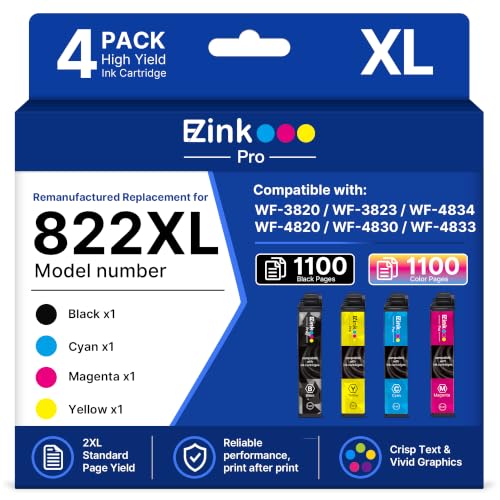
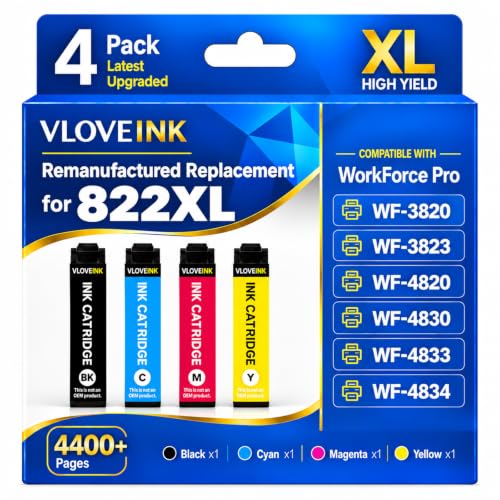
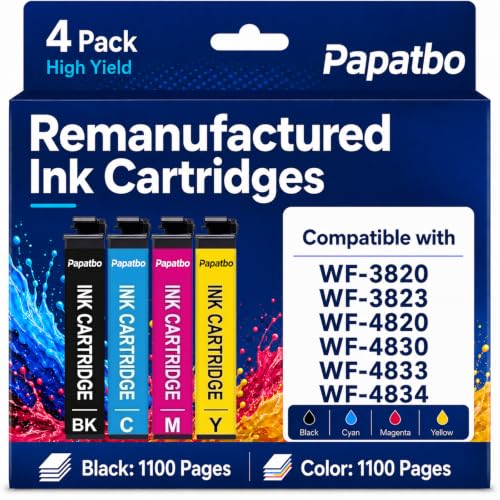
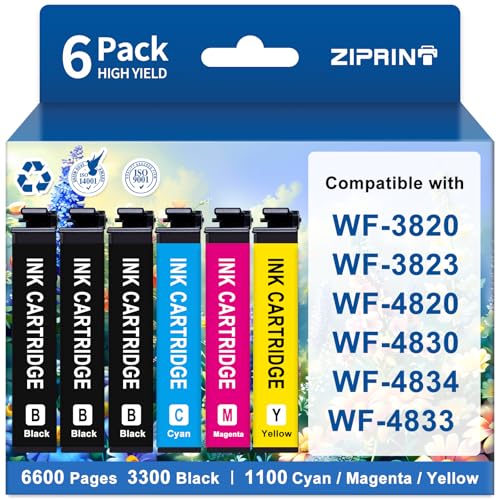


Aftermarket Inks 101: The Basics
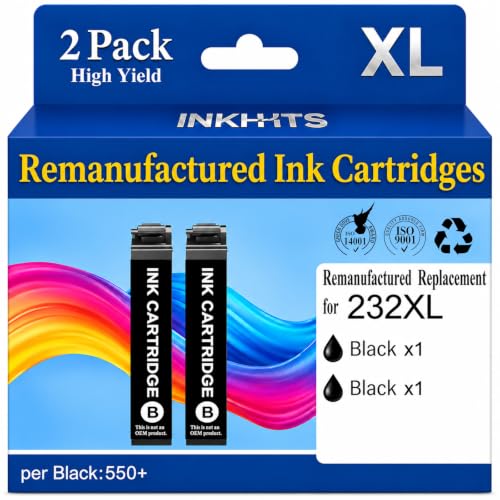
Aftermarket ink is ink made by a company other than the printer manufacturer, designed to work in that manufacturer printers. It comes in three broad forms: compatible cartridges built new by a third party, remanufactured cartridges that reuse cleaned genuine shells with fresh ink, and refill bottles for tank printers. All three aim to deliver the same everyday printing at a lower cost per page than genuine supplies.
The part that makes Epson fit tricky is the small chip on each cartridge. Your printer reads that chip to confirm the cartridge type and estimate ink levels, and a chip programmed for the wrong model or an outdated firmware version can trigger a rejection message. Reputable sellers update their chips and list exact model numbers, which is why the seller matters as much as the ink itself. If you want background on genuine options as well, our guide to the best ink for epson printers explains the full range.
Key Specs Explained in Plain English
Features That Matter for Epson Printers
Epson printers mostly use piezoelectric printheads, which push ink through nozzles with tiny vibrating elements rather than heat. That design handles a wide range of ink formulas well, but it dislikes ink that has sat open and thickened, because thickened ink strains the nozzles. Look for cartridges with a recent production date, sealed packaging, and ink formulated for Epson rather than a universal formula. Page yield stated to the common ISO standard lets you compare brands fairly, so favor listings that state yield that way.
Printer Type (Inkjet, Laser, Tank, 3D FDM/Resin)
Aftermarket ink only applies to inkjet and ink tank printers, since laser machines use dry toner powder and 3D printers use filament or resin. Within Epson inkjet models, know which family yours belongs to: cartridge based home printers, cartridge based office printers with larger high yield cartridges, or tank models you refill from bottles. The ink itself differs by family, and bottle ink for a tank printer should never go into a cartridge. Matching the family first prevents most ordering mistakes.
Footprint and Noise
Footprint and noise sound like printer shopping topics, but they affect ink buying more than you would expect. A compact home printer tucked in a bedroom usually prints in short bursts, which means cartridges sit idle between jobs and need ink that resists drying at the nozzle. A busier office printer consumes ink fast enough that freshness is less of a worry and bulk packaging saves more. Be honest about your weekly volume, because the right pack size depends on it.
Ease of Setup and Calibration
Good aftermarket ink should install exactly like the genuine article: click the cartridge in, let the printer recognize it, and run one alignment page if the printer asks. Clear instructions in the box and a chip that reports ink levels correctly are signs of a careful maker. After installing, print a nozzle check pattern from the maintenance menu. Clean, unbroken lines mean you are ready, while gaps point to a short head cleaning cycle rather than a faulty cartridge in most cases.
Reliability and Support
Reliability shows up over months, not minutes. Favor sellers who state a shelf life, offer at least a one year guarantee, and answer questions about specific Epson model numbers before you buy. Firmware is the other reliability factor, because Epson updates can change how the printer treats third party chips. A practical habit is to delay optional firmware updates until your ink seller confirms compatibility, and to keep one genuine cartridge on hand as a fallback for urgent jobs. For cartridge format details, see our guide to the best ink cartridges for epson printers.
Rookie Mistakes to Avoid
- Ordering by color and shape alone. Cartridges that look identical can carry different chips, so always match the full cartridge number and your printer model.
- Buying the largest multipack first. Start with one set to confirm print quality and chip behavior, then stock up once you trust the brand.
- Ignoring the expiration date. Old ink thickens and can clog nozzles, so check dates on arrival and rotate your stock.
- Updating firmware right before a big job. An update can block a working third party chip, so schedule updates when you have spare genuine ink nearby.
- Storing cartridges in heat. A hot garage or a sunny shelf shortens ink life, so keep spares in a cool drawer instead.
Getting Started: Setup and First Use
When your ink arrives, inspect each cartridge for leaks and intact seals before you open anything. Install one color at a time if you are changing brands, then print a nozzle check and a short test page with text and a photo. Print a page at least once a week to prevent clogs, because moving ink through the nozzles is the cheapest maintenance there is. Keep the genuine or reputable ink habit for important documents until you have seen a few weeks of results from the new brand.
Store unopened spares upright in their packaging, away from direct light. If a color looks faded on your first prints, run one head cleaning cycle and print the nozzle check again before judging the ink. Two cleanings without improvement usually means the cartridge should go back under the seller guarantee. Crafters who print on fabric transfers follow different rules, and our guide to the best sublimation inks for epson printers covers that separate ink family.
Aftermarket Inks: Your Questions Answered
What features matter most in aftermarket inks for epson printers?
Chip accuracy, ink freshness, and honest page yield matter most. A current chip keeps the printer from rejecting the cartridge and lets ink level readings stay useful. Fresh ink with a stated production date protects your printhead from clogs. Yield stated to the ISO standard lets you compute a true cost per page across brands, which is a fairer comparison than the sticker price of the box.
Inkjet or laser: which is cheaper long term?
For home volumes, an inkjet running good aftermarket ink is usually cheaper long term, because the printer itself costs less and cartridges stay affordable. Laser wins for heavy text printing, since toner cartridges print thousands of pages and never dry out during idle weeks. Count your monthly pages honestly. Under a few hundred pages, inkjet economics are hard to beat, while offices printing reams each week often save with laser.
Can aftermarket ink damage my Epson printer?
Quality aftermarket ink from an established seller rarely causes damage, and the main risks are clogs from old ink and leaks from poorly sealed cartridges. You reduce both risks by checking dates, buying sealed stock, and printing weekly. One caution is warranty language: using third party ink does not void a printer warranty by itself in the United States, but damage proven to come from a supply can be excluded, so keep your receipts.
Are ink tank printers worth it?
Ink tank printers are worth it if you print regularly, because bottled ink brings cost per page down to a fraction of cartridge pricing. The higher purchase price pays back fastest in homes that print schoolwork, photos, or small business documents every week. Very light printers may never use the ink before it ages. If you print only a few pages a month, a cartridge model with sensible aftermarket multipacks is often the smarter buy.
What does cost per page mean?
Cost per page is the cartridge or bottle price divided by the number of pages it prints, and it is the fairest way to compare ink. A cartridge at around $15 that yields 300 pages costs about five cents per page, while a higher priced high yield option can cost half that. Remember that manufacturer yields assume light page coverage. Photo heavy printing uses far more ink, so your real cost per page will run higher.
Wrapping Up
Match the cartridge number and chip to your exact model, buy fresh ink from a seller who guarantees it, and judge value by cost per page rather than box price. Those three habits protect your printhead and your wallet at the same time. Readers comparing brands across printer makers may also find our guide to the best aftermarket ink for hp printers useful, and the wider overview of the best ink for printers puts both in context. With those checks done, the best aftermarket ink for epson printers for your home is simply the option in the product table above that fits your model and your monthly volume.


