
Best All One Printers 2026: Types Compared and How to Choose
Disclosure: We may earn a commission when you buy through links on this page, at no extra cost to you. As an Amazon Associate I earn from qualifying purchases. Learn more

All in one printers combine printing, scanning and copying in one machine. Compare output quality, running costs and features for home or office use.
People who print, scan and copy at home often end up with three devices when one machine would do. The best all one printers fold those jobs into a single unit that fits on a desk, so the real question is which kind of machine matches your paper habits and your tolerance for ink costs.
This guide explains how all in one printers differ, which features save money or time, and what to check before you order. Use the product table above to compare current models, and read on to understand what the specifications actually mean.




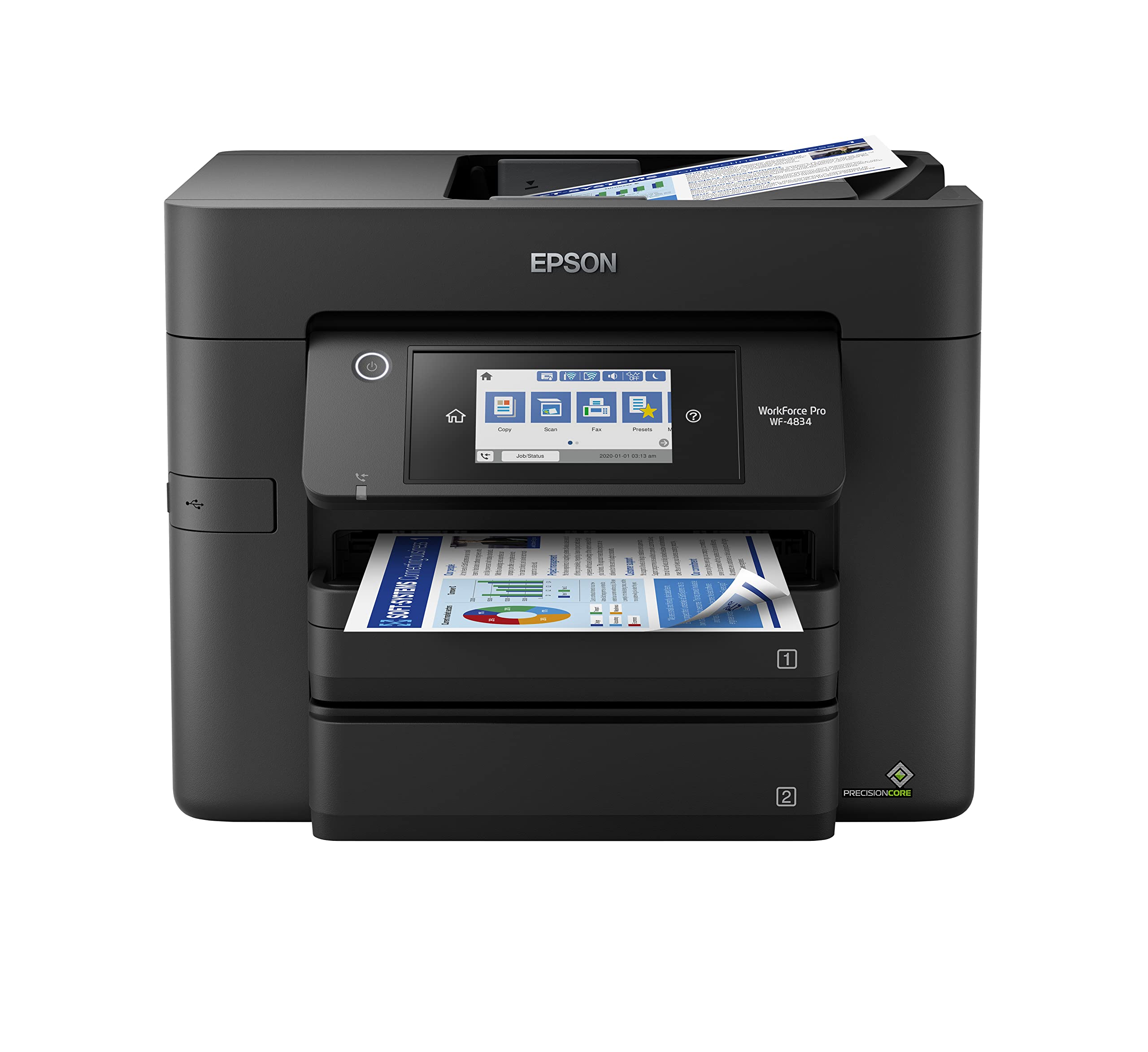

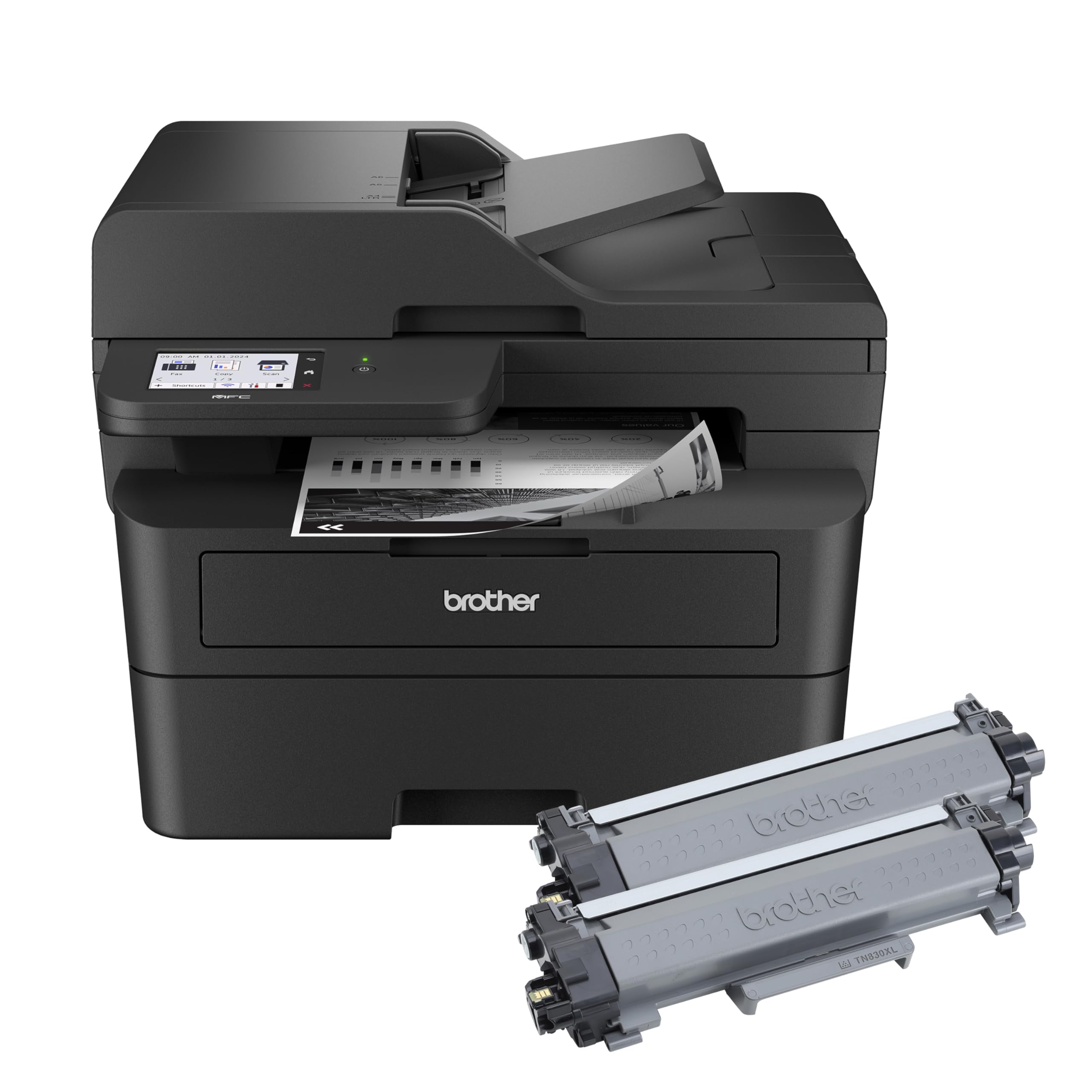
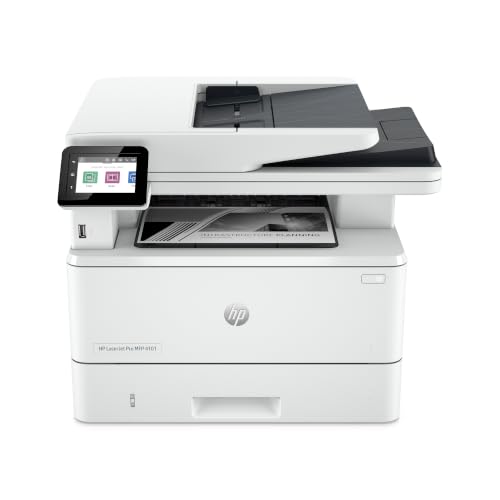
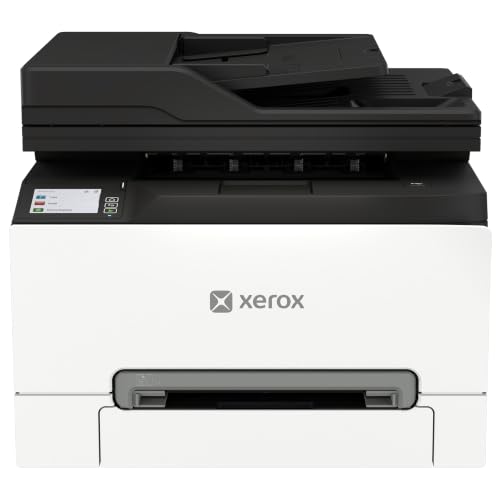
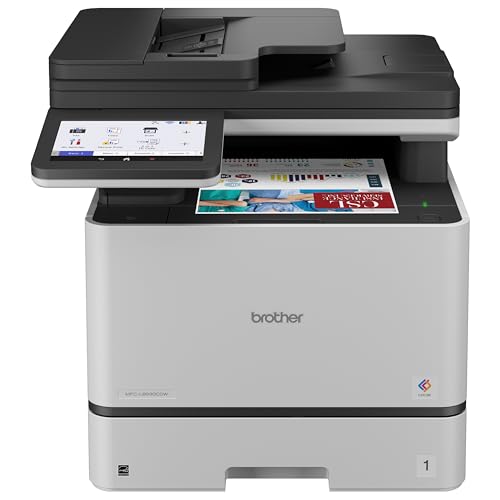
Inkjet or Laser: The First Decision
Inkjet all in one printers spray liquid ink and handle color photos, school projects and occasional documents well. Laser models fuse toner onto the page, which makes sharp black text, fast output and low cost per page, and toner does not dry out between uses.
If you print a few pages a month, an inkjet is cheaper to buy but can clog when left idle. If you print dozens of pages every week, a monochrome laser usually costs less over a year. Color laser models cost more up front and suit small offices that need color handouts.
Ink Tank Models
Refillable ink tank printers cost more to buy but use inexpensive bottled ink, which lowers the price of each page dramatically. They suit families and home offices that print color often and want to avoid small cartridges.
Features That Matter Most in All One Printers
Combined Functions
Every model prints, scans and copies, but fax and an automatic document feeder are optional. A feeder lets you scan or copy a stack of pages without lifting the lid for each sheet, which saves a lot of time on paperwork.
Duplex Printing
Automatic duplex printing uses both sides of the sheet without you flipping pages. It cuts paper use and makes reports look tidier. Check whether the duplex feature covers printing only or scanning as well.
Mobile and Wireless Printing
Wireless setup lets any phone, tablet or laptop on your network print without a cable. Look for support for your phone system, a simple setup app and a reliable connection. A model with a small touch screen makes setup and scanning to email or cloud folders easier.
Compact Footprint and Paper Capacity
Measure your desk before ordering, and leave room above the unit for the scanner lid and behind it for cables. Compact models save space but often hold only 100 to 150 sheets. A larger tray means fewer refills if you print often.
Print Quality and Scanning
Text sharpness matters more than photo detail for most households, and laser models lead there. For scanning, look at the optical resolution (600 dpi is plenty for documents) and whether the scanner can save straight to PDF, email or a cloud folder. A flatbed scanner handles books and fragile pages, while a feeder handles stacks. Check that the maker app works on your phone, because a clumsy app makes a good machine annoying to use.
Noise and warm up time are easy to overlook. Laser models need a short warm up before the first page, and some inkjets are loud during cleaning cycles. If the printer sits near where you sleep or work on calls, read the owner comments on noise before buying.
Running Costs Explained
The purchase price is only part of the cost. Check the page yield of the replacement cartridges or toner, which tells you roughly how many pages one refill covers, and divide the refill price by that number. Original manufacturer supplies cost more but work reliably, and some printers refuse unknown cartridges after a firmware update. Subscription ink plans can lower costs for steady users but tie you to one service.
Which Type Suits You
Home Use
Families print recipes, school forms and the occasional photo. A wireless inkjet or ink tank model with a flatbed scanner covers this well. Pick easy setup and low ink cost over speed.
Office Use
Home offices and small teams print contracts and invoices every day. A monochrome laser with duplex printing, a document feeder and a large tray gives the fastest, cheapest pages. Add color only if clients expect it.
Photo Printing
If photos matter, choose an inkjet with extra ink colors and a rear or dedicated photo paper path. See our guide to the best printers for pictures if prints are your main goal.
Mistakes to Avoid
A few small buying errors cause most of the regret with these machines, and each is easy to avoid with a quick check before ordering.
- Buying on the low sticker price and ignoring the cost of refills, which can exceed the printer price within a year.
- Choosing a model without a document feeder when you plan to scan multi page paperwork.
- Skipping a check of the paper tray size for your habits.
- Buying an inkjet for rare printing, then finding the nozzles dried out.
- Forgetting that the scanner lid needs headroom on a shelf.
Setup and Care
Place the printer on a flat surface near your router, install the maker app, and run the alignment page when new cartridges go in. Print a page at least every week or two with an inkjet to keep nozzles clear. Keep paper dry and flat, wipe the scanner glass with a soft cloth, and keep firmware updated. Turn the printer off with its own power button rather than at the wall so the print head parks correctly.
Related Printer Guides
Compare nearby needs in our guides to the best quality printers and the best computer printers for home.
Frequently Asked Questions
What size printer fits my space?
Measure desk depth and add room for the paper tray and the scanner lid. Most all in one models need 15 to 20 inches of depth plus clearance behind for cables. Compact models suit tight desks but may hold less paper.
How do I compare print speed?
Speeds in the specifications are measured on simple text pages in draft mode. Color and photo pages print more slowly. Look at pages per minute for black and color separately, and note the time to the first page if you print one sheet at a time.
Do I need duplex printing?
If you print reports or school packets, yes: it saves paper and looks neater. Manual duplex works but asks you to reload pages. Automatic duplex is worth a small extra cost for frequent users.
What paper types can it handle?
Every model takes plain letter paper and most take envelopes and labels. Photo paper and card stock need a model that lists those weights. Check the supported paper weight in the specifications before buying special stock.
How do I reduce printer problems?
Use the printer regularly, keep the firmware updated, store paper in a dry place, and use supplies made for your model. Restart the printer and your router if the connection drops before reinstalling anything.
Final Thoughts
Decide between inkjet, ink tank and laser based on how much you print, then check the features that save time: wireless setup, duplex and a document feeder. Compare models in the product table above by running cost, not just price. Matched that way, the best all one printers will quietly handle every print, scan and copy job at your desk for years.


