
Best Affordable Home Cameras: Buying Guide for 2026
Disclosure: We may earn a commission when you buy through links on this page, at no extra cost to you. As an Amazon Associate I earn from qualifying purchases. Learn more
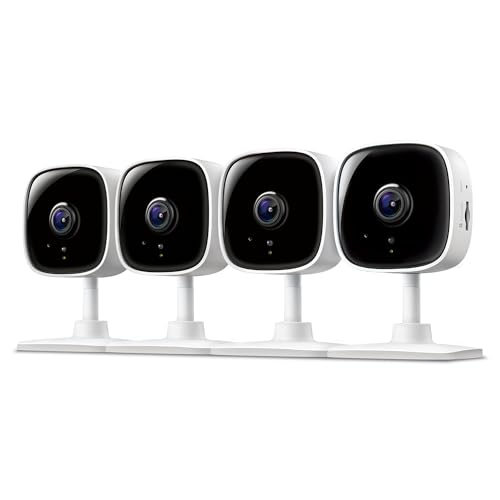
A plain guide to the best affordable home cameras: sensor, storage, power, privacy, and night image quality.
A low price no longer means a useless camera, but it does mean tradeoffs you should choose on purpose. The best affordable home cameras cluster around 2K video, app alerts and optional cloud plans, and the real differences sit in the sensor, the night image and what keeps recording when the internet drops. This guide walks through those choices in the order they matter.
Start with where the camera will live, because indoor and outdoor duty changes everything from power to weather sealing. Then compare your shortlist in the comparison table below against the storage and privacy notes that follow.
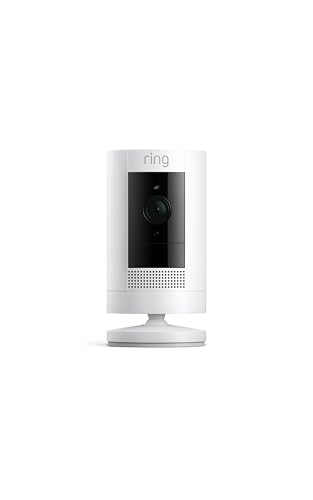
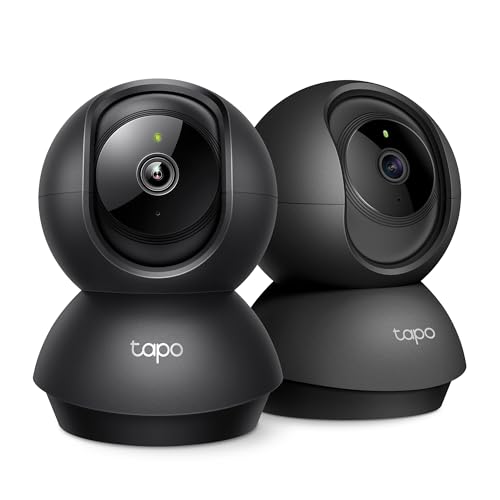

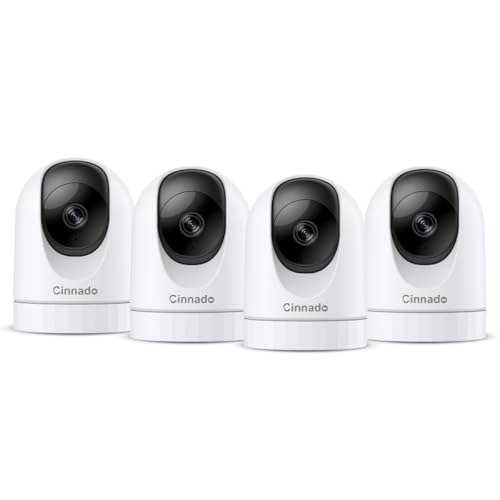
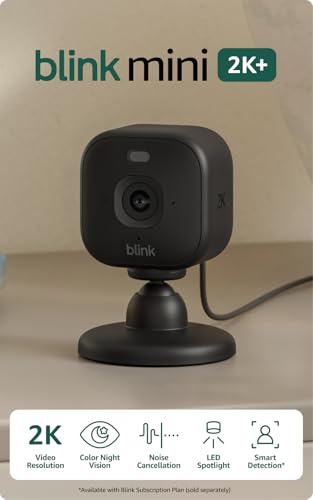
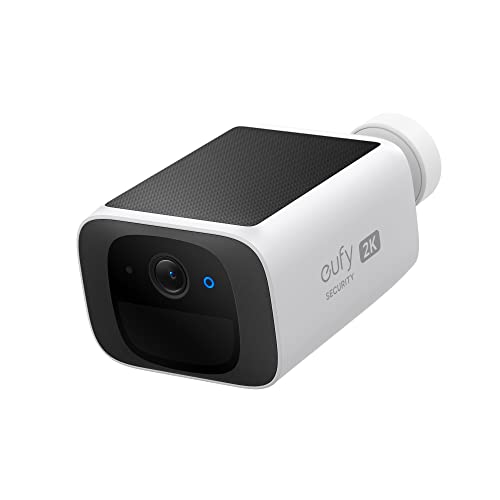
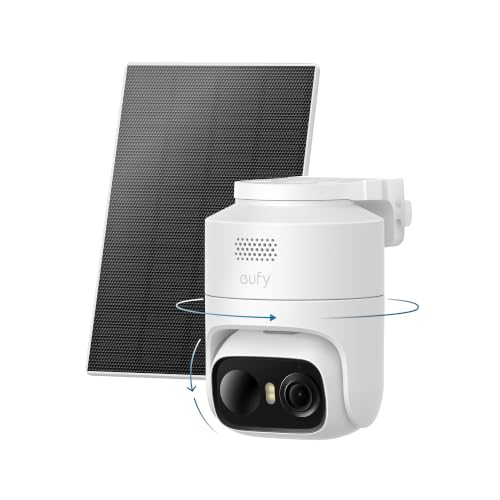
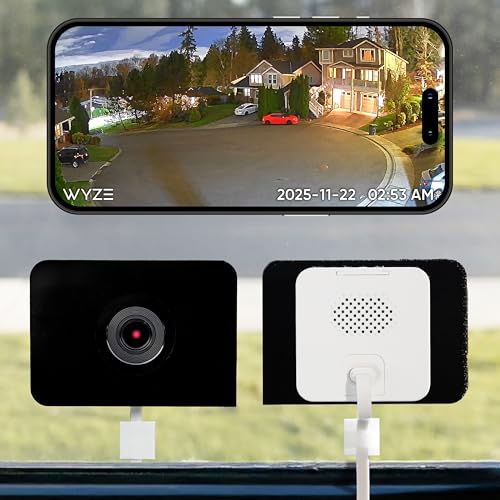
How to Choose: Start With the Sensor and the View
The sensor governs what an affordable camera can actually show you, and resolution should be read as a class rather than a headline number. A small sensor behind a big megapixel claim still struggles after dark, while a larger sensor with fewer pixels often produces the clearer face.
Video Resolution and Field of View
Plain 1080p is enough for a hallway or a nursery door, while 2K gives noticeably sharper faces at a front path or driveway. True 4K exists at this end of the market but usually costs you frame rate, storage or both. Field of view runs about 120 to 160 degrees on budget models, and a very wide lens shrinks faces at the far edge of the frame. When you compare the best affordable home cameras, look at night samples before spec sheets, because that is where cheap models separate.
What You Can Realistically Get on a Budget
Most worthwhile budget cameras land at about $25 to $60 each, and at that level you can expect motion alerts, two way audio, motion zones and decent infrared night vision. What you give up is optical zoom, color night vision on the cheapest models, and truly instant alerts. Shoppers building a wider shortlist can browse best affordable security cameras for home alongside this guide.
Storage: Local Card vs Cloud Plan
A microSD card keeps clips inside the camera, costs nothing per month and keeps recording through an internet outage. A cloud plan at about $3 to $15 per month per camera keeps copies off site, which matters if a camera itself is stolen or damaged. Continuous recording, rather than event only clips, is where best affordable home surveillance cameras differ most from basic models, and it eats card space fast.
Night Vision and Face Clarity
A stated night range is a detection figure, not a face figure. You will spot that something moved at the full stated range, but a face only becomes clear at about half that distance, so place cameras closer to doors and paths than the box suggests. Infrared gives a black and white image and draws little attention, while a small spotlight adds color and acts as a mild deterrent.
Power Options: Battery, Wired, Solar and PoE
Power is the second decision, because it decides where a camera can go and how much upkeep it demands. Battery models mount anywhere and run for weeks or months between charges depending on how much motion they see, but a busy street can drain them fast. Plug in models never need charging and record continuously, yet they are tied to an outlet.
Solar panels trickle charge a battery where direct sun reaches for a few hours a day, and they disappoint in deep shade. Power over Ethernet, called PoE, sends power and data down one cable for the steadiest result of all, with a single run able to reach about 328 feet. PoE takes more install effort up front, then asks almost nothing of you for years.
Types of Affordable Home Cameras
Match the type to the job before you match the brand to the budget. If your real goal is watching doors, cars and the back gate, much of the shortlist in our best home cameras for security guide overlaps with this one, and the notes below help you pick the format that fits each spot.
Indoor Cameras
Indoor models are small, plug in powered and built to watch a room, a pet or an entry hall. They are the cheapest way to add coverage, and many include a physical privacy shutter you can close when you are home.
Outdoor Cameras
Outdoor models add a sealed body, usually rated around IP65 or higher, so rain and dust stay out of the lens and ports. Cold weather shortens battery life, sometimes sharply, so a wired or solar assisted model suits a freezing climate better. Aim them at choke points like gates and paths rather than at the whole yard, because detail beats coverage at this price.
Baby Monitors
Some families use a budget home camera as a baby monitor, and as a viewing aid for quick check ins it works well. Treat it as eyes only, never as a safety device, and mount it well out of reach with the cord at least 3 feet from the crib.
Solar Powered Cameras
Solar models pair a battery camera with a small panel, and they suit fences and sheds far from an outlet. Panel placement governs the whole setup: a few hours of direct sun a day keeps the battery topped up, while a north facing shaded wall will not. Expect to clean the panel a few times a year, since dust and pollen quietly cut its output.
Wired Camera Systems
A wired kit bundles several cameras with a recorder box that stores footage locally, which removes per camera plan fees. This is the format behind most best home surveillance cameras setups, and it rewards the effort of running cable with nonstop recording and no WiFi congestion.
Privacy and Placement: The Rules That Matter
A home camera is a monitoring aid only. It records events and sends alerts, and it never prevents a break in, a fall or an accident, so your locks, lights and alarms remain the real protection.
Protect the account before you protect the house. Use a unique password that the camera account shares with nothing else, turn on two factor authentication, and install firmware updates when the app offers them. Most camera compromises trace back to a reused password, not to any clever attack on the device itself.
Placement carries legal weight as well as picture quality. Laws on recording vary by place, and audio is the highest risk area of all, since some places require consent from everyone being recorded. Never point a camera into a bedroom or bathroom, avoid aiming deep into a neighbor's yard, and check your local rules before you enable audio recording.
How to Make Your Home Camera Last Longer
- Mount outdoor cameras about 8 to 10 feet high and angled slightly down, which keeps them out of easy reach and puts faces, not hat brims, in the frame.
- Keep the lens out of direct sun glare where you can, since heat and glare age the housing and wash out the picture.
- Wipe the lens with a soft, dry cloth about once a month, because dust and spider webs blur night images long before the camera fails.
- Charge removable batteries indoors at room temperature in deep cold weather, which is gentler on the cells than a freezing garage.
- Reseat outdoor cable seals and check mounts after big storms, so water stays out and the aim stays where you set it.
Home Camera Questions Answered
How much storage do home cameras need?
Event only recording needs surprisingly little, and most households do fine with a mid size card per camera. Continuous recording is the hungry mode and can fill that same card in days rather than weeks. Format the card inside the camera before first use, because cameras are picky about file systems and a card formatted elsewhere can fail silently. Replace cards every couple of years, since constant rewriting wears them out.
Can home cameras work without WiFi?
Yes, many models keep recording to a local card when WiFi drops, but you lose live view, alerts and cloud backup until the connection returns. A camera on a recorder system keeps its full recording schedule offline, since the recorder stores the footage on site. What no camera can do offline is warn you in the moment, so treat offline recording as evidence gathering rather than protection. Test the exact mounting spot for signal strength before you drill any holes.
Are home cameras easy to hack?
A camera with a strong unique password, two factor sign in and current firmware is a hard target, and most intrusions exploit reused passwords instead. One extra layer worth adding is a separate guest network for cameras and other smart devices, which keeps them away from your computers and phones. Turn off remote access features you never use, since every open path is another door to guard. Check the maker's update policy before buying, because abandoned models stop receiving fixes.
Do I need a subscription for a home camera?
No, live view and local recording work without any plan on most models. A plan at about $3 to $15 per month per camera buys longer clip history, smarter person and package alerts, and off site copies of important events. Read the pricing unit carefully, since some makers charge per camera and others charge one fee for the whole home, which flips which brand is cheaper at four cameras. Start without a plan and add one only if you find yourself missing old clips.
Wired or wireless home cameras: which is more reliable?
Wired cameras are more reliable for nonstop recording, because power and signal never depend on battery level or WiFi strength. Wireless models win on placement freedom and install in minutes, which is why most affordable setups mix the two. Reliability at a wireless spot depends on the signal at that exact wall, so run the live view from the mounting point before fixing anything in place. For the one camera that matters most, choose the wired option when you can.
Final Thoughts
Buy the sensor first, settle the storage question second, and set the privacy rules before the camera goes on the wall. The product table above gathers the key numbers so you can compare candidates without juggling tabs. Readers comparing beyond the budget tier can continue with our guide to best home cameras. Chosen with those three points in mind, the best affordable home cameras deliver steady, honest coverage for very modest money.


