
Best Affordable Home Surveillance Cameras: Buying Guide for 2026
Disclosure: We may earn a commission when you buy through links on this page, at no extra cost to you. As an Amazon Associate I earn from qualifying purchases. Learn more

A plain guide to the best affordable home surveillance cameras: video quality, night vision, storage, and setup.
Buying your first camera can feel confusing, because every box promises clear video, smart alerts and easy setup. The best affordable home surveillance cameras are simply the ones that cover your doors and rooms well without forcing you into costs you did not plan for. This guide starts with the basics and explains each spec in plain English, so you can read the comparison table below with confidence.
You do not need a large system on day one. Most first time buyers start with one or two cameras where people actually enter, learn how alerts and storage behave, and add coverage later.
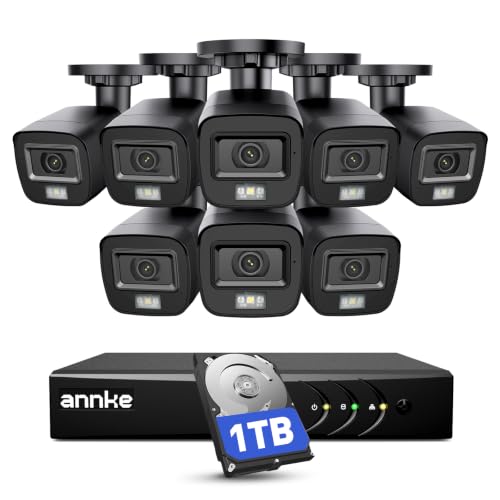
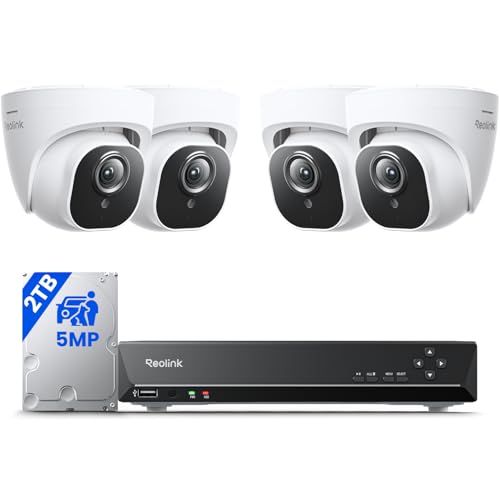
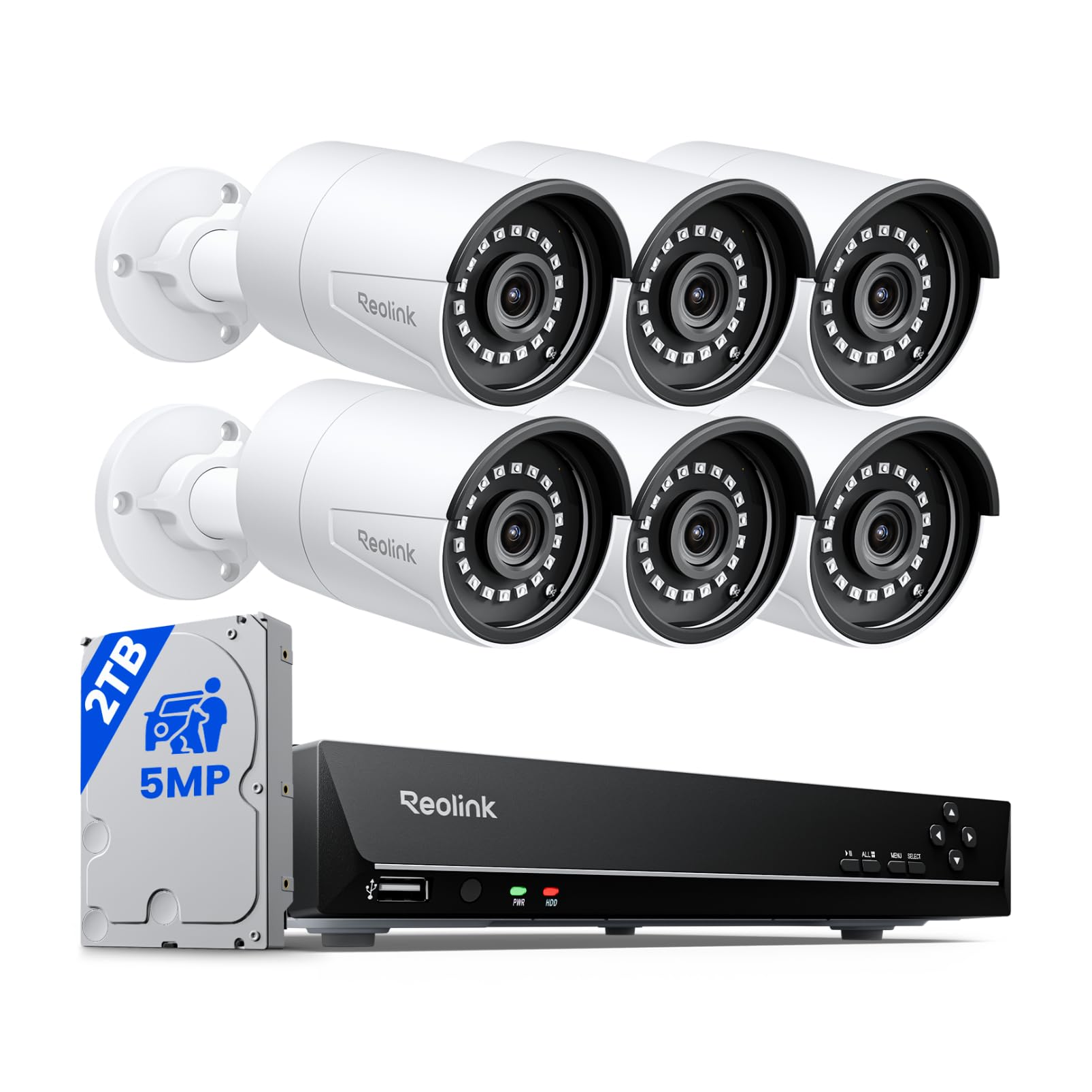



Home Surveillance Cameras 101: The Basics for New Buyers
A home surveillance camera watches a space, records video when it senses motion or sound, and sends an alert to an app on your phone. You open the app to watch live video, review saved clips and change settings such as alert sensitivity. Indoor cameras sit on a shelf, while outdoor models add sealed housings and stronger night lighting.
That simple loop, watch, record, alert and review, is what you pay for when you compare best affordable home surveillance cameras against one another. The differences that matter are how wide each camera sees, how it stores clips, and how reliably it tells a person from a swaying branch. For the broader view, see our guide to the best home surveillance cameras.
Who Should Buy a Budget Home Surveillance Camera?
Affordable cameras suit buyers whose needs are clear and limited. If your goal is to know who came to the door, check on a pet or watch a driveway, a budget model covers it.
Renters and Apartment Dwellers
You need coverage without drilling holes or changing locks. A compact indoor camera on a shelf near the entry door records who comes and goes, and a battery powered model avoids cables your lease may not allow. Choose a camera you can take along when you move, and check your lease before pointing a lens at shared hallways.
Homeowners Covering Doors and Driveways
Your priority spots are the front door, the driveway and any side gate a visitor must pass. Mount outdoor cameras where they see faces and plates at a readable size rather than a wide but distant view of the street. One camera per entry point beats one camera covering the entire yard.
Parents and Pet Owners Watching Indoor Rooms
You check in during the day more than you guard against break ins. An indoor camera in a living room or nursery lets you glance at a sleeping baby or a dog home alone, and two way audio lets you speak through the camera. Some parents compare indoor cameras with dedicated baby monitors, which focus on audio, while a camera adds recorded clips.
Home Surveillance Specs in Plain English
Spec sheets use short terms that hide real trade offs. Read each factor for what it means in daily use.
What Budget Home Surveillance Systems Include at This Price
At budget prices, expect sharp daytime video, app alerts, person detection on many models and a choice between a memory card and a paid cloud plan. A single indoor camera often costs around $30 to $60, while an outdoor model often costs around $50 to $100. A multi camera kit with a recorder box often costs around $300 to $500. What gets cut is usually zoom quality and long free cloud history.
How Sharp the Footage Is and How Wide Each Camera Sees
Resolution describes how much detail each frame holds, and most budget cameras offer 1080p or 2K video, with 4K still uncommon at low prices. Field of view describes how wide the lens sees, often about 110 to 130 degrees. A wider view covers a whole room from one corner but makes faces smaller, while a narrower view shows a doorway in more detail.
Night Vision in Infrared and Color
Infrared night vision uses invisible light to record in black and white after dark, without lighting up your yard. Color night vision relies on a small spotlight or a sensitive sensor, so the camera can show the color of a jacket or car. A spotlight announces the camera and may bother neighbors, while infrared stays discreet but loses color detail.
Smart Home Integration
Integration links your camera to a voice assistant or a smart display, so you can ask to see the front door feed on a kitchen screen. Common pairings include Alexa and Google Home, while Apple HomeKit support appears on fewer budget models. If you own no smart display, treat this feature as a bonus rather than a reason to pay more.
Two Way Audio and a Siren
Two way audio means the camera carries a microphone and a speaker, so you can hear a visitor and answer from your phone, which is handy for deliveries when you are away. Sound quality on budget models is basic, and wind can muddy outdoor conversations. Some cameras add a small siren you trigger from the app. Test the speaker at setup, because an unchecked siren may be too quiet to matter.
Weather Resistance Rated IP65 or IP66
An IP rating tells you how well the housing keeps out dust and water. IP65 means the camera resists rain and water jets from any direction, and IP66 adds protection against stronger spray, so either suits most porches and eaves. A rating does not make a camera safe for submersion. See our guide to the best outdoor home surveillance cameras for placement ideas.
Setting Up Your First Home Surveillance Camera
Setup follows the same order for most brands, and doing it in order prevents the usual first day frustrations.
- Charge or plug in the camera, install the app, and connect it to your home WiFi while it sits near the router.
- Walk the camera to its spot and check the live view and signal there before you mount anything.
- Mount outdoor cameras about 8 to 10 feet high, angled down, so faces pass close to the lens.
- Turn on person detection, set alert zones over doors and walkways, and lower sensitivity if trees or passing cars trigger constant alerts.
- Enable two factor authentication, then walk the route a visitor would take and review the test clip.
If cables are the obstacle at your chosen spots, see our guide to the best home surveillance cameras wireless for how battery and WiFi models differ.
Common Mistakes to Avoid
First time buyers tend to repeat the same handful of errors, each cheap to avoid before you drill a hole.
- Mounting a camera too high or too far away leaves faces too small to identify.
- Buying on resolution alone ignores alert accuracy, so a sharp camera still floods your phone with useless clips.
- Skipping the storage decision means clips vanish after a short trial and you discover the gap after an incident.
- Pointing a camera through a window ruins night video, because infrared light reflects off the glass.
- Sharing one account password with the whole household makes it impossible to control who can view or delete clips.
Care and Maintenance for Home Surveillance Cameras
Cameras need little care, but a few habits keep images clear. Wipe each lens with a soft dry cloth every few months, because dust, pollen and spider webs near the lens glow under infrared light and blur night video. Clear webs gently with a long handled brush rather than spraying the housing.
Check battery levels in the app monthly if your cameras run on rechargeable cells, and top up before a trip. Install firmware updates when the app offers them, since updates often patch security flaws and fix alert bugs. Twice a year, confirm each mount is still tight and the view has not drifted.
Home Surveillance Cameras: Your Questions Answered
Can home surveillance cameras work without WiFi?
Yes, some home surveillance cameras can record without WiFi, but they lose live viewing and phone alerts. Models with a memory card can keep recording motion clips locally while the internet is down or in a spot the network cannot reach, such as a detached garage. You review that footage on your home network or by removing the card.
How much storage does a home surveillance camera need?
Most homes do fine with a 64 to 128 GB memory card per camera or a cloud plan that keeps clips for about 14 to 30 days. The real driver is motion volume: a quiet side yard may save a few clips a day, while a busy front door can save dozens. Keep clips until the following trash day, so anything odd from the past week is still available.
Is a wired or wireless home surveillance camera more reliable?
A wired home surveillance camera is more reliable for power, because it never needs recharging, and a camera that also sends data by cable avoids WiFi dropouts. Wireless models trade that certainty for placement freedom where no outlet exists. Reliability problems usually trace back to weak WiFi at the mounting spot rather than the camera itself, so test the signal at that exact spot first.
Are home surveillance cameras easy to hack?
Home surveillance cameras are a target, but basic habits close most of the risk. Beyond two factor authentication, use a long unique password for the camera account and a different one for your router, and keep router firmware updated too. Avoid viewing cameras on public WiFi without a VPN, and remove app access for old phones or former housemates.
Do home surveillance cameras need a paid subscription?
No, home surveillance cameras do not need a paid subscription to record and alert you. A memory card covers basic recording at no monthly cost, while paid plans add longer cloud history and richer alert labels. Watch for trial plans that convert automatically after 30 days, and set a reminder before the trial ends.
The Bottom Line
For a first purchase, put your money into clear video at the door, alert accuracy you can trust and storage you understand, in that order. Everything else, from spotlights to sirens, is a bonus. Compare finalizts in the product table above and check the total cost with storage included.
Chosen that way, the best affordable home surveillance cameras give you a calmer house and a clear record of the moments that matter, without a monthly bill you resent. Start small and expand only where the first cameras showed a real blind spot.


