
Best Affordable Security Cameras for Home: Which One Fits the Way You Use It in 2026?
Disclosure: We may earn a commission when you buy through links on this page, at no extra cost to you. As an Amazon Associate I earn from qualifying purchases. Learn more
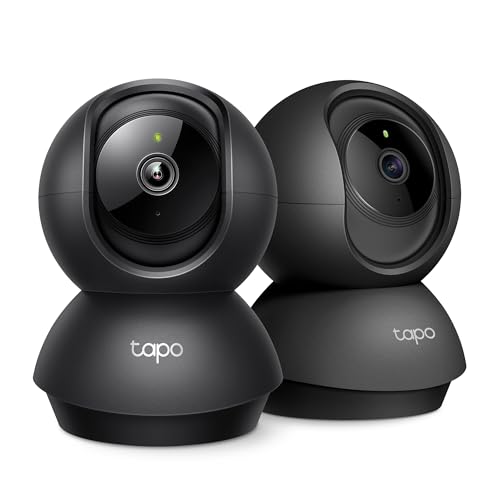
Renters, families, and travelers can compare the best affordable security cameras for home by resolution, storage, audio, and alerts.
There is no single camera that suits every home, because every home has different doors, light, WiFi coverage, and daily routines. The best affordable security cameras for home are the ones that match your layout and the moments you actually want to catch, not the ones with the longest feature list. A small apartment needs a different setup than a house with a long driveway, a side gate, and a backyard.
This guide compares camera types, features, and price levels in plain language, so you can narrow the choice before you buy. The product table gives a quick side by side view, and the sections that follow explain what each feature means in everyday use.
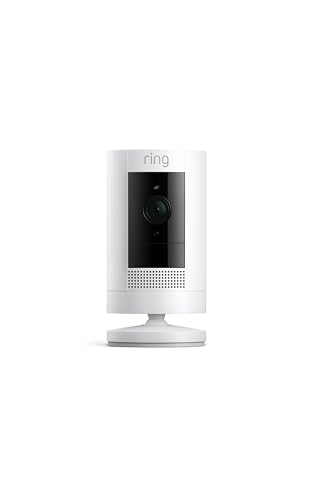


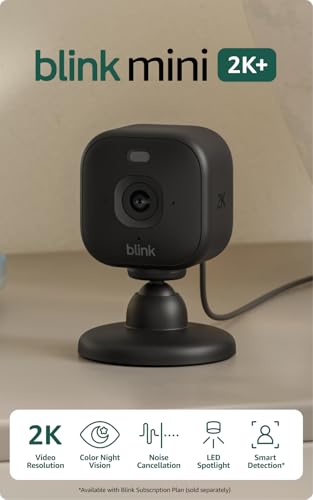
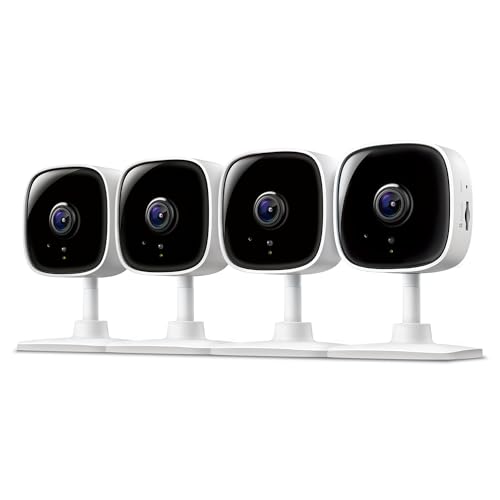

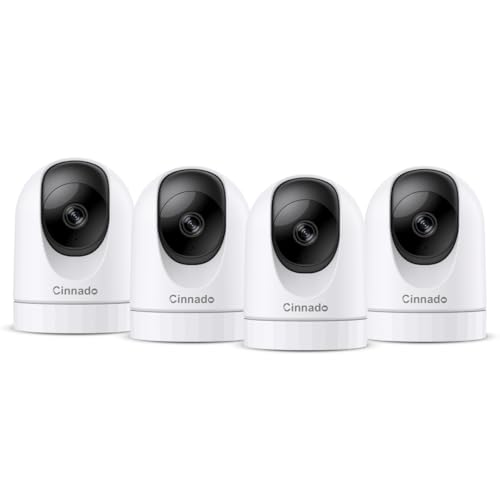



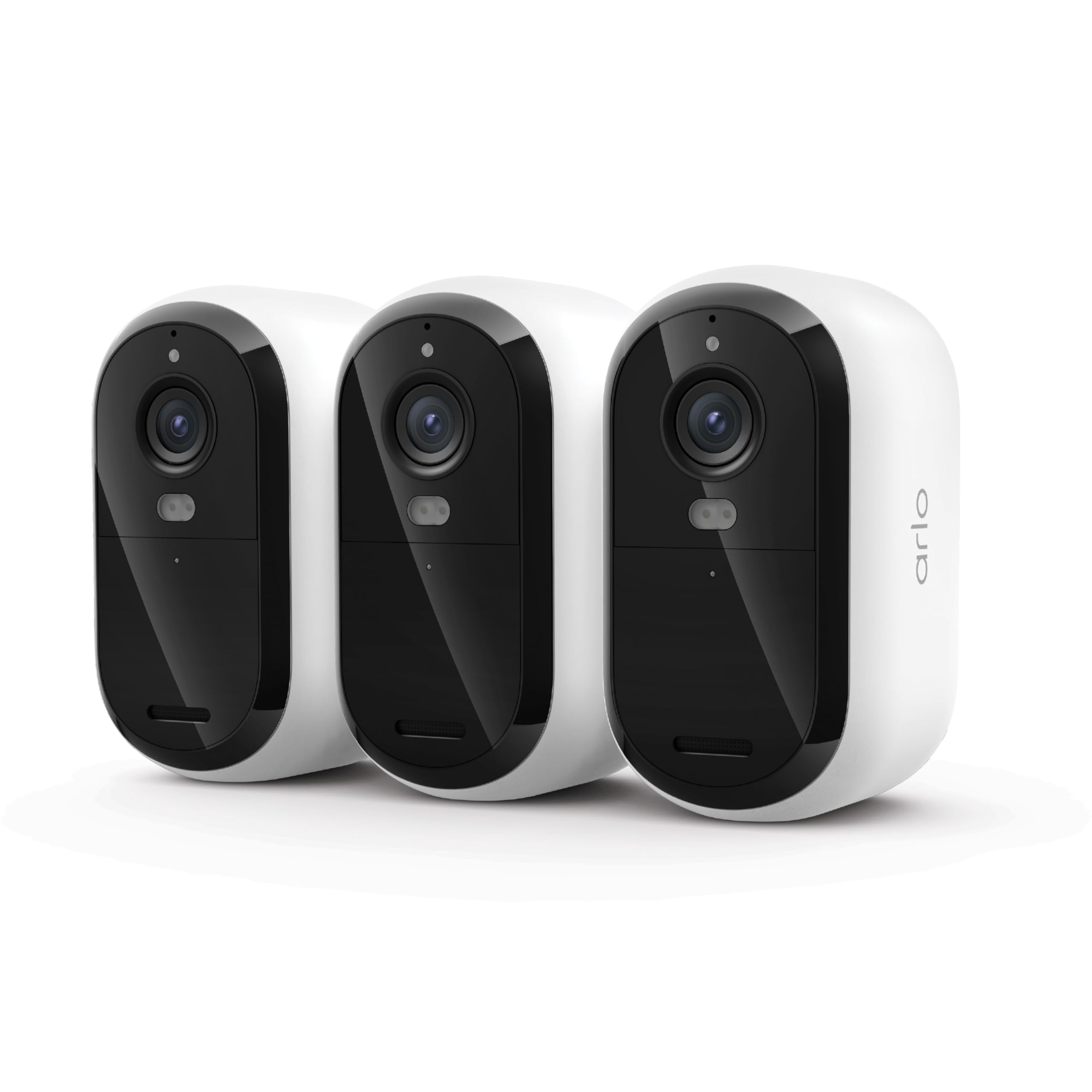
Best Affordable Security Cameras for Home: Who Needs What
Start with where you live and what you want to watch. The right camera for a front door is not always the right camera for a garage or a garden, and buying for your real layout saves money and frustration later. If you are unsure where to start, our guide to the best home cameras for security can help you compare indoor and outdoor options side by side.
For Renters
Renters usually need cameras that install without drilling into walls or changing wiring. Battery powered cameras with adhesive mounts or clamp mounts work well here, and they can move with you when your lease ends. Look for a camera that stores clips locally on a card or in the app, so you are not locked into a monthly plan just to check a clip. Check your lease and building rules first, and keep cameras out of bedrooms and bathrooms and away from shared spaces where other people expect privacy.
For Families
Families often want a camera at the front door and one covering the main living area or the garden, so they can see who arrives and when children get home. Two way audio helps here, because you can speak to a visitor or a delivery driver without opening the door. A wide field of view covers a hallway or a play area with fewer cameras, and clear night vision matters for evening arrivals. Set up separate user accounts for adults in the household, and turn on two factor authentication to keep account access private.
For Travelers
If you travel often, reliability matters more than extra features. A camera with a stable WiFi connection, a long lasting battery, and motion alerts you can check from your phone gives peace of mind while you are away. Local storage keeps clips available even if your internet connection drops briefly. Ask a trusted neighbor to check on the house if an alert looks serious, and avoid pointing cameras at a neighbor's yard or windows.
For Home Offices and Small Workspaces
A home office has different needs than a front door. You may want a camera covering an entrance or a storage area, but not your desk itself, so work calls stay private. A camera with a narrow or adjustable field of view helps you frame a doorway without capturing the whole room.
Privacy shutters and scheduling features are useful here, because you can switch the camera off during work hours and back on when you leave. Keep the camera away from areas where clients or visitors expect privacy.
Key Features to Compare
Camera features look similar on paper, but they feel very different in use. The five factors below decide whether a camera actually helps you, so compare them before you compare prices.
Video Resolution and Field of View
Resolution decides how much detail you can see in a clip, and field of view decides how much of a scene the camera covers. A 2K camera usually shows faces and license plates more clearly than a basic high definition camera, but only if the camera sits close enough to the subject. A field of view of about 130 to 160 degrees covers a wide porch or a garden corner, while a narrower view suits a hallway or a single doorway. Mount the camera 8 to 10 feet high and angled slightly downward, so it captures faces instead of just the tops of heads.
Two Way Audio and Siren
Two way audio lets you listen and speak through the camera from your phone, which is handy for delivery drivers, visitors, and family members arriving home. Sound quality varies, so look for clear audio without heavy echo, and check the microphone placement before you settle on a final mount. A built in siren can warn off a stranger at a gate or a back door, but it should be easy to trigger and easy to silence from the app. If you live in an apartment, check building rules about audible alarms before you rely on a siren.
Smart Detection and Alerts
Smart detection sorts motion into people, packages, vehicles, and animals, so you get fewer alerts about passing cars or swaying branches. Activity zones let you draw a box around your porch or driveway and ignore the street beyond it, which cuts nuisance alerts sharply. Person detection is the most useful upgrade on a budget, because it focuses alerts on the events you actually care about. Package detection helps if deliveries sit outside for hours, but it works best when the camera has a clear view of the drop off spot.
Storage and Subscriptions
Storage decides how long you can look back at clips and whether you pay every month. Local storage on a memory card keeps clips on the camera and avoids a monthly fee, but the card can fill up and older clips get overwritten. Cloud storage keeps clips safe if the camera is stolen, yet it usually needs a subscription after a free trial period.
Before you buy, check how many days of history each plan keeps and whether you can download clips to your phone. A camera that works well without a subscription is a good fit if you want to keep running costs low, and our guide to the best affordable wireless home security cameras compares wireless options that suit that approach.
What You Can Realistically Get on a Budget
On a budget, expect solid high definition or 2K video, decent night vision, motion alerts, and two way audio, but not every premium feature at once. Color night vision, long battery life, and local storage may each cost a little more, so pick the one or two that matter most for your layout. Be wary of cameras that look cheap but need a costly subscription to unlock basic playback or detection. A fair budget camera should let you view live video, receive motion alerts, and check recent clips without paying extra.
What Your Money Gets You at Each Price Level
At the lowest price level, about $30 to $60 per camera, you can expect basic high definition video, motion alerts, and app control, which suits a single doorway or a small apartment. Spending about $60 to $120 per camera usually adds sharper 2K video, better night vision, person detection, and local storage options. Above that range, you start to see longer battery life, wider fields of view, and stronger weather sealing for exposed outdoor spots. For a fuller system, a guide to the best affordable home security system with cameras can help you compare multi camera kits against buying cameras one at a time.
Do not judge a camera by price alone. A cheaper camera in the right spot often outperforms a pricier camera mounted too high or facing direct sun glare. Spend the savings on good placement, a strong WiFi signal near the camera, and a storage plan that fits your needs.
Common Mistakes to Avoid When Buying Security Cameras
- Buying on price alone and ending up with a camera that needs a costly subscription for basic playback.
- Ignoring field of view, so a camera watches a wall instead of the doorway or driveway you care about.
- Mounting cameras too high, which captures the tops of heads instead of faces.
- Pointing a camera into direct sun glare, which washes out daytime video.
- Skipping the warranty and return terms, which matter most on budget cameras.
How to Make Your Security Camera Last Longer
Mount cameras 8 to 10 feet high, under an eave or a porch roof where possible, so rain and direct sun do less damage over time. Keep the lens clean with a soft cloth, and check mounts and cables every few months for loosening or wear. Position cameras away from direct sun glare, and enable two factor authentication on your account to protect access to your clips.
For exposed outdoor spots, choose a camera with proper weather sealing, and our guide to the best affordable outdoor security cameras for home explains which outdoor features matter most. Update the camera software when the maker releases updates, and replace batteries or cards before they fail.
Security Cameras: Your Questions Answered
How much storage do I need for home security cameras?
You need enough storage to cover the events you want to look back on, which for most homes means about 7 to 30 days of motion clips. Local storage on a memory card suits short histories and keeps running costs low, but older clips get overwritten once the card fills up. Cloud storage suits longer histories and keeps clips safe if a camera is damaged or stolen, yet it usually needs a monthly plan. A busy front door fills storage far faster than a quiet back garden.
Can home security cameras work without WiFi?
Some home security cameras can record to local storage without WiFi, but you will not get live viewing or phone alerts until the camera reconnects. Cameras that use a wired connection or a cellular link can work around a weak WiFi signal, though they cost more and need extra setup. Check signal strength at the mounting spot before you buy, and add a WiFi extender near a distant garden or garage if needed.
Do home security cameras need a subscription?
Home security cameras do not always need a subscription, because many models offer live viewing, motion alerts, and local storage without one. Subscriptions usually unlock longer cloud history, smarter detection, and clip sharing, which some households value and others never use. Check exactly which features stop working when a free trial ends, and choose a camera that clearly lists local storage and basic alerts as included features if you want to avoid monthly fees.
Are home security cameras easy to hack?
Home security cameras can be vulnerable if accounts use weak passwords or if software stays out of date, but basic habits reduce the risk sharply. Use a unique strong password, turn on two factor authentication, and install software updates when the maker releases them. Avoid sharing account access widely, and remove old users when someone moves out. No camera can guarantee complete protection, so treat account security as part of the purchase.
Wired or wireless: which is more reliable for home security cameras?
Wired cameras are usually more reliable for continuous recording, because they do not depend on WiFi signal or battery charge. Wireless cameras are easier to install and move, which suits renters and homes without existing wiring, but they need a strong WiFi signal and regular battery checks. For a front door or a main entrance, a wired camera is often worth the extra installation effort. For a garden shed or a temporary spot, a wireless camera is usually the simpler and more practical choice.
Final Thoughts
Start with your layout, then match camera type, field of view, storage, and alerts to the spots you actually need to watch. The best affordable security cameras for home are the ones you can install well, keep connected, and check without hassle, not the ones with the most features on the box. Compare the product table above against your doorways, garden, and WiFi coverage, and choose the setup that fits your home and your budget.


