
Best Acer Gaming Monitors in 2026: Which Type Is Right for You?
Disclosure: We may earn a commission when you buy through links on this page, at no extra cost to you. As an Amazon Associate I earn from qualifying purchases. Learn more

Compare the best acer gaming monitors by type, panel, refresh rate and size, with clear guidance on price, ports and setup for your desk and games.
Acer sells gaming monitors in so many sizes, panels and speeds that the hard part is knowing which type fits your games, your desk and your graphics card. The best acer gaming monitors for you match those three limits, and the comparison table below helps you check them side by side.
This guide compares monitor types first, then the specs that separate them. You will see who each type suits, what it does well and what it usually costs.
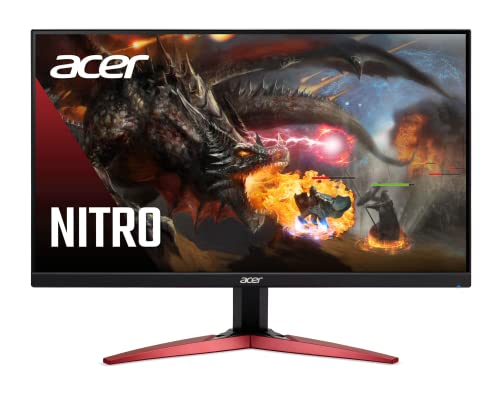
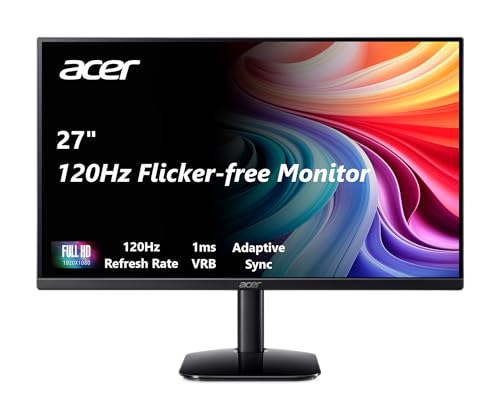
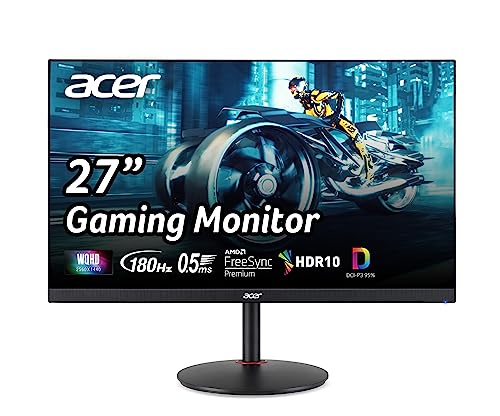


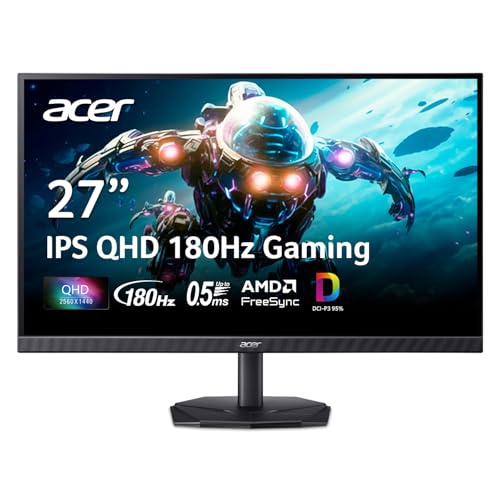

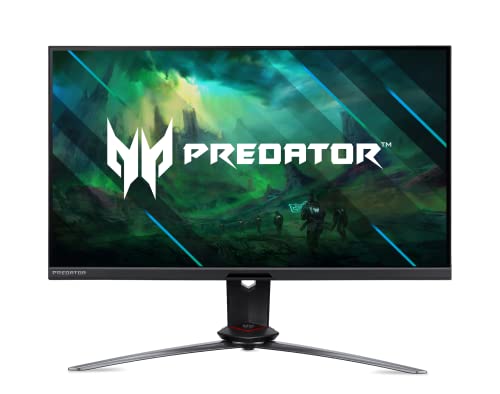
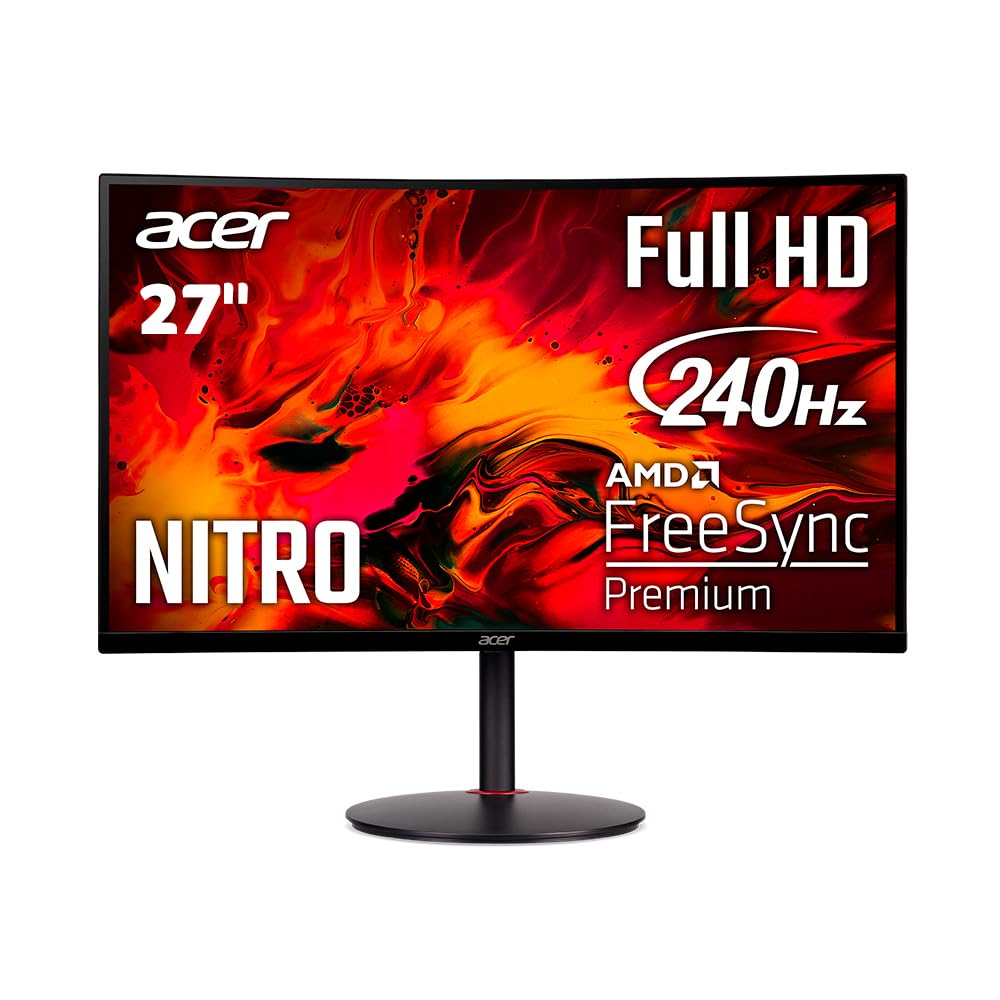

Types of Acer Gaming Monitors Compared
Think of these four types as starting points, because many models blend traits. A large screen can also be fast, and an OLED can also be large. Start with the type that matches your main game style. If your search extends beyond one brand, see our guide to the best gaming monitors.
Large Screen Acer Gaming Monitors for Immersion
Large options are usually 32 to 38 inches, often curved or ultrawide. The wide view pulls racing, flight and open world games around your vision, and extra width gives strategy screens room to breathe. The trade off is desk depth, because a big panel needs about 28 to 36 inches of viewing distance.
Prices often run about $350 to $900. Choose this type if immersion matters more than top speed.
Fast Acer Gaming Displays for Competitive Play
These displays focus on speed, usually at 24 to 27 inches with refresh rates of 240Hz or higher. Motion stays clear when you turn quickly, so targets are easier to track in fast shooters. The cost is a smaller picture and usually 1080p or 1440p resolution rather than 4K.
Prices often run about $250 to $600. Choose this type if you play ranked matches and value quick response over cinematic scale.
Budget Acer Gaming Displays for a First Setup
Budget displays keep the core gaming traits and trim the extras. Expect 24 to 27 inches, 1080p or 1440p resolution and refresh rates around 144Hz to 180Hz, with basic stands and fewer ports. Picture quality can still be strong for everyday play.
Prices often run about $130 to $280. If cost is your main limit, see our guide to the best affordable gaming monitors. Choose this type for a first desk that does not need top speed.
OLED Acer Gaming Displays for Contrast and Color
OLED panels light each pixel on its own, so dark scenes show deep black levels beside bright highlights instead of a gray wash. Color looks rich and dark games gain real atmosphere. The trade offs are price, lower full screen brightness than many LCD models and basic burn in care if static screens stay up for hours.
Prices often run about $600 to $1,200. Choose OLED if you play story driven games and can give the panel varied content.
Large Screen Acer Gaming Monitors vs Fast Gaming Displays: Which Should You Choose?
These two types pull in opposite directions. A large screen wins on immersion and multitasking room. A fast display wins on motion clarity and a picture your eyes can take in without head movement.
Your games should settle it. Pick the large screen for racing, flight, strategy and single player worlds on a deep desk. Pick the fast display for shooters, ranked play and smaller desks, if your card can push very high frame rates at 1440p. If you split your time evenly, a 27 to 32 inch model at 1440p is the middle ground.
How to Choose the Right Acer Gaming Monitor
Work through these factors in order, because the early ones limit the later ones. Panel and resolution shape the picture, sync and speed shape motion, and ports decide fit with gear you own. For the brand beyond gaming, see our guide to the best acer monitors.
Panel Technology on Acer Gaming Monitors
IPS panels give accurate color and wide viewing angles, so they suit shared desks and color sensitive work beside play. VA panels give stronger contrast for dark rooms, though fast dark motion can smear on cheaper models. Mini LED backlights raise brightness and local dimming control for HDR at a higher price, while OLED leads on contrast as covered above.
If you sit off center or edit photos, start with IPS. For night play in a dark room, look at VA or Mini LED.
Adaptive Sync and Gaming Features on Acer Gaming Monitors
Adaptive sync lets the monitor match its refresh rate to the frame rate your card or console sends, which removes most tearing and stutter when rates dip. FreeSync works widely over DisplayPort and HDMI, while G Sync adds Nvidia specific tuning on supported models. Look for the sync range, not just the badge, because a range that starts low helps when demanding scenes slow down. Sync support for your exact card matters more than menu extras.
Refresh Rate and Response Time on Acer Gaming Monitors
Refresh rate, in hertz, is how often the picture redraws each second. Moving from 60Hz to 144Hz is the jump most players feel first, while 240Hz and above mainly helps fast competitive play with a card that can feed it. Response time, in milliseconds, describes how fast pixels change, and lower figures reduce ghosting.
Many consoles top out at 120Hz, so a solid 144Hz monitor covers them fully. Buy speed your system can reach, or the extra hertz sit unused.
Resolution and Screen Size on Acer Gaming Monitors
Resolution and size work as a pair, because the same pixel count looks softer as the screen grows. At 24 to 27 inches, 1440p looks sharp at a desk distance of about 24 to 32 inches, while 1080p suits smaller budgets and very high frame rates. At 32 inches and up, 4K keeps detail crisp, but it demands a strong graphics card. If 4K is your target, see our guide to the best 4k monitors gaming.
Ports, HDR and Stand Fit on Acer Gaming Monitors
Count your connections before you buy. A PC usually uses DisplayPort for the highest refresh rates, while current consoles need HDMI 2.1 for 120Hz play at higher resolutions, and USB C with video support simplifies a laptop desk. HDR labels vary, so look for real local dimming or OLED pixels plus decent peak brightness rather than a badge alone. Check stand height and tilt, plus VESA mount holes of 75 by 75 mm or 100 by 100 mm if you plan an arm.
Common Mistakes to Avoid
Most regrets with the best acer gaming monitors come from one spec mismatching the rest of the setup.
- Buying 4K for a mid range graphics card leaves frame rates too low for smooth play.
- Paying for 240Hz while your console caps output at 120Hz wastes money you could spend on size.
- Ignoring desk depth with a large screen forces you to sit too close and strain your eyes.
- Skipping the port check means a monitor may not reach its top refresh rate on your cable.
- Leaving an OLED on a static desktop all day raises the risk of uneven pixel wear over time.
- Trusting an HDR badge without local dimming or OLED pixels leads to washed out highlights.
How to Make Your Acer Gaming Monitor Last Longer
Start with picture settings. Turn off the vivid mode that many monitors ship with, because it oversaturates color and pushes brightness harder than daily use needs. Set brightness to suit your room, often well below the maximum in a shaded space, which also reduces heat during long sessions.
Clean the screen with a dry or slightly damp microfiber cloth only, and never spray liquid straight onto the panel. On OLED models, run the built in pixel refresh when prompted, and use auto sleep for breaks. Keep vents clear and update firmware only if a fix addresses a fault you actually see.
Frequently Asked Questions
Is 4K worth it on an Acer gaming monitor?
Yes, 4K is worth it on an Acer gaming monitor if your graphics card is strong and you choose a larger size, around 32 inches or more. The added sharpness suits detailed worlds and crisp text. One point buyers miss is download size, because 4K texture packs add large installs. If your card is mid range, 1440p at higher frame rates will feel better.
Is IPS or OLED better for an Acer gaming monitor?
Neither panel is better for every Acer gaming monitor buyer, because they win on different traits. IPS is the safer all day choice for bright rooms and mixed work, with no burn in worry. OLED wins for evening play, films and dark scenes. Consider your lighting first, since a bright room can mute the OLED advantage that looks dramatic in a dim room.
Does a high refresh rate matter if you play games only casually on an Acer monitor?
Yes, a higher refresh rate still helps casual play on an Acer monitor, because camera pans and desktop scrolling look smoother at 144Hz than at 60Hz. You do not need the top tier, though. Check your in game frame cap too, since a cap set at 60 will hide the benefit until you raise it.
How long does an Acer gaming monitor usually last?
An Acer gaming monitor usually lasts about five to eight years before brightness, backlight wear or aging ports push a replacement. The panel often outlasts the stand and cables, so a flicker is worth a cable swap and a port test before you shop. Keeping the original box helps if you move house, because screens crack most often during transport.
What Acer gaming monitor size fits a small desk?
A 24 to 27 inch Acer gaming monitor fits most small desks best, leaving room for speakers or a console beside it. Measure the stand footprint, not just the screen, because wide feet can eat space your keyboard needs. A monitor arm on a VESA mount can reclaim several inches of depth on a shallow desk.
Final Thoughts
Choose your type first, then confirm panel, sync support and ports against the gear you own. Size the screen to your desk depth and spend on speed only where your games will use it. Use the product table above to compare.
When you judge the best acer gaming monitors by fit rather than by the longest spec list, the right type stands out. A matched monitor feels fast and looks right.


