
Best 75 Hz Monitors for 2026: What Your Money Really Gets You at Every Price
Disclosure: We may earn a commission when you buy through links on this page, at no extra cost to you. As an Amazon Associate I earn from qualifying purchases. Learn more
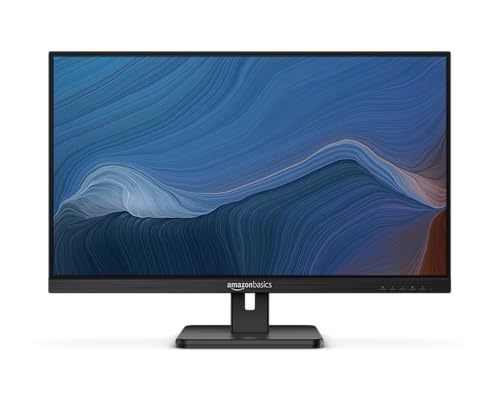
Compare 75 Hz monitors by price, panel, size and ports, with clear guidance on what each tier adds for office work, study and light gaming at home.
Shop by budget first and panel second, and the wide price range for this class becomes much easier to read. The best 75 hz monitors add a small but visible step in smoothness over 60 Hz screens, at far less cost than fast gaming displays. Use the product table below to match price, size and panel type to your desk.
A 75 Hz screen refreshes the image 75 times each second, so scrolling text, moving windows and casual games look a little calmer than at 60 Hz. You pay for comfort and clarity in daily use, not for elite speed.
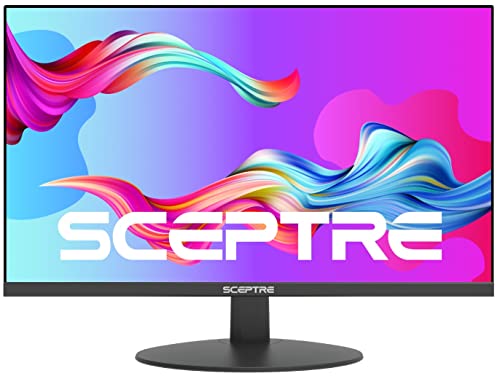
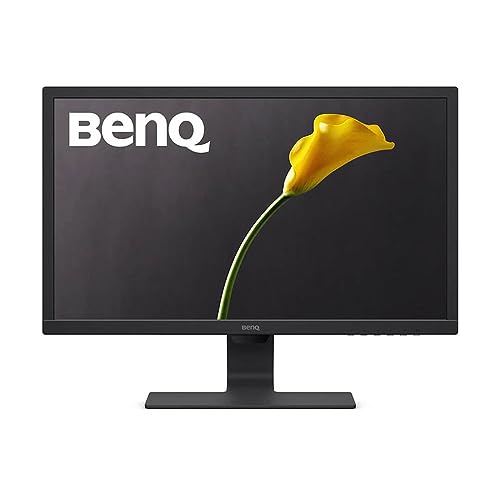
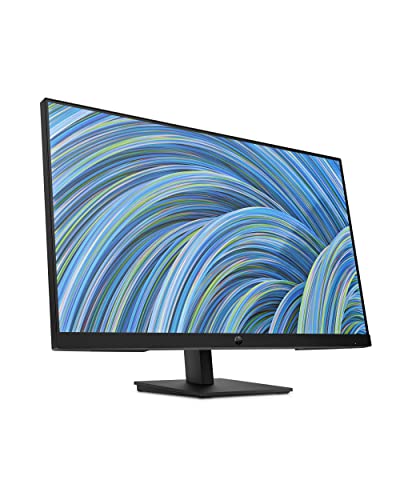


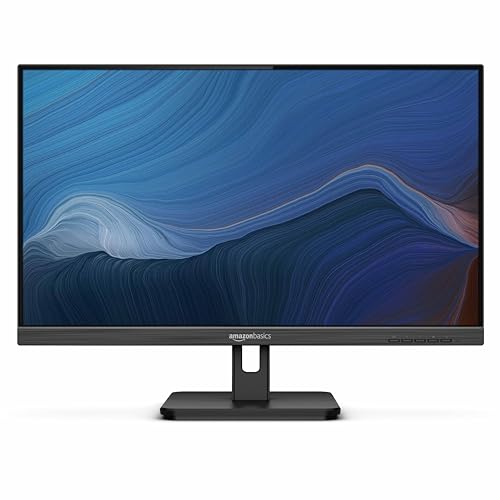

Who Should Buy a 75 Hz Monitor?
Buyers in this class want a smoother screen for ordinary tasks, and they would rather spend the savings on a good panel or a better stand.
Office and Study Users at a Desk All Day
You read documents, write, browse and join video calls for hours at a time. A 75 Hz refresh rate makes scrolling feel steadier, and a matte IPS panel keeps text clear near a window. Choose tilt at minimum, and prefer height adjustment for long sessions.
Casual Gamers Who Play After Work
You play story games, sports titles and older favorites rather than ranked shooters. At 75 Hz, motion looks smoother than at 60 Hz, as long as your graphics card can hold a steady frame rate. Adaptive sync matters more for you than raw speed, since it keeps movement even when the frame rate dips.
Home Users Replacing an Older 60 Hz Screen
You are upgrading a worn screen for work, video and family use. A modern 75 Hz model usually brings slimmer bezels, better brightness and an HDMI port your old screen may lack. If you are still deciding, see our guide to the best 60 hz monitors for the lower cost side of that choice.
75Hz Monitor Pricing: Money Goes to Panel, Size and Stand, Not Speed
When you sort best 75 hz monitors by price, three broad tiers appear. The rate stays the same in all three, so money goes to panel, size, resolution and stand.
Budget Tier: Clear Basics for Daily Tasks
Expect to pay about $80 to $140 for a 24 inch screen at 1080p with a basic tilt stand and one or two HDMI ports. Panels are usually IPS or VA with modest brightness, and speakers, if fitted, sound thin. This tier suits a first desk setup or a second screen.
Midrange Tier: Better Stands and Sharper Panels
Prices of about $140 to $250 buy 27 inch screens, often at 1440p, with brighter panels and fuller color. Stands here more often add height, swivel and pivot adjustment, and ports may include DisplayPort and a USB hub. Comfort rises fastest in this tier, because posture and sharpness improve every day.
Premium Tier: Large Screens and Docking Features
Spending about $250 to $450 brings large screen options such as 32 inch and ultrawide models, 4K resolution on some sizes, and USB C ports that carry video and laptop power on one cable. Color coverage widens for photo work. It pays off when screen space or a tidy one cable desk is the goal.
Features Worth Paying For and Ones to Skip
Rank each feature by how often you will feel it in a normal week. Daily comforts beat rare extras.
Connectivity and Ports on a 75 Hz Monitor
One HDMI port covers a single computer or console, while two HDMI ports plus DisplayPort suit a desk with both a laptop and a desktop. USB C with power delivery can charge a laptop and carry its picture at once. Skip paying extra for HDMI 2.1 on this class, since 75 Hz at 1080p or 1440p does not need that bandwidth.
Panel Technology, Color and Contrast
IPS panels give wide viewing angles and steady color, which suits shared screens and photo work. VA panels give deeper contrast for films, but their color can shift from the side. TN panels cost less, though colors look flatter. OLED brings rich contrast at a price that rarely makes sense at 75 Hz, so treat it as a luxury.
Adaptive Sync and Gaming Features
Adaptive sync lets the screen match the frame rate your graphics card sends, which reduces tearing and stutter in games. FreeSync works with many cards, and G Sync compatible models cover the other major camp, so check your card before you buy. If gaming becomes your main use, see our guide to the best gaming monitors before you commit to this slower class.
Refresh Rate and Response Time at 75 Hz
The step from 60 Hz to 75 Hz is a 25 percent rise in refreshes, enough to calm scrolling and cursor movement without a stronger graphics card. Response time describes how fast pixels change shade, and makers quote about 1 to 5 milliseconds using methods that vary by brand, so treat small gaps with caution. Competitive players should see our guide to the best 165 hz monitors instead.
Picking Resolution by Screen Size So Text Stays Sharp
At 24 inches, 1080p looks tidy for text and video. At 27 inches, 1440p keeps words sharp because the same distance now holds more pixels, while 1080p at that size can look soft. A 32 inch screen gives room for side by side documents, and 4K suits that size best. Measure desk depth first.
Stand Ergonomics and VESA Mounting
A height adjustable stand lets the top of the screen sit near eye level, which eases neck strain in long sessions. Tilt helps with glare, and swivel helps you share the screen with a guest. VESA mounting holes, most often spaced 100 by 100 mm, let you fit an arm later, so confirm the pattern first.
Picking the Best 75 Hz Monitors for Different Uses
Your main use decides which tier deserves your money. Writers gain most from sharpness and stand comfort, viewers from contrast and size, and spreadsheet users from width. Ultrawide displays suit productivity work with several windows open.
Best Affordable 75 Hz Monitors: Where Your Money Goes
Value here comes from spending on the panel and the basics, not on extras. Put money toward an IPS panel at 1080p, at least one HDMI port and a stand that at least tilts, and accept plain speakers or none. A 24 inch size protects sharpness at this price. Skip decorative lighting and extra gaming modes.
Costs After the Screen Arrives: Arms, Cables and Power Use
The screen price is only part of what you will spend. A monitor arm may add about $30 to $80 if the stock stand sits too low. Power use is modest for LED screens, so the electricity cost rarely changes the decision.
Common Mistakes to Avoid
Most regrets here come from size, stand and port choices.
- Buying a 32 inch 1080p screen for close work leaves text coarse and tiring.
- Ignoring stand height forces you to stack books under the screen.
- Paying for 4K on a small screen wastes money when distance hides the sharpness.
- Forgetting to count ports leaves a device unplugged each time you swap.
- Choosing a dim panel makes daytime work in a bright room hard on your eyes.
Care and Maintenance for a 75 Hz Monitor
Clean the screen with a dry microfiber cloth, dampened lightly with water only if marks remain. Never spray liquid onto the panel, since drips can reach the lower edge and damage the electronics behind it. Keep pressure light to protect the surface coating.
Dust the vents along the back and top with a soft brush so heat can leave the case. Give cables some slack at each port so connectors carry no strain when you swivel the screen. Store the original box if you can, since its foam makes later moves safer.
FAQ
What monitor size should you choose for a desk in a small room?
A 24 inch monitor suits a small room desk best in most cases. It fits shallow desks and leaves space for a keyboard and notebook. Sit about an arm length away, and check the stand footprint before you order. On a desk under about 20 inches deep, a wall mount can return stand space.
How long does a 75 Hz monitor usually last?
A 75 Hz monitor usually lasts about five to eight years of daily use. The backlight slowly dims over that span, so a screen that once felt bright may need a higher setting in later years. Ports and buttons tend to outlast the panel itself. Keeping vents clear can help the backlight age more slowly.
Does a 75 Hz refresh rate matter for office work and video?
Yes, a 75 Hz refresh rate helps office work in a modest but real way. Scrolling through long documents looks steadier, and the cursor tracks with less blur as you move between windows. Most streamed video is filmed at lower frame rates, so films gain little. The benefit shows in motion you control, such as panning across a large spreadsheet.
Is IPS or OLED better for a 75 Hz monitor?
IPS is the better buy for most 75 Hz monitor shoppers. It costs far less, shows text cleanly for long sessions and carries no risk of image retention from static toolbars. OLED wins on contrast for films in dark rooms, but its price belongs to a different budget class. Choose OLED only when movies are the main job.
Is 4K resolution worth it on a 75 Hz monitor?
4K resolution is worth it on a 75 Hz monitor only at larger sizes, mainly 32 inches and above. At that scale the extra pixels keep text and photos detailed at a normal desk distance. On a 27 inch screen, 1440p gives most of the sharpness for less money and asks less of your graphics card.
Final Thoughts
Decide size and resolution first, then pick the tier that adds the stand and ports your desk needs. A good panel at the right size pleases longer than a long list of extras. Use the product table above to confirm price, panel and ports before you order.
Chosen with care, the best 75 hz monitors are rarely the largest screens in the range. They are the ones whose size, panel and stand fit your room and routine.


