
Best 50 Inch TVs for Gaming 2026: Specs That Matter
Disclosure: We may earn a commission when you buy through links on this page, at no extra cost to you. As an Amazon Associate I earn from qualifying purchases. Learn more
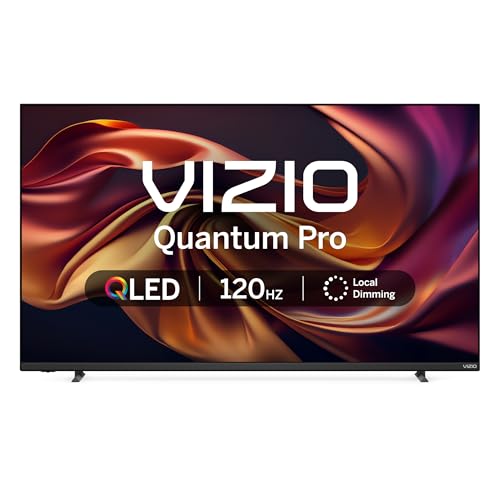
Compare 50 inch TVs for gaming by refresh rate, HDMI 2.1, input lag and VRR, and learn how to match a screen to your console and room.
A 50 inch TV is a popular size for gaming: big enough to feel immersive from a sofa, small enough for a bedroom or a den setup. This guide to the best 50 inch TVs for gaming explains the specs that decide how responsive a game feels, from input lag to HDMI features, so you can choose a set for your console or PC.
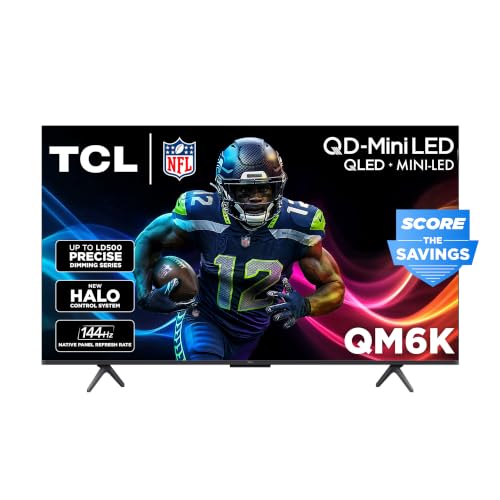
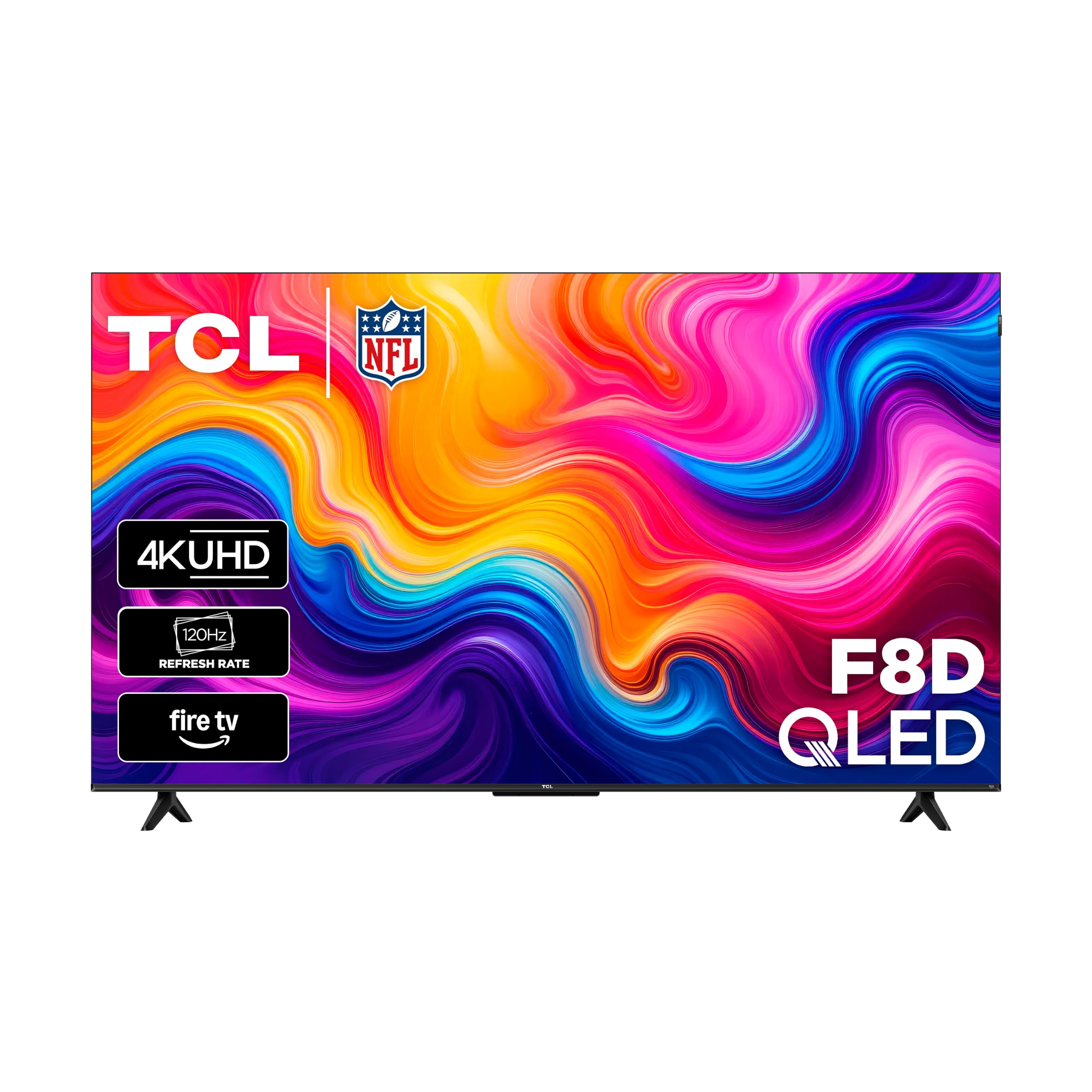
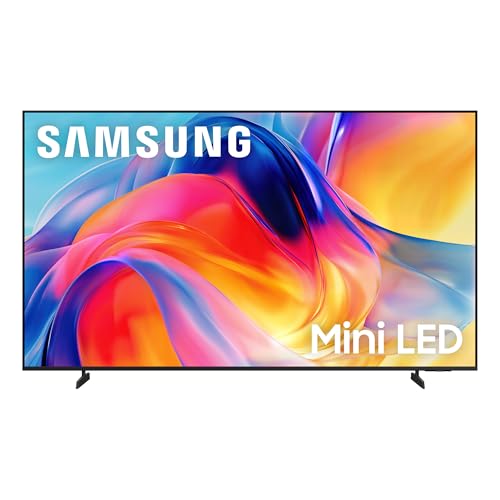
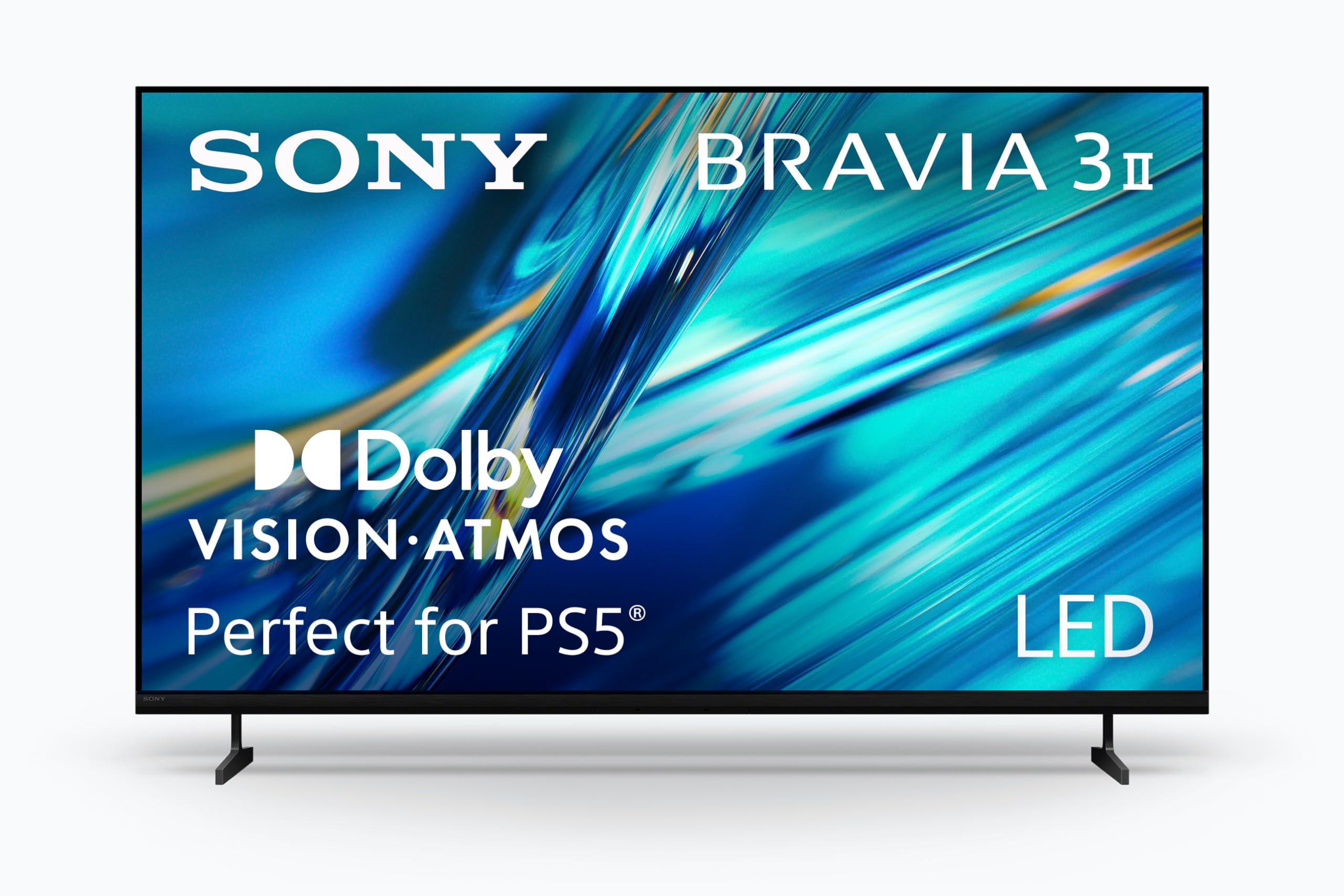
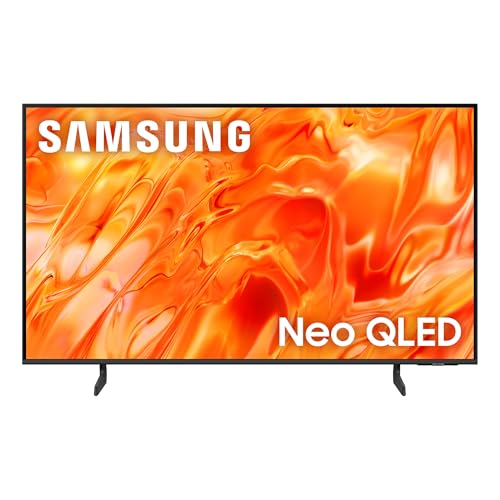
The product table below lines up the main choices side by side. The sections that follow cover refresh rate, input lag, ports, picture quality, and setup, with a focus on what you will notice while playing.



Who Should Buy a 50 Inch Gaming TV
This size suits console players who sit about five to eight feet from the screen, families who share a living room TV between games and streaming, and players who want a large display without a big wall mount. If you play at a desk within arm's length, a monitor or a smaller TV may feel more comfortable, and if you want a bigger picture, see our guide to the best 55 inch TVs for gaming.
Key Specs for Gaming
Refresh Rate and HDMI 2.1
A 120Hz panel lets current consoles and PCs run games at up to 120 frames per second in 4K, which looks smoother in fast action. Look for at least one HDMI 2.1 port, and check which port it is, because many TVs enable the full feature set on only one or two inputs. A 60Hz panel is fine for casual play and older consoles.
Input Lag and Game Mode
Input lag is the delay between pressing a button and seeing the result. A game mode that turns off heavy processing keeps it low, and auto low latency mode (ALLM) switches the TV into game mode when a console is detected. Look for published lag numbers in the 10 to 20 millisecond range at 60Hz, and lower at 120Hz.
Variable Refresh Rate
Variable refresh rate (VRR) matches the screen to the game's frame rate, which reduces tearing and stutter. Check the supported formats in the listing, such as HDMI VRR, FreeSync, or G-Sync compatibility.
Brightness, Contrast, and HDR
HDR makes highlights pop and shadows deeper, but small panels often manage only modest peak brightness. A bright panel helps in daylight rooms, while good contrast helps in dark rooms. VA panels give strong contrast, and IPS panels give wider viewing angles for couch co op.
Smart Platform and Sound
A fast smart platform makes switching between games and streaming easy. Built in speakers on slim TVs are thin, so a soundbar or headset improves the experience. Check that the TV supports eARC if you use a soundbar.
Setup Tips
Connect your console to the HDMI port that supports the full feature set, switch the TV to game mode, and turn on VRR and 120Hz in the console settings if supported. Turn off extra motion smoothing, because it adds delay, and calibrate brightness so shadow detail is visible without washing out the picture. Keep a few inches behind the TV for airflow.
Budget
Most 50 inch 4K sets suitable for gaming cost about $250 to $1,100. Entry models give a smooth 60Hz picture, mid range sets add 120Hz and VRR, and premium sets bring higher brightness and better local dimming. Spend first on refresh rate, ports, and input lag, and treat extra picture modes as a bonus.
Common Mistakes to Avoid
- Assuming every HDMI port supports 4K at 120Hz.
- Leaving motion smoothing on, which increases lag.
- Choosing by size alone and ignoring refresh rate and input lag.
- Skipping the return window check for panel flaws that show only at home.
- Forgetting a soundbar or headset, because built in speakers sound thin.
Related Guides
For general choices at this size, read our guides to the best 50 inch TVs, the best 50 inch smart TVs, and the best Samsung 50 inch TVs.
Frequently Asked Questions
Is a 50 inch TV good for gaming?
Yes, at a sofa distance of five to eight feet it feels immersive, and many 50 inch models support 120Hz and VRR. Desk players may prefer a smaller screen.
Do I need 120Hz for gaming?
Not for casual play. A 120Hz panel helps with fast games on current consoles and PCs that support high frame rates.
What is input lag?
It is the delay between a button press and the result on screen. Lower is better, and game mode reduces it.
Does the TV need HDMI 2.1?
For 4K at 120Hz from a current console, yes. For 4K at 60Hz, HDMI 2.0 is enough.
Is OLED or LED better for gaming?
OLED has fast response and perfect blacks but costs more, and LED sets are brighter for sunlit rooms. At 50 inches, strong LED and QLED sets give the best value.
Final Thoughts
Prioritize refresh rate, HDMI 2.1 support, VRR, and low input lag, then match brightness and panel type to your room. Compare your shortlist in the product table above, and you will find the best 50 inch TVs for gaming for your console and your living room.


