
Best Affordable TVs 2026: Which One Fits How You Use It
Disclosure: We may earn a commission when you buy through links on this page, at no extra cost to you. As an Amazon Associate I earn from qualifying purchases. Learn more

An affordable TV should fit your viewing habits, not just your budget. Compare picture quality, sound, smart features, screen size and room size first.
A good TV no longer needs a big budget. Today, a 4K screen with a built-in streaming platform costs far less than it did a few years ago, and the differences between models show up in brightness, motion, sound and ports rather than in basic sharpness. This guide explains how to choose best affordable tvs so you spend on what you will notice every evening.
Start with how you will use the TV: a bedroom, a family living room, or a gaming corner each calls for a different mix. The product table lists current options, and the sections below show how to read the specs.

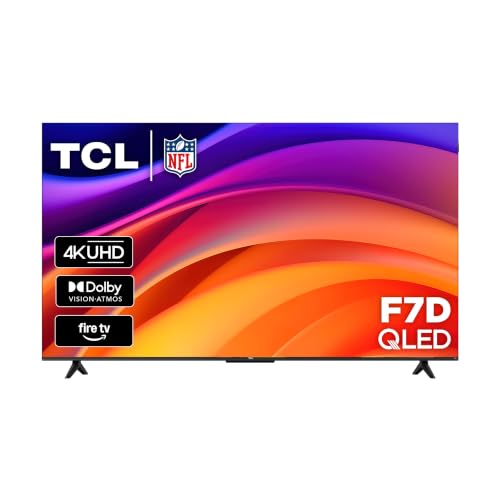
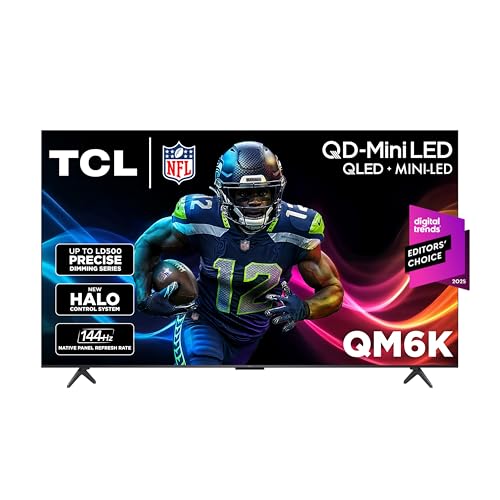

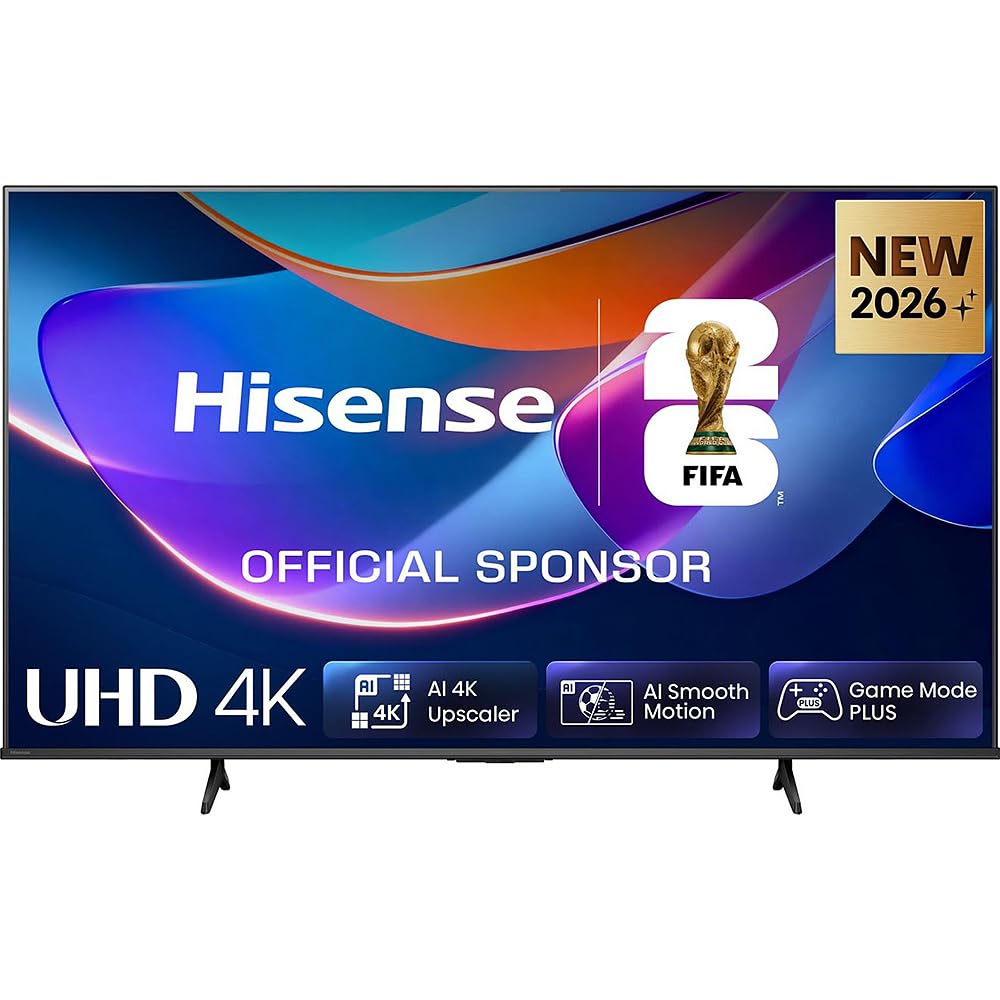
Who Should Buy Which Type
Small room TVs
For a bedroom, dorm or kitchen, a 32 to 43 inch screen is plenty. Check the stand width and viewing angle, since you may sit off to one side. A basic 4K or even 1080p panel is fine at this size, and a simple smart platform keeps setup easy.
Family room TVs
For a main living area, 55 inches is the sensible starting point, and 65 inches suits seating beyond nine feet. Look for a bright panel, wide viewing angles for a full sofa, and enough HDMI ports for a console, soundbar and streaming box.
Gaming TVs
For consoles, add a native 120 Hz panel, HDMI 2.1, VRR and an auto low latency mode. Our guide to the best affordable tvs for gaming covers these features in detail.
Key Features of the Best Affordable TVs
Resolution and size
4K is standard at most sizes above 43 inches and is worth having for sharper text and detail. Sit roughly one to one and a half times the screen width away for a comfortable view, and measure your space before ordering.
Panel and picture
VA panels give deeper blacks and are common at budget prices, while IPS panels hold color better from the side. QLED adds quantum dots for richer color and higher brightness. Dimmer panels can look washed out in sunny rooms.
Smart platform
Roku, Fire TV and Google TV are the common systems. Choose the one that matches the services and voice assistant you already use, and check how fast the menus feel in buyer feedback.
Sound and ports
Thin TVs have small speakers, so plan for a soundbar if dialogue matters. Count the HDMI ports, and look for one marked eARC if you want to add a soundbar with a single cable.
Remote and everyday use
A simple remote with direct buttons for your favorite apps and a backlight or finder feature makes daily use easier. Voice control is handy, but a plain remote still matters.
Related guides can help you compare nearby options, including the best tvs of all time, the best affordable smart tvs and the best affordable 4k tvs.
How to Read a TV Listing
Retail listings lead with the biggest numbers, but a few lines tell you more. Look for the native refresh rate (60 Hz or 120 Hz), because "motion rate" and "effective refresh rate" are marketing figures. Check the HDR formats supported, since Dolby Vision and HDR10+ both help on compatible content. Read the port list for HDMI count and eARC, and see whether the TV uses a stand with two wide feet or a center pedestal.
Brightness is rarely listed on budget sets, so rely on buyer photos and comments about bright rooms. Sound is similar: if a listing shows a soundbar in every photo, assume the built-in speakers are modest. Finally, check the model year in the listing, because older stock may use a previous smart platform that stops receiving updates sooner.
Budget Tiers and Value
Under about $250, expect a 4K screen of 50 to 55 inches with a basic smart platform, modest brightness and small speakers. This tier is fine for bedrooms and casual viewing.
Between roughly $300 and $500 you reach QLED color, brighter panels, better motion handling and sometimes a 120 Hz screen. This is the sweet spot for most living rooms.
Above that, mini LED backlights, local dimming and OLED improve contrast and brightness, which matters most in dark rooms and for HDR films. Prices change often, so watch for sales instead of paying list price.
Picking a Screen Size
Bigger is usually better value per inch, but only if your seating distance allows it. At six feet, a 43 or 50 inch screen is comfortable; at nine to ten feet, 65 inches fills your view without strain. Very large budget panels tend to be dimmer and show more backlight uniformity issues, so a smaller TV with a better panel can look better in a normal living room.
Also think about the room. Bright rooms call for higher peak brightness and reflective-resistant screens, while dark rooms reward deep blacks. If the TV sits in a bedroom, a smaller size with good viewing angles from the bed is often the smarter choice.
Setup and Common Mistakes
When you unbox the TV, pick the movie or cinema picture mode instead of the vivid store preset, which oversaturates color. Use a certified HDMI cable for each device, and update the software if prompted.
A common mistake is choosing by size alone and ending up with a dim panel or too few ports. Another is skipping the return window: check for backlight bleed, dead pixels and sluggish menus in the first days, and keep the packaging until you are sure. Ask a friend to help lift larger screens, and follow the manufacturer instructions for wall mounting.
Sizing and Everyday Use
Measure the wall or stand, not just the diagonal, because the frame width and stand feet decide whether the TV fits. A 55 inch model is roughly 48 inches wide, so check your media unit. If you mount the TV, confirm the VESA pattern and the weight limit of the bracket.
Everyday use also reveals small details that specs cannot show. Menus should feel responsive, the remote should be easy to use, and the TV should wake quickly. Check the return window so you can judge these in real conditions.
Frequently Asked Questions
Where should I spend on a budget TV?
Spend first on picture quality and screen size for your room. Sound can improve later with a soundbar, and smart features can come from an external streaming stick.
Is a larger cheap TV better than a smaller better TV?
Larger screens suit farther seating, while better panels suit closer viewing. Measure your room before deciding, since picture flaws show more on large screens.
What do I sacrifice at lower prices?
Budget TVs may offer dimmer pictures, narrower viewing angles or slower menus, and sound often suffers first. Check the features you use daily.
Do budget TVs last as long?
Build quality and software support affect useful life. Keep software updated, avoid extreme heat and consider an external streaming device if the built-in platform slows down.
Should I buy an extended warranty?
Read what it covers and for how long. Standard warranties cover defects, not accidents, so compare the price against typical repair costs.
Final Thoughts
Take your time, compare the options in the product table, and choose the one that fits your room and budget. Picture quality, size and ports matter more than long feature lists, and the right match makes best affordable tvs a purchase you will enjoy for years. If you also play games, see the best affordable tvs for ps5 guide.
