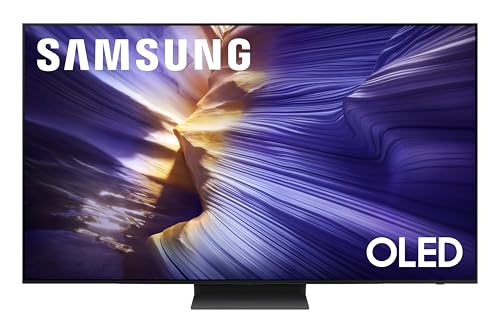
Best 55 Inch TVs for Gaming in 2026: How to Choose the Right One
Disclosure: We may earn a commission when you buy through links on this page, at no extra cost to you. As an Amazon Associate I earn from qualifying purchases. Learn more

Compare 55 inch gaming TVs by refresh rate, input lag, brightness and ports, and match screen type to your room and console or PC setup.
The best 55 inch tvs for gaming combine a fast panel, low input lag and the right ports for a console or PC. A 55 inch screen is a sweet spot for most living rooms and bedrooms, big enough to feel immersive from a couch yet small enough for a TV stand. This guide explains what to look for so the picks in the product table fit your setup.
Gaming TVs differ from ordinary televisions in how quickly they react and how smoothly they show motion. Before you compare prices, note which console or PC you use, how far you sit, and whether the room is bright or dark. Those three answers narrow the choice more than any spec sheet.

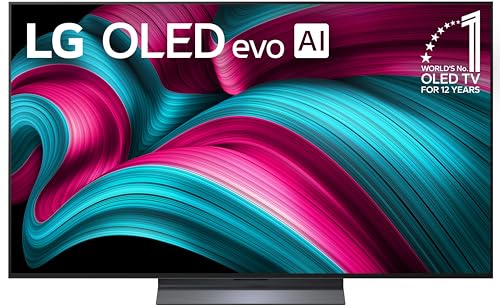
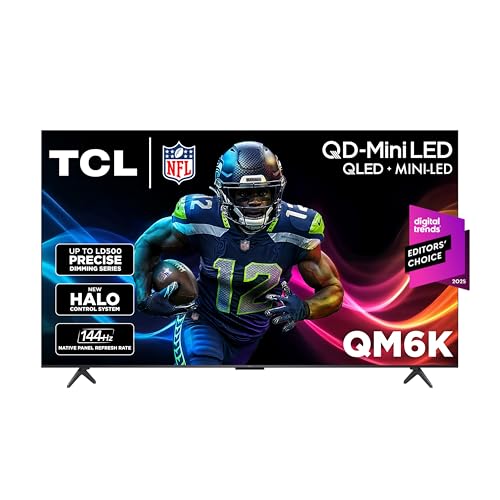

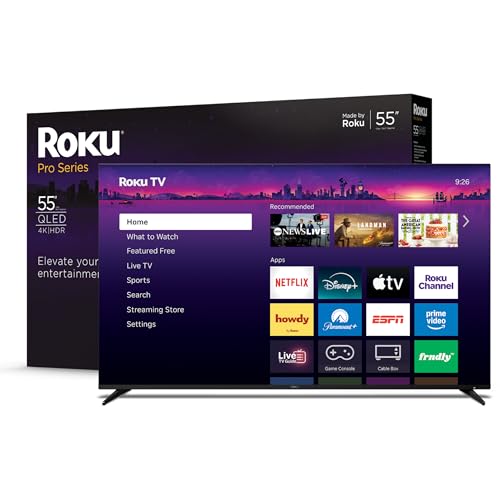

Panel Types Compared
Most 55 inch gaming sets use one of three panel styles. Each trades brightness, contrast and price differently, and the table below gives a quick side by side view.
| Panel Type | Best For | Strengths | Trade Offs | Typical Price |
|---|---|---|---|---|
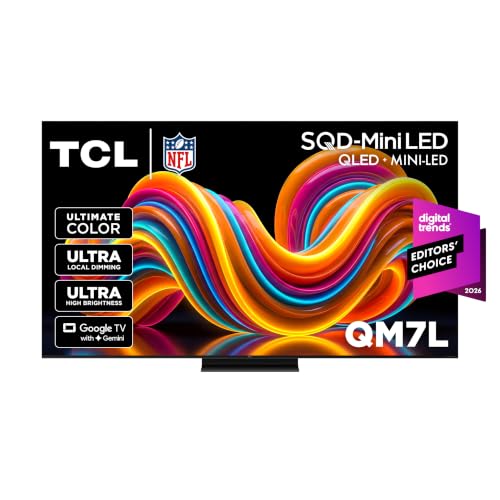
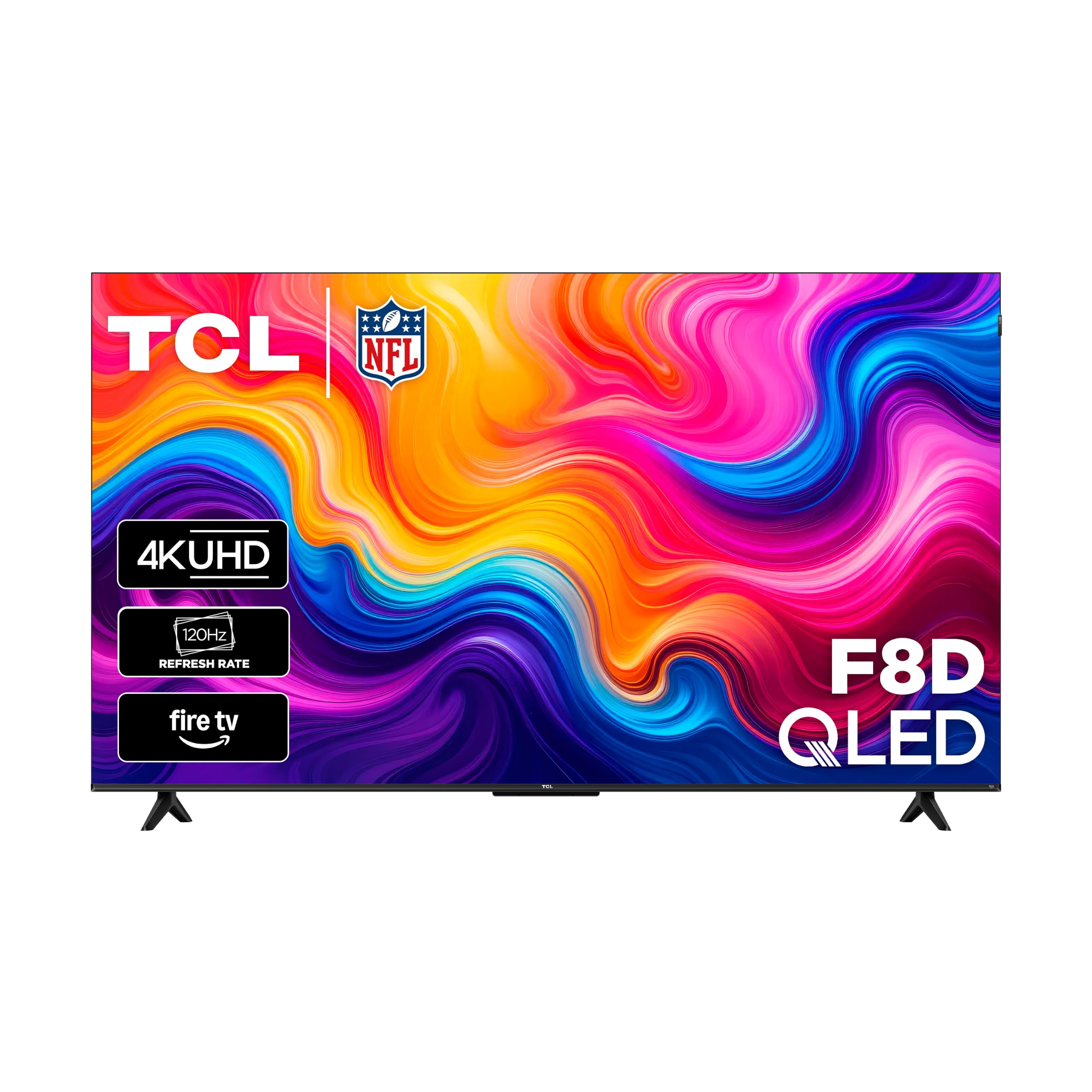
| QLED LED backlit | Bright living rooms | High brightness, good value, 120Hz or 144Hz models | Contrast is lower than OLED in dark rooms | about $350 to $800 |
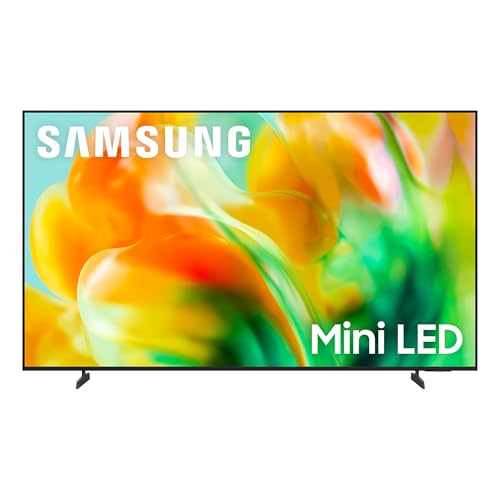
| Mini LED | Mixed lighting, HDR games | Strong brightness and local dimming | Costs more, some haloing around bright objects | about $550 to $1,300 |
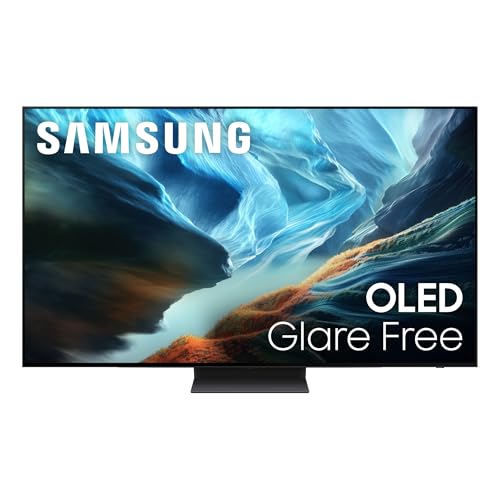
| OLED | Dark rooms, story games | Perfect black levels, very fast pixel response | Highest price, lower peak brightness | about $950 to $1,400 |
QLED LED Backlit Models
These are the value leaders. Many offer a 120Hz or 144Hz panel, HDMI 2.1 and a game mode for a fraction of premium prices. They stay bright with lamps on, which suits daytime play in a family room.
Mini LED Models
Mini LED backlights use thousands of tiny zones, so highlights look punchy and shadows keep detail. They are a strong pick for HDR games, and they handle sunny rooms better than most OLED sets.
OLED Models
OLED panels turn each pixel off completely, giving deep blacks and almost instant response. They shine for cinematic single player games in a dim room. Avoid leaving a static score bar or HUD on screen for many hours at a time.
Key Features of the Best 55 Inch TVs for Gaming
The features below decide how a TV feels with a controller in your hands.
- Refresh rate: 120Hz is the standard for current consoles, and some 55 inch sets reach 144Hz for PC play.
- Input lag: look for a game mode that keeps lag low, ideally with variable refresh rate support.
- HDMI 2.1: needed for 4K at 120Hz, so check how many ports support it.
- Brightness: matters for HDR highlights and for rooms with windows.
- Smart platform: Google TV, Roku or Fire TV each have different app and cloud gaming support.
Who Should Buy Which Type
For Console Players
Choose a set with at least one HDMI 2.1 port, 120Hz support and variable refresh rate. Auto low latency mode switches the TV into game settings when it detects a console, so you never need to dig through menus.
For PC Gaming
A 144Hz panel and a low input lag mode make a 55 inch TV a workable big screen monitor. Sit about three feet back so text stays sharp, and confirm the TV accepts 4K at 120Hz over your graphics card output.
For Shared Family Viewing
If the TV also handles movies and sports, a bright QLED or Mini LED model is the practical choice. Wide viewing angles help when several people sit at different spots.
Related Guides to Compare
Each guide covers a neighboring choice that buyers often weigh at the same time. For the general range, see best 55 inch tvs or best 55 inch smart tvs. If dark room contrast is your priority, read best 55 inch oled tvs. For a smaller screen, see best 43 inch tvs for gaming, and for broader picks, best tvs of all time.
Setup Tips
Turn on game mode and enable variable refresh rate in the TV and console menus. Use the HDMI port labeled for 4K 120Hz, and a certified high speed cable. Turn off motion smoothing for games, since it adds delay.
Place the screen at eye level and avoid a window directly opposite it. A 55 inch TV works well from about five to seven feet away. Keep the software updated, because makers sometimes improve gaming features through updates.
Common Mistakes to Avoid
One common mistake is trusting a headline refresh rate without checking that the HDMI ports can carry it. Another is buying on price alone and ending up with a dim panel that washes out in daylight. Measure your stand, check the port layout, and keep the packaging until you are sure the set works with your console.
Frequently Asked Questions
Is a 55 inch TV good for gaming?
Yes. It fills enough of your view to feel immersive from a couch, and it fits most stands. Sitting five to seven feet away gives a sharp picture without needing to move your head.
Do I need 120Hz for gaming?
For current consoles and PC play, 120Hz gives noticeably smoother motion in supported games. If you mostly play slower titles at 60 frames per second, a 60Hz set still works, but a 120Hz panel is a safer long term choice.
Is OLED or QLED better for gaming?
OLED has faster response and perfect blacks, so it suits dark rooms. QLED and Mini LED get brighter and cost less, so they suit lit rooms and tighter budgets. Both can be excellent when they offer low input lag.
What is input lag and why does it matter?
Input lag is the delay between pressing a button and seeing the result. Lower lag feels more responsive, especially in shooters and fighting games. Always use the TV's game mode to keep it low.
How many HDMI 2.1 ports do I need?
One is enough for a single console. Choose two or more if you also own a PC, a second console or a soundbar that uses eARC.
Final Thoughts
Start with your console or PC, your room lighting and your budget, then use the product table to narrow the short list. The best choice among the best 55 inch tvs for gaming is the one with the right ports and a panel that suits your room. Compare two or three strong options before you order.