
Best Alexa TVs: What Actually Matters Before You Buy for 2026
Disclosure: We may earn a commission when you buy through links on this page, at no extra cost to you. As an Amazon Associate I earn from qualifying purchases. Learn more

Use this buying guide to compare the best alexa tvs by panel type, brightness, gaming features, and smart controls before you choose a size.
Two televisions can share a screen size and a price and still feel completely different once they are on your wall. The difference is rarely one headline feature. It is a handful of measurable traits working together, and that is why the best alexa tvs are best judged with a checklist rather than by a single spec.
This guide sets out that checklist in plain order: panel, motion, brightness, size, mounting, gaming features, and the smart platform Alexa lives in. Work through it, note where your room and habits land, and then use the product table to narrow your shortlist.

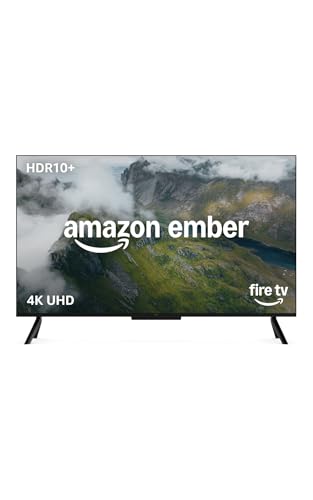
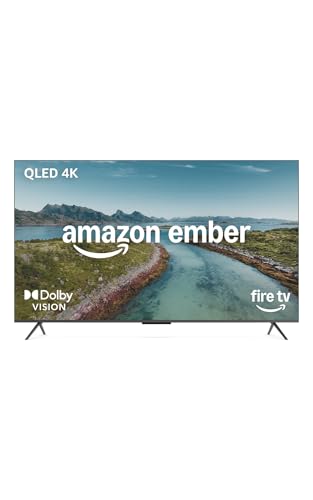
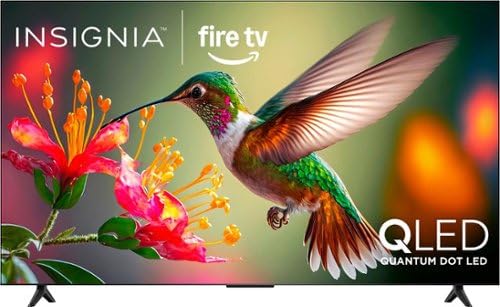
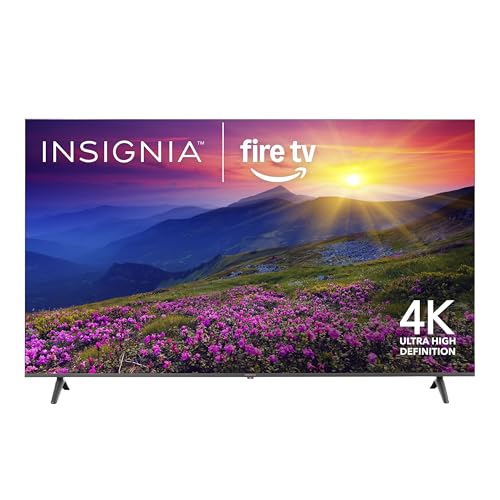
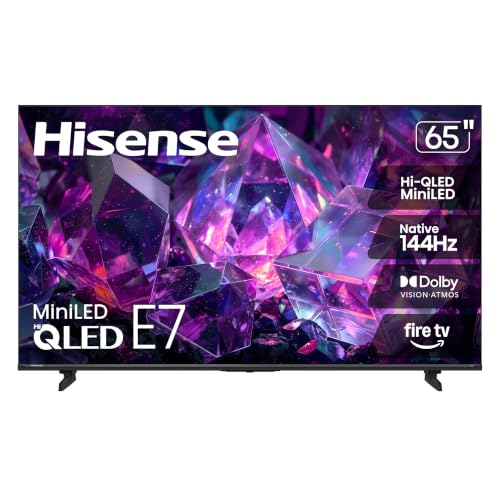
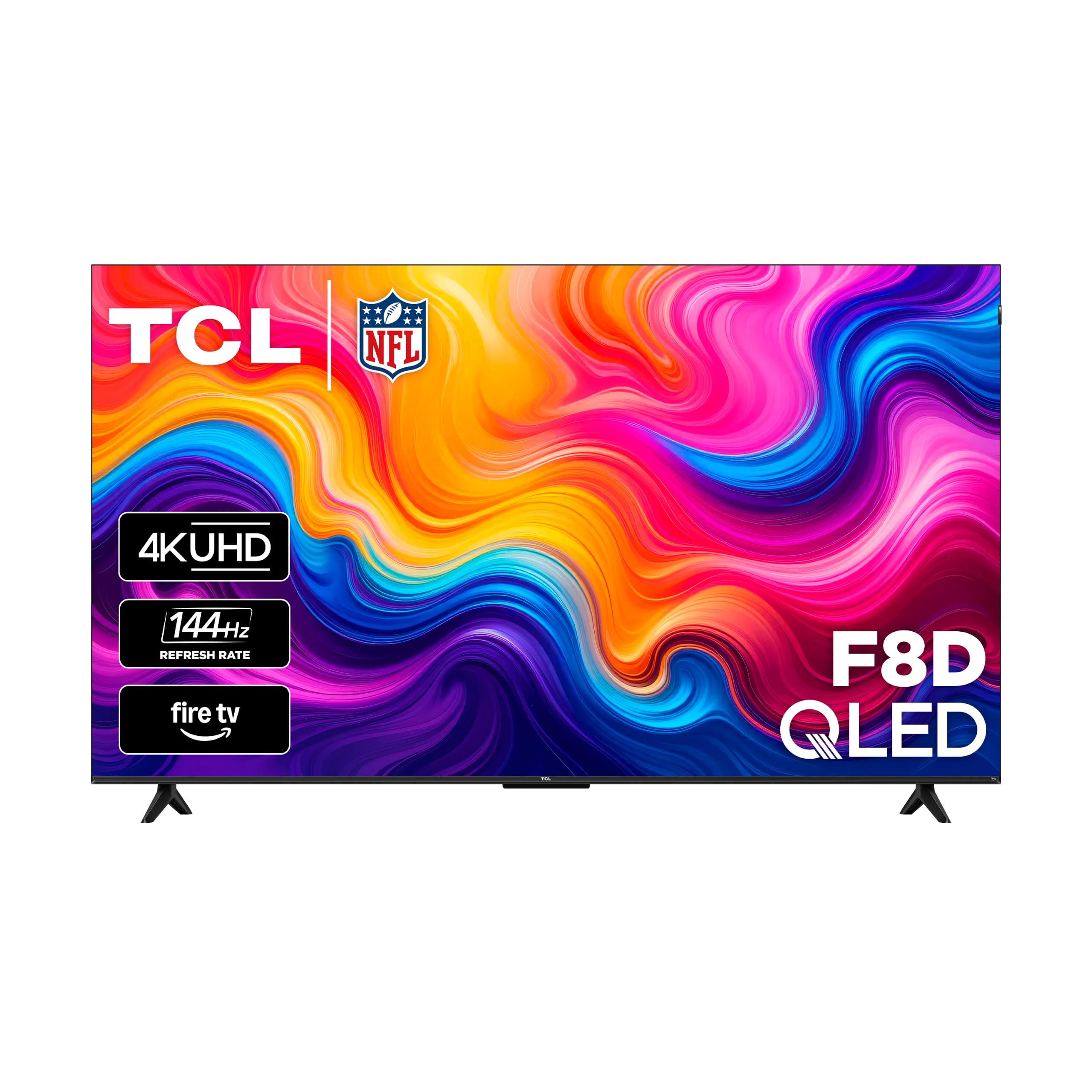
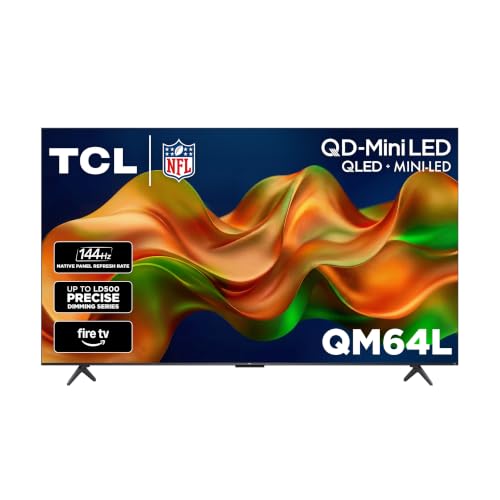
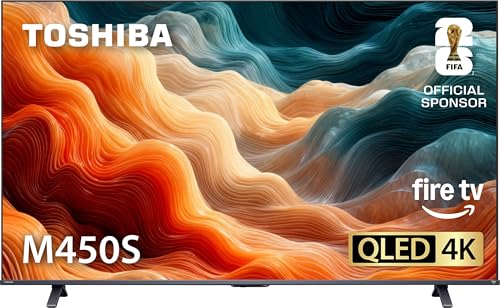
How to Evaluate Alexa TVs
Panel Technology (IPS, VA, OLED, Mini LED)
Panel type shapes contrast and viewing angles more than any other choice. OLED panels turn each pixel off for true black, so dark scenes look deep and clean, but they cost more and need sensible care with static images. VA panels offer strong contrast at lower prices, though the picture fades when you sit far to the side. IPS panels keep color accurate from wide angles but show weaker black levels in a dark room.
Mini LED models use many small backlight zones to lift brightness and control contrast, and they suit bright living rooms well. Decide from your seating first. A wide sofa in a bright room points to IPS or Mini LED, while centered seating in a dim room is where OLED earns its price.
Refresh Rate and Response Time
Refresh rate tells you how many times the picture updates each second. A native 60Hz panel is fine for news, drama, and most streaming. A native 120Hz panel gives smoother sport and is the right target for current game consoles, which can output 120 frames per second in supported games. Be wary of inflated motion numbers in listings, since marketing rates are not the same as the native panel rate.
Response time describes how fast pixels change, and slow response blurs fast movement. For gaming, look for a dedicated game mode with low input lag, because processing that helps movies can delay your controller. If you never play games, a good 60Hz panel with clean motion handling will serve you well and cost less.
HDR and Brightness
HDR only impresses when the panel is bright enough and can control that brightness in small areas. A budget set that accepts an HDR signal but peaks at low brightness may look flatter with HDR than without it. As a rough guide, higher peak brightness in the several hundred to over one thousand nit range, paired with local dimming, is what makes highlights in films and games stand out.
Format support matters too. HDR10 is universal, while Dolby Vision appears on many streaming titles and adjusts the picture scene by scene. In a bright room, raw brightness and a screen finish that resists reflections matter more than format badges, so weigh your lighting before paying extra for formats alone.
Resolution and Screen Size
4K is the sensible default at 43 inches and above, because streaming services and consoles now target it and prices have fallen. Below that size, a good 1080p set can still look sharp at normal distances. Screen size should follow viewing distance: sit roughly one to one and a half times the screen width away for an immersive but comfortable picture.
Measure your space before you order. Note the width of your stand, the distance from wall mounts to doors, and whether the screen will block a window or a speaker. A slightly smaller television that fits the room and your seating will please you more than the largest panel you can squeeze in.
Stand, Mounting, and Ergonomics
Check the stand before you fall for the screen. Wide feet at each end need a long stand and can leave no room for a soundbar, while a central pedestal suits smaller furniture. If you plan to wall mount, confirm the VESA pattern on the back and the weight, then buy a mount rated above that weight.
Cable access is part of ergonomics too. Ports that face sideways are easier to reach once the set is mounted than ports hidden on the back panel. Think about which devices you plug in most, such as a console or a streaming stick, and make sure at least one full speed HDMI port stays reachable.
Adaptive Sync and Gaming Features
For gaming, the feature list that matters is short: HDMI 2.1 ports, variable refresh rate, and auto low latency mode. HDMI 2.1 carries 4K at 120Hz from current consoles. Variable refresh rate, through standards such as FreeSync or the HDMI forum version, lets the screen match the game output and reduces tearing. Auto low latency mode switches the set into game mode when a console starts.
Count the high speed ports, not just their presence. Many sets offer only one or two full HDMI 2.1 ports, and a soundbar using the eARC port may claim one of them. List your console, computer, and audio gear first, then confirm the port count covers them all.
Smart Platform and Sound
Alexa support comes in two forms. Some televisions build Fire TV in, so Alexa is the native assistant with a voice remote included. Others work with Alexa, meaning an external Alexa device or a linked account controls basic commands such as power, volume, and input changes. If voice control is central to your purchase, a built in platform gives the deeper control. Our guide to the best smart tvs with alexa explains how the built in and linked approaches differ in daily use.
Built in speakers are the weak point of most slim sets, fine for news and dialogue at moderate volume but thin for films. Budget for audio early. Even a modest soundbar lifts dialogue clarity, and our roundup of the best soundbars tv shows what to match with your screen size and room.
What Each Price Tier Should Deliver
Overall Tier: The Complete Package
At the upper tier, around $800 to $1,500 for common living room sizes, expect the full checklist with no weak item. That means an OLED or strong Mini LED panel, native 120Hz, at least two HDMI 2.1 ports, and brightness that makes HDR convincing in a dim or moderately lit room. Voice control should be built in, the remote should feel solid, and the warranty should run at least two years or offer a fair extension.
This tier suits a main living room set you plan to keep for many years. The honest trade off is price and, with OLED, mindful use around static logos and news tickers. If the set is your main screen for films, sport, and games, this is where money is well spent.
Value Tier: The Smart Compromise
The value tier, roughly around $350 to $700, is where most buyers should shop. Expect a good VA or basic Mini LED panel, 4K resolution, and HDR support with modest brightness. Many models here now include one or two HDMI 2.1 ports and a native 120Hz panel at popular sizes, though some still use 60Hz, so check that line of the spec sheet carefully.
You give up the deepest black levels, the widest viewing angles, and some sound quality. For mixed family viewing in a normally lit room, those losses are easy to live with. Spend the savings on a soundbar and a proper wall mount and the total result often beats a bare premium set.
Compact Tier: Smaller Screens Done Right
Compact models at 32 to 43 inches, often around $150 to $350, serve bedrooms, kitchens, dorms, and small offices. Priorities change at this size. A clear 1080p or 4K picture, a simple stand that fits a dresser, and easy voice control matter more than gaming features. Alexa is genuinely useful here, since a small set in a kitchen or bedroom is often controlled while your hands are busy.
Watch two traps in this tier: dim panels that wash out near windows, and slow menus on weak processors. If the television will sit outside on a covered porch, compare the weather ready options in our guide to the best tvs for outside instead of pressing an indoor set into outdoor duty.
Quick Buyer Checklist
Run through these questions before you buy. Each yes moves a model up your list, and two or more no answers on the first four items should send you back to the product table.
- Does the panel type suit my seating layout and room lighting?
- Is the refresh rate native, and does it match my console or viewing habits?
- Is peak brightness high enough for HDR to look better, not worse?
- Does the size fit my viewing distance, stand, and wall space?
- Are there enough HDMI 2.1 ports for my console, computer, and soundbar?
- Is Alexa built in, or am I content to link an external device for control?
- Does the VESA pattern and weight match the mount I already own?
- Have I budgeted for sound, since built in speakers are rarely enough?
Red Flags to Watch For
Vague specifications are the clearest warning sign. A listing that shouts a huge motion rate but never states the native refresh rate is hiding a 60Hz panel. Missing brightness figures, unnamed HDR support, and no stated port versions point the same way. Trust spec sheets that give plain numbers you can compare.
Other flags deserve equal care. Look out for a warranty of only a few months on a large screen, a seller with no clear returns route, and review patterns that repeat the same phrases across many posts. If Alexa control is your reason for buying, confirm the exact model number supports it, since similar model names within one range often differ. A quick check against the maker page costs minutes and can save a return.
Care and Maintenance Tips
A few habits keep a new set looking right. Turn off the vivid or store demo picture mode, which oversaturates color and raises brightness beyond what the panel needs at home. Choose the movie or filmmaker style mode as your starting point and adjust brightness to your room. On OLED models, run the built in pixel refresh when the set prompts you, and vary content so static elements do not sit in one place for hours every day.
Clean the screen with a dry microfiber cloth only, using light pressure and no household sprays, which can damage coatings. Keep vents clear of dust, and if the set is wall mounted, check the mount fixings once a year. If you are weighing models that link with Alexa rather than build it in, our guide to the best tvs that work with alexa covers the setup steps and limits.
Alexa TVs: Your Questions Answered
How long do Alexa TVs last?
Most modern LED and OLED televisions run for seven to ten years of typical daily viewing before brightness or components fade enough to notice. The smart platform often ages faster than the panel, since apps and voice services change over time. A streaming stick or box added later can refresh an older set for little money, which is worth remembering before you replace a panel that still looks good.
Does refresh rate matter for non gamers?
Yes, but less than marketing suggests. A native 120Hz panel smooths fast sport and camera pans in films, so action looks cleaner even if you never play a game. For news, talk shows, and slow drama, a good 60Hz panel looks nearly identical. Spend on brightness and panel quality first if your viewing is mostly films and shows, and treat 120Hz as a welcome bonus.
Is 4K worth it on an Alexa TV?
At 43 inches and above, yes, 4K is worth it and now costs little extra. Streaming services, consoles, and broadcasters increasingly deliver 4K, and at normal seating distances the extra detail is easy to see on faces and text. On a small bedroom screen viewed from across the room, 1080p still looks fine. Match resolution to size and distance rather than chasing the badge alone.
What size Alexa TV should I get for my room?
Start with viewing distance. For 4K, sitting about one to one and a half times the screen width away gives a full, comfortable picture, which suits a 55 inch set at roughly seven to nine feet. Then check the furniture: the stand width, the wall span, and door swing. If two sizes both fit, the larger one usually satisfies longer, provided brightness and panel quality stay equal.
IPS vs OLED: which is better for an Alexa TV?
Neither is better for every room. OLED wins on contrast and black levels, so films in a dim room look superb, and response is fast for games. IPS wins on viewing angle consistency and usually on price, so a wide, bright family room is better served by IPS or Mini LED. Decide by your seating and lighting first, then by budget.
The Bottom Line
Panel, brightness, and ports decide most of your satisfaction, so score those three before anything else. Confirm how Alexa is provided, size the screen to your seating, and leave room in the budget for sound. Compare your shortlist in the product table, and you will land on one of the best alexa tvs for your room with no guesswork left.

