Best Alternative OS for Android Phones Guide (2026)
Disclosure: We may earn a commission when you buy through links on this page, at no extra cost to you. As an Amazon Associate I earn from qualifying purchases. Learn more
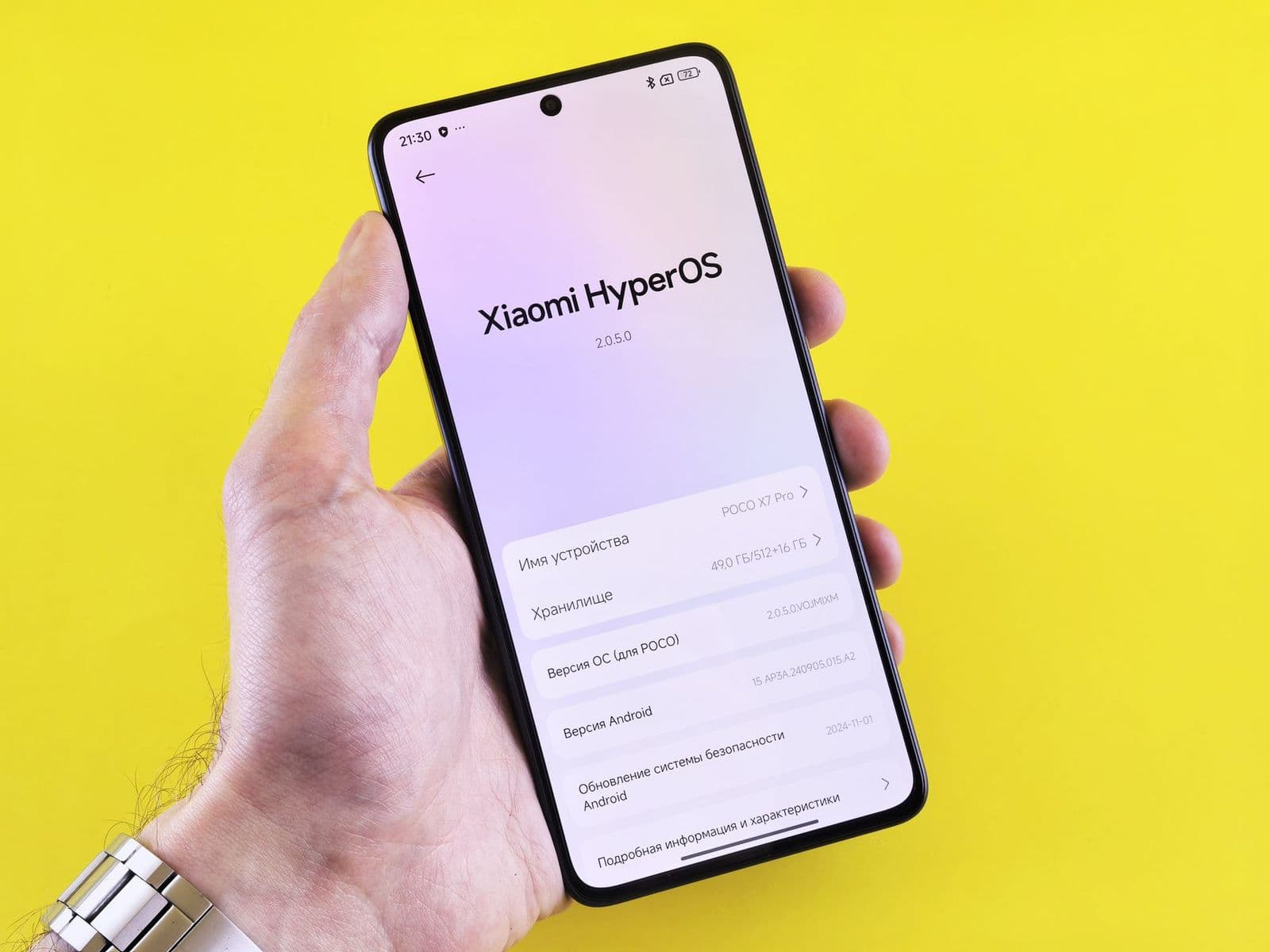
A first time guide to the best alternative os for android phones: what it is, who it suits, and how to avoid common mistakes.
If your phone feels slow, crowded with apps you never asked for, or cut off from updates, a different operating system can feel like a fresh start. This first time guide explains what an alternative OS is, which phones can run one, and what you gain or give up. The best alternative os for android phones for you depends on your phone model, your comfort with setup steps, and how much you rely on banking and work apps.
This guide moves from basics to key specs, then to setup and common mistakes. Read on before you change anything on your main device.
Alternative Os 101: The Basics
An alternative OS is software that replaces the system your phone shipped with, or a privacy focused version of Android built by an independent team. Most options are based on the open Android code that Google publishes, so they look familiar, with a home screen, app drawer, and settings much like stock Android. The difference lies in which apps and services come built in, how updates arrive, and how much tracking is removed.
Installing one usually means unlocking the phone bootloader, adding a custom recovery tool, and loading the new system, steps that erase the phone completely. Support depends on your exact model, so a popular phone may have several choices while a rare model has none. For a wider starting point, our guide to the best os for android phones explains how standard and alternative systems differ.
Know the trade offs before you begin. You gain control, longer update life for older phones, and fewer preloaded apps. You may lose some camera features, tap to pay, or banking app access, since some apps check for a certified system. A backup of photos, contacts, and files is not optional, it is step one.
Key Specs Explained in Plain English
Specs decide both whether an alternative OS runs well and whether your next phone will support one for years. The points below translate the jargon into buying and setup decisions a first time user can act on.
Features That Matter for Android Phones
Android phones vary in bootloader access, which is the gatekeeper for any system change. Some brands allow unlocking with a simple code, while others block it entirely, and carrier sold phones are often locked even when the same model sold unlocked is open. Check your exact model number, not just the marketing name, against the support list of any OS you consider.
Also check community strength. An OS with active maintainers for your model gets security patches and bug fixes on schedule. A quiet project may stall and leave you on old software. If you are buying a phone for this purpose, our guide to the best alternative android phones covers models known for open support.
Processor and Everyday Performance
The processor and memory decide how smooth the phone feels with a new system. A clean alternative OS often feels faster than the original software on the same chip, because it runs fewer background services and preloaded apps. Multitasking and light gaming need a capable chip and enough RAM to keep apps open without constant reloads.
For everyday use, a recent mid range chip with at least 6 to 8 GB of RAM gives a comfortable margin. Older phones can still shine for calls, messages, music, and browsing after a system change. Heavy games and video editing will still test older hardware, no matter which OS you install.
Software Updates and Support Window
Updates are the main reason many people switch systems. An alternative OS can extend a phone life with security patches long after the maker stops, but only while volunteers maintain that model. Check how often updates arrive, whether they install over the air like normal updates, and how long your model has been supported so far.
As a buying rule, choose a phone and OS pairing with at least two to three years of likely support ahead. Phones known for long update windows are compared in our guide to the best performing android phones, which also helps if speed is your priority. Never stay on a system that has stopped receiving security patches.
Carrier Compatibility and 5G
Carrier compatibility decides whether calls, texts, and mobile data work after the switch. In the United States, a phone must support your carrier bands and be allowed on its network, and some carriers keep an approved list for features such as WiFi calling and 5G. An alternative OS can affect those features, so check reports from users on your carrier before you install.
An unlocked phone gives you the most freedom to change carriers and systems. You do need 5G only if your plan and area offer it and you use heavy data on the move. For most people, strong 4G coverage plus good WiFi covers daily needs without issue.
Rookie Mistakes to Avoid
- Installing a system built for a different model or model variant, which can leave the phone unable to boot until you restore it.
- Skipping a full backup, then losing photos, contacts, and app data when the required factory reset erases the phone.
- Ignoring banking, work, and tap to pay apps, only to learn after setup that an important app refuses to run on an uncertified system.
- Choosing an OS with no active maintainer for your phone, which means no security patches and growing risk over time.
- Starting the process with a low battery or one cable and no spare time, which turns a calm setup into a stressful rescue job.
Every mistake on this list is avoidable with one evening of reading your model specific guide before you touch any settings.
Getting Started: Setup and First Use
Begin on a second phone or after a full backup if this is your only device. Charge the battery, read the full install guide for your exact model, and download every file before you start. Follow the steps in order, unlock the bootloader, install the recovery tool if your OS requires one, load the system, and set up your accounts fresh rather than restoring a messy old backup.
During first use, use a case and screen protector right away, keep software updated through the built in updater, and test your essential apps in the first two days, including calls, camera, banking, and messages. If a key app fails, you can usually return to the original system using the maker tools while your notes are still fresh. Shoppers on a budget who want a supported phone can also check our guide to the best inexpensive android phones.
Alternative Os: Your Questions Answered
What features matter most in alternative os for android phones?
Active support for your exact model, regular security updates, and working core features matter most. Confirm that calls, camera, Bluetooth, and mobile data work well in user reports before you install. Privacy controls and the absence of unwanted preloaded apps are the main bonuses. A smaller OS with steady updates beats a feature packed OS that nobody maintains for your phone.
Should I buy unlocked?
Yes, buy unlocked if you plan to change systems or carriers. An unlocked phone is more likely to allow bootloader access, works on more networks, and holds value longer. Carrier sold phones may block unlocking even after they are paid off. Check the exact model number against both the carrier network and the OS support list, because small variant differences can change everything.
How many years of updates should a phone get?
Aim for at least three years of security updates from the point you start using the system, and more if you keep phones for a long time. Many newer phones now promise five years or longer from the maker. With an alternative OS, the window depends on volunteer maintainers, so pick a popular model with a strong community to extend your odds of long support.
Do I need 5G?
No, you do not need 5G for a good daily experience. Solid 4G handles streaming, maps, calls, and browsing for most users, and WiFi covers heavy use at home and work. Choose 5G if your carrier offers strong local coverage, your plan includes it, and you often download large files away from WiFi. Battery use can rise on 5G, so many users leave the choice on automatic.
Is a mid range phone good enough?
Yes, a mid range phone is good enough for most people, especially with a clean alternative OS that removes clutter. Modern mid range chips handle calls, social apps, photos, and light games smoothly. You give up some camera polish, build extras, and top gaming speed compared with premium models. If your needs are everyday tasks, spend the savings on storage, a case, or a longer supported model.
The Bottom Line
Check model support first, value steady security updates second, and test your essential apps third. A popular unlocked phone with an active OS community gives a first time user the smoothest path and the longest useful life. Chosen with care, the best alternative os for android phones can make a good phone feel new again and keep it safe for years. Confirm your exact model, read its install guide, and take the setup slowly.