
Best 4K Gaming Monitors for Xbox Series X Made Simple: A Clear Buying Guide for 2026
Disclosure: We may earn a commission when you buy through links on this page, at no extra cost to you. As an Amazon Associate I earn from qualifying purchases. Learn more
Shopping for the best 4k gaming monitors for xbox series x for the first time? Learn the terms, compare options, and avoid rookie mistakes with this easy guide.
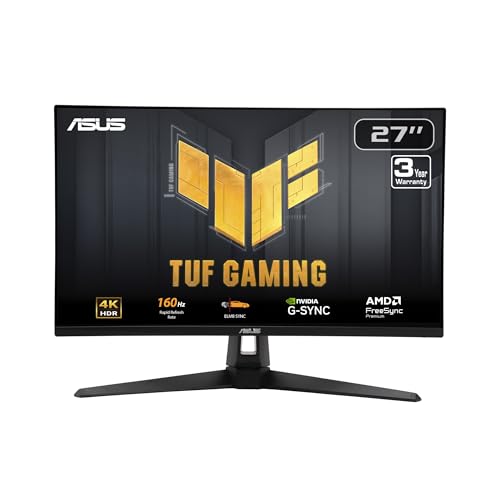
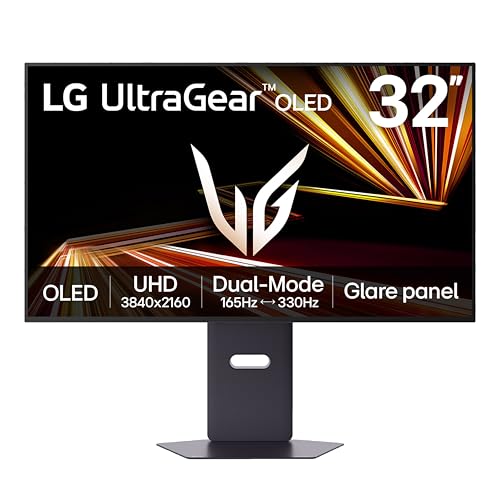
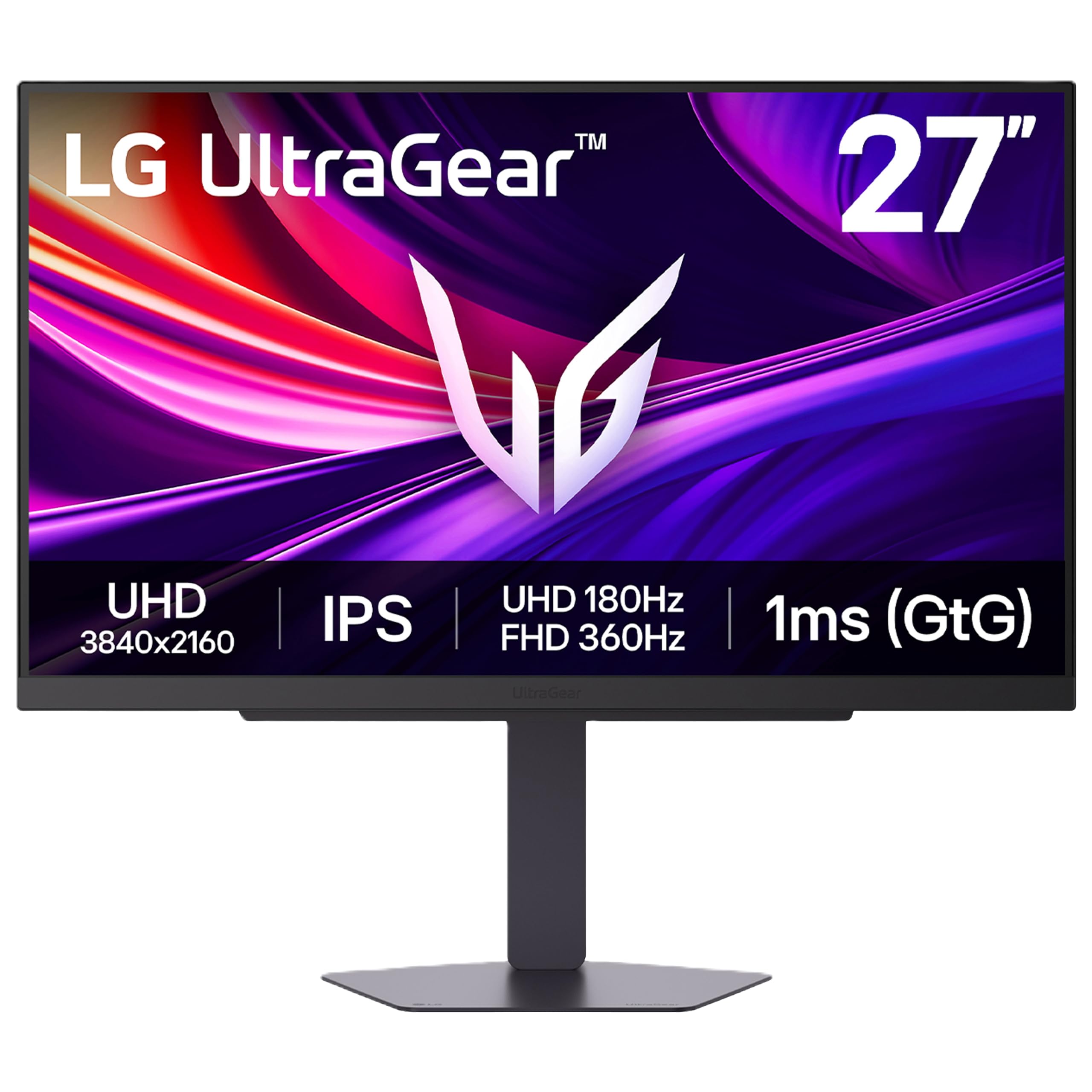
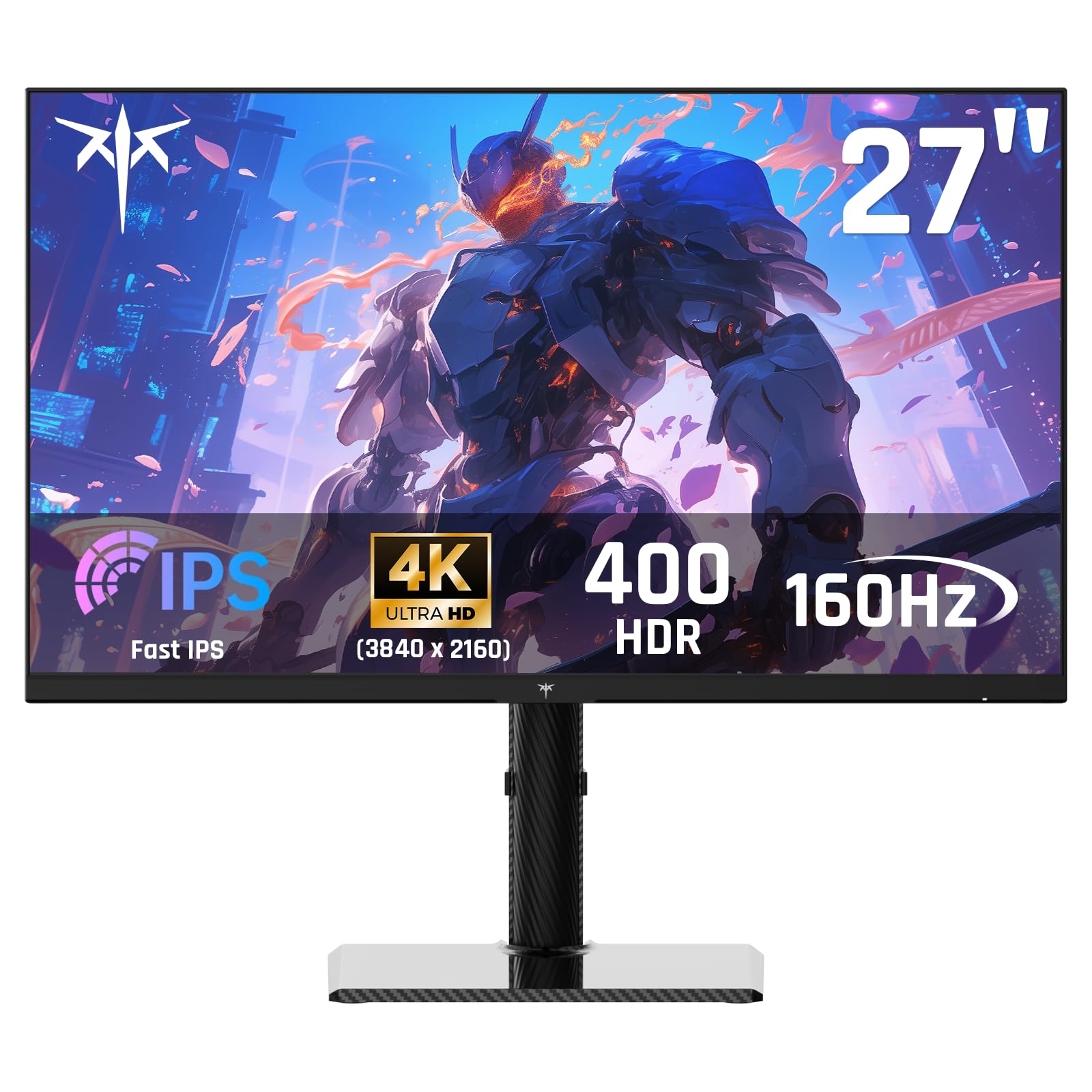
Buying your first gaming monitor feels harder than buying the console. The box promises 4K at 120 frames per second, yet most screens cannot show all of that. The best 4k gaming monitors for xbox series x are the ones that accept the full signal your console sends, and this guide shows how to spot them in the product table below.
You do not need every display term to choose well. You need the features that matter for this console, a size for your desk, and a price for your budget. The sections below follow that order.


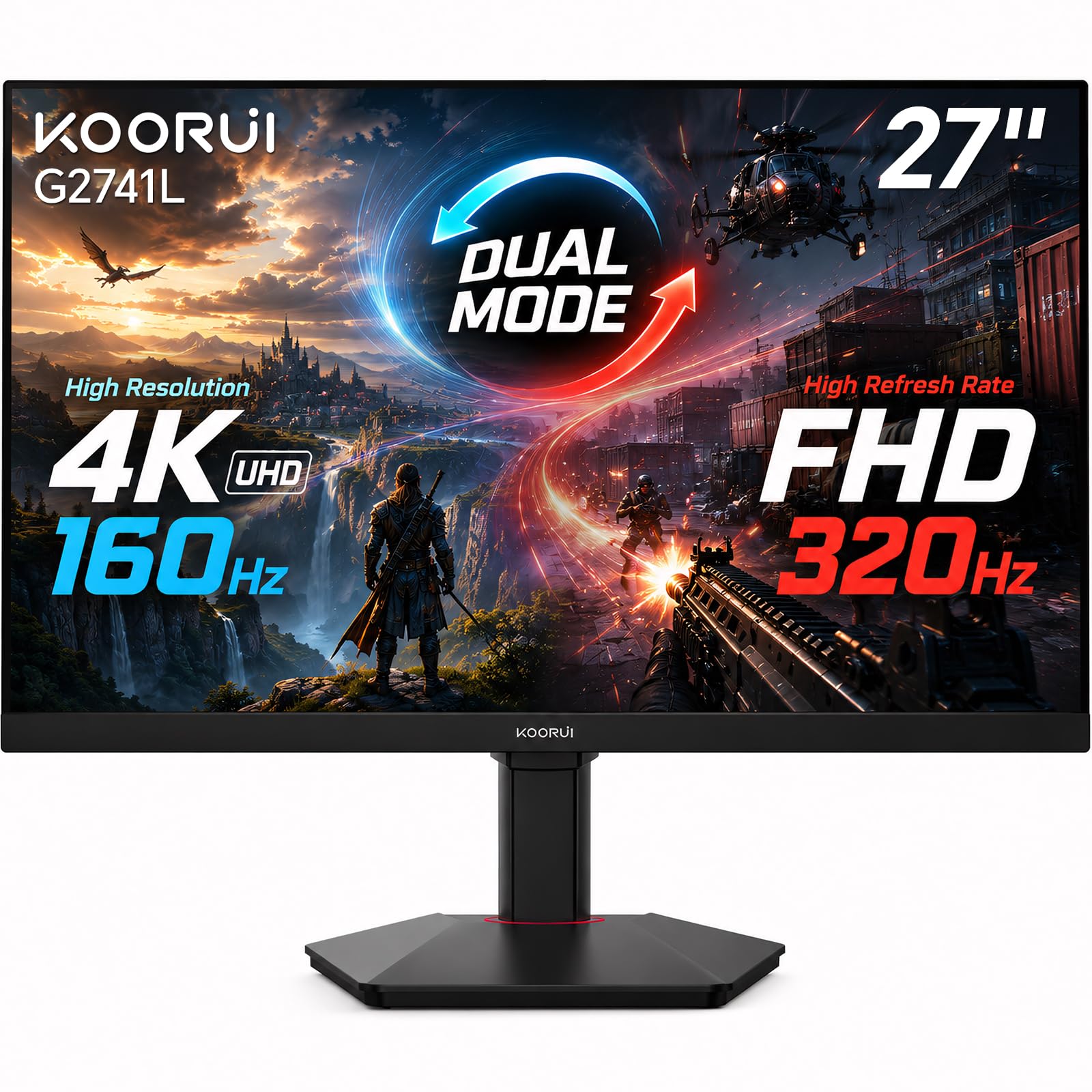
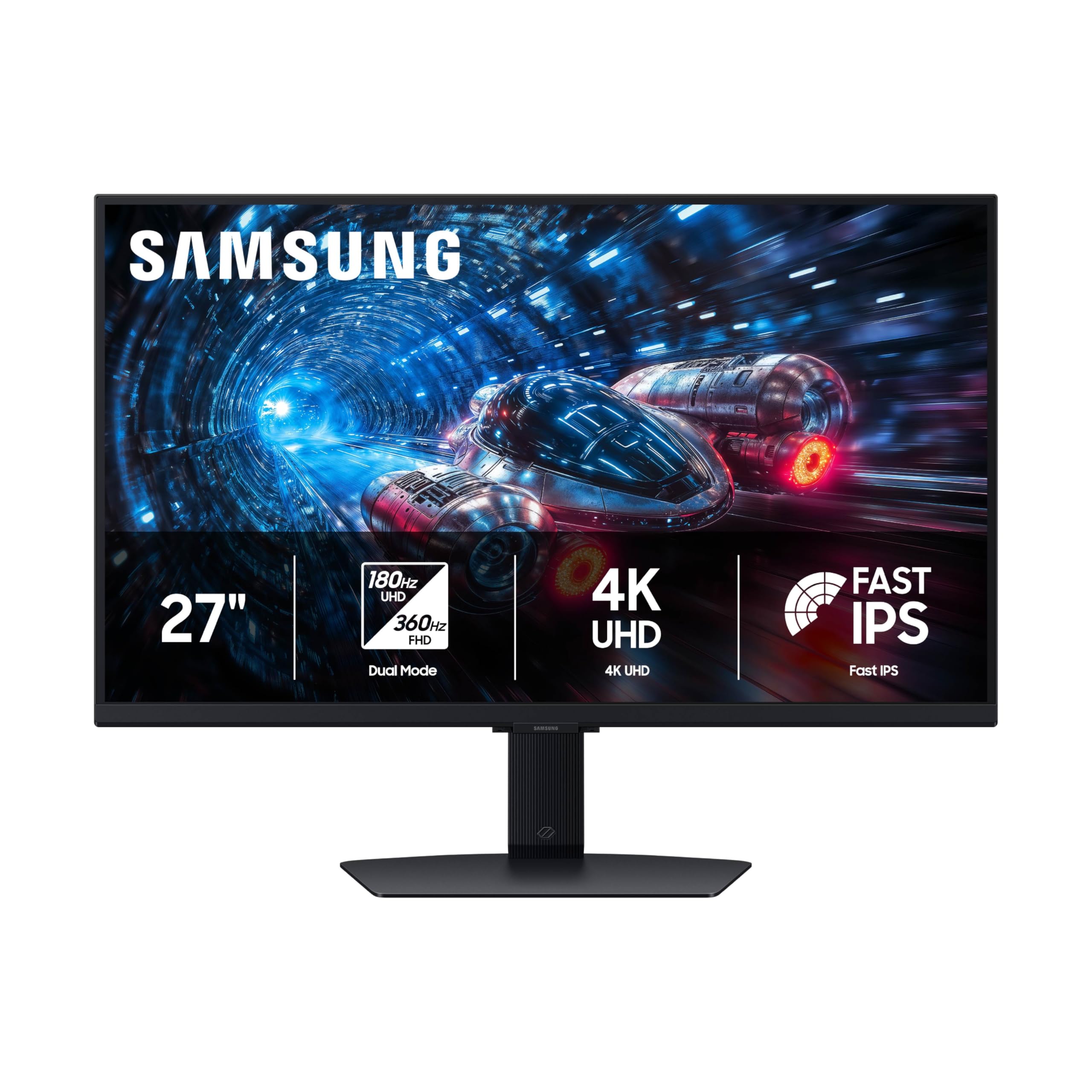

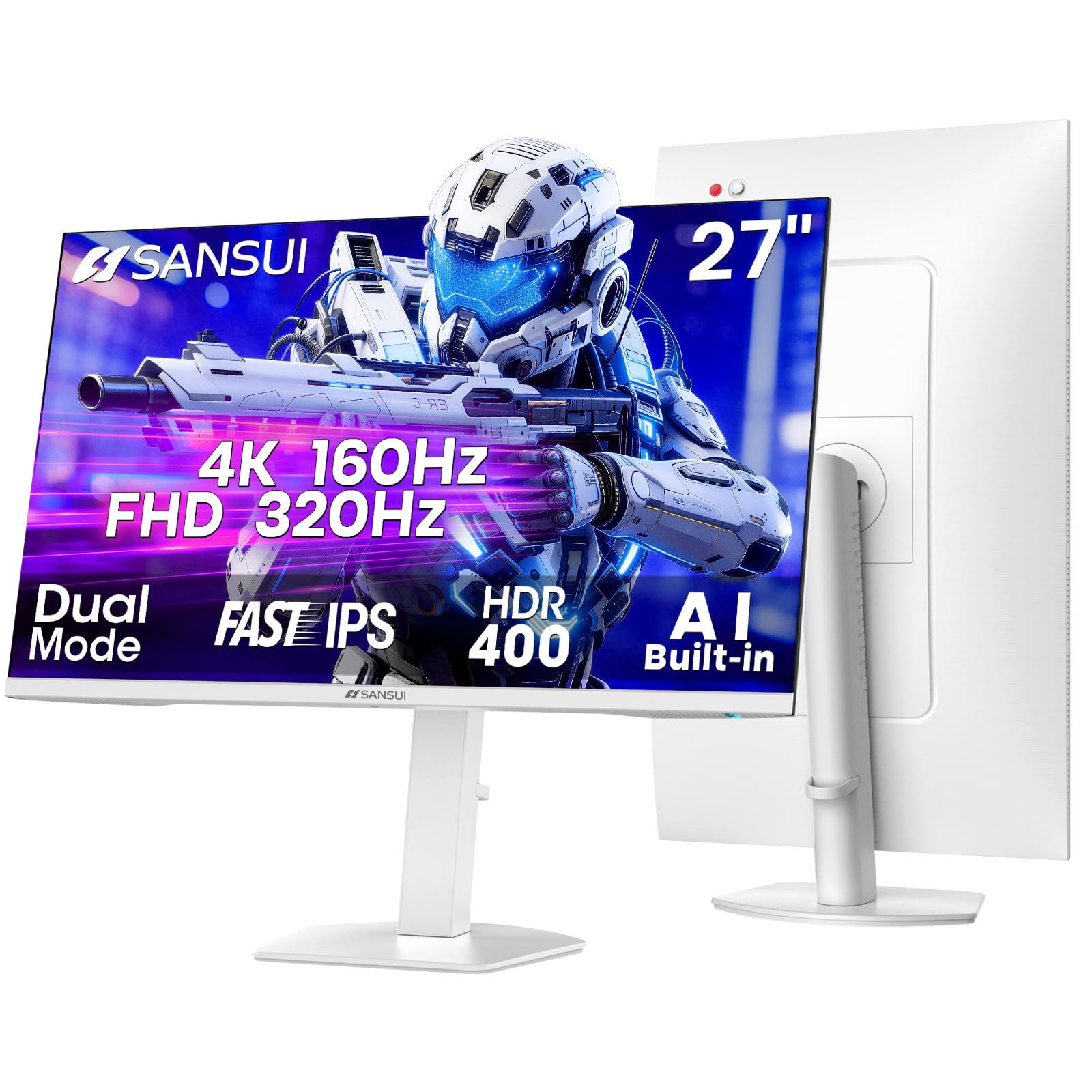
4K Gaming Monitors 101: The Basics for Xbox Series X Players
A 4K gaming monitor has 3840 by 2160 pixels plus gaming features such as a high refresh rate and variable refresh rate. A plain 4K office screen shows the same picture, but it refreshes at 60 Hz and adds delay. Most listings for best 4k gaming monitors for xbox series x focus on that gap, because the console was built to go past 60 Hz.
Competitive Players Who Chase Every Frame
You play shooters and racing games where a late turn costs the round. Put refresh rate and input lag first, and accept a 27 inch screen if it keeps motion clear. A fast IPS panel is your best value, since speed matters more to you than panel type.
Story Game Players Who Want the Picture to Shine
You play open world adventures and notice color and shadow detail more than speed. Look at HDR and contrast first, where OLED displays and Mini LED panels lead. If you watch plenty of films too, see our guide to the best 4k monitors for xbox series x for screens where gaming extras matter less.
Desk Players Who Work and Play on One Screen
You use one desk for a laptop by day and the console at night. Choose a 27 inch or 32 inch IPS screen with clear text, an adjustable stand, and ports for both. Skip ultrawide displays, because the console outputs a standard wide picture and leaves black bars at the sides.
What Each Spec Means for Xbox Series X Gaming
Read each spec as a plain question: what does it do, and what level should you pick? For a broader view, see our guide to the best gaming monitors xbox series x.
HDMI 2.1 and the Console Features That Matter for Xbox Series X
HDMI 2.1 is the connection that carries 4K at 120 Hz from console to screen, and it is the first check. A monitor with only HDMI 2.0 tops out at 4K and 60 Hz, so half the console advantage is lost. The same port carries variable refresh rate and auto low latency mode, which turns game mode on by itself. Pick one full HDMI 2.1 port, and use the cable from the console box.
Refresh Rate, Response Time and Input Lag
Refresh rate is how many times the picture redraws each second, and 120 Hz feels far smoother than 60 Hz in camera pans and steering. Response time is how fast pixels change color, and slow pixels smear motion into a blur. Input lag is the delay between a button press and the result. Choose 120 Hz or higher, treat 1 ms claims with care since test methods vary, and play in game mode.
Panel Types Judged by Console Play in Dark Rooms
The panel makes the picture, and each type trades something. IPS panels give accurate color and wide angles at fair prices, though blacks can look gray in a dark room. VA panels give deeper contrast for less money, but motion can smear. OLED panels light each pixel alone, so blacks are true black and motion stays clean, at the highest prices, with a small burn in risk from fixed images. Mini LED panels use many small backlight zones for strong contrast and high brightness.
Screen Size and Sharpness at Couch and Desk Distance
Resolution is pixel count, and 4K packs four times the pixels of 1080p, so text and fine detail stay sharp up close. At a desk you sit about 24 to 36 inches away, where a 27 inch screen shows that sharpness well and a 32 inch screen adds immersion. Bigger 42 inch models suit a couch or a deep desk. To compare sizes across the range, see our guide to the best xbox series x monitors.
HDR and Brightness for Dark Rooms and Bright Rooms
HDR widens the range between dark and bright areas, so a cave can hold shadow detail while a lamp glows. The label alone means little, because weak HDR barely differs from a standard picture. Look for a DisplayHDR 600 rating or higher, local dimming, and peak brightness around 600 nits or more. OLED panels dim each pixel alone, so dark scenes look superb at lower peak brightness.
Stand, Mounting and Sound on a Gaming Monitor
A good stand lifts, tilts and turns the screen, so your eyes meet the top third and your neck stays relaxed. Check for a VESA mount of 75 by 75 mm or 100 by 100 mm if you plan a desk arm later. Built in speakers are small and thin sounding, fine for menus but weak for games, so most players use a headset instead.
Rookie Mistakes to Avoid
These errors catch many first time buyers, and each is easy to avoid.
- Buying a 4K screen with only HDMI 2.0 limits you to 60 Hz and wastes the 120 Hz output of your console.
- Trusting a big HDR label on a dim screen leaves dark games looking flat and washed out.
- Choosing a screen that is too large for a shallow desk forces constant head turning and neck strain.
- Leaving the picture on a vivid preset crushes shadow detail and makes colors look wrong.
- Using a cheap or old HDMI cable can drop the signal to 60 Hz or cause flicker at 120 Hz.
First Setup: From Unboxing to 4K at 120 Hz
Unbox the screen on a soft surface, attach the stand first, and connect the console to the HDMI 2.1 port with the cable from the console box. Open the TV and display options, select 4K UHD at 120 Hz, and turn on variable refresh rate and auto low latency mode. Then run the console HDR calibration app slowly.
Next, set the monitor itself. Pick the game preset, lower sharpness until text edges look clean, and turn off the vivid mode the screen ships with. If your panel is OLED, let the pixel refresh run when the screen asks, since that cycle evens out pixel wear. Finish by checking the picture fits your view from your seat.
Care and Maintenance for a 4K Gaming Monitor
Dust the screen with a dry microfiber cloth, using light strokes and no pressure. For marks, dampen the cloth with plain water only, and never spray liquid on the screen or use glass cleaner, since coatings can streak or peel. Wipe the stand and vents too, so dust cannot trap heat.
Check for firmware updates a few times a year, because updates can fix handshake faults and improve HDR tone mapping. On OLED panels, vary content and avoid leaving a paused static image up for hours. Swap in a certified cable if the picture flickers or drops to black.
4K Gaming Monitors for Xbox Series X: Your Questions Answered
What features matter most in a 4K gaming monitor for Xbox Series X?
HDMI 2.1 with 120 Hz support matters most in a 4K gaming monitor for Xbox Series X. Variable refresh rate comes next, since it smooths frame drops in busy game towns. One point buyers miss is the audio return channel on some monitors, which lets a soundbar share one cable run and cuts clutter.
Does a 120 Hz refresh rate matter for every Xbox Series X game?
No, a 120 Hz refresh rate only matters in Xbox Series X games with a performance mode that offers that output. Many story games run at 30 or 60 frames per second, and the screen matches the lower rate. Check the store page before you buy, since support is listed per game.
How long does a 4K gaming monitor for Xbox Series X usually last?
A 4K gaming monitor for Xbox Series X usually lasts about 5 to 8 years of daily play. LED backlights fade slowly, so an older screen may look dimmer while still working fine. The stand hinge and HDMI ports often wear before the panel does, and keeping the box makes a later move far safer.
What size 4K gaming monitor should you get for a desk or a room setup?
Choose a 27 inch or 32 inch 4K gaming monitor for a desk, and a 42 inch model only for a deep desk or a couch. Measure from your chair to the screen spot before you order, since your eyes should rest about an arm and a half away. If you would turn your head for the corners, go smaller.
IPS or OLED: which panel is better for Xbox Series X gaming?
OLED is better for Xbox Series X gaming if picture quality is your top aim and your budget allows it. Its per pixel light control gives dark scenes a depth IPS cannot match. IPS is smarter for a bright room or long hours with fixed menus on display, so weigh your room light first.
Is 4K worth it on Xbox Series X compared with 1440p?
Yes, 4K is worth it on Xbox Series X if you sit close to a 27 inch or larger screen. The console renders most big games at or near 4K, so a 1440p screen throws away detail the machine already drew. For story games on a tight budget, take 4K with solid HDR over 1440p.
Our Verdict
Start with the port and the panel. Full HDMI 2.1, 120 Hz support and variable refresh rate use everything your console sends, and the right panel makes that signal look its best. Match size to your distance, and use the product table above for final checks.
When you shop for best 4k gaming monitors for xbox series x with those points in mind, the long spec lists shrink to a few clear choices. Pick the screen that fits your desk, your room light and your budget.


