Best 4K Monitors for Xbox Series X of 2026: Complete Buying Guide
Disclosure: We may earn a commission when you buy through links on this page, at no extra cost to you. As an Amazon Associate I earn from qualifying purchases. Learn more

Compare the best 4k monitors for xbox series x by panel type, HDR, size and price, with clear buying tips to help you choose the right screen for your setup.
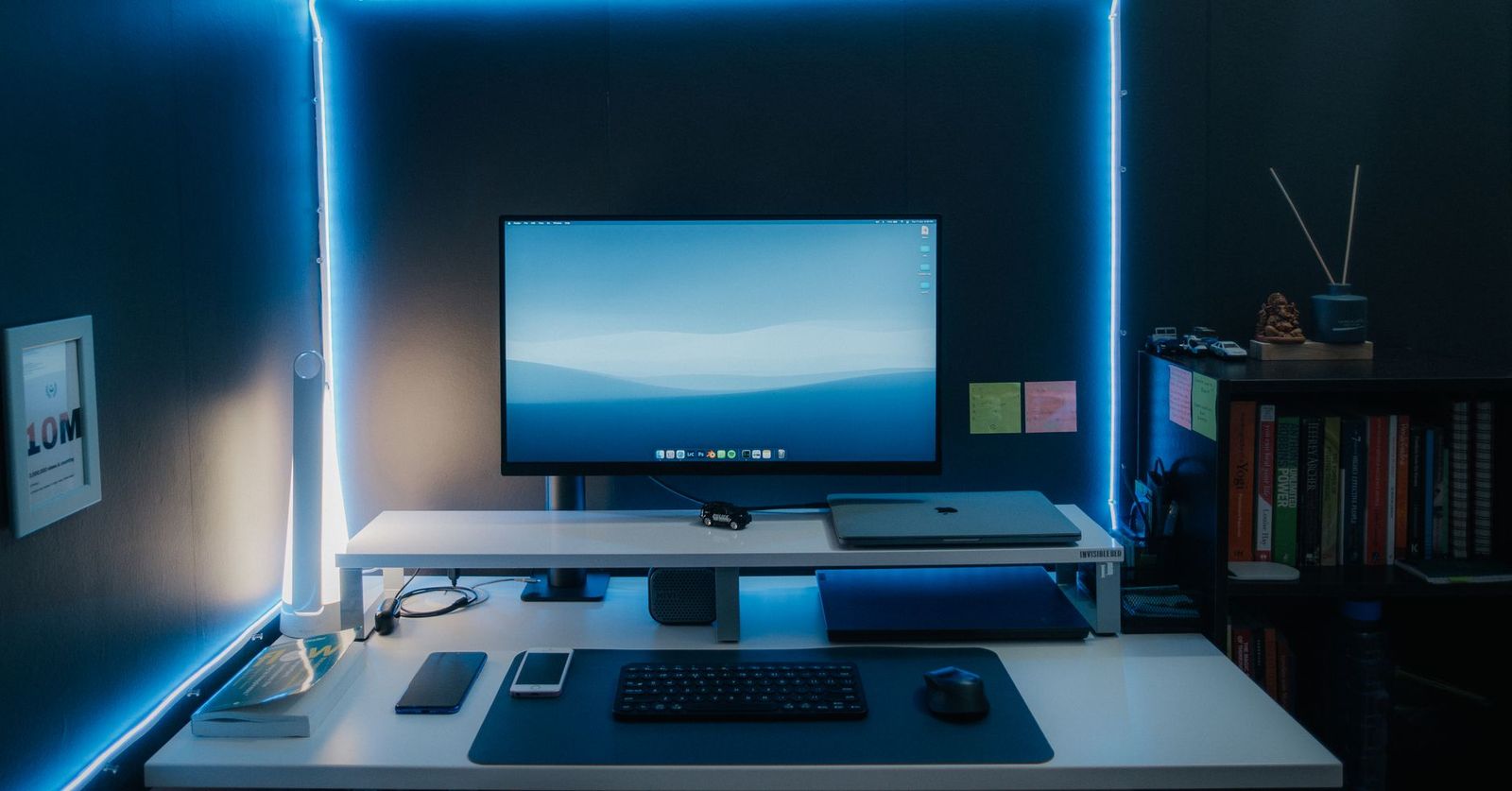
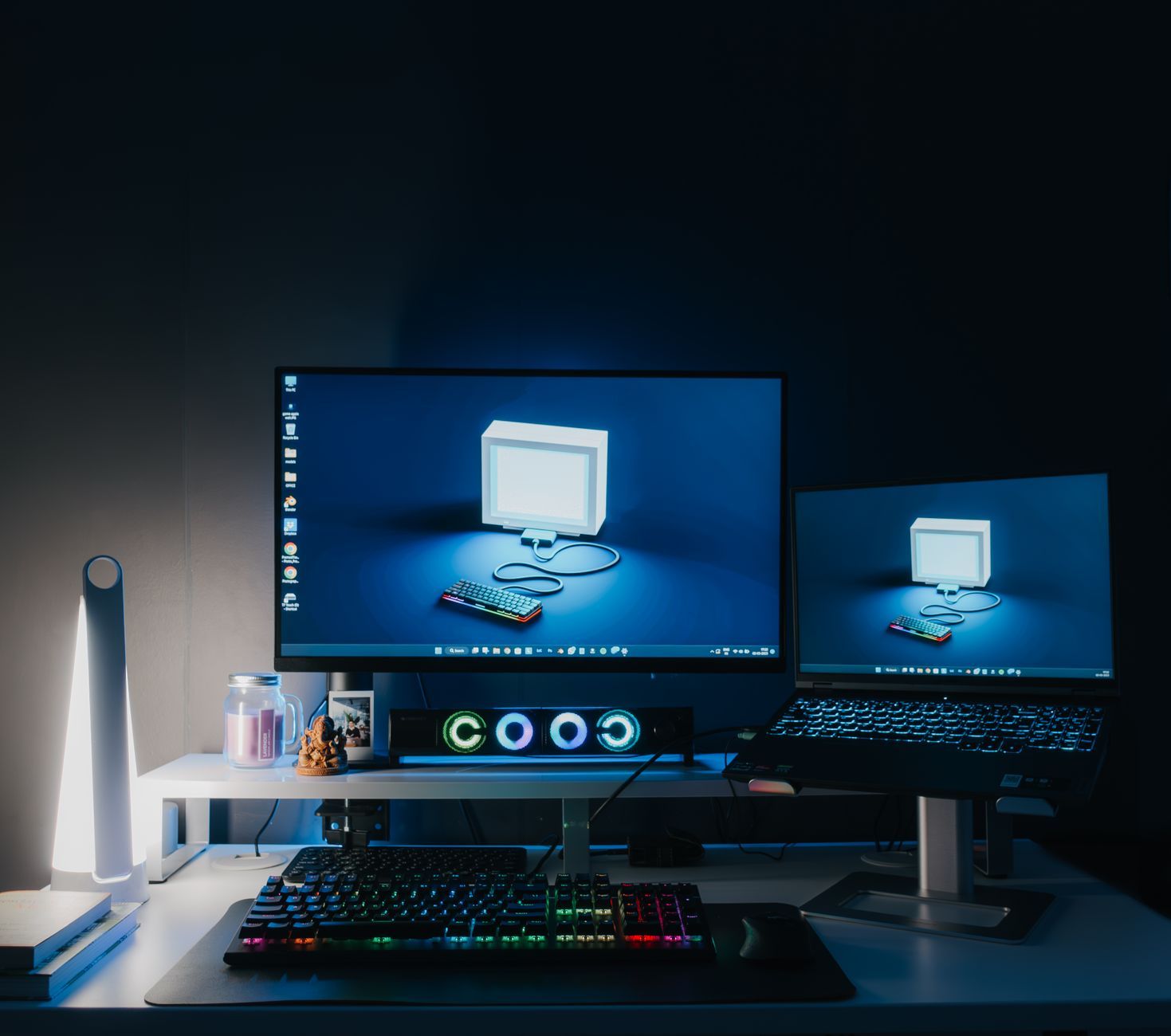
Many players prefer a desk setup, and the best 4k monitors for xbox series x give you a sharp picture, quick response, and a screen size that suits a chair pulled up close. This guide explains the specs that actually change console play, in plain language.
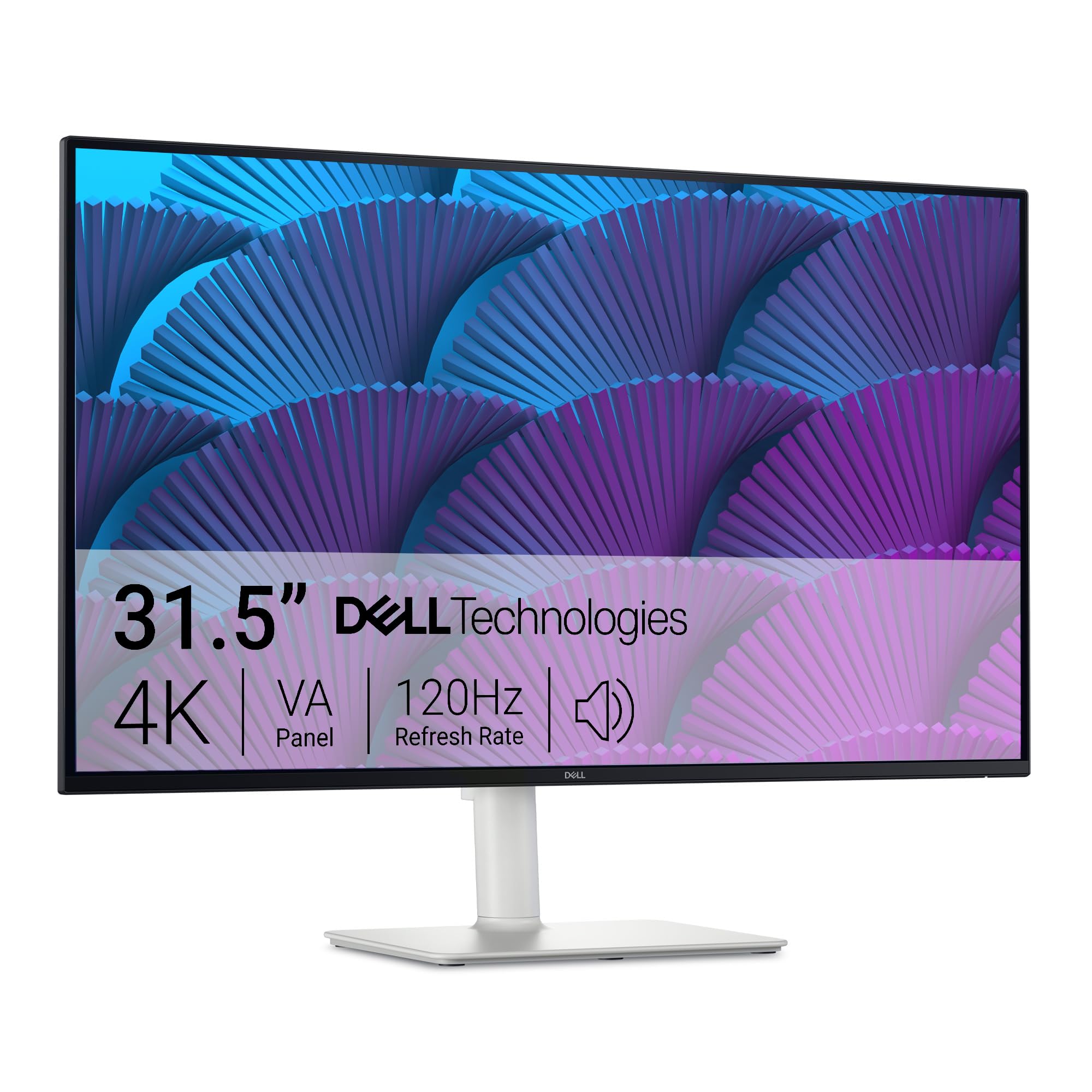
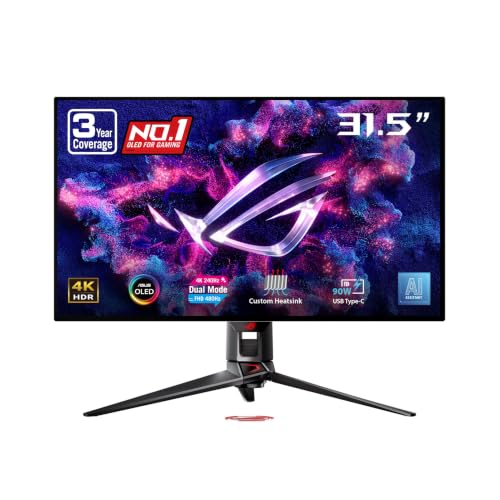
You will learn how panel types differ, what HDR labels really mean, and which ports you need for high frame rate games. The product table gathers the key options side by side, so you can match a screen to your room, your games, and your budget.

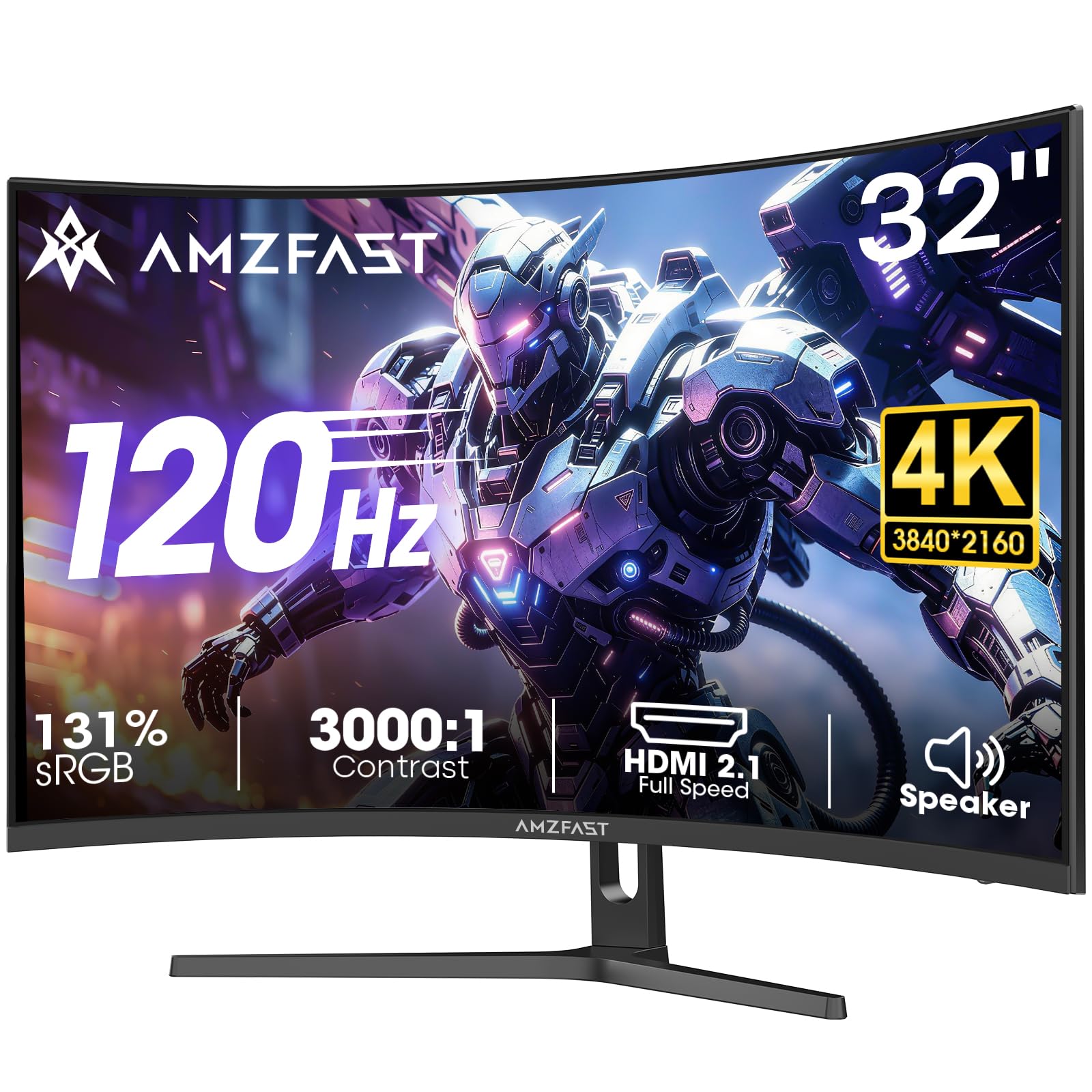
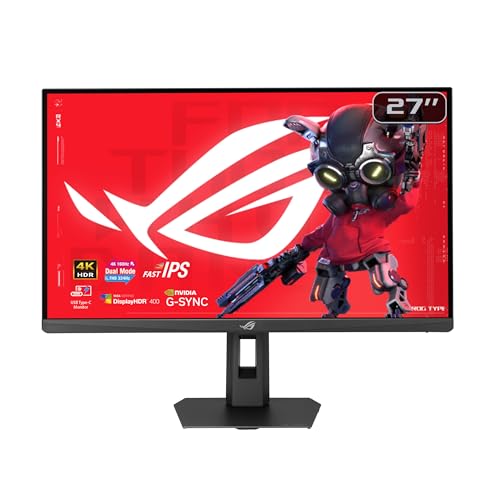
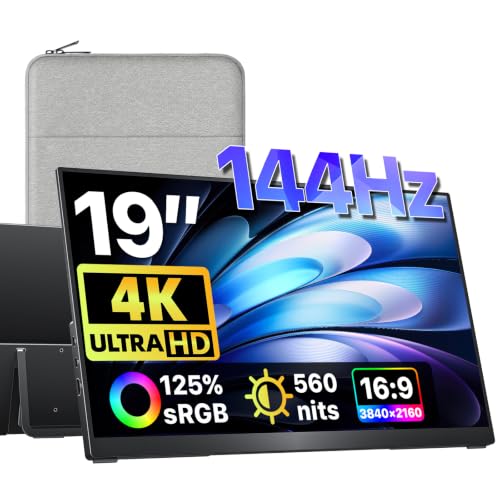
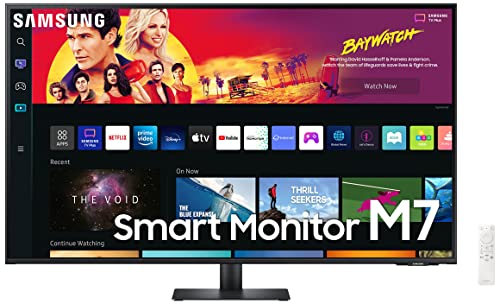

What Your Budget Buys: Three Spending Levels
Prices for console ready 4K monitors start at about $300 and climb past $1,000. What changes most as you spend more is panel quality, HDR strength, and the number of fast ports, not the resolution itself.
Entry Level: About $300 to $450
At this level, expect a 27 or 28 inch IPS or VA panel with basic HDR that adds little real brightness. Most models still include at least one HDMI 2.1 port, which is the part that matters most for this console. A simple fixed stand is common, so budget for a desk mount if you need height adjustment. For story driven games and casual play, this tier already looks sharp and responsive.
Mid Range: About $450 to $750
Spending more usually buys higher peak brightness, better color accuracy, and two full speed HDMI 2.1 ports instead of one. Some models add local dimming, which deepens dark scenes in movies and night levels. Stands tend to gain height and tilt adjustment, and USB ports for a headset dongle or controller charging appear more often. Most desk players find this tier easiest to live with.
Premium: About $750 and Up
Premium money goes to OLED or Mini LED panels with strong contrast, wide color, and HDR that you can actually see working. Larger sizes, up to 42 or 48 inches, live in this tier, with better speakers and stands. You also tend to get longer panel warranties. Choose this tier if you play in a dark room and want films and games to share one high quality screen.
How to Choose the Best 4K Monitors for Xbox Series X
Our guide to the best xbox series x monitors covers the wider category, but the six factors below decide how any 4K screen feels in daily console play.
Features That Matter for Console Play
The console can output 4K at up to 120 frames per second, so the monitor needs an HDMI 2.1 port to accept that full signal. Variable refresh rate, often shortened to VRR, lets the screen match the frame rate of the game, which reduces tearing when the rate dips. Auto low latency mode switches the screen into game mode as soon as the console turns on. Low input lag, ideally under 10 milliseconds, keeps your button presses feeling direct.
Panel Technology: IPS, VA, OLED, and Mini LED
IPS panels offer accurate color and wide viewing angles, so they suit shared desks and bright rooms, though their blacks can look gray in the dark. VA panels improve contrast at a lower price but can smear dark motion slightly. OLED gives perfect blacks and instant response, with a small risk of burn in from static images left on screen for many hours. Mini LED is an LCD with many dimming zones, so it gets very bright and controls light well without burn in risk.
HDR and Brightness
Almost every model lists HDR10 support, but the label alone says little. What matters is peak brightness: around 400 nits is a starting point, and about 600 nits or more makes highlights in sunlit scenes and explosions visibly stronger. Local dimming zones help bright objects stand out against dark backgrounds instead of washing the whole picture out. The console also supports Dolby Vision in many games and apps if you stream films on the same screen.
Smart Platform and Sound
Unlike televisions, most monitors have no smart platform built in, so streaming apps come from the console itself, which keeps things simple. Built in speakers on monitors are usually small and thin sounding, fine for menus and casual video but weak for films. Many players use a headset or a small soundbar instead. Keep the volume moderate during long sessions.
Resolution and Screen Size
At a desk, 27 or 28 inches is the most common fit, sharp at 4K and easy to take in at a glance. A 32 inch screen adds immersion if your desk is deep enough to sit a little farther back. Sizes of 42 inches and up behave more like small televisions and suit a controller and couch setup. If you like the wrap of a curved panel at these larger sizes, see our guide to best curved monitors for xbox series x.
Stand, Mounting, and Ergonomics
A stand with height and tilt adjustment helps you line the screen up with your eyes, which reduces neck strain during long sessions. Check for a VESA mount pattern, usually 100 by 100 mm, if you plan to use a monitor arm or wall bracket. Cable routing through the stand keeps HDMI and power leads tidy. For eye comfort, match screen brightness to the room, take regular breaks, and if you often get eye discomfort while playing, ask an eye care professional.
Types of 4K Monitors for Xbox Series X
Gaming Displays
These are built around speed: high refresh rates, fast response, and full HDMI 2.1 support for this console. They are the natural first choice for competitive and fast paced games, and our roundup of best 4k gaming monitors for xbox series x focuses on this group alone. The trade off is that color accuracy and HDR strength vary widely by price.
Large Screen Options
Screens of 42 to 48 inches, often OLED, turn a desk corner or media stand into a small cinema. They shine for solo story games and films, and several players can watch comfortably. If a panel this large feels closer to a television in size and features, compare our guide to best 4k tvs for xbox series x before you decide. Just confirm your desk or stand can carry the weight and depth.
Productivity and Ultrawide Displays
Some buyers want one screen for work by day and games at night. Standard 4K monitors with good color coverage handle both jobs well. Ultrawide models suit this console less well, because it outputs a 16 by 9 picture, so an ultrawide screen shows black bars at the sides. Pick ultrawide only if PC work matters more than console play.
Budget Displays
The cheapest 4K monitors often cap refresh at 60 Hz and use a single HDMI 2.1 port or none at all. That is acceptable for slower paced games, films, and general use, and the picture still beats a 1080p screen. Read port specifications carefully: a 60 Hz limit is the most common disappointment at this price. Spending a little more for 120 Hz support is usually worth it.
Tips to Get the Most From Your 4K Monitor
- Use game mode or the console picture preset, and turn off vivid mode, which oversaturates color and can add processing delay.
- Connect with a certified ultra high speed HDMI cable, because older cables may fail to carry a 4K signal at 120 Hz.
- On an OLED screen, run the pixel refresh cycle the maker suggests and let the screen rest instead of pausing on one image for hours.
- Clean the panel with a dry microfiber cloth only, since household sprays can damage the surface coating.
- In the console settings, set output to 4K and switch on 120 Hz and variable refresh rate, because many screens do not enable them automatically.
4K Monitors: Your Questions Answered
Can this console run games at 120 frames per second on a 4K monitor?
Yes, it can, when the game itself offers a 120 frame mode and the monitor has an HDMI 2.1 input. Check the specifications for each port, because on some models only the first HDMI port runs at full speed while the second is limited. Games that target 60 frames will still look smooth, and variable refresh rate keeps the picture steady when the rate moves up and down.
What size 4K monitor works best at a desk?
For most desks, 27 or 28 inches works best, because you can see the whole screen from about two feet away without turning your head. A 32 inch screen needs a deeper desk, roughly three feet of viewing distance, to stay comfortable. Measure your desk depth before ordering; a monitor arm can reclaim space by lifting the panel off the desktop.
Is OLED burn in a serious risk for console gaming?
The risk is low for most players, but it is real for static elements such as health bars, maps, and score displays that sit in one place for hours. Varying your content, keeping brightness sensible, and using the built in pixel refresh tools all reduce the chance of marks. If you play one game with a fixed display layout for very long sessions every day, a Mini LED panel removes the worry entirely.
Do I need speakers built into a gaming monitor?
No, built in speakers are a convenience, not a requirement. Most are small, with little bass, so dialogue in films can sound thin. A gaming headset gives clearer voice chat and better directional sound for competitive play. If you dislike headsets, a compact soundbar under the screen is a simple upgrade. Decide based on how you play: solo with a headset, or shared viewing in the room with others.
How long does a 4K gaming monitor usually last?
A typical 4K monitor lasts about five to eight years of home use before brightness fades. The backlight is usually the longest lasting part, while buttons, ports, and the power supply fail sooner. Panel warranties run one to three years, and some OLED makers add burn in coverage. Keeping vents dust free and avoiding constant maximum brightness helps the screen age slowly.
Wrapping Up
Start with the ports and panel, then pick a size that fits your desk, then weigh HDR strength against your budget. The best 4k monitors for xbox series x for you are the ones whose HDMI 2.1 support, panel type, and price line up with the games you play most. Look back at the product table above to compare your shortlist side by side before you order.