Best 32 Inch 4K Gaming Monitors: A 2026 Buyer Checklist
Disclosure: We may earn a commission when you buy through links on this page, at no extra cost to you. As an Amazon Associate I earn from qualifying purchases. Learn more
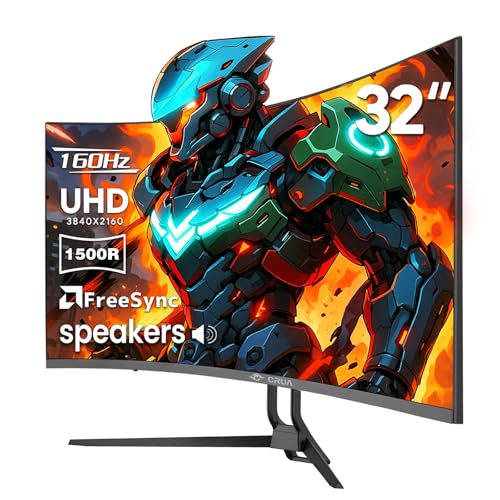
Compare the best 32 inch 4k gaming monitors with a clear checklist on panel type, refresh rate, HDR, HDMI 2.1 ports, color and desk fit before you buy.
A 32 inch 4K screen gives you a large, sharp image that fills your view. The best 32 inch 4k gaming monitors pair that detail with a high refresh rate, low response time and the right ports for your PC or console. This guide turns those specs into a simple checklist, so you can judge the comparison table below on the factors that change how games actually feel.
Start with your hardware and your desk, not with the longest spec list. A graphics card, a current console and a hybrid work setup each ask for something different from the same panel.
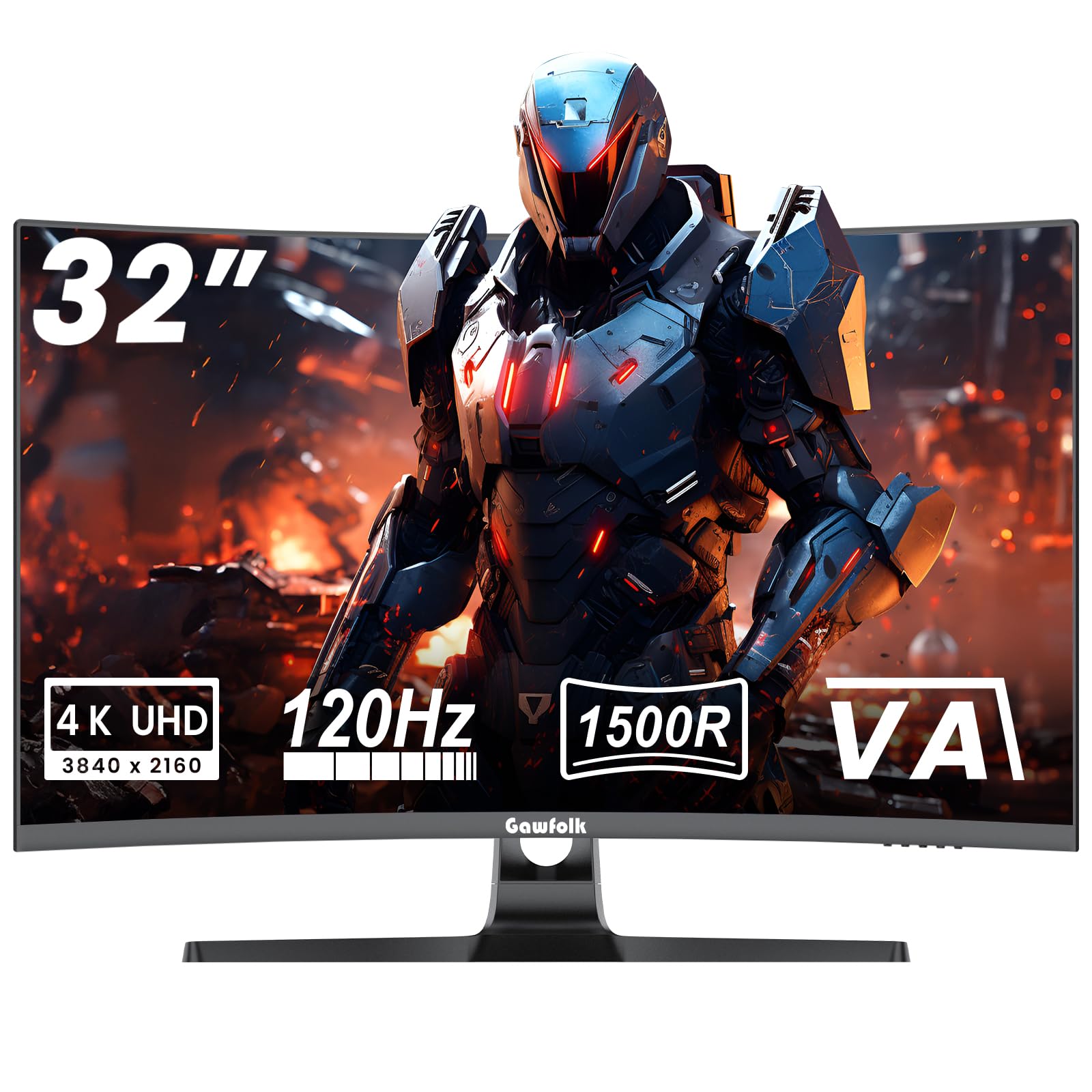
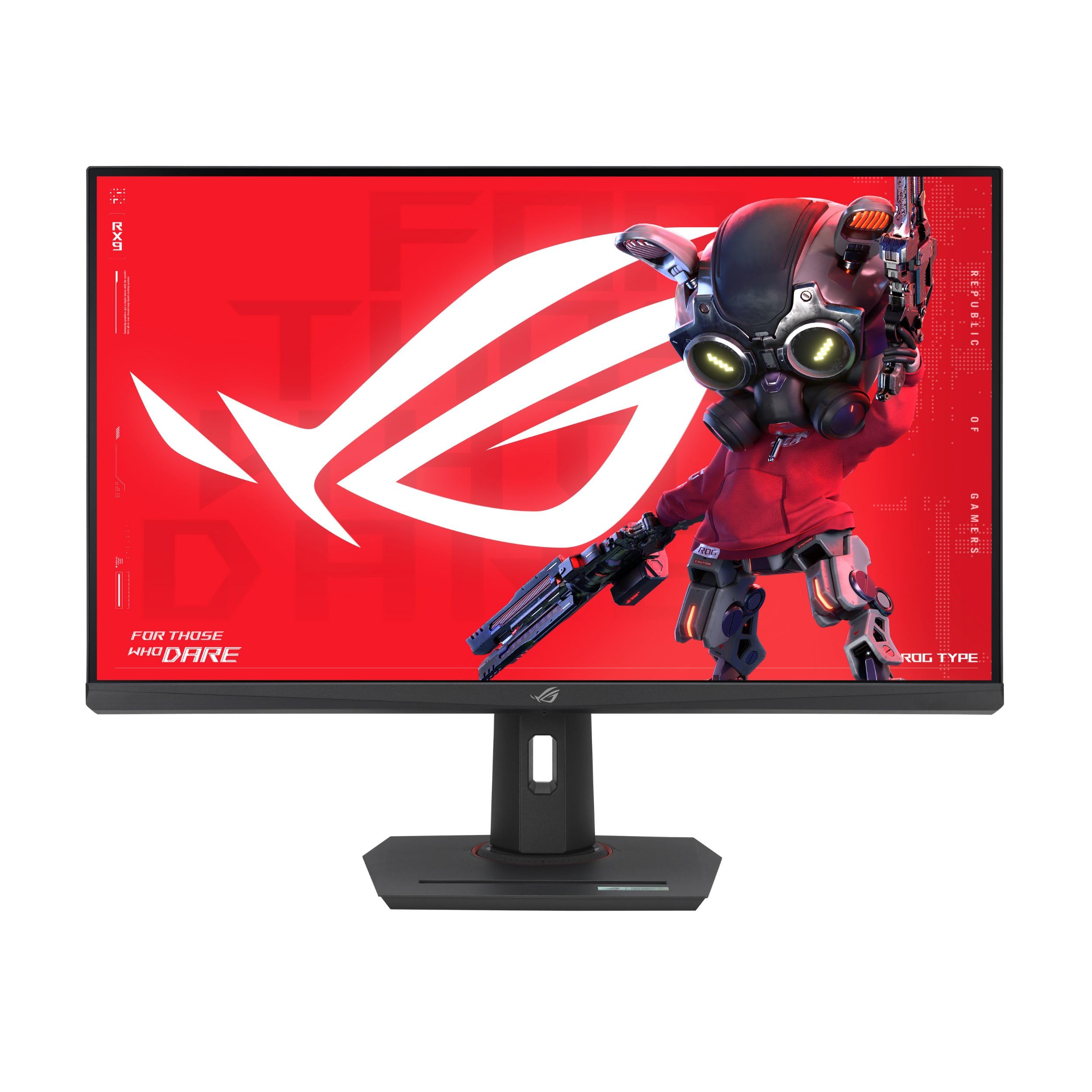
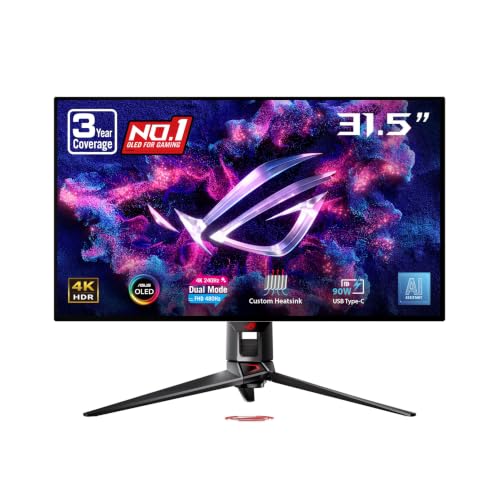
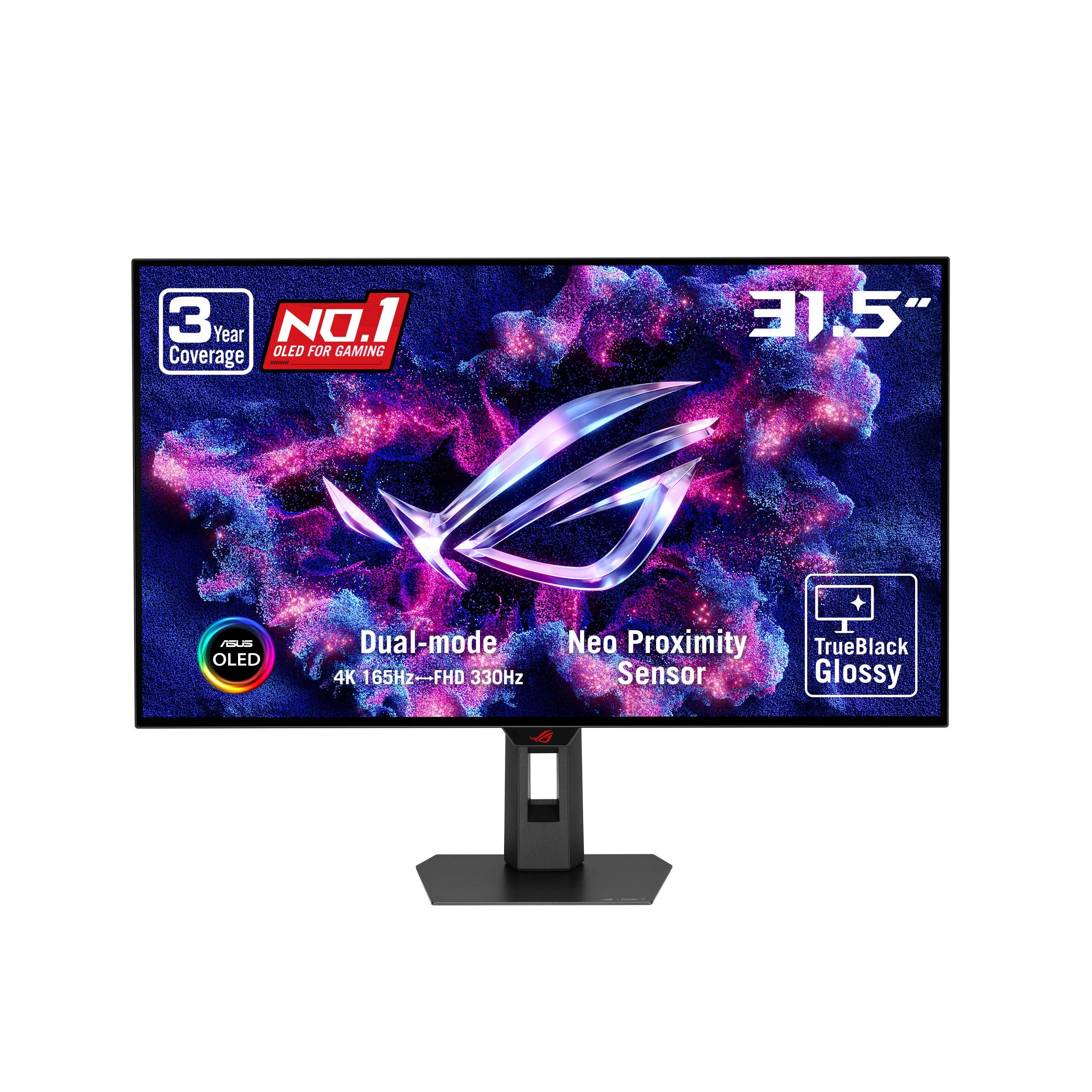
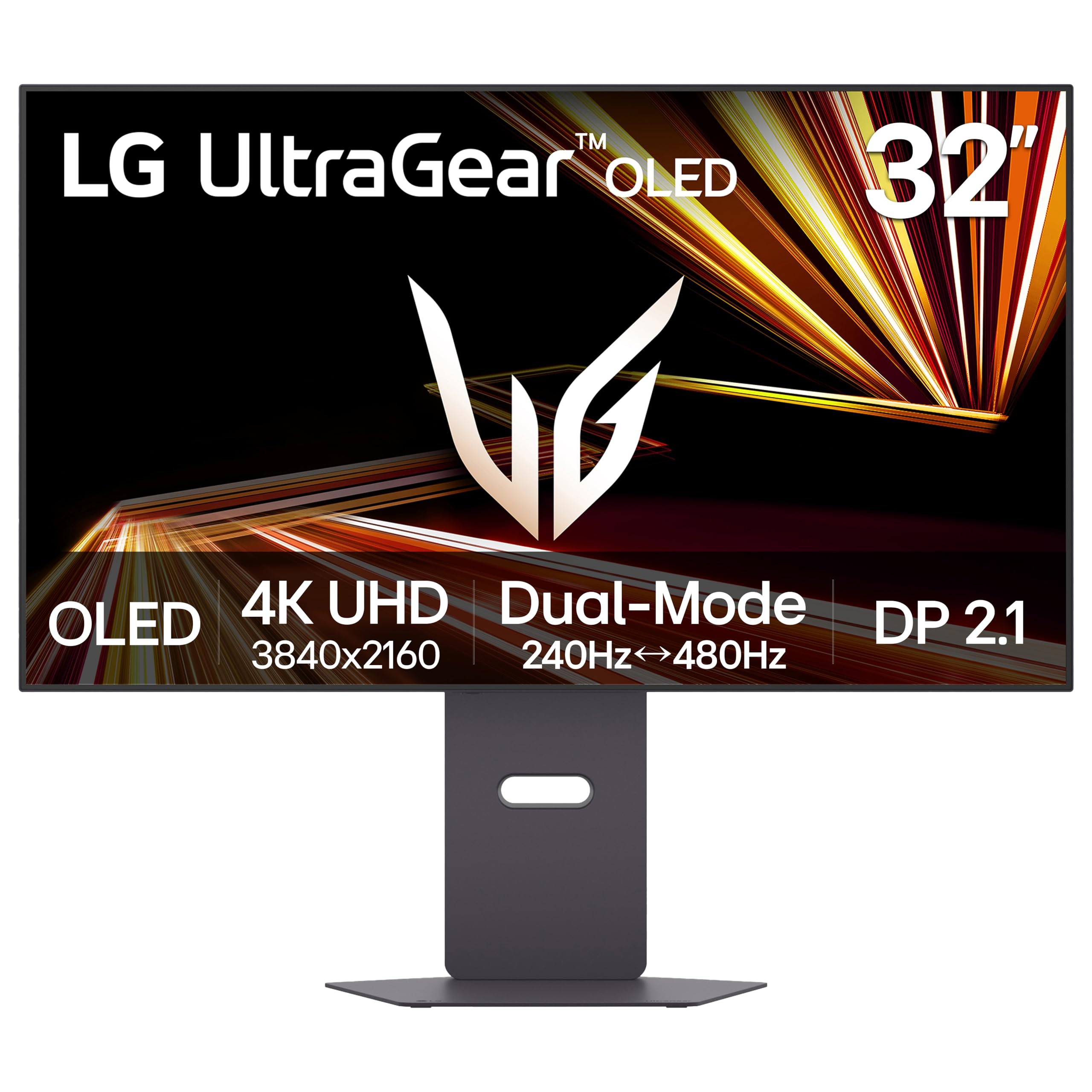
Who Should Buy Which 32 Inch 4K Gaming Monitor?
Group yourself by the games you play most and the machine you already own. That match matters more than a small gap in brightness or a port you will never use.
PC Players Who Want Detail and Speed Together
You play shooters, racing games and large open world titles, and you want sharp scenery without giving up smooth motion. Look for a refresh rate of 144 Hz or higher, adaptive sync over a wide range and a DisplayPort input. Choose a panel your graphics card can feed at high frame rates in the games you play most.
Console Players on a Desk or in a Small Room
You play on a current console and sit close enough that a TV would feel too big. You need HDMI 2.1 inputs so the console can send a 4K signal at up to 120 Hz, plus variable refresh rate support to smooth out dips. Port support comes first, because a 60 Hz input limit cannot be fixed later.
Hybrid Players Who Work on the Same Screen
You game at night and work on the same desk during the day. A 32 inch 4K panel shows two documents side by side with crisp text, and USB C with power delivery can charge a laptop through one cable. Add a KVM switch if you move between a laptop and a desktop often. If your work is mostly documents, see our guide to the best 32 inch 4k monitors for office focused options.
Key Features to Compare
Work through these five factors in order when you compare the best 32 inch 4k gaming monitors on your short list. Panel and speed shape the image in motion, HDR and color shape how it looks, and ports decide whether your hardware can use any of it.
Panel Types Behind a 32 Inch 4K Gaming Picture
IPS panels give accurate color and wide viewing angles, so the image stays consistent when you lean or share the screen. VA panels give deeper contrast at a lower price, but dark motion can smear in fast scenes. OLED panels give near instant response and true blacks, with a risk of burn in from fixed elements such as a game HUD left on screen for many hours. Mini LED backlights raise brightness and improve local dimming, at a higher price.
Speed and Sync at 4K on a 32 Inch Screen
Refresh rate, stated in Hz, is how often the screen redraws each second, and 144 Hz looks clearly smoother than 60 Hz in camera pans and fast turns. Response time, stated in milliseconds, is how fast pixels change color, and a rating of about 1 ms signals a panel built for motion clarity. Adaptive sync matches the screen rate to your frame rate, which removes tearing and reduces stutter when frames dip. A sync range that starts low, around 48 Hz, keeps slow scenes smooth too.
HDR Impact and Peak Brightness for 4K Play
HDR widens the gap between dark shadows and bright highlights, so a torch lit cave and a sunlit field can both hold detail in one scene. Peak brightness of about 400 to 600 nits suits a typical room, while about 1000 nits or more makes highlights stand out in a bright room. Local dimming zones matter as much as the peak number, because a screen that dims small areas keeps blacks deep near bright objects. A basic HDR label with no local dimming often changes very little.
Ports Your PC and Console Need on a 32 Inch 4K Screen
HDMI 2.1 is the key input for consoles, because older HDMI versions cannot carry 4K at high refresh rates. DisplayPort serves most desktop graphics cards and often supports the highest rates on the panel. USB C with DisplayPort alt mode and power delivery suits laptop users. Count your devices before you buy, because a hub adds cost and clutter later. If you drop resolution for a faster panel, see our guide to the best 32 inch gaming monitors for other options at this size.
Color Coverage and Accuracy
Color coverage tells you how much of a color space the panel can show, and wide coverage of the DCI P3 space makes games and films look richer. Factory calibration matters if you edit photos or video between games, since skin tones and product colors must stay true. An sRGB mode helps for web work, where over wide color can make normal content look too vivid. Most players can skip a hardware calibrator, but a good preset menu saves time.
Matching a 32 Inch 4K Gaming Monitor to Your Desk and Hardware
A 32 inch screen is about 28 inches wide, so measure your desk before you order. Sit about 24 to 36 inches from the screen, close enough to enjoy the detail and far enough to see the corners without constant head turns. At this size, 4K gives about 140 pixels per inch, so text stays sharp and games show fine detail in distant objects.
Check the stand as carefully as the screen. Height, tilt and swivel adjustment let you set the top of the screen near eye level, and a deep stand can push the panel too close on a shallow desk. A VESA mount pattern, commonly 100 by 100 mm, lets a monitor arm reclaim desk space. Confirm the arm is rated for the weight of a 32 inch panel first.
Match the panel to the machine that drives it. A mid range graphics card may need lower settings or upscaling to hold high frame rates at 4K. For a wider view of sizes and rates, see our guide to the best gaming monitors before you settle on 32 inches.
Common Mistakes to Avoid
These errors come from reading the headline specs and skipping the limits behind them.
- Buying a 4K 144 Hz panel for a graphics card that cannot feed it leaves you paying for speed your games never reach.
- Ignoring the HDMI version strands a console at 60 Hz even when the panel itself supports far higher rates.
- Choosing by HDR label alone, with no local dimming, gives you an image that looks almost the same as standard range.
- Forgetting desk depth pushes a large screen too close, so you strain your neck scanning the corners during long sessions.
- Leaving a fixed game HUD on an OLED screen for many hours a day raises the risk of burn in over time.
- Skipping the VESA pattern check leaves you with a monitor arm that cannot mount the panel you just bought.
Care and Maintenance for a 32 Inch 4K Gaming Monitor
Clean the screen only with a dry or lightly damp microfiber cloth, and never spray liquid straight onto the panel. Press gently, because hard pressure can damage the surface coating. Keep drinks behind the screen, so a knock cannot splash the panel or the ports.
Turn off vivid picture modes for daily use and set brightness to suit your room, since full brightness all day ages a backlight faster. On an OLED panel, run the built in pixel refresh when prompted and let standby cycles finish. Update firmware only from the maker support page for your model.
FAQ
What viewing distance suits a 32 inch 4K gaming monitor on a desk?
Most players sit about 24 to 36 inches from a 32 inch 4K gaming monitor. At that range the full screen fits your view and 4K detail stays visible in maps and distant targets. A monitor arm helps on a shallow desk, because it mounts the panel near the back edge and frees the space under the screen.
Is 4K resolution worth it on a 32 inch gaming monitor?
Yes, 4K resolution is worth it at 32 inches if your hardware can drive it, because the pixel density makes edges and fine textures look clean up close. The point many buyers miss is text scaling: at 100 percent, menus can look small, and scaling of about 125 to 150 percent keeps text readable while the game still renders at full 4K.
Does refresh rate matter on a 32 inch 4K gaming monitor used for work?
Yes, a higher refresh rate still helps during work hours, because scrolling documents, moving windows and dragging a cursor all look smoother at 120 Hz or above. It will not change static tasks such as reading mail. Most video calls and streamed films run at lower frame rates, so the gain shows in your own mouse motion, not in the video itself.
IPS or OLED: which panel suits a 32 inch 4K gaming monitor better?
Choose OLED for the deepest blacks and fastest motion, and choose IPS for a bright room, heavy work use and a lower price. Room light decides for many buyers: OLED contrast shines in dim light, while a bright IPS panel with an anti glare surface stays readable near windows. Static work screens also favor IPS.
How long do 32 inch 4K gaming monitors usually last?
A 32 inch 4K gaming monitor usually lasts about five to seven years of regular use before brightness fades or a newer port standard leaves it behind. Backlights dim slowly rather than failing at once, so an older screen often still works for a second desk. Check the warranty length and the dead pixel policy before you buy, because those terms set your protection early on.
Final Thoughts
Put panel type and refresh rate first, confirm HDMI 2.1 or DisplayPort support for your machine, and measure your desk before price enters the decision. Use the product table above to check size, ports and price against that order.
When you compare best 32 inch 4k gaming monitors with those points in mind, the right choice for your desk is usually clear.