
Best 49 Inch Monitors by Budget: A Smart Spending Guide for 2026
Disclosure: We may earn a commission when you buy through links on this page, at no extra cost to you. As an Amazon Associate I earn from qualifying purchases. Learn more

Best 49 inch monitors for every budget, with what each price tier buys and how to fit a super wide screen on your desk.
Shopping for the best 49 inch monitors can feel confusing because prices range from modest to very high, and the spec sheets do not always explain what the extra money buys. A wide 49 inch screen can replace two smaller screens, but only if the panel, resolution, and desk setup suit the way you work or play. This guide walks through each budget level so you can see where spending more pays off and where it does not, using the product table to weigh the options side by side.
A 49 inch monitor is a big commitment in both money and desk space. Before you compare prices, measure your desk depth, check your graphics card outputs, and think about whether you want one huge workspace or a screen mainly for games and movies. The sections below cover price tiers, features worth paying for, and the long term costs that are easy to miss.
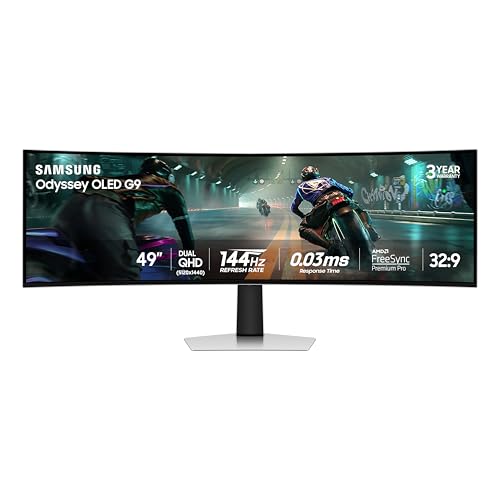


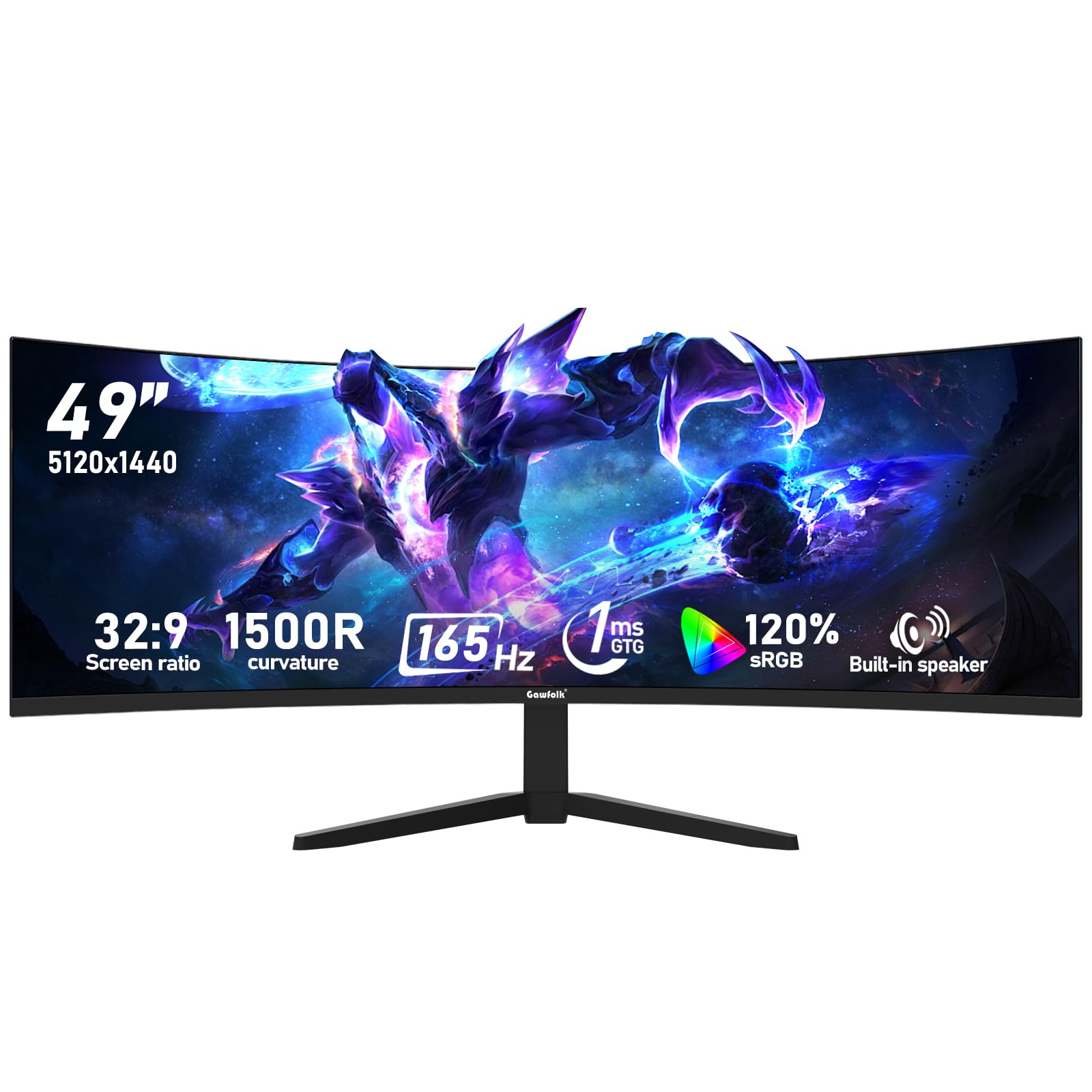
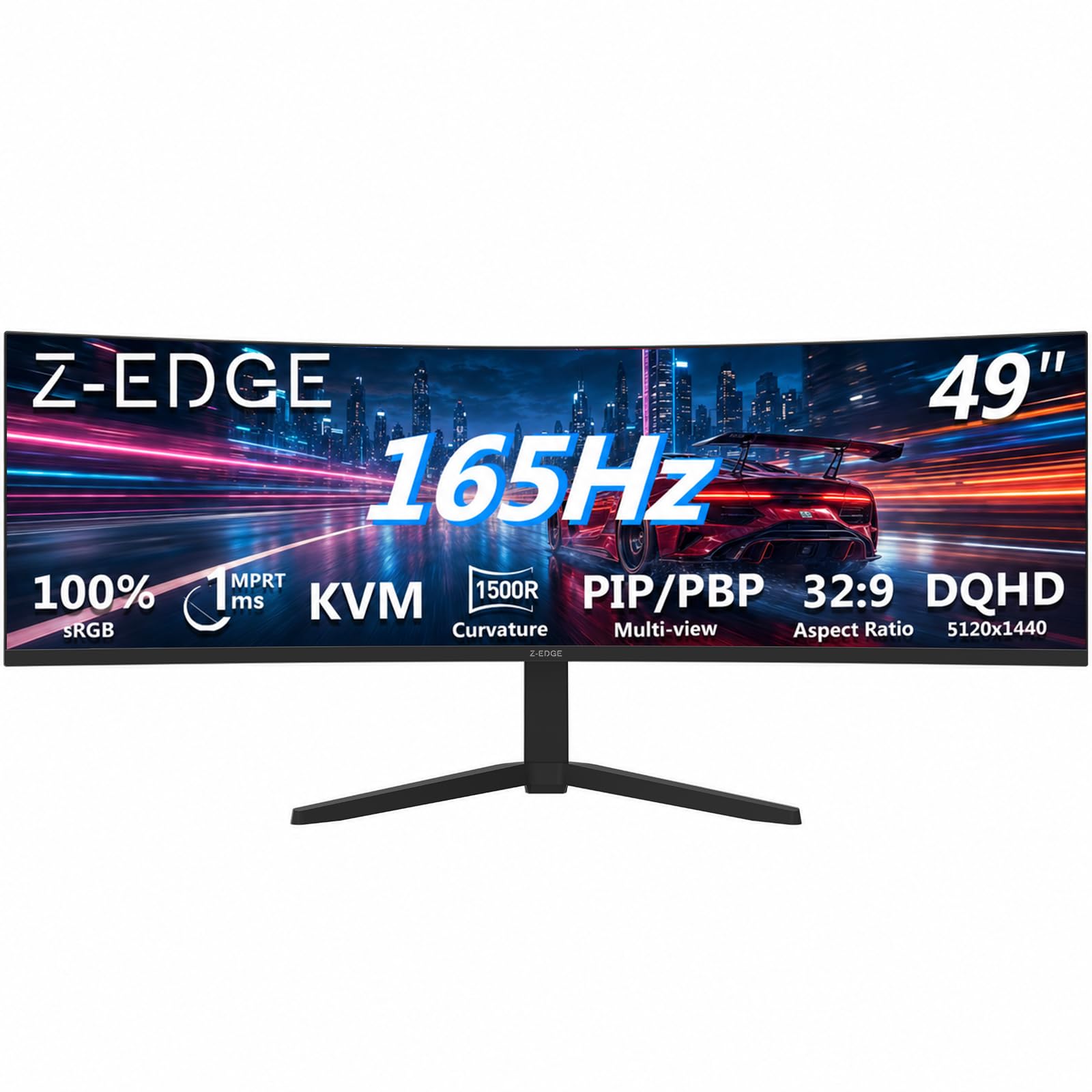
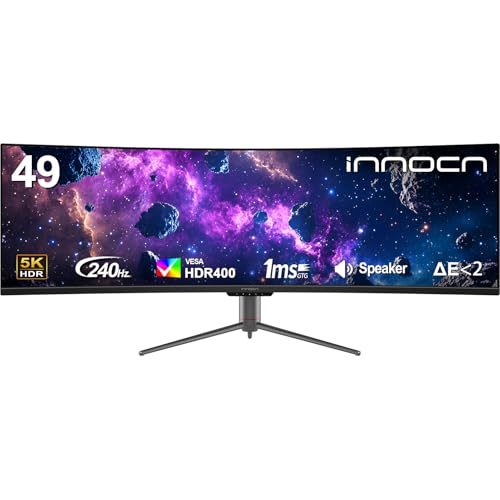
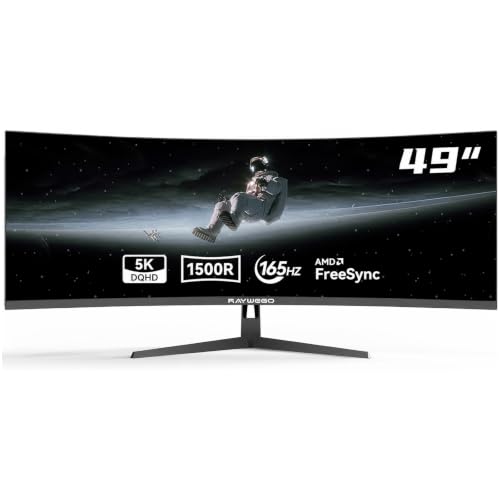
Best 49 Inch Monitors: What Your Money Gets You at Each Price Level
Price tiers for very wide screens are less about one single feature and more about a bundle of trade offs. A lower cost screen may give you the same diagonal size but with a lower resolution, a simpler stand, and fewer ports. A higher cost screen usually adds sharper resolution, a better panel, faster refresh, and stronger HDR. Knowing which bundle matches your daily use is the key to spending wisely.
Lower Cost Screens: The Basics Covered
At the lower end, expect a 49 inch screen with a resolution around 3840 by 1080, a VA panel, and a refresh rate near 60 to 120 Hz. That combination is fine for office work, spreadsheets, and video, because the wide canvas still lets you keep several windows open at once. Ports are usually limited to HDMI and DisplayPort, and the stand may offer tilt only, so plan for a monitor arm if you need height adjustment. If your budget is tight and your main goal is screen space rather than image finesse, this tier delivers the core benefit of a 49 inch screen without the premium price.
Middle Cost Screens: The Balanced Choice
The middle tier is where most buyers find the best balance. Resolution often rises to 5120 by 1440, which makes text crisper and gives you room for two full sized documents side by side. Refresh rates commonly reach 144 Hz or higher, and adaptive sync support helps games run smoothly without tearing.
Panel quality also improves, with better color coverage and more even brightness across the wide panel. You may also get a USB C port with power delivery, which can charge a laptop while carrying video over one cable, plus a height adjustable stand. For mixed use across work, study, and gaming, this tier is usually the sweet spot, and it is worth stretching to it if you will use the screen every day.
Higher Cost Screens: When Extra Spending Makes Sense
At the higher end, you pay for refinements rather than raw size. OLED or Mini LED panels bring deeper blacks and stronger contrast, which matters most for movies and dark games. Brightness for HDR content climbs, color accuracy improves for photo and video work, and refresh rates can reach 240 Hz for competitive play.
These gains are real, but they matter less if you mainly write documents and browse the web. Spend at this level when you can name a specific benefit you need, such as accurate color for editing or high refresh for fast games, rather than buying the most expensive screen by default.
Features Worth Paying For and Ones to Skip
Not every feature on a spec sheet deserves your money. Some improve daily comfort in obvious ways, while others sound impressive but change little in normal use. The sections below sort the most common features into those worth weighing carefully and those you can safely pass over at a lower budget.
Built In Speakers and Smart Extras
Some very wide screens include built in speakers, and a few add smart TV style apps. Built in speakers are convenient for video calls and casual viewing, but they rarely match even a modest set of external speakers, so do not pay a large premium for them. Smart apps can be handy if the screen doubles as a TV, yet a streaming stick or a computer already covers that job. Treat speakers and smart extras as bonuses, not reasons to choose one screen over another, and put your money toward panel quality and resolution first.
Resolution and Viewing Distance
Resolution decides how sharp text and images look on a screen this wide. A 3840 by 1080 panel stretches fewer pixels across 49 inches, so individual pixels are easier to notice up close. A 5120 by 1440 panel packs in more detail and is the better choice if you sit within arm's reach and read small text all day.
Viewing distance matters too: at a desk depth of about 30 inches or more, a curved screen helps the edges feel closer and more even. For a sense of how size changes the experience, see our guide to the best 32 inch monitors before committing to the largest option.
Panel Technology
Most 49 inch screens use VA panels, which offer good contrast and deep blacks at a reasonable price, though colors can shift when viewed from a sharp angle. IPS panels give wider viewing angles and steadier colors, but they are rarer at this size and often cost more. OLED panels deliver the best contrast and fastest response, yet they carry a higher price and need care to avoid image retention from static content such as taskbars. Mini LED backlighting improves brightness and local contrast on LCD panels without the OLED price tag.
HDR and Brightness
HDR, or high dynamic range, promises brighter highlights and deeper shadows, but the label alone tells you little. Entry level HDR support may accept an HDR signal without showing much improvement, while true HDR performance needs high peak brightness and local dimming. Look for a stated peak brightness figure and a recognized HDR tier rather than the letters HDR alone. For movies and games, a brighter panel with effective local dimming is worth paying for, but only if the rest of the screen, including resolution and panel type, already meets your needs.
Size, Desk Space, and Everyday Comfort
A 49 inch screen demands a desk to match. Measure the width of your desk and leave room for speakers, notebooks, and a keyboard tray if you use one. Depth matters as much as width: a curved screen with a 1800R curve feels natural at a moderate distance, while a flatter screen may suit a deeper desk.
Comfort also depends on setup. Place the top of the screen near eye level, keep the screen at arm's length or farther, and take regular breaks from close screen work. If you notice persistent eye pain, headaches, or changes in vision, talk with an eye care professional rather than assuming a new screen will fix the problem. If you also play fast paced games on this screen, our guide to the best gaming monitors explains refresh rate and response time in more detail.
Long Term Costs to Factor In
The purchase price is only part of the total cost. A very wide screen may need a monitor arm, a longer or higher quality cable, or a graphics card upgrade to drive its full resolution at a high refresh rate. Warranty length varies, and a longer warranty can matter for a screen you plan to keep for many years.
Finally, think about resale and replacement: a well chosen middle tier screen often holds its usefulness longer than a bargain screen you outgrow within a year. Add these costs to the sticker price before you decide which tier truly fits your budget.
Comparing nearby sizes can also sharpen your choice. A 27 inch screen costs far less and fits a small desk, and our guide to the best 27 inch monitors covers that size in depth. If you want a wide screen but find 49 inches too much, the best 40 inch monitors offer a middle ground with a smaller footprint and a lower price.
49 Inch Monitors: Your Questions Answered
How long do 49 inch monitors last?
A 49 inch monitor usually lasts many years with normal use, often well past five years, since it has no moving parts to wear out. Lifespan depends more on panel type and usage than on brand promises. OLED panels need care with static images, while LCD panels are more forgiving of taskbars and fixed windows left on screen for hours. Keep the screen clean with a soft dry cloth, avoid pressing on the panel, and give it ventilation space behind the unit.
Is 4K worth it on a 49 inch monitor?
True 4K resolution, at 3840 by 2160, is uncommon on 49 inch ultrawide screens, which instead use wider aspect ratios such as 5120 by 1440. That wider resolution is the practical equivalent for this shape, giving you sharp text and plenty of horizontal room. Whether the sharper panel is worth it depends on your viewing distance and your eyesight. If you sit close and read small text, the extra detail is easy to notice. For standard 16:9 screens, see our guide to the best 4K monitors.
Does refresh rate matter for non gamers?
Refresh rate matters less for office work than for gaming, but it is still noticeable. A 120 Hz or 144 Hz screen makes scrolling and moving windows feel smoother than a 60 Hz screen, which some people find more pleasant during long workdays. If you never play games, do not pay a large premium for 240 Hz. Spend instead on resolution, panel quality, and a stand that lets you set a comfortable viewing height.
What size should I get for my room or desk?
Desk size should drive this decision more than room size. A 49 inch screen needs a desk at least about 55 inches wide and enough depth to sit at arm's length or farther from the panel. Measure the space, including the stand, and check that doors, drawers, and nearby shelves still open freely. If your desk is smaller, a 32 or 34 inch screen may be a better fit, and you can always add a second smaller screen later.
IPS vs OLED: which is better on a 49 inch screen?
Neither panel type is better for everyone. IPS panels give steady colors and wide viewing angles, which suit shared workspaces and color sensitive tasks, but their contrast in dark rooms is weaker. OLED panels give deep blacks, fast response, and striking HDR, which suit movies and games, but they cost more and need varied content to avoid image retention. If you work with static windows all day, an IPS or high quality VA panel is the safer long term choice, while movie and game lovers in a dark room may prefer OLED.
Our Verdict
Start with your desk and your daily use, then match a price tier to those needs rather than buying the biggest or most expensive screen on offer. For most buyers, a middle tier screen with 5120 by 1440 resolution, a solid VA or IPS panel, and a height adjustable stand gives the best balance of sharpness, comfort, and value. Gamers and movie lovers may justify a higher tier for OLED contrast or faster refresh, while budget buyers can still enjoy the core benefit of a wide workspace at a lower tier. Whichever level you choose, the best 49 inch monitors are the ones that fit your desk, your eyes, and your budget at the same time, so review the picks in the table once more before you order.


