
Best 43 Inch Monitors for Every Need in 2026: How to Pick the Right One
Disclosure: We may earn a commission when you buy through links on this page, at no extra cost to you. As an Amazon Associate I earn from qualifying purchases. Learn more

Compare the best 43 inch monitors by use case, with plain guidance on viewing distance, sharp text, panel types, ports, and price bands for your desk.
There is no single right answer at this size, because a 43 inch screen serves a gaming desk, a spreadsheet, and a small room in very different ways. Shoppers who end up happy with the best 43 inch monitors start from the job the screen must do, then match panel, speed, and ports to that job. This guide follows that order, and the product table gathers the picks in one place.
One fact shapes everything else. A 43 inch panel is a television size class, built to fill a wide field of view from across a room. Whether it works as a desk monitor comes down to the viewing distance class you can give it, since a desk that holds your eyes about two feet from the glass leaves the corners tiring to use. Plan the distance first, then shop the features.

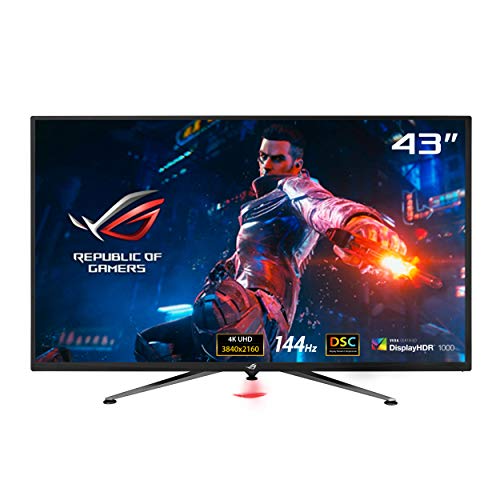
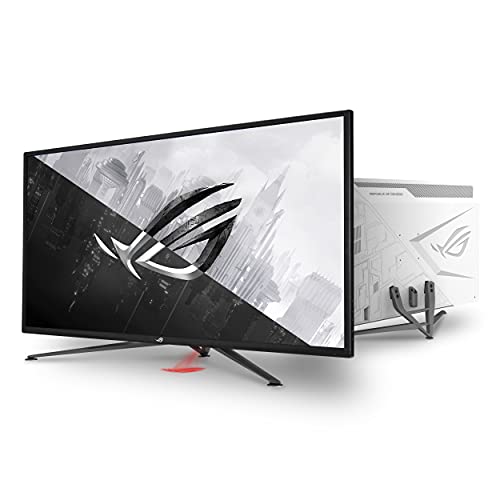
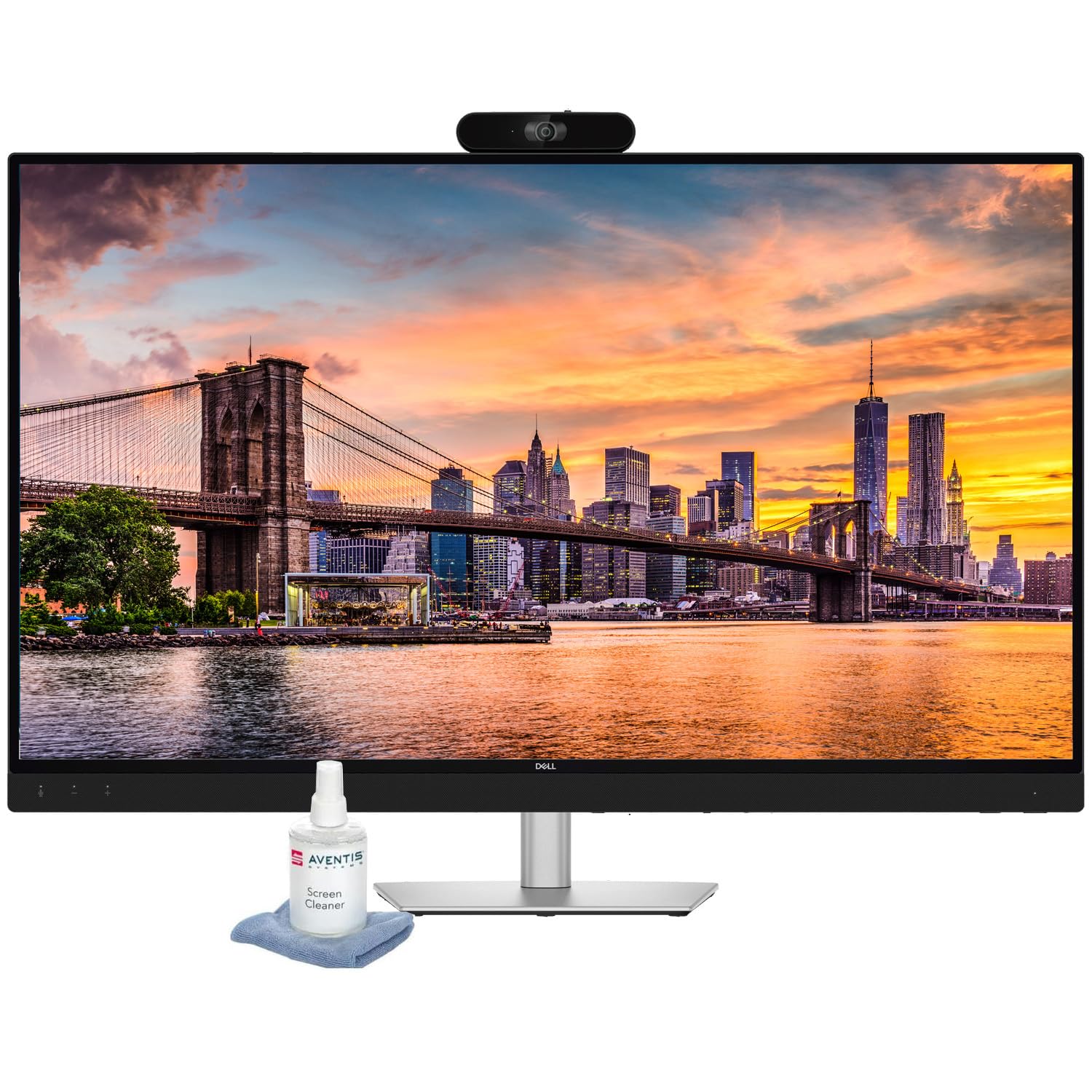
Who Should Buy the Best 43 Inch Monitors?
Four needs cover most buyers at this size. Each group below names the features worth paying for and the ones that add cost without helping that particular job.
For Gamers and Power Users
Fast play at this size needs a high refresh rate, quick response time, and adaptive sync to keep motion smooth when frame rates swing. Look for at least one full speed HDMI 2.1 port if a console joins the desk, plus a low input lag mode that stays on during play. Readers who put speed ahead of screen area can also compare best gaming monitors in smaller sizes, where high refresh rates cost less.
For Remote Workers and Creators
Long workdays reward accurate color, a matte finish that calms bright rooms, and a USB C port that carries picture, data, and laptop charging over one cable. A stand with real height adjustment matters more at this width, because the center of the screen should sit near eye level without a stack of books. Color work also benefits from wide gamut coverage, though most office tasks never use it.
For Students and Everyday Users
Everyday use is the easiest need to serve well. A midrange panel with solid brightness, two HDMI ports, and built in speakers covers classes, documents, and streaming without strain. Spend the savings on a deeper desk or a monitor arm instead of gaming features you will rarely touch. Flicker free backlighting is worth having for late study sessions in dim rooms.
For Small Rooms and Shared Spaces
In a small room, one large screen often does double duty for work by day and video at night. That dual role favors strong contrast for evening viewing and a remote friendly menu, but the purchase is still a monitor, with no tuner and usually modest speakers. A television is a different display class with different processing, so if your room needs a TV first, compare best 43 inch tvs as that separate class.
Key Features to Compare
Resolution and Pixel Density
Text clarity is a pixel density class fact, and at this size class the density deserves a look before the feature list. A 4K panel at 43 inches spreads its pixels wider than the same resolution at 32 inches, so text looks a little softer up close even though the total detail is identical. For closer desks, the guides to best 27 inch monitors and best 32 inch monitors cover sizes that keep text denser at short range. Avoid 1080p entirely at 43 inches for desk work.
Refresh Rate and Response Time
Refresh rate sets how many fresh frames the panel can show each second, and 120 Hz or higher makes fast games and fast scrolling feel clearly smoother than the standard 60 Hz. Response time describes how fast pixels change, and slow changes leave trails behind moving objects. For office work and streaming, 60 Hz is honestly enough. Gamers should treat 120 Hz as the floor and check that the fast rate works over the port they plan to use.
Panel Technology: IPS, VA, OLED, and Mini LED
IPS panels hold color and brightness well from side angles, which suits shared viewing and color work. VA panels trade some angle performance for much deeper contrast, a fair exchange for evening video. OLED gives per pixel light control and the strongest contrast of all, with some risk of burn in when static screens sit unchanged for years. Mini LED backlights raise brightness and dimming control on LCD panels, at prices closer to OLED than to plain IPS.
Connectivity and Ports
Count the ports against your actual gear before buying. Most buyers want two HDMI ports, one DisplayPort, and a USB C input with power delivery for a laptop. A built in USB hub and a KVM switch earn their keep when a work laptop and a home computer share the screen. Headphone output and a remote control sound minor, yet both get used daily on a screen this size.
Stand, Mounting, and Ergonomics
No monitor treats eye strain, and no stand fixes a bad setup by itself. Breaks, viewing distance, and room light are the larger half of eye comfort, so set the screen an arm length away or more and light the room evenly. After distance, look for height and tilt adjustment plus a VESA mount pattern for an arm. If width matters more than height, best 49 inch monitors stretch the same idea sideways into an ultrawide shape.
Common Mistakes to Avoid When Buying a 43 Inch Monitor
- Buying the feature list before measuring your desk depth, then finding the corners sit outside comfortable view.
- Choosing a 1080p panel at this size, which leaves text soft and forces constant zooming in documents.
- Assuming every HDMI port runs at full speed, when many models limit the fast refresh rate to one or two ports.
- Ignoring stand limits on a heavy panel, so the screen wobbles with every desk bump.
- Skipping the warranty terms on OLED models, where burn in coverage differs widely between price bands.
Care and Maintenance Tips
Clean the screen with a dry microfiber cloth only, and never spray liquid straight onto the panel. Turn off vivid picture modes for daily work, since they push brightness and color past accurate levels and tire your eyes faster. OLED owners should run the built in pixel refresh cycle when the screen asks for it. Keep rear vents dust free so the backlight and electronics shed heat, and use a surge protector in storm prone areas.
43 Inch Monitors: Your Questions Answered
How far should you sit from a 43 inch monitor?
Most people sit comfortably about three to four feet from a 43 inch monitor. That distance lets your eyes take in the full width with small head turns instead of constant scanning. A quick home check helps before you buy: tape the screen outline on the wall behind your desk and sit in your normal chair. If the taped corners feel easy to glance at, your desk depth is fine.
Can a 43 inch monitor double as a television in a small room?
Yes, a 43 inch monitor can double as a television for streaming through a connected stick, console, or computer. What it lacks is a tuner for antenna channels and the polished app menus a TV carries. Sound is the other gap, since monitor speakers are usually thin and quiet. A small soundbar or powered speakers close that gap for about $40 to $100 and make evening viewing far more pleasant.
Do console players need 120 Hz on a 43 inch monitor?
Console players benefit from 120 Hz only in games that offer a high frame rate mode, and a growing share of major titles do. The panel also needs an HDMI 2.1 port that accepts the full signal, since older ports cap the rate at 60 Hz for 4K input. If your library is mostly story games at 30 or 60 frames per second, a strong 60 Hz panel with good contrast serves you just as well for less money.
Is a curved screen worth it at 43 inches?
A curved screen is rarely worth a premium at 43 inches, because most panels at this size are flat and the curve mainly helps much wider ultrawide shapes. At normal desk distances the corners of a flat 43 inch screen sit only slightly farther away than the center. Spend the difference on panel quality or a better stand instead. One exception is a single player gaming desk, where a gentle curve can feel more wrapping during racing and flight games.
How long does a 43 inch monitor usually last?
A 43 inch monitor usually lasts about five to eight years of daily use before brightness fades or a newer connection standard leaves it behind. The backlight dims slowly over time rather than failing at once, so an aging screen often stays usable in a spare room. Power surges and heat shorten that span more than hours of use do. Keeping the vents clear and the brightness moderate stretches the useful years.
Final Thoughts
Start with distance, since the right desk depth decides whether this size feels generous or overwhelming. Then weigh pixel density for text, refresh rate for play, and panel type for the light in your room. Match those three to your main use and the product table above becomes a short list instead of a maze. Chosen that way, the best 43 inch monitors give a small room or a deep desk one screen that honestly covers work and play.


