Best 240 Hz Gaming Monitors in 2026: Budget, Midrange, and Premium Tiers
Disclosure: We may earn a commission when you buy through links on this page, at no extra cost to you. As an Amazon Associate I earn from qualifying purchases. Learn more

Compare how the best 240 hz gaming monitors differ by price, panel, ports and size, with a checklist for choosing the right tier.
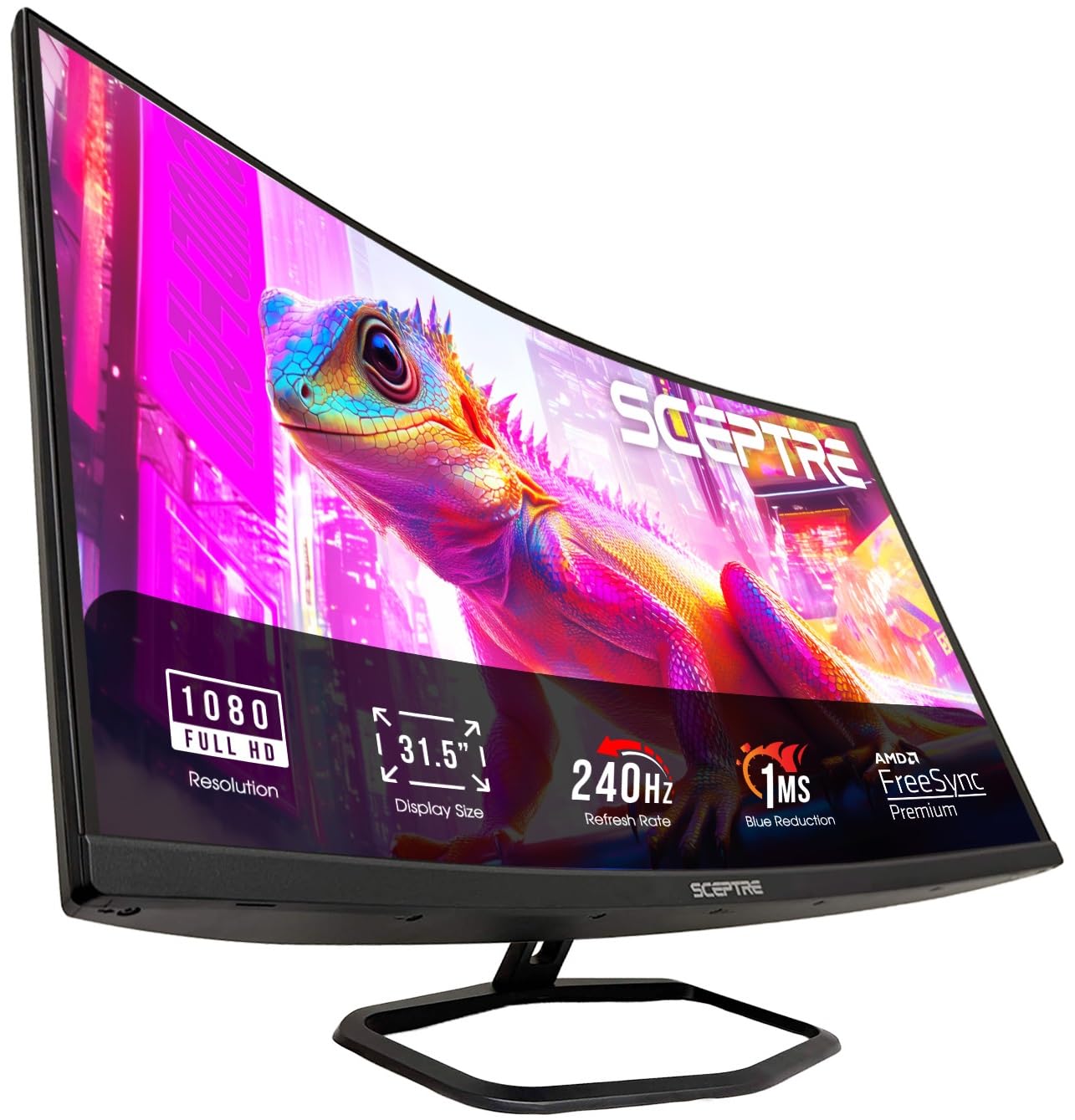
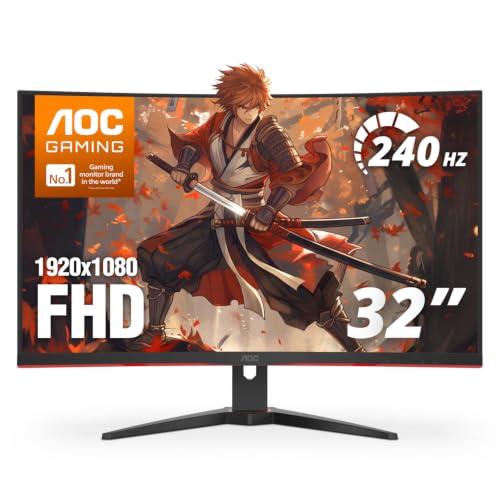
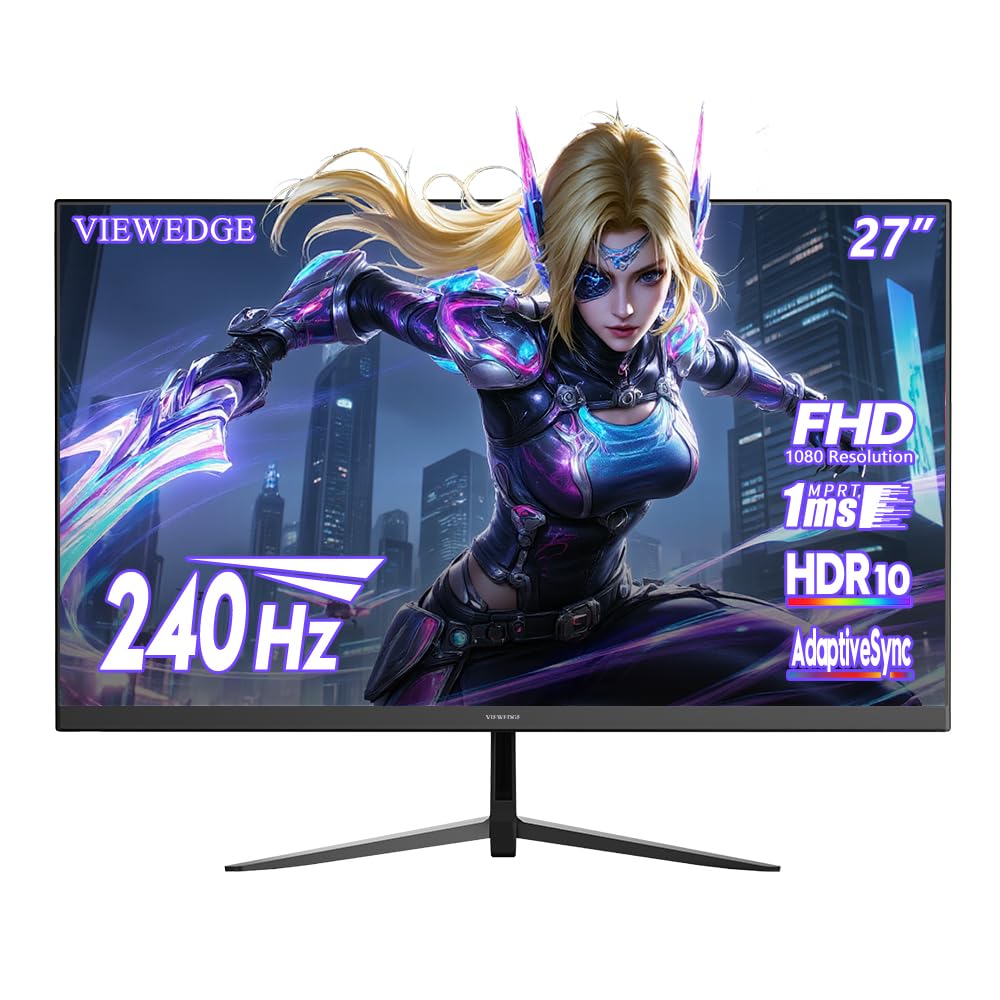
Prices for a 240 Hz monitor stretch from under $200 to well past $800, and the headline speed is often the same at both ends. The best 240 hz gaming monitors earn their price through panel quality, motion clarity, ports and build, not refresh rate alone. Use the product table to see which tier adds what, so you spend where it matters.
Start with three facts: your desk space, the resolution your graphics card can drive at high frame rates, and whether a console shares the screen. Those answers point you to a tier and a panel.
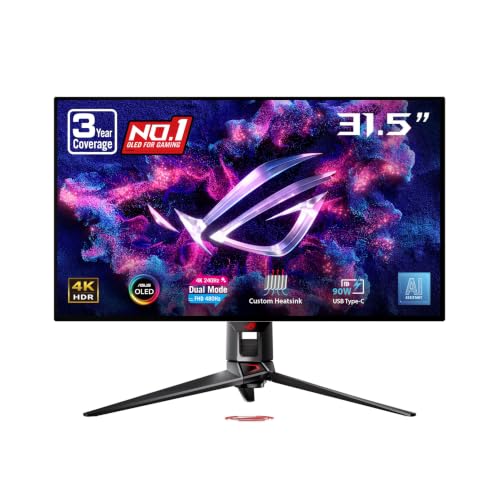
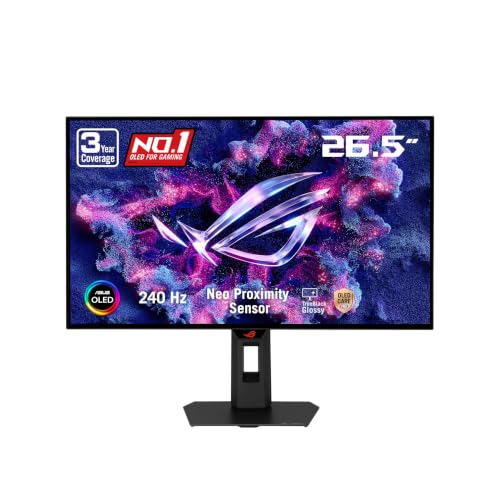
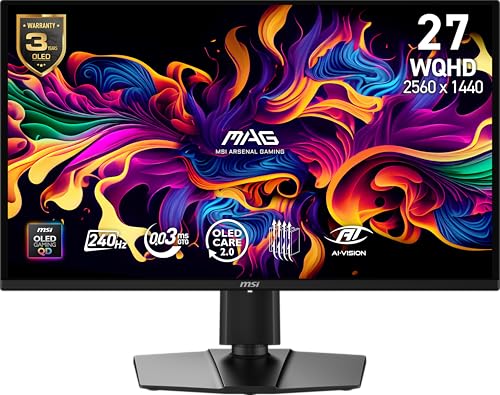

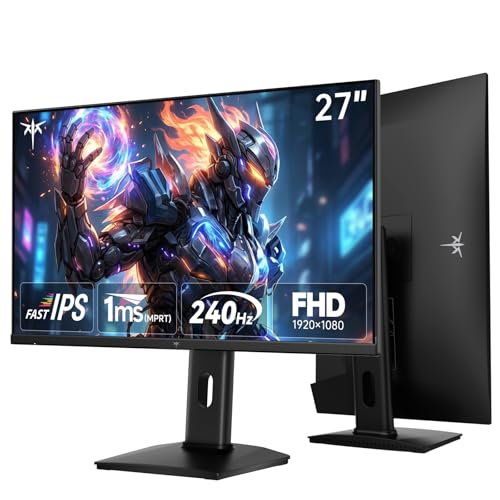
Who Should Buy a 240 Hz Gaming Monitor?
A 240 Hz screen rewards players whose games and hardware can feed it enough frames. Match the monitor to your main use first.
Competitive PC Players in Fast Paced Shooters
You play ranked shooters or racing titles where targets move quickly and rounds turn on reaction time. Choose a smaller 1080p or 1440p screen, strong motion clarity and adaptive sync, usually from the midrange tier.
Console Players Adding a Fast PC Screen
You split time between a PC and a console that tops out at 120 Hz in supported games. Choose HDMI 2.1 ports and variable refresh rate support. The PC uses the full 240 Hz, while the console needs the right port to reach its ceiling.
Players Who Mix Evening Gaming With Daytime Work
You game after work at the desk where you read, write and join calls all day. Choose a 27 inch 1440p panel for sharper text, a stand with height adjustment and a matte surface for bright rooms.
Spending More on a 240 Hz Gaming Screen: What Actually Improves
Every tier promises 240 Hz, so the differences sit elsewhere. That is why the best 240 hz gaming monitors at one price can feel plain beside a rival at the same price. Compare panel, ports and stand at each level before discounts.
Budget Tier: Honest Speed With Basic Extras
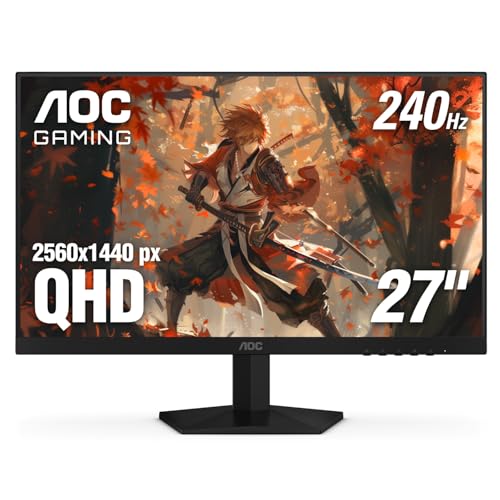
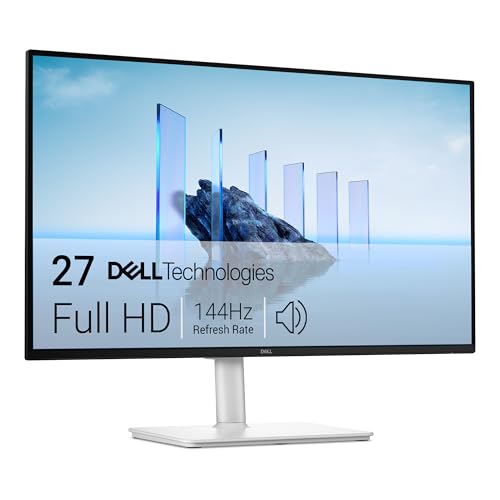
Budget models cost about $110 to $280 and usually pair 1080p with an IPS or VA panel at 24 to 32 inches. You get the full refresh rate and basic adaptive sync, but stands often tilt only and HDR is weak. If your ceiling is firm, see our guide to the best affordable gaming monitors before stretching for extras.
Midrange Tier: Sharper Panels and Ports That Keep Up
Midrange models cost about $300 to $500, and 27 inch 1440p becomes common here. Panels get brighter and more accurate, overdrive tuning improves and stands add height adjustment. Most add extra ports and better speakers. This tier removes the main budget compromises without paying for 4K resolution you may not need.
Premium Tier: OLED Contrast and Room to Grow
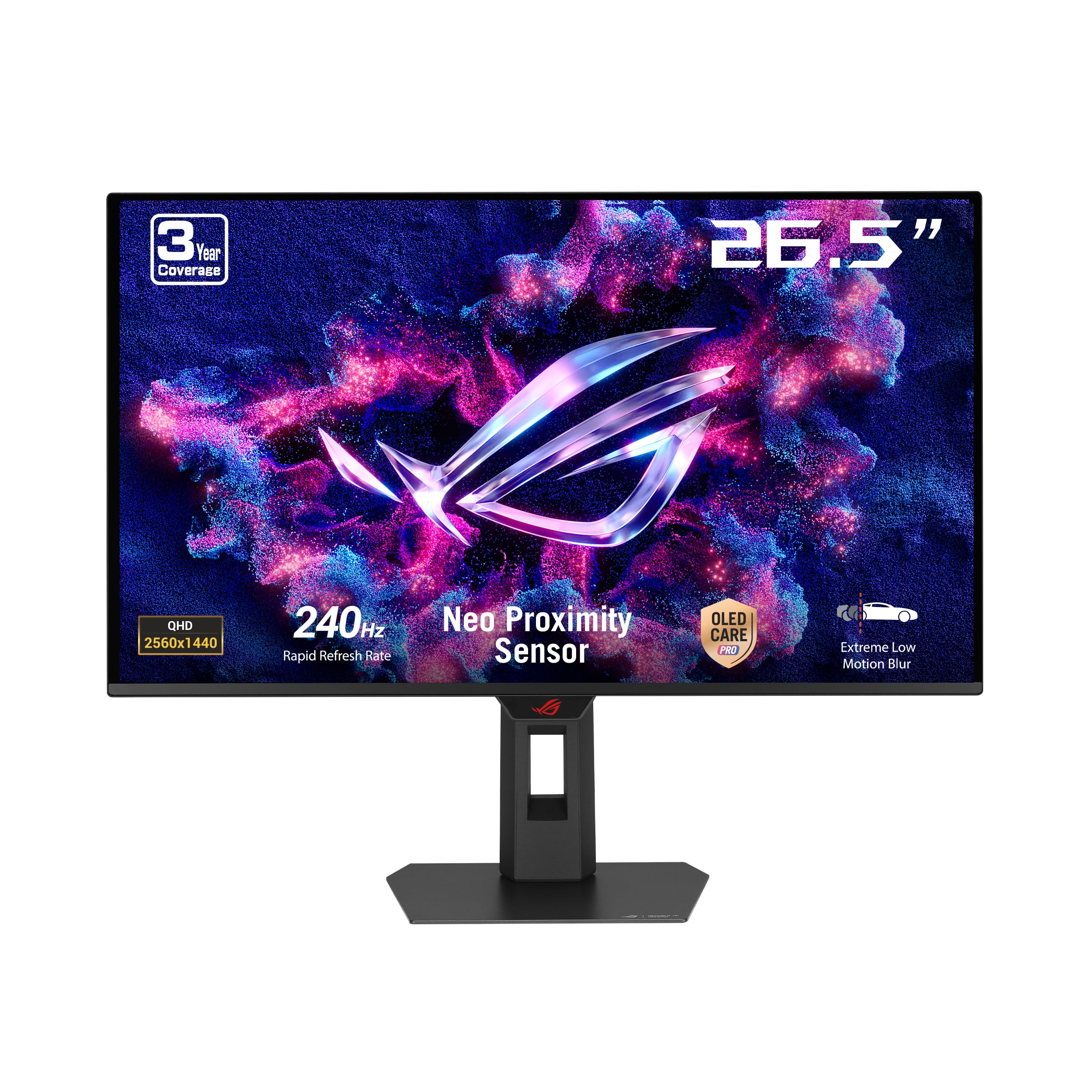
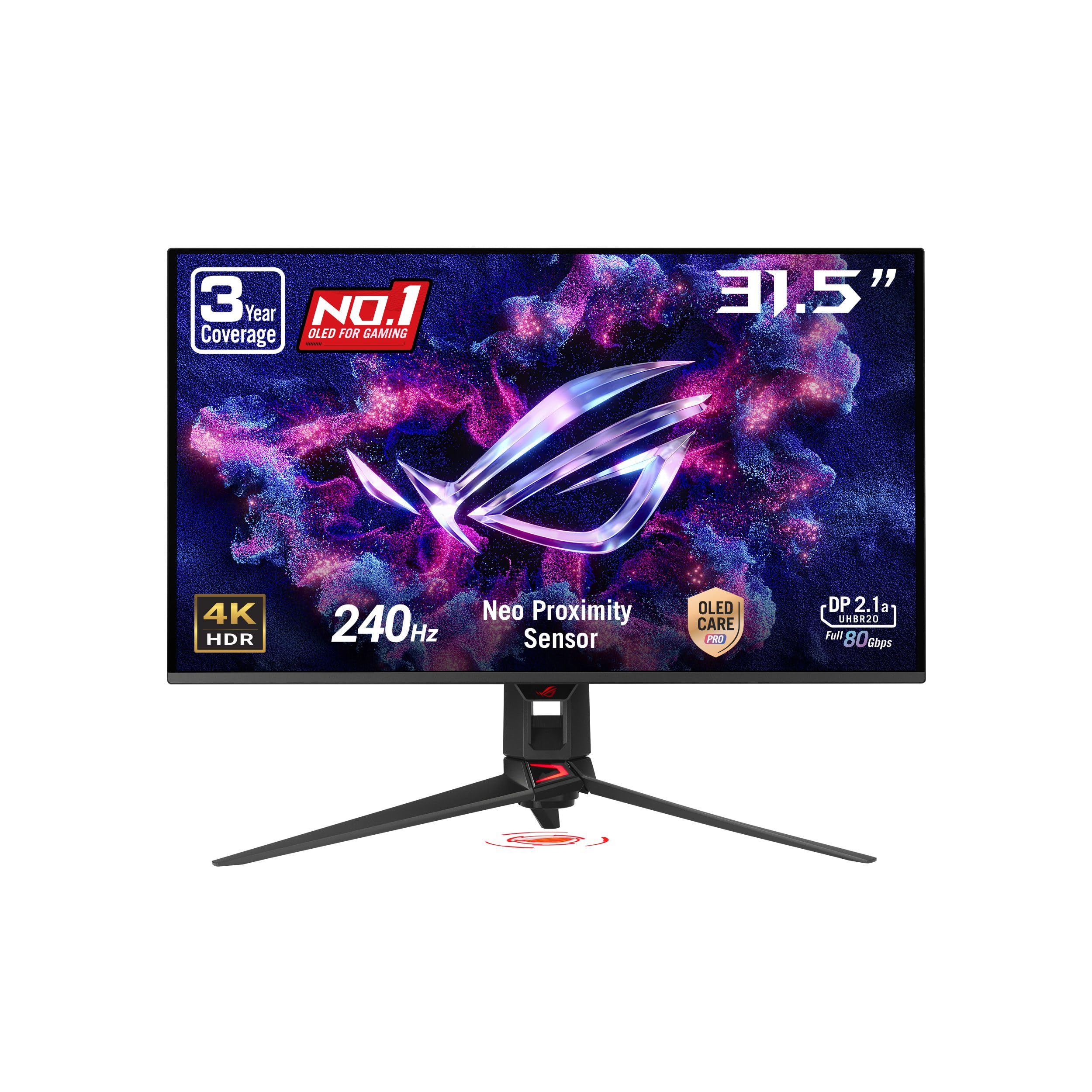
Premium models cost about $500 to $1,300 and bring OLED or top grade IPS panels, wide color coverage and stronger HDR. Sizes grow to 27 or 32 inches, and 4K at 240 Hz appears at the top. Readers weighing that larger route can see our guide to the best 4k monitors gaming for the tradeoffs.
Key Features to Compare
Compare these factors in order, because strength in one area cannot rescue a weakness in the area your games stress most.
Panel Technology in IPS, VA and OLED
The panel sets contrast, color and viewing angles. IPS offers accurate color and wide angles, so it suits shared screens and mixed work. VA delivers deeper blacks for less money, though dark scenes can smear on cheaper models. OLED gives near perfect blacks and fast pixel changes, but costs more and needs care with static images.
Refresh Rate and Response Time in Real Play
A monitor shows only the frames your PC sends, so 240 Hz helps most when games hold frame rates near 200 or higher. Response time describes how fast pixels change color, and slow changes leave ghost trails behind moving objects. Overdrive sharpens that change, yet the strongest setting adds pale halos, so start with the middle level.
Resolution Matched to Screen Size
Resolution and size work as a pair. At 24 or 25 inches, 1080p looks acceptably sharp and is easy to drive at high frame rates. At 27 inches, 1440p adds detail and work space at a higher hardware cost. At 32 inches, 4K keeps text crisp but demands a powerful card to approach 240 frames per second.
Adaptive Sync and Console Support
Adaptive sync matches the screen refresh to the frame rate your game produces, which removes tearing and smooths uneven pacing. FreeSync covers most AMD cards and many consoles, while G Sync is the Nvidia route in built in and compatible forms. Check the sync range, since a wide range keeps the benefit when frame rates dip.
Ports, HDR and Stand Adjustments Worth Checking
Ports decide what connects at full speed. DisplayPort is the usual PC route to 240 Hz at 1440p, HDMI 2.1 matters for consoles and 4K models, and USB C with video input suits a laptop sharing the desk. Treat HDR labels with care, because real HDR impact needs brightness and local dimming that budget models lack. A VESA pattern lets you add an arm later.
Choosing the Right Size and Tier for Your Setup
Desk depth and viewing distance narrow the size choice fast. If you are still weighing 144 Hz against 240 Hz, see our guide to the best gaming monitors for the full field. Readers who need speed without gaming extras can see our guide to the best 240 hz monitors for plain options.
Best 27 240 Hz Gaming Monitors
The best 27 240 hz gaming monitors suit most desks because 1440p at this size balances sharpness, space and hardware load. Sit about two feet away and the screen fills your view without forcing head turns in competitive play. Choose this size if you also work on the screen, since text stays crisp and two windows fit side by side.
Smaller 24 and 25 inch 1080p models remain the esports staple, because the whole screen sits within easy eye movement and frame rates climb higher. Larger 32 inch models suit story games, but need a deeper desk and a stronger card. Measure desk depth before ordering.
Ownership Costs to Expect With a 240 Hz Gaming Monitor
The monitor price is only part of the total. The largest possible extra cost is a graphics card upgrade, because an older card that holds 100 frames per second cannot feed a 240 Hz screen.
Smaller costs add up too. A quality DisplayPort cable costs about $15 to $30, a monitor arm costs about $30 to $100 and a longer warranty adds a modest sum. Keep the receipt and warranty terms, since panel faults usually appear early.
Common Mistakes to Avoid
These errors waste money even when the monitor itself is good.
- Buying 240 Hz for a PC that holds 90 frames per second leaves most of the speed unused.
- Choosing 4K at 240 Hz without a top grade graphics card forces low settings or low frame rates.
- Ignoring HDMI versions leaves a console stuck below its 120 Hz ceiling on the wrong port.
- Maxing the overdrive setting adds pale halos around moving objects and hurts image clarity.
- Paying extra for HDR labels on a dim panel buys a badge, not a visible improvement.
Care and Maintenance for a 240 Hz Gaming Monitor
Clean the panel with a dry microfiber cloth, and dampen the cloth with plain water only if marks remain. Never spray liquid on the screen, press hard or use paper towels, because coatings scratch easily.
On OLED models, vary your content and let the built in pixel refresh run as the maker directs, since static menus left for hours raise burn in risk. Update firmware when the maker releases fixes for sync or port faults, and check cables if flicker appears.
Frequently Asked Questions
How long does a 240 Hz gaming monitor usually last?
A 240 Hz gaming monitor usually lasts about five to eight years of daily use. The backlight dims slowly over that span, so an older screen looks less bright at the same setting. Warranty length varies by brand, often from one to three years, with OLED burn in cover stated separately. Check the dead pixel policy before buying.
What size 240 Hz gaming monitor fits a small desk?
A 24 or 25 inch model fits a small desk best. Leave room behind the screen for cables to bend without strain, and keep speakers from crowding the stand. A clamp arm can free the surface under the panel entirely. Before ordering, mark the screen outline on the wall with tape at your sitting position.
Is 4K worth it on a 240 Hz gaming monitor?
4K is worth it on a 240 Hz gaming monitor only if your graphics card is powerful and you value sharp text and scenery. Many players run demanding games at lower internal resolution and raise settings instead, trading some sharpness for smoother frame rates. A useful check is your current frame rate at 1440p.
Does refresh rate matter for people who do not game on a 240 Hz monitor?
Yes, a high refresh rate still feels smoother for people who do not game, mainly in cursor movement, scrolling text and window dragging. It does not improve videos much, since most films and streams play at 24, 30 or 60 frames per second. Color accuracy and brightness matter more for photo work and reading.
IPS vs OLED: Which panel is better for a 240 Hz gaming monitor?
Neither panel wins for every 240 Hz gaming monitor buyer, because room light and content habits decide it. OLED suits dark rooms and varied full screen games, while IPS suits bright rooms and screens showing the same work apps all day. Glossy OLED can also mirror a window behind you in daylight.
Our Verdict
Match the tier to your hardware first, the panel to your room second and the size to your desk third. Most PC players land in the midrange at 27 inches and 1440p, while premium money should buy OLED contrast or 4K sharpness. Use the product table to confirm ports and warranty before you order.
When you compare best 240 hz gaming monitors with those three checks in hand, the right tier usually picks itself. Spend on the limits you will feel every session, and skip the rest.