Best 240 Hz Monitors for 2026: What Your Money Really Gets You
Disclosure: We may earn a commission when you buy through links on this page, at no extra cost to you. As an Amazon Associate I earn from qualifying purchases. Learn more
Best 240 hz monitors explained by price tier, so you know which features are worth paying for and which you can skip.
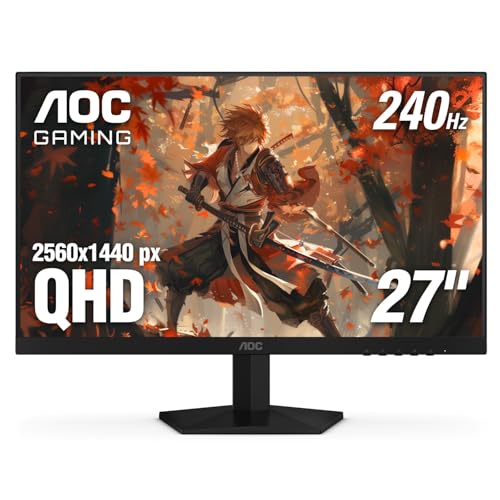
Shopping for best 240 hz monitors can feel confusing because prices stretch from budget friendly screens to displays that cost several times as much. The refresh rate number is the same across that range, so the price gap comes from panel quality, color, brightness, ports, and build. This guide explains what each price level usually delivers, so you can spend where it matters for your setup and skip what does not. The product table gives a quick side by side view before the detail that follows.
A 240 Hz screen refreshes the image 240 times each second, which can make fast motion look smoother than on a standard 60 Hz screen. That smoothness matters most in fast games, but it can also make scrolling and cursor movement feel more fluid in everyday use. Before you pay more, decide how much of your time goes to competitive games, story driven games, creative work, or office tasks, because each use values different features.

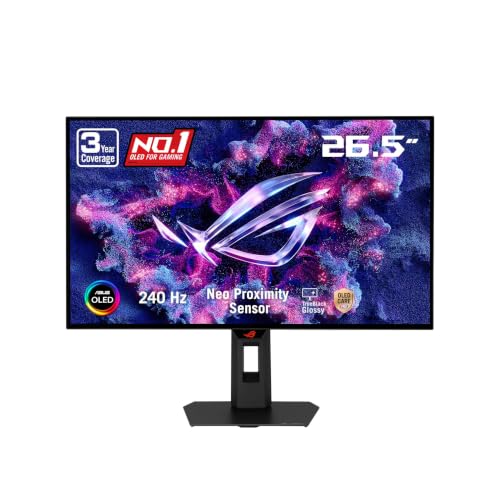
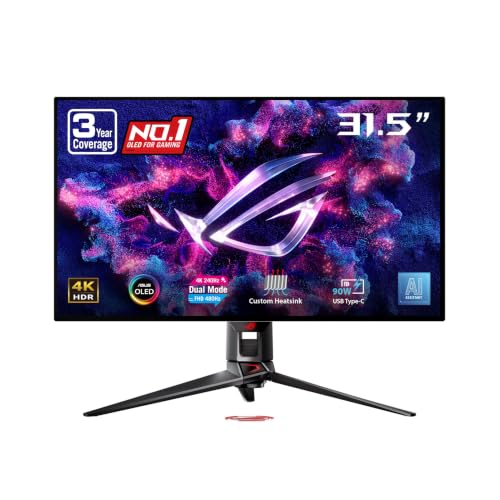
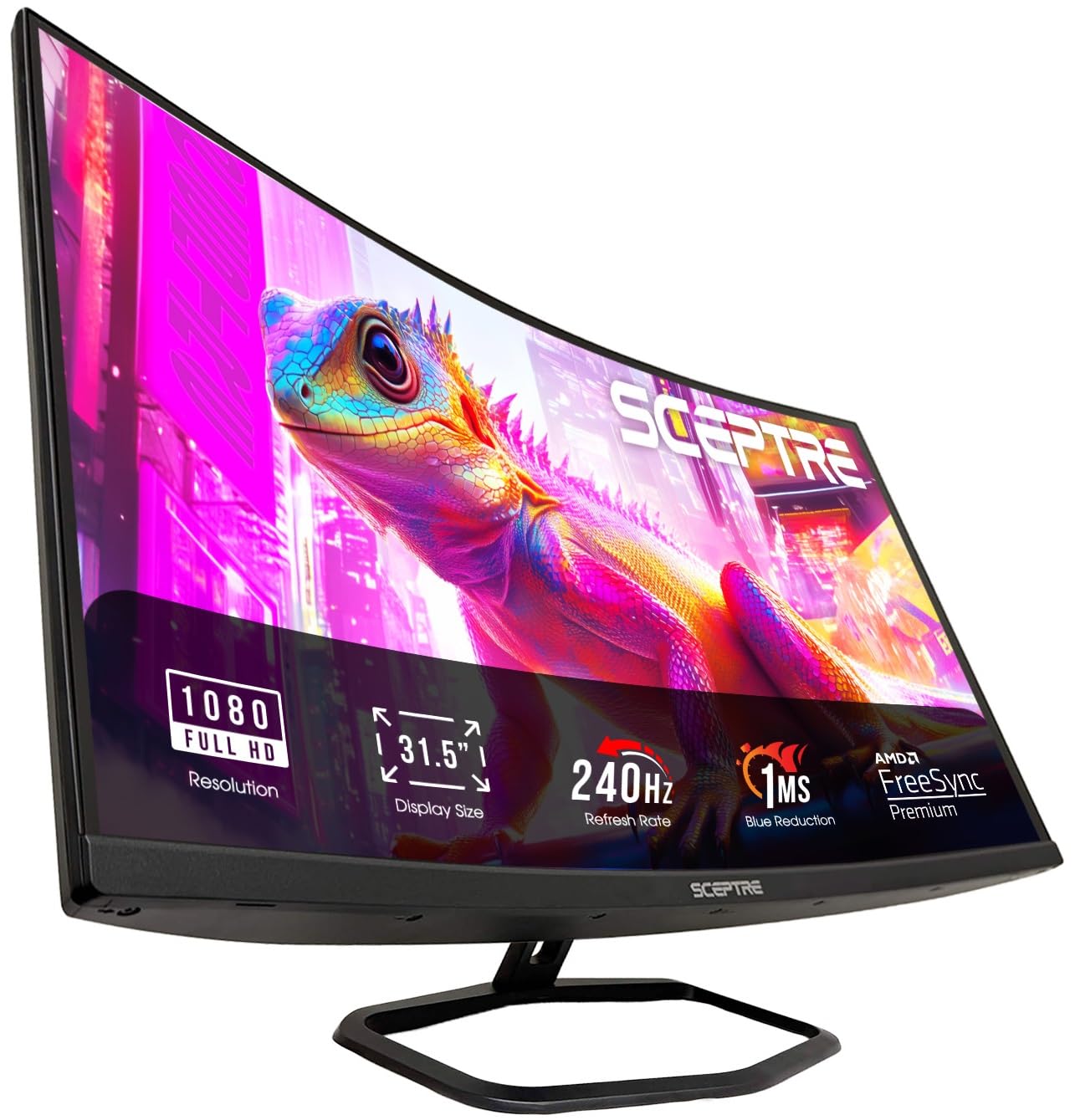
Spending Levels Without the Guesswork
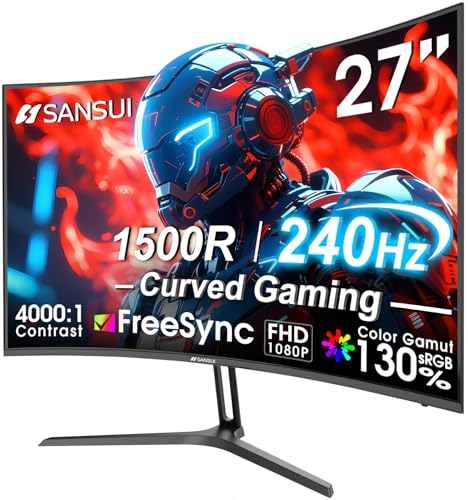
This section groups screens by what you can reasonably expect at each spending level. Use it to set a budget before you compare specs, and remember that prices shift often, so treat every figure here as approximate.
Lower Price Choices
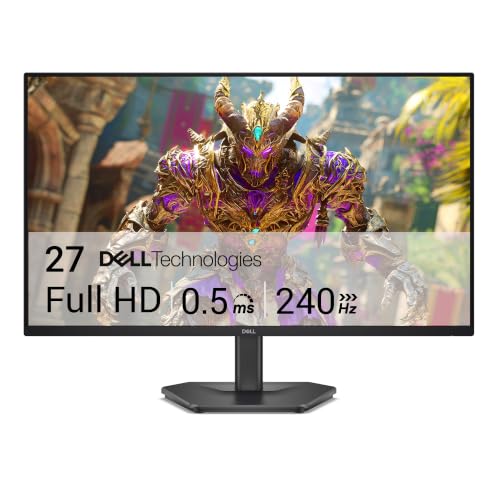
At about $100 to $300, most 240 Hz displays use a fast IPS or VA panel at 1080p, with a basic stand that tilts but may not adjust for height. Color is usually good enough for games and everyday viewing, though brightness and contrast tend to be modest. You still get the headline refresh rate and adaptive sync, which is the core reason to buy this type of screen. If you mostly play slower paced titles, our guide to best 60 hz monitors explains where the cheaper tier still makes sense. Check that the display includes the ports your computer uses, because budget models sometimes offer fewer inputs.
Middle Price Choices
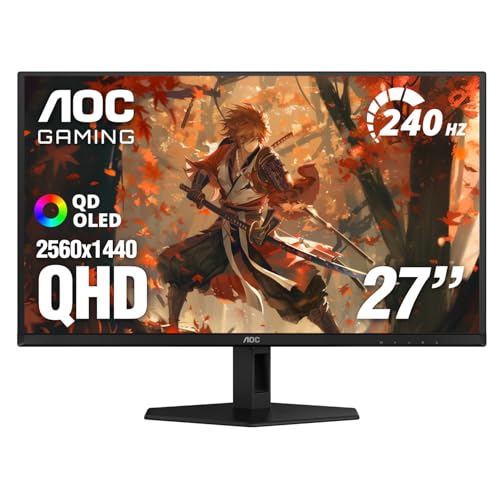
At about $300 to $550, you can expect sharper 1440p resolution on many models, wider color coverage, and better factory calibration. Stands at this level usually adjust for height, swivel, and tilt, which helps you set a comfortable viewing position for long sessions. HDR support also becomes more common, though real world brightness still varies a lot from model to model. This range suits players who want both speed and image quality, and for a step down in speed, our guide to best 165 hz monitors compares the tier just below this one.
Higher Price Choices
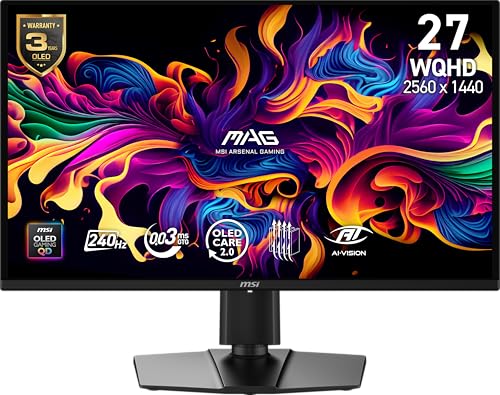
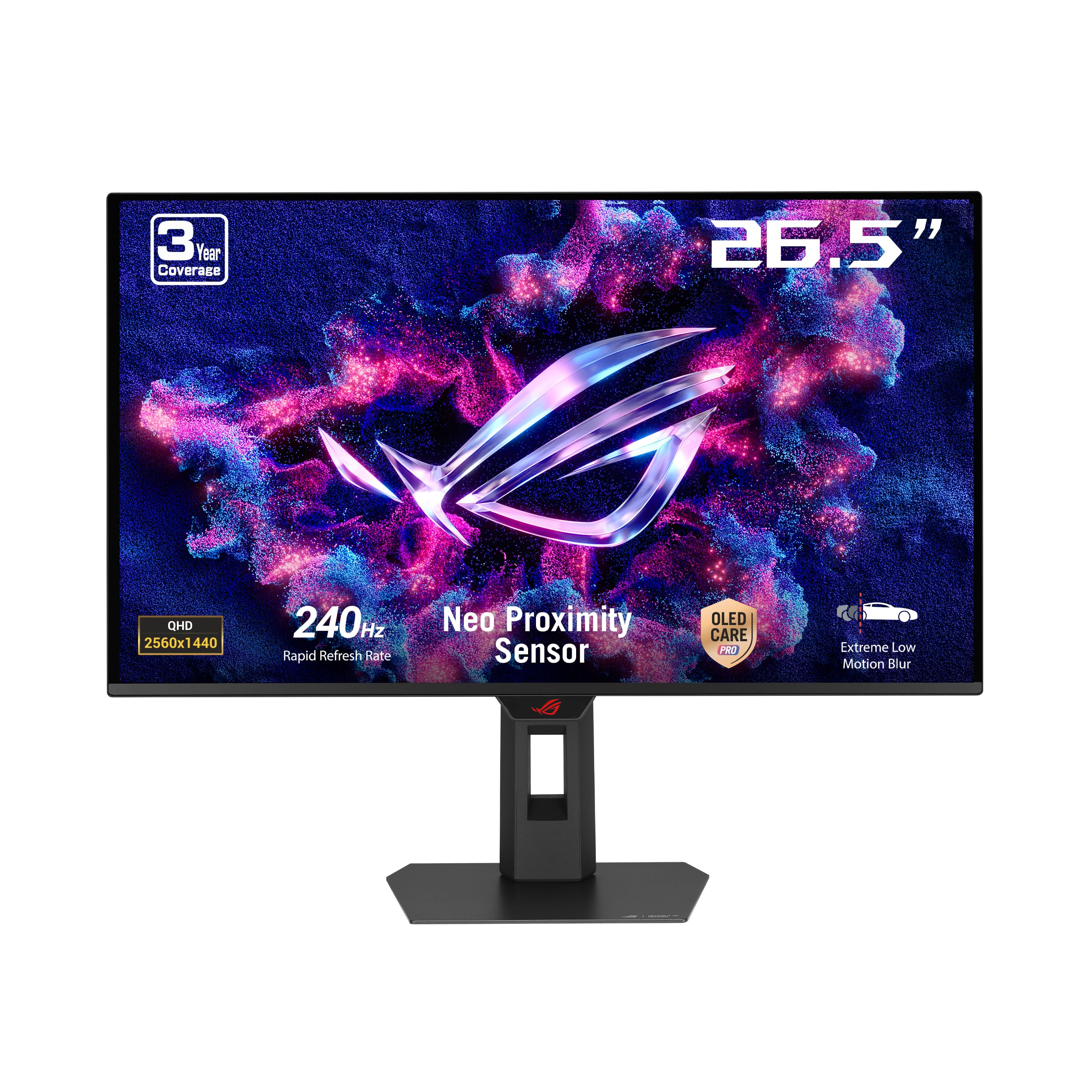
At about $550 to $900 or more, you move into OLED or Mini LED panels, 4K resolution on some models, and much stronger contrast and brightness. These screens suit players and creators who notice color accuracy, deep blacks, and HDR performance, and who are willing to pay for them. Build quality also improves, with sturdier stands, better cable management, and wider port selection. Before spending at this level, confirm your computer can actually drive high frame rates at the resolution you choose, or the extra speed may go unused. Players focused purely on competitive play can compare our guide to best 240 hz gaming monitors for a gaming first angle.
What Your Money Gets You at Each Price Tier
Price tiers in this category are less about the refresh rate itself and more about everything around it. The panel, the backlight, the color tuning, and the stand all change as you move up, and each change affects a different kind of buyer.
Budget Tier Expectations
Budget screens deliver the core 240 Hz experience: smooth motion, low input lag, and adaptive sync that reduces tearing. What you give up is usually color depth, brightness, and adjustability. If your main goal is competitive play on a tight budget, those trade offs are often acceptable. If you also edit photos or video, check color coverage carefully, because budget panels vary widely.
Midrange Tier Expectations
Midrange screens balance speed with image quality, and this is where most buyers find the best fit. You get higher resolution, better color, and a more adjustable stand, plus more reliable HDR than budget models offer. The trade off is price: you pay noticeably more for gains that casual players may not notice. Weigh how many hours you spend gaming against how many you spend on work or media, and let that split guide you.
Premium Tier Expectations
Premium screens chase the best possible image alongside the fastest motion. OLED panels offer near instant pixel response and deep blacks, while Mini LED backlights push brightness much higher for HDR. The catch is cost, and for OLED, the need to follow maker guidance on burn in prevention, such as using screen shift features and avoiding static images for very long stretches. Premium buyers should also budget for a graphics card strong enough to feed the display.
Features Worth Paying For and Ones to Skip
Not every feature on a spec sheet earns its price. The four areas below have the biggest effect on daily use, and each one includes a note on when you can safely skip it.
Panel Technology
IPS panels offer wide viewing angles and dependable color, VA panels offer stronger contrast but can smear in very dark scenes, OLED panels offer instant response and deep blacks, and Mini LED panels offer high brightness with local dimming. For most buyers, IPS is the safe middle ground, while OLED suits those who prize contrast and can follow burn in guidance. Skip paying extra for an exotic panel if you mainly play one type of game in a bright room, where the difference is harder to see.
HDR and Brightness
HDR can make bright highlights and dark shadows look more lifelike, but only when the screen is bright enough to show the difference. Look for sustained brightness figures rather than peak claims, and remember that many budget HDR labels add little in practice. If you play HDR games or watch HDR video often, brightness is worth paying for. If you mostly play competitive titles with brightness turned down, you can skip a premium HDR rating and save money.
Connectivity and Ports
DisplayPort is the usual route to full 240 Hz at high resolution, while HDMI version matters: older HDMI ports may cap refresh rate or resolution. USB C with video input is handy for laptops, since one cable can carry video and charge the machine. Count your devices before buying, and make sure the screen has enough inputs for your computer, console, and any second device. Skip extra ports you will never use, but do not buy a screen that forces you to swap cables daily.
Stand, Mounting, and Ergonomics
A good stand lets you set screen height so your eyes sit near the top third of the display, which supports a comfortable posture during long sessions. Height, tilt, swivel, and pivot adjustments all help, and VESA mounting lets you use an arm if desk space is tight. Budget stands often tilt only, so check adjustment range before ordering. If you already own a monitor arm, a basic stand is fine to skip, but a wobbly stand on a busy desk gets annoying fast.
Long Term Costs to Factor In
The screen itself is only part of the total cost. You may need a new DisplayPort or HDMI cable rated for high refresh rates, a monitor arm if the included stand falls short, and possibly a graphics card upgrade to reach high frame rates at your chosen resolution. Electricity use is modest for most models, though very bright HDR screens draw more power.
Check warranty length and the return policy, since dead pixels and backlight bleed policies differ by maker. For general comfort, take regular breaks, keep the room lit, and see an eye care professional if you notice persistent eye pain or vision changes.
240 Hz Monitors: Your Questions Answered
Is 4K worth it on a 240 Hz screen?
4K is worth it if your computer can sustain high frame rates at that resolution and you value sharp text and detailed images. At 4K, even strong graphics cards struggle to reach 240 frames per second in demanding games, so many players run lower settings or accept lower frame rates. At 1080p or 1440p, reaching high frame rates is far easier, which makes the refresh rate more useful. Choose 4K for mixed work and play, and choose a lower resolution for pure competitive speed.
IPS vs OLED: which is better?
IPS is better for buyers who want dependable color, no burn in worry, and a lower price, while OLED is better for buyers who want the deepest blacks and fastest pixel response. OLED screens can suffer image retention if static elements sit on screen for very long periods, so follow the maker guidance on pixel refresh and screen shift features. IPS screens avoid that concern entirely but cannot match OLED contrast. Your room lighting matters too: OLED shines in dim rooms, while bright rooms narrow the visible gap.
How long do 240 Hz screens last?
Most modern displays last many years with normal use, and the panel usually outlives the ports and standards around it. Backlight brightness can fade gradually over time, and OLED panels need more care to avoid uneven wear. Keep the screen clean with a soft dry cloth, avoid pressing on the panel, and keep vents clear so heat can escape. A screen bought today may feel dated when new connection standards arrive, but it should keep working well for a long time.
What size should I get for my room or desk?
For a typical desk, 24 to 27 inches works well at arm's length, while larger screens suit deeper desks where you sit farther back. Measure your desk depth before choosing, and leave room for speakers, a keyboard, and any paperwork. A screen that is too large for a shallow desk forces constant head movement, which gets tiring, while a screen that is too small for a deep desk makes text harder to read. When in doubt, measure your viewing distance and pick the size that fills your view without forcing you to turn your head.
Does refresh rate matter for non gamers?
Refresh rate matters less for non gamers, but it is not useless outside games. Scrolling through documents and web pages looks smoother, and cursor movement feels more responsive. Video playback rarely exceeds 60 frames per second, so a 240 Hz screen adds little there, and our guide to best 75 hz monitors covers the middle ground for casual players. Office work and creative tasks benefit far more from resolution, color accuracy, and screen size than from refresh rate, so if you rarely game, spend the extra money on those qualities instead of chasing the highest refresh number.
Final Thoughts
The smartest way to buy in this category is to match the panel and resolution to your real use, then check ports, stand adjustment, and total cost. Speed alone does not make a great screen: color, brightness, and comfort matter just as much over hundreds of hours. If you play fast games most of the time, a budget or midrange model may serve you well, while mixing games with creative work or media makes the midrange or premium tier earn its price. Review the product table, compare the tiers against your budget, and choose the best 240 hz monitors option that fits your desk, your computer, and your daily routine.