Best Headphones for Music and Gaming: What to Look For
Trying to find the best headphones for music and gaming usually means running into two very different shopping worlds. Gaming headsets promise surround sound and a built-in mic but often sound flat or muddy once you queue up an album. Audiophile headphones sound incredible for music but frequently skip the microphone entirely and cost more than you want to spend on something you also plan to wear during a four-hour raid. The good news is that one pair of headphones really can handle both roles well, as long as you know which specs actually matter. This guide walks through what separates a headphone that only sounds good in one context from one that performs well in both.
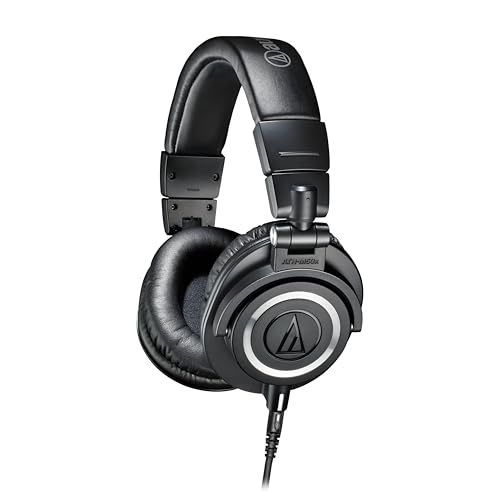
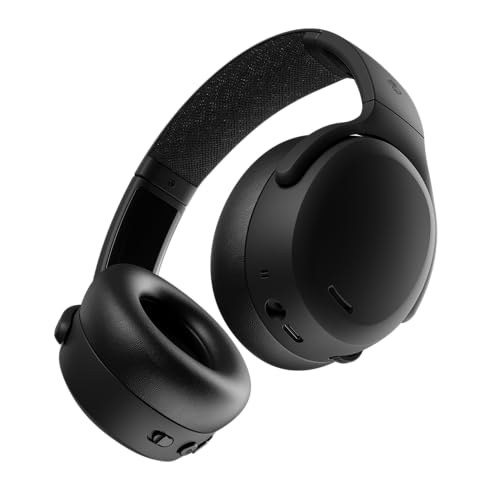


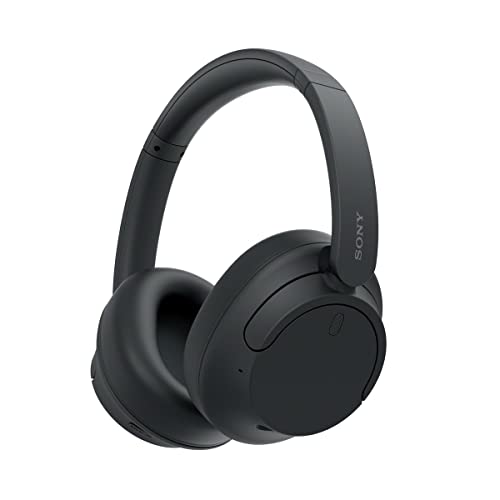
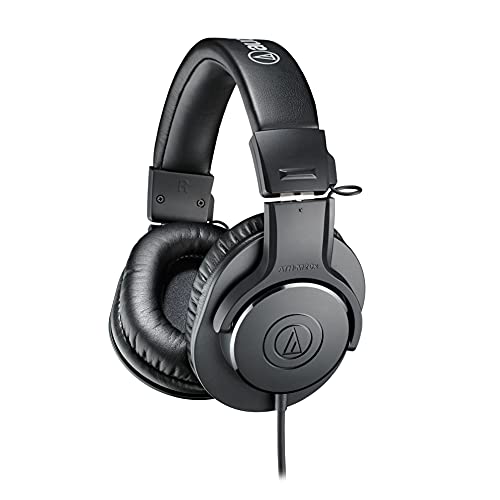
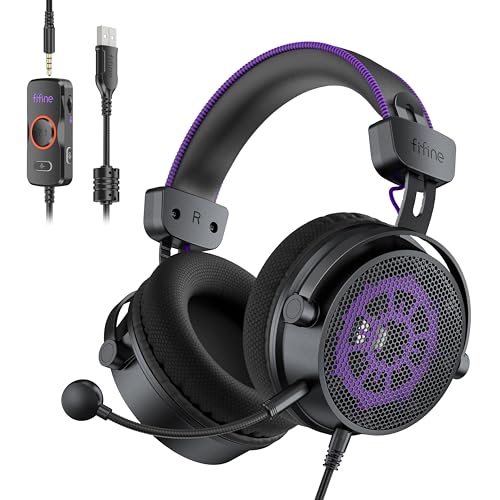

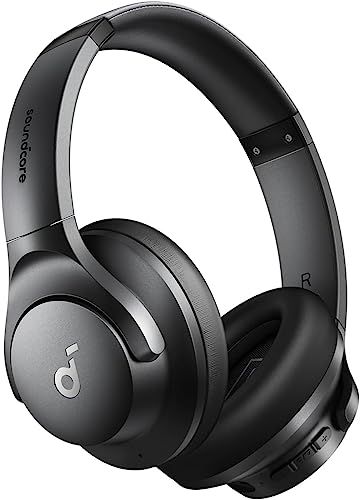
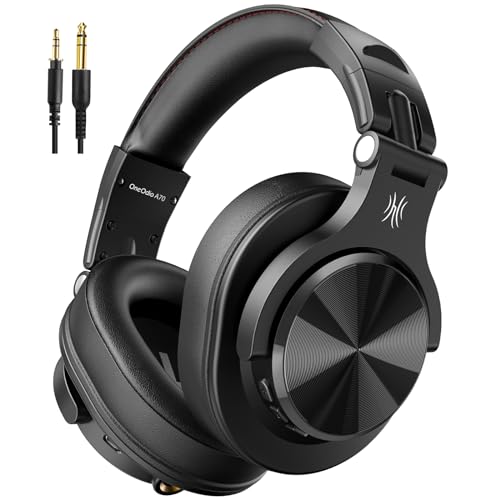
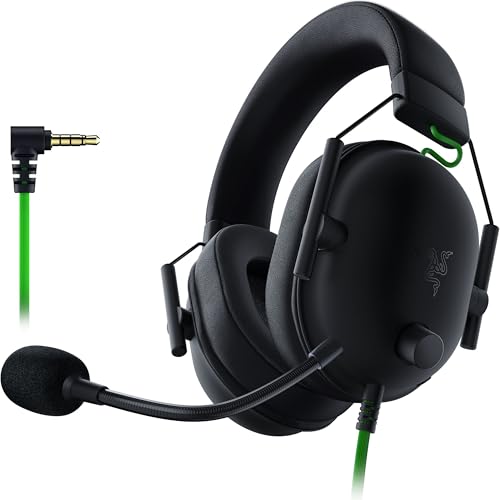
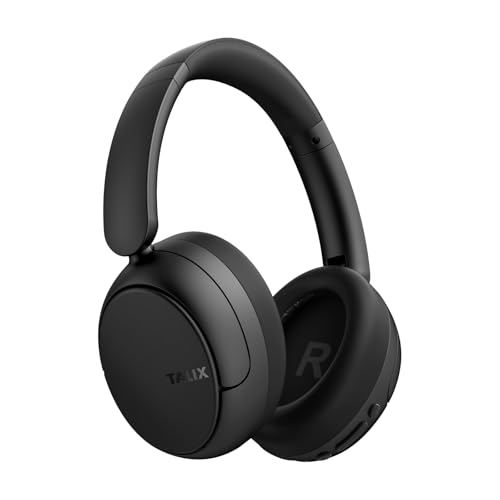

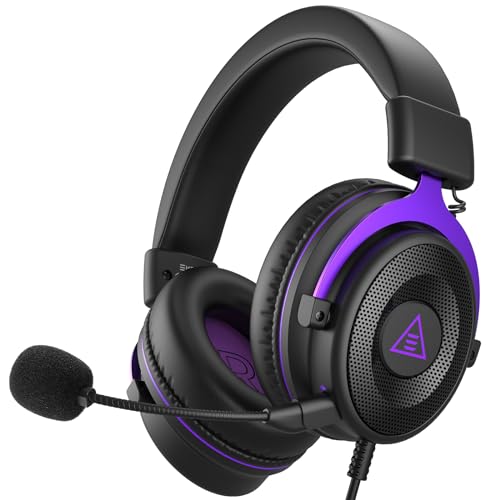
What Makes Headphones Work Well for Both Music and Gaming
Finding headphones for music and gaming that satisfy both roles comes down to a handful of specs, not a single magic feature. Music and gaming ask headphones to do slightly different jobs. Music rewards a full, accurate frequency range so vocals, bass lines, and instruments all sit where they should. Gaming rewards spatial cues, quick transient response, and clear voice chat. A headphone built for both needs to satisfy each of those demands without leaning too hard toward one at the expense of the other.
Balanced Sound Instead of Bass-Heavy or Thin
Many gaming-branded headsets push bass hard because it feels exciting in short demos, but that same boost can drown out vocals and mid-range detail in music. Look for a frequency response that stays fairly even across lows, mids, and highs rather than one built around a single dramatic bass hump. A balanced sound signature translates footsteps and explosions accurately in games while still letting an acoustic track or a vocal-heavy playlist sound natural.
Soundstage and Positional Audio
Soundstage describes how wide and three-dimensional the audio feels rather than sounding like it's coming from directly inside your head. It matters for music because it separates instruments and creates depth, and it matters even more in competitive games where you need to tell whether a sound is coming from your left, behind you, or above you. If you've already put together a competitive setup with a fast high refresh rate monitor, good audio cues matter just as much as fast visuals for reacting in time. Headphones with a wider, more natural soundstage tend to make positional audio easier to read without relying on artificial surround sound processing.
Microphone Quality and Placement
This is where music-first headphones usually fall short. If voice chat matters to you, check whether the headphone includes a usable microphone, whether it's a boom mic that can be flipped up when not needed, or whether you'll need to pair the headphone with a separate clip-on or desktop mic. A mediocre built-in mic is often still more convenient than juggling a second device, but it's worth knowing what you're getting before you buy.
Wired vs Wireless and Latency
Wireless headphones are convenient for casual listening and general gaming, but some wireless connections introduce a small delay between what's happening on screen and what you hear. That lag is barely noticeable for music but can throw off timing in fast-paced or competitive games. If split-second reactions matter to you, a wired connection or a wireless headphone specifically built with a low-latency mode is the safer choice.
Open-Back vs Closed-Back: Which Fits Your Listening Setup
This single design choice affects almost everything else about how a headphone sounds and feels, and it's one of the most common points of confusion for anyone shopping for headphones for gaming and music at the same time. If you already own a pair of studio headphones built for mixing, you've probably run into this same open-back versus closed-back tradeoff before.
Why Open-Back Wins for Immersive Soundstage
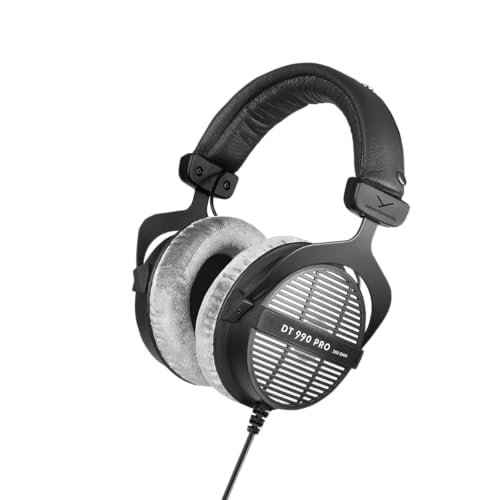
Open-back headphones use ear cups with perforated backs that let air and sound pass through freely instead of bouncing around inside a sealed chamber. The result is a wider, more natural soundstage that many listeners prefer for both detailed music playback and games that rely on positional audio. The tradeoff is that open-back headphones leak sound in both directions, so anyone nearby can hear what you're listening to, and outside noise leaks in as well.
Why Closed-Back Wins for Isolation and Bass Impact
Closed-back headphones seal off the ear cup, which blocks outside noise and keeps your audio from leaking out to roommates or family. That sealed design also tends to produce punchier, more physical bass, which some listeners prefer for music genres built around a strong low end. If you game or listen in a shared space, an apartment, or late at night, closed-back is usually the more practical choice even though the soundstage won't feel quite as wide.
Dedicated Gaming Headset vs Standard Headphones: What You're Actually Trading Off
A recurring debate among gamers and music listeners is whether a purpose-built gaming headset is worth it compared to a pair of standard headphones. Dedicated gaming headsets bundle in a microphone, USB or wireless dongles, and software-driven surround sound out of the box, which makes setup simple. The downside is that the drivers inside many gaming headsets prioritize flashy bass and marketing-friendly surround features over accurate, balanced sound, which is exactly what tends to disappoint once you switch from a match to a playlist.
Standard headphones, including models built for general music listening or studio use, usually deliver more accurate sound for the same price, but they may lack a built-in microphone or a plug-and-play wireless connection to a console. The practical answer for most dual-purpose shoppers is to weigh how much you value convenience against how much you value sound accuracy, and to decide whether adding a separate microphone is an acceptable tradeoff for better audio the rest of the time. In most cases, the best headphones for music and gaming end up being standard headphones with a workable mic solution rather than a headset built around surround sound gimmicks.
Mistakes to Avoid When Buying Dual-Purpose Headphones
A few recurring regrets show up again and again from people who bought headphones expecting them to cover both music and gaming equally well.
- Buying a bass-heavy gaming headset expecting it to double as a music headphone, then finding vocals and mids sound buried.
- Choosing audiophile-grade headphones without checking whether a microphone solution exists, then scrambling to add one later.
- Picking a wireless pair without checking latency specs, then noticing audio lag during fast-paced games.
- Ignoring impedance and power requirements, which can mean higher-end headphones sound noticeably quiet or flat when driven straight from a laptop or console without an amp.
- Overlooking comfort for long sessions, since a headphone that feels fine for a 40-minute album can start to hurt after a three-hour gaming session, the same way an uncomfortable gaming chair makes itself known only after a few hours.
Checking these details before buying saves you from a return, or worse, settling for a headphone that only does half the job well.
Frequently Asked Questions
Can regular headphones be used for gaming?
Yes. Most standard headphones work fine for gaming as long as they have a way to connect to your console or PC and, if you want voice chat, a microphone solution either built in or added separately. Many listeners actually prefer standard headphones over gaming-branded models because the sound tends to be more balanced.
Is it better to use headphones or a gaming headset?
It depends on your priorities. A dedicated gaming headset is more convenient out of the box with a built-in mic and simple setup, while standard headphones generally offer more accurate sound for the same price but may need an added microphone. Neither option is universally better, it comes down to whether you value convenience or sound accuracy more.
Do open-back headphones work well for gaming?
Open-back headphones can work very well for gaming, especially in titles where hearing footsteps or directional cues matters. Their wider soundstage helps with positional audio. The tradeoff is sound leakage, so they're a better fit for a quiet home office or bedroom than a shared or noisy space.
Does wireless latency matter for gaming headphones?
It can. Some wireless connections introduce a slight delay between what happens on screen and what you hear, which is rarely noticeable for music but can be distracting in fast-paced or competitive games. Look for headphones with a low-latency wireless mode, or use a wired connection if timing is critical.
Do headphones need an amp to sound good for both music and gaming?
Not always, but some higher-impedance headphones are designed to be driven by a dedicated amplifier or a DAC rather than plugged straight into a laptop, phone, or console. If a headphone sounds unusually quiet or flat straight out of the box, an amp or a USB DAC can make a noticeable difference.
How much bass is too much for gaming and music combined?
Bass that overwhelms mids and vocals is generally too much for either use case. A small amount of bass emphasis can make explosions and impacts feel punchier in games without hurting music much, but headphones that push bass aggressively tend to muddy dialogue, footsteps, and vocal detail alike.
Making the Right Call for Your Setup
There's no single spec sheet that guarantees a perfect match, but the best headphones for music and gaming tend to share a few traits: balanced sound, a natural soundstage, a workable mic option, and low enough latency that gaming never feels off. Think honestly about where you'll be listening, whether isolation matters, and how much you're willing to trade convenience for accuracy. Once you know your own priorities, narrowing down the right pair gets a lot easier.