
Best Computer Headsets for Video Conferencing: Types Compared and How to Choose for 2026
Disclosure: We may earn a commission when you buy through links on this page, at no extra cost to you. As an Amazon Associate I earn from qualifying purchases. Learn more

Microphones, comfort, fit, and connection types explained for the best computer headsets for video conferencing.
Choosing among the best computer headsets for video conferencing feels confusing because gaming models, wired models, and rugged designs all promise clear calls. The truth is that meeting audio depends less on bold claims and more on microphone quality, comfort, and a connection that suits your desk. This guide compares each type plainly so you can match a style to your workday.
Start with the comparison table below, then read the sections that fit your routine. A headset you wear for six hours needs different padding and controls than one you grab for two short calls a day, and the right choice becomes obvious once you know which details matter most.
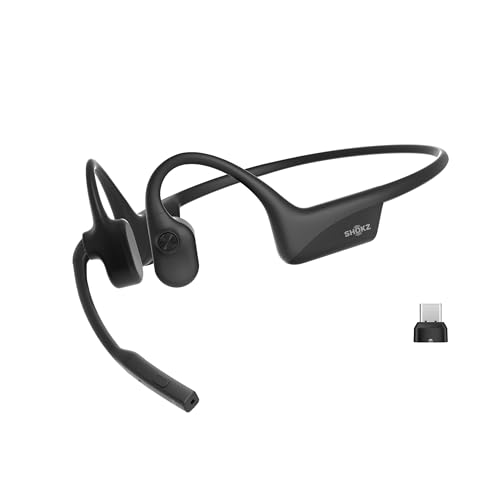


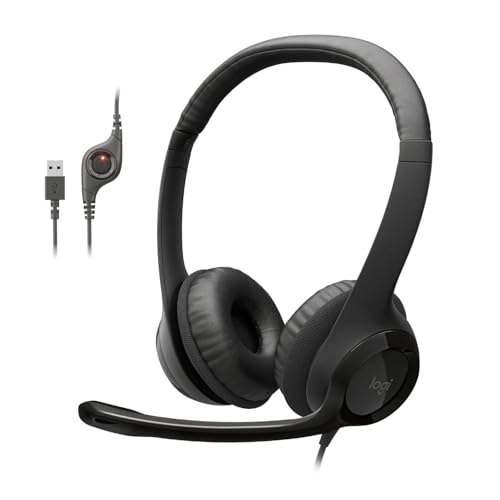
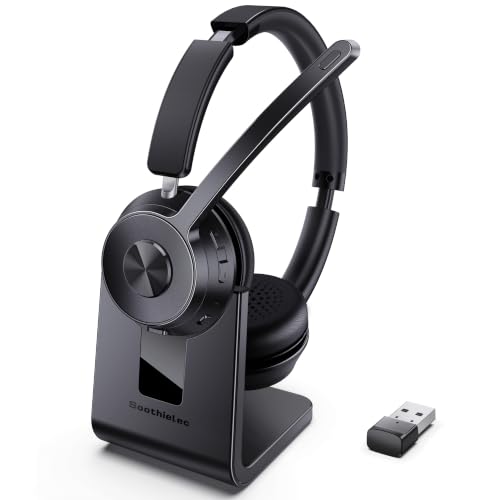
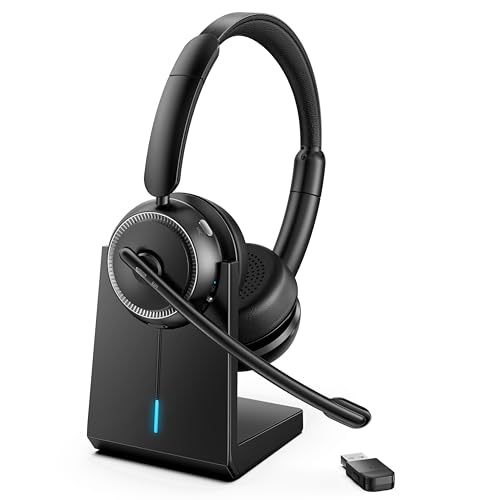
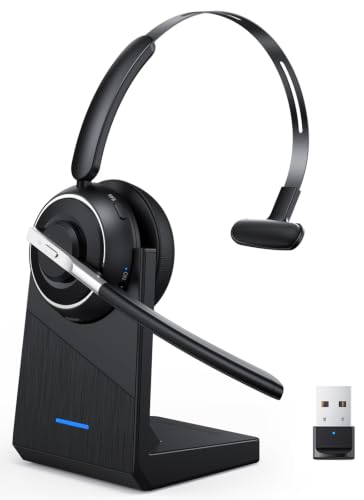
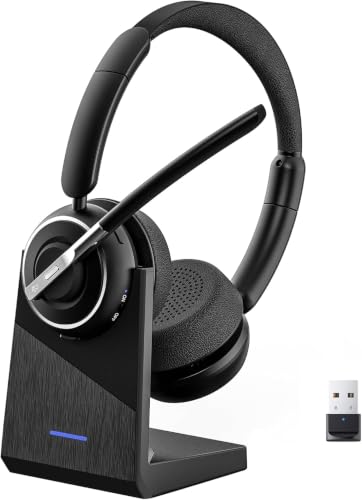
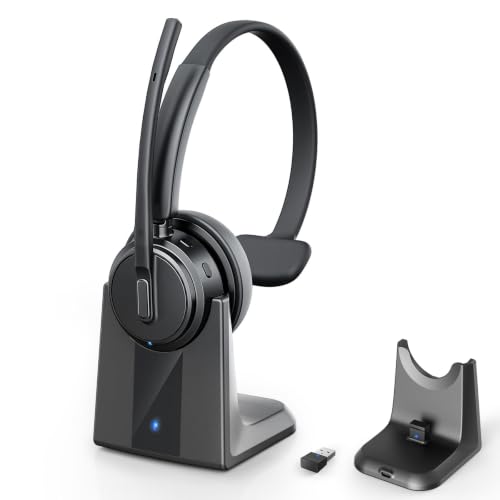
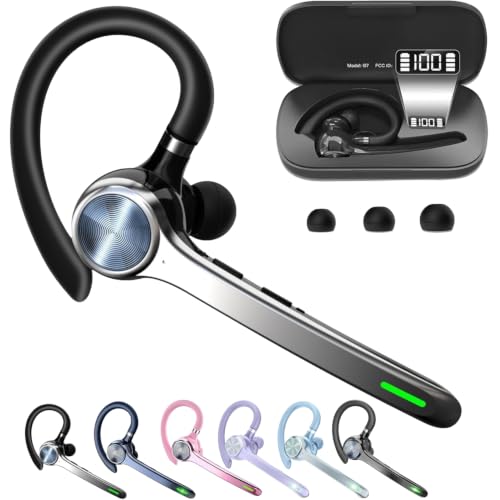
Types of Computer Headsets Compared
Computer headsets for video conferencing fall into a few broad families, and each family trades convenience, durability, and sound in a different way. Price alone tells you little, since a costly gaming design may suit meetings poorly while a simple wired model sounds clear. The overviews below explain how each type works and who it serves best.
Gaming Models
Gaming models are full size headsets built for long sessions, with large ear cups, padded headbands, and a boom microphone. Their drivers are often tuned for impact, so voices can sound rich, though music and game effects usually get more attention than speech.
For meetings, the strengths are comfort, strong passive isolation, and a mic close to your mouth. The drawbacks are size, weight, and styling that may look out of place on a client call. Choose this type if you game at the same desk and want one headset for both uses.
Wired Models
Wired models connect by USB or a 3.5 mm plug and draw power from the computer, so there is no battery to charge and no pairing step before a call. That simplicity makes them dependable for shared desks, call center work, and anyone who joins meetings from one fixed spot.
Sound stays consistent because the signal travels through the cable, avoiding wireless dropouts. The tradeoff is freedom, since the cable limits how far you can lean back or stand. Choose this type if reliability matters more than movement and your meetings happen at one desk.
Wireless and Rugged Models
Wireless models use Bluetooth or a USB receiver and free you to stand, stretch, or fetch coffee while staying in the conversation. Multipoint pairing lets one headset stay connected to your computer and your phone at once, which helps when a call switches devices without warning.
Rugged designs add sealed controls and water resistance for calls from workshops, warehouses, or porches. A rating such as IP67 means the headset resists dust and brief immersion, though most desk workers never need that protection. If untethered movement appeals to you most, see our guide to the best wireless headsets for video conferencing for a closer look at that category.
Gaming Models vs Wired Models: Which Should You Choose?
Gaming and wired headsets solve different problems, so compare them on the points that shape a meeting. For microphone reach, gaming booms tend to be longer and more adjustable, while many wired office models use shorter booms that still place the capsule near the corner of your mouth.
For comfort, gaming cups are deeper and softer for long wear, but they trap more heat. Wired office models are lighter and cooler, yet thin padding can press after a few hours. For setup, wired models win because you plug in and join, while gaming headsets may need software for sidetone or lighting you will never use on calls.
For price, basic wired models often cost around $30 to $80, while gaming models with wireless radios and large drivers commonly run about $80 to $250. Pick the wired route for a simple, stable desk setup, and pick the gaming route if you want one headset that covers meetings by day and play at night. The product table above shows both styles side by side.
How to Choose the Right Computer Headset
The factors below decide whether a headset feels like a tool or a burden. Work through them in order when comparing the best computer headsets for video conferencing, because fit and microphone quality affect every call, while app extras only help in certain setups. If you want broader background before narrowing down, see our guide to best computer headsets for general computer use.
Fit and Your Work Space
Fit decides how long you can wear a headset before it distracts you. On ear cups rest against the ears and stay compact and cool, while over ear cups surround the ears and spread pressure more evenly during long meeting blocks. Glasses wearers often prefer softer, deeper cushions that seal without squeezing the frames.
Your room matters too. A quiet home office forgives a basic microphone, but an open plan office or a room near a street needs stronger noise handling and a closer boom. Hard floors and bare walls add echo that a directional mic can reduce.
Sound Quality and Tuning
For meetings, clear speech matters more than deep bass. Look at frequency response as a rough guide, since a range that covers the human voice evenly helps names, numbers, and soft consonants stay intelligible. Tuning that pushes bass hard can make voices sound thick and tiring over a long call.
Driver size alone does not guarantee clarity, because tuning shapes the result more than diameter does. A neutral or voice forward tuning suits conferencing best, and an equalizer in the companion app can trim boominess. Stereo imaging still helps on training videos, so avoid mono models unless you only take voice calls.
Ecosystem and App Features
Software decides how smoothly a headset fits your daily tools. Check that the headset works cleanly with your meeting platform, since certified models can answer calls, mute, and adjust volume from the ear cup in apps such as Zoom and Microsoft Teams. Without certification those buttons may only control volume.
Companion apps add firmware updates, equalizer presets, and sidetone control, which lets you hear your own voice naturally. Firmware updates can fix pairing bugs and improve microphone processing, so a brand that maintains its app is worth favoring. Keep setup simple if you share a computer, because extra software can confuse other users.
Microphone Quality
The microphone is the part your coworkers hear, so it deserves the most scrutiny. A boom mic placed near your mouth captures your voice at a stronger level than the room around you, which gives noise reduction software an easier job. Mics built into ear cups or cables sit farther away and pick up more typing, fans, and traffic.
Look for mute controls you can find by touch, or a boom that mutes when raised. A visible mute light prevents the classic mistake of talking while muted. If you also join calls away from your desk, see our guide to the best headsets for video conferencing for options that work across more devices.
Features That Matter for Video Conferencing
Video calls place demands on a headset that music listening does not. You need controls you can reach without looking, a mute state you can trust, and delay low enough that lip movement and speech stay in sync. A wired connection or a USB receiver usually keeps delay lowest for webinars and live interviews.
Comfort features count as meeting features too, since a headset that hurts will end up pushed aside. Busy lights that show others you are on a call, replaceable ear cushions, and a case for hybrid workers all add daily value. Since your voice and image travel together, pairing a good headset with one of the best cameras for video conferencing gives callers a clear view to match the clear sound.
Common Mistakes to Avoid
- Buying for bass and music tuning alone, which leaves voices muffled and tiring during long meetings.
- Choosing a mic built into the ear cup for a noisy room, which lets typing and fans overpower your voice.
- Ignoring glasses and head size when picking cushions, which causes pressure pain that builds through the day.
- Forgetting to check meeting platform certification, which can leave call answer and mute buttons partly useless.
- Paying for rugged sealing you will never use at a desk, which adds weight and cost without call quality gains.
- Leaving firmware out of date after setup, which keeps known pairing and microphone bugs in place.
Tips to Get the Most From Your Computer Headset
Small habits keep a headset sounding clear for years. Keep firmware updated through the companion app, since updates often improve noise handling and Bluetooth stability. Store the headset in a case or on a stand to protect the drivers and keep the headband from stretching out of shape.
Clean ear tips and pads regularly with a dry or slightly damp cloth, because oils and dust dull comfort and sound. Replace cushions when they crack or flatten, and coil cables loosely. If your desk setup is growing, a larger display can ease note taking during calls, and you can see our guide to the best computer monitors for video conferencing for that side of the setup.
Frequently Asked Questions
What features matter most in computer headsets for video conferencing?
Microphone clarity, all day comfort, and dependable mute controls matter most in computer headsets for video conferencing. A boom mic near your mouth beats a built in mic in almost every room. Also check that mute buttons work inside your meeting app, because reaching for the mouse mid sentence breaks your flow.
What IP rating do computer headsets need for outdoor use?
Most computer headsets need no IP rating for indoor calls, but outdoor or workshop use calls for at least splash resistance. An IP67 headset resists dust and survives brief immersion, which covers rain and dusty job sites. Water resistance protects the hardware, yet wind still ruins call audio, so a foam windscreen helps more outdoors than sealing alone.
Is ANC worth the extra cost in a computer headset for video calls?
ANC is worth the cost if you work near constant noise such as air conditioning or traffic hum. Active noise canceling lowers steady background sound in your ears so you can listen at a lower volume. It does little for sudden sounds like doorbells, and it does not clean up your voice for other callers, since that job belongs to the microphone.
How long does the battery last in a wireless computer headset?
Battery life in a wireless computer headset typically runs about 20 to 40 hours of talk time per charge, depending on volume and ANC use. A charging stand makes top ups effortless between meetings. If you forget to charge often, pick a model that works through its cable while charging, so a flat battery never cancels a call.
Do computer headsets for video conferencing need a special codec?
Computer headsets for video conferencing do not need a special codec for normal meetings, because standard Bluetooth and USB audio handle speech clearly. A codec shapes how audio is compressed and sent, and modern defaults are tuned well for voice. Low latency codecs help mainly when you record video, where a small delay between lips and sound becomes distracting.
Wired or wireless computer headsets: which sounds better for video calls?
Wired computer headsets usually sound slightly better for video calls because the cable carries audio without compression or interference. In practice, a good wireless model with a USB receiver comes very close for speech. Choose based on movement and desk layout first, and treat the small sound gap as a minor factor.
Final Thoughts
Match the headset type to your desk first, then judge microphone quality and fit before paying for extras. Wired models deliver simple reliability, gaming models pull double duty after hours, and wireless designs suit anyone who moves during calls. Use the comparison table above to weigh those tradeoffs against your budget and your meeting load.
When you choose the best computer headsets for video conferencing for your routine, you stop thinking about your gear and start sounding like yourself on every call. That clarity is what good conferencing audio is for.


