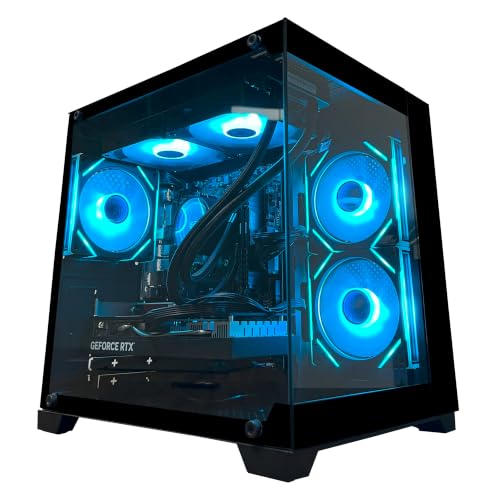
Best Computer for Gaming and Video Editing: Types Compared for 2026
Disclosure: We may earn a commission when you buy through links on this page, at no extra cost to you. As an Amazon Associate I earn from qualifying purchases. Learn more

How to compare computers for gaming and video editing, from CPU and GPU pairing to RAM, storage, cooling, and case size, and choose a setup that fits you.
Shopping for the best computer for gaming and video editing can feel confusing because one machine must do two demanding jobs at once. Games need fast graphics and smooth frame rates, while editing needs a strong processor, plenty of memory, and fast storage for large video files. The comparison table below lays out the main types side by side so you can see which shape of machine fits your work and your budget.
This guide compares types rather than naming single models. It explains what each type does well, where it falls short, and which parts matter most when one computer must serve both play and creative work. By the end, you should know which type to shortlist and which specs deserve most of your money.
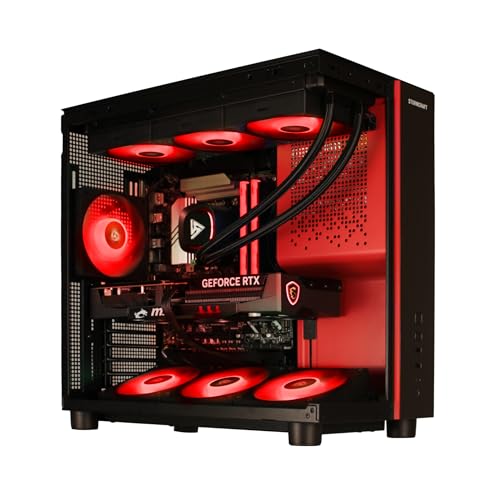
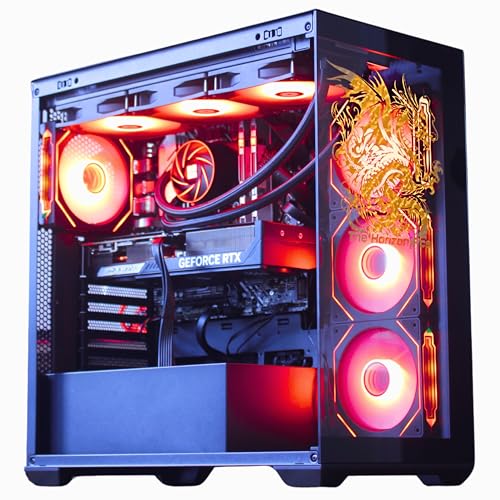
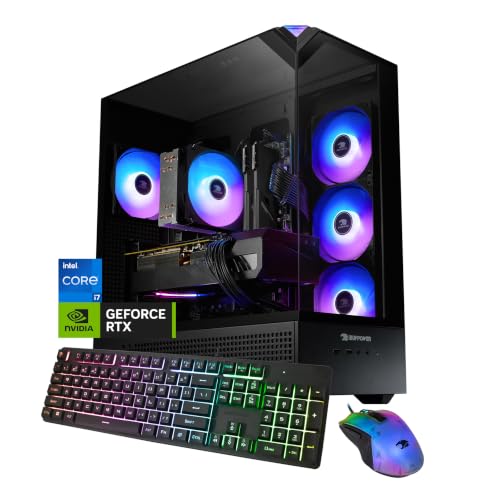

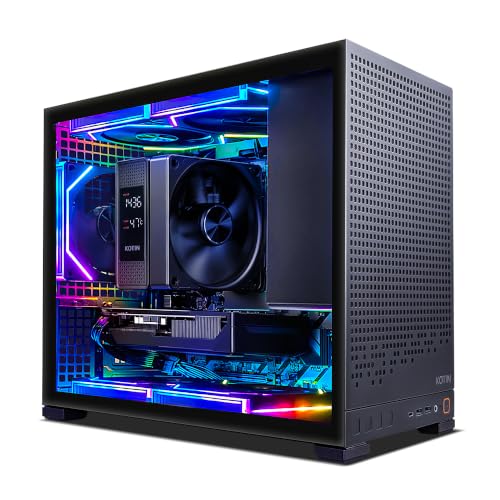

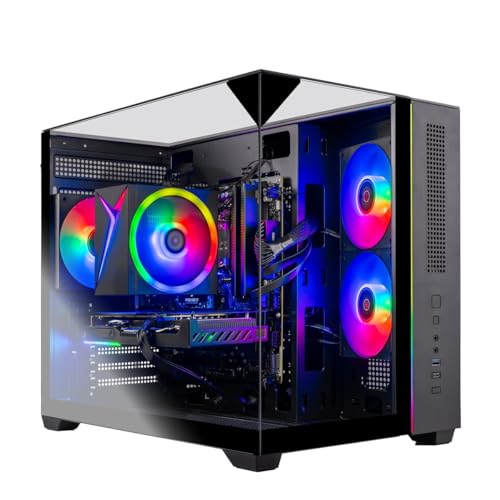

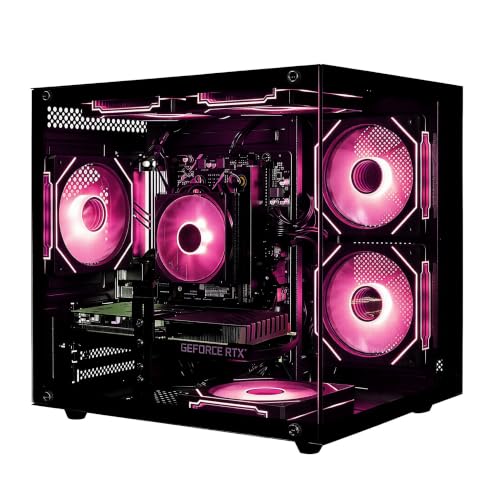
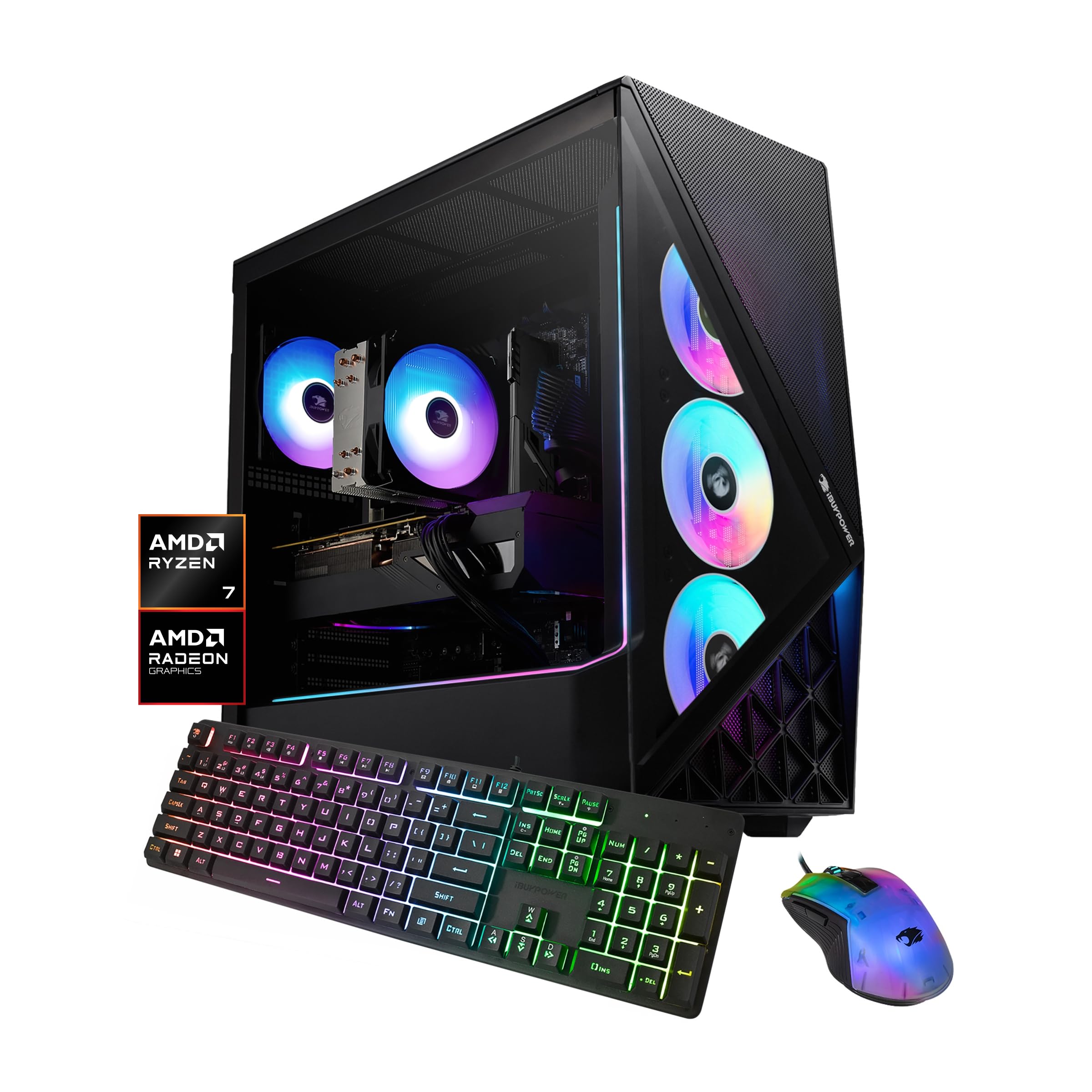
Types of Computers Compared
The four types below differ in price, size, upgrade room, and workload. Read the table first, then read the descriptions that match your budget and room.
| Type | Best For | Pros | Cons | Typical Price |
|---|---|---|---|---|
| Prebuilt gaming desktops | Buyers who want a ready machine | Ready to use, warranty cover, balanced parts | Less upgrade room, some fixed parts | around $900 |
| Budget 1080p builds | Lower cost gaming and light edits | Low price, simple parts, easy repairs | Limited at higher resolutions, slower exports | around $600 |
| Small form factor PCs | Small desks and living rooms | Tiny footprint, quiet look, portable | Tighter cooling, fewer upgrade slots | around $800 |
| High end 4K builds | Demanding games and heavy edits | Fast rendering, smooth high resolution play | High price, more heat, more power use | around $1800 |
Prebuilt Gaming Desktops
A prebuilt gaming desktop arrives assembled, tested, and ready to switch on, which suits buyers who do not want to build a machine themselves. The maker picks parts that work together, and the whole machine usually carries one warranty, so a fault means one point of contact rather than a hunt across many part makers. The trade off is choice: some prebuilt machines use fixed motherboards, unusual power supplies, or cases with little spare room, which can limit later upgrades. Check case size, spare drive bays, and power supply headroom, since those decide how long the machine stays useful.
Budget 1080p Builds
A budget 1080p build aims at smooth play on a standard full high definition screen plus light editing of short clips and simple projects. It usually pairs a midrange processor and graphics card with 16GB of memory and a solid state drive, which keeps the price down while still handling everyday tasks well. The limits show up when you move to larger timelines, longer 4K clips, or effects heavy edits, where exports take longer and previews can stutter. This type suits a buyer whose games run at 1080p and whose edits are short, simple, and finished in small batches rather than long daily sessions.
Small Form Factor PCs
A small form factor PC packs desktop power into a case that fits on a small desk, a shelf, or beside a television. It suits flats, shared rooms, and anyone who moves the machine between rooms, and it often looks tidier than a large tower. The small case brings real limits, though: cooling has less room to breathe, so fans may run louder under load, and there may be room for only one graphics card and one or two drives. Before choosing this type, check card length, cooler height, and airflow, since a cramped case can throttle a strong card.
High End 4K Builds
A high end 4K build targets smooth play at very high resolution and fast handling of large, effects heavy video projects. It pairs a strong processor with a powerful graphics card, 32GB or more of memory, and fast solid state storage, so timelines scrub smoothly and exports finish sooner. The cost is the obvious drawback, and the machine draws more power and heat, so it needs good airflow. This type makes sense when 4K work is daily rather than occasional, or when you play demanding games at high settings and want headroom for the next few years.
Prebuilt Gaming Desktops vs Budget 1080p Builds: Which Should You Choose?
Choose a prebuilt gaming desktop when you value convenience, warranty cover, and a machine that works the day it arrives. You pay a little more for assembly and support, but you avoid part research, build errors, and the risk of a mismatched part. Choose a budget 1080p build when price matters most and your games and edits stay modest, because a simpler machine at a lower price still plays well at 1080p and edits short clips without fuss.
If portability matters more than a desktop, see our guide to best laptops for gaming and video editing. Resolution, project size, and patience decide: higher resolutions and longer timelines push you toward a stronger prebuilt machine, while lighter use keeps the budget build smarter.
How to Choose the Right Computer
CPU and GPU Pairing
The processor and the graphics card must suit each other, because a weak link in either one slows the whole machine. For 1080p play, a midrange graphics card paired with a solid midrange processor is usually enough, while 1440p play and heavier edits call for a stronger card and more processor cores. At 4K, the graphics card does most of the heavy lifting in games, but editing still leans on the processor for encoding and effects, so neither part can be skimped. Avoid pairing a very strong card with a very weak processor, since that wastes money.
Upgradability and Standard Parts
Standard parts make future upgrades simple, while fixed or unusual parts can lock you into the machine as bought. Look for a standard motherboard size, a standard power supply, and spare slots for memory and drives, because those details decide whether you can add memory, swap the graphics card, or add storage later. Some makers use cases or power supplies that only fit their own parts. If you plan to keep the machine for years, upgrade room matters as much as day one speed, so check the manual or spec sheet before you buy.
Features That Matter for Gaming and Video Editing
A machine built for both gaming and editing needs a different balance than a machine built for only one job. Games reward a fast graphics card and a high refresh screen, while editing rewards processor cores, memory capacity, and fast storage that can feed large files without pauses. Look for at least 16GB of memory for light work and 32GB for heavier timelines, a solid state drive of 1TB or more for projects, and enough USB ports for drives, capture devices, and speakers.
Pair the machine with a screen suited to your work, and see our guides to best computer monitors for gaming and best computer monitors for video editing, plus our guide to best computer speakers for video editing. A quiet cooling setup also matters, because fan noise can distract during long editing sessions and spoil voice recording.
Case Size, Airflow, and Aesthetics
Case size shapes cooling, noise, and upgrade room, so it deserves more thought than looks alone. Full size towers offer the best airflow and the most spare room, mid towers balance size and flexibility for most buyers, and small cases suit tight desks but run warmer and louder. Good airflow needs a clear path for cool air in and warm air out, with dust filters that are easy to reach and clean. Lighting and glass panels are a matter of taste, but never at the cost of blocked vents or a case too small for your card.
RAM and Storage (DDR5, NVMe SSD)
Memory and storage decide how smoothly large projects run and how fast files move. For gaming alone, 16GB of memory is often enough, but editing benefits clearly from 32GB when timelines grow long or effects stack up, since extra memory reduces stutter during preview and export. Storage should start with a fast NVMe solid state drive of at least 1TB for the system and active projects, with a larger slower drive added later for finished work and backups. DDR5 memory is the current standard on newer machines, but capacity matters more than the memory generation.
Tips to Get the Most From Your Computer
Small habits keep a dual purpose machine fast and quiet for longer. Clean dust filters and fans every 3 months, since dust chokes airflow and raises temperatures and noise. Update graphics drivers and system firmware carefully, reading the release notes first and skipping updates in the middle of an urgent project.
Watch temperatures with free monitoring tools during long renders, and give the machine room to breathe. If you are unsure about opening the case or changing a part, power the machine off, unplug it, and ask a qualified technician for help.
Computers: Your Questions Answered
What features matter most in computers for gaming and video editing?
A balanced mix of processor power, graphics power, memory, and fast storage matters most, because games and edits stress different parts. Start with a graphics card suited to your screen resolution, a processor with enough cores for encoding, at least 16GB of memory, and a fast solid state drive for active projects. Cooling and upgrade room come next, since a machine that overheats or cannot grow will frustrate you sooner than a slightly slower part. Spend the largest share of the budget on the graphics card and the processor, then protect that spend with good airflow.
What GPU do I need for 1440p?
For 1440p play, you need a midrange to upper midrange graphics card with enough video memory to hold larger textures without stutter. A card aimed at 1080p can run many games at 1440p with lower settings, but demanding titles will need settings turned down to stay smooth. Editing at 1440p also benefits from a stronger card, since effects, color work, and previews lean on graphics power as timelines grow. Check recent performance figures for the games you actually play, and leave headroom for demanding new titles.
Is it cheaper to build or buy a prebuilt PC?
Building yourself is often cheaper on parts alone, but the saving shrinks once you count your time, the lack of a single warranty, and the risk of a faulty or mismatched part. A prebuilt machine costs more up front yet arrives tested, with support from one maker and a warranty that covers the whole system. The cheaper route depends on your comfort with assembly and fault finding: confident builders save money and gain upgrade freedom, while buyers who want certainty usually find the prebuilt premium worth paying. Either way, compare the full spec list rather than the headline price.
Air or liquid cooling: which is better?
Air cooling is simpler, cheaper, and easier to maintain, and a good air cooler handles most gaming and editing loads without fuss. Liquid cooling can run quieter under heavy load and suits small cases or very hot processors, but it adds cost, more parts that can fail, and maintenance that some buyers prefer to avoid. For most dual purpose machines, a quality air cooler with good case airflow is the sensible default. Choose liquid cooling when noise matters a lot, when the processor runs very hot, or when the case has little room for a tall air cooler.
How much RAM do I need for gaming?
For gaming alone, 16GB of memory covers most current titles comfortably and leaves room for a browser and chat apps running beside the game. Editing changes the picture, since large timelines and effects benefit from 32GB, and heavy 4K work can use even more. If the machine must serve both jobs, 32GB is the safer starting point, because it removes a common bottleneck without a large price jump. Memory is also one of the easiest upgrades, so a machine with spare slots lets you start at 16GB and add more later if edits grow heavier.
How long will a gaming PC stay relevant?
A well chosen gaming PC usually stays relevant for about four to six years, with the exact span depending on how demanding new games become and how far you are willing to lower settings. The graphics card ages fastest, while the processor, memory, and storage often last longer, so a machine with upgrade room can gain extra years from a single card swap. Keeping drivers current and fans clean helps stretch useful life. Plan the budget around the card as the part most likely to need replacing first.
Wrapping Up
The best computer for gaming and video editing is the type whose strengths match your resolution, your project size, and your patience for building and maintenance. Prebuilt machines suit buyers who want certainty, budget builds suit lighter use, small cases suit tight spaces, and high end builds suit daily 4K work. Check the product table above once more, weigh processor and graphics pairing, memory, storage, and upgrade room, and choose the type that leaves headroom for the work you plan to do next.