Best Computer Printers for Home Use 2026: Guide
Disclosure: We may earn a commission when you buy through links on this page, at no extra cost to you. As an Amazon Associate I earn from qualifying purchases. Learn more

The best computer printers for home use balance ink costs, wireless setup, scanning and desk space for families, students and home offices.
Families print school forms, boarding passes, craft templates and the occasional photo, and a home office adds reports and scans on top. Choosing the best computer printers for home use means finding one machine that handles all of that without taking over the desk or draining your wallet in ink. The product table below lines up home all in one printers so you can compare them against the checks in this guide.
Start with your household print mix and how often you print. Daily school printing favors low running costs, while a few photos a month favor color quality. Your answers point toward an inkjet, a refillable tank model or a compact laser.
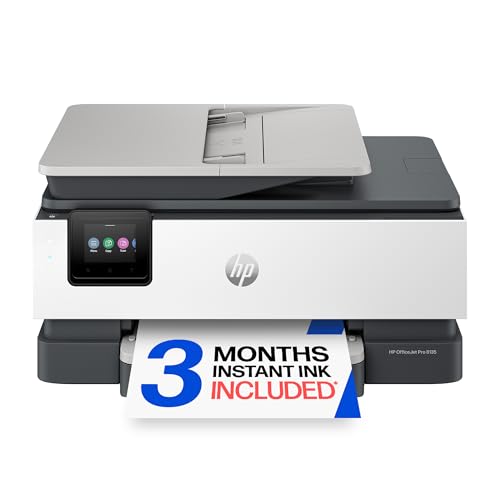
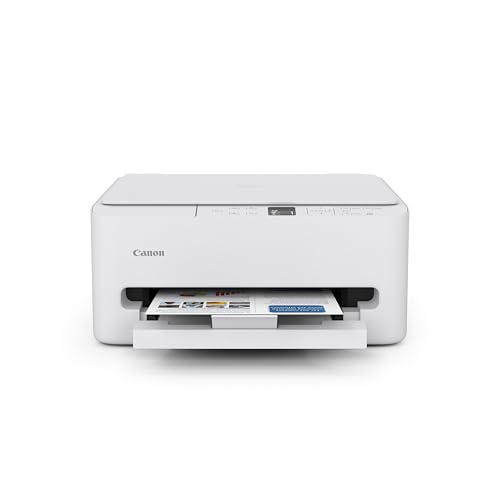

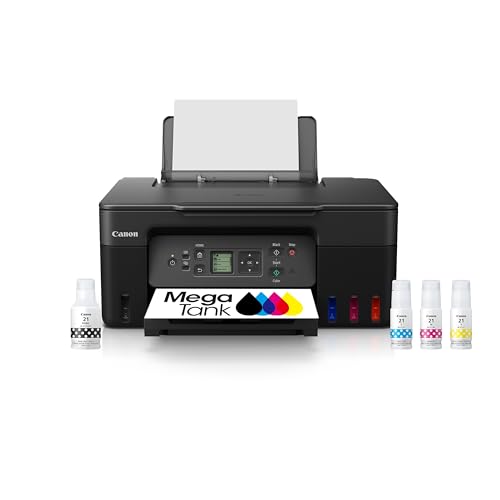
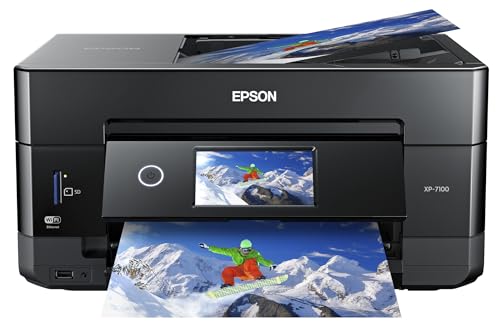


Home Printer Basics
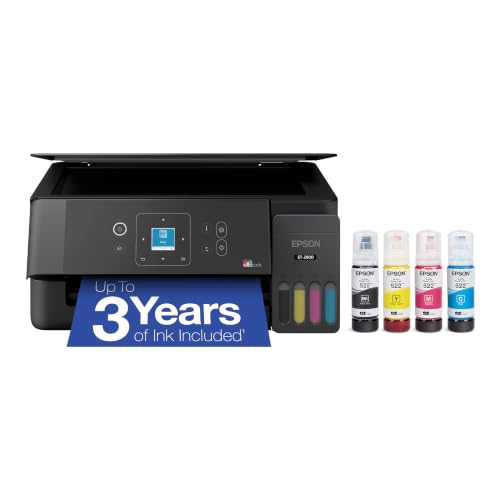
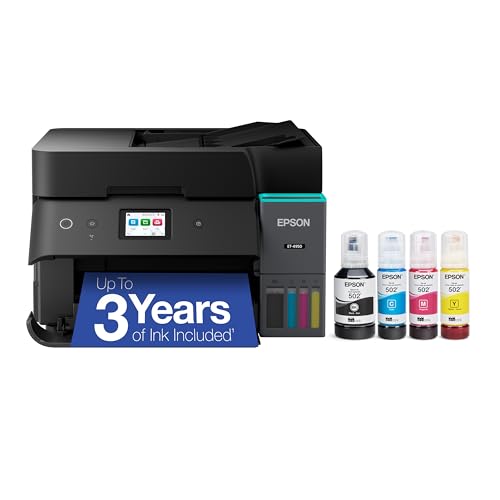
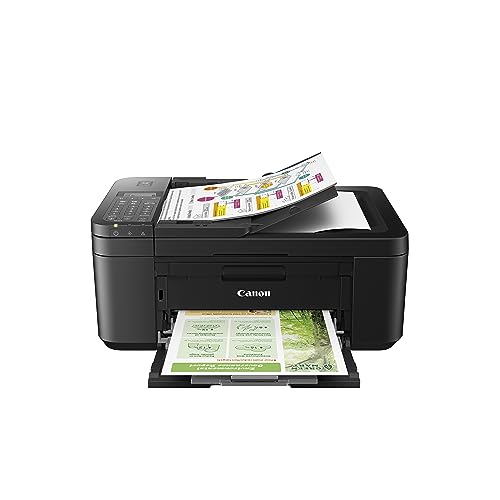
Home all in one printers combine printing, scanning and copying in one body. Inkjet models suit mixed color use, tank models cut the cost of color pages for frequent printing, and compact laser models suit text heavy homework and home offices. Each type trades purchase price against running cost in a different way.
Wireless printing lets everyone in the household print from phones, tablets and laptops without cables. Setup ease varies, so read how buyers describe the app and the network pairing. A printer tucked in a spare room still needs a strong signal to stay reliable.
Features That Matter at Home
Running Costs for Family Printing
Family printing adds up fast through the school years. Tank models and high yield cartridges lower the cost of each color page, while subscription ink plans suit a steady monthly volume. Estimate your monthly pages honestly, because underestimating leads to surprise ink bills and overestimating wastes subscription fees.
Color and Photo Quality
Photo quality depends on the ink set, the paper and the print resolution. Six ink systems render smoother skin tones and skies than basic four ink designs, but they cost more to run. For occasional snapshots, a good four ink printer with real photo paper is plenty.
Size, Noise and Placement
Home printers live in bedrooms, studies and living areas, so footprint and noise matter. Compact models fit on a shelf, while larger all in one designs need a dedicated spot with room to open the lid and pull the paper tray. Measure the full footprint, including the tray extension, before you order.
Scanning and Copying for Homework
A flatbed glass handles books, ID cards and photos, while an automatic document feeder speeds up multi page forms. Copy quality should match print quality for school use. If you plan to digitize old photos, look at scan resolution and the file formats the printer can save.
Choosing by Household Type
A family with young children prints in bursts around school projects and holidays, so a simple inkjet with cheap, easy to find cartridges often wins. A household with teenagers who print essays and group project handouts every week should look at a tank model, because the saving per page grows with every ream of paper.
A work from home couple needs automatic two sided printing and a feeder for multi page contracts, which points to a compact laser or an office style inkjet. If printing is rare, a laser avoids the dried nozzles that inkjets suffer when they sit idle for weeks.
Whatever the household, place the printer where the wireless signal is strong, because weak signal causes more failed jobs than any hardware flaw. Keep a spare set of cartridges or a filled ink bottle before deadline weeks, since a printer that runs dry at ten at night helps nobody.
Setting Up a Home Printer That Stays Reliable
Most home printing trouble starts at setup. Place the printer within a reasonable distance of the router, install the maker app on every phone and laptop that will use it, and print a first page from each device before the box goes in the recycling bin. A printer that works from one laptop and fails from the tablet is a setup problem, not a hardware fault.
Keep paper in a dry place, because damp sheets curl and jam. Load a fresh ream when the tray runs low rather than topping up a few stray pages, and keep a spare set of ink on a shelf where the whole family can find it. Install firmware updates when the app offers them, since they often fix wireless dropouts that no amount of restarting cures.
Mistakes Home Printer Buyers Make
- Buying a tiny cheap printer for heavy family use, then facing constant ink costs.
- Ignoring wireless range, so the printer fails from the bedrooms.
- Choosing a large office printer that dominates a small home desk.
- Forgetting scan needs until homework requires copies and digitized forms.
- Leaving an inkjet unused for weeks, which dries the nozzles and wastes ink on cleaning cycles.
Checklist for Household Printing
Write down three numbers before you shop: pages printed in a typical month, the share of those pages that are color, and how many people will print from their own devices. Those figures decide whether a cheap cartridge model, a tank model or a laser makes sense, and they keep you from paying for speed or capacity you will never use.
A short trial period helps too. Print a school form, a photo and a double sided document in the first week, and scan a page from the glass and from the feeder if there is one. If any of those jobs feels clumsy, you will know while the return window is still open.
Estimate your monthly pages and color share, then compare running costs for inkjet, tank and laser designs. Confirm wireless coverage, desk space and scan features for your household. Related guides such as best multifunction printers for home use and best inkjet printers for home use narrow the choice by type, while best ink printers for home use looks closer at running costs.
Best Computer Printers for Home Use: Your Questions Answered
What printer is best for a family home?
A tank or high yield inkjet all in one suits most families with mixed color and school printing. Text heavy home offices may prefer a laser. Match running costs to your monthly volume and check the scan features for homework needs.
How can I stop ink from drying out at home?
Print a small color page every week or two to keep the nozzles clear. Store spare cartridges sealed and upright. Laser printers avoid drying entirely, which suits households that print rarely.
Do home printers need an ethernet port?
Ethernet suits a fixed office setup, but wireless covers most homes. A printer near the router can use either. If the signal is weak at the printer spot, ethernet or a closer placement solves the reliability issue.
Can a home printer handle photo printing well?
Yes for casual photos with good paper and a four or six ink system. Serious photo hobbyists may prefer a dedicated photo printer with a wider color range. For family snapshots, a good all in one with photo paper works well.
How much space does a home printer need?
Compact models fit on a shelf about 16 inches wide, while full all in one designs need more depth for paper trays and the scanning lid. Measure your spot, including clearance for loading paper, before you buy.
Final Thoughts
The right choice among the best computer printers for home use balances family volume, color needs and desk space without surprise ink costs. Use the product table above to compare home printer types, then confirm wireless coverage and scan features for your rooms. A well matched home printer quietly supports school, work and family life for years.