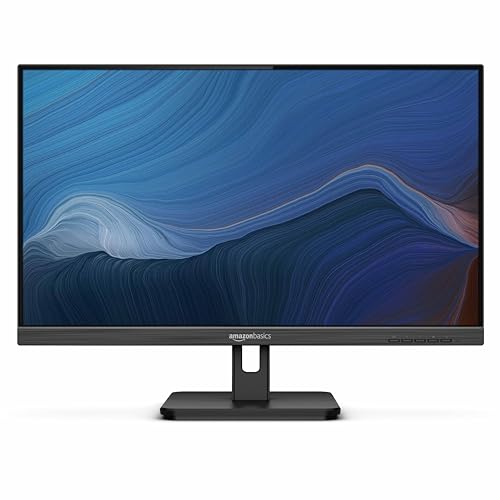
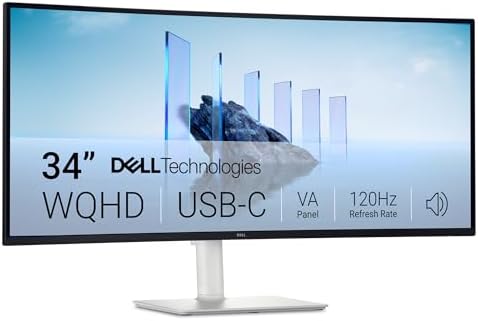
Best Computer Monitors for Watching Movies for 2026: Every Type Explained Side by Side
Disclosure: We may earn a commission when you buy through links on this page, at no extra cost to you. As an Amazon Associate I earn from qualifying purchases. Learn more

Compare monitor types for movie nights, from OLED and large screens to budget picks, and learn which size, panel and sound setup fits your room best.
Choosing best computer monitors for watching movies can feel confusing because every screen promises rich color and sharp detail, yet the qualities that make a film look good are not always the ones listed first on the box. A monitor built for fast competitive play may trade color depth for speed, while a huge screen may overwhelm a small desk. This guide compares the main types side by side so you can match a screen to your room, your seating distance and your budget.
The comparison table below gives a quick overview of each type, and the sections that follow explain what each one does well, where it falls short and who it suits best. Use those details to narrow the field before you think about ports, stands or sound.


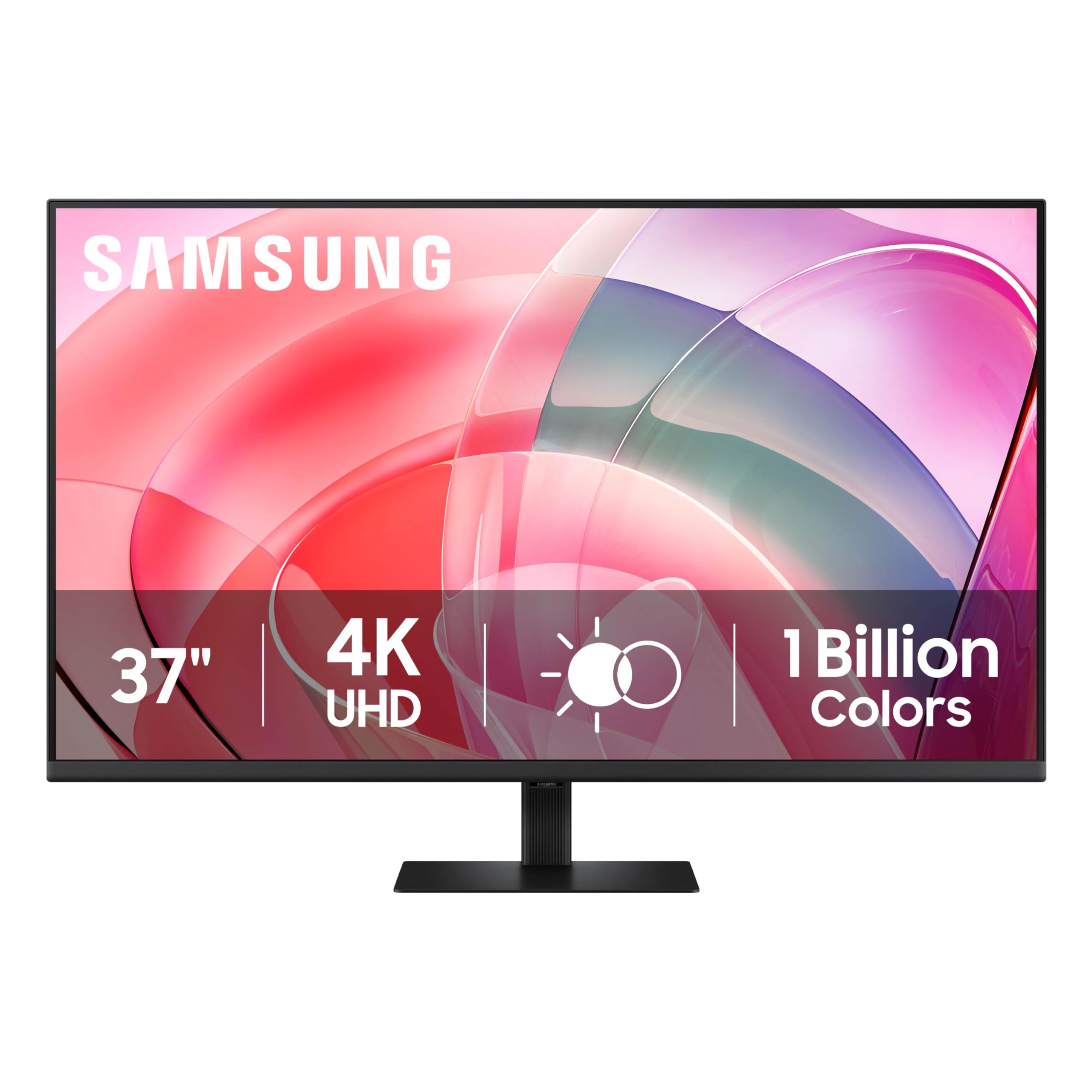
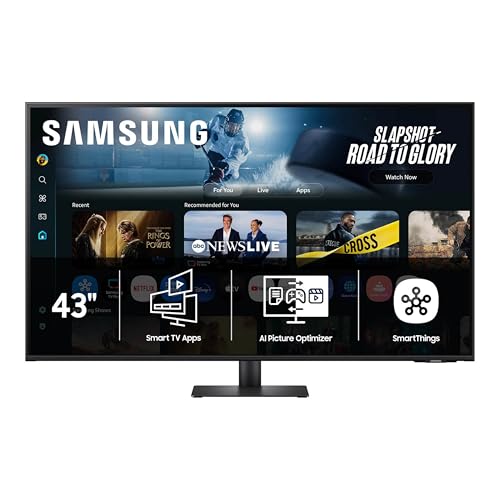

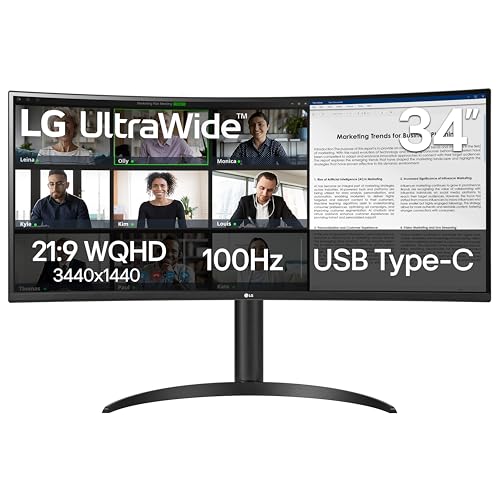
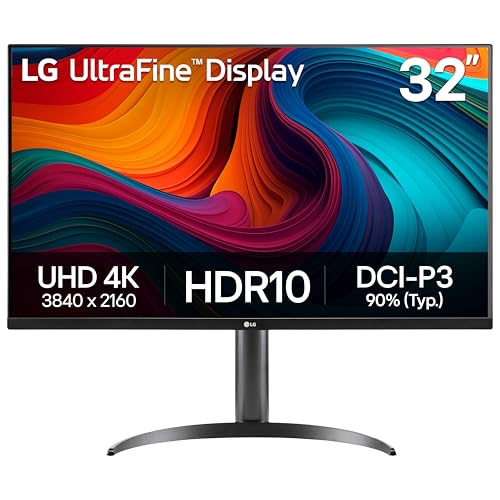
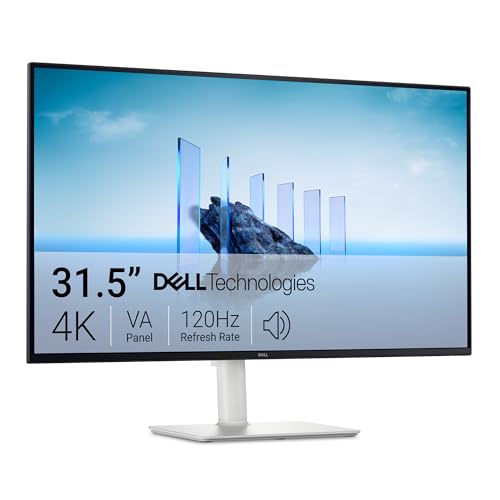
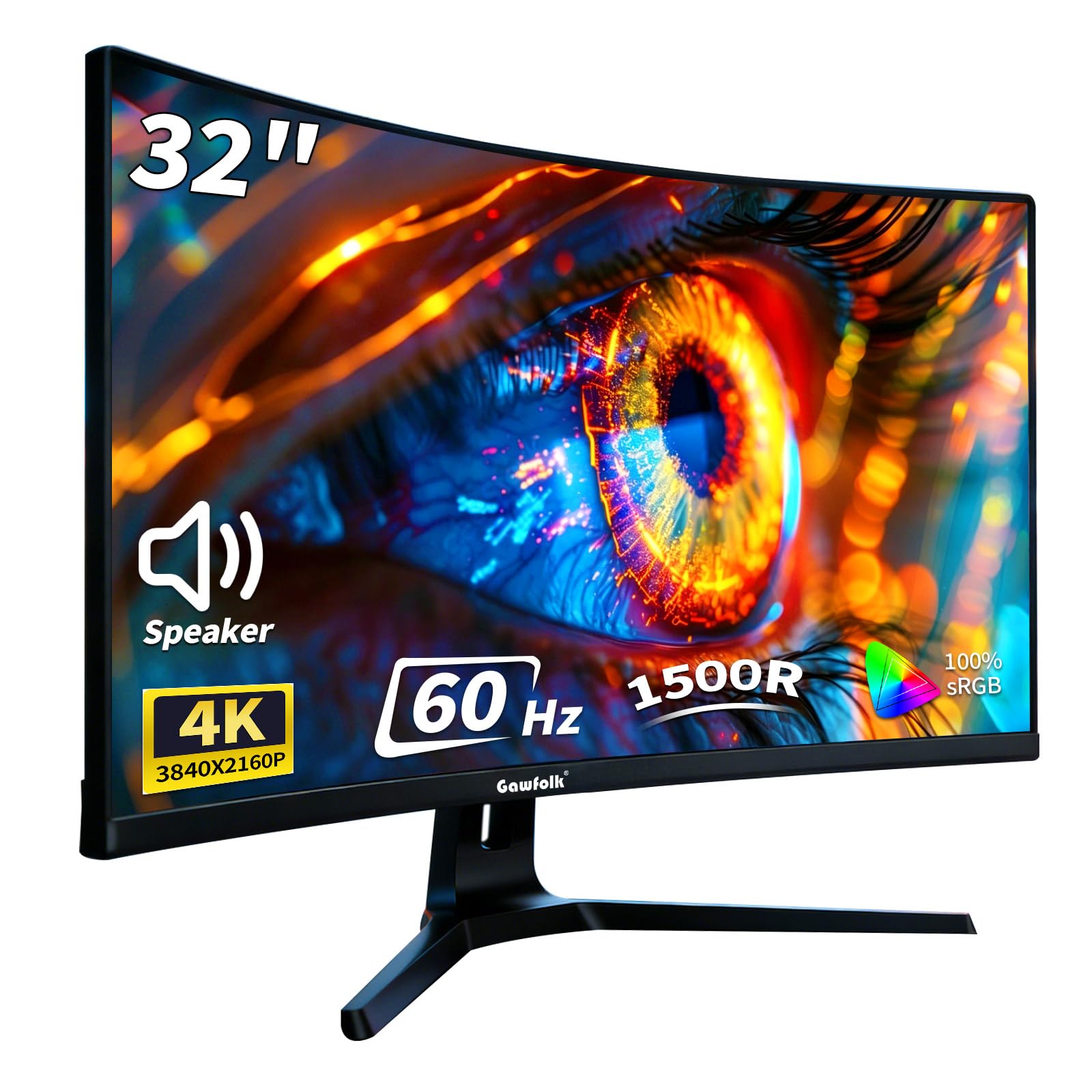
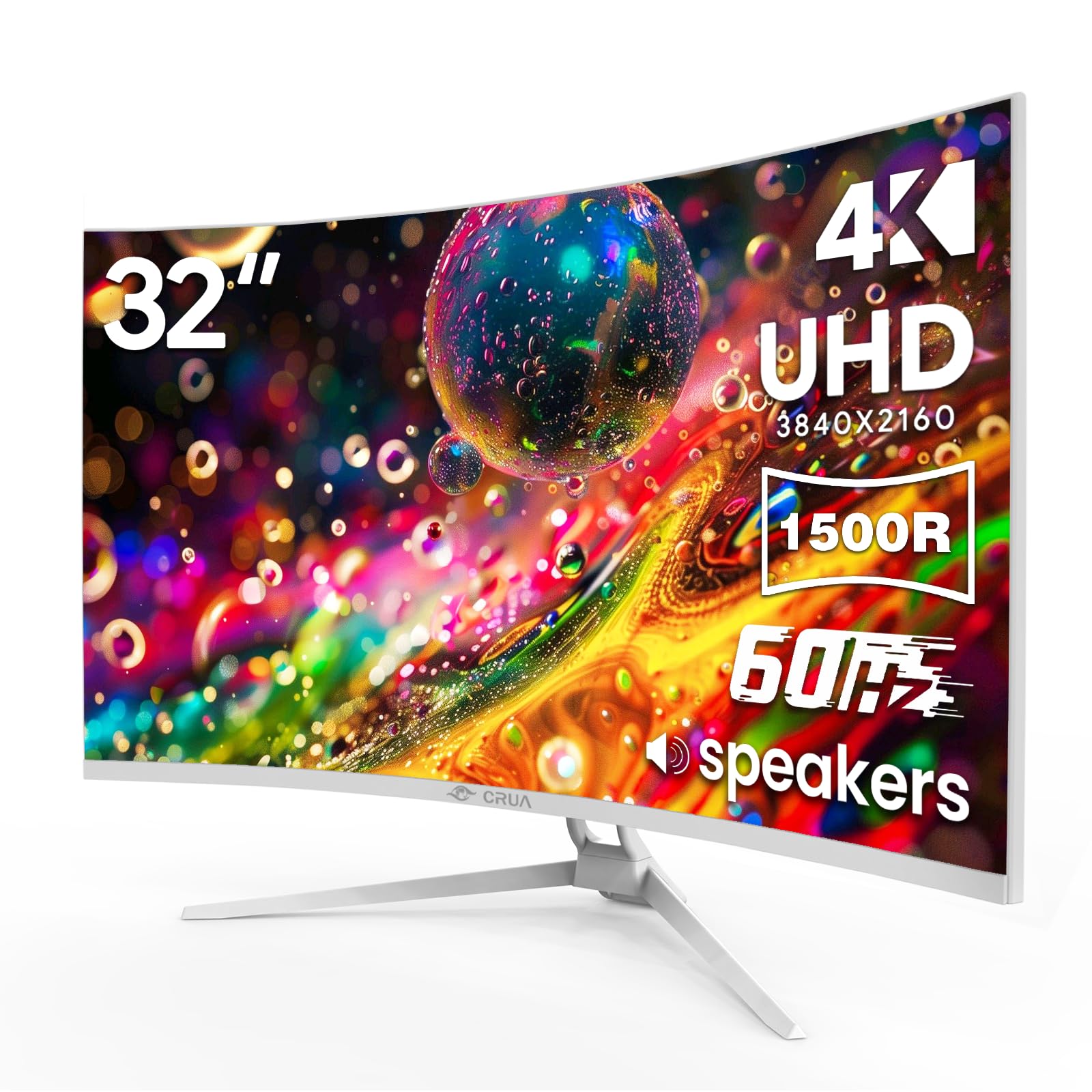
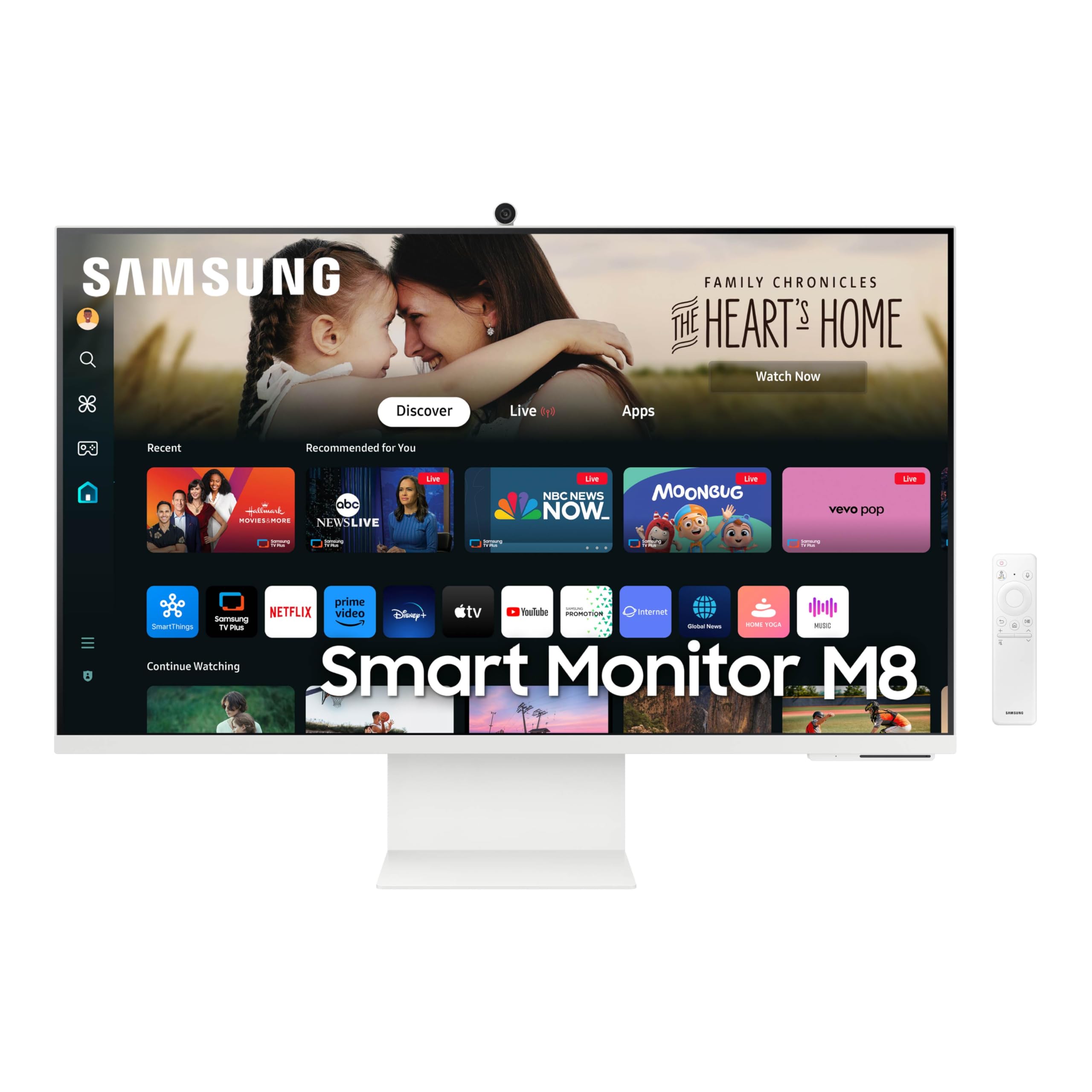
Types of Computer Monitors Compared
Movie watching rewards a different set of strengths than office work or gaming. Deep blacks, steady color, a comfortable viewing distance and sound that does not feel thin matter more than extreme refresh rates. The four types below cover most of what you will find, and each one suits a different room and budget. If you want a broader starting point, see our guide to the best monitors for watching movies for a general overview of screen shopping.
| Type | Best For | Strengths | Limits | Typical Price |
|---|---|---|---|---|
| Gaming Displays | Fast action and mixed use | Smooth motion, low input lag | Color depth varies by panel | around $200 to $500 |
| Large Screen Options | Living rooms and shared viewing | Big picture, wide seating area | Needs more space and distance | around $300 to $800 |
| Budget Displays | Small rooms and first setups | Low cost, simple setup | Narrower color and contrast | around $120 to $250 |
| OLED Displays | Dark rooms and film lovers | Deep blacks, rich contrast | Higher price, care needed | around $500 to $1,200 |
Gaming Displays
Gaming displays are built for speed. They refresh the picture many times per second and respond quickly to input, which keeps fast chases and sports scenes looking smooth instead of smeared. Many also support adaptive sync, a feature that matches the screen refresh to the video source so motion stays even. For films, that speed is pleasant but rarely essential, since most movies play at a modest frame rate.
The trade off is that color and contrast vary a lot across gaming models. Some use panels that favor speed over depth, so dark scenes can look washed out. If you also play games, a gaming display is a sensible dual purpose choice, and our guide to the best computer monitors for gaming explains the speed related specs in more detail. If films are your only priority, judge a gaming model on its panel and contrast first, not its refresh rate.
Large Screen Options
Large screen options, usually 32 inches and above, turn a desk or a living room corner into a small theater. A bigger picture makes subtitles easier to read and lets two or three people watch together without crowding. They also suit rooms where the seat sits well back from the screen, since the image stays large enough to enjoy from a sofa.
Size brings two demands: space and distance. Sit too close to a very large screen and you will move your head to follow the action, which gets tiring during a long film. Measure your seating distance before you buy, and leave room for a stand or mount that holds the screen steady. A large screen is a good pick for shared viewing, but a poor pick for a cramped desk.
Budget Displays
Budget displays cover the basics at a friendly price. They usually offer full high definition or 4K resolution, standard ports and a simple stand, which is enough for casual evening viewing. For a bedroom, a dorm room or a first home theater corner, a budget model can be a smart way to start without overspending.
Expect narrower color coverage and less contrast than pricier types. Dark scenes may lose detail in shadows, and the built in speakers on budget models tend to sound thin. Those limits matter less in a bright room or for light viewing, and you can improve sound later with separate speakers. Spend the saving on a comfortable seat and decent lighting control instead.
OLED Displays
OLED displays light each pixel on its own, so a pixel showing black can switch fully off. That gives films deep, true blacks and striking contrast, which is why dark scenes and night shots look so convincing on this type. Colors also stay rich across a wide range, and viewing angles are broad, so seats off to the side still see a good picture.
The main limits are price and care. OLED models cost more than most other types, and static images left on screen for very long periods can leave a faint mark over time, so varied content and screen care matter. For a dedicated dark room where films are the main event, OLED is often the most cinematic choice. For bright rooms or heavy all day use, weigh that cost against a good large screen model.
Gaming Displays vs Large Screen Options: Which Should You Choose?
Choose by how you watch, not by which spec sheet looks more impressive. Gaming displays win on motion and responsiveness, which suits viewers who also play games or watch a lot of fast sport. Large screen options win on immersion and shared viewing, which suits living rooms, family movie nights and anyone who sits well back from the screen.
Consider room size next. A gaming display usually fits a desk and a single chair, while a large screen needs distance and a stable mount.
Then consider light: a bright room narrows the gap between the two, since glare and reflections affect both, while a dark room lets a large screen or an OLED model show its full contrast. If your viewing is mixed and your desk is small, a gaming display is the flexible pick. If films with friends or family are the point, go large.
How to Choose the Right Computer Monitor
Stand, Mounting, and Ergonomics
A good stand lets you set the screen at eye level, tilt it slightly and swivel it toward your seat, which keeps long films comfortable. Look for height adjustment and tilt, and check VESA mounting if you plan to use an arm or a wall mount, since that opens up desk space and fine tunes the position. A screen that looks good but sits too low will strain your neck during a long movie, so treat adjustability as a comfort feature, not an extra. If design matters to you as well, our guide to the best looking computer monitors covers slim frames and tidy cable routing.
Smart Platform and Sound
Some monitors include a smart platform, which means streaming apps run directly on the screen without a separate device. That is handy in a living room setup, but it is not essential if you already use a streaming stick or a computer. Sound matters more than many buyers expect: thin built in speakers can flatten dialogue, so check whether the monitor has a headphone jack or an audio output for separate speakers or a soundbar. If you plan to watch television style content on the same screen, see our guide to the best computer monitors for watching tv for platform and tuner notes.
Features That Matter for Watching Movies
For movie watching, three features matter most: contrast, color coverage and resolution at your seating distance. Contrast decides whether dark scenes keep detail or turn into flat black, while wide color coverage keeps skin tones and landscapes looking natural. Resolution matters up to a point: 4K shows its advantage on larger screens and closer seats, while a smaller screen viewed from afar gains less. For general comfort, take breaks during long sessions and keep the room softly lit rather than fully dark, and see an eye care professional if eye pain or vision changes persist.
Connectivity and Ports
Check that the monitor has the ports your sources need. HDMI is the common link for streaming devices and game consoles, while DisplayPort suits computers, and USB C can carry video plus power for a laptop with a single cable. Count your sources before you buy, and leave one spare port for a future device. A monitor with only one HDMI port can become frustrating once a streaming stick and a console share the same screen.
Panel Technology (IPS, VA, OLED, Mini LED)
Panel type shapes the picture more than any single spec. IPS panels offer steady color and wide viewing angles, which suit shared seating. VA panels give deeper blacks than most IPS models but narrower angles, which suits a single centered seat.
OLED gives the deepest blacks and widest angles, as noted above, while Mini LED backlit models brighten highlights and improve contrast over standard backlit screens. Match the panel to your seat layout: wide seating favors IPS or OLED, while a single seat in a dark room can enjoy VA or OLED.
Setup and Care Tips
Start by turning off any vivid shop mode and choosing a cinema or movie picture preset, then adjust brightness to suit your room rather than leaving it at maximum. On OLED models, use the pixel refresh feature as the maker directs and vary your content so static logos do not sit on screen for hours. Clean the screen only with a soft microfiber cloth, and spray any cleaner onto the cloth, never directly onto the screen. Finally, set the screen so the top edge sits near eye level, keep a soft lamp on beside you, and revisit the product table above if you want to compare the types once more before deciding.
FAQs
What features matter most in computer monitors for watching movies?
Contrast, color coverage and screen size at your seating distance matter most. Contrast keeps detail in dark scenes, wide color coverage keeps tones natural, and the right size keeps the picture immersive without forcing head movement. Ports and sound come next, since a screen with poor audio or too few inputs will frustrate you even if the picture is good. Refresh rate matters far less for films than it does for games.
Is 4K worth it?
4K is worth it on larger screens and closer seats, where the extra detail is visible in textures, faces and landscapes. On a small screen viewed from across a room, the gain is harder to notice, and a good quality lower resolution panel can look just as pleasing. Judge 4K together with contrast and color, not alone, and remember that much streamed content still arrives below 4K, so upscaling quality matters too.
What size should I get for my room or desk?
Measure from your eyes to the screen position, then choose a size that fills your view without forcing head turns. As a rough guide, a 27 inch screen suits a desk seat, a 32 inch screen suits a deeper desk or a small room, and larger screens suit living room distances. If two sizes both seem plausible, the larger one usually suits shared viewing better, while the smaller one suits a single desk seat better.
How long do they last?
Most monitors last many years with normal use, and the backlight usually fades gradually rather than failing suddenly. OLED models need a little more care around static images, but varied movie watching is gentle use. Good habits that extend life include keeping vents clear, avoiding maximum brightness in a dark room, and powering the screen down when it will sit unused for days.
IPS vs OLED: which is better?
OLED is better for dark room cinema, thanks to true blacks and superb contrast, while IPS is better for bright rooms, wide seating and long all purpose use at a lower price. IPS also avoids any worry about static image marks, which suits screens that double as work displays. Choose OLED when films in a dark room are the priority, and IPS when versatility and value matter more.
Does refresh rate matter for non gamers?
Refresh rate matters little for films, since movies play at a low frame rate and a standard 60 Hz screen already shows them smoothly. A higher refresh rate can make menus and scrolling feel smoother, and it helps fast sport slightly, but it will not transform a film. Spend that part of your budget on contrast, color and sound instead, unless you also play games on the same screen.
Wrapping Up
The right screen depends on your room, your seat and your budget more than on any single spec. A large screen suits shared viewing, an OLED model suits dark room cinema, a gaming display suits mixed use, and a budget model suits a first setup. Compare contrast, color, size and sound together, check the ports and the stand, and let the product table above guide your shortlist. With those points settled, best computer monitors for watching movies becomes a choice you can make with confidence rather than a guess.