Best Computer Monitors for Watching TV by Budget for 2026
Disclosure: We may earn a commission when you buy through links on this page, at no extra cost to you. As an Amazon Associate I earn from qualifying purchases. Learn more
Compare the best computer monitors for watching TV by budget, with clear guidance on screen size, 4K detail, HDR, sound and ports for couch viewing.
Prices stretch from under $150 to well over $800, and the gap feels hard to justify. Choosing the best computer monitors for watching tv means spending on size, contrast and sound support first, and skipping desk features you will never notice from a couch. This guide breaks each tier down by what it changes on screen.
Most monitors have no tuner, no remote and no built in streaming apps, so your source, sound and seating plan matter as much as the panel. Work through the tiers and checks below, then use the comparison table below to narrow your short list.
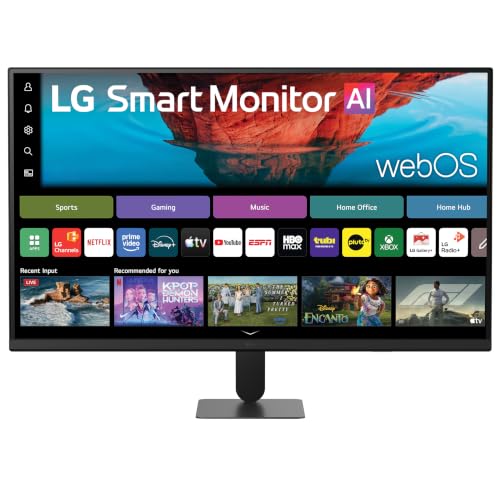
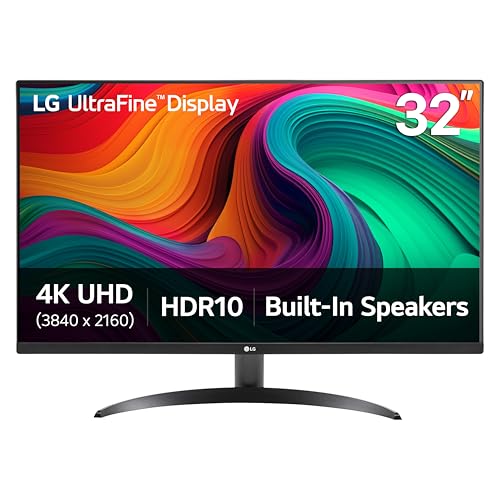
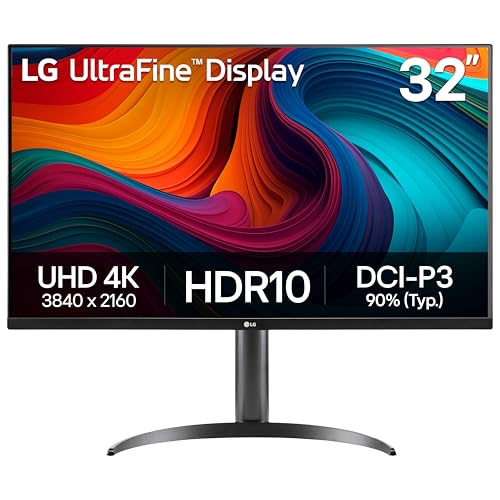
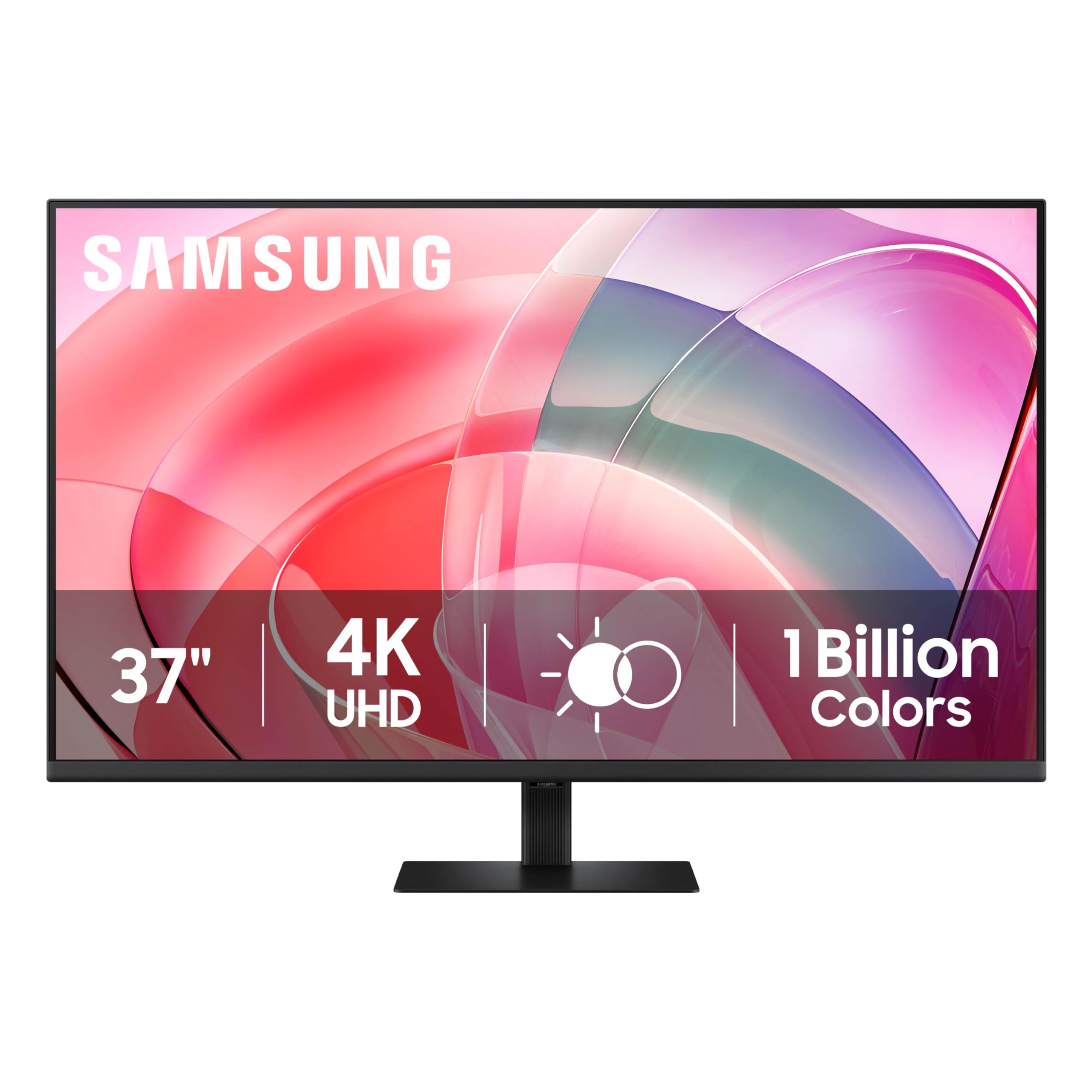
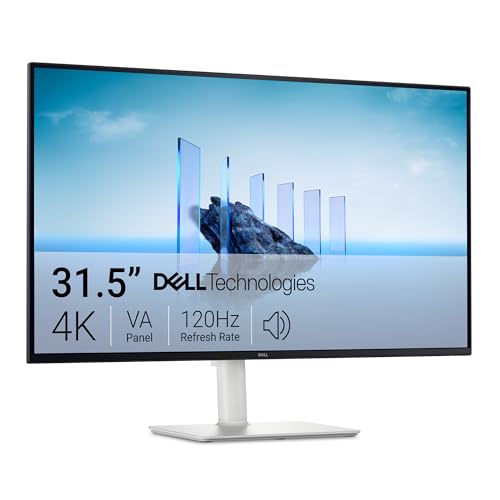
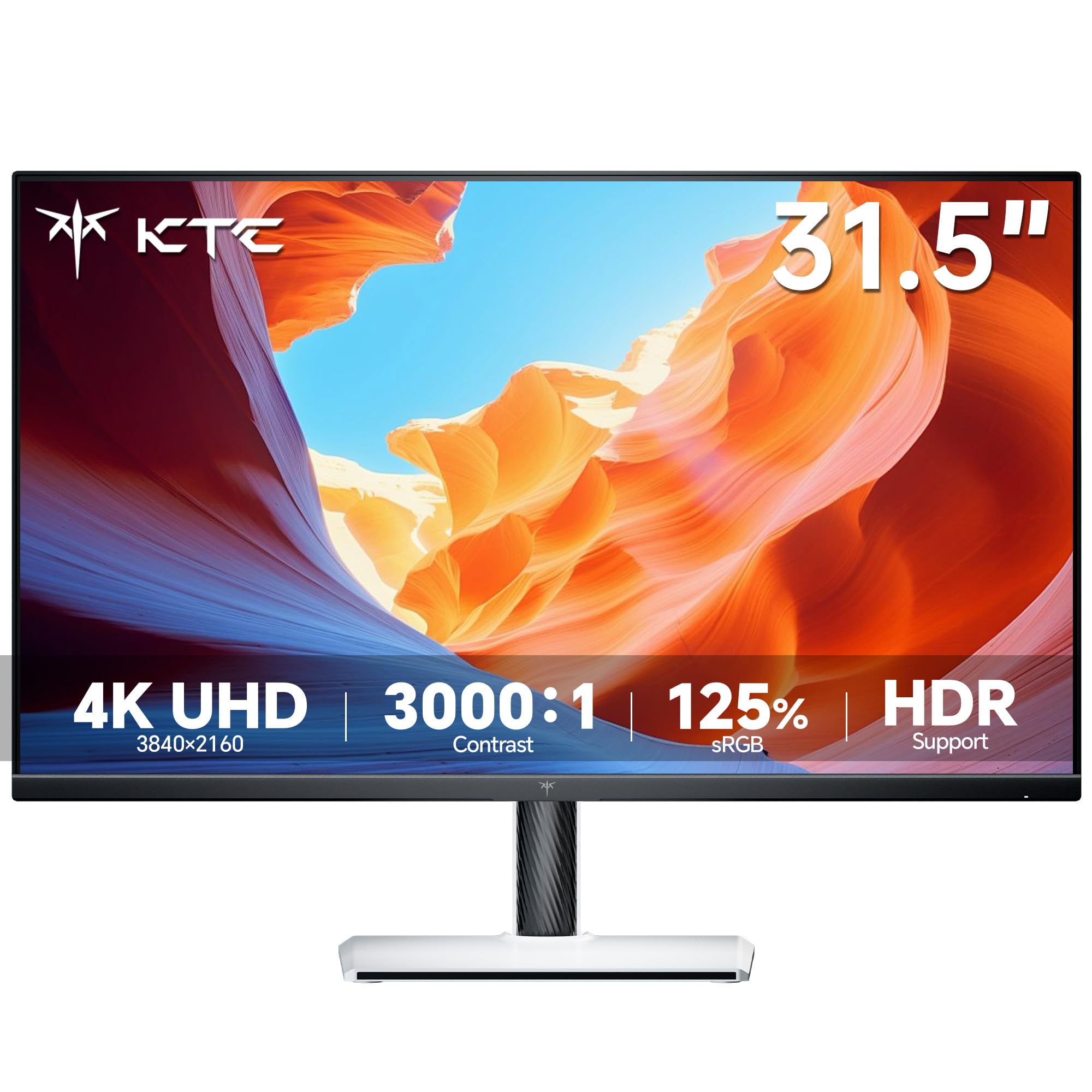
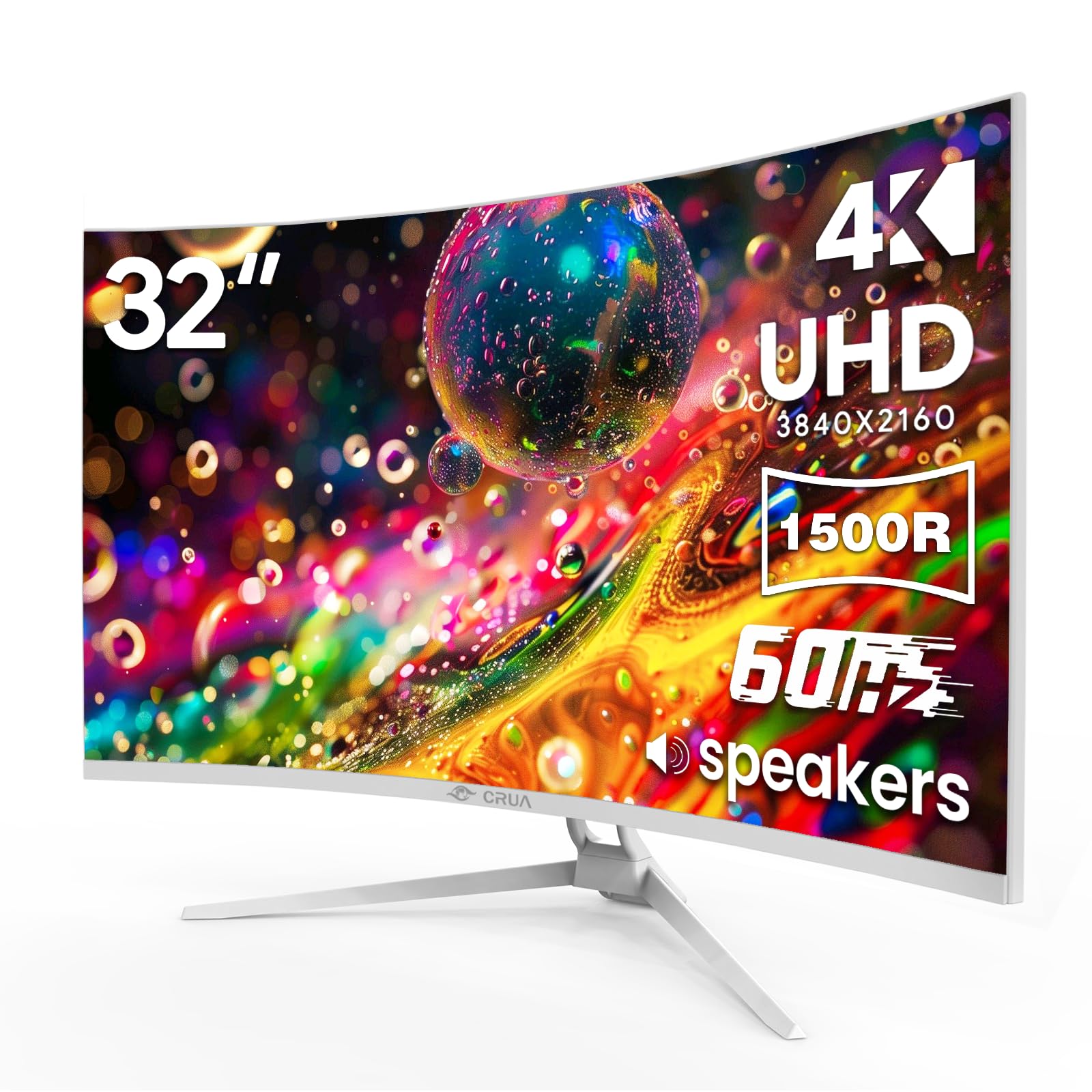
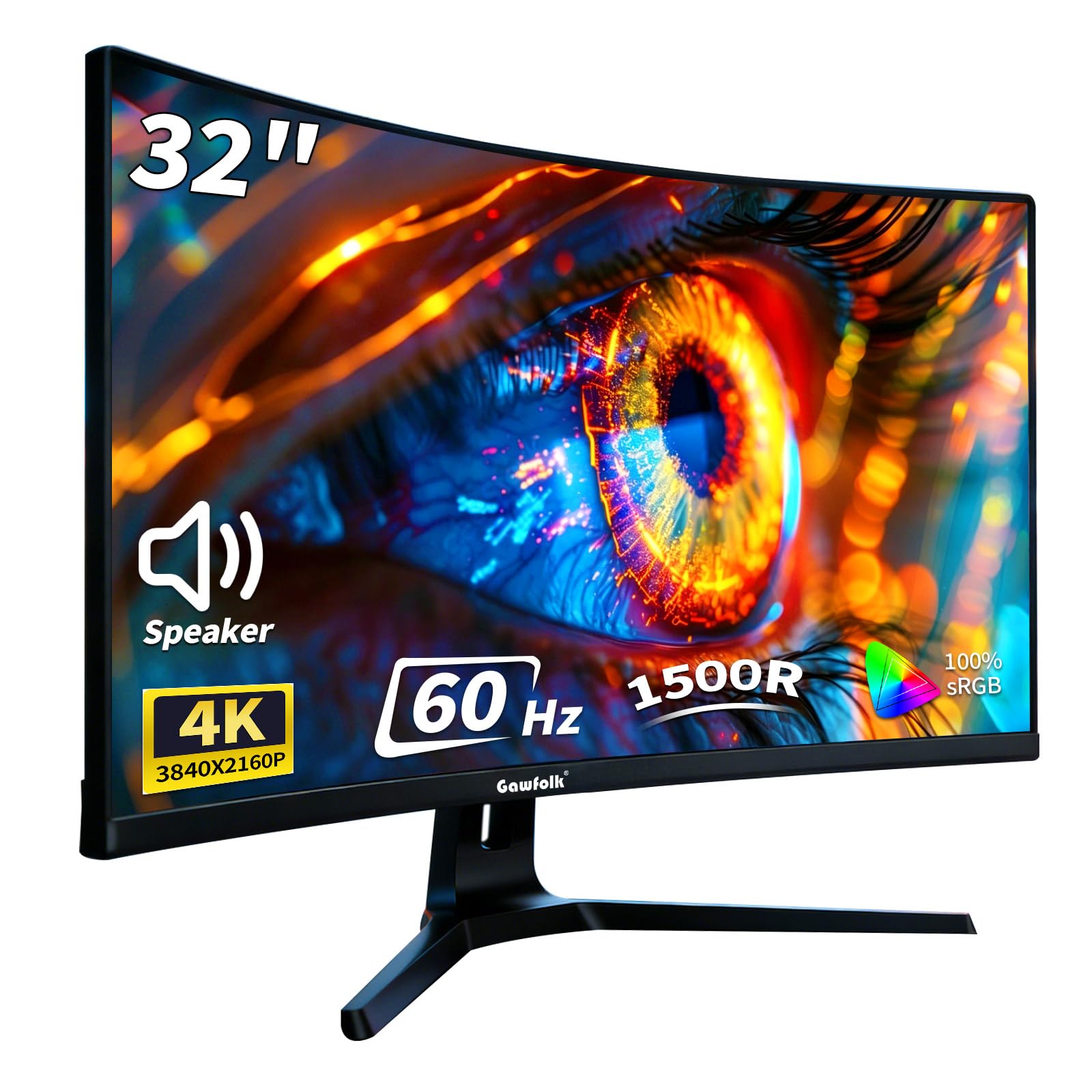
Who Should Buy a Monitor for TV Viewing Instead of a Television
The right choice depends on where you sit and what else the screen must do each day.
Desk Viewers Who Watch Shows in a Bedroom or Small Apartment
You sit about 3 to 5 feet away, close enough that a 27 to 32 inch monitor fills your view without dominating the room. One screen handles work in the morning and streaming at night, and a stand that raises it to eye level keeps long sessions comfortable. A headphone jack helps late night viewing.
Small Groups Watching Sports and Shows From a Couch
You watch with one or two other people, seated 6 to 9 feet away across a sofa, so size and viewing angle decide whether everyone enjoys the game. Look at 32 to 43 inch screens, and plan on a separate soundbar, because small built in speakers sound thin at that distance. If your seating points you toward a television instead, see our guide to the best monitors for watching tv.
Viewers Who Want a Second Screen Without a Second Television
You need a screen for a guest room, kitchen corner or dorm, where a full television feels like too much hardware and cost. A monitor plus an inexpensive streaming stick gives you the main apps in a compact setup that moves easily. Accept two trade offs. Volume uses separate controls, and broadcast channels need an app or an external tuner box rather than a simple antenna connection.
Key Features to Compare for Watching TV on a Monitor
Five factors shape nightly viewing more than the specification lists written for gaming buyers.
Screen Size and Viewing Distance for Couch Comfort
Size only works when it matches seating distance. At 3 to 5 feet, a 27 to 32 inch screen feels large without forcing your eyes to travel. At 6 to 9 feet, you need about 32 to 43 inches, or faces and scores shrink. Measure your distance first, then pick the smallest size that fills about 30 to 40 degrees of your view, because an oversized screen makes tickers and subtitles tiring.
Resolution, 4K Detail and Upscaling for Streaming and Broadcast
Most streaming shows now arrive in 4K, and a 4K panel shows that detail cleanly at 32 inches and larger within about 8 feet. A 27 inch screen looks sharp at 1440p and costs less, suiting closer seating. Upscaling matters just as much, since broadcast and older shows arrive at lower resolutions and a weak scaler leaves them soft. Shoppers comparing the best computer monitors for watching tv often stop at resolution alone, yet scaler quality decides how well cable news holds up.
Panel Type, Contrast and Viewing Angle for Shared Seating
IPS panels hold color and brightness when viewers sit off to the sides, suiting a wide sofa, but their blacks can look gray in a dark room. VA panels give deeper contrast for evening viewing, though color can shift for the end seat. OLED gives the strongest contrast and widest clear angle, at the highest prices. For group seating, viewing angle matters more than peak contrast.
HDR, Brightness and Glare Control for Real Rooms
HDR only helps when the panel gets bright enough and controls its backlight in zones, so treat a basic HDR label on a dim screen as a minor bonus. Aim for about 300 to 400 nits in evening rooms and higher where windows face the screen. A matte finish spreads reflections and keeps daytime sports watchable, while glossy screens look richer at night but mirror lamps. Film fans can also see our guide to the best computer monitors for watching movies.
Sound, Ports and Your TV Source
Plan your source and sound first, because a monitor alone cannot receive broadcast TV or open streaming apps. A streaming stick, streaming box, cable box or game console must feed an HDMI port, and two ports let you add a second source without swapping cables. Built in speakers are fine for desk news and weak for couch movies, so check for a headphone jack or audio output that can feed a soundbar.
Price Tiers for a Monitor That Doubles as Your TV
Budget decides which compromises you live with nightly. The tiers below describe types at each spend, not specific models.
Entry Tier at About $150 to $300 for a Simple Second Screen
Expect 24 to 32 inch screens at 1080p or 1440p, tilt only stands, one or two HDMI ports and small speakers. Picture quality suits news, sitcoms and casual streaming at close range. You give up 4K detail, strong HDR and wide seating comfort, and you add your own streaming stick. This tier fits a dorm, kitchen or spare room.
Growing Tier at About $300 to $550 for 4K and Better Sound Options
This spend brings 32 to 43 inch 4K panels, better contrast, wider color and stands or mounts that place the screen properly for a sofa. Extra HDMI ports and useful audio outputs keep a soundbar connection simple. HDR remains modest on many models. For most households, each extra dollar here still buys a visible gain.
Top Tier at About $550 to $900 for OLED Contrast and Large Screens
Above this line you pay for OLED or advanced backlight control, larger 42 to 48 inch sizes, higher brightness and smoother motion for live sports. Colors stay accurate from wide seats and dark scenes hold real detail. The gains are real but narrower, rewarding viewers who watch films in a dim room most nights.
Common Mistakes to Avoid When Using a Monitor as a TV
- Expecting broadcast channels from a monitor, because most have no tuner and need a streaming stick or box.
- Choosing size by price alone, because a 27 inch screen at 8 feet makes subtitles and scores hard to read.
- Trusting built in speakers for couch viewing, because their low power leaves dialogue quiet and thin across a room.
- Paying for gaming extras such as very high refresh rates and adaptive sync, because broadcasts gain almost nothing from them.
- Forgetting the remote problem, because most monitors adjust volume and inputs only with buttons or a small joystick on the screen itself.
- Skipping the mount check, because a heavy large screen on a weak desk stand can wobble whenever the floor or desk moves.
Care and Maintenance for a Monitor Used for TV Viewing
Clean the screen with a dry or lightly dampened microfiber cloth and no household sprays, since harsh cleaners can damage the coating and leave streaks that show in dark scenes. Keep vents clear of dust and leave airflow space behind the panel, because trapped heat shortens backlight life. On an OLED screen, vary channels with fixed logos and use the pixel care tools provided.
Check mount and stand screws about twice a year, and use a surge protector where storms are common. If you use a television at your desk instead, see our guide to the best tvs as computer monitors for the text clarity checks that matter there.
Frequently Asked Questions About Monitors for Watching TV
Can a computer monitor replace a TV for watching shows every night?
Yes, a computer monitor can replace a TV for nightly streaming as long as you add a source and accept manual controls. A streaming stick or box supplies the apps a monitor lacks, and your phone can often act as the remote for that stick. It suits channel surfing less well, since changing inputs and volume means reaching for buttons on the monitor.
What monitor size suits watching TV from about 8 feet away?
A 40 to 43 inch monitor suits viewing from about 8 feet, with 32 inches as the workable minimum. A smaller screen forces larger subtitles and still loses facial detail in wide shots. Height matters too. Place the screen center near seated eye level, about 42 to 48 inches from the floor for most sofas, so your neck stays neutral through a full film.
Is IPS or OLED better for watching TV on a computer monitor?
OLED is better for dark room film viewing, while IPS is better value for bright rooms and wide seating on a budget. OLED shows true blacks and holds its picture from sharp side angles, helping group movie nights. IPS costs less at larger sizes and carries no risk from static images. With lights on for news and sports, IPS rarely feels like the limiting factor.
Does refresh rate matter for watching TV if you do not play games?
No, refresh rate matters very little for TV content if you do not play games. Broadcasts and streams arrive at 24 to 60 frames per second, so a 60 Hz panel shows them in full, and a faster panel adds cost without visible detail. Live sports is the one exception, where good motion processing can look cleaner during fast pans.
Is 4K worth it for watching TV on a computer monitor?
Yes, 4K is worth it on a monitor of 32 inches or larger at typical couch distances. Detail shows in nature scenes, sports graphics and small text, and major apps now default to 4K on standard plans. On a 27 inch desk screen, 1440p looks nearly as sharp and leaves budget for a soundbar. Confirm your plan and internet speed can deliver a steady 4K stream.
Wrapping Up
Start with seating distance, then spend on the panel and sound path before anything else, and let the tiers above set a realistic budget. A monitor rewards a planned setup with a sharp picture and tidy footprint. When you compare the best computer monitors for watching tv, return to the product table above and check each option against your distance and audio plan.