Best Computer Monitors for Music Production Made Simple: A Clear Buying Guide for 2026
Disclosure: We may earn a commission when you buy through links on this page, at no extra cost to you. As an Amazon Associate I earn from qualifying purchases. Learn more

A first buyer guide to the best computer monitors for music production: screen size, resolution, panels and ports in plain English, with typical prices.
Buying your first studio screen feels harder than it should, because spec sheets speak a language nobody taught you. This guide slows the choice down, explains each term in plain English, and shows how to pick best computer monitors for music production that fit the way you write, record and mix. The comparison table below gathers the main screen classes side by side, so the differences are easy to see.
One warning before the specs: producers work in long, quiet sessions, and a screen that suits that rhythm is a different purchase from one built for fast games. Keep your own session in mind as you read, because the right class depends on how many tracks you run and how wide your desk is.
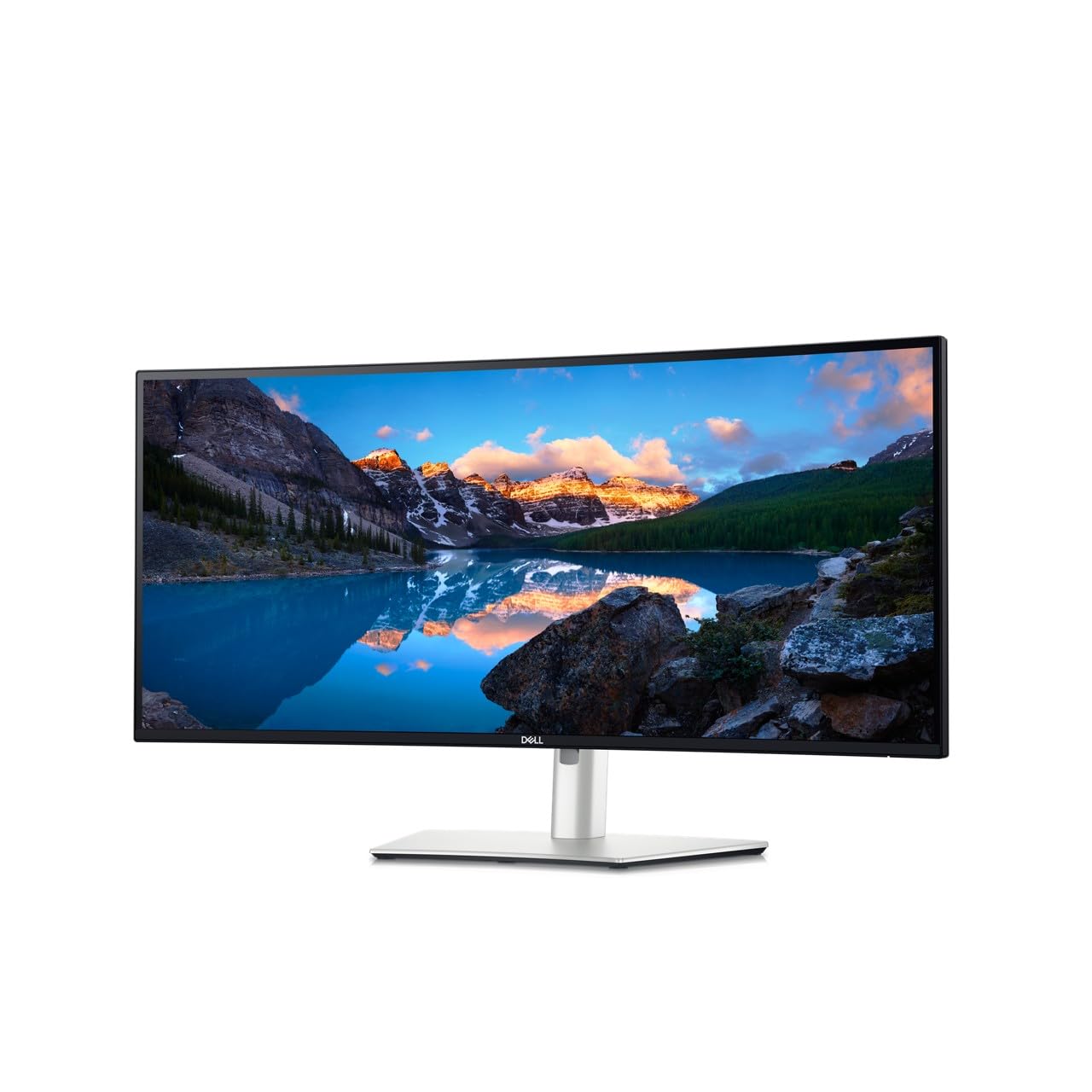
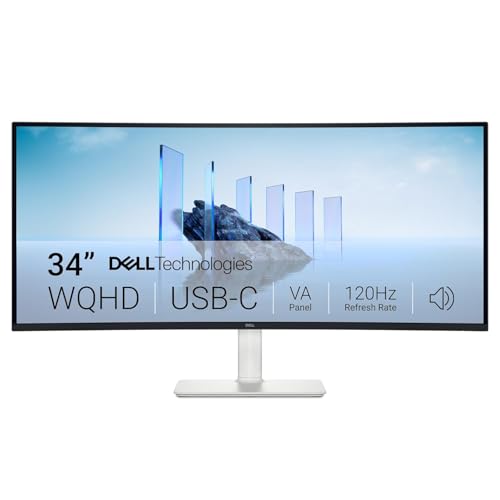


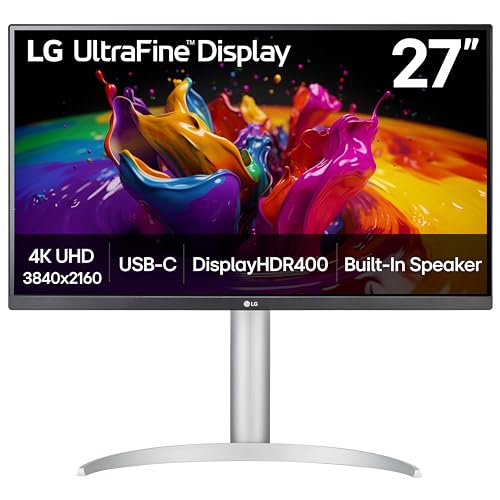
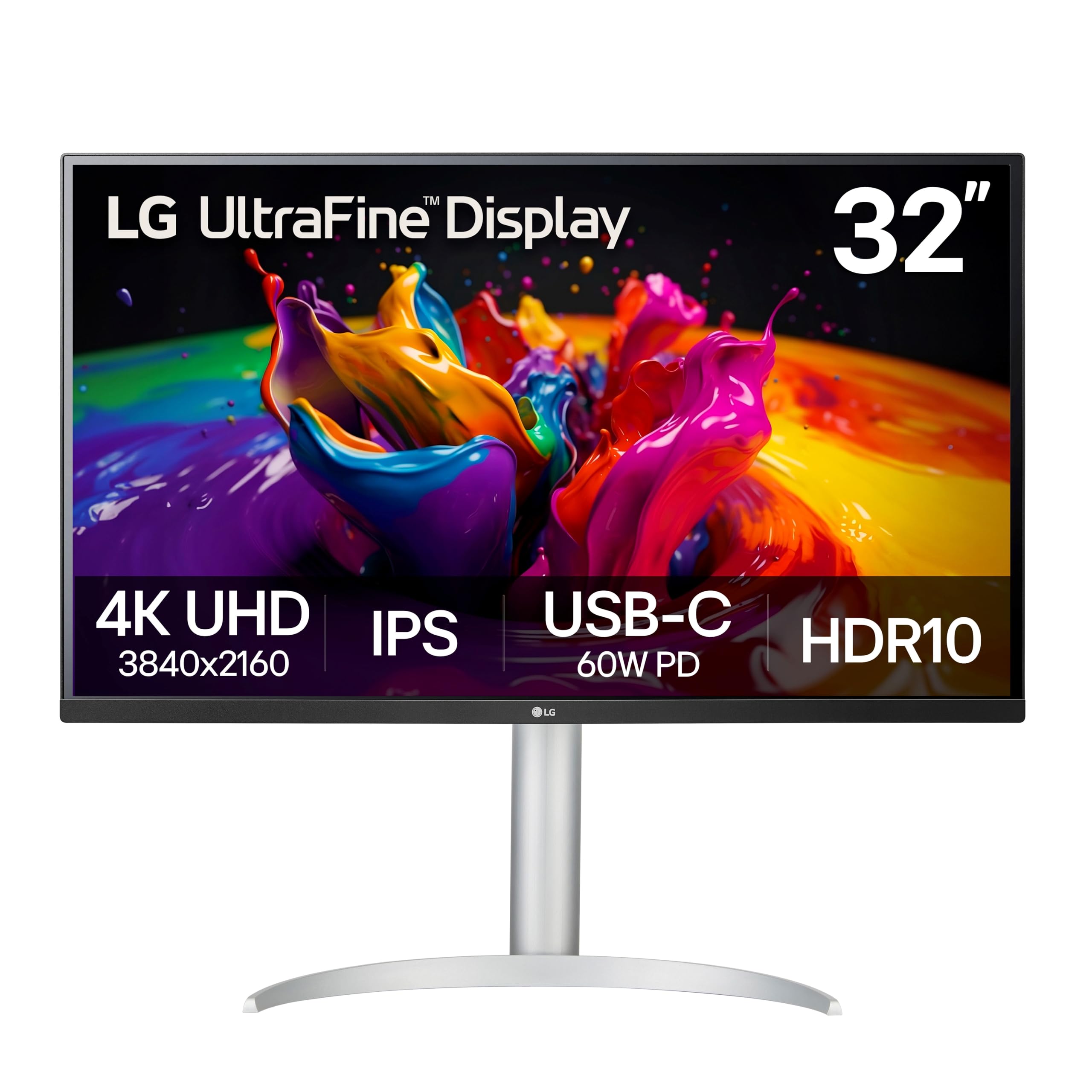
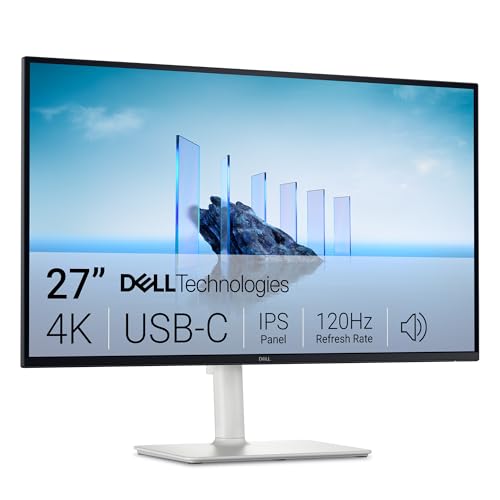


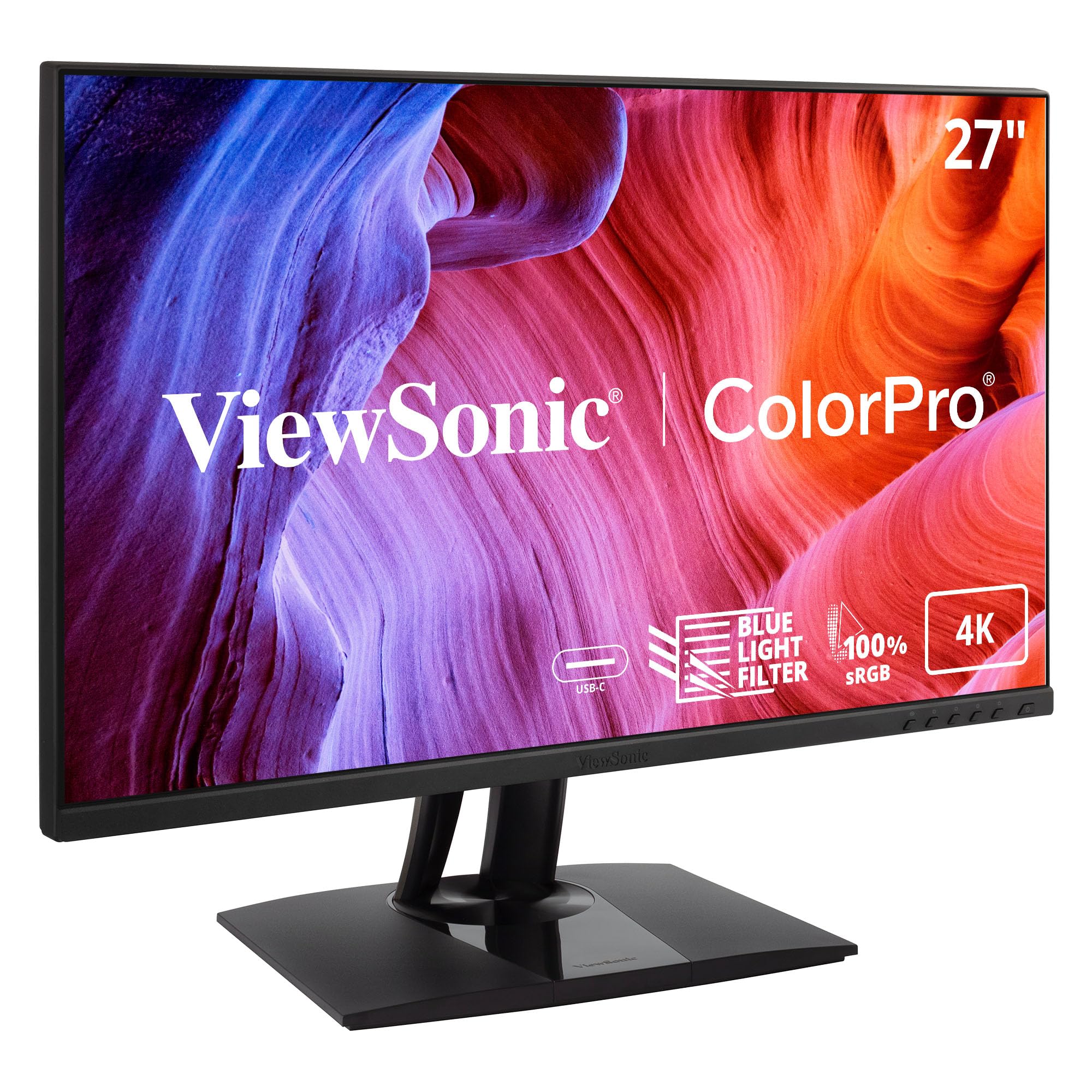
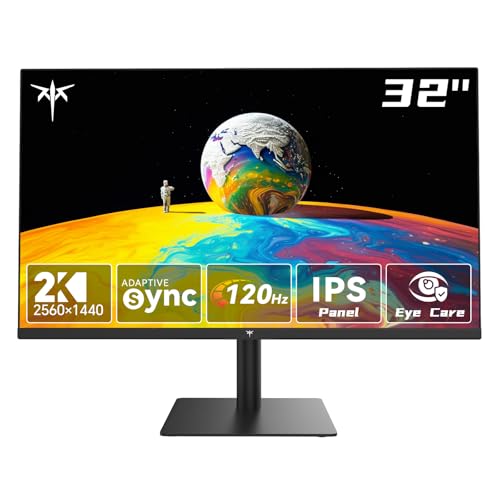
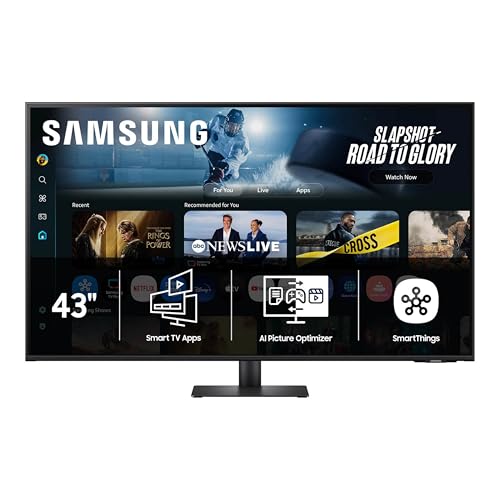
Computer Monitors 101: The Basics
A computer monitor is the display that shows your recording software, often called a DAW, along with its timeline, mixer and plugin windows. It connects through a cable such as HDMI or DisplayPort, and its spec sheet comes down to a few terms: resolution for pixel count, panel type for how the image is made, refresh rate for how often the picture redraws, and size for the width of the glass. Search boxes often shorten the name to best computer monitors for music, but the product is the same display class.
Read the screen as workspace before anything else. A music production screen is a desk for your tracks: the timeline runs left to right, the mixer lines up its channel strips side by side, and plugin windows compete for space. Wider classes show more tracks at once without scrolling, while sharing the desk with your keyboard, controller and speakers. So judge every candidate against the desk first, its width, its depth and the gear that already sits on it, and only then compare the finer specs.
The word monitor causes one naming trap, because it also names a class of studio speaker. Guides to best monitor speakers for music production describe that speaker class, not the screen in front of you. Listings under best studio monitors for music production likewise name a speaker class built for close listening, an audio purchase rather than a display purchase. Even the phrase best computer speakers for music production refers to sound output gear, a separate class from the display this guide covers.
Key Specs Explained in Plain English
Features That Matter for Music Production
Music production asks a screen for room, quiet and clarity rather than raw speed. Your session view holds a timeline, a mixer and often two or three plugin windows at once, so horizontal space is the feature you feel every minute of a mix. Text, meters and faders stay on screen for hours, which makes sharp text at your normal scaling worth more than a headline resolution figure.
A silent screen matters too, since fan noise and coil whine pollute a room where you listen closely, and a matte finish keeps window reflections out of your eyes. A companion guide to best monitors for music production covers the broader monitor category.
Panel Technology (IPS, VA, OLED, Mini LED)
Panel technology decides how color and contrast behave from your seat. IPS panels hold color steady when you lean or shift position, which suits shared desks and slightly off center seating. VA panels give deeper blacks for dim rooms but shift color more at wide viewing angles.
OLED panels show perfect blacks and fast motion, at higher prices and with a small burn in risk when windows sit still for hours. Mini LED panels push brightness higher for bright rooms. For most studio desks, IPS remains the calm and safe default.
Refresh Rate and Response Time
Refresh rate counts how often the picture redraws each second, stated in hertz. The standard 60 hertz class feels fine for timelines, meters and mixing, because music software moves gently compared with games. Higher classes such as 120 or 144 hertz make scrolling and dragging windows feel smoother, a comfort gain rather than a production gain.
Response time describes how fast pixels change and matters mainly for video work. If your desk doubles as a gaming station, compare best computer monitors for gaming, where these speed specs carry far more weight.
HDR and Brightness
HDR labels promise wider contrast and brighter highlights, and the headline numbers behind them come from maker measurements under ideal conditions. Treat those figures as rough classes rather than promises about the screen on your desk. For production work, steady and even brightness matters more: around 300 to 400 nits lights a normal room well, and even light across the whole panel beats a high peak figure from one corner. HDR support is a pleasant extra for watching videos on a break, not a reason to pay more for a studio screen.
Resolution and Screen Size
Resolution counts pixels, and size decides how large each pixel sits. A 27 inch screen at 1440p is the sweet spot for many desks, showing a full mixer and timeline with readable text and no scaling tricks. A 34 inch ultrawide at a similar height stretches the timeline further and suits arrangement heavy work.
A 32 inch 4K screen shows the most detail but often needs scaling so text stays readable, which hands back some of the space you paid for. Match the class to your sitting distance, with about an arm length suiting these sizes well.
Choosing Computer Monitors for Your Situation
Most first buyers narrow the field to one shape question, flat or curved, so treat the bend as a comfort choice about your seat rather than a quality tier.
Curved Screens: When the Bend Helps a Studio Desk
The best curved computer monitors for music production wrap the far edges of a wide screen slightly toward you, which helps most on ultrawide classes where the corners sit far from your eyes. A curve suits a single centered seat, because the benefit fades for anyone sitting off to the side. Judge it by three things: how centered your chair stays, how gentle the curve is, since a higher radius number means a gentler bend, and whether straight lines such as the piano roll grid still look straight enough for editing. Flat remains the safer class for shared desks.
Rookie Mistakes to Avoid
- Buying the widest screen the budget allows, then finding no desk room left for speakers at a sensible distance.
- Paying for gaming speed specs, such as very high refresh rates, that recording software never uses.
- Forgetting to count ports, so the screen arrives with fewer inputs than the computer and laptop need.
- Setting the screen too high or low, which turns a long session into a sore neck.
- Skipping the scaling question on a 4K screen, then discovering plugin windows render too small to read.
Getting Started: Setup and First Use
Set the stand on a stable desk, connect the cable your computer supports best, and confirm the screen runs at its native resolution rather than a stretched lower setting. Turn off the vivid picture mode, which oversaturates color, and set brightness so white on screen roughly matches the light in the room. On an OLED class screen, leave the built in pixel refresh routine enabled, since it protects the panel in long static sessions. Then load your largest session and check that the timeline, mixer and your most used plugin fit without overlap.
No display class treats eye strain, whatever the marketing implies. Comfort across long sessions comes mostly from breaks, sensible brightness and decent room light, with the screen itself playing the smaller part. Look away from the panel at regular intervals, keep the top of the screen near eye level, and let the room light roughly match the screen brightness. These habits protect you more than any comfort mode badge on the box.
Computer Monitors: Your Questions Answered
What features matter most in computer monitors for music production?
Workspace width, sharp text and quiet running matter most, in that order. A wide screen that shows the full session calmly beats a faster screen that crowds it. One point listings underplay is the stand: a height adjustable stand, or a VESA mount that accepts a separate arm, decides whether the screen sits at eye level on your desk. Check the mount pattern before you buy, since an arm only fits a screen that supports one.
What size computer monitor should I get for my desk?
Measure the desk first, because it decides the size more than the specification sheet does. Leave clear space at both sides for your speakers and enough depth that the screen can sit about an arm length from your chair. A simple test helps: sit in your chair, stretch out one arm, and note where your hand lands. Screens much closer than that point will feel crowded at 32 inches and above, while 27 inch classes forgive tighter desks.
IPS or OLED: which panel suits music production better?
IPS suits music production better for most desks. A DAW screen holds static windows in the same place for hours, and that stillness is exactly the pattern that risks burn in on an OLED panel. OLED screens also dim static content on their own to protect themselves, which can make meters and timelines subtly pulse during a long session. Choose OLED only when the same screen also does heavy video or gaming duty.
How long do computer monitors last in a studio?
Most quality monitors last about five to eight years of daily studio use. The backlight slowly dims over that span, so a screen that once matched your room at half brightness will need a higher setting late in life. Warranty length is worth real money here: three years of cover is common, and a longer warranty often signals a panel built for heavy use. Keep the receipt, because dead pixel claims depend on it.
Is 4K worth it for music production?
4K is worth it at 32 inches and above, and doubtful at 27 inches for most producers. The extra pixels only help when they stay large enough to read, and at smaller sizes the operating system scaling enlarges text back toward the 1440p view, returning much of the promised space. Some older plugin windows also ignore scaling and render tiny on a 4K screen. If your plugin collection is old, the safer class is a larger 1440p screen.
Does refresh rate matter for music production if I never game?
No, refresh rate barely matters for music production when you never game. Timelines, meters and faders move slowly, and a standard 60 hertz screen redraws them without visible problems. The money a high refresh class costs buys more production value when it goes toward size, panel quality or a better stand. The one exception is personal comfort: a few people find fast scrolling easier on the eyes during long sessions, a preference rather than a production need.
Wrapping Up
Choose workspace first, panel second and speed last. A screen that shows your whole session calmly, with text you can read for hours, beats an impressive spec sheet that crowds your desk. Match the class to your desk measurements, keep the panel quiet and matte, and let the product table above confirm the shortlist before you order.
Chosen that way, best computer monitors for music production stop being a spec hunt and become what they should be: a clear window on the music. Prices and availability can change, so check the product page before ordering.