
Best Computer Monitors for Artists of 2026: Complete Buying Guide
Disclosure: We may earn a commission when you buy through links on this page, at no extra cost to you. As an Amazon Associate I earn from qualifying purchases. Learn more

Compare the best computer monitors for artists by color accuracy, panel type, size, and ports, with clear buying guidance for studio and home desks.
A monitor for art work has one job above all others: it must show color honestly. If reds drift toward orange or shadows vanish into black, every edit rests on a guess. Choosing the best computer monitors for artists means looking past screen size and price and focusing on color accuracy, panel quality, and how the display fits your desk and your daily workflow.
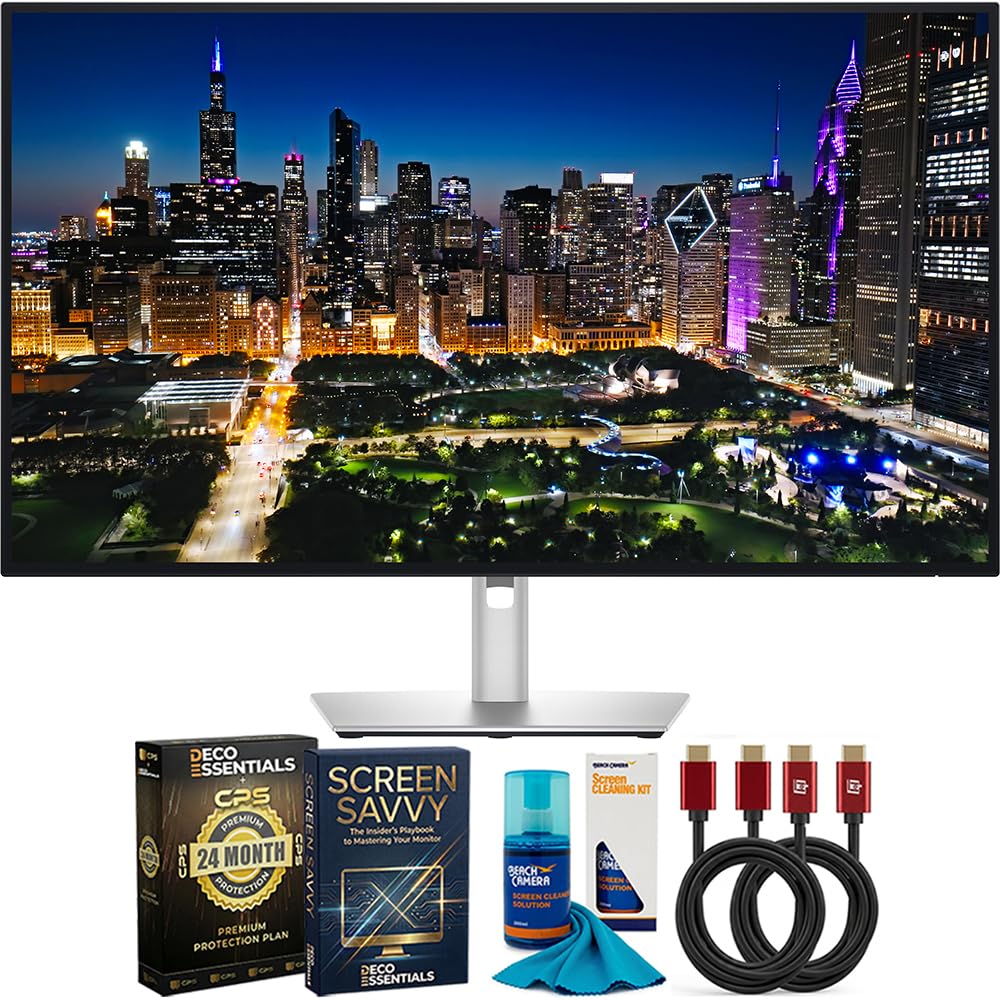
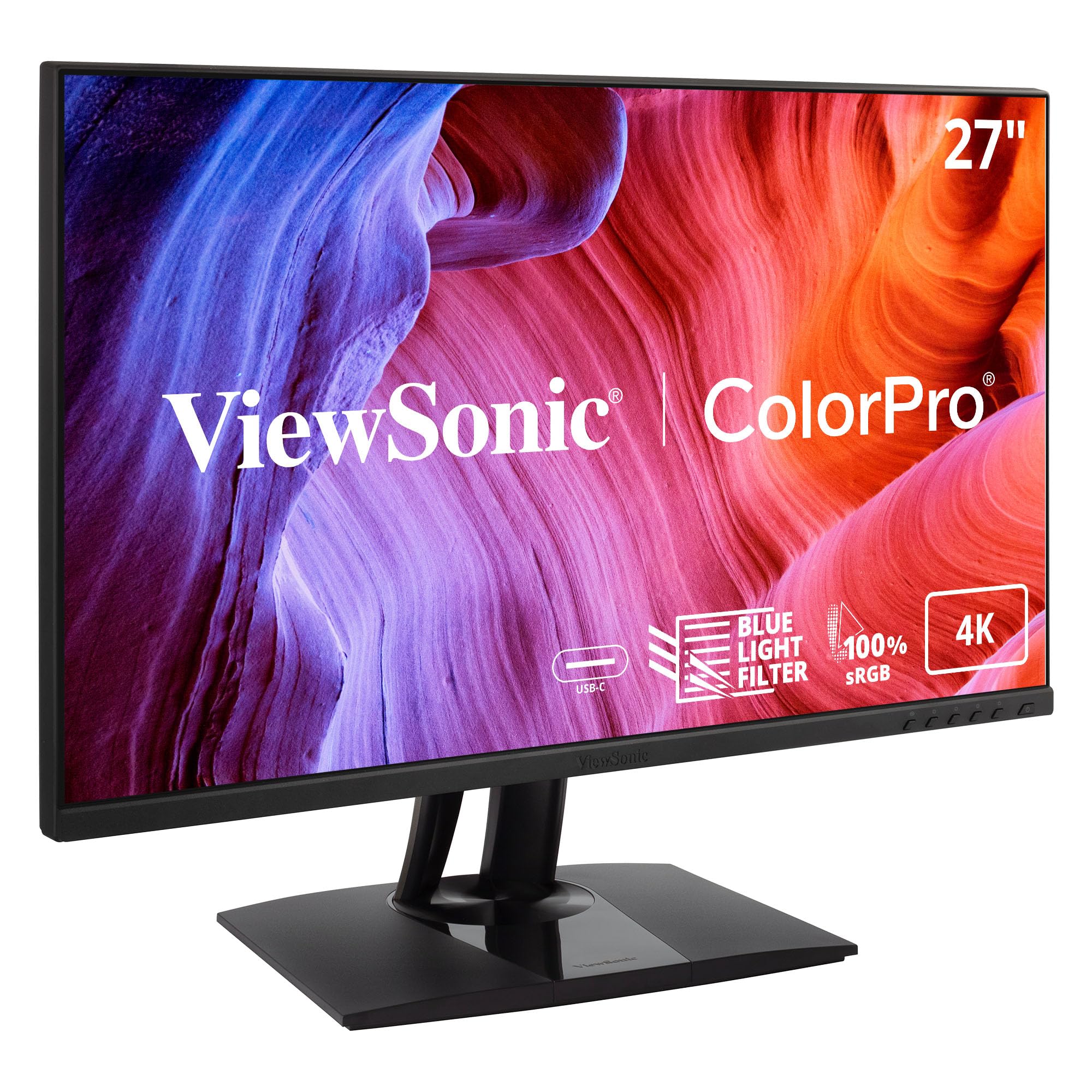
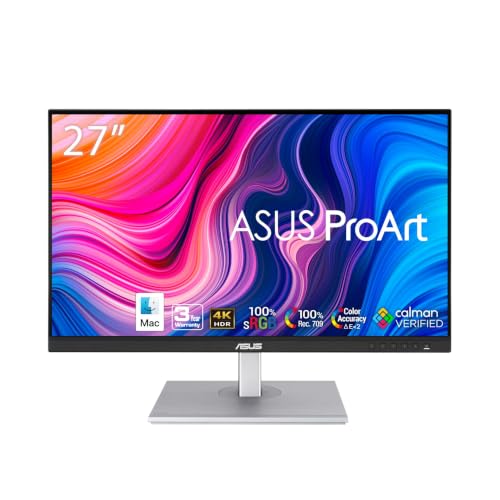
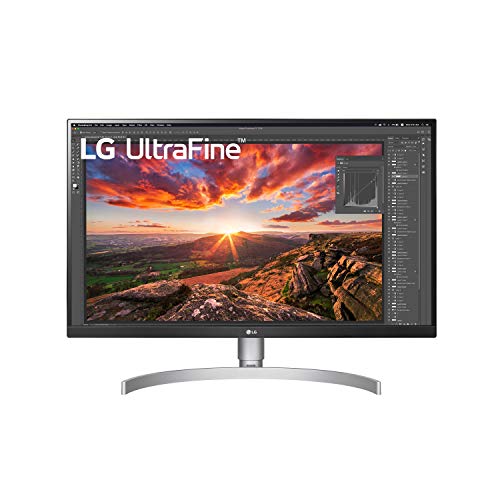
This guide walks through the specs that actually change your work, from color gamut coverage to calibration, ports, and stand design. Use the product table above to see how current models differ at a glance, then read on for the detail behind each number.





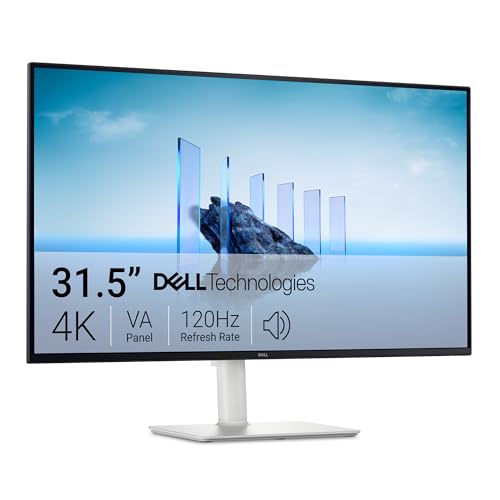
What to Prioritize Before You Buy
Because no single display suits every artist, start with your own work rather than a headline spec. The points below give guidance you can apply to any model in the product table above.
Start With Your Color Requirements
Decide which color spaces your work must cover first. Digital painters who publish online live mostly in sRGB, so full sRGB coverage matters more than a huge gamut. Photographers and print designers need strong Adobe RGB coverage, while video artists often work in DCI P3. A wide gamut only helps if your software and files use it.
Match the Monitor to Your Desk and Workflow
Think about how you sit and work each day. A pen tablet user needs clear desk space in front of the screen and a stand that tilts without wobbling. A photo editor with two windows open may value screen area more than a thin frame. Measure your desk depth before ordering, because a large display placed too close forces constant head turning. Comfort over long sessions is a buying factor, not an afterthought.
Plan the Total Budget, Not Just the Panel
The sticker price is only part of what you will spend. You may also need a calibration tool, a monitor arm, the right cable, or a desk lamp that does not throw glare onto the screen. Budgeting for those items often improves daily results more than stepping up one panel tier. If money is tight, protect color accuracy and uniformity first, then accept a smaller screen or fewer ports.
How to Choose a Monitor for Art Work
Features That Matter for Artists
Color accuracy starts with gamut coverage, uniformity, and how well the panel holds its settings. Look for a stated Delta E value of 2 or lower, meaning color errors stay below what most viewers can notice. Factory calibration reports help, though you should still calibrate after setup. Artists who split their time between screen and print work may also want to read our guide to the best computer monitors for digital artists, which looks closely at pen based workflows.
Panel Technology: IPS, VA, OLED, and Mini LED
IPS panels are the common choice for art because they hold color at wide viewing angles and show consistent tones. VA panels offer deeper contrast but can shift color off center, which matters when you judge a gradient. OLED panels deliver true black levels and fast pixel response, although you should follow the care steps for the panel to reduce burn in risk. Mini LED backlights improve HDR brightness and local contrast, at a higher price.
Adaptive Sync and Gaming Features
Adaptive sync matches the refresh rate of the monitor to the frames your graphics card sends, removing tearing and stutter. For artists, that smoothness helps most in video timelines and 3D viewports. It also matters if you play games on the same screen after work, and readers weighing that balance can see our guide to the best computer monitors for gaming. HDMI 2.1 ports support high refresh rates at 4K.
Refresh Rate and Response Time
Refresh rate, measured in hertz, tells you how often the screen redraws each second. A 60 Hz panel suits still image work, while 120 Hz or 144 Hz makes pen strokes and timeline playback feel smoother. Response time describes how fast pixels change color, and lower values reduce ghosting. For most art tasks, a midrange response time is plenty, because color and resolution affect your results far more.
Built In Sound and Extra Features
Most art monitors keep extras simple. Built in speakers are handy for video calls and rough audio checks, but they rarely replace desk speakers or headphones for final sound work. Useful extras include a USB hub for your tablet and drives, and picture modes that switch between color spaces quickly. Skip paying extra for smart TV style apps, since your computer already handles streaming.
Connectivity and Ports
Check the ports against your computer before you buy. DisplayPort and HDMI carry the image signal, while USB C can carry image, data, and power over one cable on supported laptops, keeping a small desk tidy. Confirm that your cable supports the resolution and refresh rate you plan to use, since an older cable can limit a new panel. A VESA mount pattern lets you add an arm later, and extra video inputs help if you switch between computers.
Types of Computer Monitors for Artists
OLED Displays
OLED displays light each pixel on its own, so blacks stay truly black and contrast looks striking. That makes OLED displays appealing for video artists and anyone grading shadow rich images. Color can be excellent, and response is very fast. Tradeoffs are higher prices, lower full screen brightness than many LCD models, and pixel refresh care. For bright illustration or print proofing, an IPS panel may serve you better.
Large Screen Options
Large screen options, usually 32 inch and above, give you room for a full canvas plus tool panels, reference images, and a timeline at once. At 4K, that space stays sharp at desk distances. A bigger screen also makes a studio look clean and deliberate, and readers who care about desk appearance can see our guide to the best looking computer monitors for design focused ideas. Just confirm desk depth and arm strength first.
Budget Displays
A budget display can still do honest art work. The smart compromise is a smaller IPS panel, often 24 or 27 inch, with full sRGB coverage and a matte finish, rather than a larger screen with weak color. You may give up HDR impact, extra ports, or an adjustable stand. Calibrate a budget panel early, because factory settings often lean bright and cool.
Picking the Right Monitor for Different Uses
Your medium should drive the final call. A painter, a retoucher, and a motion designer can all use the product table above, but each should weigh the columns differently, as the groups below show. Our guide to the best monitors for artists offers another angle on the wider category.
Best Computer Monitors for Artists Under 500
Shopping with a firm ceiling means ranking your needs. Under $500, protect these points in order: an IPS panel, full sRGB coverage, a matte screen, and at least 1440p resolution at 27 inch or 4K at larger sizes. Expect to skip strong HDR, OLED panels, and wide Adobe RGB coverage. Money saved on a modest stand can go toward a calibration tool.
Illustrators and Photo Editors
Illustrators need smooth pen response, accurate skin tones, and a screen finish that does not sparkle, even though the stylus touches the tablet rather than the display. Photo editors should push uniformity and Adobe RGB coverage higher, since prints expose weak corners and color drift quickly. Both groups benefit from controlled room light, because reflections change dark tones far more than spec sheets admit.
Artists Who Travel or Work in Small Studios
If you draw at client sites, teach, or move between home and studio, a portable screen can extend your canvas without a full desk setup. Portable models trade size and color depth for light weight and simple USB C connection, so treat one as a companion rather than your main proofing display. Readers who work this way can see our guide to the best portable computer monitors. Back home, proof final color on your main calibrated monitor.
Care and Maintenance Tips
A good art monitor can serve for years if you treat the panel gently. These habits keep color stable.
- Calibrate regularly, because panel color drifts as the backlight ages.
- Clean the screen only with a dry or lightly damp microfiber cloth, never paper towels or harsh sprays.
- Run the pixel refresh cycle on an OLED panel when prompted, and avoid static toolbars at full brightness.
- Turn off vivid picture modes for art work, since they push saturation and contrast away from accurate color.
- Use a quality cable rated for your resolution, and replace one that causes flicker.
- Keep vents clear, because heat buildup shortens backlight life.
Computer Monitors for Artists: Your Questions Answered
What features matter most in a computer monitor for artists?
Color accuracy matters most, followed by gamut coverage, uniformity, and resolution. A panel that shows your working color space with low error lets you edit with confidence and proof prints with fewer surprises. One point buyers often miss is screen finish: a matte coating keeps reflections from washing out dark tones. A glossy panel that looks rich in a store can mirror your window at home.
Is 4K worth it on a computer monitor for artists?
Yes, 4K is worth it for most artists at 27 inch or larger, because fine lines, small text, and texture detail stay crisp without constant zooming. The extra pixels also let you view an image at full size while keeping tool panels open. Keep in mind that 4K asks more of your graphics card, and older computers may feel slow driving a large canvas.
How long do computer monitors for artists usually last?
Most quality monitors last about five to eight years of studio use before brightness or uniformity fades enough to matter for color work. The panel may still light up long after it stops being trustworthy for proofing, which is the real limit for artists. Plan a replacement when calibration no longer reaches your target brightness or white point. The old screen can still serve for email and reference.
Which is better for artists, an IPS or an OLED computer monitor?
IPS is better for most artists who proof bright images or prints, while OLED suits video and dark scene work where deep blacks matter. IPS panels cost less at large sizes, hold full screen brightness, and carry no burn in concern. OLED wins on contrast and motion clarity. In a bright studio, the higher sustained brightness of a good IPS panel often looks more accurate than OLED at the same price.
What size computer monitor should an artist choose for a desk?
Most artists do well with a 27 inch monitor at a normal desk, or 32 inch if the desk is deep enough to keep the screen about an arm length away. Size and resolution should rise together, because a large screen at low resolution looks coarse. Before ordering, tape the panel size on your wall and sit with it for a day. That trial reveals neck strain and space problems spec sheets never mention.
Does refresh rate matter for artists who do not play games?
Refresh rate matters modestly for artists who never play games, mainly in how smooth pen strokes, canvas pans, and video playback feel. It does not change color accuracy, resolution, or print results at all. If your budget forces a choice, spend on color first and accept 60 Hz without worry. Video and 3D artists are the exception, since smoother playback helps them judge motion and timing.
Wrapping Up
Start with color, and the rest of the decision gets easier. Match the gamut to your medium, pick a panel type that fits your room, and choose a size and resolution pair your desk and computer can support. Then confirm ports, stand comfort, and calibration before you order.
Compare your shortlist against the product table above with those priorities in hand. Whether you paint, retouch photos, or cut video, the best computer monitors for artists are the ones whose color you can trust every day. Prices and availability can change, so check the product page before ordering.
