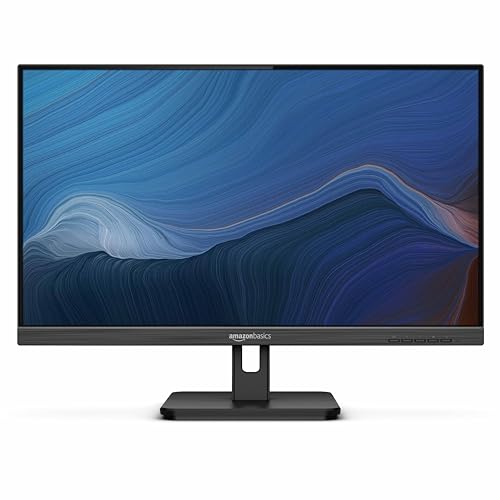
Best Computer Monitors for Finance of 2026: Complete Buying Guide
Disclosure: We may earn a commission when you buy through links on this page, at no extra cost to you. As an Amazon Associate I earn from qualifying purchases. Learn more
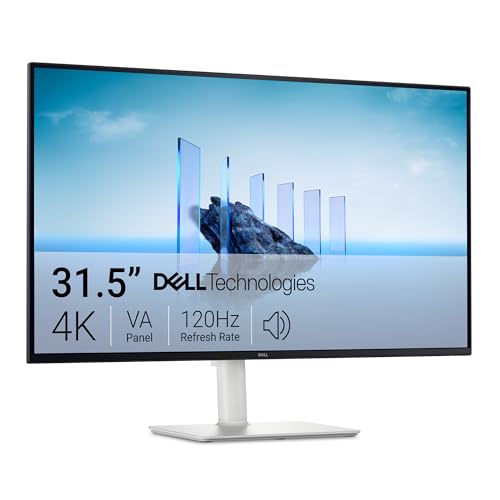
Sharp text, screen space and a comfortable stand for number heavy work: how to choose the best computer monitors for finance.
Finance work asks a lot from a screen. You read dense spreadsheets, compare charts, follow news, and keep documents open for hours, so small text has to stay sharp and your neck and eyes have to stay comfortable. Choosing best computer monitors for finance comes down to screen space, text clarity, panel quality, and a stand that fits your posture, not flashy extras.
This guide walks through the sizes, resolutions, panels, and ports that matter for number heavy work, plus the mistakes that leave people with a dim or cramped desk. Use the product table above to check each model against the points in this guide.


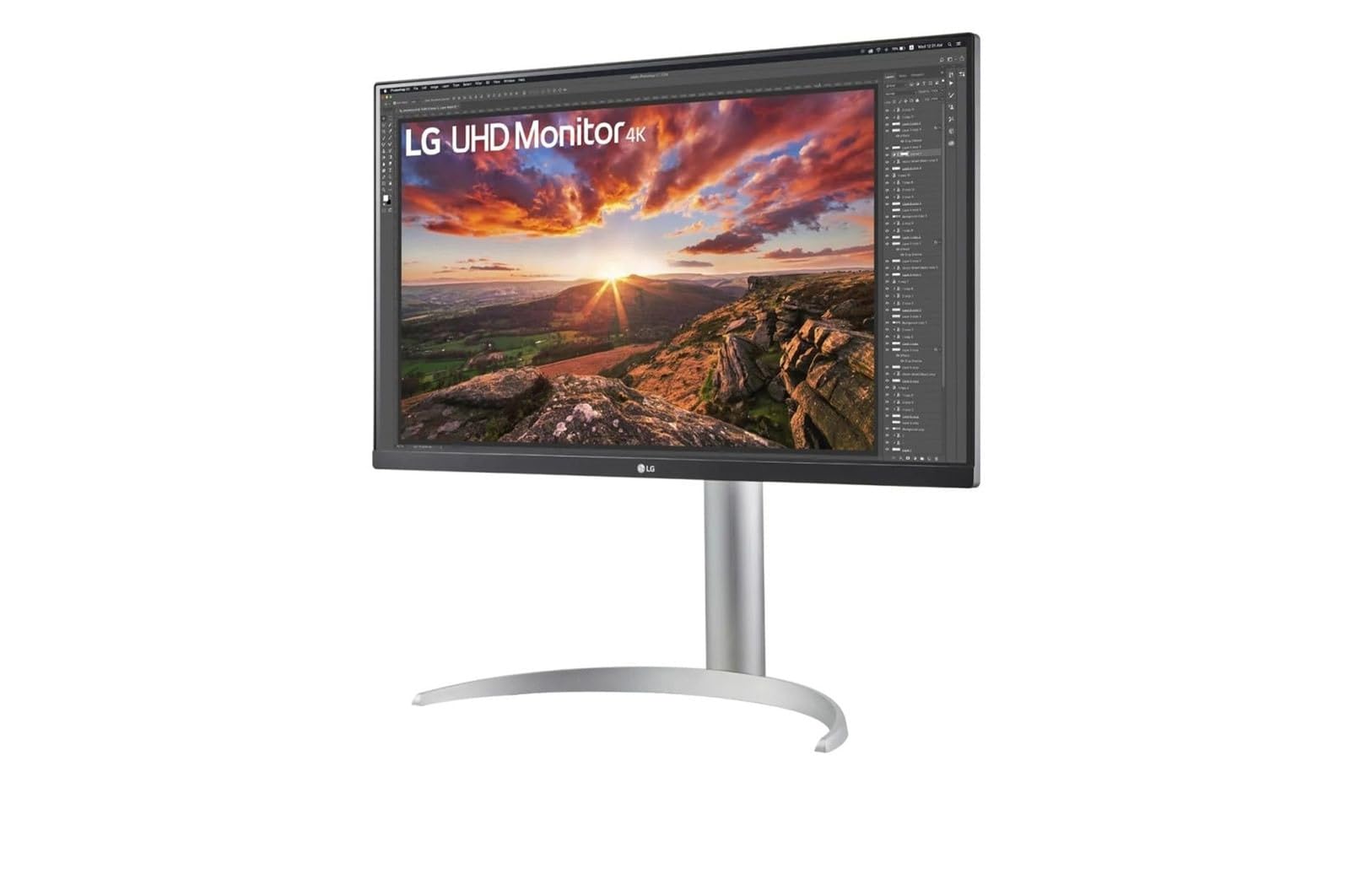
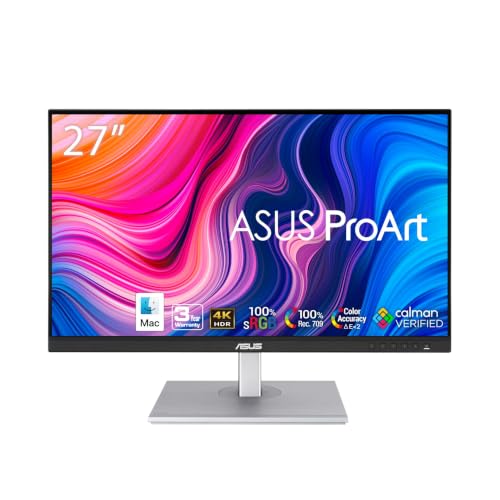



Who Should Buy Which Type of Finance Monitor?
Your daily mix of tasks should drive the choice more than any single spec. The three groups below cover the most common finance setups, and each one points to a different balance of size, resolution, and ports.
Analysts and Accountants Who Live in Spreadsheets
You spend the day in wide workbooks, ledgers, and reports where one more visible column saves real time. A 27 to 32 inch screen at 4K, or an ultrawide at 1440p, lets you keep formulas, source data, and notes visible together without constant scrolling. Prioritize sharp text, a matte finish for rooms with windows, and a height adjustable stand for long review sessions.
Traders and Researchers Who Watch Many Windows at Once
You track price charts, order books, research feeds, and messaging at the same time, and a missed move matters. A large ultrawide or a pair of matched 27 inch monitors gives each window a fixed home. Look for thin bezels for a clean joined image, strong brightness for daytime rooms, and enough inputs for a main computer and a backup laptop.
Finance Professionals Who Work From a Laptop at Home
Your laptop screen is fine for email but cramped for models and monthly closes, and your desk may double as a dining table. One 27 inch monitor with USB C and power delivery turns the laptop into a tidy single cable workstation. If you travel between home and office often, see our guide to the best portable computer monitors for a light second screen that pairs well with a main desk monitor.
How to Choose the Best Computer Monitors: Buying Guide
When you compare the best computer monitors for finance side by side, start with how much information you need to see at once, then work through panel, brightness, and ergonomics. The product table above lists size, resolution, and panel type for each model, so you can check every factor below against real options as you read.
Features That Matter for Finance
Finance screens earn their keep through clarity and endurance rather than speed. Text rendering matters most, because you read small numbers for six to ten hours a day, so favor high pixel density and a matte coating that cuts reflections from office lighting. For related setups and sizing ideas, see our guide to the best monitors for finance.
Panel Technology: IPS, VA, OLED, and Mini LED
IPS panels are the safe default for finance because they hold color and brightness well when you view the screen from an angle or share it with a colleague. VA panels give deeper blacks and strong contrast, which helps in dim rooms, though colors can shift at wide angles. OLED displays deliver perfect blacks and instant response, but static spreadsheets shown all day raise the risk of burn in over time. Mini LED backlights add bright, even lighting with many dimming zones.
HDR and Brightness
For desk work under normal lighting, a rated brightness of about 300 to 400 nits keeps white pages clean and charts readable without glare. HDR labels such as HDR10 matter far less for spreadsheets than for video, because finance apps rarely send an HDR signal, so treat HDR as a small bonus rather than a buying reason. More useful is a wide brightness range you can lower in the evening.
Refresh Rate and Response Time
A refresh rate of 60 Hz is enough for documents and dashboards, and 75 to 100 Hz makes scrolling through long statements and dragging windows feel noticeably smoother. Response time in the range of 4 to 5 milliseconds keeps cursor movement and fast chart updates free of visible trails. Adaptive sync, which matches the screen refresh to the signal from your computer, prevents tearing during video calls and animated dashboards.
Resolution and Screen Size
Resolution decides how sharp text looks at a given size. At 24 inches, 1080p is acceptable for single documents. At 27 inches, 1440p is a comfortable step up, and 4K is sharper still, letting you shrink interface scaling and fit more rows on screen. At 32 inches, 4K is the sensible match, while a 34 inch ultrawide at 1440p trades some sharpness for width. Sit about an arm length away.
Stand, Mounting, and Ergonomics
A stand with height, tilt, swivel, and pivot adjustment lets you set the screen top near eye level and turn it vertical for long contracts, tax documents, and statement PDFs. VESA mounting, usually a 100 by 100 mm pattern, lets you use an arm and reclaim desk space for your keyboard and papers. If a clean look matters at a shared desk, see our guide to the best looking computer monitors for slim bezels and tidy cable routing.
Comfort settings deserve the same care as the stand. Flicker free backlights and low blue light modes reduce strain during long sessions, but they do not replace breaks. If persistent headaches, blurred vision, or eye pain do not settle with rest, book an eye exam or talk with your clinician.
Types of Computer Monitors
Most finance monitors fall into four broad types. Knowing the trade offs of each type keeps you from paying for strengths your work cannot use.
OLED Displays
OLED displays light each pixel on its own, so blacks are truly black and charts gain striking contrast in a dim room. They suit finance users who also edit video or watch markets in dark settings. The drawbacks are price and caution with static content, since a fixed taskbar or spreadsheet grid left on screen can leave a faint lasting mark, so they fit mixed use better than all day ledger work.
Productivity and Ultrawide Displays
Ultrawide monitors stretch to 34 inches or more with a wide 21 to 9 shape, giving you room for a workbook, a browser, and a chat window in one row. They replace a dual monitor setup without a center bezel. They cost more and need a deep desk, but for window heavy finance work they are often the most satisfying upgrade.
Gaming Displays
Gaming displays push refresh rate to 144 Hz and beyond, add very fast response, and tune colors for punch rather than accuracy. That speed brings little to accounting or research. If your desk also hosts serious play after work, see our guide to the best computer monitors for gaming to compare the trade offs before mixing both roles on one screen. Readers who want models built purely for play can also see our guide to the best gaming monitors.
Budget Displays
Budget displays, often under $300 at common sizes, cover the finance basics well when you choose carefully. A 24 to 27 inch IPS screen at 1080p or 1440p with a height adjustable stand handles documents, banking portals, and video calls without strain. For a second or third screen in a multi monitor array, that trade often makes good financial sense.
Common Mistakes to Avoid
- Buying a 32 inch screen at 1080p leaves text visibly fuzzy at desk distance, so size and resolution must rise together.
- Choosing a glossy screen for a bright office fills your work with reflections and forces you to raise brightness all day.
- Ignoring stand adjustment strands you with a screen set too low, which quietly strains your neck across long sessions.
- Paying for a 240 Hz refresh rate wastes money on document work that gains nothing from that speed.
- Forgetting to count ports leaves a laptop, a desktop, and a streaming stick fighting over a single HDMI input.
- Placing two monitors of different sizes and resolutions side by side makes windows jump in scale every time you drag them across.
Care and Maintenance Tips
A finance monitor should last for years of daily use with basic care. The habits below protect the panel, the ports, and your own viewing comfort.
- Clean the screen with a dry microfiber cloth, and if marks remain, dampen the cloth lightly with water rather than spraying the panel.
- Set a sensible picture mode for work, turning off vivid modes that distort the shades in charts and reports.
- Use quality cables that match your resolution, such as HDMI 2.1 or a rated DisplayPort cable, because a weak cable can cause flicker or drop the signal at 4K.
- On an OLED model, run the built in pixel refresh when the monitor prompts you and let a screen saver hide static content during breaks.
- Keep vents clear, wipe dust from the stand and ports monthly, and use a surge protector.
- Recheck brightness and color settings every few months, since gradual drift makes matched monitors slowly stop agreeing.
Frequently Asked Questions
What features matter most in computer monitors for finance?
Sharp text, enough screen space, and a comfortable stand matter most in computer monitors for finance. Start with size and resolution that fit your desk, then choose an IPS panel with a matte finish and at least 300 nits of brightness. One detail buyers often miss is scaling, so check your main apps at your chosen resolution early, because a few older accounting tools render small menus that are hard to read at 4K without scaling.
IPS vs OLED computer monitors for finance: which panel is better?
IPS is better for most computer monitors for finance because it handles static content all day without burn in risk and costs less at large sizes. OLED wins on contrast and looks superb for video and dark themed dashboards after hours. A practical middle path is an IPS main display, with OLED reserved for a mixed use desk where the budget allows it.
Does refresh rate matter for computer monitors for finance if you never play games?
Yes, refresh rate matters a little for computer monitors for finance, mainly through comfort rather than speed. Moving from 60 Hz to 75 or 100 Hz makes scrolling through statements and switching between windows feel calmer. Beyond about 100 Hz the gain fades for office tasks, so spend the difference on resolution or a better stand instead of chasing numbers aimed at competitive play.
How long do computer monitors for finance usually last?
Computer monitors for finance usually last about seven to ten years of office use before brightness fades or a newer connection standard leaves them behind. The panel itself rarely fails first; the backlight dims slowly and buttons or ports wear out sooner. Running brightness near the middle of the range instead of at maximum extends that span, since a dimmer backlight ages more slowly.
Is 4K worth it for computer monitors for finance?
Yes, 4K is worth it for computer monitors for finance at 27 inches and above if your computer can drive it well. The sharper text reduces squinting through long reports, and the extra pixels let you fit more rows and columns without shrinking fonts to painful sizes. One caveat: remote desktop tools and older trading platforms sometimes scale poorly at 4K, so confirm your daily software behaves first.
Final Thoughts
Start with the work itself: how many windows you keep open, how small the text you read each day, and how many hours you sit at the desk. Match size and resolution first, pick an IPS or ultrawide panel that suits your room, and insist on a stand and ports that fit your laptop. Then check your short list against the product table above.
The right best computer monitors for finance choice should fade into the background of your workday, leaving your attention on the numbers instead of the screen. Prices and availability can change, so check the product page before ordering.