
Best Computer Desks for Students: Types Compared and How to Choose for 2026
Disclosure: We may earn a commission when you buy through links on this page, at no extra cost to you. As an Amazon Associate I earn from qualifying purchases. Learn more

Ergonomic, compact, budget, and premium desks compared for the best computer desks for students, with size and stability checks.
A student desk has to do a lot in very little space. It holds a laptop, books, notes, a lamp, and often a snack, all while fitting a dorm room or a small bedroom corner. Shoppers comparing best computer desks for students usually feel stuck because the types look similar in photos yet behave very differently in daily use.
This guide solves that problem by comparing each desk type side by side. You will see what each style does well, where it falls short, who it suits, and what it usually costs, then use the comparison table below to match a type to your room and study habits.

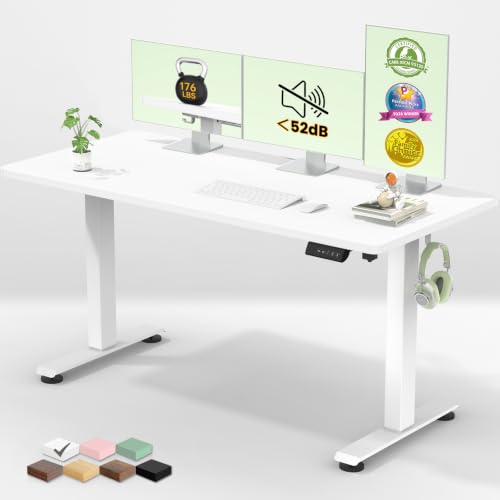


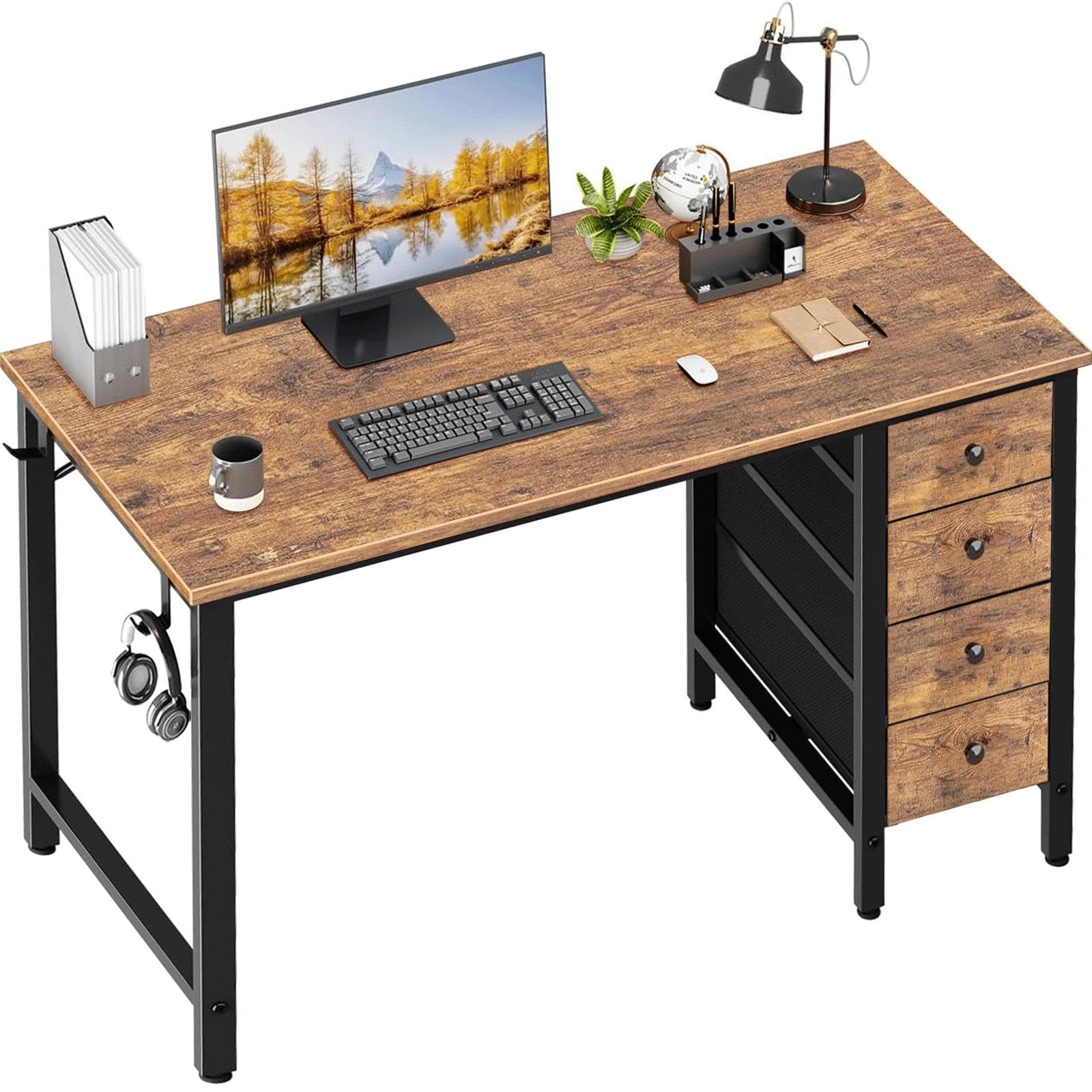
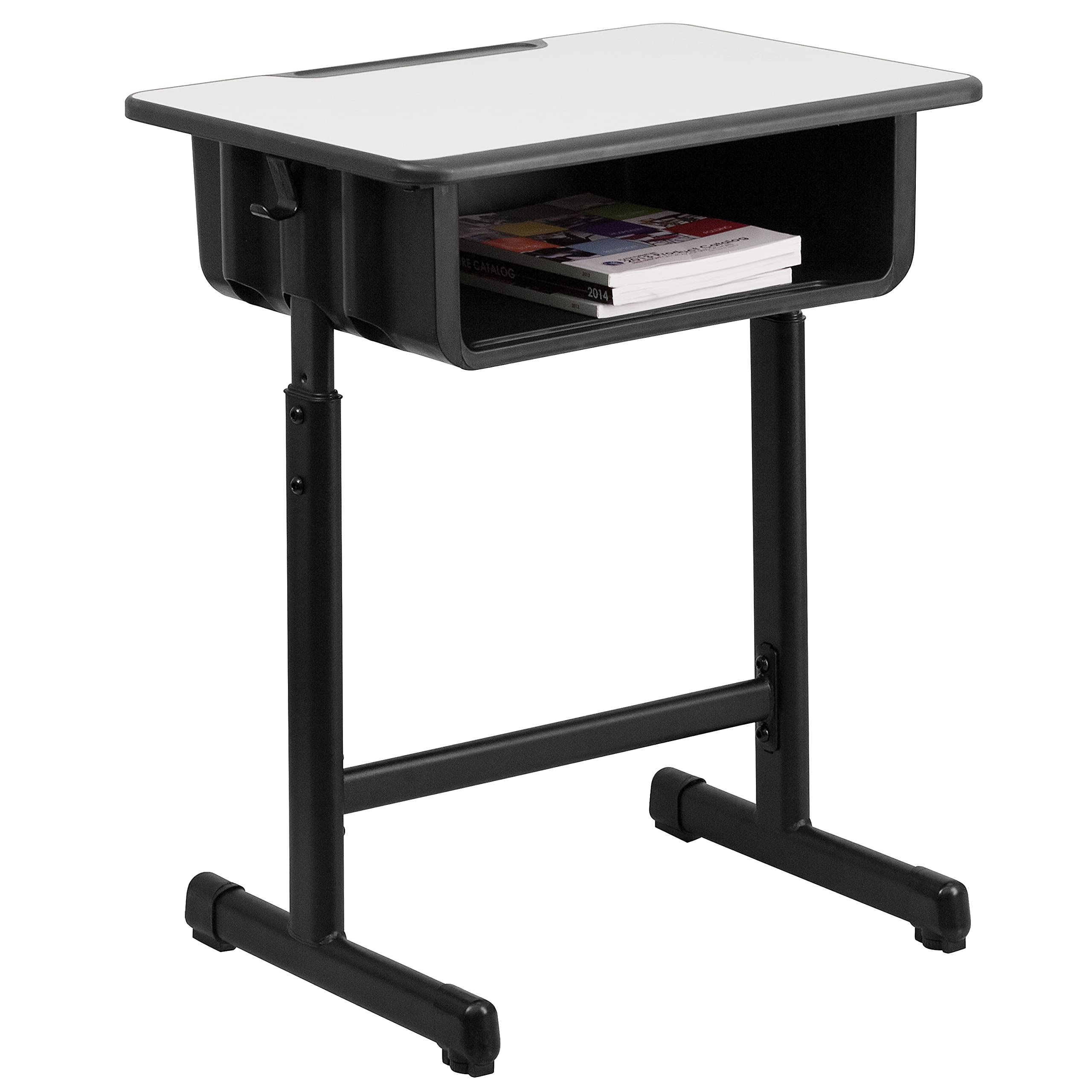
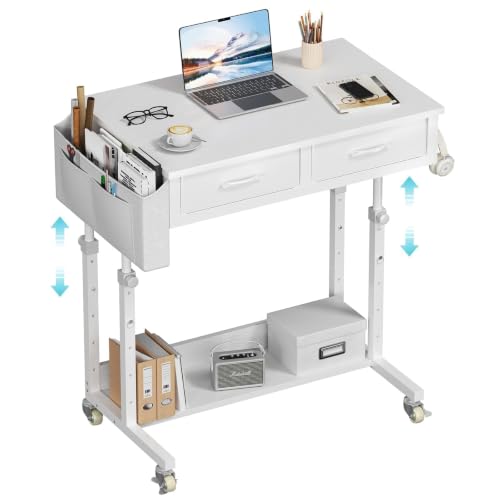
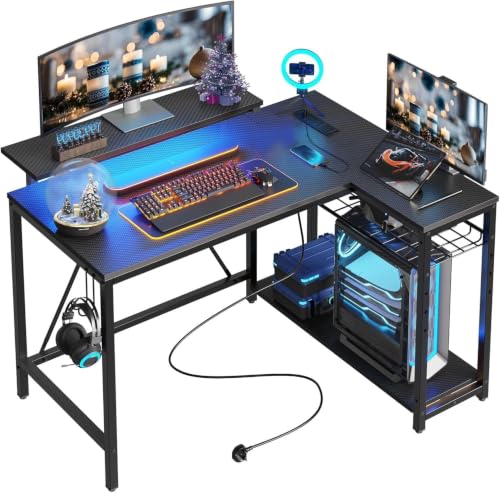
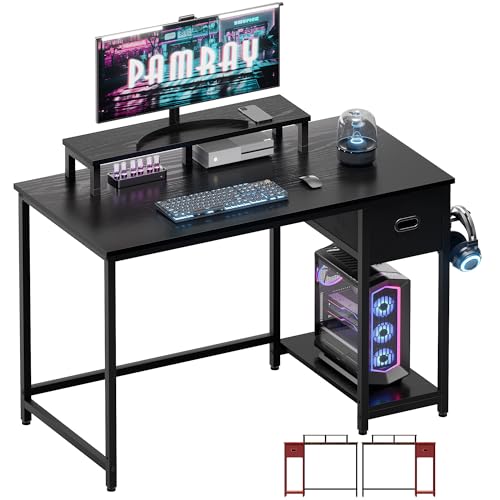
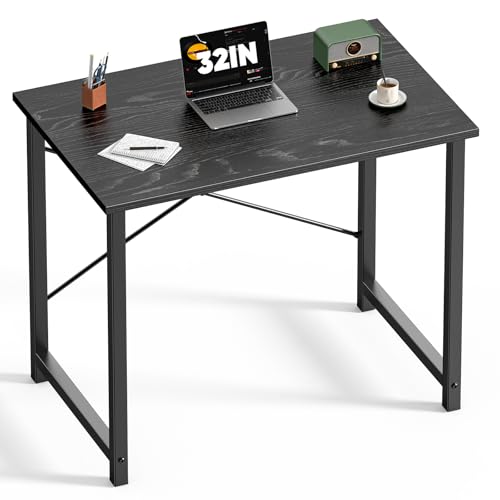
Types of Computer Desks Compared
Most student desks fall into four broad types. Ergonomic models focus on posture and comfort during long study sessions. Compact models shrink the footprint for tight rooms, budget models keep the price low with simple construction, and premium models add size, sturdier frames, and a more polished look. The four sections below walk through how each type works in practice.
Ergonomic Models
Ergonomic desks are built around body position. Many offer adjustable height, either with a hand crank or a simple electric lift, so the desktop can sit at elbow level whether you sit or stand. A deeper desktop, often about 24 to 30 inches, gives your forearms support and keeps the screen at a comfortable viewing distance.
The trade off is cost and weight. These desks usually run about $200 to $450 and feel heavier to move at the end of a school year. Choose this type if you study three or more hours at a stretch, share the desk with a sibling of a different height, or already notice wrist or shoulder strain at a fixed height desk.
Compact and Space Saving Models
Compact desks shrink every dimension on purpose. Widths often run about 31 to 42 inches, and some designs fold flat against a wall or tuck into a corner with an L shaped top. Shelves above or below the desktop replace the drawer space that a small room cannot spare.
The compromise is work surface. A laptop, an open textbook, and a notebook can crowd a 36 inch top quickly, and weight capacity tends to be lower, often around 50 to 75 lb. If your room is truly tight, start with our guide to the best small computer desks and measure your corner before you fall in love with any design.
Budget Models
Budget desks keep things simple: a flat desktop, four legs or a basic panel frame, and sometimes one small drawer or shelf. Prices usually land around $50 to $120, and assembly is fast because the part count is low. For a first apartment or a single school year, that simplicity is often enough.
Expect thinner desktop boards, basic edge banding, and a frame that can wobble if you type hard or lean on a corner. Shoppers who want this price without flimsy construction can compare notes in our guide to the best affordable computer desks. Pick a budget model when your gear is light and your living situation is temporary.
Premium and Executive Models
Premium student desks borrow their look and build from office furniture. Desktops are thicker, frames use heavier steel, and finishes resist scratches and coffee rings better than basic boards. Many add drawers, a modesty panel, and cable channels that keep cords off the floor. Prices commonly run about $250 to $600.
The downside is size and commitment. A 55 to 63 inch desk dominates a small bedroom and is a chore to resell or move. Still, if you want one desk to last from high school through a first job, browsing the best office computer desks shows the build standard to aim for, and the best looking computer desks shows how much finish quality varies at this level.
Ergonomic Models vs Compact Models: Which Should You Choose?
These two types solve opposite problems, so compare them on the right criteria. On footprint, compact wins clearly, since ergonomic desks need depth for proper screen distance. On comfort over long sessions, ergonomic wins, because height adjustment lets your shoulders relax and your feet rest flat. On price, compact models usually cost less, often about $60 to $150 against about $200 and up. On gear capacity, ergonomic desks hold a monitor, laptop, and books at once, while compact tops force you to rotate items.
Your decision comes down to your binding constraint. If the room cannot fit a deeper desk, choose compact and add a laptop stand to lift the screen. If the room fits both but your study sessions run long, choose ergonomic, since posture problems cost more than a few inches of floor space.
How to Choose the Right Computer Desk
Type is only the first filter. The five checks below apply to every student desk and help you judge listings that all claim to be sturdy and spacious. Work through them in order and you will eliminate most poor fits before price even enters the picture.
Build Quality and Frame
Start with the frame material and the stated weight capacity. A steel frame with cross bracing feels far more stable than thin panel legs, and a capacity of about 100 lb or more comfortably covers a monitor, laptop, books, and your forearms leaning on the edge. Check how the desktop attaches: metal inserts hold screws better than screws driven straight into board.
Rock the display model if you can, or read the listing for leg thickness and bracing details. Wobble at typing height rarely improves after assembly, so treat stability as a pass or fail test rather than a minor preference.
Ergonomics and Adjustability
Your elbows should bend at roughly a right angle with your shoulders relaxed, and the top of the screen should sit near eye level. A fixed desk around 29 to 30 inches high suits many adults, but shorter and taller students benefit from adjustable legs or a desk riser. Desktop depth of at least 24 inches keeps the screen far enough away to reduce eye strain.
The desk is only half of the setup. Pair it with a chair that supports your lower back and lets your feet rest flat, using our guide to the best computer desk chairs to match chair height ranges to your desk height before you buy either piece.
Materials and Desktop Surfaces
Most student desktops use manufactured board with a laminate or melamine surface, which resists stains and costs little. Thicker board, about 0.7 inch or more, flexes less and holds fasteners better. Solid wood tops feel warmer and can be sanded and refinished, but they cost more and weigh more.
Look closely at the edges. Sealed, banded edges keep moisture from swelling the board when a drink sweats or spills. A matte surface cuts glare from a desk lamp, while a glossy surface shows every fingerprint and scratch, which matters if the desk doubles as a video call background.
Warranty and Return Policy
A desk is bulky, so returns are never painless, which makes the written policy worth reading before you order. Look for at least a one year warranty on the frame and desktop, and check whether the seller ships free replacement parts for a damaged corner or a missing hardware bag.
Keep the box and packaging until you have assembled the desk and used it for a week. Many sellers require original packaging for returns, and a short trial at home reveals wobble, edge defects, and height problems that photos never show.
What Students Should Look For
Students move often, so favor desks that one person can disassemble and carry, ideally under about 45 lb with legs that detach. Measure your doorway and stairwell turns if you live in older housing. A desk that fits the room but not the hallway is a classic dorm season mistake.
Also plan for your actual gear list. Count the outlets you need, decide where a power strip will sit, and prefer desks with a cable tray or grommet hole if you run a monitor, laptop charger, and lamp at once. Small storage, like one drawer or a side shelf, keeps chargers and notebooks from eating your work surface.
Setup and Care Tips
Assemble the desk on a blanket or rug so the desktop does not scratch, and tighten every bolt in stages rather than fully tightening one corner at a time, which can pull the frame out of square. Set your chair height so your feet rest flat and your knees bend comfortably, then adjust the desk or add a footrest to match. Route cables along the back edge and leave slack for any height adjustment.
Every few months, retighten the leg and frame bolts, since daily typing slowly loosens them. Wipe the desktop weekly with a slightly damp cloth, use coasters under drinks, and lift the desk instead of dragging it so the leg mounts do not tear out of the board.
Computer Desks: Your Questions Answered
What makes computer desks for students different?
Size, price, and portability set them apart. A typical student desk runs smaller than an office desk, costs less, and comes apart quickly for moves between dorms and apartments. Student focused designs also favor open leg room and simple shelves over deep file drawers, because coursework needs quick access more than locked storage.
What features matter most for long hours?
Correct height, enough depth, and a stable frame matter most. Your screen should sit about an arm length away with the top near eye level, which usually means a desktop at least 24 inches deep. Add a chair with lumbar support and take a short standing break each hour, since no desk feature replaces moving your body during a long study block.
Is an expensive computer desk worth it?
It can be, if the extra money buys a thicker desktop, a steel frame, and height adjustment you will use daily for years. It is not worth it when the premium only pays for styling while the board and hardware stay basic. Compare the frame and warranty first. If those match a cheaper model, keep the difference for a better chair or a monitor arm.
How long should a good computer desk last?
A well built student desk should last about five to ten years of daily use. The frame rarely fails first; desktops show wear at the edges and leg mounts loosen if the desk is dragged often. Retightening bolts twice a year and using coasters and a desk pad stretch that lifespan, while very thin boards in budget models may start to sag within two or three years under heavy monitors.
How do I choose the right size?
Measure your wall space, then subtract a few inches for baseboards and outlet access. List everything that must live on the desk at once and match the width to that list: about 40 inches suits a laptop alone, about 48 inches adds books, and about 55 inches or more fits a monitor plus a laptop. Finally, check the depth against your chair and walkway so the room still feels easy to cross.
Final Thoughts
Choosing well comes down to three checks: the type fits your room, the frame and desktop feel solid, and the height suits your body and chair. Match those first and price second, using the product table above to compare the types side by side. When best computer desks for students is the goal, the right answer is simply the desk that fits your space, your gear, and your longest study day without a wobble.

