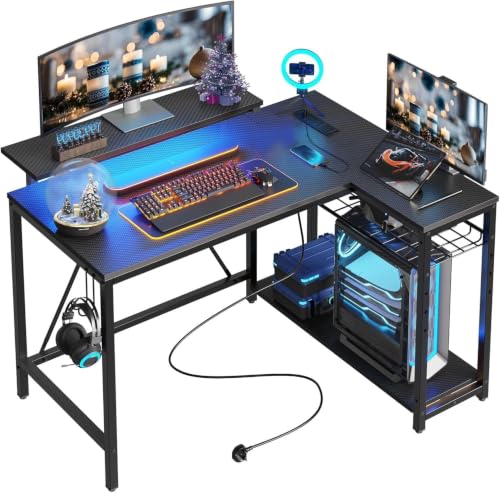
Best Computer Desks with Storage for 2026: The Buyer Checklist We Use
Disclosure: We may earn a commission when you buy through links on this page, at no extra cost to you. As an Amazon Associate I earn from qualifying purchases. Learn more

Use this checklist to choose the best computer desks with storage, with drawer, shelf, size, and build checks that keep a work surface clear and calm.
A desk with storage promises a clear surface and a home for every cable, drive, and notebook. The catch is that storage can also steal knee room, add wobble, and hide clutter instead of organizing it. This guide uses one checklist to judge every model: what the storage holds, what it costs you in space, and how well the whole desk is built. The best computer desks with storage pass all three tests at once.
Work through the criteria below, then use the comparison table below to score your shortlist against them. By the end, you will know which layout fits your gear before any box arrives.


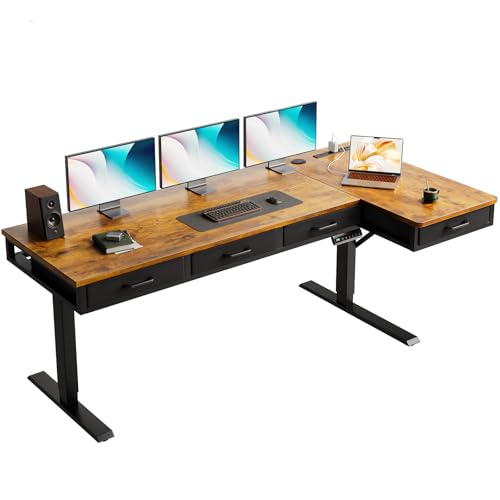

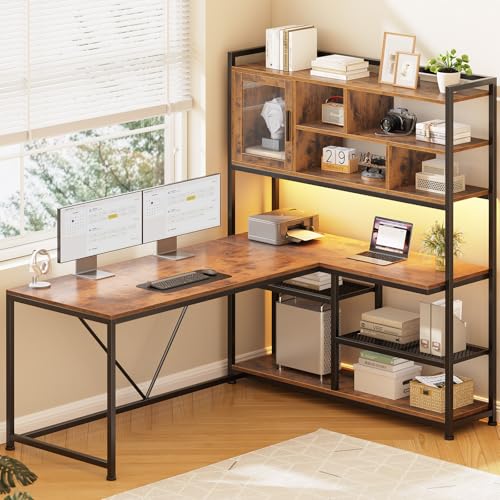
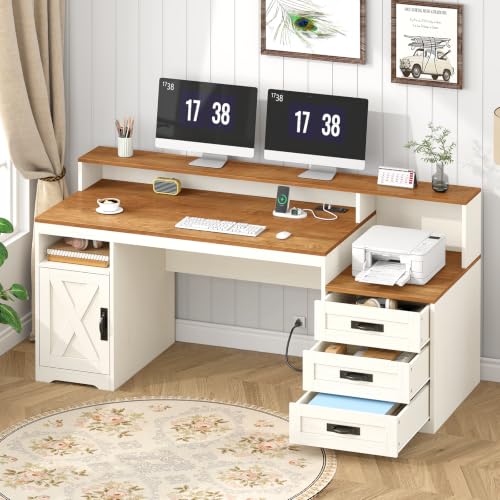

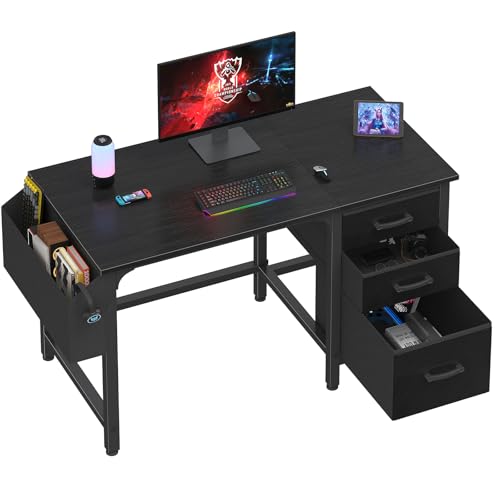

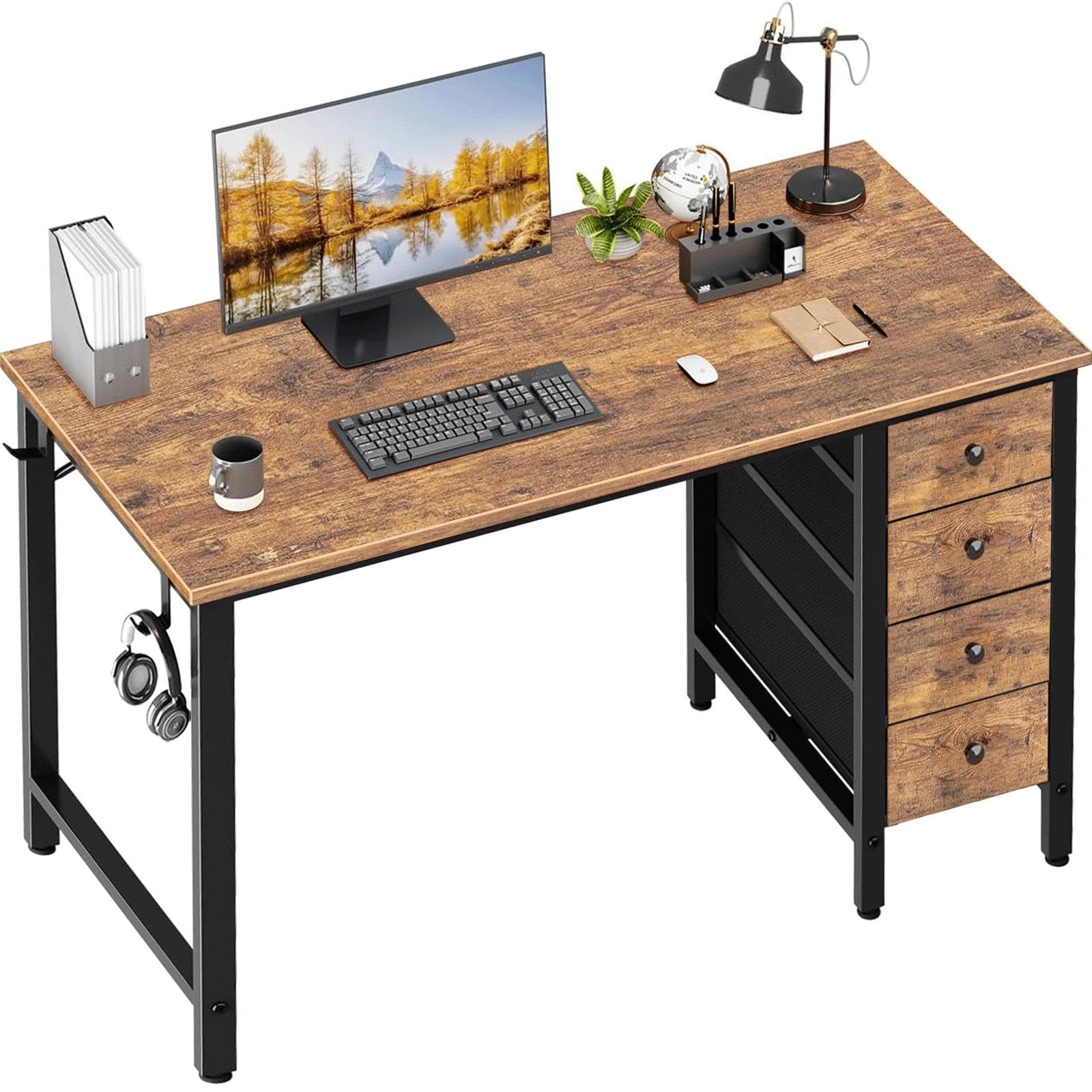
How to Evaluate Computer Desks
Treat each criterion as a pass or fail gate. A desk that fails one gate rarely makes up for it elsewhere.
Why Choose a Computer Desk With Storage
Built in storage helps when your gear has a fixed home: drawers for drives and tools, a cabinet for a tower, shelves for books and paper. It suits dedicated workspaces where the same items return to the same spots daily. The trade off is flexibility, because a fixed drawer bank fixes your layout too. If your setup changes often, open shelves beat drawers. Buy storage for the items you can list by name today, not for clutter you hope to own less of someday.
Ergonomics and Adjustability
Storage must never fight your body. A drawer bank on one side is fine, but the center knee space should stay at least 24 inches wide and 24 inches high so your chair and legs move freely. Check that the lowest drawer clears your thighs when you sit, and that a cabinet door swings without hitting your chair arm. Desks pair with chairs, so seat height, lumbar support, and armrest fit still matter; our guide to the best computer desk chairs covers the chair side of that equation. A desk that stores everything but forces a twisted posture fails this gate.
Size, Dimensions, and Weight Capacity
Measure the room first, then the gear. Widths of 55 to 63 inches suit most storage desks, since the drawer bank takes roughly 16 to 20 inches of that run. Depth of 24 to 28 inches keeps a monitor at a sane distance while shelves hold their load. Weight capacity needs honest math: add the monitor, the machine, the books, and the full drawers, then keep a margin of about a third. A desk rated under 100 lb with a tower cabinet deserves a hard look at its frame before you trust it.
Materials and Upholstery
Storage desks are mostly engineered wood, solid wood, or metal framed hybrids. Engineered boards with sealed edges handle daily wear well and keep price sane. Solid wood drawers glide better and repair easier, at higher cost. Judge the drawer boxes, not just the top: thin stapled drawer bottoms sag under files within a year, while glued or dovetailed boxes hold their shape. Words like mesh back or upholstery describe chairs, so if a desk listing leans on them, read the rest of the page with extra care.
Assembly and Delivery
Storage adds parts, so assembly runs longer: plan on 60 to 90 minutes and two people for wide models. A good listing states the part count, includes spare hardware, and offers a manual with real diagrams. Drawer slides are the fiddly step, so favor designs that mount slides to the frame before the top goes on. Delivery weight matters too, since a loaded flat pack can top 80 lb and may arrive in two boxes on different days.
Style and Room Fit
A storage desk is a large visual block, so its finish and proportions shape the whole room. Closed cabinets read calm and tidy on camera, while open shelves look lighter but show every item. Match the finish to the floor tone family rather than chasing an exact match, which rarely works across brands. If style leads your search, our guide to the best looking computer desks shows which finishes age gracefully. Also check the back panel: a finished back lets the desk float in a room, while raw board limits you to wall placement.
Build Quality and Frame
The frame decides how the desk feels in year three. Steel legs with a crossbar resist side sway, and thick tops resist sag between supports. Test the listing for specifics: leg gauge, top thickness near or above three quarters of an inch, and drawer slide ratings. Wobble at typing height is the classic failure, so favor frames that triangulate or use wide feet. A storage desk carries more total weight than a plain table, which makes frame quality the gate we weight most heavily.
Three Profiles to Recognize
Use these three profiles to recognize a good match in the product table above and in any listing.
All Round Profile
The all round profile pairs a 55 to 60 inch top with one drawer bank and one open shelf section, around $250 to $450. It suits a full time worker with a monitor, a laptop, and daily paper flow. Strengths are balance: real storage without losing knee room, and a frame that stays quiet under load. The honest limit is that neither side is huge, so heavy archivists will outgrow the drawers. If your gear list fits on one page, this profile is the safest buy.
Value Profile
The value profile, around $120 to $250, swaps deep drawers for a hutch shelf and one or two shallow drawers. It suits students and spare room setups where gear is light. Strengths are price and small footprint, and assembly is usually the quickest of the three profiles. The limit is drawer depth: shallow drawers swallow cables and notebooks but not files or bulky headsets. Buyers watching budget closely may also weigh the best affordable computer desks, where open designs trade storage for lower prices.
Heavy Use Profile
The heavy use profile, around $450 to $800, uses a steel frame, a thick top, file sized drawers on full extension slides, and a ventilated tower cabinet. It suits shared desks, small business paperwork, and anyone whose drawers carry real weight daily. Strengths are slide quality and frame stiffness. The limit is bulk: these desks are heavy to move and dominate small rooms. Choose this profile when your storage holds tools, archives, or equipment rather than light office supplies.
Quick Buyer Checklist
- Can you list the exact items each drawer and shelf will hold?
- Is the center knee space at least 24 inches wide and 24 inches high?
- Does the weight rating exceed your full gear load by about a third?
- Are drawer slides rated, and are drawer bottoms glued rather than stapled?
- Does the storage side match your dominant hand and room layout?
- Is there a cable path that does not pass through a drawer?
- Does the return window cover at least 30 days?
Red Flags to Watch For
- Vague specs, such as storage described as spacious with no drawer dimensions in inches.
- No stated weight capacity, or a rating that ignores the storage load entirely.
- Drawer photos that hide the slide hardware, which usually means the slides are the weak point.
- A warranty under one year on a desk with moving parts like drawers and doors.
- Review patterns that praise looks while repeating the same wobble complaint.
Any two red flags together should end a candidacy. Storage multiplies the things that can fail, so the standards here are stricter than for a plain table, a point our broader notes on the best desks for storage make across other desk styles too.
Best Computer Desks for Specific Needs
Best Computer Desks for Storage: What to Check
Shoppers comparing the best computer desks for storage usually mean maximum enclosed space. Prioritize file depth drawers, a lockable drawer for sensitive items, and shelf heights that fit binders. Enclosed storage hides clutter but adds weight and cost, so confirm the frame rating covers full drawers, not just the desktop load.
Best Mobile Computer Desks with Storage: What to Check
The best mobile computer desks with storage add locking casters to a compact frame with a drawer or shelf pod. Check that at least two casters lock firmly, that the storage pod sits low for stability, and that the desk stays steady at typing height on hard floors. Mobility suits shared rooms and care settings where the desk moves daily.
Best Mobile Laptop Computer Desks with Storage: What to Check
The best mobile laptop computer desks with storage shrink further: a laptop sized top, a slim drawer or side pocket, and a C shaped base that slides under a sofa or bed edge. Confirm the base clears your furniture feet and that the top tilts or stays level as you need. These are side workstations, not main desks, and honest sizing keeps them useful.
Tips to Get the Most From Your Computer Desk
Set your chair height so your feet rest flat and your elbows sit near a right angle, then arrange storage so daily items live in the top drawer and weekly items below. Tighten frame bolts every few months, and wipe surfaces with a damp cloth rather than sprays that swell edges. Vacuum or dust open shelves weekly, since stored gear collects dust faster than a bare top. In shared rooms, the layout logic behind the best office computer desks helps storage desks serve two users without drawer wars.
Computer Desks: Your Questions Answered
What features matter most for long hours?
Knee room and frame stiffness matter most. Storage that narrows your leg space will bother you more each hour, so measure the center opening rather than trusting photos. A quieter point is drawer placement: keep the drawer you open hourly on your dominant side, at a height your hand finds without looking, so your posture never breaks to reach it.
How long should a good computer desk last?
A good storage desk lasts eight to twelve years, with drawer slides as the usual wear item. Slides rated for daily use and replaceable through standard sizes extend that life. Lubricate metal slides with a dry lubricant once a year and vacuum grit out of the tracks, because most slide failures start as dirt rather than wear.
How do I choose the right size?
Start from the storage bank, not the top. A drawer bank needs 16 to 20 inches, your knees need 24, and your monitor zone needs the rest, so total width under 55 inches forces a compromise somewhere. In small rooms, vertical hutches add storage without eating width, as long as the shelf depth stays shallow enough to keep the screen zone open.
Is an expensive computer desk worth it?
It is worth it when the price buys slides, frame steel, and top thickness you can verify in the specs. File drawers on full extension slides and a sag free top change daily use in ways styling never will. It is not worth it when the premium only buys a trend finish on the same thin boards and unrated hardware.
The Bottom Line
Judge storage by what it holds, what space it costs, and how the frame carries the total load. Run the checklist, scan for red flags, and the best computer desks with storage will separate cleanly from the bulky also rans. Compare your finalists in the product table above and order once your measurements agree with the listing.