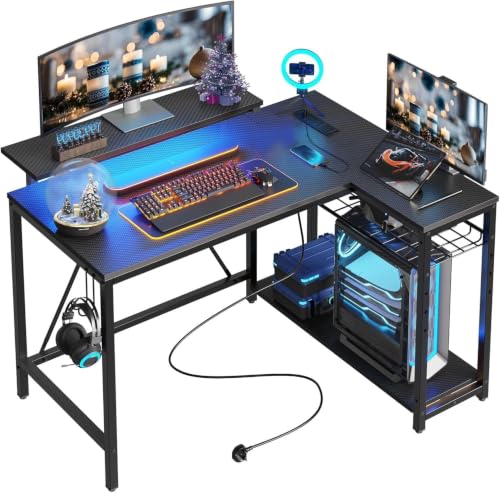
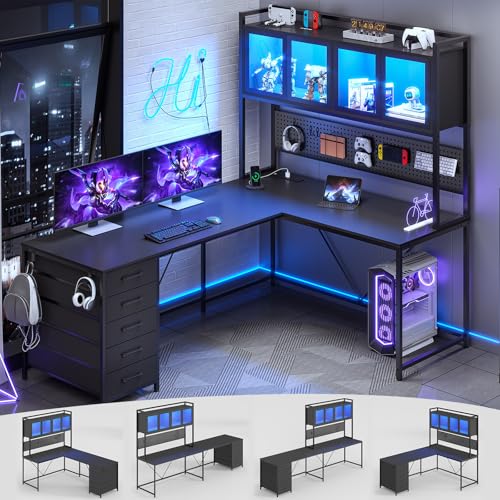
Best Computer Desk for Two Monitors for 2026: Matching the Right Desk to Your Routine
Disclosure: We may earn a commission when you buy through links on this page, at no extra cost to you. As an Amazon Associate I earn from qualifying purchases. Learn more

Learn how to choose the best computer desk for two monitors by work style, with sizing, depth, mount, and cable checks for a calm dual screen setup.
There is no single desk that suits every dual screen routine, because a gamer, a student, and a remote worker ask very different things of the same surface. The best computer desk for two monitors is the one whose width, depth, and frame match the way you actually sit and work each day. A desk that feels generous for spreadsheets can feel cramped once a game, a chat window, and a large tower join the setup.
This guide starts with your use case, then walks through the measurements and features that matter most. Use the comparison table below for a quick scan of sizes and prices, then read on for the reasoning behind each choice.
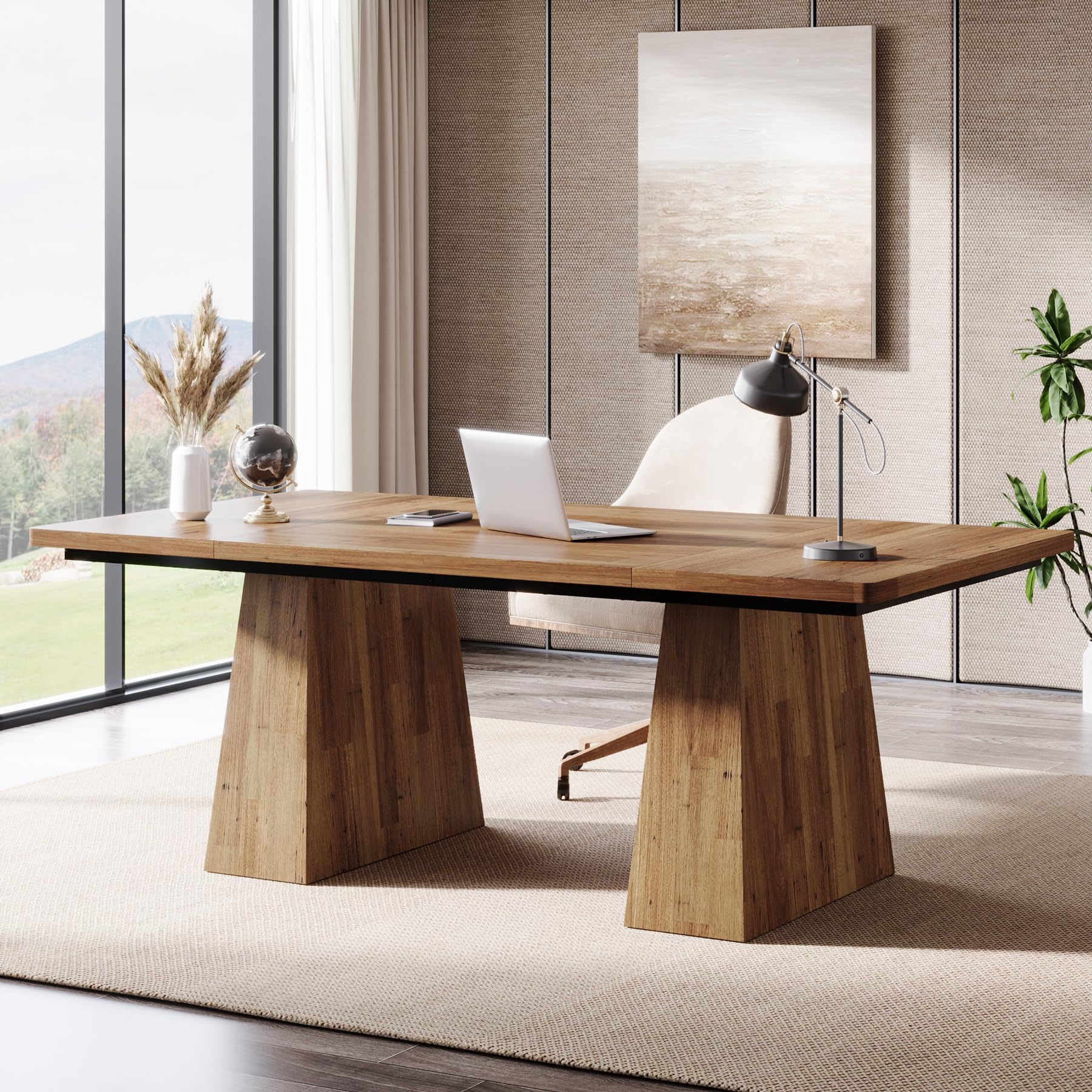
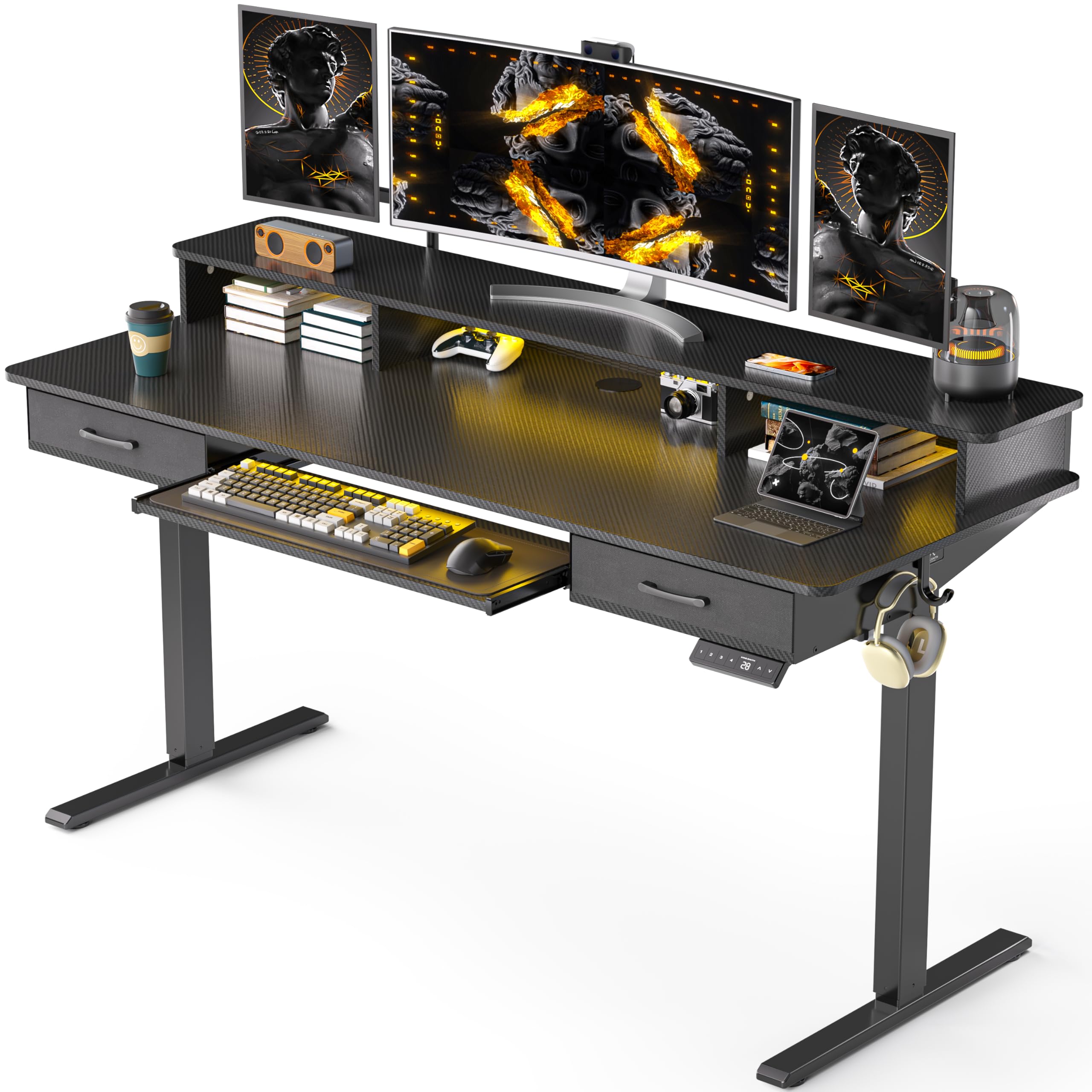

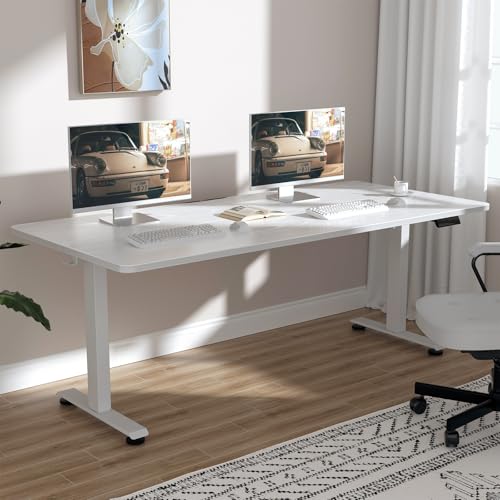


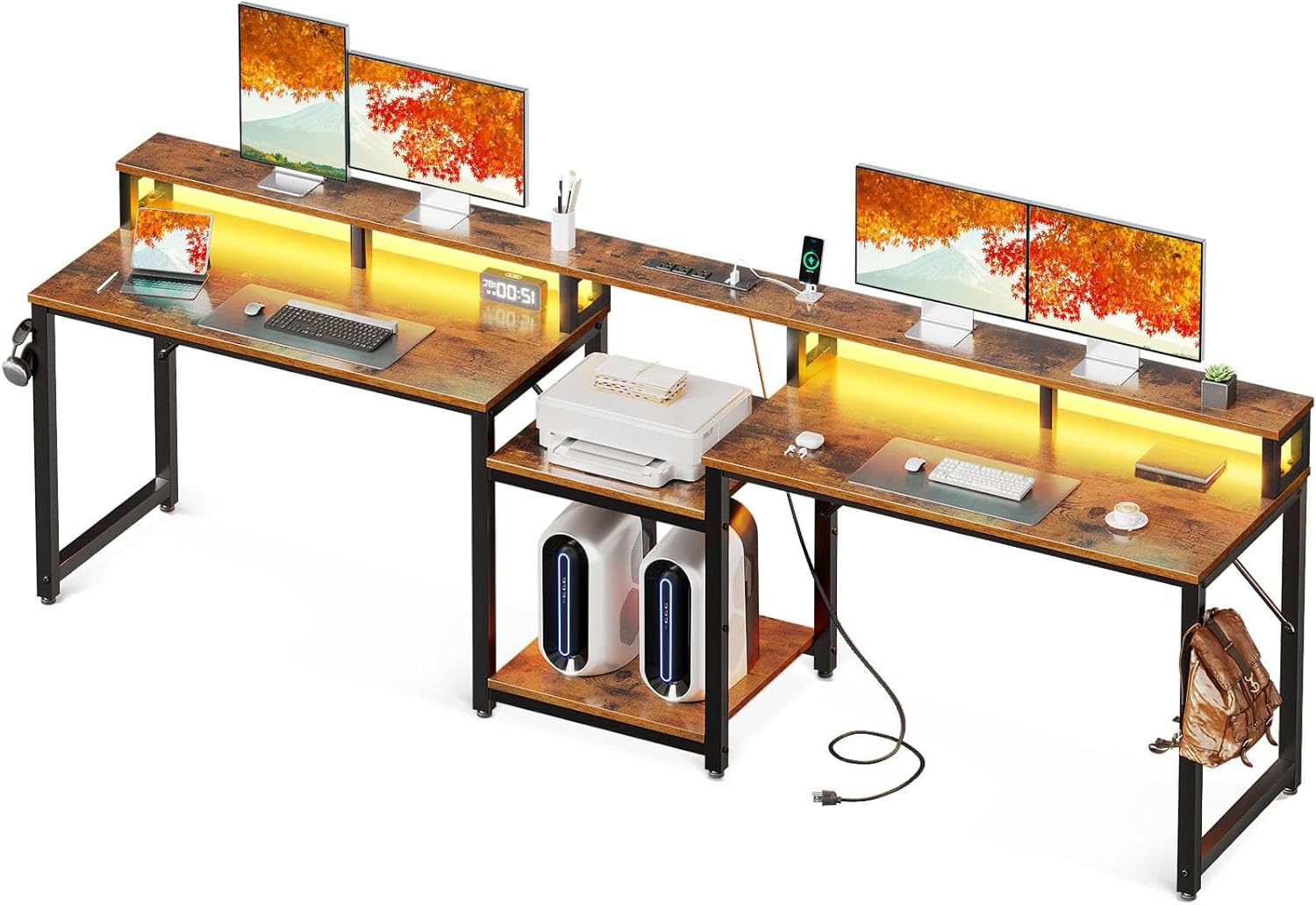


Who Should Buy Which Computer Desks?
Start by naming your main routine. The groups below cover most buyers, and each one points to a different set of priorities.
For Gamers and Power Users
You need depth more than almost anything else. Large screens, a keyboard, and a mouse pad eat space fast, and a shallow desk pushes big monitors too close to your eyes. Look for a top at least 30 inches deep, a frame rated for the combined weight of two screens on arms, and open leg room for a tower on a floor stand. If you are still choosing screens, see our guide to the best computer monitors for gaming before you lock in a desk size, because panel size drives everything else.
For Students and Everyday Users
Stability and fair price matter most here. A 55 inch top usually holds two 24 inch screens, a laptop, and a notebook without feeling crowded, and a simple rectangular frame keeps cost down. Prioritize a wobble free frame at sitting height, a modest cable tray, and a finish that shrugs off coffee rings and pen marks. Drawers are optional; a small shelf above the desk often serves a student better than built in storage that raises the price.
For Travelers and Commuters
If you move often, rent, or rebuild your corner each semester, treat the desk like luggage. Flat pack designs with a small parts count assemble and come apart without drama, and lighter tops are easier to carry up stairs. Favor frames that bolt together rather than glue, keep the width near 48 to 55 inches, and skip fragile glass tops. A desk you can move in one trip is worth more than an extra few inches of surface you dread packing.
Key Features to Compare
Once your group is clear, compare desks on the points below. Each one ties back to how two screens behave in real rooms.
Features That Matter for Two Monitors
Two screens change the math of a desk. Width of 55 to 63 inches lets two 27 inch monitors sit at a natural angle with a keyboard centered, while depth of 28 to 32 inches keeps screens at a healthy viewing distance. Check the weight rating with arms in mind, since a clamp mount concentrates load at one edge point. Our sizing notes in the guide to the best desk for two monitors walk through measuring your wall space first. A raised rear edge or a rear crossbar also helps, because dual setups push most cables and mounts toward the back.
Panel Technology (IPS, VA, OLED, Mini LED)
Panel choice sounds like a monitor topic, yet it shapes the desk you need. OLED screens are thin and light, so they suit slimmer arms and shallower desks. Large IPS and VA screens with Mini LED backlights run heavier and deeper, and they ask for a stronger frame and more rear clearance for their stands. Think of it as a load and space question: weigh both screens, add the mount, and compare that total with the desk rating before you buy.
Connectivity and Ports
Dual setups double the cable count, so desk level connectivity earns its keep. Grommet holes at both rear corners let power and display cables drop cleanly instead of crossing the work surface. Some desks add built in outlets or USB ports on the top edge, which helps laptops and phones but should never replace a proper surge protector under the desk. Plan one cable path per screen, keep power bricks off the floor where feet rest, and leave slack so you can slide the desk out for cleaning.
Refresh Rate and Response Time
Fast screens bring extra hardware with them. A 144Hz or 240Hz gaming screen usually connects by DisplayPort, needs a sturdy arm so motion stays smooth, and often pairs with a second screen for chat or video. That mix means more cables, a heavier mount point, and a desk deep enough that fast paced play still sits at a comfortable distance. If your second screen is a slower office panel, angle it slightly outward so the main screen stays square to your chair.
Common Mistakes to Avoid When Buying Computer Desks
- Buying on price alone and ending up with a thin top that flexes under two screens and a clamp mount.
- Ignoring depth, then finding your screens sit so close that you turn your head all day and strain your neck.
- Choosing a desk that fills the whole wall, leaving no room for a chair to roll or a door to swing.
- Forgetting the frame shape, since a center leg or low crossbar can block a tower, a footrest, or your knees.
- Skipping the warranty and parts policy, which matters when a lifting column or a desktop panel fails in year two.
Most of these errors show up in the first week of use. A tape measure and ten honest minutes with your room layout prevent nearly all of them, and our notes on the best computer desk for dual monitors explain how small measurement misses compound once arms and stands arrive.
Care and Maintenance Tips
A dual screen desk stays pleasant with light, regular care. Dust the top weekly and clean the screens with a dry microfiber cloth only, since sprays can damage coatings. If your screens are OLED, run the built in pixel refresh cycle the maker provides and avoid leaving a static image up for hours. Calibrate picture settings once, turning off the vivid mode that most screens ship with, and your eyes will thank you during long sessions.
Tighten mount clamps and frame bolts every few months, because small shifts grow into wobble. Recheck cable slack after any move so nothing pulls on a port. For layout ideas that keep a setup calm over time, see our guide to the best desk setup for two monitors.
Frequently Asked Questions
What features matter most in computer desks for two monitors?
Width, depth, and frame strength matter most. Aim for at least 55 inches of width and 28 inches of depth, and confirm the weight rating covers both screens plus a mount. One extra check many buyers miss is the underside layout: a cable tray mounted too low can hit your knees, so measure the clearance under the tray against your chair height before ordering.
IPS vs OLED: which is better?
Neither wins for every buyer, and for your desk the practical difference is size and weight. OLED panels are thin and light with strong contrast, which suits smaller desks and dim rooms. IPS panels cost less at large sizes and resist burn in during long static work. If you mix the two, put the lighter screen on the longer arm reach, since arm sag grows with distance from the clamp.
Does refresh rate matter for non gamers?
Yes, a little, mostly through comfort rather than speed. A 100Hz or 120Hz screen scrolls text more smoothly and can feel calmer during long reading sessions. It will not change how wide a desk you need, but fast screens often ship with bulky stands, so budget a few extra inches of depth or plan on a mount arm from the start.
How long does a computer desk for two monitors last?
A well built desk lasts seven to ten years of daily use. Steel frames and dense tops age slowly, while thin particleboard near a mount clamp can sag within a few years. Lifespan improves if you spread clamp pressure with a small metal plate under the mount, a cheap trick that protects the edge where most dual screen damage starts.
What desk size should I get for two monitors in a small room?
Start with the wall, not the screens. Measure the full run, subtract space for the door swing and your chair, and let that number set the width. In tight rooms, monitor arms reclaim more space than a smaller desk does, because stands vanish. Our notes on the best computer desk for 2 monitors cover corner layouts that fit two screens into rooms under 100 square feet.
Is 4K worth it for a two monitor setup?
4K is worth it when your work is text, photo, or design heavy and your screens are 27 inches or larger. Sharp text reduces eye strain across a long day. The desk side effect is real, though: 4K screens tend to be bigger and heavier, and dual 4K over two cables needs tidy routing, so choose a desk with two grommets or a wide rear tray.
Wrapping Up
Match the desk to your routine first, then confirm width, depth, and frame strength against your screens and mounts. Gamers should buy depth, students should buy stability at a fair price, and frequent movers should buy easy assembly. The best computer desk for two monitors for you is the one that disappears under your work, and the best computer desks for two monitors all share that quiet quality. Compare the finalists in the product table above and measure your wall one last time before you order.