Best Computer Desk for 3 Monitors: Types Compared and How to Choose for 2026
Disclosure: We may earn a commission when you buy through links on this page, at no extra cost to you. As an Amazon Associate I earn from qualifying purchases. Learn more

Straight, corner, and standing desks compared for the best computer desk for 3 monitors, with width, depth, and load checks.
Three monitors change what a desk has to do. Width alone is not enough, because depth, weight capacity, and cable routing decide whether the setup feels calm or crowded. Shoppers comparing the best computer desk for 3 monitors often find straight, corner, and standing designs that all claim to fit, yet behave very differently once three screens, a keyboard, and your arms all compete for the same surface.
This guide compares the main desk types, then walks through the measurements that matter. Start with the comparison table below, and keep your own monitor sizes and room dimensions beside you as you read.






Types of Computer Desks Compared
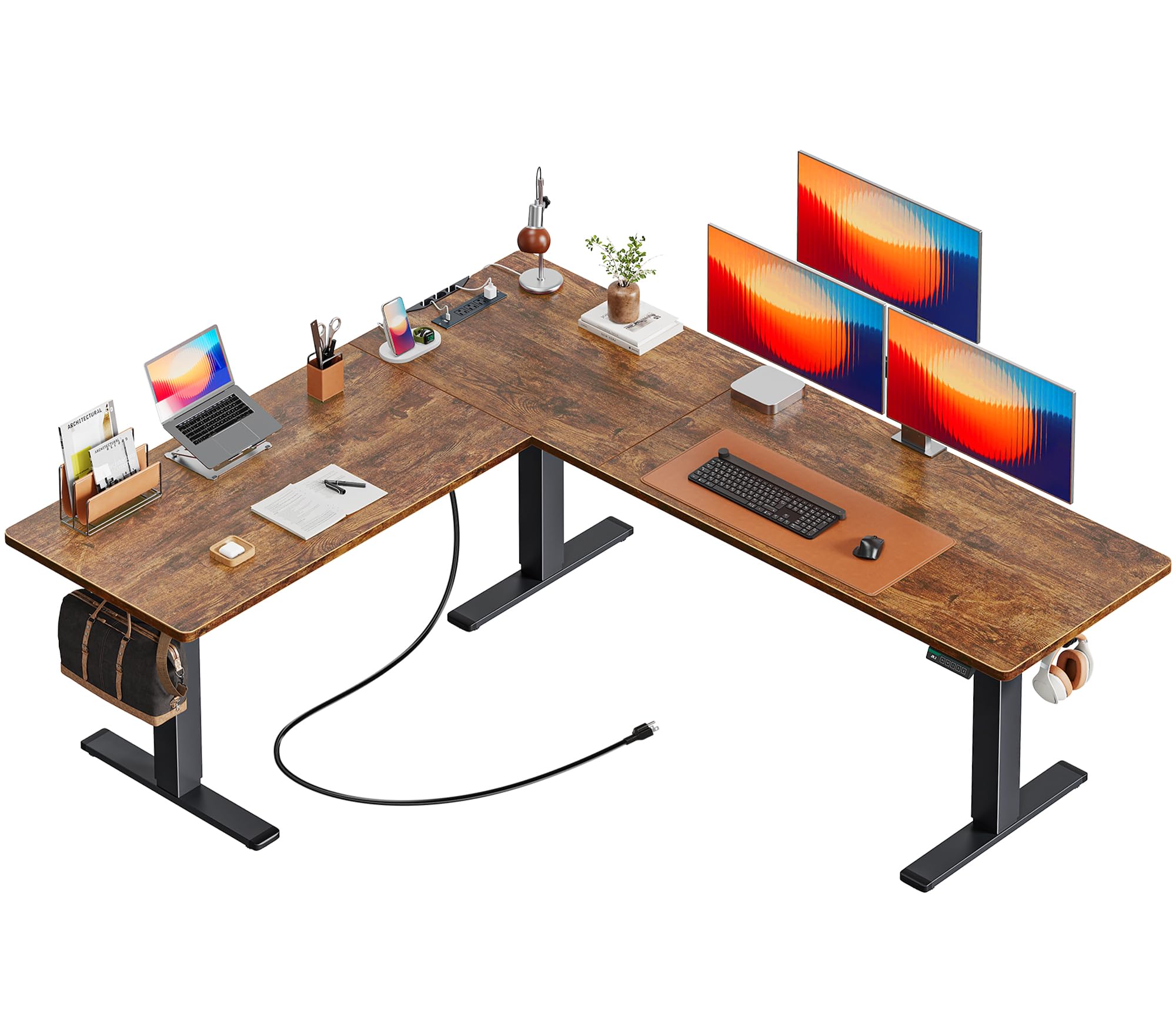
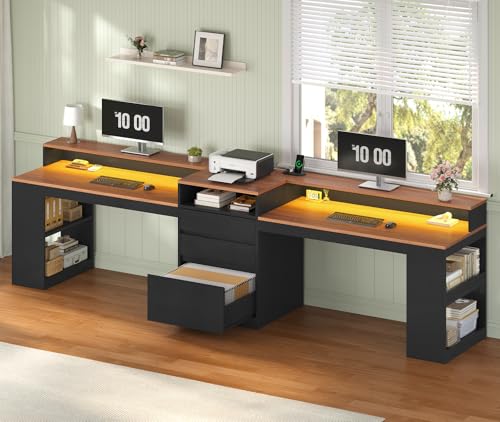
Three desk shapes cover nearly every triple monitor setup. Straight desks keep the simplest footprint and the lowest prices, usually around $150 to $400. Corner and L shaped desks spread screens across two wings and cost around $250 to $600. Standing desks add height adjustment and run from about $350 to $900 or more. The right choice depends on your room shape, how wide your monitors are, and whether you sit all day or move between sitting and standing.
Straight Rectangular Desks
A straight desk is the default for a reason. It fits against any wall, moves easily between rooms, and gives all three monitors one clean line. For three 24 inch monitors you need at least 60 inches of width, and for three 27 inch monitors you should plan on 70 inches or more, unless the side screens angle inward strongly. Depth matters as much as width. A top that is 30 inches deep keeps screens at a healthy viewing distance while leaving room for a keyboard and your forearms.
The limits show up in corners and storage. A straight desk offers no side wing for a printer, notebook, or paperwork, and cable runs collect along one rear edge. If your room is long and narrow, though, this is usually the smartest and cheapest shape, and it pairs well with a separate monitor arm that lifts all three screens off the surface.
Corner and L Shaped Desks
An L shaped desk wraps the side monitors around you, which suits flight simulation, racing games, and wide spreadsheet work where the side screens hold reference material. The corner also creates a natural home for a PC tower, a console, or storage drawers on the return wing. Measure both wall runs before ordering, and check that the corner joint sits level, because a rocking joint under the center monitor will annoy you daily.
Shoppers who compare layouts often also read about the best desk for 3 monitors in other shapes before deciding. Remember that an L shape locks you into one room arrangement. If you move home often or like to rearrange, a straight desk travels better. Also confirm which side the return wing sits on, since some models fix it permanently on the left or the right.
Standing Desks
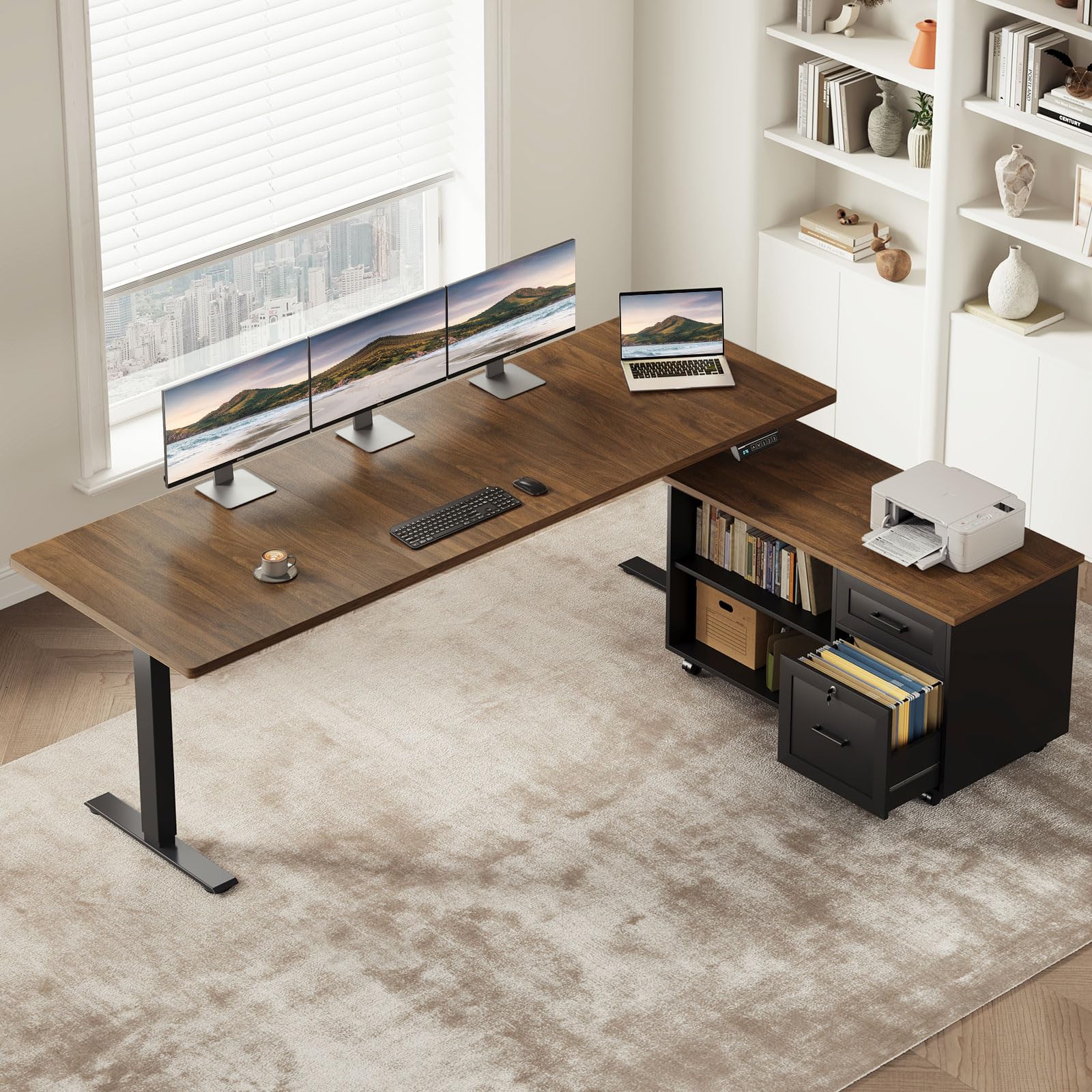
A standing desk with an electric frame lets you raise all three monitors to elbow height for standing work, which many people find eases back and shoulder strain across a long day. The frame must be rated for the full load. Three monitors on arms plus a desktop PC, speakers, and the top itself can pass 100 lb quickly, so look for a capacity of at least 150 lb and motors that lift smoothly without tilting.
Stability at full height is the test that separates good frames from weak ones. A desk that wobbles while you type at standing height will wobble more with three wide screens amplifying every movement. If standing matters to you, compare the options described in our guide to the best standing desk for 3 monitors and favor crossbar designs and thicker legs. Cable management also needs slack, because cables must travel with the desk as it rises.
Straight Desks vs Corner Desks: Which Should You Choose?
Choose a straight desk when your wall space is one clear run, your room is narrow, or you expect to move the setup within a year or two. Straight desks cost less for the same build quality, accept almost any monitor arm, and leave the rest of the room flexible. Choose a corner desk when the side screens hold tools you glance at constantly, when you want a dedicated wing for hardware or paperwork, or when the room corner is otherwise dead space.
Viewing comfort breaks the tie for many buyers. On a straight desk the side monitors sit flatter, so you turn your head more. On a corner desk they wrap toward you, which shortens the viewing distance to the outer edges and can strain your eyes if the corner is shallow. Sit in your chair at the planned spot and mimic your screen layout before you buy. Five minutes of honest rehearsal beats weeks of regret.
How to Choose the Right Computer Desk
Width, Depth, and Monitor Layout
Add up your real screen widths, including bezels, then add at least 10 percent for angling and breathing room. Three 27 inch monitors measure roughly 73 inches side by side when flat, and less when angled, which is why 70 to 80 inch tops are popular in this category. Depth of 30 inches suits most adults, while 24 inch deep tops push screens too close once a keyboard is added. If space forces a shallow desk, a monitor arm that clamps at the rear edge buys back several inches of usable surface.
Frame Strength and Surface Materials
A triple monitor setup is heavy and valuable, so the frame deserves as much scrutiny as the top. Steel frames with wide feet resist sway better than thin legs at each corner. Tops in laminate over engineered wood are affordable and resist scratches, while solid wood costs more and can be refinished later. Check the stated weight capacity and treat it as a ceiling, not a target. Also look at the rear edge. A modest gap or a built in tray keeps power strips off the floor and makes the whole setup look calmer.
Cable Management and Power
Three monitors mean at least three display cables, three power leads, and a nest of USB lines. A desk with a cable tray, grommet holes near the rear corners, and room for a mounted power strip will save you daily irritation. Plan the cable path before assembly, while the desk is still easy to reach from all sides. Leave service loops of extra cable so you can pull a monitor forward for cleaning. Buyers building a gaming focused rig should also note how the best gaming desk for 3 monitors options handle rear trays and headset hooks, since those details shape daily comfort.
Features That Matter for 3 Monitors
The triple monitor modifier changes four things. First, the desk must accept a three screen monitor arm or three separate arms without the clamp crushing a weak rear edge, so a solid rear rail is valuable. Second, the center of the top carries the most load, so mid span support prevents sagging. Third, your chair needs knee space clear of crossbars across the full width, because you will shift left and right between screens. Fourth, the machine driving the screens needs a ventilated home, so read how the best computer for 3 monitors setups handle tower placement and airflow if your PC will sit on or under the desk.
Care and Maintenance Tips
Dust the top weekly with a dry microfiber cloth, and lift the monitor arm bases once a month to clear the dust that gathers behind screens. Tighten frame bolts every few months, because the small daily movements of a loaded desk loosen hardware slowly. Keep drinks on a coaster away from the rear edge where cables run, and check cable insulation yearly for wear at the points where cables bend. For standing desks, run the frame through its full height range monthly and keep the cable slack free of pinches at the lowest position.
FAQs
What features matter most in computer desks for 3 monitors?
Width, depth, and load capacity matter most, in that order. The best computer desks for 3 monitors give each screen a stable home, keep the keyboard zone clear, and route cables out of sight. A strong rear edge for monitor arm clamps and mid span support under the top protect your screens and your posture over years of daily use.
How long does a desk for three monitors last?
A steel frame desk with a quality top commonly lasts eight to fifteen years. Tops usually show wear first, through edge chipping or surface scratches, while frames last longer. Standing desk motors are the wildcard, often rated for many thousands of cycles, which suits daily adjustment for a decade or more with normal care.
Should the side monitors match the center monitor?
Matching monitors are not required. Many people pair a larger or sharper center screen for main work with two simpler side screens for chat, mail, and reference pages. Keep screen heights aligned on the arms so your eyes travel in a level line, and match brightness as closely as the settings allow to reduce eye fatigue across the day.
Does refresh rate matter for non gamers?
For office work, refresh rate matters far less than desk fit. A standard 60 Hz screen scrolls text smoothly enough for documents and browsing, and the desk does not care which rate you choose. Spend your budget on surface size and frame strength first. Higher refresh screens only add cost and cable demands, not extra desk requirements.
What size desk should I get for my room?
Measure the wall run, then leave at least 30 inches of clear floor in front of the desk for your chair and leg movement. A 70 to 80 inch desk suits most triple 27 inch setups, while compact rooms with 24 inch screens can work at 60 inches. Tape the footprint on the floor for a day before ordering to see how the room feels.
Is 4K worth it on a triple monitor desk?
Three 4K screens demand a powerful graphics card and sharp eyes for small text, and they add nothing to the desk itself beyond the same width and weight questions. Many buyers prefer 1440p at 27 inches for a balance of clarity and readable text size. Choose resolution for your eyes and your computer, then size the desk to the physical screens.
Our Verdict
Measure your screens, respect the load, and pick the shape that fits your room rather than the shape in a showroom photo. Straight desks win on value and flexibility, corner desks win on wrap around workspace, and standing desks win on posture variety. Whichever route you take, the product table above will help you compare the best computer desk for 3 monitors candidates against the measurements that matter most.