Best Computer for 3 Monitors: A Buyer Checklist for 2026
Disclosure: We may earn a commission when you buy through links on this page, at no extra cost to you. As an Amazon Associate I earn from qualifying purchases. Learn more
Graphics outputs, ports, memory, and setup tips for the best computer for 3 monitors, so three screens run smoothly every day.
Running three screens at once looks simple, yet many computers fail at the first hurdle because they lack enough display outputs or the graphics power to drive them well. This guide walks you through a clear checklist for choosing the best computer for 3 monitors for work, study, trading, or play. You will learn which ports matter, how much memory and processing power you really need, and which details save trouble later.
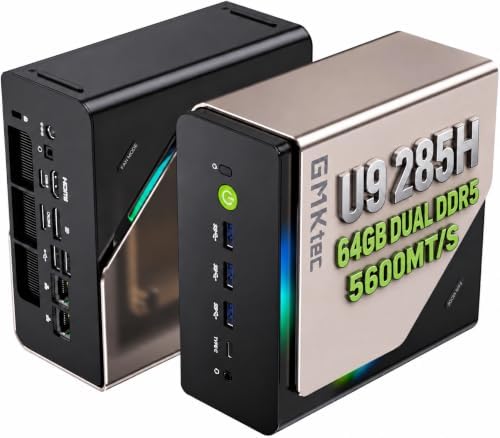
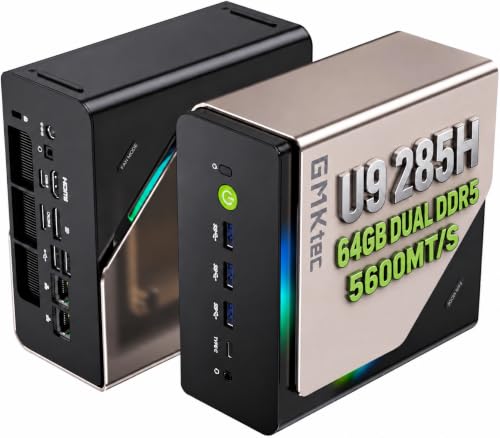
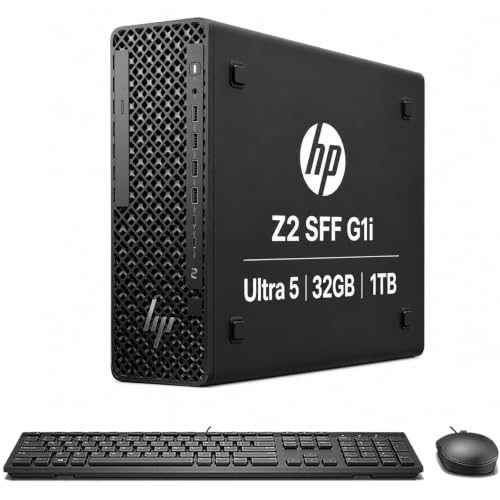
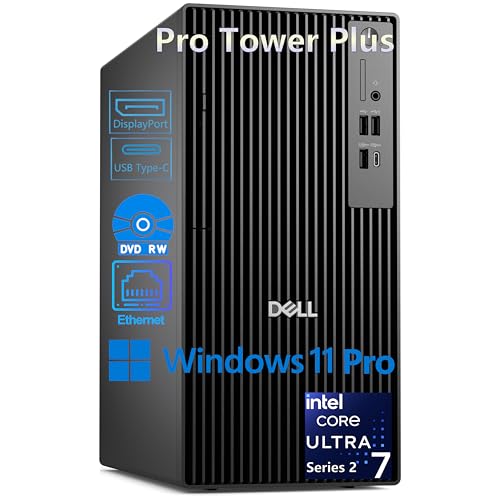
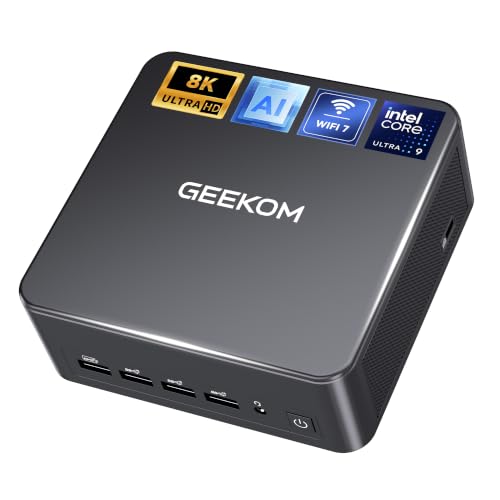
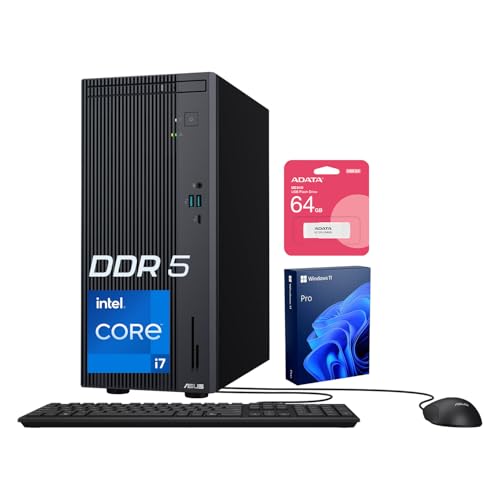
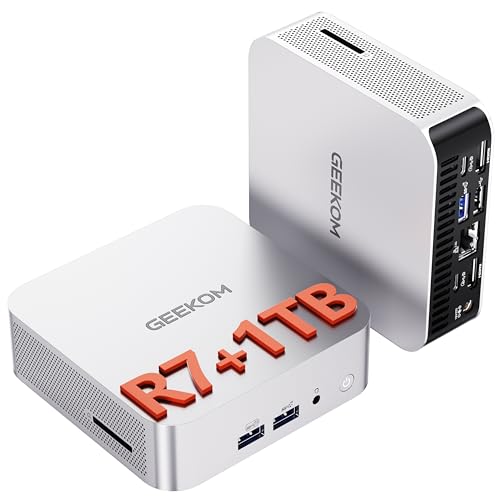
Start with the comparison table below to see how current models differ on outputs, graphics, and size. Then use the sections that follow to match those specs to your desk, your software, and your budget.



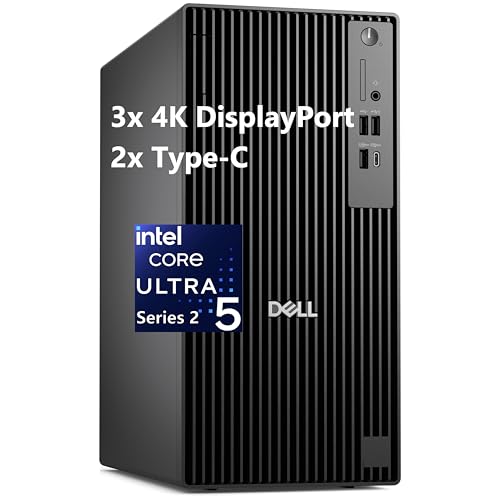
Key Features to Compare for Three Screens
Three screens multiply the pixels, the cables, and the windows your system must handle at once. The checklist below breaks the decision into the specs that decide whether a triple screen setup feels smooth or sluggish.
Features That Matter Most for 3 Monitors
The first thing to confirm is that the computer can output three separate images at once, not the same image mirrored three times. Look for a graphics solution that lists support for at least three displays in its specs. Memory matters too, since browsers, spreadsheets, chat tools, and design apps all stay open together. For most buyers, 16 GB of RAM is a sensible floor, and 32 GB suits heavy multitasking or creative work.
Panel Technology: IPS, VA, OLED, and Mini LED
The computer sends the signal, but the panels you pair with it shape color, contrast, and comfort. IPS panels give accurate color and wide viewing angles, which helps when the side screens sit at an angle to your chair. VA panels offer deeper contrast for video and evening work, while OLED panels deliver rich blacks and fast response with a small risk of burn in from static toolbars. Slim, even bezels make three screens feel like one wide workspace, and if appearance matters to you, see our guide to the best looking computer monitors for styles that suit a tidy desk.
Adaptive Sync and Gaming Features
Adaptive sync lets a monitor adjust its refresh rate to match the frames the computer produces, which reduces tearing and stutter in games. The two main systems are G Sync and FreeSync, and your graphics card and screens should support the same one where possible. HDMI 2.1 and recent DisplayPort versions carry the bandwidth needed for high refresh rates at higher resolutions. If fast play is a priority, see our guide to the best gaming monitors to pair screens with the computer you choose.
Stand, Mounting, and Ergonomics
Three screens take real space, so plan the physical layout before you buy the computer itself. A compact tower or mini PC can sit under a monitor arm or on a shelf, while a large tower needs floor space or a wide desk. Check that your screens offer VESA mounts if you plan to use a triple arm, since an arm frees desk room and aligns the panels at one height. Our guide to the best computer desk for 3 monitors can help you size the workspace properly.
Resolution and Screen Size
Resolution decides how much sharp detail each screen shows and how hard the graphics must work. Three 1080p screens are the lightest load and suit office work, coding, and study. Three 1440p screens give more room for windows and crisper text, and they are a popular middle ground for mixed use. Three 4K screens look superb for photo and video work, but they demand a much stronger graphics card and more desk depth, since larger panels need more viewing distance to stay comfortable.
Connectivity and Ports
Count the display outputs on the computer and match them to the inputs on your screens before you order. DisplayPort is the most flexible choice for monitors, HDMI is common on TVs and office screens, and USB C can carry video on some models with DisplayPort alternate mode. Avoid relying on splitters, since most splitters only mirror one image instead of extending your desktop.
Buying Guidance: Power, Size, and Budget
Models change often, and the right choice depends on your screens and software more than on any single release. The guidance below focuses on the lasting factors that separate a good buy from a frustrating one.
Graphics Power and Processor Tiers
For email, documents, and web work across three 1080p screens, modern integrated graphics can be enough, as long as the computer offers three working display outputs. For 1440p screens, light gaming, or photo editing, a dedicated graphics card with at least three outputs and ample video memory is the safer choice. Video editors, 3D artists, and serious gamers should step up further, since timeline scrubbing and rendering draw on both the graphics card and a fast multi core processor.
Form Factor, Cooling, and Noise
A mini PC saves space and suits a clean desk, but small cases have limited cooling and almost no room for a stronger graphics card later. A mid tower is the flexible middle option, with better airflow, quieter fans, and space for upgrades. If you need a temporary or travel friendly third screen instead of a full desk array, see our guide to the best portable computer monitors for lighter options that pair well with compact computers.
Memory, Storage, and Room to Upgrade
Check whether the memory and storage can be upgraded after purchase, since that decides how long the computer stays useful. Two memory slots with one free, or four slots in total, make a later jump to 32 GB simple. A second drive bay or an extra M.2 slot lets you add storage for growing photo, video, or game libraries. Computers with soldered memory force a full replacement sooner when your workload grows.
Quick Buyer Checklist
Before you order the best computer for 3 monitors for your desk, run through these yes or no questions. A no on the first three usually means you should keep looking. The rest help you avoid returns and extra purchases.
- Does the computer list support for three independent displays in its official specs?
- Does it have three display outputs that match the inputs on your screens?
- Does the graphics solution handle your target resolution on all three screens at once?
- Does it include at least 16 GB of RAM, or a clear path to upgrade later?
- Will the case size fit your desk, shelf, or floor space with room for airflow?
- Are there enough USB ports left for your keyboard, webcam, and other gear?
- Does the warranty cover at least one year, with support you can reach easily?
Red Flags to Watch For
Some listings sound generous but hide limits that only appear after setup. Watch for these warning signs while you compare models in the product table above.
- Vague display claims, such as supports multiple monitors, with no stated maximum number or resolution.
- Only two video outputs on a computer sold for triple screen use, which forces costly adapters or docks.
- Low memory paired with no upgrade path, so normal multitasking soon feels slow.
- No clear warranty terms or an unusually short coverage period for a new computer.
- Ports listed without version details, since older HDMI or DisplayPort versions may cap refresh rate or resolution.
Choosing a Computer for Your Situation
Different work loads three screens in different ways. Match the computer to your heaviest regular task, not your lightest one.
Best Gaming Computer for 3 Monitors: What to Check
For gaming across three screens, you need a dedicated graphics card strong enough for your target resolution, since racing and flight games often span all three screens as one wide view. Prioritize high refresh rate support, adaptive sync that matches your screens, and fast storage for large game installs. For screen pairing ideas, see our guide to the best computer monitors for gaming before you settle on resolutions.
Office, Trading, and Study Setups
For documents, spreadsheets, video calls, and market charts, stability and screen count matter more than raw graphics speed. Integrated graphics with three outputs, 16 GB of RAM, and a quiet case will serve most desks well. Spend the savings on a good monitor arm, a comfortable keyboard, and a backup drive.
Creative Work: Photo, Video, and Design
Creative apps reward color accurate screens, fast storage, and plenty of memory. Choose a graphics card that your editing software can use for acceleration, and plan on 32 GB of RAM if you edit 4K footage or large layered files. Keep one screen for your timeline or tools and the other two for preview and assets.
Setup and Care Tips for Your Computer
When the computer arrives, connect one screen first, install updates and graphics drivers, and confirm the image is stable before adding the other two. Then set each display to its native resolution in your system settings and arrange the screens in the same order as they sit on your desk.
Care for the computer itself with simple habits. Keep the case vents clear, clean dust filters every few months, and leave space behind the tower for warm air to escape. Update graphics drivers a few times a year, especially after adding new screens or games. Use a surge protector for the computer and all three monitors.
Frequently Asked Questions
What features matter most in a computer for 3 monitors?
Three independent display outputs, enough graphics power for your resolution, and at least 16 GB of RAM matter most. One extra point to check is the power supply rating, since a weak unit can limit later graphics upgrades. A very small power supply may cost more to improve later than a slightly pricier model with headroom.
Is 4K worth it on a computer for 3 monitors?
4K is worth it if you edit photos or video, read fine detail, or sit close enough to notice sharper text. For general office work, 1440p often gives a better balance of clarity, cost, and graphics load. Remember that three 4K screens may need a stronger graphics card, so weigh the visual gain against the total system cost.
How long does a computer for 3 monitors usually last?
A well chosen computer usually serves four to six years before software demands outgrow it. You can extend that span by upgrading memory or storage midway, which is why spare slots matter at purchase. Keeping the case clean and cool slows wear on every component inside.
What computer size works best for a desk with 3 monitors?
A mini PC or compact tower works best when desk space is tight, since three screens already claim most of the surface. A mid tower suits buyers who want quieter cooling and upgrade room and who can place the case on the floor or a side stand. Measure your space before ordering, including room for cables to bend behind the case without strain.
IPS vs OLED: which panel type is better for a computer with 3 monitors?
IPS is better for most three screen desks because it holds color well at wide angles and carries no burn in risk from static windows. OLED looks richer for video and games, especially in dim rooms, but three OLED panels raise the cost sharply. A mixed approach also works, with an OLED center screen for media and IPS side screens for text and tools.
Does refresh rate matter for office work on a computer with 3 monitors?
Refresh rate matters less for office work, where 60 Hz feels fine for documents, email, and video calls. A higher rate does make scrolling and window dragging feel smoother. If budget is tight, spend on memory and screen quality first.
Final Thoughts
The right triple screen computer comes down to three checks: enough display outputs, graphics power matched to your resolution, and memory that fits how you work. Compare the models in the product table above against the checklist in this guide, and favor upgrade room when two options look close. Chosen well, the best computer for 3 monitors turns a crowded desk into a calm, wide workspace that stays useful for years.