
Best Computer Chairs with Lumbar Support: A 2026 Buying Checklist
Disclosure: We may earn a commission when you buy through links on this page, at no extra cost to you. As an Amazon Associate I earn from qualifying purchases. Learn more
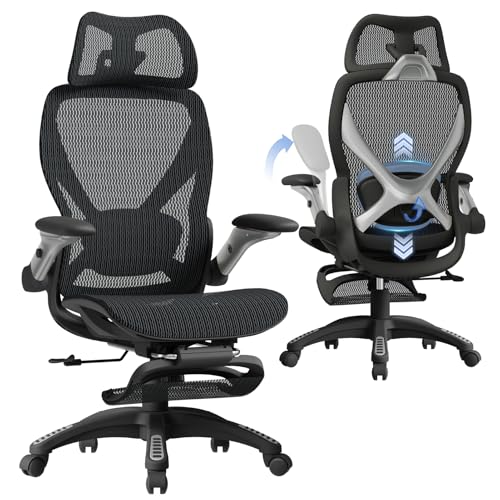
Use this buying checklist for the best computer chairs with lumbar support: adjustable lumbar depth, seat fit, materials, weight capacity, and warranty.
A chair can look supportive in photos and still leave your lower back aching by lunch. The difference usually comes down to a short list of measurable details, so this guide works as a checklist you can run against any listing. When you shop for the best computer chairs with lumbar support, you are really checking whether the lumbar pad sits at the right height, pushes with the right amount of force, and stays put through a full workday.
Below, each checklist item explains what to look for, what counts as a weak spec, and who benefits most. Use the comparison table below to line up the basic numbers first, then work through the sections in order before you spend anything.
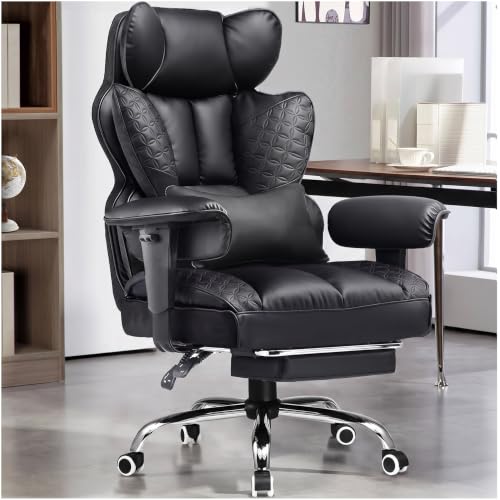
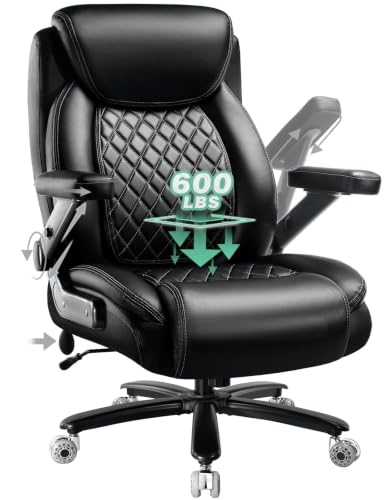
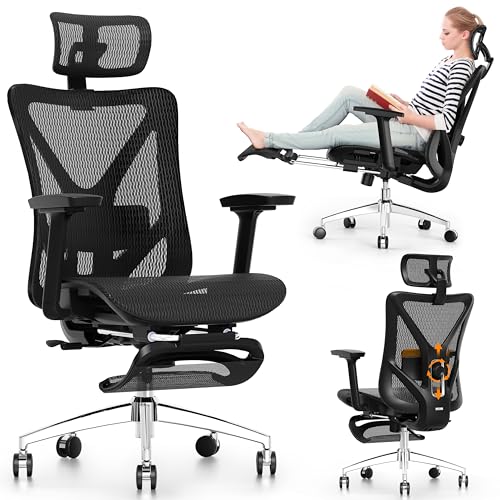
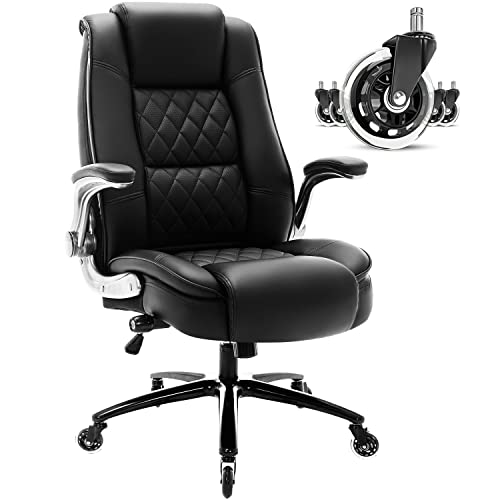
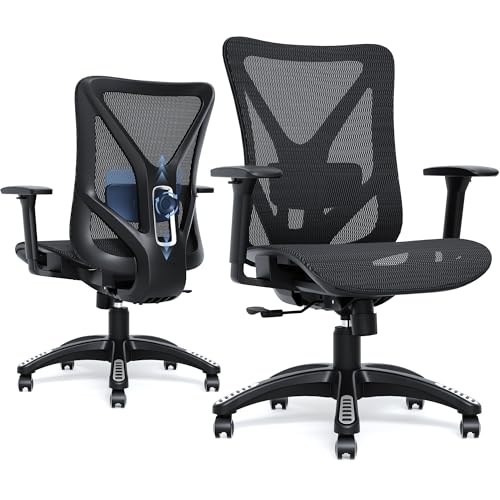
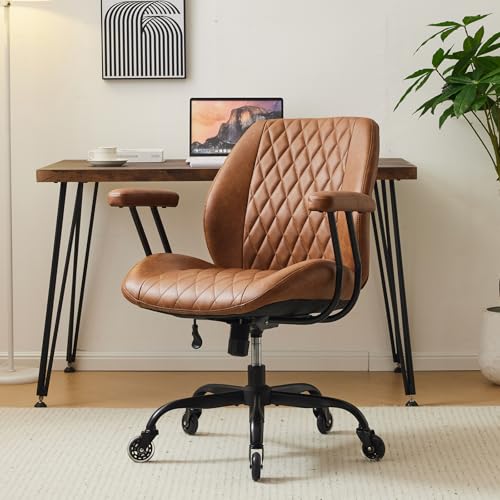

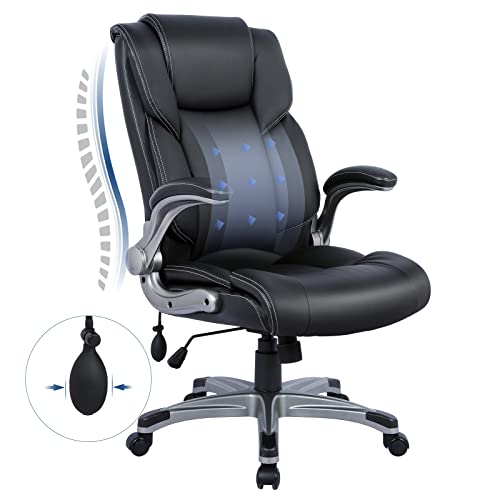

The Checklist: What to Check Before You Buy
Think of this section as a scoring sheet. A chair does not need to ace every item, but it should never fail the first two, because lumbar height and seat fit decide whether the support lands on your back at all.
Why a Computer Chair With Lumbar Support Helps
Your lower spine curves inward, and a flat chair back leaves that curve unsupported, so your muscles do the work instead and tire out. A lumbar pad fills the gap and lets you rest against the backrest without slumping. The benefit is real but limited: a fixed pad molded at one height only helps if it matches your back. If you already feel numbness, tingling, or pain that travels down a leg, a chair is not the fix, and you should talk with a clinician.
Support needs also differ by setting. A chair used at a job site desk all week faces different demands than one in a spare bedroom, and our guide to the best chairs for lumbar support covers the wider category if you are comparing chair types beyond desk models.
Ergonomics and Adjustability
Adjustability is where lumbar chairs earn their price. Look for support that moves up and down at least a few inches, because the curve of your back sits at a different height than someone taller or shorter. Depth adjustment matters just as much: a pad that pushes too far forward shoves you toward the edge of the seat, while one that barely touches does nothing. A separate dial for lumbar force is a strong sign the maker took this seriously.
Round out the fit with seat height that lets your feet rest flat, adjustable armrests that keep your shoulders relaxed, and a tilt lock that holds a slight recline. In a shared office, simple controls matter because nobody resets six levers every morning, which is one reason our guide to the best office chairs for lumbar support weighs adjustment range so heavily.
Style and Room Fit
Style sounds shallow until the chair arrives and dominates the room. Measure the space first: a high back chair with a wide base can swallow a small home office and block a door swing. Mesh backs read lighter and suit modern rooms, while padded chairs look more formal on video calls. Color is the easy part, since most models come in black, gray, or one accent shade. The harder part is footprint, so check the base diameter and chair width against your desk gap before ordering.
Assembly and Delivery
Most computer chairs arrive in one large box with the back, seat, base, casters, gas lift, and a bag of bolts. Assembly usually takes one person about 20 to 40 minutes with the included Allen key, and the only awkward step is holding the backrest in place while starting its bolts. Clear instructions with labeled hardware are a good sign; a single blurry sheet is not. Check the box weight if you carry packages up stairs, and keep the box until you are sure the chair fits, because returns are far easier with the original packaging.
Materials and Upholstery
The three common coverings behave very differently over a workweek. A mesh back breathes, so it stays comfortable in warm rooms, but the seat under it is often a thin pad some people find too firm. Fabric over foam feels soft and grips clothing, which keeps you from sliding, though it holds dust and needs vacuuming. Faux leather wipes clean in seconds and looks sharp, yet it can feel sticky in summer and may peel after a few years. Under every covering, the frame matters more: steel or reinforced nylon bases outlast thin plastic ones by a wide margin.
Warranty and Return Policy
Warranty terms tell you what the maker expects to fail. The gas lift and casters wear out first, so look for at least two years of coverage on moving parts and longer coverage, often five years or more, on the frame. A short 90 day warranty on a chair priced for daily work is a warning sign. Just as important is the return window, because lumbar fit is personal and you cannot judge it from photos. A trial period of a few weeks lets you sit through real workdays before deciding.
Comfort and Cushioning
Seat comfort comes mostly from the foam. High density foam holds its shape under your weight and supports you evenly, while soft low density foam feels plush for ten minutes and then compresses until you sense the hard seat pan beneath. A waterfall seat edge, where the front of the cushion curves down, keeps pressure off the back of your thighs during long sessions. If you sit six or more hours a day, favor a thicker molded cushion over a thin flat pad, and remember that a cushion that feels slightly firm at first usually feels right by week two.
Matching Chair Features to Your Body and Workday
Two shoppers can read the same listing for the best computer chairs with lumbar support and need opposite things from it, because body size and daily hours change what counts as supportive. Use the product table above to sort models by size and capacity first, then match the groups below to your situation.
Taller and Heavier Sitters
Start with weight capacity and treat it as a hard limit, not a suggestion. A chair rated well above your weight runs its gas lift and casters under less strain, so it sinks less and rolls more smoothly over time. Check seat depth as well: taller sitters need a deeper seat so the cushion supports most of the thigh without pressing behind the knees. A taller backrest with a pad that adjusts high enough is the third check, since a pad stuck at one low position misses the curve of a longer back.
Compact Desks and Small Rooms
Small spaces reward narrow chairs with flip up arms, because fixed armrests bang into the desk edge and stop you from tucking the chair away. Compact and space saving models usually trade a smaller seat and lower weight capacity for that slim footprint, so measure your desk height and the gap underneath before choosing one. If your desk doubles as a dining table, our guide to the best desk chairs for lumbar support focuses on chairs sized for tighter setups like yours.
Long Sessions and Mixed Use
People who work all day and then stay at the same desk for hobbies need a chair that handles both upright typing and relaxed leaning back. A tilt mechanism with tension control and a lock at more than one angle covers that range, and a breathable mesh back keeps its comfort edge during evening hours. Gamers comparing racing style seats with desk chairs can see how the shapes differ in our guide to the best gaming chairs with lumbar support.
Quick Buyer Checklist
Run these yes or no questions against any chair before you buy. More than two no answers means you should keep looking.
- Does the lumbar support adjust in height so it can meet the curve of your back?
- Can you change how firmly the lumbar pad pushes, or swap in a pillow that suits you?
- Does the seat depth leave a small gap behind your knees when you sit fully back?
- Is the weight capacity comfortably above your own weight?
- Do the armrests adjust enough to let your shoulders stay relaxed while you type?
- Does the tilt lock hold a slight recline, not just a bolt upright pose?
- Is the frame or base covered by a warranty of several years?
- Can you return the chair after sitting in it for real workdays if the fit is wrong?
Red Flags to Watch For
Listings for weak chairs share a few habits, and spotting them saves you a return trip.
- The listing says ergonomic over and over but never states the lumbar adjustment range, which usually means the pad is fixed in one spot.
- Weight capacity is missing or buried, a common sign the frame and gas lift are light duty parts.
- Every review reads like an advertisement and none mention a single flaw, which suggests the feedback was not earned honestly.
- The warranty covers only a few months on parts that wear daily, such as casters and the lift cylinder.
- The photos show a plush seat but the specs list a very thin cushion, so the comfort in the picture will not survive a month of sitting.
Choosing Computer Chairs for Your Situation
Best Computer Chairs for Lumbar Support: What to Check
The word for in that phrase points at purpose: the chair exists to support your lower back, not just to include a pad as a bonus feature. So judge it by placement first, force second, and extras last. A chair that lets you raise, lower, and firm up the support will fit far more backs than one with a thicker fixed bump. If lower back comfort is your main concern across the whole chair, our guide to the best computer chairs for back support looks at backrests, recline, and seat shape together rather than the lumbar pad alone.
Budget models can still pass this test when the maker spends on the pad mechanism instead of decoration. Expect to pay around $200 for a chair with real lumbar adjustment and a solid frame. Chairs under $100 usually offer a fixed pad and thinner foam, while spending more mainly buys finer adjustments, better materials, and longer coverage rather than a different category of comfort.
Care and Maintenance Tips
A few small habits keep a lumbar chair working the way it did on day one. Set the seat height so your feet rest flat, and readjust it after anyone else uses the chair. Tighten the armrest and backrest bolts every few months, because daily leaning works them loose and a wobble ignored for long becomes a stripped thread. Vacuum fabric and mesh with a brush attachment weekly, and wipe faux leather with a damp cloth so sweat and dust do not dry the surface out. Finally, roll the chair instead of dragging it sideways, which bends caster stems over time.
Frequently Asked Questions
How do I choose the right size computer chair with lumbar support?
Match three numbers to your body: seat height, seat depth, and weight capacity. Your feet should rest flat with the seat at its working height, the cushion should end a couple of inches behind your knees, and the capacity should sit well above your weight. One extra check many people skip is backrest height: the lumbar pad range must overlap the belt line area of your back, so measure from your seat to that spot while sitting and compare it with the listed pad range.
What features matter most in a computer chair for long hours of work?
Adjustable lumbar height and depth matter most, followed by a firm molded seat cushion and a tilt lock that holds a slight recline. Together they let you shift position through the day instead of freezing in one pose. A useful habit to pair with those features is standing up briefly every half hour or so, because even a well fitted chair cannot replace movement during an eight hour stretch at the desk.
How long should a good computer chair with lumbar support last?
A well built chair used daily should last about seven to ten years, with the gas lift and casters usually wearing out first. Foam life is the quieter limit: once the cushion stays compressed and you can feel the seat pan through it, support has faded even if nothing looks broken. Replacement lifts and caster sets are inexpensive and widely sold, so a chair with standard fittings can often be refreshed instead of replaced.
Is an expensive computer chair with lumbar support worth the money?
It can be, if the extra cost buys finer lumbar adjustment, denser foam, and a long frame warranty rather than styling alone. Price alone proves nothing, since some costly chairs spend their budget on looks. A practical test is cost per year: a chair around $300 that serves eight years costs less per year of sitting than a chair around $120 that sags in two, and your back feels the difference every single workday.
Final Thoughts
Everything in this guide reduces to three checks: the lumbar pad must adjust to your back, the seat must fit your body, and the frame must carry a warranty that shows the maker trusts it. Compare your finalists against the product table above, answer the quick checklist honestly, and skip any chair that fails the first two checks no matter how good the photos look. Do that, and the best computer chairs with lumbar support for your desk stops being a guess and becomes a measured choice.


