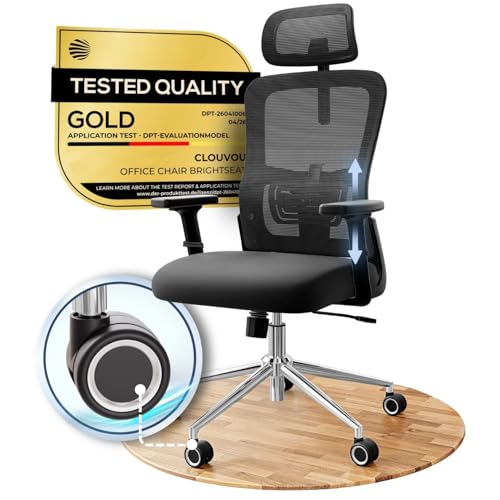
Best Computer Chairs for Posture of 2026: Complete Buying Guide
Disclosure: We may earn a commission when you buy through links on this page, at no extra cost to you. As an Amazon Associate I earn from qualifying purchases. Learn more

Compare the best computer chairs for posture by seat fit, lumbar contact, armrest height and desk setup, with price bands and honest limits explained.
A chair cannot fix your posture, and any listing that promises it can is selling you a story. What a well fitted computer chair can do is support a comfortable sitting position at your desk for long stretches, and that support starts with fit and setup rather than price. This guide covers the best computer chairs for posture through that lens: how the chair meets your body, how it meets your desk, and where the chair stops mattering and your own habits take over.
The product table below puts the adjustment ranges side by side. The sections after it explain how to read those ranges against your desk height, your screen position and your body, so the numbers turn into a decision.
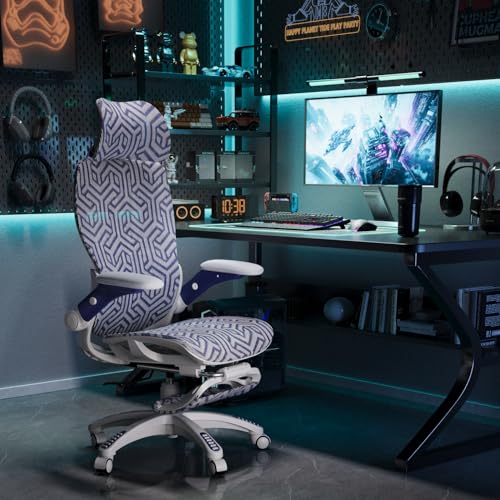
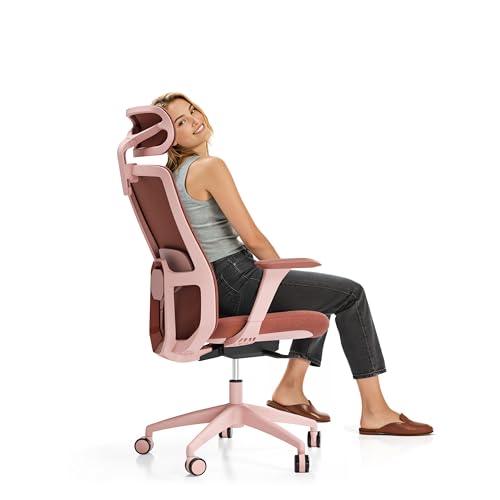
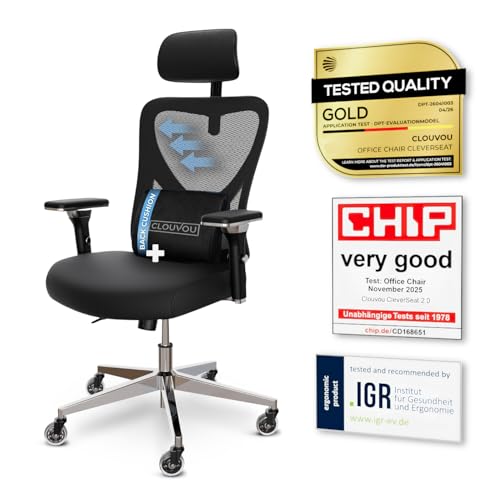
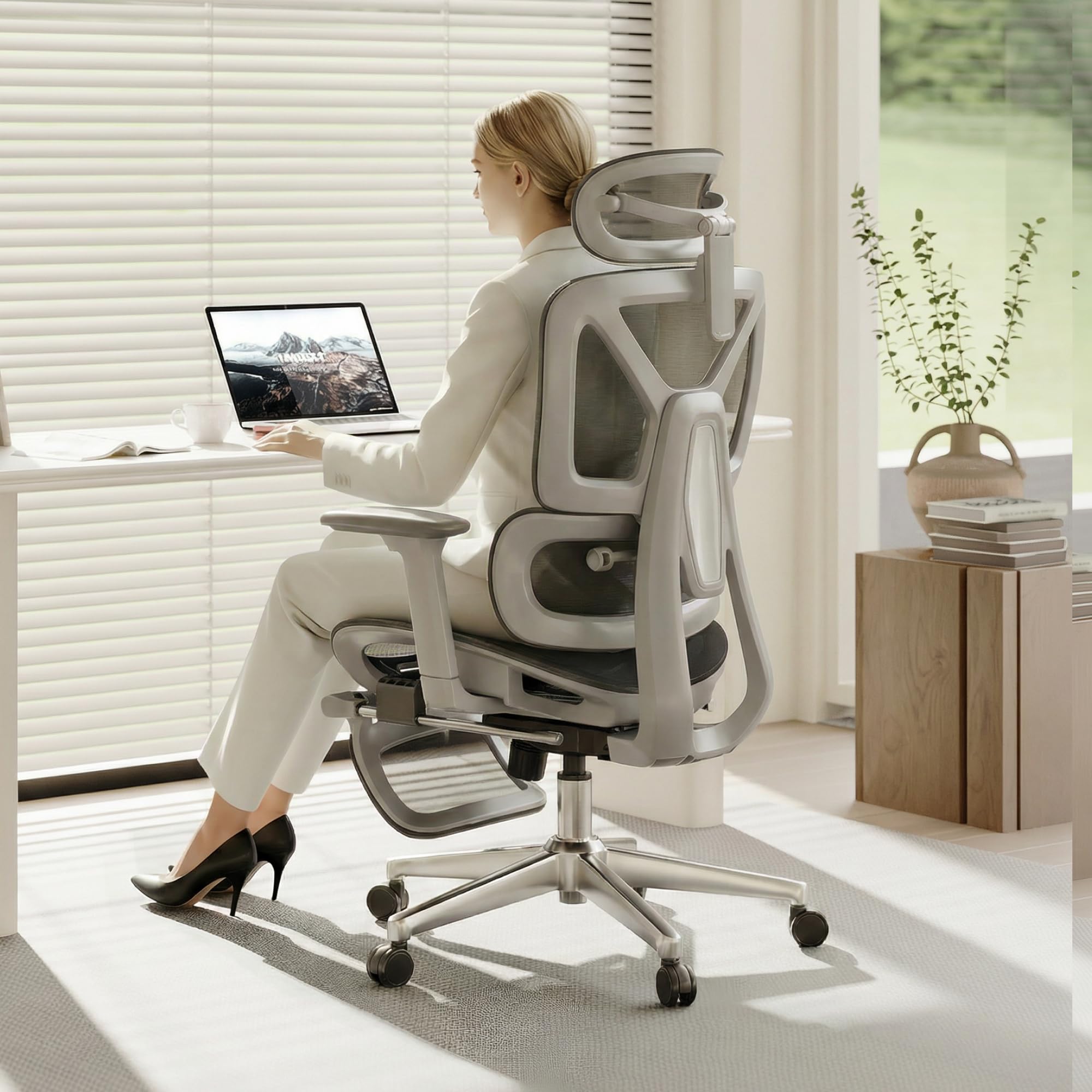
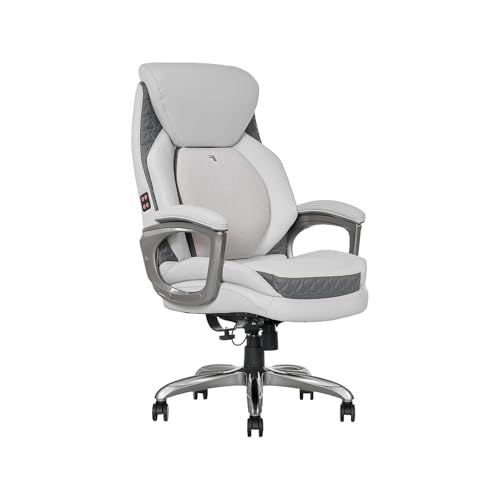
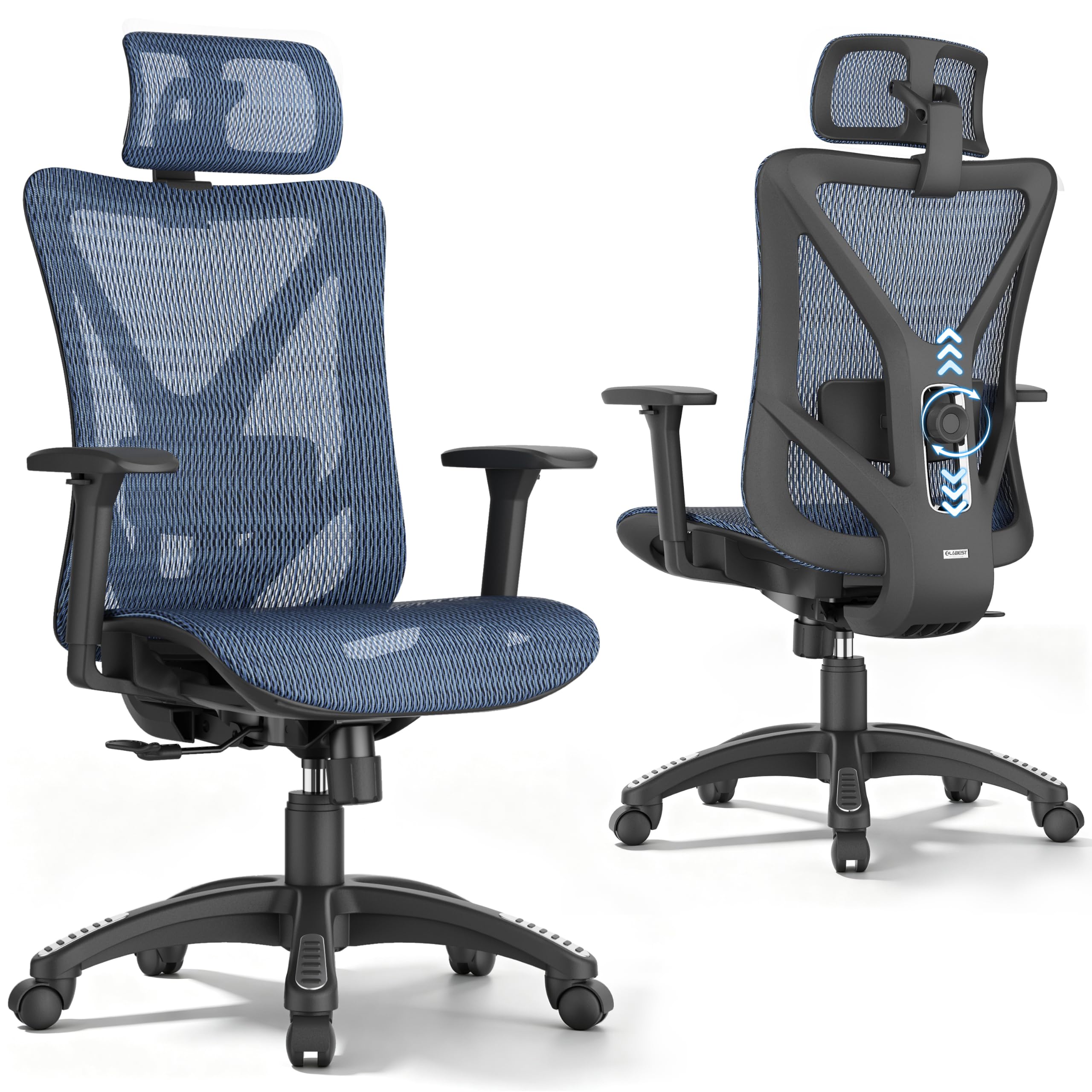
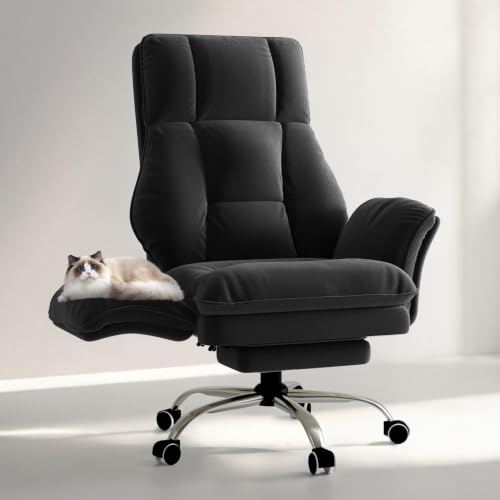
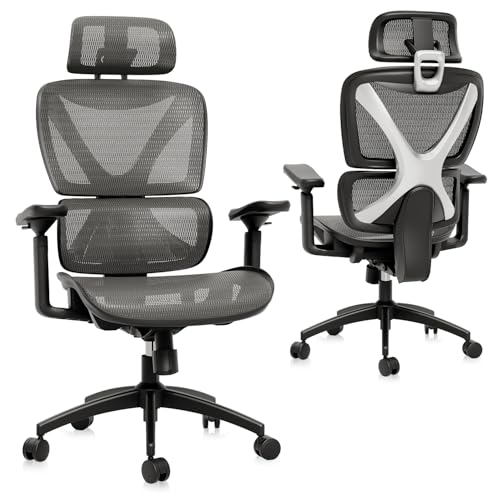

Chair Classes and What Each Band Buys
Computer chairs divide into three broad classes, and the honest difference between them is the number and range of adjustments, not the padding. Knowing the class you are shopping in keeps the feature lists in proportion.
Full Adjustment Ergonomic Class
This class offers the widest adjustment set: seat height and depth, lumbar contact that moves in height and sometimes depth, armrests that move in several directions, and a backrest with tilt tension control. It suits people who share a desk with others or whose body sits outside average sizing, because the fit range is the product. Prices run about $250 to $600 for most of this class. The catch is setup time, since a chair with ten adjustments set wrong feels worse than a simple chair that happens to fit.
Padded Executive Class
Executive models trade adjustment range for deep padding, wide seats and a formal look. Lumbar support is usually a fixed curve built into the backrest, and armrests may move only in height or not at all. This class suits readers who find mesh seats cold or hard and who sit in one position for most of the day. Prices run about $200 to $500. Buyers comparing this class with the wider guide to the best chairs for posture should weigh how much of the price is upholstery and finish rather than fit.
Compact and Budget Class
The lowest class covers basic task chairs with seat height adjustment, a simple tilt and fixed or height only armrests, priced from about $60 to $200. Fit depends on luck more than adjustment, so the return policy matters as much as the spec sheet at this level. These chairs suit spare desks, shorter daily hours and smaller rooms. Their limits show up over long days: fixed lumbar curves rarely land where your back wants contact, and thin seat foam compresses within a year or two of daily use.
How to Choose: A Complete Buying Guide
Work through the setup before the chair, then the fit adjustments in the order your body meets them. A chair bought against a measured desk beats a costlier chair bought blind, every time.
Start With the Desk and Screen Setup
Posture at a computer is mostly geometry, and the chair is one part of that geometry. Your screen top should sit near eye level, the screen about an arm length away, and the desk height should let your elbows rest near a right angle with shoulders relaxed. Feet belong flat on the floor, or on a footrest if the desk forces a higher seat. If your desk is fixed at an unusual height, it decides your seat height for you, and the chair must reach that height without your feet dangling. Measure the desk before shopping, not after the chair arrives.
Seat Height and Depth Come First
Seat height should let your feet rest flat with your thighs roughly level. Most gas lifts cover about 16 to 21 inches at the seat top, which fits most desk heights, but tall and petite readers should check the range rather than assume it. Seat depth is the quieter fit factor: you want about two to three fingers of space between the seat edge and the back of your knees. A seat that is too deep pushes you to perch on the edge away from the backrest, and the backrest then does nothing at all. Adjustable depth is common in the ergonomic class and rare below it.
Lumbar Contact Is a Fit Matter
The lower back curves inward, and a backrest that meets that curve with gentle contact feels supportive over a long day. What matters is placement, not pressure: the contact point should land at your belt line, and strong pads that push hard grow uncomfortable within the hour. Height adjustable lumbar supports suit more bodies than fixed curves, because backs differ in where the curve sits. Treat lumbar features as comfort fit, the same as shoe fit, and be wary of any chair marketed as correcting your spine. A chair supports the position you sit in; it does not treat backs.
Armrests Against the Desk
Armrests should meet your elbows with your shoulders down and relaxed, and they must not collide with the desk edge when you roll close. Height adjustment is the minimum worth having. Width and angle adjustment help readers with narrow or wide shoulders, though they add cost and one more thing to set. Fixed armrests are the most common reason a budget chair fails at a real desk: too high, they shrug your shoulders all day; too low, they go unused while your arms hang from the desk edge. If a chair you like has fixed rests at the wrong height, removable rests are a practical workaround some models allow.
Build, Weight Capacity and Warranty
The gas lift and the base decide how a chair ages. Steel or aluminum bases outlast nylon ones under daily rolling, and a higher class gas lift keeps its height without the slow sinking that marks a worn cylinder. Check the rated weight capacity and stay honest about it, because chairs used above their rating wear at the lift and the tilt joint first. Warranty terms split by part: frames often carry longer cover than foam and fabric.
Materials for Long Sitting Days
Mesh backs breathe, which matters in warm rooms and for readers who run hot, and good mesh holds its tension for years. Foam seats vary more than any other part: high density foam keeps its shape, while soft low density foam feels plush in the shop and flat within a year. Fabric upholstery grips clothing and breathes moderately. Leather and leather look finishes wipe clean and suit formal rooms but can feel warm and slippery over long sessions. None of these is best in general; the right pick follows your room temperature, your clothing and how you feel about maintenance.
Types of Computer Chairs
Ergonomic Models
Ergonomic models centre on adjustment range, as covered in the classes above. Their mesh or contoured backs, sliding seats and multi direction armrests let one chair fit many bodies. They suit dedicated home offices and shared desks. Their weakness is complexity: every adjustment is a setting you can get wrong, and the first week involves small experiments rather than instant comfort.
Premium and Executive Models
Premium and executive models centre on materials and presence: thicker padding, wider seats, leather finishes and heavier frames. Fit adjustment is present but narrower, and the fixed lumbar curve is the gamble. They suit readers who host clients at the desk or who simply prefer a padded feel. Readers whose priority is fit range over finish should compare the same money spent in the ergonomic class before deciding.
Compact and Space Saving Models
Compact models shrink the footprint with narrower seats, lower backs and sometimes fold away or armless designs that slide fully under the desk. They suit bedrooms, shared living spaces and desks that double as dining tables. The trade is sitting time: fewer adjustments and smaller seats serve a few hours well and long days poorly. Shoppers equipping a tight desk corner can also compare the guide to the best desk chairs for posture, which focuses on chairs sized for desk first setups.
Budget Models
Budget models cover the basics: a gas lift, a padded seat and a simple tilt. Bought with a good return window and realistic expectations, they serve students, spare rooms and short daily sessions well. The smart budget move is to spend on the parts that touch you, a decent seat and a backrest curve near your size, and accept basic armrests and casters. The section on chairs under 200 below goes deeper on where the money should land at this level.
Best Computer Chairs for Specific Needs
Best Computer Chairs for Posture Gaming
Gaming sessions differ from office work in two ways: they run longer without breaks, and players lean forward in tense moments and recline between them. The gaming difference to shop for is a backrest that reclines far with a tilt lock at several angles, plus a seat wide enough to shift position over a long session. Racing style bucket seats look the part but their side bolsters fix your shoulders in one width, which suits some bodies and crowds others. Readers comparing chair types for mixed work and play can look at the best work chairs for posture for the office side of that balance.
Best Computer Chairs for Posture under 200
Under about $200, the buying problem is choosing which adjustments to keep. Keep seat height range that fits your desk, a backrest curve near your belt line, and a return window long enough to test the chair across several full days. Give up multi direction armrests and depth adjustment first, since fixed versions of those annoy less than a wrong lumbar curve. Foam quality is the hidden variable at this price, so favour models whose seat foam is described by density rather than softness words.
When a Chair Is Not the Answer
Honesty belongs in a posture guide: no chair holds a posture for you. Sitting position drifts through the day no matter what you sit on, and movement is the larger half of desk comfort. Stand up, walk and change position regularly; a chair that lets you shift and recline supports that habit better than one that locks you upright. Breaks and screen geometry do as much for how you feel at 5 in the afternoon as the chair does.
Some signs are not a shopping problem at all. Persistent or worsening back or neck pain, numbness or tingling in the arms or legs, weakness, or any change in bladder or bowel control means seeing a doctor promptly, not buying a different chair. Readers who already live with ongoing discomfort may find background in the guide to the best chairs for bad posture, but a chair purchase should never stand in for medical advice about your own back.
How to Make Your Computer Chair Last Longer
- Revisit your settings monthly. Gas lifts settle and bolts loosen, so a two minute check of seat height, tilt tension and armrest screws keeps the fit you set on day one.
- Tighten bolts every few months. The creaks that develop in armrests and backrests are usually loose fixings, and a short session with the supplied key stops wear at the joints.
- Vacuum or wipe upholstery regularly. Dust and grit work into mesh and fabric and wear the fibres, while a weekly vacuum keeps the surface closer to new.
- Keep leather finishes out of direct sunlight. Sun dries and cracks leather and leather look surfaces, so a chair parked beside a bright window ages fastest on the sun side.
- Roll on the right floor surface. Hard casters chew soft flooring and strain the base on thick carpet; a chair mat or floor rated casters spread the load and protect both.
Frequently Asked Questions
What features matter most in computer chairs for posture?
Seat height and depth fit matter most, because they decide whether your feet rest flat and whether you can sit back against the backrest at all. Next comes lumbar contact placed at your belt line, then armrest height that clears your desk. Readers hunting for the best computer chairs for good posture often start with lumbar claims, but a chair whose seat is the wrong depth makes its backrest features unreachable. Fit the seat first, then judge the back.
How long should a good computer chair last?
A well built chair used daily should serve about seven to ten years, with the gas lift and seat foam usually wearing first. Budget models compress that span to about two to four years before foam flattens and lifts begin to sink. Warranty terms hint at the maker expectations: longer frame cover and a stated lift rating suggest a chair built for the longer span. Rolling on a mat and keeping bolts tight adds real time at any price.
Is an expensive computer chair worth it?
It can be, for readers who sit eight or more hours daily, because the extra money buys adjustment range and foam that survives those hours. The value flattens quickly past the mid range, where prices start paying for finishes and brand rather than fit. For shorter daily use, a mid priced chair fitted carefully to your desk gives most of the benefit. Worth is measured in hours sat per day, not in the feature list length.
What features matter most for long hours?
For long hours, seat foam density and a backrest you can recline in small steps matter most, because position changes through the day keep any single posture from becoming a strain. Breathable back materials help readers in warm rooms, and a headrest only counts if it meets your head when you lean back, which many fixed ones miss. Armrests that swing or slide out of the way earn their keep during tasks that need elbow room.
How do I choose the right size computer chair?
Start from three measurements: your desk height, the distance from the floor to the back of your knee while seated, and your hip width. The chair seat height range must cover the second measurement at your desk, and the seat width should clear your hips with a little room to shift. Petite readers should watch for lower minimum seat heights, and tall readers for deeper seats and higher backrests. When between sizes, favour the model with the longer return window.
Wrapping Up
The short version: measure your desk, fit the seat height and depth, place lumbar contact at your belt line, and keep your expectations honest about what furniture can do. The best computer chairs for posture are the ones whose adjustments match your body and your setup, and even the best of them works alongside movement breaks rather than instead of them. Compare the product table above against your measurements, and let fit, not marketing, settle the choice.