Best Computer Chairs for Long Sitting: A First Time Buyer's Guide for 2026
Disclosure: We may earn a commission when you buy through links on this page, at no extra cost to you. As an Amazon Associate I earn from qualifying purchases. Learn more

Shopping for the best computer chairs for long sitting for the first time? Learn the terms, compare options, and avoid rookie mistakes with this easy guide.
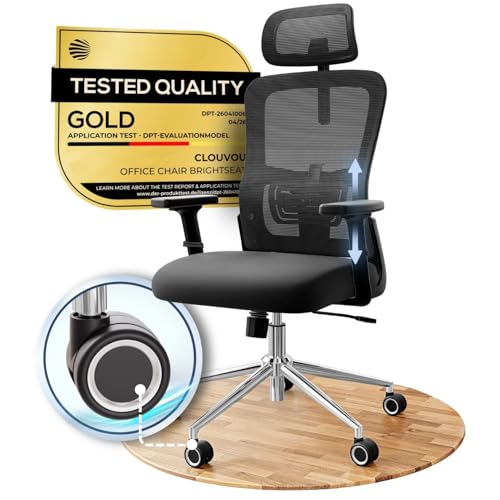
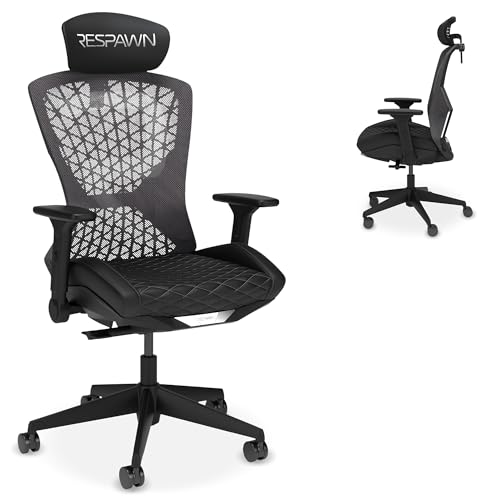
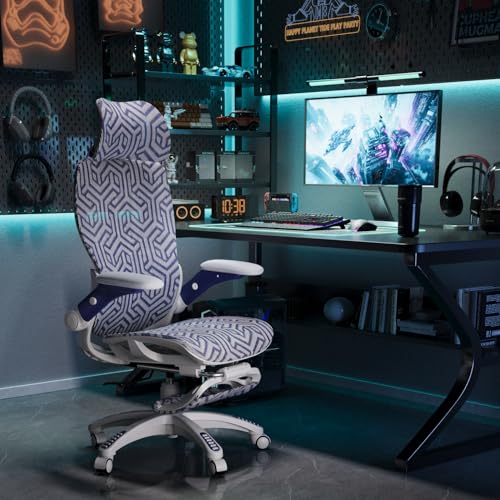
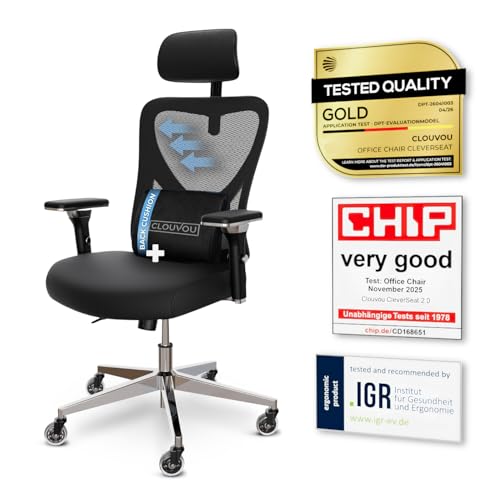
Buying your first desk chair feels simple until you sit in it for a full workday and your back and shoulders start to complain. A chair that feels fine for twenty minutes can feel very different after six or eight hours of steady use. That is why choosing best computer chairs for long sitting starts with fit and support, not color or price alone. The product table below gives you a quick way to compare the main options side by side.
This guide walks you through the basics first, then explains each key spec in plain English. You will learn what the terms mean, which settings matter most, and which rookie mistakes to skip, so you can judge any chair on your own.


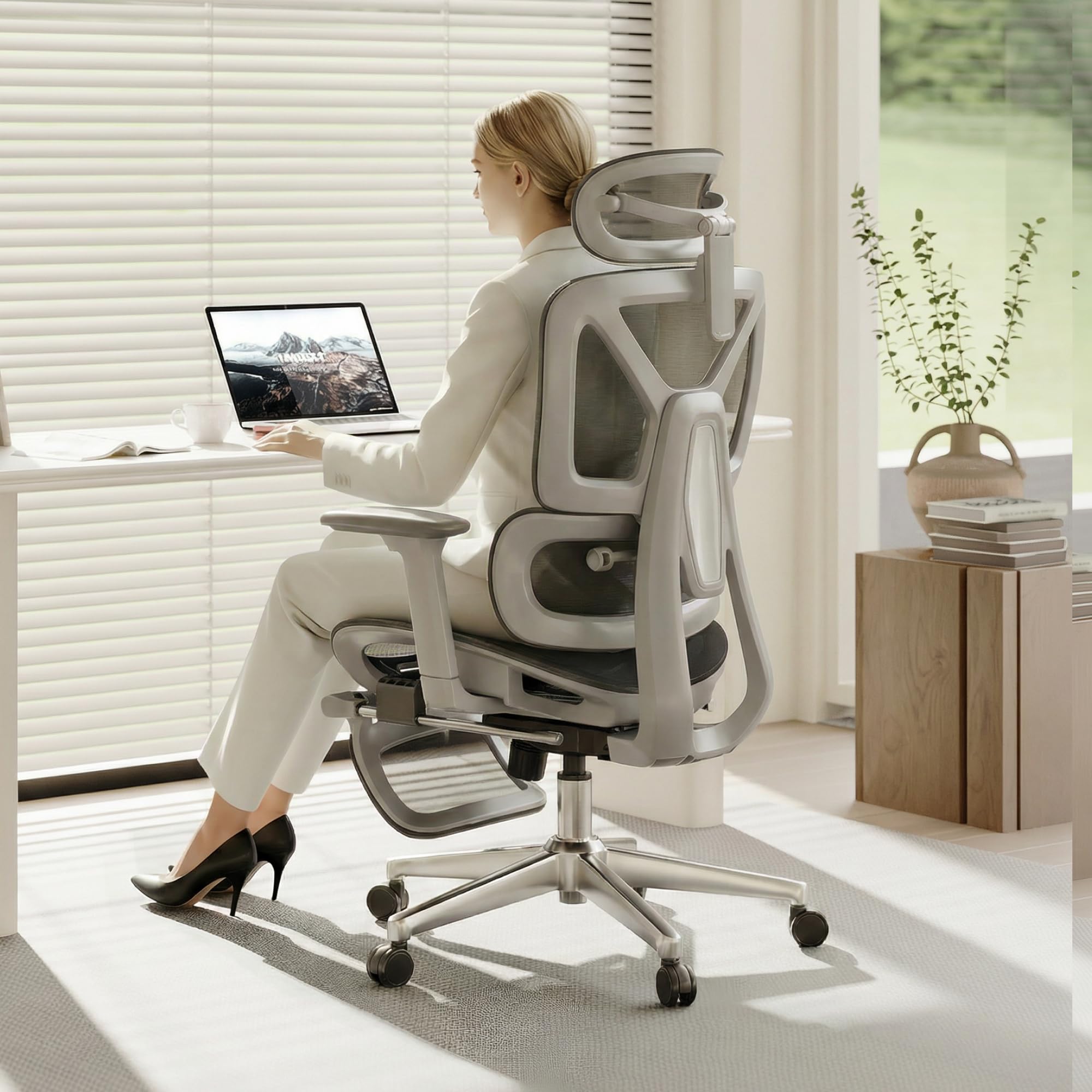
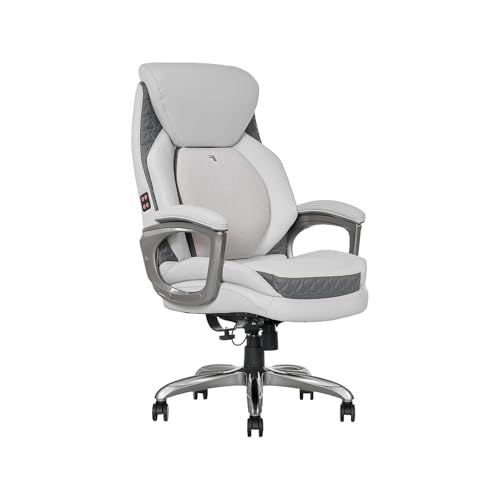
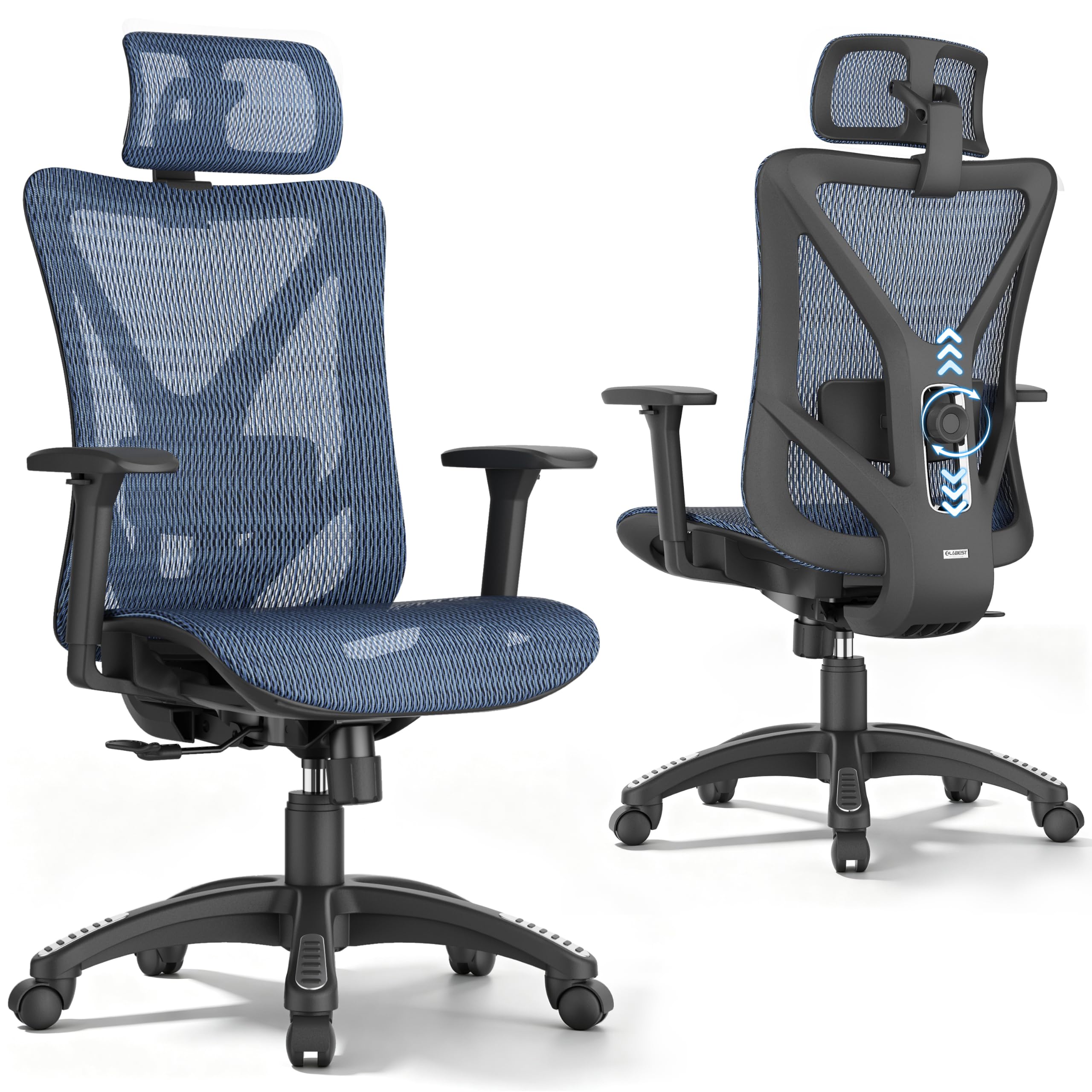
Computer Chairs 101: The Basics
A computer chair is a seat built for desk work, with a cushioned or mesh seat, a backrest, armrests, a gas lift that raises and lowers the seat, and a wheeled base. Unlike a dining chair, it moves with you as you type, reach, and shift during the day. The word ergonomic simply means the chair adjusts to fit your body instead of forcing your body to fit the chair.
A few terms show up in almost every listing. Lumbar support supports the curve of your lower back, the gas lift is the cylinder that controls seat height, and casters are the small wheels on the base. The tilt function lets the backrest lean back at an angle you choose. Once you know these terms, most product pages become much easier to read.
If you want a broader view beyond desk chairs, see our guide to the best chairs for long sitting for lounge and living room options. For a desk chair, though, daily hours matter more than style, and that focus is what separates the best computer chairs for long sitting from a basic task chair with thin padding.
Key Specs Explained in Plain English
Specs look technical, but each one answers a simple question about fit, comfort, or durability. Use the product table above to check these details as you read, starting with the features below, and the rest of the decision gets much easier.
Features That Matter for Long Sitting
Sitting for long stretches creates three problems that a short sit never reveals. Pressure builds under your thighs, heat builds where your back meets the chair, and your posture slowly slumps as muscles tire. A chair built for long sessions answers all three with a shaped seat, a front edge that curves down so it does not press into your legs, and steady support for your spine.
Breathability is the other big factor, because a warm backrest gets uncomfortable fast. A mesh back lets air move through, while a padded backrest feels warmer and softer at first touch. If your workday runs long, see our guide to the best chairs for sitting long hours for more on pacing your day. For most full day users, support and airflow matter more than extra padding.
Ergonomics and Adjustability
Adjustability is how a chair fits different bodies, and four settings do most of the work. Seat height should let your feet rest flat with your knees near a right angle. Lumbar support should meet the curve of your lower back, and it helps when you can move it up, down, or deeper. Adjustable armrests should hold your forearms lightly so your shoulders stay relaxed, and 4D arms also move inward, outward, and forward.
The tilt lock lets you fix the backrest at one angle or leave it free to rock gently as you shift. Small shifts ease stiffness, so a chair you can fine tune beats one fixed shape. Readers who adjust settings across a long shift may also want to see our guide to the best computer chairs for long hours. If you develop ongoing back pain, numbness in your legs, or swelling that does not fade after you stand and walk, stop adjusting and talk with your clinician about what your body needs.
Comfort and Cushioning
Cushion comfort comes mostly from foam density, not foam thickness. High density foam holds its shape and supports your weight evenly, while soft low density foam feels plush for an hour and then flattens so you feel the hard seat pan below. A higher density number in a listing generally means a firmer, longer lasting seat.
A molded seat that follows the shape of your body spreads pressure better than a flat slab of foam. Some chairs use stretched mesh in the seat instead, which feels cooler and springier but less soft. Since you cannot judge hours of comfort from a photo, check the return window before you order. A generous return policy is a practical comfort feature for first time buyers.
Style and Room Fit
Start with measurements, because a great chair that does not fit your space is still the wrong chair. Measure your desk underside height, your doorway width, and the floor area where the chair will roll. Note your floor type too, since standard casters roll best on carpet while softer wheels suit hard floors and glide without scratching.
After fit comes look and finish. Fabric upholstery breathes well and hides wear, while leather look covers wipe clean and suit a formal office. Compact space saving models with a smaller base and flip up arms work well in bedrooms and small apartments. If your setup doubles as a work office, see our guide to the best office chairs for long sitting for matching styles.
Build Quality and Frame
The frame and base carry your weight every day, so materials matter here. A steel or aluminum base feels solid and resists flex, while a nylon base costs less and suits lighter users. The gas lift is graded by class, and a class 4 lift is the strongest common grade, built to handle daily height changes without sinking over time.
Always check the stated weight capacity and leave a margin above your own weight, because capacity reflects what the lift, base, and frame can handle together. A longer frame warranty also signals that the maker expects the chair to hold up. For readers planning years of daily use, see our guide to the best chairs for long term sitting.
Assembly and Delivery
Most computer chairs arrive in one large box with the seat, backrest, arms, lift, and base packed as separate parts. Assembly usually takes about 20 to 40 minutes with the included Allen key, and the steps are simple bolt work. Read the manual once before you start, and lay the bolts out in order so nothing gets mixed up.
One job is easier with help. Holding the backrest in place while you start its bolts is awkward alone, so a second person saves time. Check the box size against your doorway and stairs before delivery day. Keep the box until you have sat in the chair for a few days, in case you decide to return it.
Rookie Mistakes to Avoid
Most first time regrets come from the same handful of shortcuts, and each one below is easy to avoid.
- Buying on looks alone, because a stylish chair with weak support starts to hurt your back by the second hour.
- Ignoring seat depth, because a seat that is too deep for your thighs presses behind your knees and leaves your feet dangling.
- Choosing a weight capacity that barely matches your body weight, because the gas lift and base wear out much faster with no safety margin.
- Skipping the desk measurement, because a seat set too high or too low leaves your shoulders raised and your wrists bent.
- Judging comfort from a two minute showroom sit, because foam that feels soft at first often flattens after a full afternoon.
Getting Started: Setup and First Use
When the box arrives, check every part against the parts list before you throw any packaging away. Build the chair on a rug so the base does not scratch your floor. Attach the casters and gas lift first, then the seat, arms, and backrest. Leave the final tightening until all bolts are started, so the parts line up without force.
Next, set your seat height so your feet rest flat and your thighs sit level or slope down slightly. Raise or lower the lumbar support until it fills the curve of your lower back without pushing you forward. Set the armrests so your elbows rest lightly with your shoulders down. Then lock the tilt at a slight recline for reading or leave it free while you type.
Give yourself a full week to settle in before you judge the chair. Change one setting at a time and use it for a day, so you learn which change actually helped. Retighten the armrest and backrest bolts after the first week, since new bolts often loosen slightly as parts settle. A quick check every few months then keeps the chair solid.
Frequently Asked Questions
What features matter most in computer chairs for long sitting?
Adjustable lumbar support, the right seat depth, and a tilt you can lock matter most in computer chairs for long sitting. These three control your posture, leg pressure, and ability to shift position through the day. One point buyers often miss is the headrest, which only helps if you lean back often to read or take calls. If you type upright most of the day, spend on the seat and backrest first.
How do you choose the right size computer chair for long sitting?
Match the chair to three simple body measurements, starting with your lower leg length for seat height. Your thigh length guides seat depth, and your hip width guides seat width, so measure all three while seated. Leave a gap of about two to three fingers between the seat edge and the back of your knee. That small gap keeps pressure off your legs during long sessions.
What features matter most in a computer chair for long hours at a desk?
Breathability and free tilt movement matter most in a computer chair for long hours at a desk. A mesh back limits heat buildup, and a backrest that moves with you prevents the stiff feeling that builds by afternoon. The new habit worth adding is a simple timer that reminds you to stand, stretch, and refill your water each hour. Even the best chair works better with short breaks away from the desk.
How long should a good computer chair for long sitting last?
A good computer chair for long sitting should last about 5 to 10 years of daily use when it is built with a strong frame and a class 4 gas lift. Cheaper chairs often feel tired after two or three years as foam flattens and the lift starts to sink. The parts that wear first, the gas lift and the casters, can usually be replaced on their own for far less than a new chair.
Is an expensive computer chair for long sitting worth the cost?
An expensive computer chair for long sitting is worth the cost when the price buys more adjustments and stronger parts, not just a brand name or bold styling. Budget models can serve light users well, but daily sitters feel the difference in foam quality within a year or two. A useful check is cost per year, found by dividing the price by the years you expect to use the chair.
Wrapping Up
Three checks will guide almost every first purchase well. Fit the chair to your body first, with seat height, depth, and width matched to your measurements. Confirm the support features second, especially adjustable lumbar support and a tilt you control. Then check build quality, capacity, and warranty so the chair keeps those benefits for years.
Use the product table above to compare your shortlist against those three checks, and take your time with the settings during your first week. The right best computer chairs for long sitting choice still feels good at the end of your longest day, not just the first sit. Prices and availability can change, so check the product page before ordering.