
Best Computer Chairs under 200 for 2026: What Actually Matters Before You Buy
Disclosure: We may earn a commission when you buy through links on this page, at no extra cost to you. As an Amazon Associate I earn from qualifying purchases. Learn more
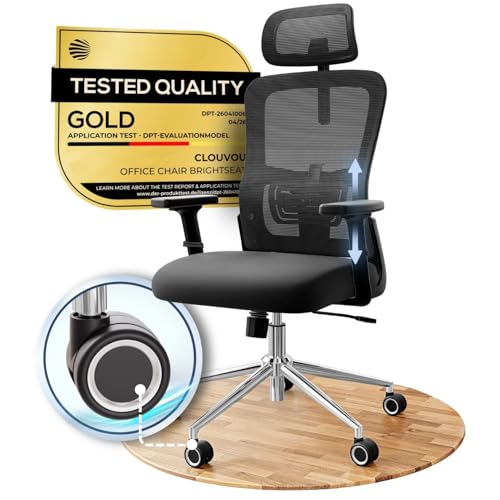
Use this buying guide to compare the best computer chairs under 200 by lumbar support, seat foam, armrests, sizing, and warranty before you order.
A budget of about $200 can buy a computer chair that supports you through a full workday, but only if you spend it on the right parts. The best computer chairs under 200 are not the ones with the longest feature list. They are the ones with sound ergonomics, a sturdy frame, and adjustments that fit your body.
This guide walks you through a simple checklist for judging any chair in this price range, from lumbar support to warranty terms. Use it alongside the product table below, and you will know which specs deserve your money and which extras you can skip.
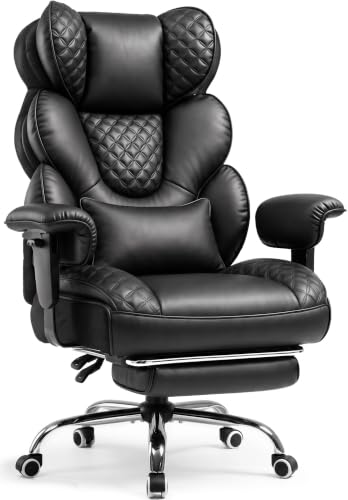
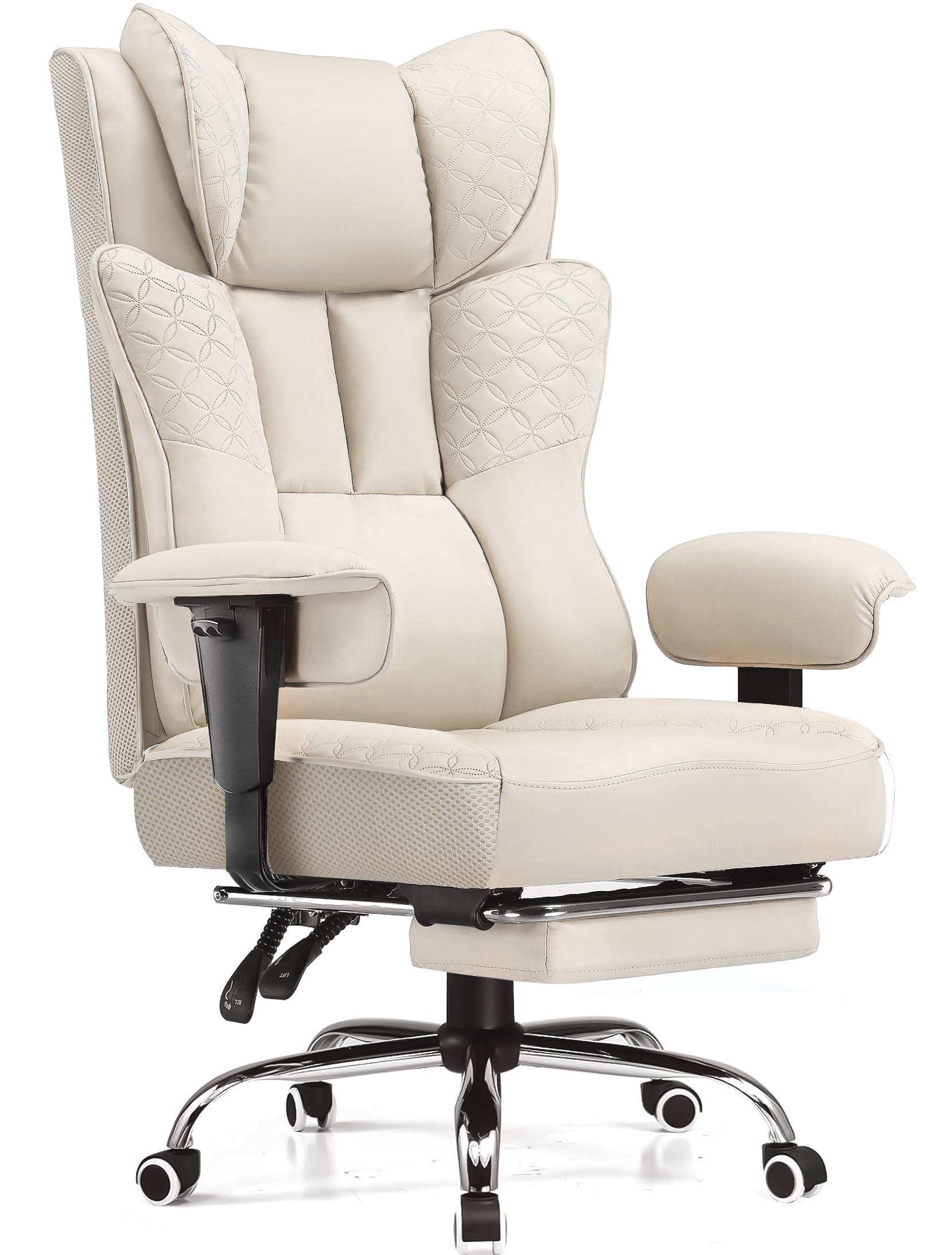
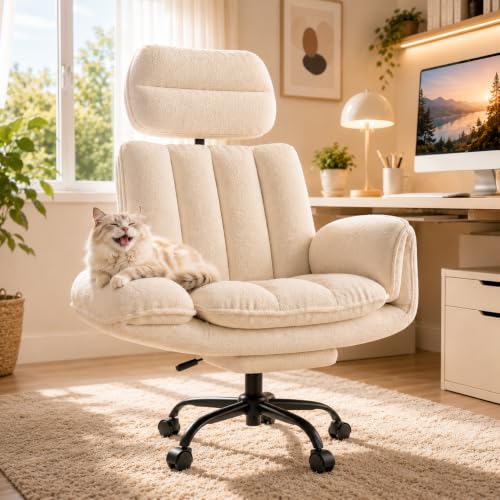
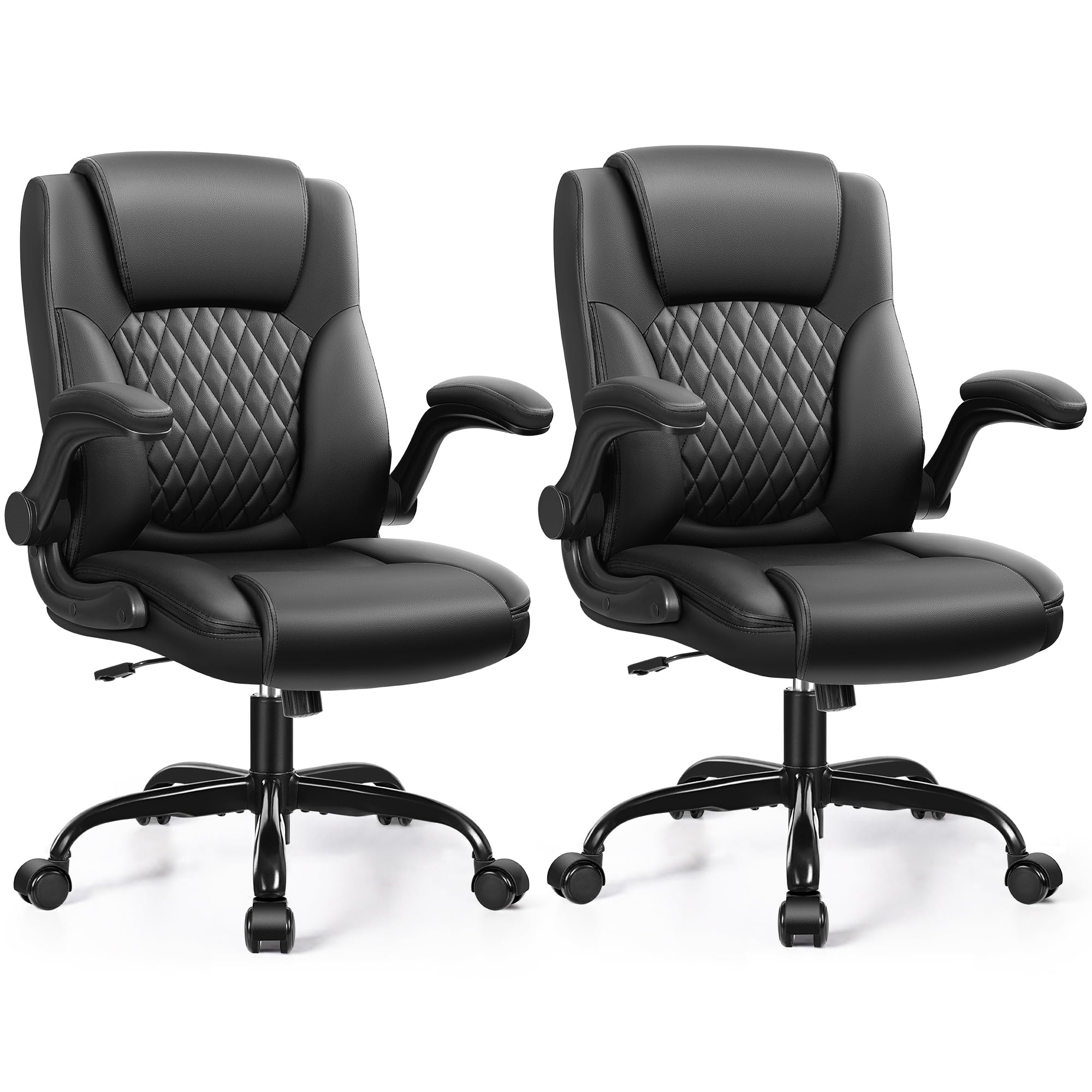

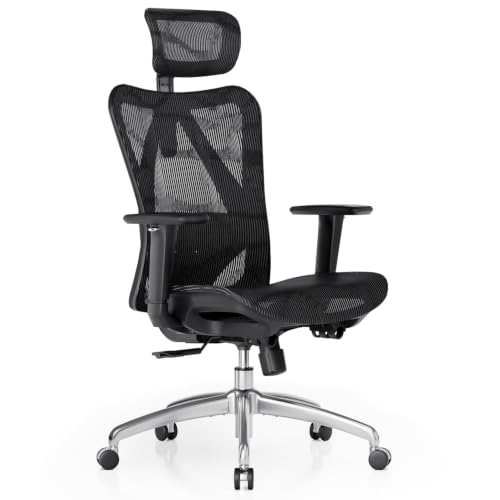
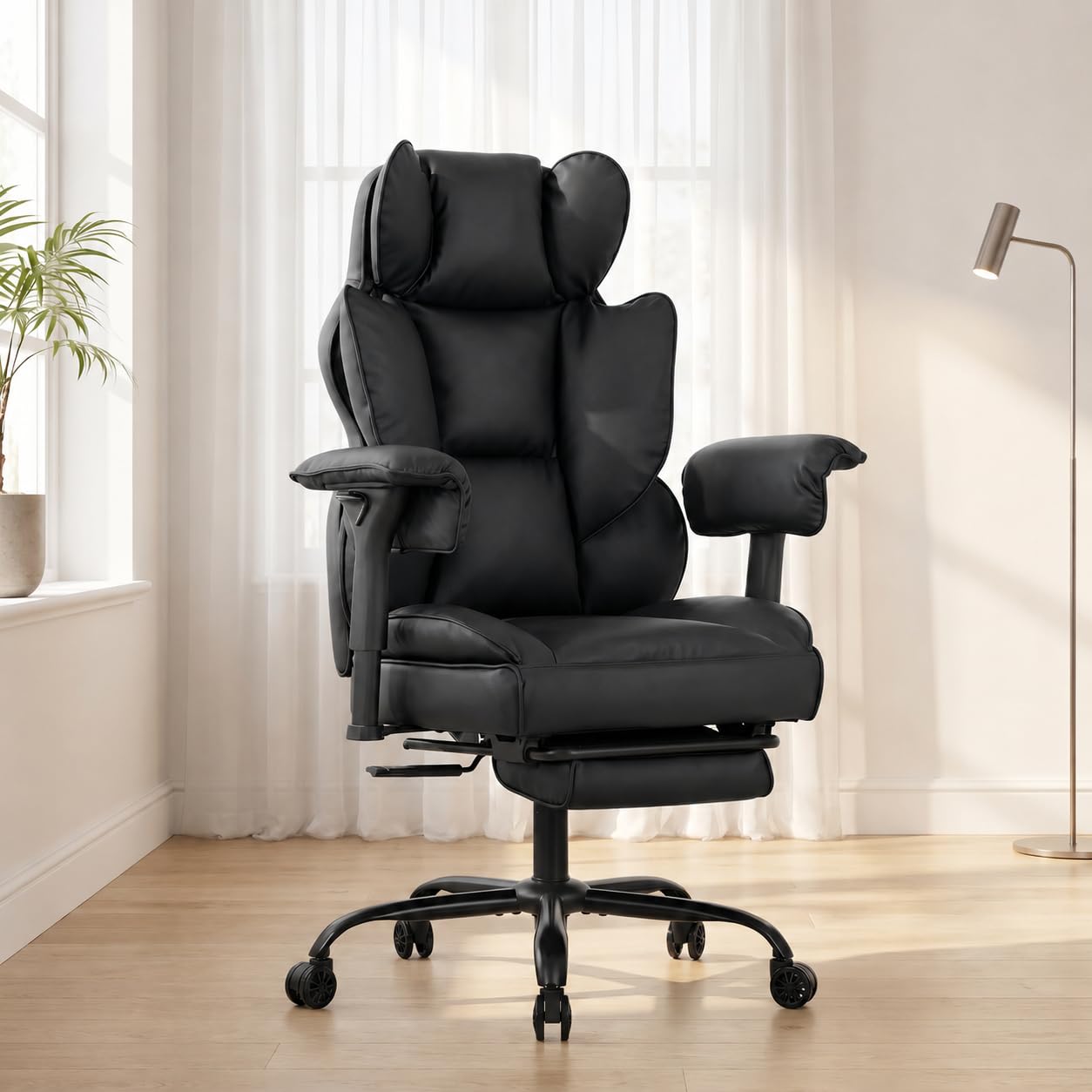


Key Features to Compare on a Computer Chair
Start with realistic expectations, then work through the parts of the chair in the order they affect your comfort. A chair that scores well on support, materials, and build will serve you better than one that spreads the budget across flashy extras.
What You Can Realistically Get at This Price
At around $200, expect a steel or reinforced nylon frame, a class 3 or class 4 gas lift, molded foam or a mesh back, and basic lumbar support. You will usually give up power adjustments, premium leather, and the very long warranties found on premium and executive models costing several times more. Do not cut corners on the gas lift, the frame, or the seat foam, because those parts decide how the chair feels in year two. If your seating needs go beyond a desk, see our guide to the best chairs under 200 for other uses.
Ergonomics and Adjustability
Seat height should adjust over a range of about 4 to 5 inches so your feet rest flat and your knees sit near a right angle. Lumbar support matters most when it moves, either up and down or in and out, because the curve of your lower back sits in a different place than it does for a taller user. Adjustable armrests that move at least up and down keep your shoulders relaxed while you type. A tilt lock lets you fix the backrest at a slight recline instead of fighting spring tension all day, and a waterfall seat edge reduces pressure behind your knees.
Materials and Upholstery
A mesh back breathes well and suits warm rooms, while fabric over high density foam feels softer and hides wear better in a home office. PU leather looks tidy and wipes clean, but lower grades can crack or peel after a few years, especially in sun or dry heat. Check the foam description before you buy, since thin padding over a hard board bottoms out quickly.
Build Quality and Frame
A five point base in steel or strong nylon, smooth rolling casters matched to your floor type, and a stated weight capacity with margin above your own weight are all good signs. Weight capacity ratings of about 250 to 300 pounds are common in this range, and a rating well above your weight reduces flex and creaking.
Warranty and Return Policy
Read the warranty in parts, because coverage often differs for the frame, the gas lift, and the upholstery. A frame covered for several years with at least a year on moving parts is reasonable at this price, while a very short blanket warranty suggests early wear. Returns matter just as much, since a chair can feel fine for ten minutes and wrong after two hours.
Style and Room Fit
Measure your space before you fall for a wide executive shape, because armrests and a broad back need clearance to recline and roll. Compact and space saving models with a smaller footprint or flip up armrests fit dorm rooms and desks shared with other furniture.
Who Should Buy a Computer Chair in This Price Range
This range suits buyers who sit for real work but cannot justify premium pricing. Your group below shapes which features deserve the largest share of your budget.
Remote Workers Sitting Six or More Hours a Day
If your chair is your office, put support ahead of style and choose movable lumbar support, a deeper foam seat, and armrests you can set level with your desk. For a narrower take on the same budget, see our guide to the best desk chairs under 200.
Students and Small Space Renters
You likely need a chair that rolls under the desk, survives a move or two, and does not dominate a shared room. A compact frame, flip up armrests, and a mid height back give you support without executive bulk. Easy assembly matters too, because you may rebuild the chair each time you change apartments.
Taller and Heavier Users
Look for a seat at least about 20 inches wide, a higher backrest, and a weight capacity with generous margin, since standard chairs are sized for average builds. A taller gas lift helps if your knees rise above your hips on regular models. Check seat depth too, because a deep seat with a fixed lumbar pillow can push you forward and leave your back unsupported.
How to Spend the Budget Wisely
The smarter move is learning where your money does the most work. The guidance below gives you rules you can apply to any of the best computer chairs under 200 in the product table above.
Put Support and the Lift First
Spend first on the parts you cannot upgrade later, namely the frame, the gas lift, and the seat and back structure. You can add a cushion later, but you cannot fix a wobbly base or a lift that slowly sinks. When two chairs cost about the same, choose the one with the stronger lift class and clearer weight capacity, even if it gives up a minor extra such as a footrest.
Save on Looks and Add Ons
Racing stripes, contrasting stitching, and bundled pillows add cost without adding support, so treat them as free bonuses rather than reasons to buy. A simple office shape in a plain color often hides a better frame than a dramatic design at the same price. Built in massage units also add failure points, and their motors rarely last as long as the chair itself.
Check the Total Cost Before Ordering
Your real cost includes more than the chair price, so confirm whether assembly tools come in the box and whether replacement casters and lifts are sold for the model. Free returns lower your risk, while return shipping on a large box can erase the savings of a discount.
Quick Buyer Checklist
Run through these questions for any chair you are considering, and treat a no on the first four as a reason to keep looking:
- Does the seat height range let your feet rest flat on the floor?
- Can the lumbar support move, or does its fixed curve match your lower back?
- Is the weight capacity comfortably above your own weight?
- Does the warranty cover the frame and gas lift for at least a year?
- Will the chair, including armrests, fit under and around your desk?
- Do the casters match your floor type, carpet or hard flooring?
- Can you return the chair after sitting in it for a week or two?
- Is the seat wide and deep enough for your build?
Red Flags to Watch For
Listings in this price range vary widely in honesty, so watch for these warning signs before you trust a low price.
- The listing hides the weight capacity, which suggests the frame is weaker than it looks.
- The gas lift class is never named, which often means the lowest grade lift is fitted.
- The warranty lasts only a few months, which tells you the maker expects parts to fail early.
- Photos show the chair only from the front, which hides a thin base and small casters.
- Measurements are missing for seat width and depth, which makes a poor fit likely.
Choosing a Computer Chair for Your Situation
Two buyers with the same budget can need very different chairs, so match the chair to how you actually spend your seated hours.
Best Computer Chairs for under 200: What to Check
The word for in that phrase points to purpose, so start from your main activity rather than from a feature list. For gaming sessions that run long, a taller back and a recline you can lock matter more, and you can see our guide to the best gaming chairs for under 200 for that style. For mixed work, measure seat width and depth at home by sitting in a dining chair and noting where it pinches, then compare those numbers with the listing.
Your desk setup completes the fit, so set your elbows near desk height and raise the screen until its top sits near eye level.
How to Make Your Computer Chair Last Longer
Care for a computer chair is simple, and a few habits protect the parts that wear first. Tighten the bolts under the seat and at the armrests every few months, because daily rolling slowly works them loose and causes wobble and creaks. Vacuum fabric and mesh weekly, and wipe PU leather with a damp cloth instead of harsh cleaners that dry the surface.
Clean hair and grit from the casters so they roll instead of dragging, and keep the chair out of direct sun to slow fading and cracking. If the gas lift begins to sink, replace it promptly, because a failing lift can drop without warning.
Frequently Asked Questions
Can you get a good computer chair for under $200?
Yes, a good computer chair for under $200 is realistic if you define good as solid support, safe parts, and a few key adjustments. Chairs in this range use simpler materials and shorter warranties than premium models, but the basics can be sound. A chair that fits your body well at this price beats a poor fitting expensive chair.
What features matter most on a computer chair for long hours?
Movable lumbar support, a seat that keeps its shape, and armrests set at desk height matter most on a computer chair for long hours. One point the feature sections leave out is your own routine, since even the best setup cannot offset sitting still all day. Stand and walk for a few minutes each hour, and shift your recline angle between tasks so your back is not loaded in one position all day.
How do you choose the right size computer chair?
You choose the right size computer chair by matching its seat width, seat depth, and back height to your own measurements. Sit against a wall and measure from the wall to the back of your knees, then pick a seat depth slightly shorter than that number. Leave about two fingers of space between the seat edge and your knees when you sit back.
How long should a computer chair under $200 last?
A computer chair under $200 should last about three to five years of daily use before foam softens or the lift wears out. Upholstery usually shows age first, with PU leather peeling or fabric thinning at the seat front. Keeping the chair away from heaters slows that wear. When the frame itself starts to flex or crack, replace the chair rather than repairing it.
Is a premium executive computer chair worth paying more for?
A premium executive computer chair is worth more only when its extra cost buys longer warranty coverage, better foam, and smoother adjustments you will use daily. For many home offices, the gap in daily comfort is smaller than the gap in price. Try sitting in one locally before deciding, since fit is personal.
Final Thoughts
Judge every chair in this range by the same short list: support that adjusts to your back, foam and materials that hold up, and a frame and lift rated with room to spare. The product table above lets you compare those points side by side. If you keep your priorities straight, the best computer chairs under 200 can carry your workday comfortably for years. Prices and availability can change, so check the product page before ordering.


